Web accessibility is more than a technical requirement; it’s a business necessity. An inaccessible website leaves millions of users out, resulting in missed opportunities and a higher risk of legal issues. Adopting an inclusive approach creates a more welcoming online space and improves the experience for everyone, not just individuals with disabilities. Implementing web accessibility means designing digital experiences that work for people using keyboards, screen readers, or navigating cognitive or visual limitations, ensuring clarity, usability, and seamless navigation for all users.
Short Summary
This article covers key web accessibility practices every developer and business owner should know. It explains the basics, including alt text, keyboard navigation, clear language, and semantic HTML. Next, it shows how to apply these practices in real projects and support assistive technologies like screen readers. Finally, it highlights how inclusive websites improve user experience, strengthen the brand, boost SEO, reduce risk, and expand market reach.
Improving Web Accessibility From Checklist to Inclusion
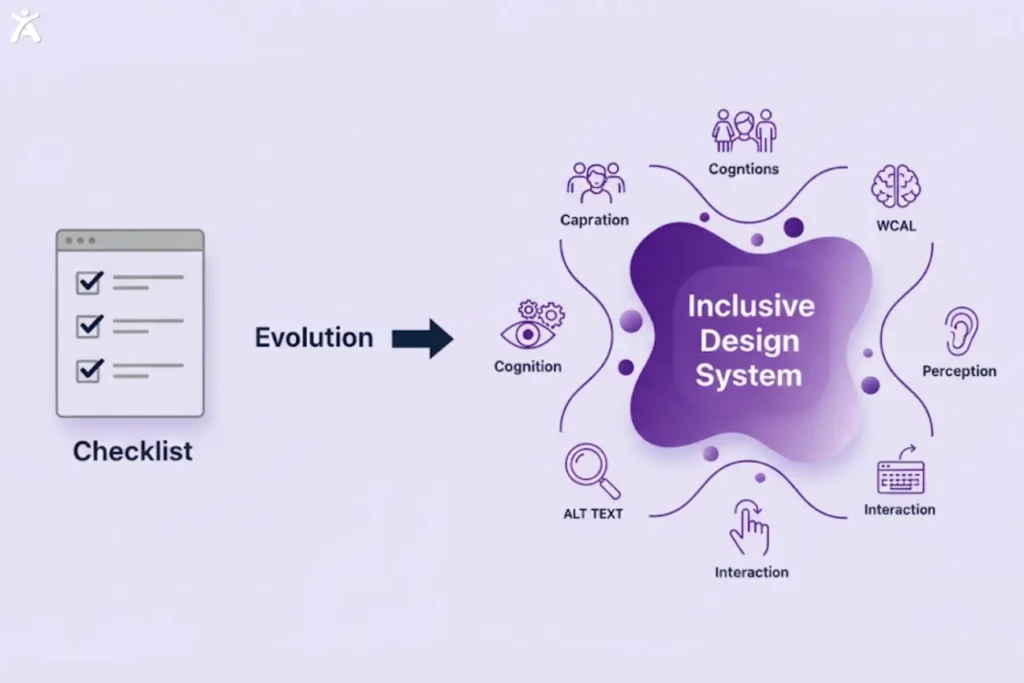
Accessibility is more than meeting technical standards. It is a commitment to creating digital experiences that include everyone. Moving beyond a checklist mindset means designing with genuine user diversity in mind, encompassing individuals with visual, hearing, motor, cognitive, or neurological disabilities.
When accessibility becomes an inclusive design practice rather than a legal requirement, the focus shifts to removing barriers so all users can perceive, understand, and interact with digital content effectively.
The Legal, Ethical, and Business Case for True Accessibility
Prioritizing accessibility from the outset ensures that all users, regardless of ability, can fully engage with digital experiences. Thoughtful design leads to more equitable interactions, stronger products, and better outcomes across online platforms.
The Legal and Global Push for Accessibility Compliance
Accessibility laws are expanding worldwide. In the United States, the Americans with Disabilities Act (ADA) and Section 508 require websites to be accessible, reinforced by legal cases such as Domino’s Pizza. In Europe, the Accessibility Act mandates that digital services meet similar standards. Non-compliance carries legal, financial, and reputational risks, making accessibility both a legal requirement and a strategic business responsibility.
The Ethical Responsibility to Build an Inclusive Web
Excluding people with disabilities undermines principles of fairness and inclusion. Accessible design reflects a commitment to equity, ensuring everyone can participate effectively online.
The Business Advantage of Accessible Design
Accessible websites reach a broader audience, as approximately 15% of people worldwide live with some form of disability, representing over one billion potential customers. Inclusive design also improves SEO, enhances user experience for all visitors, and fosters brand loyalty, creating stronger products and better outcomes.
Web Content Accessibility Guidelines (WCAG) and the POUR Principles
The World Wide Web Consortium (W3C), through its Web Accessibility Initiative (WAI), publishes the WCAG, which set the global standard for web accessibility. WCAG is based on four principles, known as POUR:
- Perceivable: Information should be presented in ways users can easily see, hear, or otherwise perceive.
- Operable: All users must be able to interact with interface components.
- Understandable: Information and functionality must be clear and easy to comprehend.
- Robust: Content should be compatible with current and future technologies.
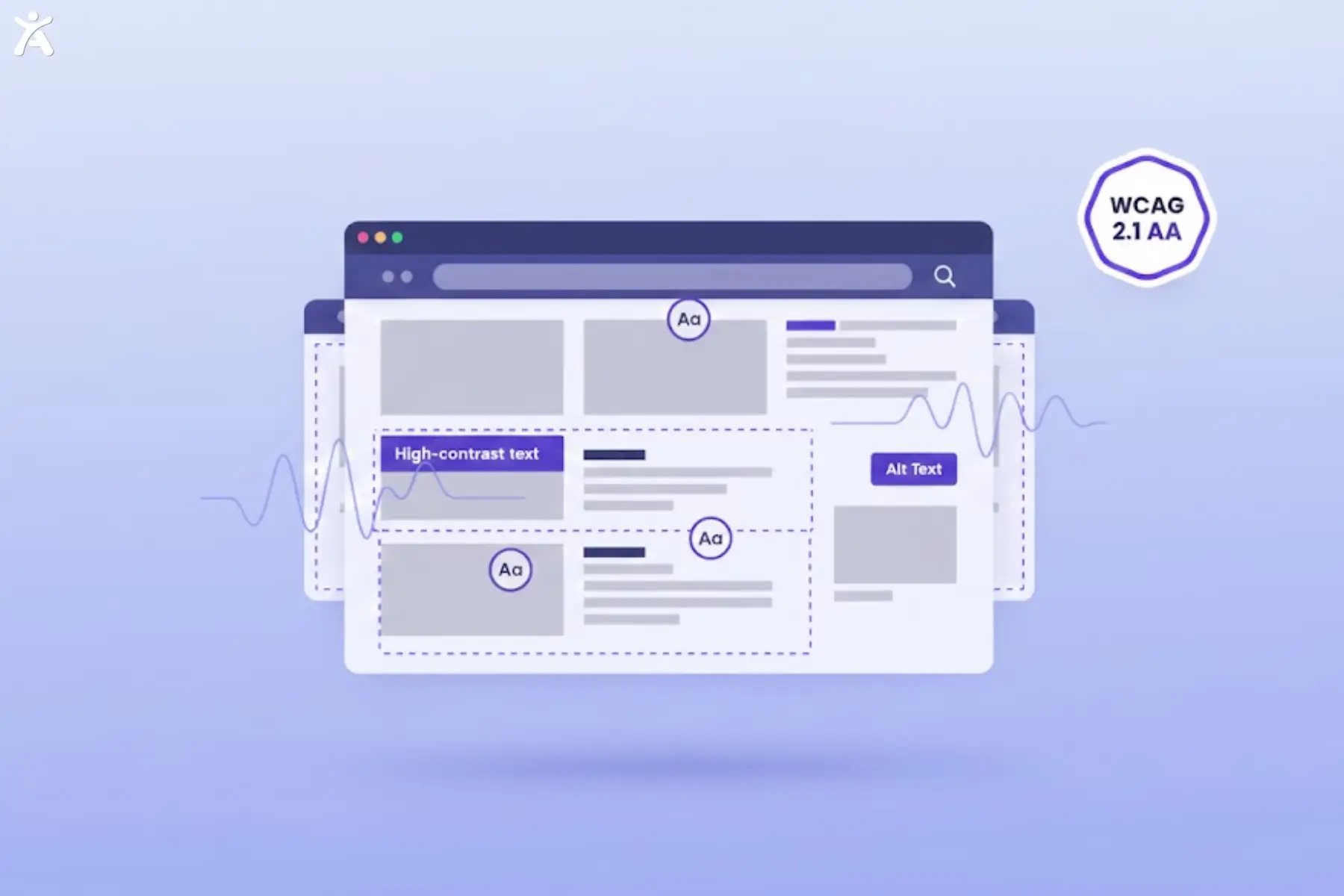
Following WCAG 2.1 Level AA, which is the widely accepted benchmark for accessibility compliance, provides a strong foundation for inclusive web design guided by WCAG, helping ensure content is perceivable, operable, understandable, and robust.
Perceivable: Ensuring Content Can Be Consumed by Everyone
Creating an inclusive digital experience requires addressing the diverse needs of all users. Making content perceivable ensures that everyone can access crucial information without barriers.
Alt Text for Images and Other Non-Text Content
Screen readers help users with visual impairments by reading web content aloud. Without alt text, they may skip images or read file names, creating confusion and a poor user experience. To ensure clarity and accessibility, alt text should accurately convey an image’s content and purpose:
- Describe the content and function concisely.
- Avoid phrases like “image of” or “picture of.”
- For decorative images, use empty alt attributes (alt=” “) so screen readers skip them.
- For complex visuals, such as charts, provide detailed descriptions in the surrounding text or via a link.
Alt text also benefits SEO by helping search engines understand image content.
Robust Color Contrast and Readability
People with visual impairments or color blindness may struggle to read text with low contrast. WCAG requires contrast ratios of at least 4.5:1 for normal text and 3:1 for large text. To ensure readability for all users, follow these guidelines:
- Use tools like the a11Y Color Contrast Accessibility Validator or Google Lighthouse to check your site.
- Don’t rely solely on color to convey information; add text labels or icons for clarity.
- Select color schemes that are accessible to users with color vision deficiencies.
Good color contrast improves readability for everyone, especially on mobile devices and in bright environments.
Multimedia Accessibility: Captions, Transcripts, and Audio Descriptions

Video and audio content must be accessible to people with hearing or visual impairments. To ensure multimedia is understandable for everyone, provide text-based alternatives and descriptive support:
- Closed Captions: Include synchronized text for spoken dialogue and relevant sounds in videos.
- Transcripts: Offer text versions of audio content, including podcasts and audio-only files.
- Audio Descriptions: Add narration for videos with key visual details to explain what is happening on screen.
Many media players support captioning, and platforms like YouTube auto-generate captions, but they should always be reviewed for accuracy. Some accessibility platforms, such as Accessify, also provide support for managing captions and transcripts to help keep multimedia content understandable across different user needs. Captions also help non-native speakers, people in noisy environments, and anyone who prefers reading along.
Flexible Text Presentation and Layout
Users should be able to adjust text size, spacing, and layout without compromising the site’s design. This flexibility supports individuals who use text-to-speech software, screen magnifiers, or prefer larger font sizes. To implement it effectively:
- Use relative units, such as em or rem, instead of fixed pixel sizes for fonts.
- Ensure the responsive design adapts when users zoom in or change the text size.
- Avoid images of text; use actual HTML text styled with CSS.
Flexible layouts enhance usability across devices and screen sizes, benefiting all users.
Operable: Making Websites Easy to Interact With for All Users
Operability ensures every user can interact with your website, whether using a keyboard, assistive technology, or alternative input methods. It focuses on predictable navigation, safe interactions, and user control.
Comprehensive Keyboard Navigation
Many users with motor limitations navigate websites using only a keyboard, often relying on the Tab key to move through the content. To support them:
- Make all interactive elements (links, buttons, forms) accessible via keyboard.
- Provide a visible focus indicator to show the current position on the page.
- Use a logical tab order following the natural flow of content.
- Avoid keyboard traps that prevent navigation away from a component.
Test the site using only a keyboard to identify any roadblocks.
Clear and Consistent Navigation and Site Structure
Structure your site so users can understand where they are and how to move forward:
- Use consistent menu structures across pages.
- Provide multiple ways to find content, such as menus, search, or sitemaps.
- Include breadcrumb trails to indicate location, showing the path a user has taken within the site and making it easy to navigate back.
- Label links clearly; avoid generic phrases like “click here.”
Clear navigation enhances user experience and reduces bounce rates.
Preventing Seizures and Physical Reactions
Rapidly flashing or flickering content can trigger seizures. WCAG requires content not to flash more than three times per second. To keep content safe:
- Avoid auto-playing videos with rapid flashes or strobe effects.
- Provide controls to pause, stop, or hide animations.
- Test video content for flashing before publishing.
Sufficient Time for User Interaction
Some users require additional time to read content, complete forms, or complete tasks. Automatic timeouts can frustrate or exclude them. To provide sufficient interaction time:
- Avoid session timeouts when possible.
- If timeouts are necessary, warn users and allow them to extend the time.
- Provide options to pause, stop, or hide moving content, such as carousels, allowing users to control their viewing experience.
Giving users control over timing creates a less stressful, more inclusive experience.
Understandable: Designing for Clarity and Predictability
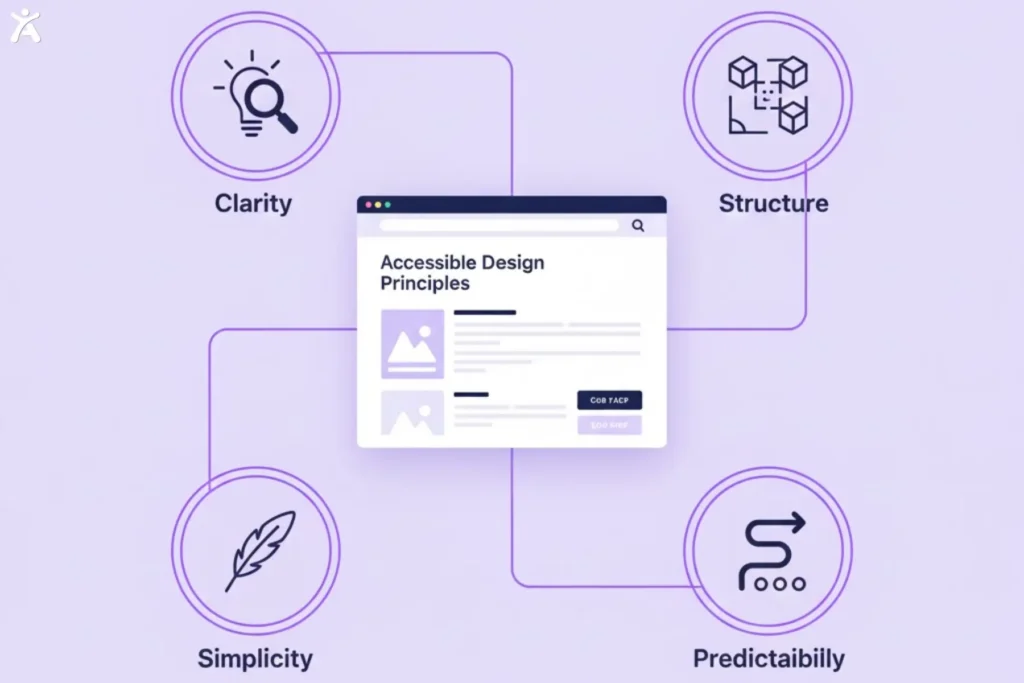
A clear website design helps users easily understand and interact with the content. Focus on simple navigation and reducing complexity to create an intuitive, accessible experience for all users.
Simplified Language and Cognitive Load Reduction
Clear, straightforward language benefits people with cognitive or neurological disabilities as well as everyone else. Complex jargon can alienate users and increase bounce rates. To reduce cognitive load and improve clarity:
- Use short sentences and common words.
- Break content into digestible sections with headings.
- Define technical terms or provide glossaries.
- Use bullet points and numbered lists for easier scanning.
Simplified language helps all users, including non-native speakers and those with varying reading skills, understand web content more easily.
Predictable Design and Consistent Layouts
Unpredictable websites can confuse users. Consistent design patterns help users form mental models of how your site works. To support understanding and reduce confusion:
- Keep navigation in the same location on every page.
• Use consistent terminology and labeling.
• Ensure interactive elements behave as expected, such as links navigating and buttons submitting.
• Avoid sudden changes in context, like opening new windows without warning.
Predictable design reduces cognitive effort and builds trust with your audience.
Accessible Forms and Clear Error Handling
Forms are essential for eCommerce, contact pages, and user accounts, but often present accessibility challenges. The goal is to guide users smoothly through forms without confusion:
- Use clear labels linked to their input fields.
- Provide instructions before users start filling out the form.
- Use inline validation for immediate feedback.
- Highlight errors clearly and explain how to correct them.
- Offer alternatives to CAPTCHA, such as honeypot fields or time-based verification.
Accessible forms improve completion rates and reduce user frustration.
Logical Heading Structure for Semantic Organization
Headings organize content and help screen reader users navigate pages efficiently. Screen readers can jump between headings, allowing users to locate relevant sections quickly. Effective headings reflect the content’s structure, not just visual styling:
- Use one <h1> per page for the main title.
- Follow a logical hierarchy with <h2>, <h3>, etc., without skipping levels.
- Make headings descriptive and meaningful.
Proper HTML heading structure also benefits SEO, as it helps search engines understand the page content.
Robust: Ensuring Compatibility with Diverse Technologies
Following these principles allows you to build web solutions that are both user-focused and technically reliable. Robust design ensures compatibility across a wide range of technologies and platforms.
Semantic HTML as the Backbone of Accessibility
Semantic HTML uses elements that clearly convey meaning, such as <nav>, <article>, and <button>. These elements help browsers, search engines, and assistive technologies accurately interpret content. To ensure proper interpretation across all devices and tools:
- Screen readers rely on semantic HTML to read and announce content correctly.
- Proper HTML structure enhances SEO by helping search engines understand your site.
- Semantic elements provide built-in keyboard support and other accessibility features.
Using semantic HTML is one of the simplest and most effective ways to improve accessibility.
Advanced Accessibility with ARIA (Accessible Rich Internet Applications)
ARIA attributes provide additional information to HTML elements, helping assistive technologies understand dynamic content and complex interactions. The goal is to ensure all users receive the same information and feedback, regardless of how they interact with the interface:
- ARIA landmarks, such as role=”navigation,” help screen readers identify page regions.
- ARIA labels give accessible names to elements without visible text.
- ARIA live regions announce dynamic content updates, like notifications.
ARIA is powerful but should be used sparingly, as native HTML elements are often sufficient.
Designing for Cognitive and Neurological Accessibility
Creating web experiences that cater to cognitive and neurological accessibility requires an understanding of diverse user needs and preferences. Prioritizing clarity and simplicity enables developers to create inclusive experiences that benefit all users.
Strategies for Information Processing and Clarity
Cognitive disabilities, including dyslexia, ADHD, autism, and memory impairments, require reducing unnecessary complexity. Present information in ways that are easy to understand, follow, and remember:
- Use plain language and avoid idioms or metaphors.
- Break tasks into smaller steps with clear instructions.
- Provide visual cues, such as icons or images, alongside text.
- Include search functionality for quick access to information.
Minimizing Distractions and Sensory Overload
Auto-playing videos, pop-ups, and flashing elements can overwhelm users, especially those with cognitive or sensory processing challenges. To create a focused experience:
- Disable auto-play for videos and audio.
- Minimize animations or constantly moving elements.
- Offer a low-distraction or simplified viewing mode.
- Allow users to control or hide non-essential content.
A cleaner, less cluttered interface improves focus, reduces stress, and makes interactions easier for everyone.
Providing User Control and Customization Options
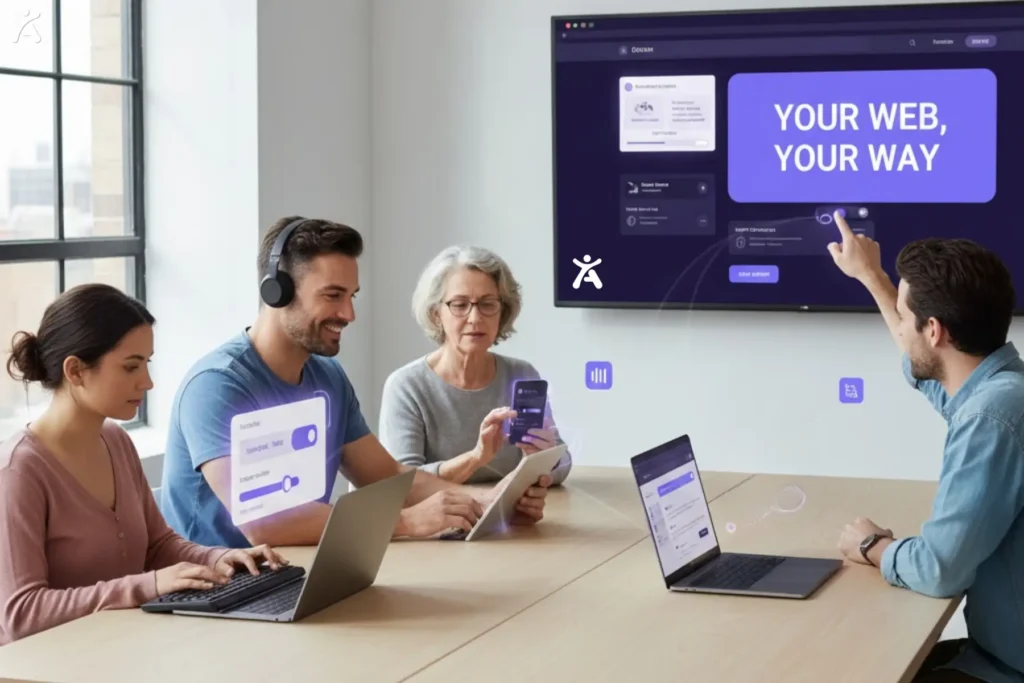
Inclusive design empowers users to adjust their experience for comfort and accessibility:
- Allow font size, contrast, and spacing adjustments.
- Provide options to turn off animations or use a simplified layout.
- Offer a dark mode for users sensitive to bright screens.
Customization respects user preferences and accommodates diverse needs.
Understanding Diverse Cognitive User Journeys
Users process information differently. For example, someone with ADHD tends to stay engaged when content is broken into short sections with bullet points, while someone with dyslexia may prefer increased spacing and customizable layouts. Designing for these differences creates a more inclusive and usable experience for everyone.
Integrating Accessibility Throughout the Workflow
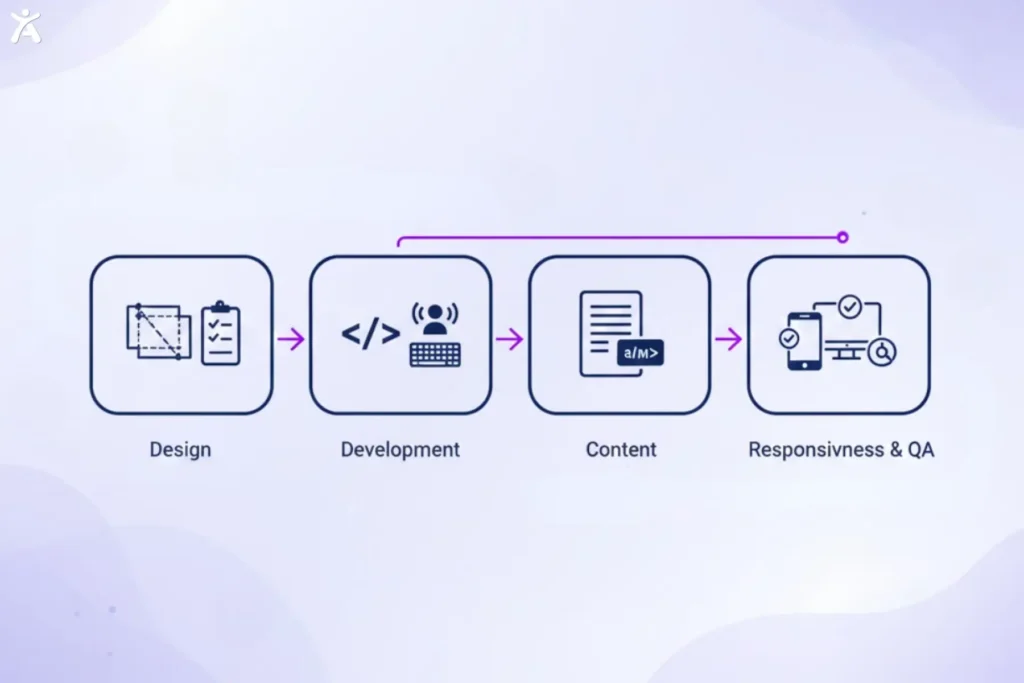
Focusing on accessibility throughout your workflow helps meet regulations, expand your audience, and boost user satisfaction. Embedding accessibility at every stage ensures a more inclusive and effective website.
During Design
Accessibility should be part of your design process from the outset:
- Include accessibility requirements in project briefs.
- Involve users with disabilities in testing and feedback sessions to ensure their needs are met.
- Apply inclusive design principles to wireframes and prototypes to ensure accessibility and usability.
- Train the design team on best practices for accessibility.
Early integration prevents costly fixes and produces better outcomes.
During Development
Developers should integrate accessibility into the development process:
- Write clean, semantic HTML following standards.
- Use ARIA thoughtfully and only when necessary.
- Test with automated tools like Axe DevTools and Google Lighthouse.
- Test manually using keyboard navigation and screen readers to ensure accessibility.
- Conduct regular code reviews to catch issues early.
During Content Creation
Content creators should ensure all content is accessible and understandable:
- Provide clear guidance on alt text, headings, and plain language.
- Use content management systems (CMS) platforms like Duba CMS that support accessibility features.
- Audit existing content for accessibility barriers.
Prioritizing accessibility in content ensures it becomes an integral part of your team’s culture.
During Responsiveness and Quality Assurance (QA)
Responsive design ensures your site works seamlessly across all devices:
- Utilize flexible grids and media queries to adjust layouts dynamically.
- Test on different screen sizes and orientations.
- Ensure touch targets are appropriately sized, with a minimum size of 44 by 44 pixels.
Responsive design supports accessibility for users with motor limitations and mobile users, making navigation easier for everyone.
Tools and Best Practices for Verifying and Maintaining Accessibility
Continuous evaluation and improvement are essential for meeting modern accessibility standards. Using the right tools and following best practices ensures your site remains inclusive, user-friendly, and compliant over time.
Continuous Accessibility Testing and Maintenance
Accessibility is an ongoing responsibility that requires both manual testing and regular monitoring. Automated tools catch many issues, but human verification is essential to identify usability problems that tools often miss. Key steps include:
- Navigate your site using only a keyboard.
- Test with screen reader software such as NVDA or JAWS.
- Check color contrast manually in different lighting conditions.
- Involve users with disabilities to gather feedback on their real-life experiences.
Ongoing maintenance ensures your site continues to meet accessibility standards over time:
- Schedule regular accessibility audits.
- Use monitoring tools to track issues.
- Stay updated on WCAG guidelines and best practices.
- Document efforts and progress for accountability.
Treat accessibility maintenance as a continuous process, similar to security updates or performance improvements.
The Tangible Benefits of a Truly Accessible Website
An accessible website increases engagement, expands reach, and builds trust and loyalty. Inclusive design opens growth opportunities while ensuring all users can access your content.
Enhanced SEO and Broader Market Reach

Search engines favor accessible websites. Semantic HTML, alt text, and clear headings help search engines understand and index content effectively, improving:
- Rankings for relevant keywords
- Visibility in search results
- Crawlability and indexing by search engine bots
Accessible eCommerce sites reach a wider audience, including individuals with disabilities who have significant purchasing power.
Superior User Experience and Brand Loyalty
Simplified navigation, clear language, and flexible layouts create a smoother, more enjoyable experience, providing enhanced usability for all users, including those with disabilities. Benefits include:
- Lower bounce rates and higher engagement
- Positive reviews and word-of-mouth recommendations
- Stronger emotional connection with your brand
When users feel valued and included, they are more likely to return and recommend your site.
Driving Innovation and Social Responsibility
Inclusive design encourages creative problem-solving and innovation, often producing solutions that benefit all users. It also aligns with modern ethical expectations:
- Demonstrates commitment to Diversity, Equity, and Inclusion (DEI)
- Supports corporate social responsibility (CSR) initiatives
- Builds trust and credibility with socially conscious consumers
Prioritizing accessibility positions your brand as forward-thinking and human-centered.
Conclusion
Fostering web accessibility not only meets industry standards but also broadens your audience, boosts engagement, and ensures long-term relevance in a competitive digital landscape. Maintaining accessibility is an ongoing commitment that evolves with technology and user needs, which makes staying informed and proactive crucial.
For web developers and business owners, the time to act is now. Audit your site with tools like Google Lighthouse and axe DevTools, prioritize high-impact fixes, train your team, and gather feedback from users with disabilities. Taking these steps ensures fairness and inclusion for all users, going beyond mere legal compliance.
FAQs
WCAG (Web Content Accessibility Guidelines) are W3C standards that ensure digital content is accessible to people with disabilities. They follow four principles: Perceivable, Operable, Understandable, and Robust, with WCAG 2.1 AA as the common compliance level.
Accessible sites reach more users, support SEO, and lower legal exposure. Tools like Lighthouse, Axe, and WAVE help identify issues, and Accessify adds testing support to simplify checks and ensure consistent improvements over time.
Users may depend on screen readers such as JAWS and NVDA, magnifiers, braille displays, voice input tools, and keyboard navigation. Designing with these needs in mind helps ensure a usable and reliable experience for many situations.
Begin testing with automated checks from Lighthouse, Axe, and WAVE, then review your site using a keyboard and a screen reader. Feedback from real users helps confirm whether the experience works well in practical conditions.
Yes. Laws such as the ADA, Section 508, and the European Accessibility Act cover websites. Following accessibility standards protects your brand and reach. Accessify supports audits, simplifying compliance monitoring efficiently.