How do the updated WCAG guidelines address the accessibility challenges? This guide covers the shift from WCAG 2.0 to 2.2. It highlights key changes and shows how to integrate these updates into your workflow easily.
The web has transformed how we work, learn, and connect. Yet for millions of people with disabilities, many digital experiences remain frustratingly inaccessible. Older accessibility standards don’t match today’s mobile-first designs. They also struggle with dynamic interfaces and changing user needs.
Quick Summary
WCAG 2.2 adds nine new success criteria. These focus on mobile accessibility, cognitive disabilities, and modern interaction patterns. WCAG 2.0 set a strong base for web accessibility. However, it doesn’t cover today’s inclusive design needs. This article looks at both versions, highlights key changes, and offers a compliance roadmap.
The Evolving Landscape of Digital Accessibility
Digital accessibility has come a long way since the first guidelines. But technology changes fast, so standards need to keep up.
Why Accessibility Matters
Over one billion people worldwide live with some form of disability roughly 15% of the global population. Inaccessible websites and apps block millions from taking part in digital life.
Accessibility extends beyond ethical responsibility (though that’s crucial). It’s a strategic business sense. Accessible sites reach more people, rank higher in search results, and incur lower legal risks. Organizations prioritizing inclusive design typically experience lower support costs and stronger customer loyalty.
The Journey from WCAG 2.0 to Today
The Web Content Accessibility Guidelines began with version 1.0 in 1999. WCAG 2.0 arrived in 2008, establishing four foundational principles: Perceivable, Operable, Understandable, and Robust. These principles remain central to all subsequent versions.
WCAG 2.1 launched in 2018, adding 17 success criteria addressing mobile accessibility, low vision users, and cognitive disabilities. WCAG 2.2 arrived in 2023 with nine additional refinements. Each version builds incrementally; nothing gets removed except truly obsolete criteria.
Understanding the Original Standard
The 2008 release was a game-changer. It gave developers and designers a clear way to create accessible websites. Yet, the web has transformed dramatically since then. The guidelines organized accessibility requirements into four principles:
- Perceivable: Users must perceive the information presented (text alternatives, captions, adaptable content).
- Operable: Users must operate the interface successfully (keyboard access, adequate time, seizure prevention).
- Users need to understand the information and how the interface works. This includes readable text, predictable behavior, and help with input.
- Robust: Content must work reliably with current and future technologies (assistive technology compatibility)
These principles encompassed 61 success criteria across three conformance levels: Level A (basic), Level AA (recommended), and Level AAA (enhanced).
What the Original Standard Achieved?
The 2008 guidelines gave organizations a common accessibility language and made compliance measurable. Before this standardization, accessibility remained largely subjective. Afterward, teams could audit sites against clear benchmarks.
It also shaped legislation worldwide. Many countries base their digital accessibility laws on Level AA standards. The Americans with Disabilities Act (ADA), Canada’s Accessibility for Ontarians with Disabilities Act (AODA), and the European Accessibility Act all reference these guidelines.
Why the Original Standard No Longer Suffices
The 2008 version predated smartphones dominating web traffic. It didn’t account for touch interfaces, gesture-based navigation, or small-screen challenges. It also provided limited guidance for users with cognitive disabilities or voice input.
Modern web applications employ complex JavaScript frameworks, single-page architectures, and dynamic content updates. Guidance for these patterns is minimal. The web needs updated standards reflecting how people actually use technology today.
WCAG 2.1’s Evolution
Version 2.1 responded to these gaps without replacing earlier work and extending it.
Addressing Mobile and Cognitive Needs
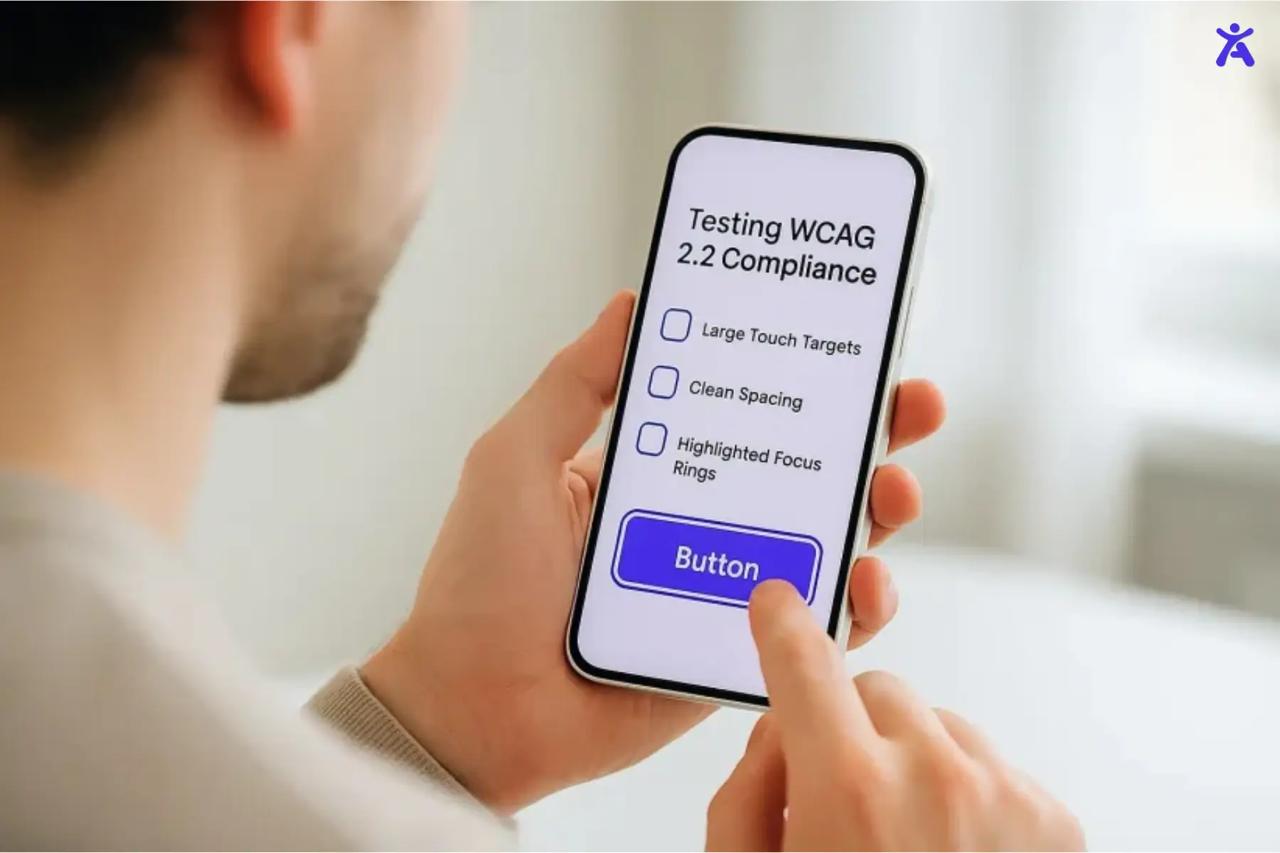
WCAG 2.1 introduced 17 new success criteria, with many aimed at improving mobile accessibility, including requirements for adequate target sizes for touch inputs, support for both portrait and landscape orientations, and alternatives for complex gesture-based interactions.
The update also strengthened support for users with cognitive disabilities by emphasizing consistent navigation across pages, providing better error-recovery guidance, and ensuring that users receive clear timeout warnings when needed. These updates can be made with Accessify.app which will make it easier for people with limited dexterity, cognitive disabilities, and mobile device users.
A Steppingstone to Version 2.2
Here is an informational infographic listing key WCAG 2.2 success criteria, presented in a neatly organized grid layout with a professional UX accessibility theme.
Version 2.1 proved the framework could evolve without a complete overhaul. It demonstrated that backward compatibility was achievable and compliant sites could update incrementally.
This approach set the stage for version 2.2. It sticks to the same idea: add what’s needed, but keep what works.
Understanding the Cumulative Nature of Updates
Each version includes all previous success criteria. Meeting version 2.2 automatically satisfies 2.1 and earlier requirements (with one exception we’ll cover shortly). This cumulative structure simplifies update planning. You build on existing work rather than starting from scratch.
What Changed Between Versions?
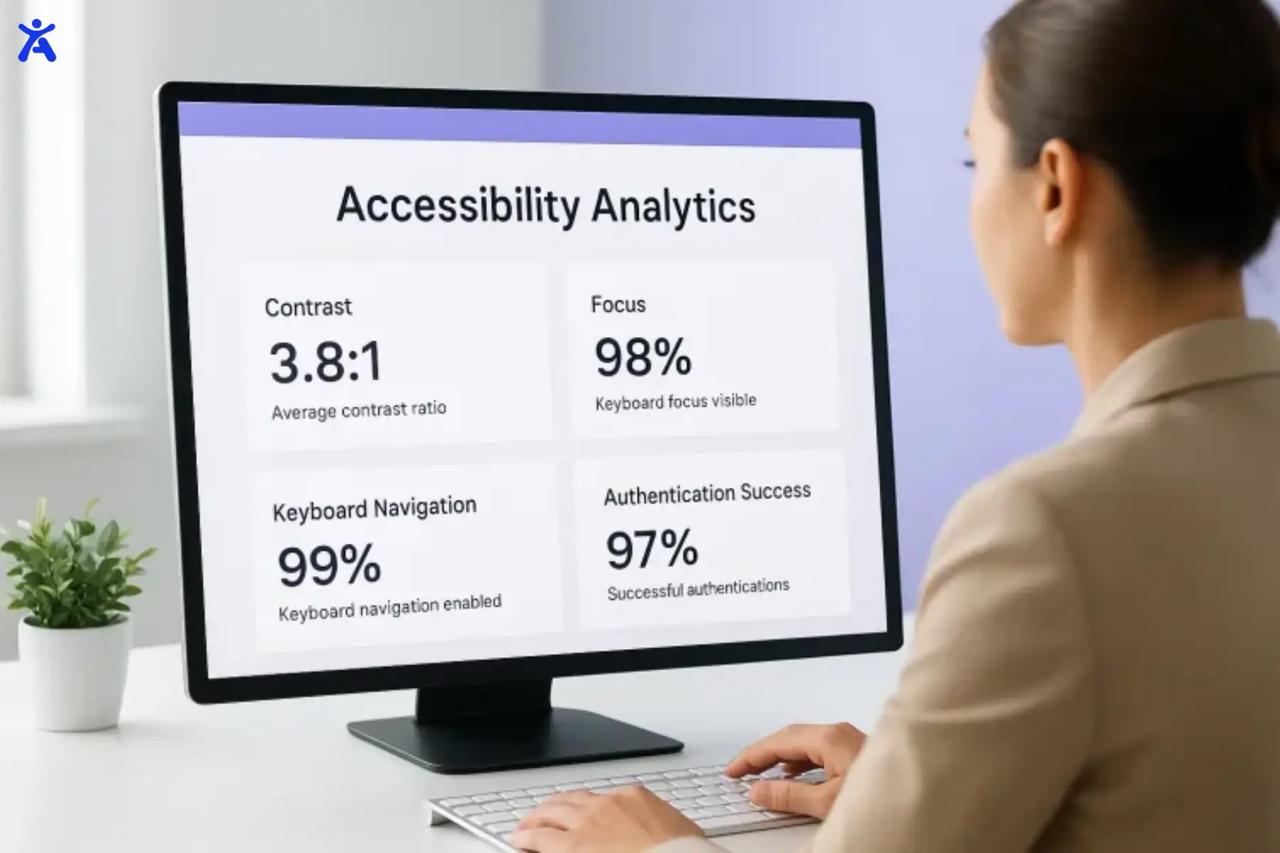
Let’s examine these versions side by side. What remained constant? What changed? And what does it mean for your compliance strategy?
Enduring Success Criteria
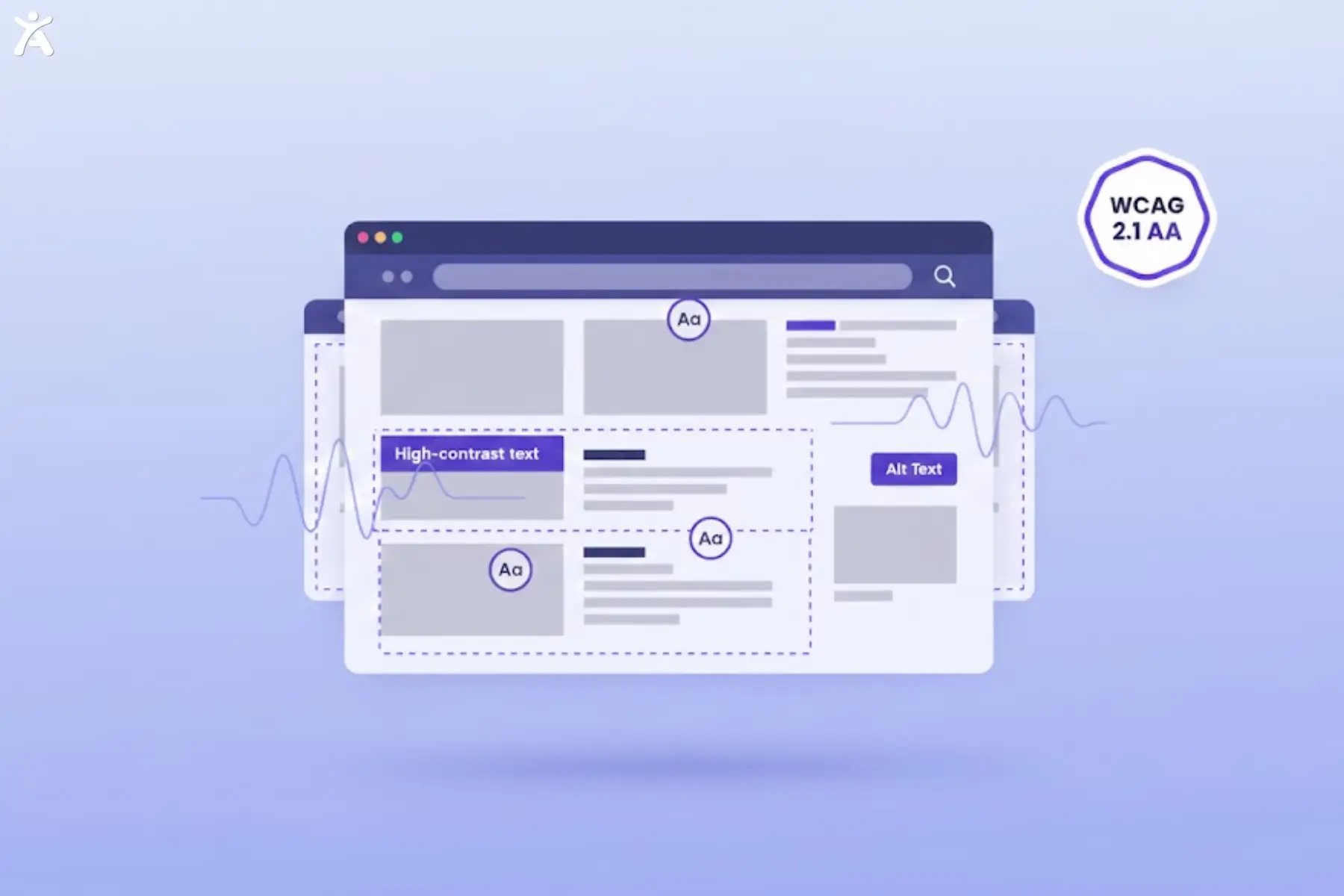
Most success criteria from the original version remain relevant and required in version 2.2. The four core principles haven’t changed. Requirements for text alternatives, keyboard access, color contrast, and semantic HTML all carry forward.
If your site meets Level AA of the earlier standard, you’ve already completed approximately 85% of the work needed for version 2.2 Level AA.
The Outdated and Removed
One outdated criterion 4.1.1 Parsing was removed in version 2.2. This requirement mandated valid HTML markup to ensure assistive technology compatibility. Modern browsers now handle parsing errors more gracefully, making this rule unnecessary.
Removing 4.1.1 Parsing doesn’t mean invalid HTML is acceptable. Clean code still matters. But the specific compliance requirement is gone.
Addressing Modern Limitations
Version 2.2 addresses three major gaps:
- Better cognitive disability support: New criteria reduce memory reliance, simplify authentication flows, and ensure help resources are easily discoverable.
- Improved mobile accessibility: Stronger requirements for proper button spacing, drag-and-drop alternatives, and target sizes.
- Enhanced focus visibility: Users with low vision or motor disabilities benefit from clearer visual indicators when navigating with keyboards or other input devices.
These updates reflect how people with diverse disabilities interact with modern web interfaces.
Who Needs to Update?
If your organization’s accessibility policy references only the 2008 standard, you fall behind. Many countries are updating legislation to reference versions 2.1 or 2.2. The European Union, Canada, and Australia have all adopted newer standards.
Even if local laws haven’t been updated, users expect better. Agencies working with government clients, healthcare providers, or schools should immediately focus on version 2.2 compliance.
Deep Dive into WCAG 2.2
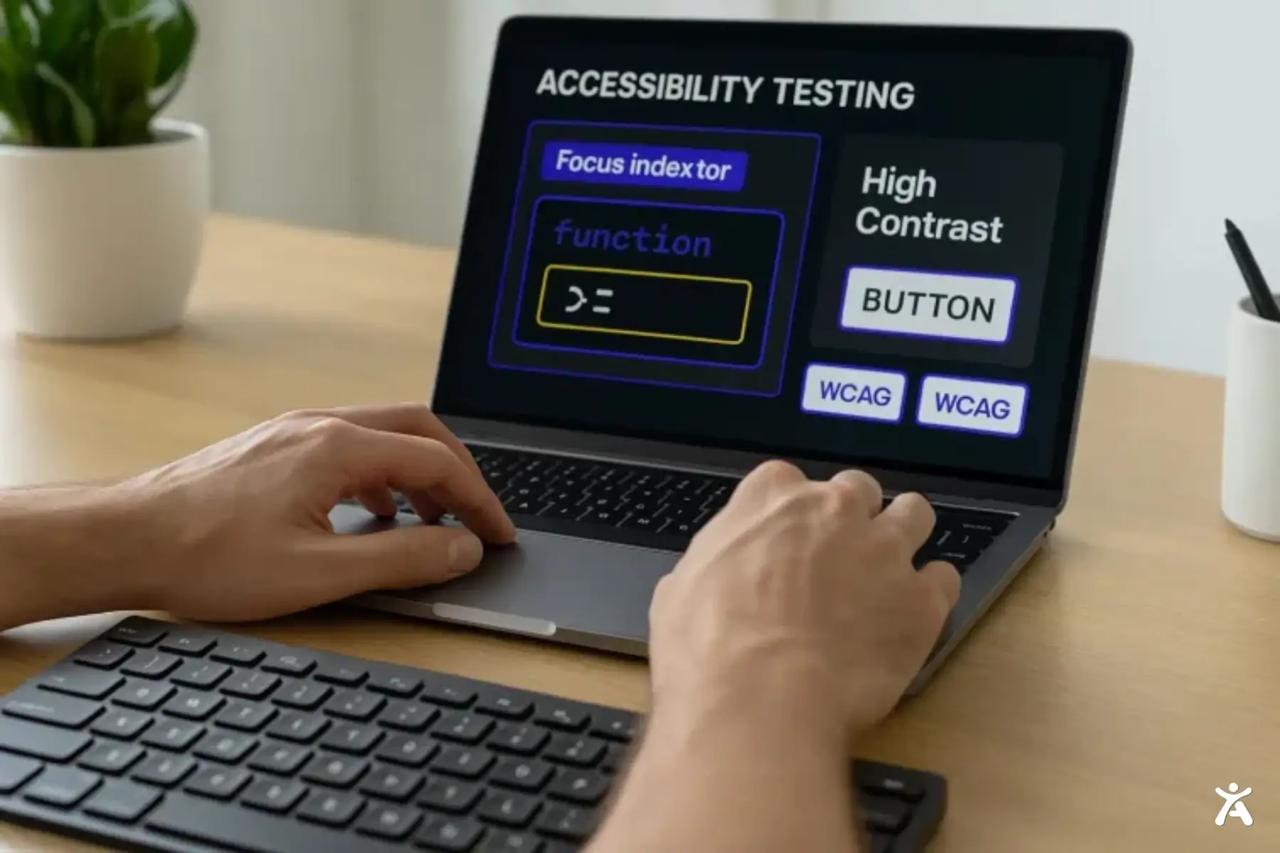
Version 2.2 introduces nine new success criteria. Let’s examine them by category.
Improving User Interaction for Diverse Input Modalities
- 2.5.7 Dragging Movements (Level AA)
Not everyone can use drag-and-drop. This criterion requires single-action alternatives like selecting an item and clicking a destination button. Users with tremors, limited fine motor control, or voice input benefit significantly.
- 2.5.8 Target Size (Small) (Level AA)
Touch targets must measure at least 24 × 24 CSS pixels, with exceptions for inline links or non-overlapping controls. This spacing standard reduces accidental clicks and improves mobile device usability.
Enhancing Navigation and Focus Visibility
- 2.4.11 Focus Not Obscured (Small) (Level AA)
When an element receives keyboard focus, other content cannot completely hide it. Users navigating with keyboards or switching devices must see their current page position.
- 2.4.12 Focus Not Obscured (Enhanced) (Level AAA)
A stronger version of 2.4.11. The focused element must be fully visible, not merely partially visible.
- 2.4.13 Focus Appearance (Level AAA)
The focus indicator must meet specific size and contrast requirements, ensuring low-vision users can identify the active element clearly.
Rethinking Authentication and Data Entry for Greater Accessibility
- 3.3.7 Redundant Entry (Level A)
Previously entered information should auto-fill or be selectable unless re-entering is needed for security. This reduces cognitive load and frustration for users with memory impairments.
- 3.3.8 Accessible Authentication (Minimum) (Level AA)
Authentication flows cannot require cognitive function tests (like memorizing passwords or solving puzzles) unless the site provides accessible methods, like biometric login, password managers, or copy-paste functionality.
- 3.3.9 Accessible Authentication (Enhanced) (Level AAA)
Authentication cannot require any cognitive function test or object recognition. This criterion further supports users with cognitive disabilities.
Providing Consistent Support and Help
- 3.2.6 Consistent Help (Level A)
If help resources (contact forms, chat, phone numbers) appear on multiple pages, they must occupy the same relative location. This consistency helps users with cognitive disabilities find assistance quickly.
Beyond WCAG 2.2 Compliance to Competitive Advantage
Meeting version 2.2 extends beyond checkbox compliance and delivers genuine business value.
Expanding Market Reach and Customer Base
Accessible websites reach more people. Consider users with temporary disabilities (broken arms), situational limitations (bright sunlight on screens), or age-related changes (declining vision). These groups benefit from accessible design even without identifying as disabled.
Better accessibility often means a better user experience universally. Clear navigation, readable text, and logical page structure improve usability across the board.
Legal WCAG 2.2 Compliance and Risk Mitigation
Web accessibility lawsuits have increased dramatically. In the U.S. alone, thousands of cases are filed annually under the ADA, many of which settle for significant amounts.
Adopting version 2.2 now reduces your risk. Courts increasingly reference these standards when determining site accessibility, and being proactive costs far less than defending lawsuits.
Here’s a professional infographic focused on cognitive accessibility, featuring clean icons and a friendly, modern design.
Enhancing Brand Reputation and Trust
Companies prioritizing accessibility signal their values. Users notice when brands create accessible content and remove online barriers. This builds trust and loyalty.
Many organizations now include accessibility commitments in diversity, equity, and inclusion (DEI) initiatives. Comprehensive accessibility coverage demonstrates a genuine commitment to serving all customers.
Indirect Business Benefits
Accessible websites often rank better in search engines. Semantic HTML, descriptive headings, and alt text all improve SEO performance. Clear navigation and readable content reduce bounce rates.
Accessible sites also generate fewer support tickets. Users who can complete tasks independently don’t need customer service assistance. This saves money and improves satisfaction.
Finally, designing for accessibility drives innovation. Constraints force creative solutions. Many mainstream features voice assistants, captions started as accessibility tools.
Different Business Sizes and Industries
Small businesses can start with Level A and work toward Level AA. Agencies should target Level AA as a baseline for client work. Government contractors and healthcare providers often need Level AA compliance for regulatory requirements.
E-commerce sites particularly benefit from accessible authentication and redundant entry criteria. Educational institutions need strong focus, visibility, and consistent help. Specific impact varies by industry, but principles apply universally.
A Practical Roadmap for WCAG 2.2 Organizations
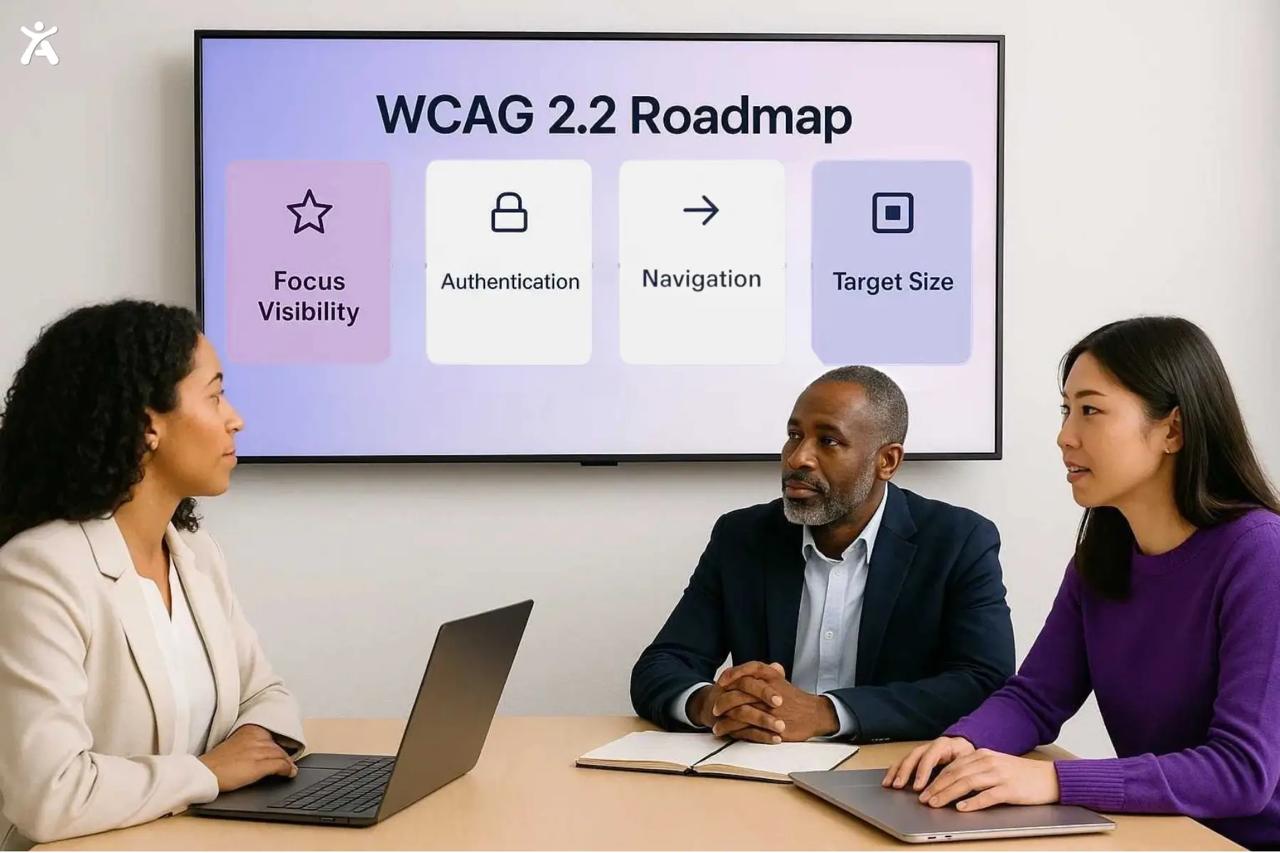
Updating to version 2.2 doesn’t have to be overwhelming. Here’s how to approach it strategically.
Assessing Your Current State
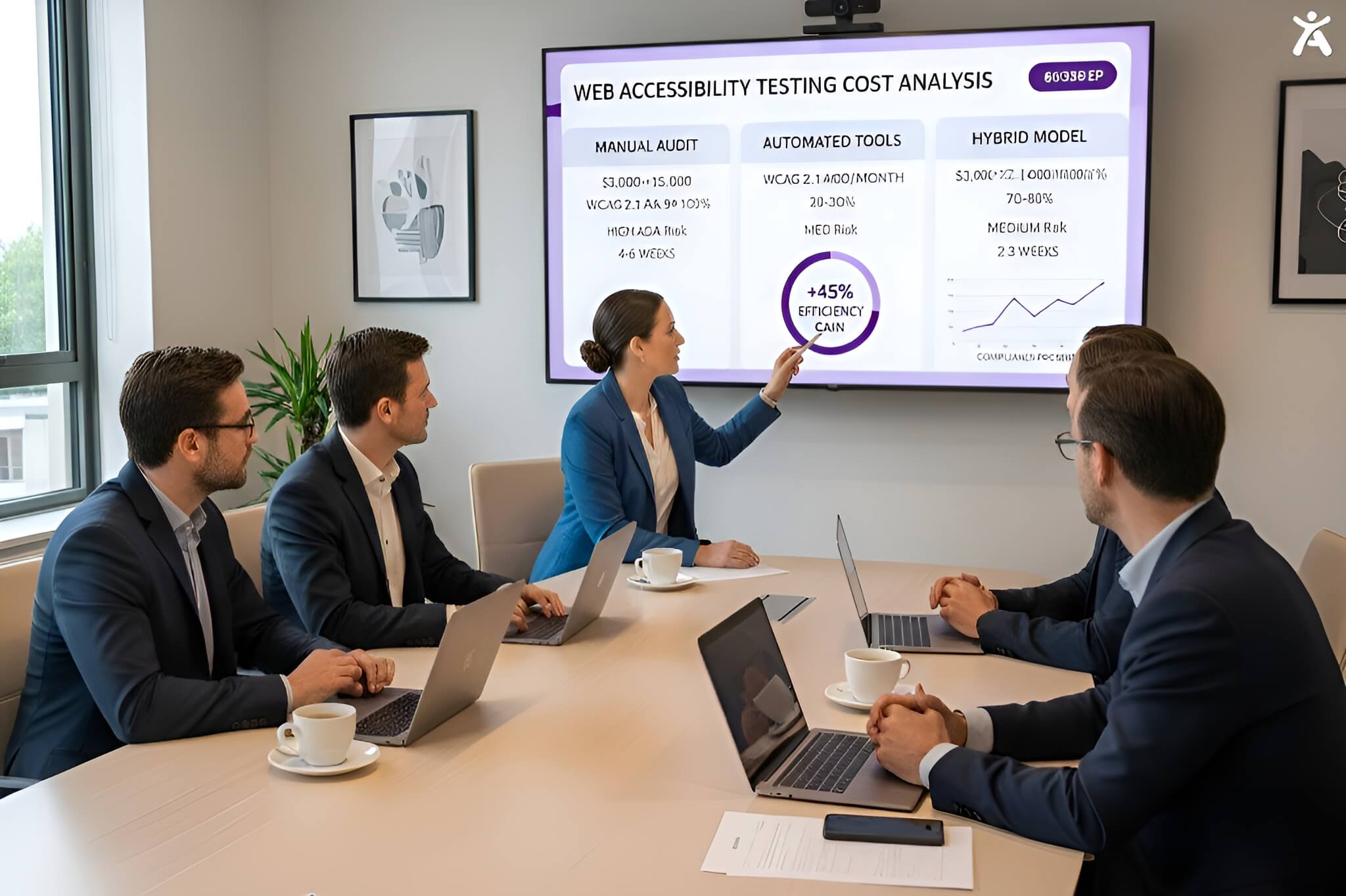
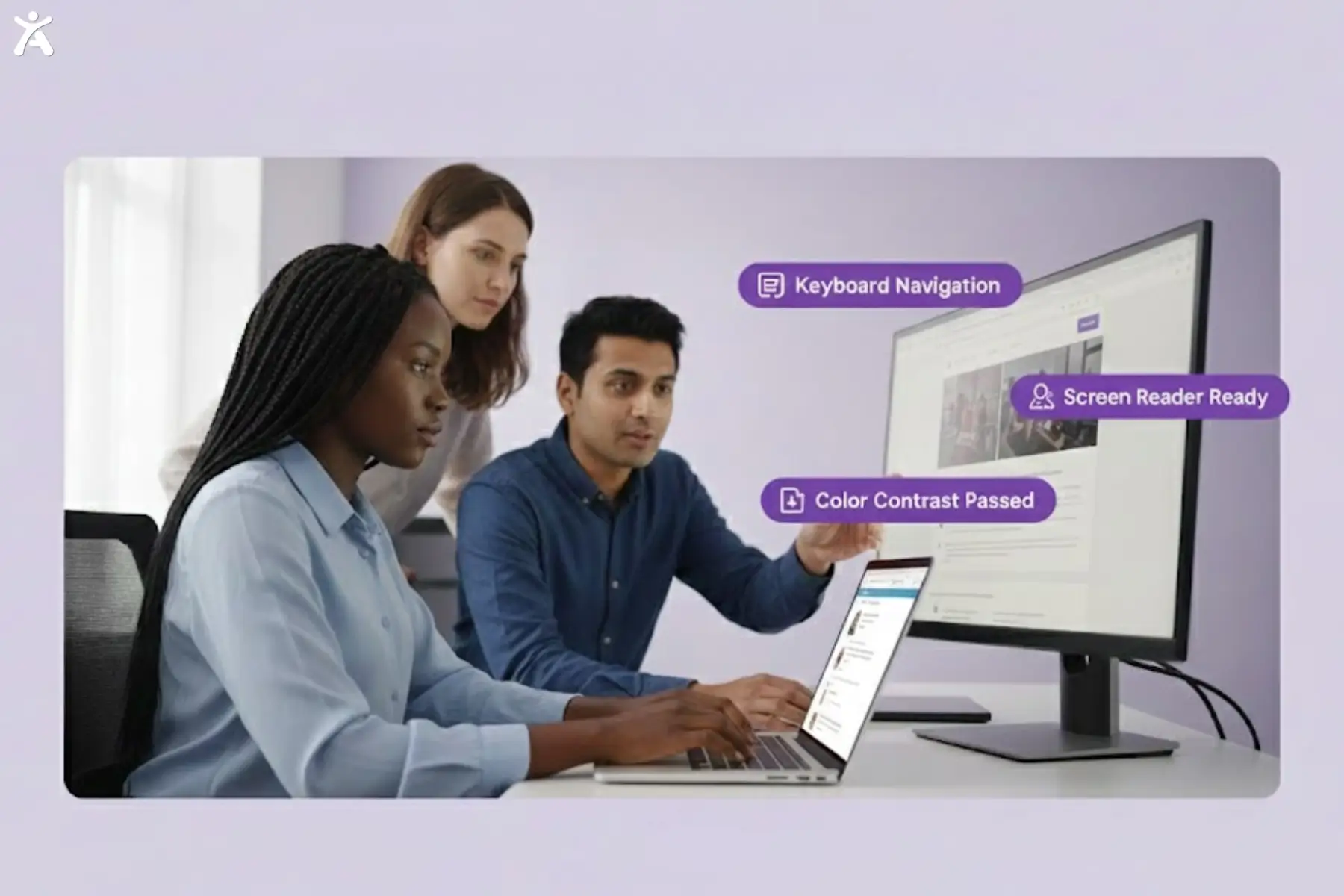
Start with an audit. Use automated tools like WAVE, Axe, or Lighthouse to identify common issues. But don’t stop there, automated tools catch only about 30% of accessibility problems. Supplement automation with manual testing. Navigate your site using only a keyboard. Try screen readers like JAWS. Test on mobile devices with different screen sizes. Document findings. Prioritize issues based on impact and frequency. High-impact problems affecting many users should be addressed first.
Prioritizing Remediation Efforts
Not all accessibility issues are equally urgent. Use this framework:
- Blockers: Issues preventing users from completing critical tasks (broken forms, inaccessible navigation)
- High impact: Problems affecting many users or major features (poor color contrast, missing alt text on key images).
- Moderate impact: Issues creating friction without blocking access (inconsistent focus indicators, minor spacing problems)
- Low impact: Nice-to-have improvements (enhanced focus appearance, Level AAA criteria)
Focus on blockers first, then work through high and moderate issues. Save low-impact items for future updates.
Integrating accessibility into the development workflow
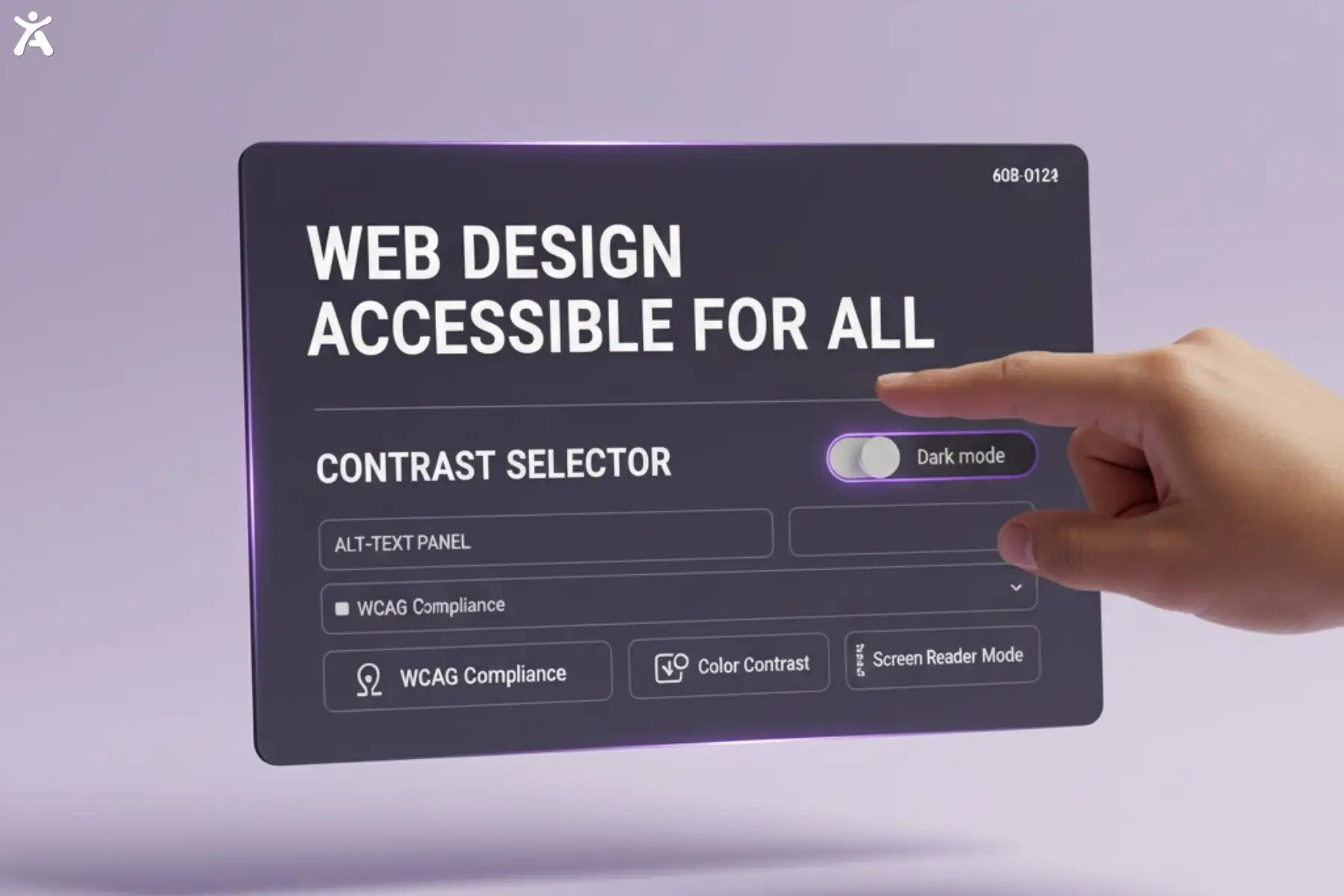
Accessibility is most effective when built into every stage of your workflow rather than treated as an afterthought. During design, use accessible color palettes, plan clear keyboard navigation paths, and consider screen reader users when organizing layouts, via Accessify app. In development, focus on semantic HTML, test with real assistive technologies, and use ARIA attributes only when necessary.
For QA, incorporate accessibility checks into testing protocols, review new features with keyboard-only navigation, and run automated scans before deployment. After deployment, continue monitoring for regressions, as real user feedback often uncovers issues that internal testing may miss.
Building an Accessibility-Aware Team
Invest in training. Developers need to understand assistive technology operation. Designers need to know contrast ratios and focus indicators. Content creators need to write descriptive alt text and clear headings.
Consider bringing accessibility experts for workshops. Send team members to conferences like CSUN or Accessing Higher Ground. Encourage certification programs like the IAAP’s Certified Professional in Accessibility Core Competencies (CPACC). The more your team understands accessibility, the fewer issues you’ll create initially.
The Role of Tools and Automation in Ongoing WCAG 2.2 Compliance
Automation can’t replace human judgment, but it is valuable for ongoing compliance. Set up continuous monitoring with tools like Accessify or Axe Monitor. These platforms scan your site regularly and alert you to new issues.
Integrate accessibility checks into your CI/CD pipeline. Run automated tests before code merges. Use browser extensions during development to catch problems early. Document your standards, create a Digital Accessibility & Inclusion Toolkit with code examples, design patterns, and testing procedures. This ensures consistency as your team grows.
The Future of Accessibility
Accessibility standards continue to evolve. The W3C is already developing the next major revision.
WCAG 2.0 lifespan and the push towards WCAG 3.0 (Silver)
WCAG 3.0 (codenamed “Silver”) has been under development for years. It represents a significant departure from the 2.0 series. Instead of success criteria organized by conformance levels, version 3.0 will use a scoring system based on how well sites meet user needs.
WCAG 3.0 is still years away from becoming a recommendation. Meanwhile, version 2.2 remains the most current standard. Future updates, possibly version 2.3 may arrive before 3.0 is finalized.
Moving Toward a More Outcome-Based Model
Version 3.0 aims to be more flexible and outcome focused. Rather than checking boxes, organizations will demonstrate that their sites work for real users with disabilities. This could include usability testing with people who have various disabilities.
The new model may also better accommodate emerging technologies like AR, VR, and voice interfaces, areas where version 2.0 provides limited guidance.
Building an ongoing compliance strategy for evolving standards
Accessibility is an ongoing effort, not a one-time project technology change. Standards evolve. The user needs to shift.
Build a culture of ongoing compliance:
- Schedule regular audits (at least annually).
- Stay informed about updates.
- Participate in accessibility communities.
- Listen to feedback from users with disabilities.
- Plan for incremental improvements rather than waiting for major overhauls.
This approach keeps you ahead of legislation and ensures your sites remain usable as standards change.
Conclusion
The journey from version 2.0 to 2.2 reflects the web’s evolution. As interfaces grow more complex and user needs diversify, accessibility standards must keep pace. Version 2.2 addresses critical gaps in mobile accessibility, cognitive support, and focus visibility. It builds on a solid foundation while adapting to modern web design patterns.
Organizations embracing version 2.2 reduce legal risk, reach more users, and demonstrate commitment to inclusivity. The business case is clear: accessibility drives innovation and improves experiences for everyone. Don’t wait for legislation to force your hand. Start auditing your sites today. Focus on issues affecting the most users. Integrate accessibility into your workflow. Train your team. Check for regressions.
Ready to make your digital content truly accessible? Contact us today for a comprehensive WCAG 2.2 audit and personalized roadmap to compliance. Let’s build a web that works for everyone using Accessify app.
FAQs
Web accessibility ensures everyone, including people with disabilities, can easily use online content. Following WCAG 2.0 helps developers and designers build inclusive, user-friendly websites that meet international accessibility standards and improve usability for all audiences.
Web accessibility standards like WCAG 2.0 provide essential guidelines for creating digital content accessible to everyone. They define principles that ensure users of all abilities can perceive, understand, and interact with websites effectively and without barriers.
You can check your website’s accessibility using tools like WAVE or Axe, which test compliance with WCAG 2.0. These tools highlight accessibility gaps and help improve your site’s usability, design, and inclusiveness for all users.
To meet WCAG 2.0 compliance, ensure proper color contrast, image alt text, keyboard navigation, and logical structure. These steps enhance accessibility, improve user experience, and align your website with global web standards and best practices.
Accessibility (a11y) enhances user experience and ensures equal access for all. By following WCAG 2.0, designers create inclusive, SEO-friendly websites that meet international accessibility laws while supporting users with diverse needs and abilities.