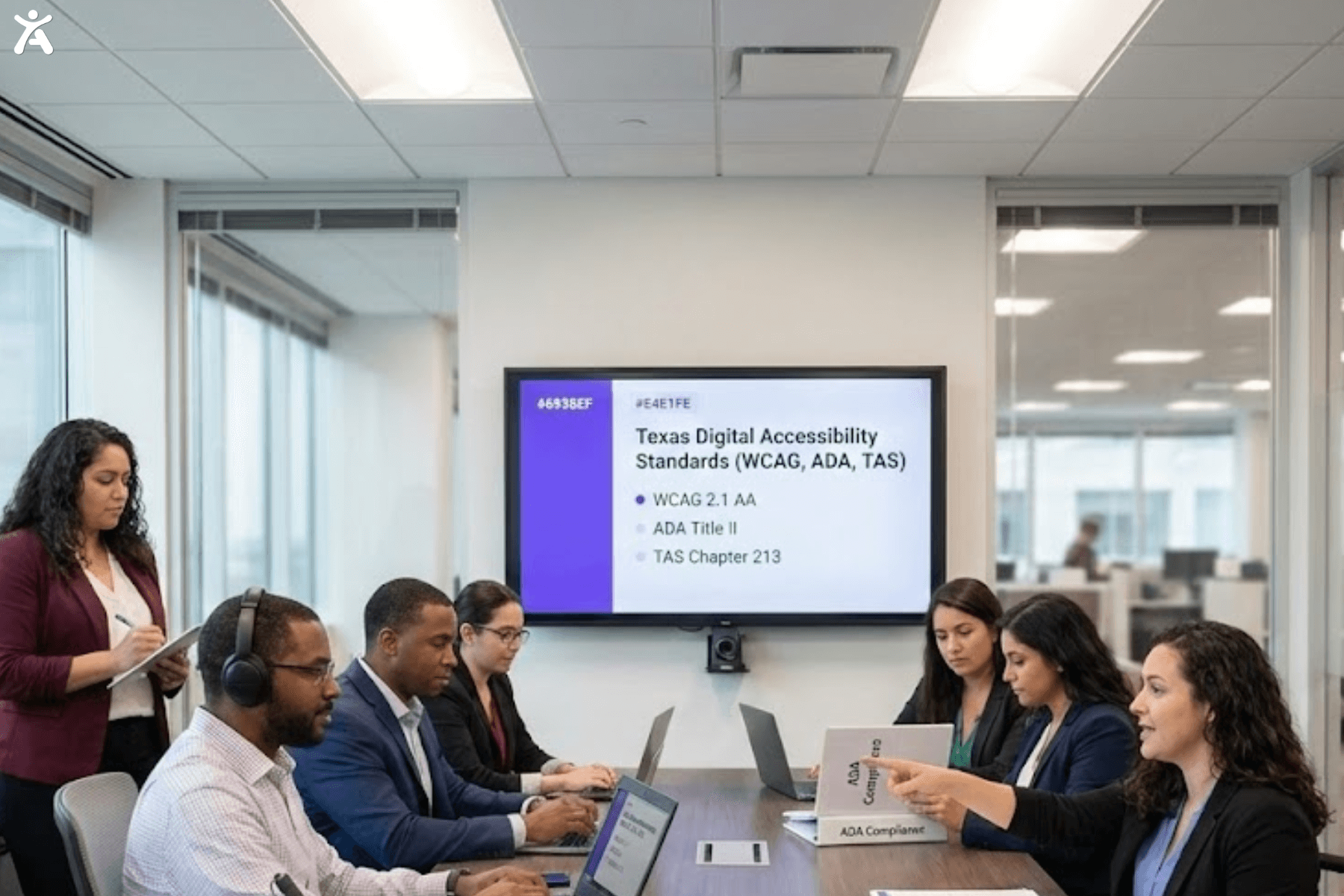
Did you know that over 96% of the world’s top one million websites have accessibility failures? This gap leaves millions of people excluded from essential digital experiences. Improving digital accessibility is now a critical requirement for modern businesses. As technology shapes how we connect, digital inclusivity has become essential for credibility, growth, and user trust.
Short Summary
This article outlines the core elements of creating an accessible website that people with disabilities can use effectively and independently. It explains the Web Content Accessibility Guidelines (WCAG) and their principles of making content perceivable, operable, understandable, and robust. You’ll also learn how these practices support legal compliance, enhance user experience, and strengthen your brand’s credibility. By understanding these essentials, you can create a digital presence that serves everyone.
Understanding Digital Accessibility in the Digital Age
To thrive in a digital-first world, your business must be accessible to all potential customers. This section breaks down what digital accessibility truly means. It also shows why it’s a non-negotiable aspect of your online strategy.
What is Digital Accessibility?
Digital accessibility is the practice of ensuring that websites, apps, and all digital content can be used by people with visual, hearing, motor, or cognitive disabilities. Its purpose is to remove barriers so every user can perceive, understand, navigate, and interact with digital experiences effectively and independently.
Why is Digital Accessibility Crucial for Modern Websites?
For business owners, accessibility is both a social responsibility and a strategic investment. An accessible website helps you reach a broader audience, improves user experience, and strengthens your brand reputation. It also supports stronger search engine optimization (SEO) performance and reduces the risk of costly accessibility lawsuits, which continue to rise worldwide.
How Accessibility Barriers Affect People in the Real World

Common issues such as missing alt text, unlabeled forms, poor contrast, or complex layouts block millions of people from completing basic tasks like shopping, banking, or booking services. These real-world frustrations clearly show why inclusive design is essential.
Understanding the Web Content Accessibility Guidelines (WCAG)
To create a universally accessible digital experience, you need a clear framework. The WCAG offers a global standard. It helps create accessible web content that everyone can use.
The Four Principles of POUR
WCAG is organized around four core principles, known by the acronym POUR, which outline the POUR principles of accessibility that guide the design of accessible web content.
- Perceivable: Content must be visible and understandable, with alt text for images and captions for multimedia.
- Operable: Users should be able to navigate easily, with full keyboard support and avoidance of seizure-triggering content.
- Understandable: Information and navigation must be clear, consistent, and easy to follow.
- Robust: Content should work reliably across all devices and assistive technologies, using clean, semantic HTML.
The Three WCAG Conformance Levels
WCAG guidelines have three levels to measure website accessibility:
- Level A: The most basic accessibility level. Failing these criteria creates major barriers for users with disabilities.
- Level AA: Addresses the most common and significant accessibility issues. Most laws and standards require conformance to Level AA of the WCAG.
- Level AAA: The highest level, making content accessible to the widest audience. Meeting all Level AAA criteria for every piece of content is often not possible.
Understanding WCAG Versions and Updates
WCAG guidelines are updated periodically to address new technologies and user needs. WCAG 2.0 and 2.1 are still widely referenced, but WCAG 2.2 is the latest version. It adds new criteria for mobile devices and users with low vision or cognitive disabilities. Staying up to date with the latest WCAG requirements is essential.
What Are the Legal Requirements for Digital Accessibility Compliance?
Understanding digital accessibility laws is essential for any business. Non-compliance can result in financial penalties and damage your brand reputation. Here’s what you need to know.
Key Accessibility Laws and Acts
Several major laws mandate digital accessibility worldwide.
- In the United States, the Americans with Disabilities Act (ADA) and Section 508 of the Rehabilitation Act require that the websites of public accommodations and federal agencies be accessible to individuals with disabilities.
- The Accessibility for Ontarians with Disabilities Act (AODA) in Canada and the European Accessibility Act in Europe set similar requirements.
- The Accessible Canada Act aims to create a barrier-free Canada by 2040, including in the digital space.
Understanding Legal Compliance and Avoiding Lawsuits
Conforming to WCAG 2.1 Level AA standards is generally required. Failing to comply can result in demand letters or ADA lawsuits. The best defense is to be proactive: audit your website regularly, fix issues promptly, and document your accessibility efforts.
The Role of an Accessibility Statement
An Accessibility Statement is a public page on your website that declares your commitment to accessibility:
- List the accessibility standards you follow (e.g., WCAG 2.1 AA).
- Note any known accessibility issues and provide timelines for fixing them.
- Include contact information so users can report problems or request assistance.
Building an Accessible Website with Practical Steps
Creating an accessible website starts with the right mindset and commitment from both designers and developers. Embed accessibility into your workflow from the beginning to build an inclusive site without major retrofits later.
Embracing an Accessible-by-Design Mindset
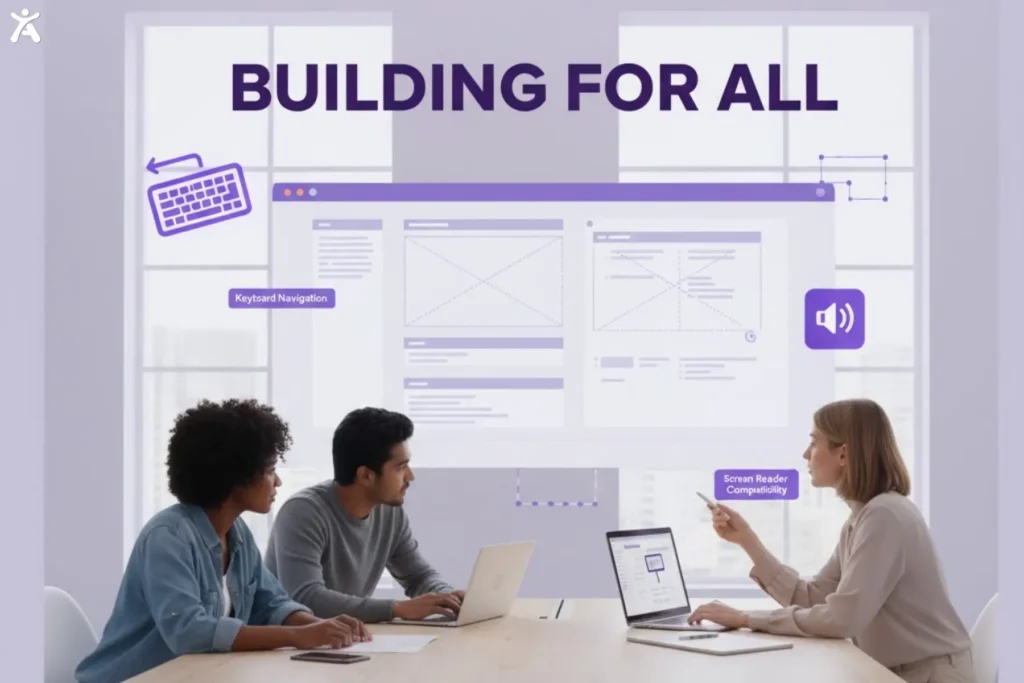
Inclusive design is not an afterthought; it’s a core component of the design process.
- Consider users with diverse abilities from the first wireframe.
- Design navigation that supports keyboard-only and screen-reader users.
This “accessible by design” approach ensures inclusivity is built in from the start.
Using Semantic HTML and ARIA for Accessibility
Proper coding forms the foundation of an accessible website:
- Semantic HTML: Use correct HTML5 elements for their purpose (e.g., <nav> for navigation, <button> for buttons), giving meaning and functionality to assistive technologies.
- ARIA (Accessible Rich Internet Applications): Use roles and attributes to provide extra context when semantic HTML isn’t enough, especially for complex UI components.
Implementing Core Accessibility Features and Best Practices
Key practices for developers and designers include:
Alternative Text: Provide descriptive alt text for images that convey essential information.
Color Contrast: Ensure text is clearly distinguishable from background colors.
Keyboard Navigation: Make all interactive elements, including links, buttons, and form fields, fully operable with a keyboard.
Clear Forms: Use clear labels and informative error messages to help users complete forms accurately and efficiently.
Applying Progressive Enhancement to Improve Accessibility
Progressive enhancement is a web development approach that starts with essential content and basic features. Advanced options are then added for browsers that support them. Platforms like Accessify can help developers by automatically detecting accessibility issues during development, making progressive enhancement more effective and reliable. This approach ensures accessibility and provides a consistent, reliable experience for all users, including those with older browsers or assistive technologies.
How Do Assistive Technologies Bridge the Digital Divide?
For millions of people, assistive technologies are essential for accessing the digital world. Understanding how these tools work helps business owners create a seamless experience for all users.
How Assistive Technologies Work
Assistive technologies encompass hardware and software that enable individuals with disabilities to interact with digital content. They rely on a website’s underlying code to present information in alternative formats. For example, a screen reader reads text aloud and describes images using HTML and alt text.
Common Assistive Technologies in Use
Some widely used assistive technologies include:
- Screen readers, such as JAWS, NVDA, and Apple VoiceOver, convert on-screen text and elements into speech or braille.
- Screen magnifiers: Enlarge parts of the screen for users with low vision.
- Voice recognition software: Allows navigation and text input using voice commands.
- Alternative input devices Include Adaptive keyboards, switches, and other devices designed for users with motor impairments.
Testing and Auditing Your Website’s Accessibility
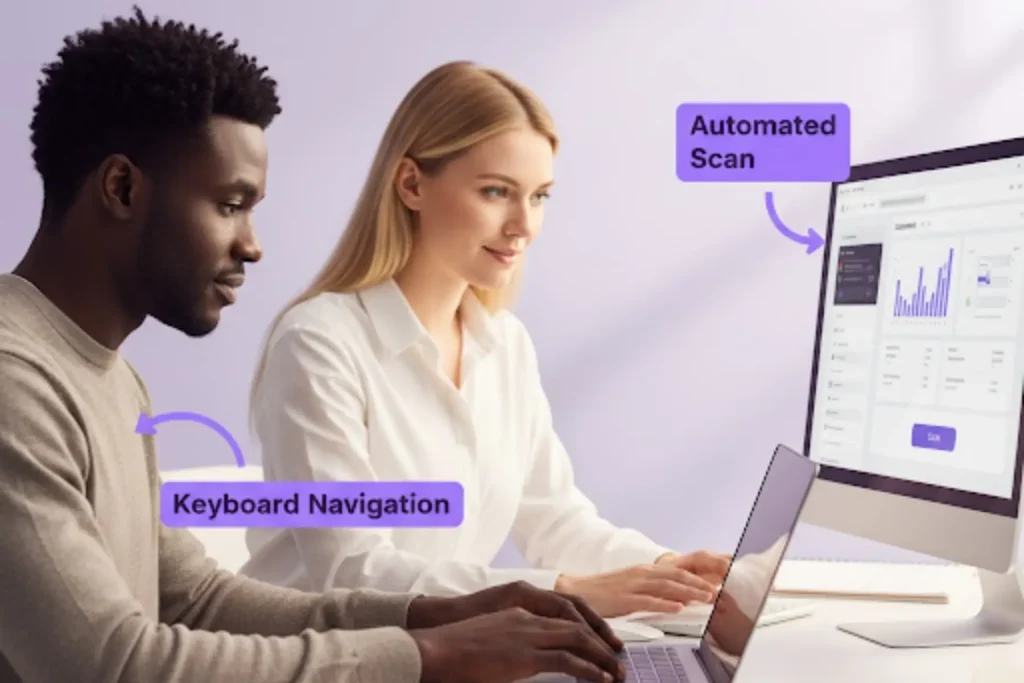
Digital accessibility is an ongoing commitment, not a one-time fix. Regular testing and audits help identify and resolve issues as your website evolves.
The Importance of Regular Accessibility Audits and Assessments
Websites constantly change, and new content or features can introduce accessibility barriers. Regular audits help spot problems early, ensuring compliance and a positive experience for all users.
Automated Accessibility Testing Tools
Automated tools can quickly flag common accessibility issues.
- Axe DevTools and Google Lighthouse identify problems like missing alt text or poor color contrast.
- These tools are helpful but catch only a portion of potential issues.
Manual Accessibility Testing and the Human Touch
Manual testing is essential to find issues that automated tools may miss:
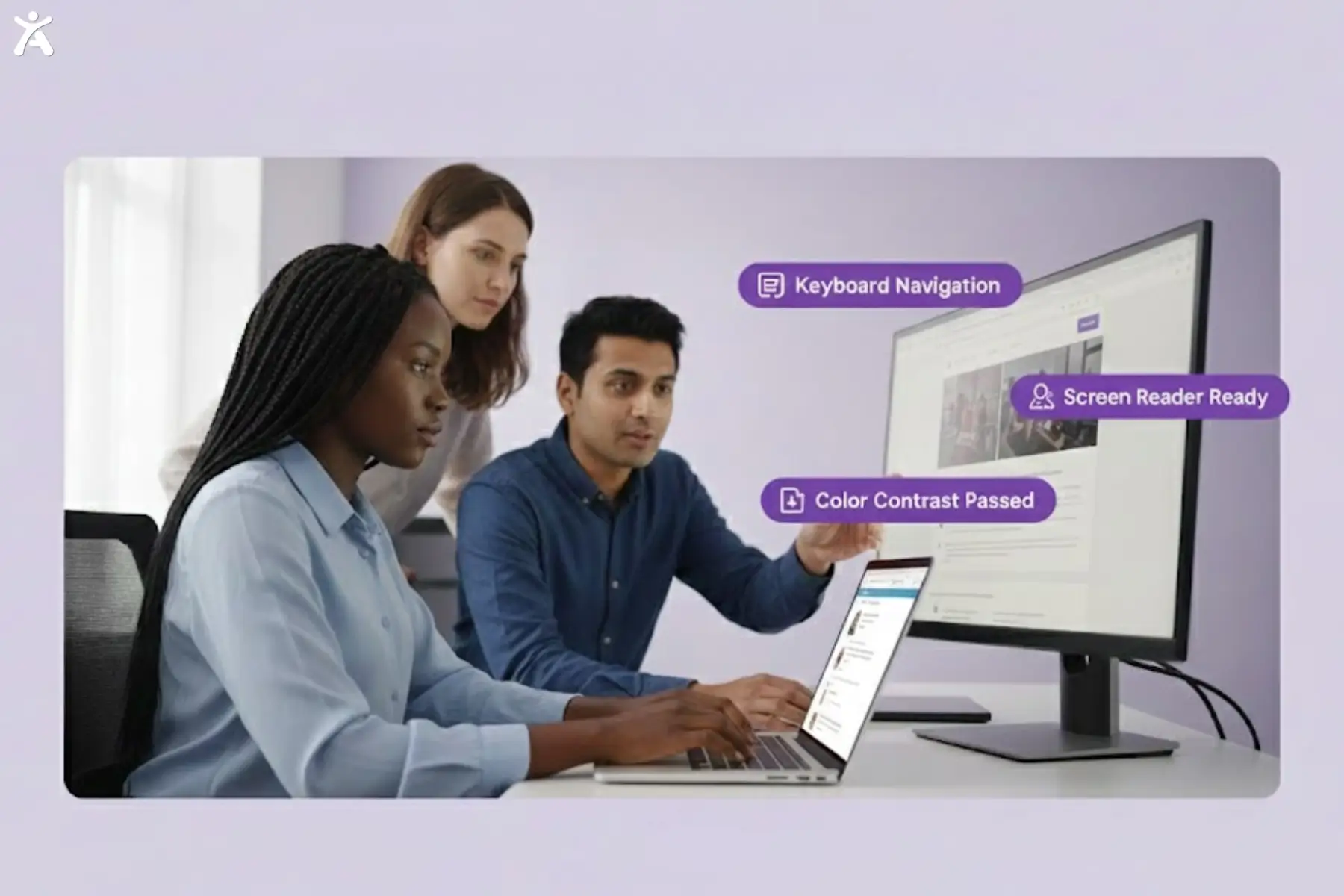
- Navigate your site using only a keyboard.
- Test with a screen reader to understand the experience of users with visual impairments.
- Involve users with disabilities to gather genuine feedback from real-world experiences.
Integrating Accessibility Testing into Development Workflows
Make accessibility testing a standard part of your development lifecycle. Conduct tests at every stage, from design and development through Quality Assurance (QA). This proactive approach identifies issues early, making them easier and more cost-effective to fix.
Addressing and Prioritizing Accessibility Issues
Once issues are identified, create a plan to address and resolve them. Prioritize critical problems that prevent users from completing key tasks, such as checkout or contacting support.
Ensuring Accessibility Across All Digital Experiences
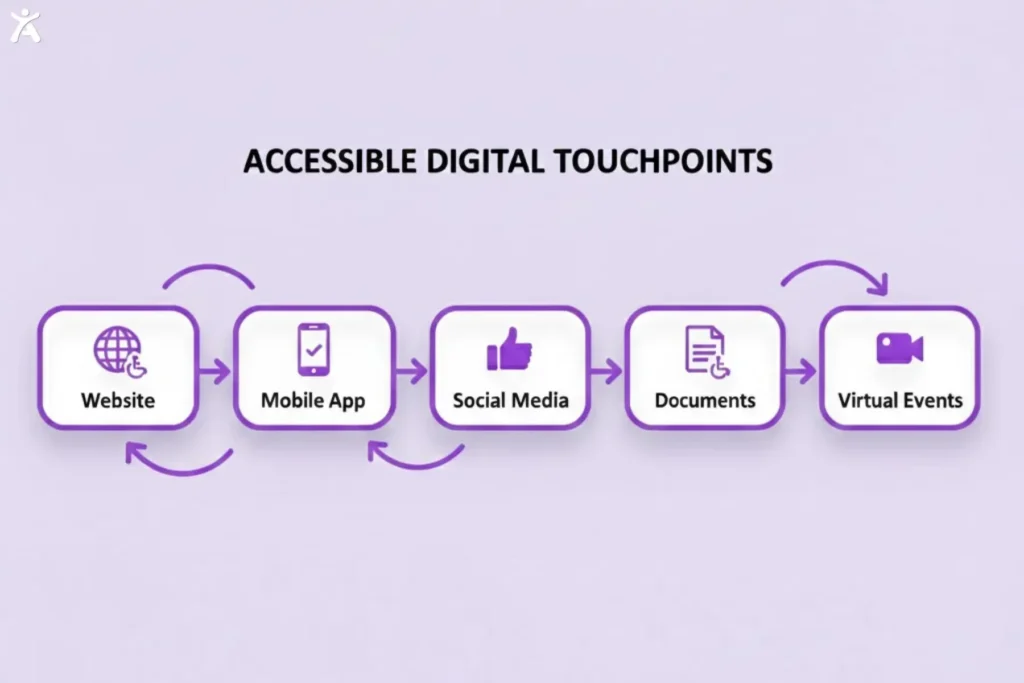
Digital inclusivity goes beyond your website. Every digital touchpoint your brand uses must be accessible.
Mobile Applications (Apps) Accessibility
With more users accessing the internet via mobile devices than ever, mobile app accessibility is essential. Both iOS and Android offer accessibility features, and developers should follow these guidelines to ensure apps are usable for everyone.
Accessible Digital Documents (PDFs, Word, PowerPoint)
All business documents should be accessible, including internal materials like training manuals and external content like marketing brochures.
- Use accessibility checkers in Microsoft Word and Adobe Acrobat.
- Include proper headings, alt text, and tagging to create accessible PDFs and documents.
Social Media and Content Accessibility
Your social media presence is a key part of your brand.
- When posting on platforms like Instagram, Facebook, and LinkedIn, always include alt text for images.
- Add captions to all videos to make them accessible to users who are deaf or hard of hearing.
- Use camel case for hashtags (e.g., #DigitalAccessibility) to make them easier for screen readers to pronounce.
Virtual Events and Videoconferencing Accessibility
Remote work and virtual events must be accessible:
- Provide live captions and sign language interpretation.
- Share materials in accessible formats in advance.
- Utilize platform features in Zoom, Microsoft Teams, and other tools to enhance accessibility.
What’s Next for the Future of Digital Accessibility?
Digital accessibility is continuously evolving. New technologies, updated standards, and a rising emphasis on inclusivity are shaping its future. By staying ahead of these changes, your business positions itself as a leader in creating a more accessible digital world.
Evolving Toward WCAG 3.0 (Silver)
The W3C is developing the next major accessibility standard, WCAG 3.0, also known as “Silver.”
- It will focus on outcomes and real user experiences, not just technical compliance.
- A more nuanced scoring system will better situate the level of accessibility.
Artificial Intelligence (AI) and accessibility
AI is transforming digital accessibility:
- Automates tasks like generating alt text and providing live captions.
- Could personalize user experiences and adapt interfaces to individual needs in the future.
The Growing Importance of Training and Awareness
Techno isn’t alone enough. Building a culture of accessibility is essential:
- Provide ongoing training for developers, designers, content creators, and marketers.
- Ensure every team member understands their role in promoting digital inclusivity.
Fostering a Culture of Digital Inclusivity
Digital inclusivity should be a core company value:
- Integrate accessibility into your organization rather than treating it as a compliance checklist.
- Engage with the disability community throughout the design and testing process.
- When every team member shares responsibility, your company can create digital experiences that are truly inclusive.
Final Thoughts
Digital accessibility starts with inclusive design and a commitment to making your digital presence usable for everyone. By applying core accessibility principles and WCAG 2.1 Level AA guidelines, you ensure all users, including those with disabilities, can fully engage with your website, mobile apps, documents, and social media. Combining automated and manual testing helps identify and fix barriers, making your digital spaces functional and welcoming.
As user needs evolve, accessibility is an ongoing journey. Stay committed to creating inclusive experiences and start with a simple accessibility assessment. Each project becomes a step toward a digital world where everyone can participate equally.
FAQs
Begin with a thorough accessibility assessment. Automated checks with Lighthouse or Axe, combined with Accessify, detect potential barriers to simplify compliance monitoring and ensure smoother experiences for all users.
Accessibility is ongoing. New content must remain inclusive, discoverable, and usable. Regular checks, updates, and maintenance ensure your website continues to meet accessibility standards and provides a consistent experience for all users.
Yes, organizations risk lawsuits under laws such as the ADA for inaccessible websites. Meeting WCAG 2.1 Level AA guidelines reduces legal exposure and demonstrates a commitment to inclusion for users with diverse accessibility needs.
Yes, accessible websites boost SEO. Using semantic HTML, adding alt text to images, and structuring content properly enhance the user experience, reduce bounce rates, and help search engines better understand and rank your pages more effectively.
Costs vary depending on the website’s size and complexity. Early accessibility is cheaper than retrofits. Tools like WAVE, Axe, and Accessify support ongoing assessments to prioritize fixes efficiently and maintain inclusive design across updates.