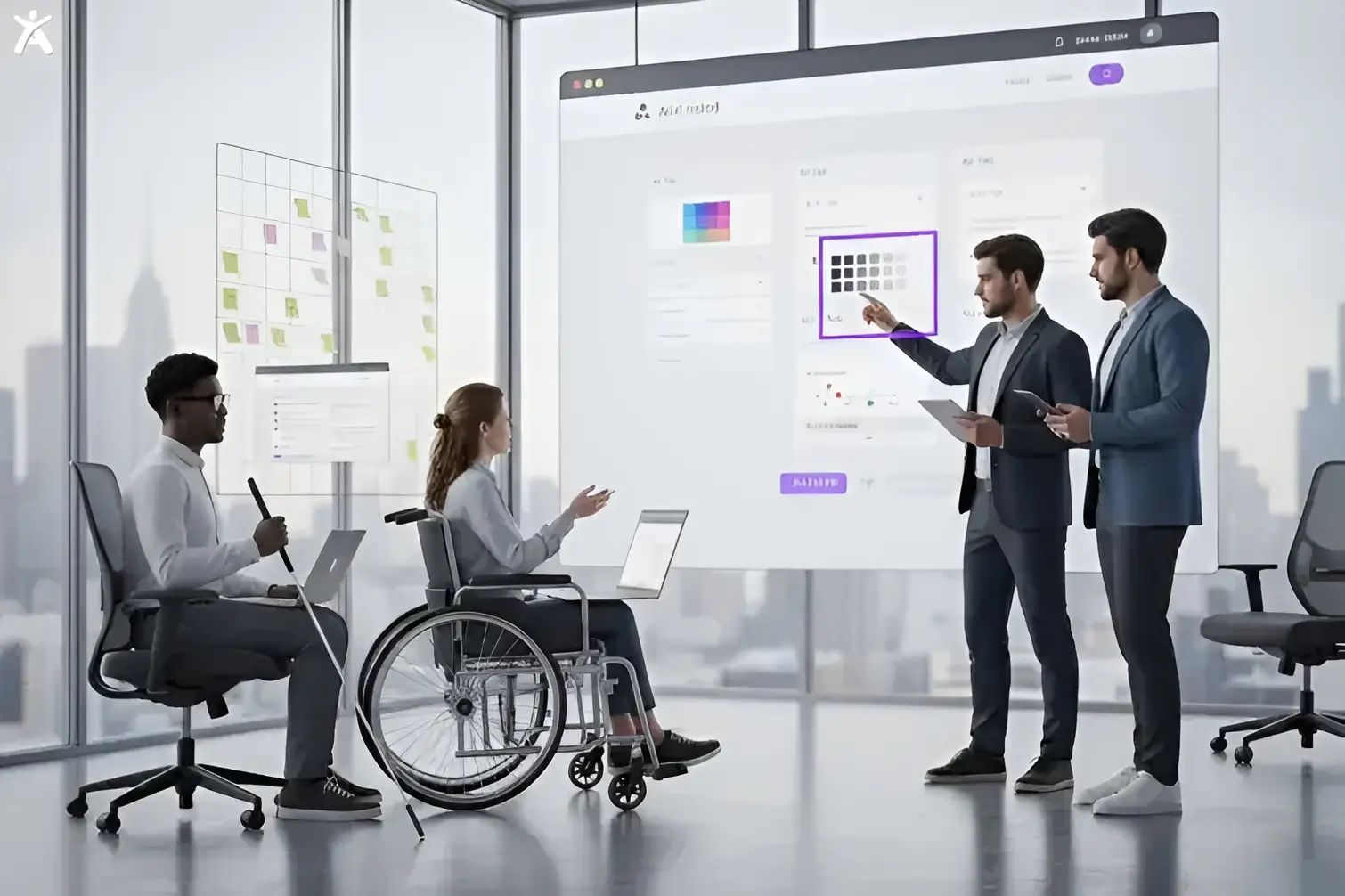
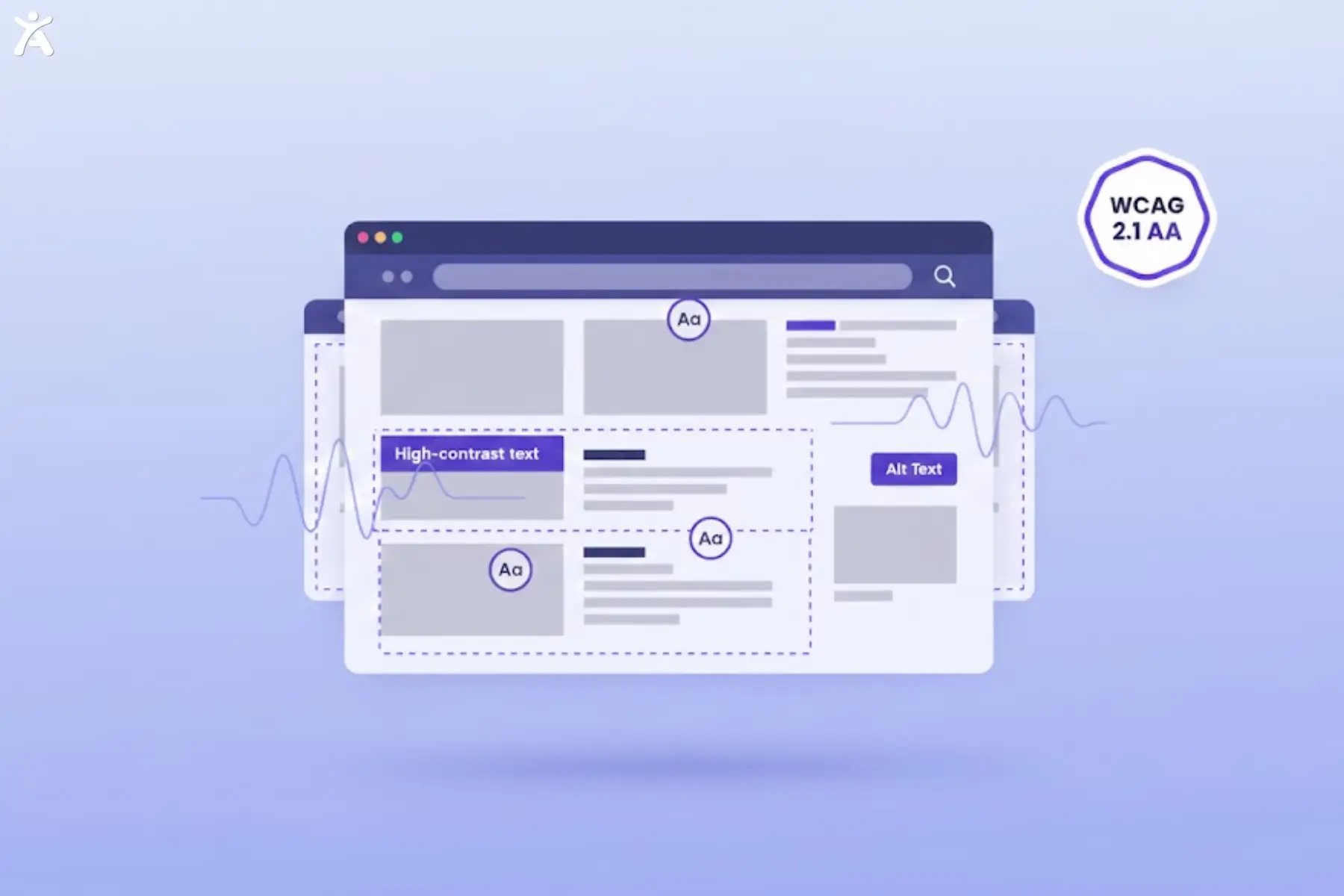
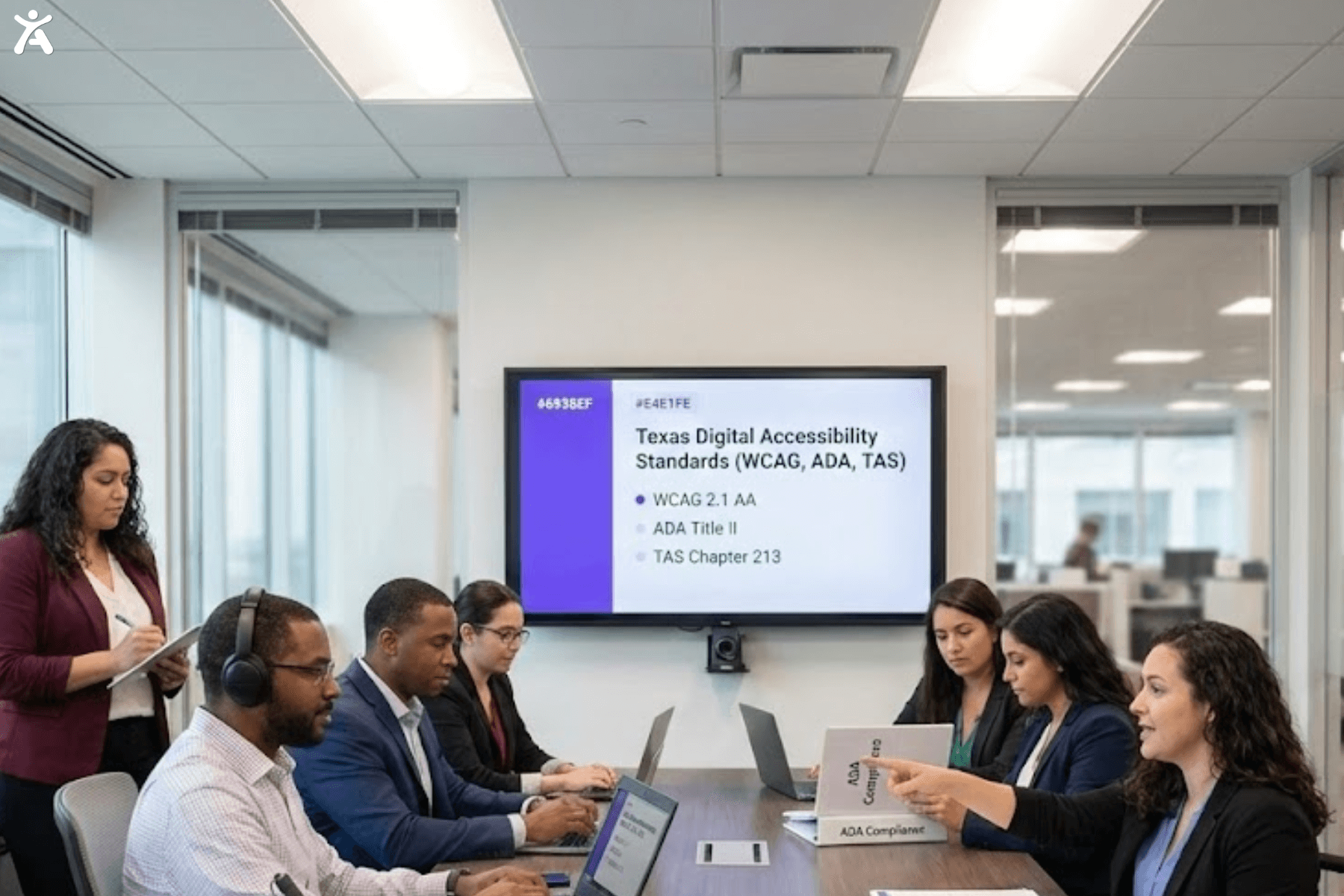
What if a large portion of your audience couldn’t access your website? This scenario isn’t just a theory. It’s the reality for millions every day. Making your web design accessible for all is no longer optional. It is a key step toward building an inclusive digital world. In short, accessibility is not only good design; it is good practice.
Short Summary
This guide explains web accessibility and its importance to everyone. It shows how accessibility benefits all users, not just those with disabilities. It covers the Web Content Accessibility Guidelines and their design principles. These include semantic HTML, color contrast, and other fundamentals that enhance accessibility. They make digital content easier to use, understand, and interact with. We’ll also examine the business case for creating an inclusive website. By the end, you’ll know how to build a digital environment that is accessible to all.
Designing a Digital World Accessible for All

Our lives are increasingly lived online. The digital world now extends into our daily lives. We order groceries and attend virtual meetings online. This shift makes it more important than ever to ensure equal access.
The Pervasive Nature of the Digital Environment
Think about your daily routine. How much of it involves a screen? According to the Pew Research Center, nearly everyone in the United States owns a smartphone. It underscores the need for universally accessible digital platforms.
The Call for Accessibility-First Web Design
For too long, web design has prioritized aesthetics over function for many users. The call for an Accessibility-First Web Design approach is a movement aimed at effecting this change. It means prioritizing inclusivity from the start of the website development process, not as an afterthought.
Why “Accessible for All” Is More Than a Buzzword
The term about accessibility promises to uphold digital inclusivity. It acknowledges that a seamless user experience should be universal. When we design for accessibility, we create a better, more functional internet for every user.
What is Web Accessibility? Beyond Compliance, Toward Inclusion
At its core, web accessibility is about inclusion. It ensures that people with disabilities can fully experience the web. They can perceive, understand, navigate, and interact with online content like anyone else. Tools like Accessify can help evaluate your website early on, highlighting accessibility gaps and suggesting improvements before you start implementing design changes.
Defining Accessibility in Web Design
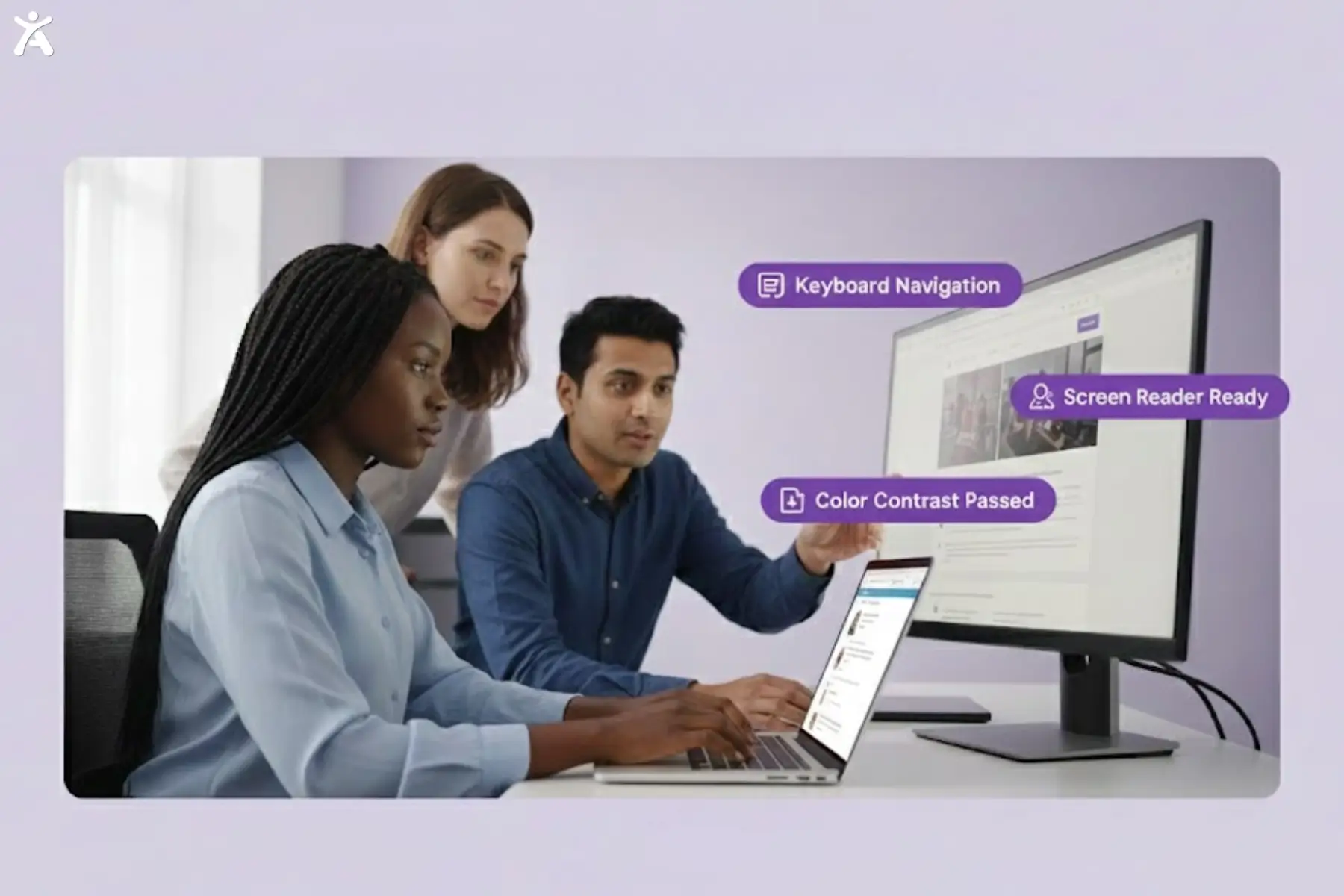
Accessibility in web design refers to creating websites and digital platforms that are usable by people with a wide range of abilities. It includes individuals with visual impairments who use screen readers. Additionally, it covers those with motor difficulties who rely on keyboard navigation. Ultimately, it’s about designing with empathy and foresight.
Eliminating Barriers to Accessible Information and Interaction
The main goal is to eliminate obstacles. Imagine reading text with poor color contrast or navigating a site without a mouse. For many, these are not just annoyances but significant barriers. Accessible design aims to remove these hurdles.
The Relationship Between Accessibility, Usability, and Inclusion
- Accessibility: Is the site usable by people with disabilities?
- Usability: Is the site easy and intuitive to use? (Defined by ISO 9241-11)
- Inclusive design: Does the design consider the full range of human diversity?
These three concepts are deeply intertwined. An accessible website is inherently more usable, and a usable site that considers diverse needs is, by definition, an inclusive one. Microsoft’s Inclusive Design principles are a great resource for this.
Who Benefits from Accessible Design? Everyone.
While the primary focus is on users with disabilities, the benefits of accessible design extend to all. Clear navigation menus help everyone find what they need, and video captions are useful in noisy environments. Universal design principles benefit all users.
Why Is Web Accessibility Crucial?
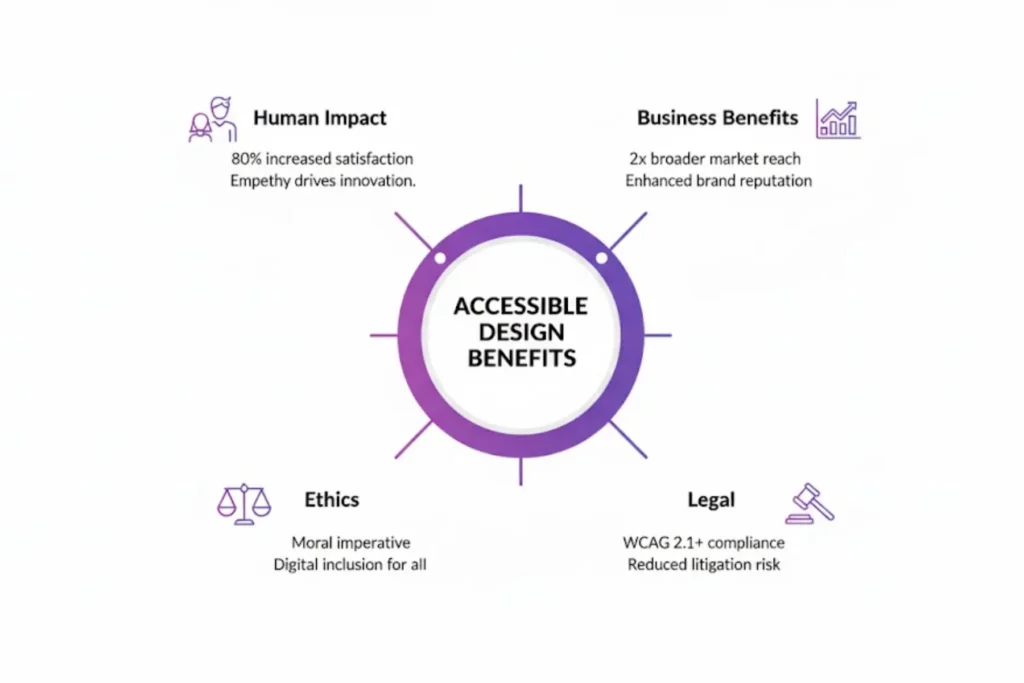 Web accessibility is a multifaceted human, ethical, and business issue. It’s not just a technical requirement but a moral and strategic imperative that benefits everyone.
The Human Impact of Empowering Individuals with Disabilities
For people with disabilities, an accessible website means independence and empowerment. It enables individuals with visual, auditory, motor, or cognitive disabilities to engage in the digital world fully. This participation spans across various areas, from education to employment.
The Ethical Imperative of Digital Rights and Equal Access
Access to information is a fundamental right. Denying access to digital content based on ability is a form of discrimination. The ethical imperative for web accessibility is rooted in ensuring equal opportunity for all.
Legal and Regulatory Compliance
In the United States, laws like the Americans with Disabilities Act (ADA) and Section 508 mandate digital accessibility for many organizations. Rising accessibility lawsuits underscore the legal risks of noncompliance, emphasizing the importance of adhering to established standards.
Business Benefits of Expanding Reach and User Experience
An accessible website reaches a wider audience, including millions of people with disabilities and an aging population. It also boosts SEO and improves user experience, increasing engagement and loyalty.
Designing for Diverse User Needs in Web Accessibility
To design for accessibility, we must understand how people use the web. It requires moving beyond assumptions and embracing empathy.
Categorizing Disabilities as a Spectrum of Experiences
Disabilities can be categorized, but it is important to remember that each person’s experience is unique.
- Visual Disabilities: Covers blindness, low vision, and color blindness. Users may rely on screen readers, magnifiers, or high-contrast modes to access the content.
- Auditory Disabilities: Deafness or being hard of hearing. These users rely on captions and transcripts for audio and video content.
- Motor Disabilities: Difficulty using a mouse or keyboard. Users might depend on keyboard navigation, voice recognition software, or other assistive devices.
- Cognitive Disabilities: Learning disabilities, memory impairments, or attention disorders. These users benefit from clear, simple language and consistent navigation.
The Psychological Impact of Inaccessible Design
Encountering an inaccessible website can be frustrating and demoralizing. It reinforces feelings of exclusion and can prevent individuals from completing essential tasks. As a result, this creates a significant psychological burden.
How Different Users Interact with Websites
- A screen reader user relies on accessible technology for all abilities, using keyboard commands to navigate a webpage. The content is read aloud as they move through the site, helping them understand and interact more effectively. Proper use of semantic HTML and descriptive alt text is crucial for them.
- A user with tremors may struggle with small, clickable targets. Larger buttons improve visibility, while ample spacing between interactive elements enhances usability. Together, these small adjustments can make a big difference.
Web Content Accessibility Guidelines (WCAG) as the Foundation for Accessibility
WCAG sets a shared global standard for web accessibility. These guidelines provide a clear framework for improvement. As a result, digital content becomes more usable for people with various disabilities.
Introducing the Web Content Accessibility Guidelines (WCAG)
Developed by the World Wide Web Consortium (W3C), the WCAG is the most recognized set of accessibility guidelines worldwide. It is also published as an ISO standard (ISO/IEC 40500). Following these guidelines helps improve digital accessibility. As a result, your content becomes more robust and easier for everyone to use.
The Four Core Principles of WCAG (POUR)
The WCAG guidelines are based on four essential principles.
- Perceivable: Users must be able to perceive the information being presented clearly and accurately. This requirement includes providing text alternatives for non-text content and ensuring sufficient color contrast.
- Operable: Users must interact with the interface effectively. This requirement involves making all functionality accessible from a keyboard and providing users with sufficient time to read and utilize the content.
- Understandable: Information and interface functions must be easy to understand. Achieving this involves using clear language and offering a predictable navigation experience.
- Robust: The content must be robust enough to work reliably across various user agents. It includes assistive technologies that interpret and present information to diverse users.
Understanding WCAG Compliance Levels (A, AA, AAA)
WCAG has three levels of conformance:
- Level A: The most basic level of accessibility.
- Level AA: The target level for most websites, addressing the most common barriers for disabled users. It offers a good balance of accessibility and design feasibility.
- Level AAA: The highest and most stringent level, often difficult to achieve for all content.
Pillars of Accessible Web Design
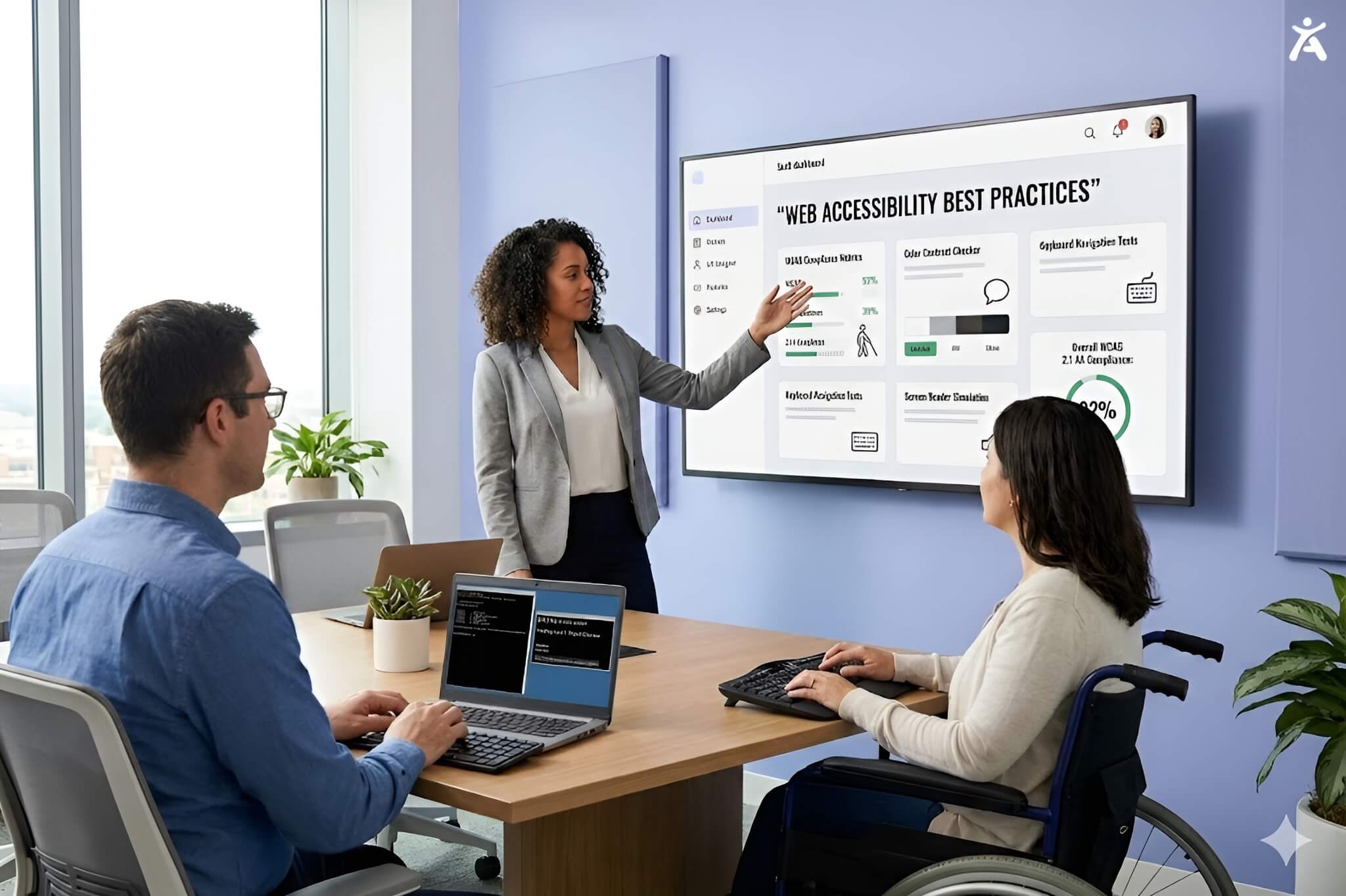
Implementing web accessibility requires taking practical steps and adhering to best practices. These should be integrated into every stage of web design and development.
- Semantic HTML and Content Structure: Use proper HTML tags (such as <nav>, <main>, and <h1>) to give your page a logical structure. Tools like Accessify can automatically check your headings, alt text, and other structural elements to ensure compliance, making it easier to implement accessibility best practices. This practice is fundamental for screen reader users to understand and navigate your content.
- Visual and Perceptual Design Considerations: Ensure your design maintains sufficient color contrast for readability, especially for users with low vision or color blindness. Additionally, text should be resizable without breaking the layout.
- Navigation and Interaction Accessibility: All interactive elements should be operable with a keyboard. Navigation menus must be consistent and easy to follow.
- Multimedia Accessibility: Provide captions for videos, transcripts for audio content, and descriptive alternative text for images. Ensure that media controls are accessible.
- Document Accessibility: Don’t forget about PDFs and other documents. They need to be tagged and structured properly to be accessible.
Fostering an Accessibility-First Mindset
True digital accessibility goes beyond checklists. It requires a cultural shift within an organization to prioritize inclusion in every decision.
Embracing Universal Design Principles
Universal Design is a concept introduced by Ronald Mace, an American architect, product designer, educator, and consultant. Mace aimed to create products and environments accessible to people of all abilities. This approach focuses on designing products and spaces that are accessible to everyone. Accessibility is integrated from the start, reducing the need for later adaptations. These principles help create a more inclusive user experience when applied to web design.
Embedding Accessibility into the UI/UX Design Process
Accessibility should be a consideration from the very first wireframe. Integrating accessibility testing into prototypes and the Quality Assurance (QA) process enables teams to identify issues early and develop more robust, inclusive products.
Sustaining Accessibility through Testing, Maintenance, and Iteration
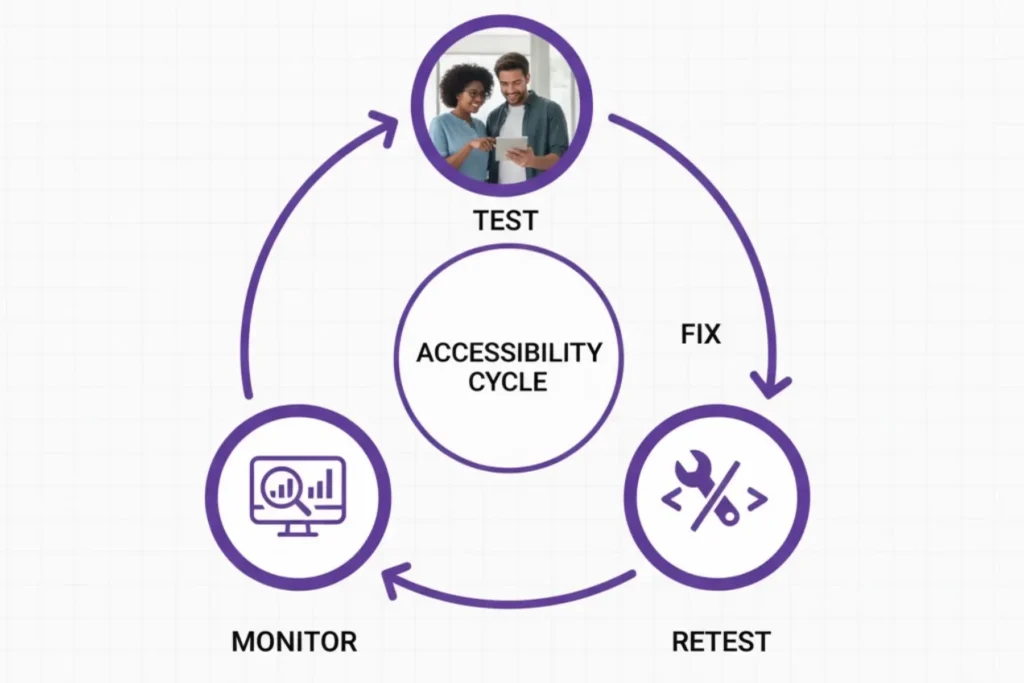
Launching an accessible website is just the beginning. Accessibility is an ongoing process that needs regular testing, maintenance, and continuous improvement.
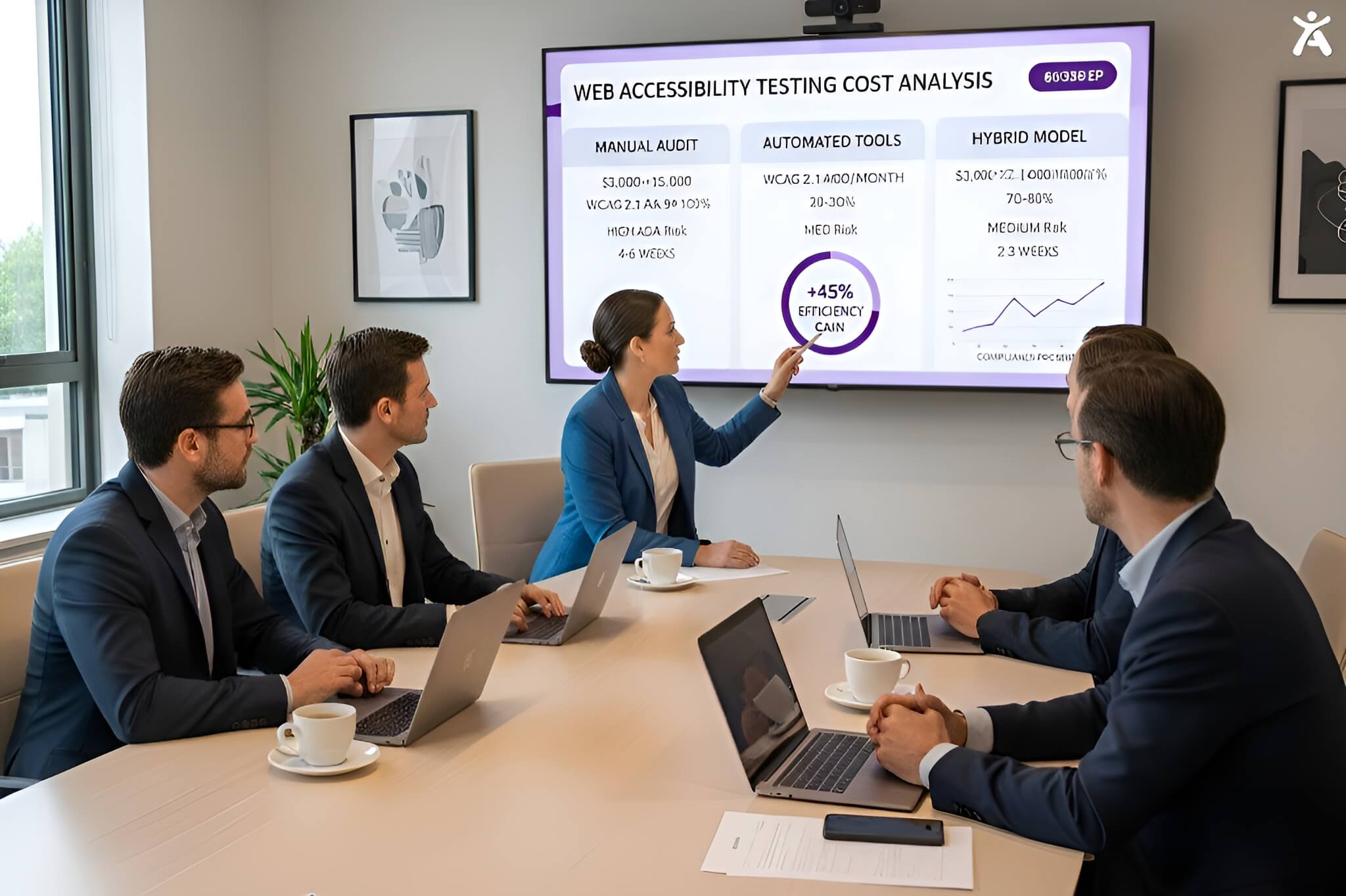
Manual Accessibility Testing with Diverse Users (Human Testing)
Automated tools can’t catch everything. Therefore, involve users with disabilities in testing your website. Their feedback provides valuable insights into its real-world usability. This approach is the most effective way to understand how your design impacts different users.
Automated Accessibility Testing Tools and Browser Extensions
Tools like the WAVE evaluation tool and Axe DevTools extension can help you review your website for accessibility. They quickly identify common issues, such as missing alt text or low color contrast.
Keeping Up with Accessibility Standards and Best Practices
Web accessibility is an evolving field. To stay up-to-date, organizations like the a11y Collective and ADA Site Compliance offer valuable resources for teams. These resources keep you informed about the latest accessibility guidelines and best practices.
What Is the Future of Accessible Web Design?
As technology advances, new opportunities emerge for building a more inclusive digital world. These innovations are paving the way for more intuitive and effective accessibility solutions.
Advancements in Assistive and Voice-Enabled Technologies
Innovations in assistive technologies are advancing rapidly. These technologies are transforming the way users engage with the digital world, from advanced screen readers to voice-enabled tools. As designers, we must ensure our websites remain compatible with these evolving tools.
The Role of Artificial Intelligence (AI) in Accessibility
AI has the potential to revolutionize digital accessibility. For example, AI can automatically generate alt text for images. It can also provide real-time captions for videos. Additionally, it helps identify accessibility issues in code. However, ensuring these AI systems are developed and trained without bias is crucial.
Expanding Accessibility Across Digital Platforms
Accessibility isn’t limited to websites. As people increasingly use mobile devices, smartwatches, and virtual reality, their importance continues to grow. Therefore, we must apply accessibility principles across all digital platforms to ensure no one is left behind.
Conclusion
A web that is accessible for all begins with recognizing that accessibility is a continuous journey, not a one-time achievement. By understanding its principles and committing to ongoing improvement, we can build a digital world that is inclusive and welcoming to everyone. When we lead with empathy and prioritize accessibility, we move closer to a truly open and inclusive digital experience.
It’s time for the web design community to take the lead. We must champion accessibility in every project and educate clients about its value. Start today by running an accessibility audit on your own site and making one meaningful improvement this week. Together, we can create a truly accessible internet for all.
FAQs
Start with semantic HTML, meaningful alt text, and ARIA where necessary. Run reviews with WAVE and Axe alongside Accessify to quickly detect barriers and guide remediation priorities during development workflows.
Accessible design uses clear structure, readable text, strong contrast, properly labeled controls, and keyboard support. The purpose is to ensure predictable navigation and reliable interactions for users with varying abilities across devices and contexts.
Businesses can add alt text, use semantic markup, ensure logical reading order, and support assistive technologies. Regular testing and iterative updates maintain inclusive design principles and better experiences for all users.
It means people can perceive, interact with, understand, and operate your site. Include readable layouts, clear navigation, keyboard access, and screen reader compatibility to ensure equal use and a consistent experience for all visitors.
Non-compliant sites risk legal action under laws such as the ADA and WCAG. Routine evaluation, remediation, and clear documentation protect organizations from liability, and Accessify supports audits to simplify compliance monitoring.