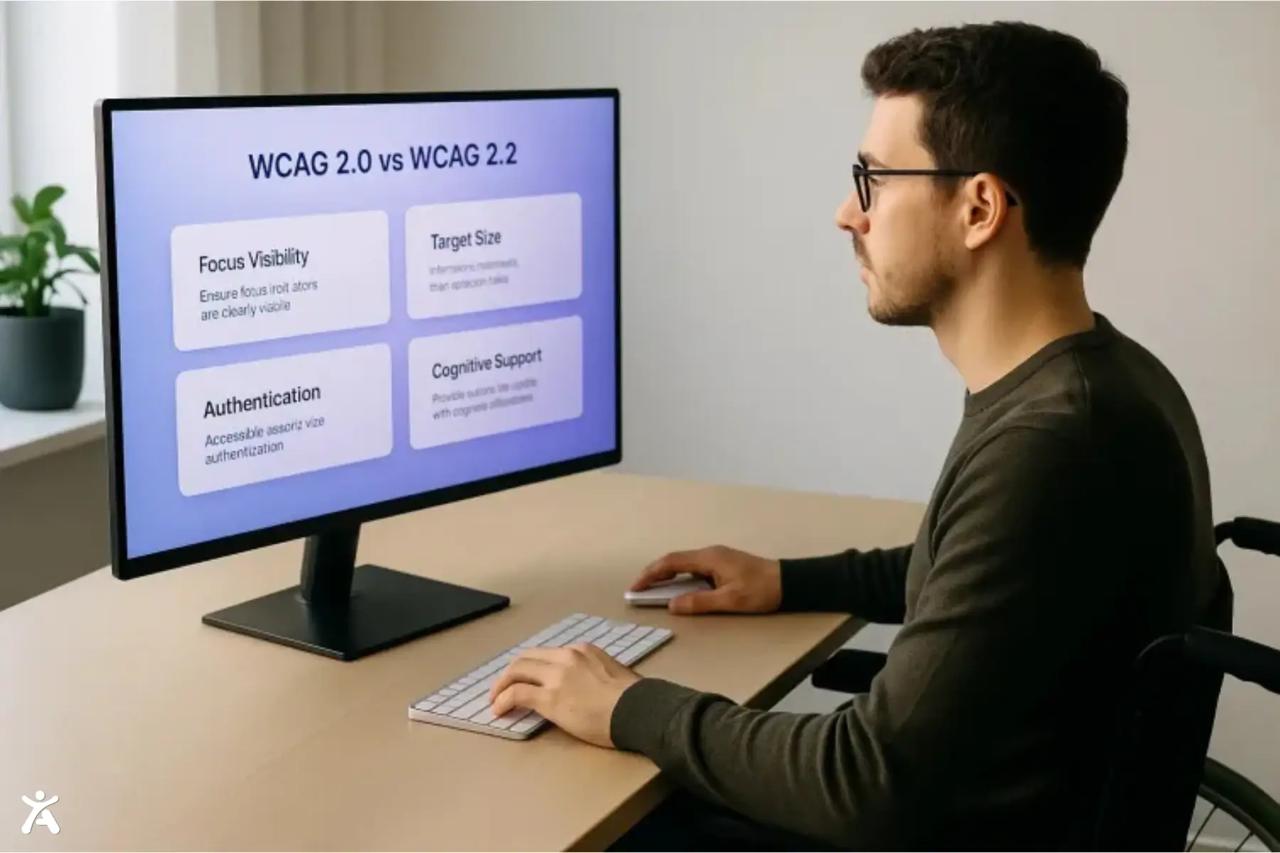
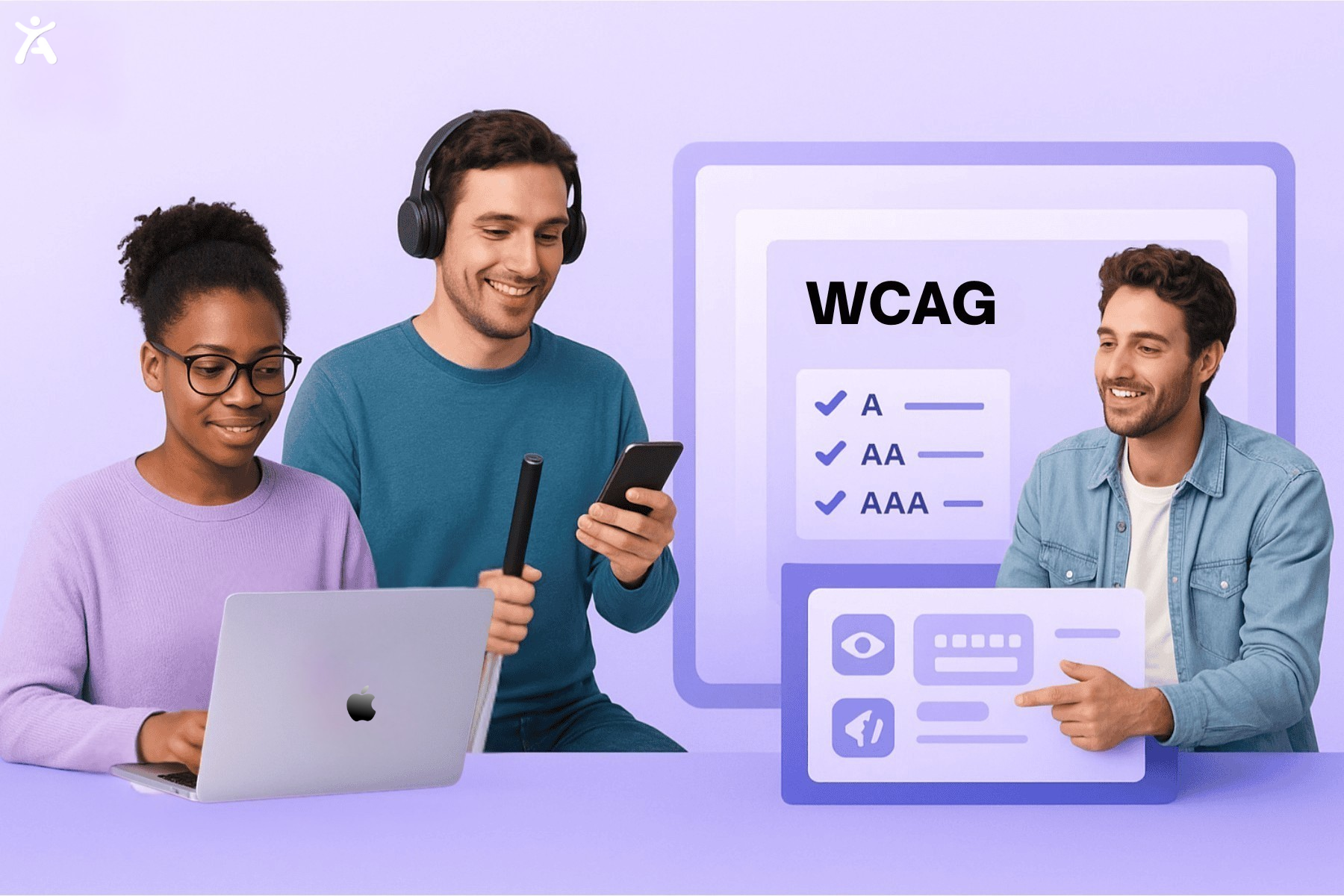
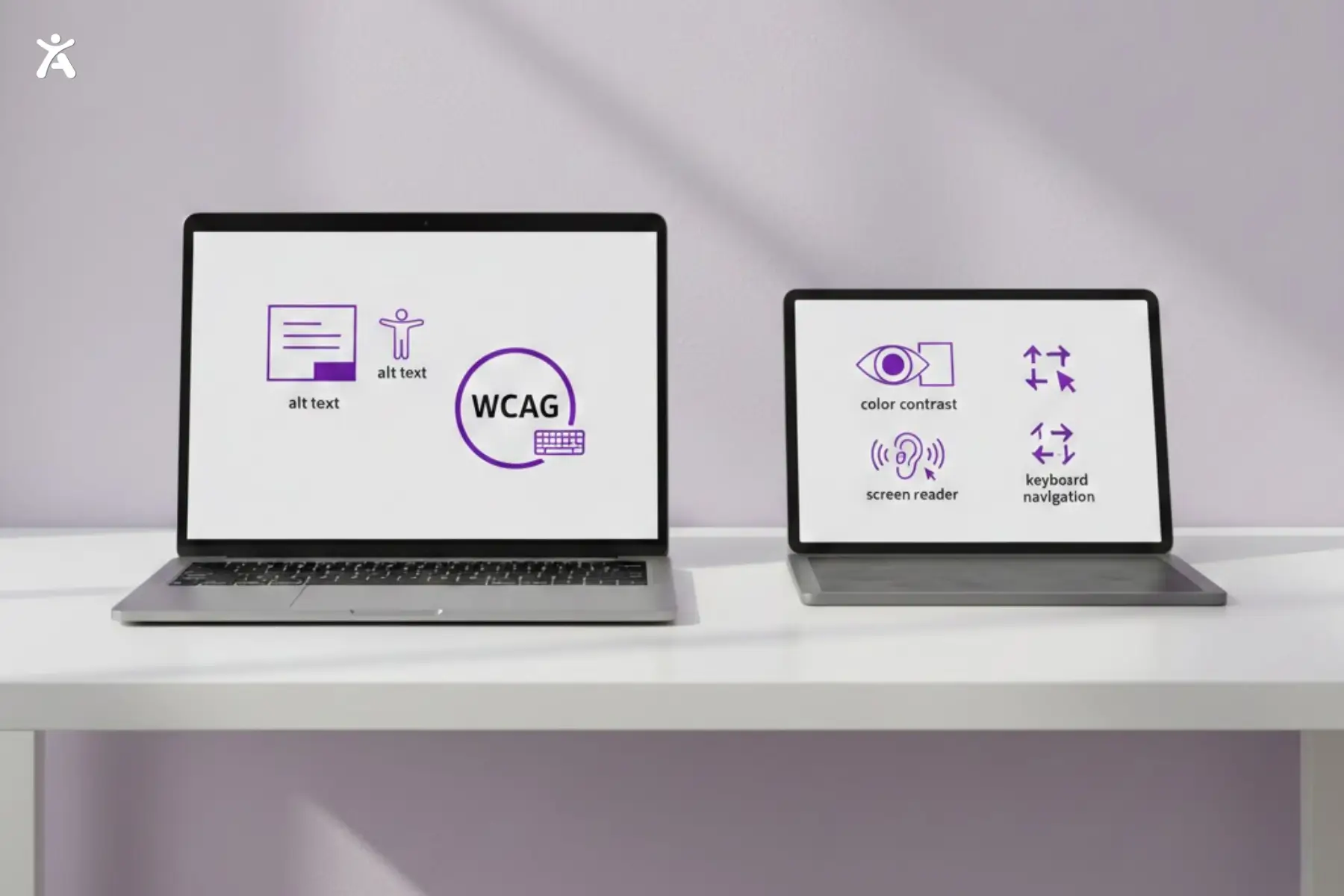
Are you building websites that everyone can use? This WCAG 2.0 quick reference will help you understand the core principles of digital accessibility. The Web Content Accessibility Guidelines (WCAG) guide designers, developers, and content teams on how to create accessible content. They aim to improve experiences for people with disabilities. This guide breaks down what you need to know and guides you on how to apply it effectively.
The rapid evolution of technology means that new platforms, devices, and assistive tools continue to enter the market each year. Websites designed for accessibility work better for everyone. They tend to be more intuitive, easier to navigate, and often score higher in user satisfaction. Following accessibility best practices saves money on redesigns. It speeds up delivery and protects your brand’s reputation. By understanding the details of WCAG, you create a digital space where all visitors feel valued and empowered, regardless of their ability.
Quick Summary
The WCAG 2.0 quick reference and updates highlight key points for mobile accessibility, cognitive usability, and effective keyboard navigation. These standards aren’t just ideas. They tackle real issues web users encounter daily. These include hidden focus states and touch elements that are too small or too close together. With the WCAG 2.0, you can easily understand key accessibility needs. Use practical examples today to build websites that work for everyone.
Why the WCAG 2.0 Quick Reference Matters
The World Wide Web Consortium (W3C) maintains the Web Content Accessibility Guidelines. These guidelines ensure that digital content is accessible to everyone, not just a few. About one in six people around the world has a disability. This shows how important accessibility is. Adopting the WCAG isn’t just a duty or a checkmark on a compliance form; it’s an opportunity to improve experiences for everyone. Accessible sites are easier for everyone to use. They show your commitment to digital inclusivity, which can boost your organization’s reputation.
Ignoring the WCAG can leave many users behind. This includes older adults, those with temporary impairments, and users on slow connections. Making accessibility a priority removes barriers. It encourages engagement and fosters loyalty among all your visitors, regardless of how they access your digital resources.
Who Can Benefit from This Guide?
This WCAG 2.0 quick reference is tailored for a range of professionals. Designers can get tips on making easy-to-use, accessible interfaces. This encompasses everything, from initial concepts to final designs. Developers should check coding standards and implementation details. This helps them stay compliant at each stage. Project managers, content creators, and business owners will understand the reasons, needs, and benefits of each guideline. Everyone involved in the digital product life cycle must support accessibility.
Understanding Key Principles: POUR

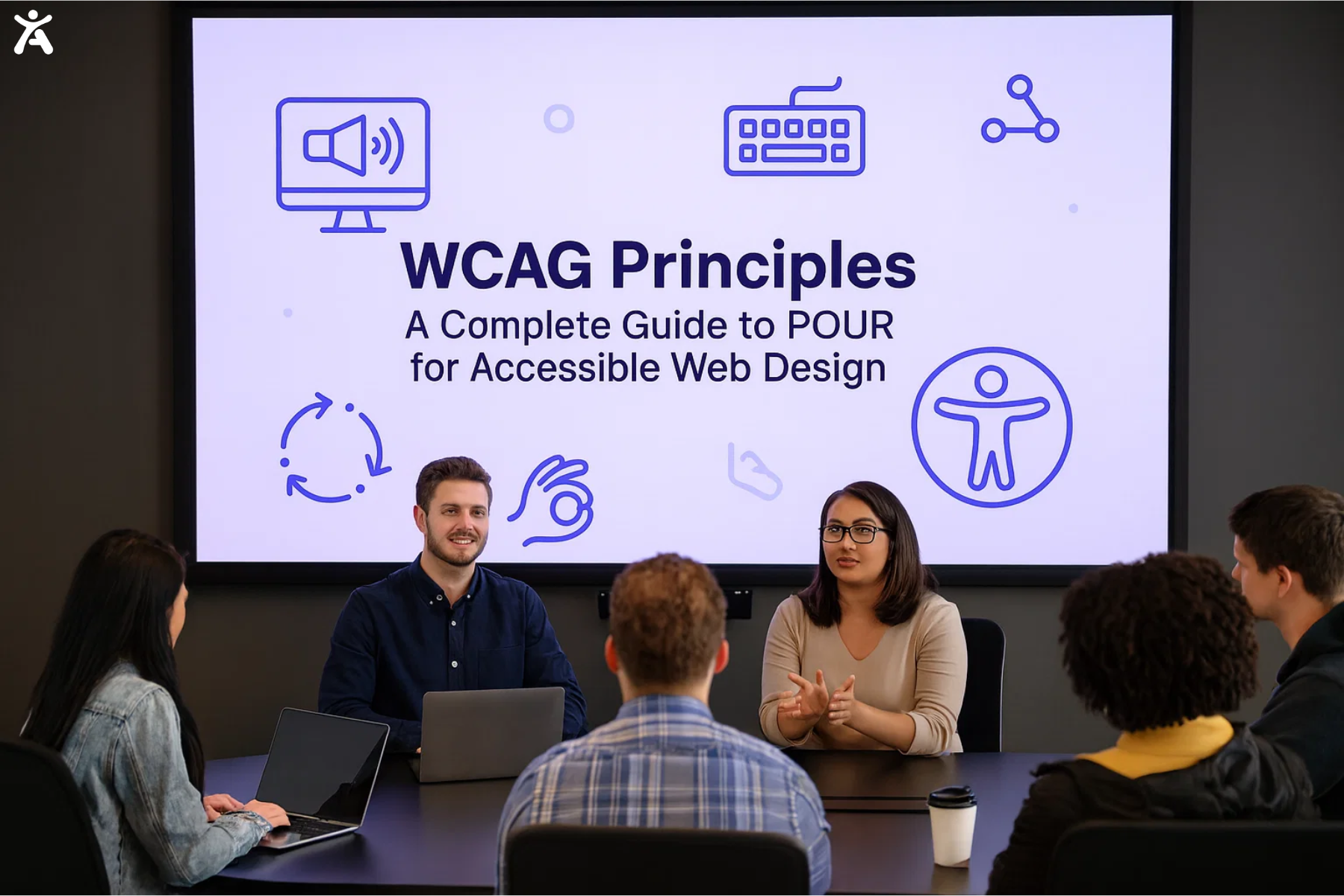
Exploring the POUR framework, which stands for Perceivable, Operable, Understandable, and Robust, is foundational for the WCAG 2.0. A solid grasp of POUR simplifies accessibility strategies. It helps you make smart choices with each project.
- Perceivable: Information must be presented to users in a way they can perceive. This means using text alternatives for images, captions for multimedia, and ensuring layouts offer enough color contrast so that everyone can read with ease.
- Operable: Interactive elements must be usable by every visitor, regardless of their method of interaction, whether via keyboard, touchscreen, voice, or other assistive devices.
- Understandable: Content and controls should be clear and predictable. Navigation must be intuitive, instructions clear, and user feedback constructive.
- Robust: Your site must perform reliably, not only today but also as technology changes. This means compatibility with current and future user agents, browsers, and assistive technologies.
Using these principles regularly in your daily routine can help ensure that your project management or sprint planning meetings incorporate WCAG 2.0 quick reference criteria. This can lead to real improvements in accessibility.
Setting and Achieving Conformance Levels
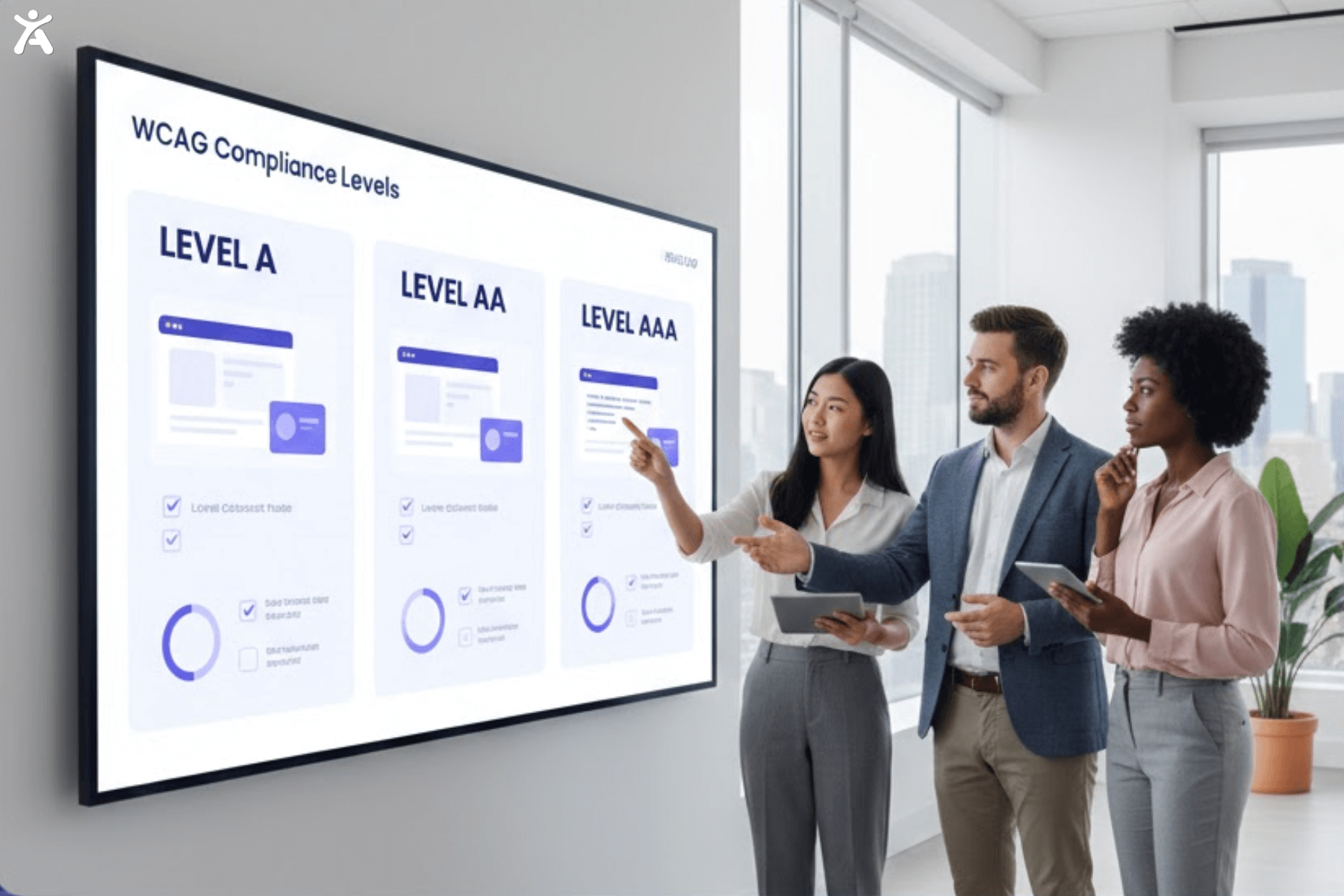
WCAG organizes success criteria into three distinct levels: A, AA, and AAA. Each level builds on the prior, providing clarity on what is possible, practical, and optimal.
- Level A: Delivers the basic minimum of accessibility but leaves many barriers in place.
- Level AA: Is the target that most organizations should aim for, removing the majority of significant obstacles and making content usable for most people.
- Level AAA: Represents the most thorough approach, although not every site or page can achieve these requirements.
The Power of User-Centered Design
Accessibility must extend beyond technical checklists and become an integral part of your design culture. Invite people with disabilities to join your feedback and testing. This helps you find important usability problems that automated tools might overlook. The WCAG 2.0 is a great starting point. However, we need human insight to bridge the gap between compliance and real usability.
Focusing on real user feedback helps spot issues sooner. This streamlines development and makes your products fairer. This proactive, people-first approach helps avoid costly retrofits or legal issues later on.
Critical Areas Highlighted by WCAG 2.0 Quick Reference
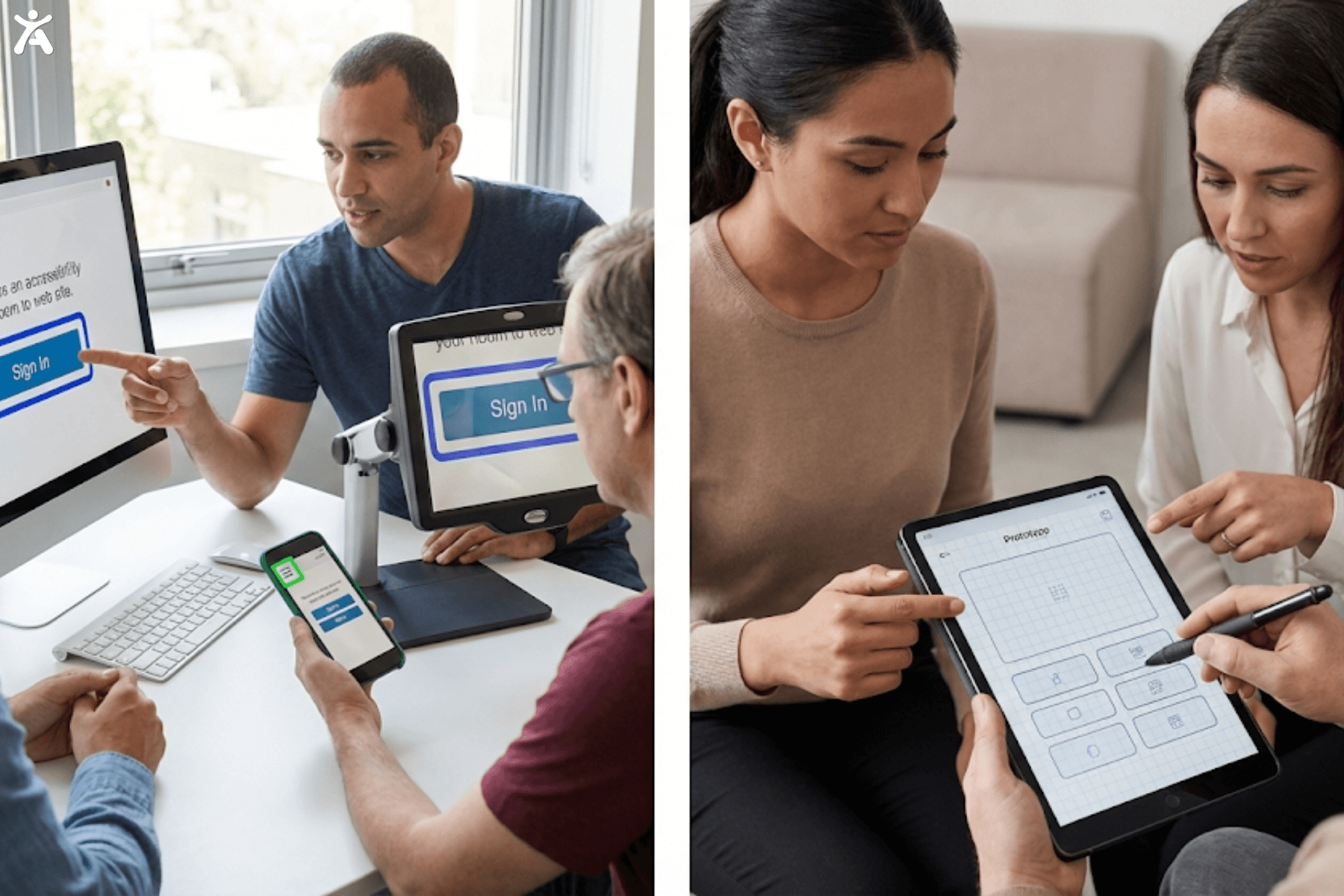
Recent WCAG updates introduce several new success criteria that fall into clear, practical categories. These include improving focus visibility for keyboard users, making touch targets easier to interact with, offering alternative input methods, and reducing cognitive load to support users with diverse accessibility needs.
Enhancing Focus Visibility
A common frustration for keyboard-only users is losing track of their location while navigating through interactive elements using the tab key. Headers, notifications, or sticky footers can hide the focus indicator. This can lead to digital disorientation. Imagine doing a simple task, but you can’t see which button your cursor is on or where you are on a form. This can quickly cause frustration or even make you give up.
Level AA (2.4.11) requires that part of the focus indicator is always shown and not covered by content that authors control. Regularly testing all interactive items should be standard practice, not an afterthought. This ensures real accessibility.
Sharpening Focus Appearance
Weak or subtle focus indicators, such as faint gray outlines, often fail to meet user expectations. The WCAG addresses this with strict requirements for focus size, color contrast, and overall visibility. Focus indicators must be at least two CSS pixels thick and stand out at a 3:1 contrast ratio (2.4.13).
This improvement isn’t just for users with visual or motor disabilities; it enhances navigation and reduces mistakes for every user, especially in fast-paced tasks or when completing important forms.
Alternatives for Drag-and-Drop

Not all users have the fine motor control or dexterity required for drag-and-drop interfaces, a challenge that the WCAG addresses directly. To meet 2.5.7 (AA), any interaction that requires dragging should have a simple alternative, such as up/down arrows or an explicit reordering UI.
This approach ensures broad usability, benefitting not just people with motor limitations but also mobile users working in less-than-ideal conditions, such as while traveling or using old hardware.
Boosting Touch Target Size
Touch screens are common, but tiny buttons can be a problem. This is especially true for users with mobility challenges or larger hands. The WCAG 2.0 quick reference requires touch targets to be at least 24×24 CSS pixels (2.5.8 AA). This helps reduce mistakes and frustration. If a user can tap confidently, it speeds up navigation, reduces error rates, and creates a more pleasant browsing or app experience.

Streamlining Data Entry
Requiring users to enter the same information, such as an email address, in every multi-step form adds extra challenges. This is especially tough for individuals with cognitive disabilities. Criterion 3.3.7 (A) requires that redundancies be minimized. Data captured should auto-fill or be easily selectable in later steps. This helps all users by making the process simpler and reducing abandonment rates.
Integrating the WCAG 2.0 Quick Reference into Your Workflow
Accessibility should be a cornerstone of your digital project, from its inception to its completion. Start discussing WCAG standards in the initial design meetings. Then, review them in each phase: requirements gathering, wire framing, coding, and quality assurance.
Use semantic HTML as your foundation, ensuring all buttons, forms, and navigation elements are natively accessible. Test every new component and workflow using only the keyboard. Additionally, try it with a trusted screen reader, such as Accessify. Add manual user testing. This method often reveals subtle or complex issues that technology may overlook.

Legal Responsibilities and Cultural Change
Accessibility rules are getting stricter everywhere. Many places now require organizations to follow WCAG 2.0 or higher. This is especially true for those who serve the public, receive government funding, or work in international settings. Using WCAG 2.0 in your development and QA processes is essential. It lowers the risk of penalties, lawsuits, and damage to your reputation. Plus, it benefits all your customers.
Testing, Tools, and Ongoing Improvement
No single tool can guarantee compliance, but the right mix of automated and manual testing makes a powerful difference. Add accessibility checkers like Accessify and axe DevTools early in your workflow. Additionally, utilize manual methods such as keyboard reviews and user journey walkthroughs, based on the WCAG 2.0 quick reference.
Consider accessibility as an ongoing process. As technology and user needs change, regular audits and feedback help us stay aligned with WCAG 2.0 best practices.
Accessibility and Search Engine Optimization
Google and major search engines reward websites with clear, well-structured content. They favor solid contrast, effective alt text, and well-labeled navigation. These practices follow the WCAG standards. Focus on better user experiences first. Good accessibility leads to effective search engine optimization as a bonus.
The Cost of Inaccessibility
Failing to apply the WCAG levels comes with tangible costs. Lawsuits citing non-compliance are on the rise in many countries, and users excluded by poor design are unlikely to return or to recommend your site. Furthermore, inaccessible websites can harm a brand’s reputation and create a public relations crisis that’s difficult to resolve.
Building Your Organization’s Accessibility Culture
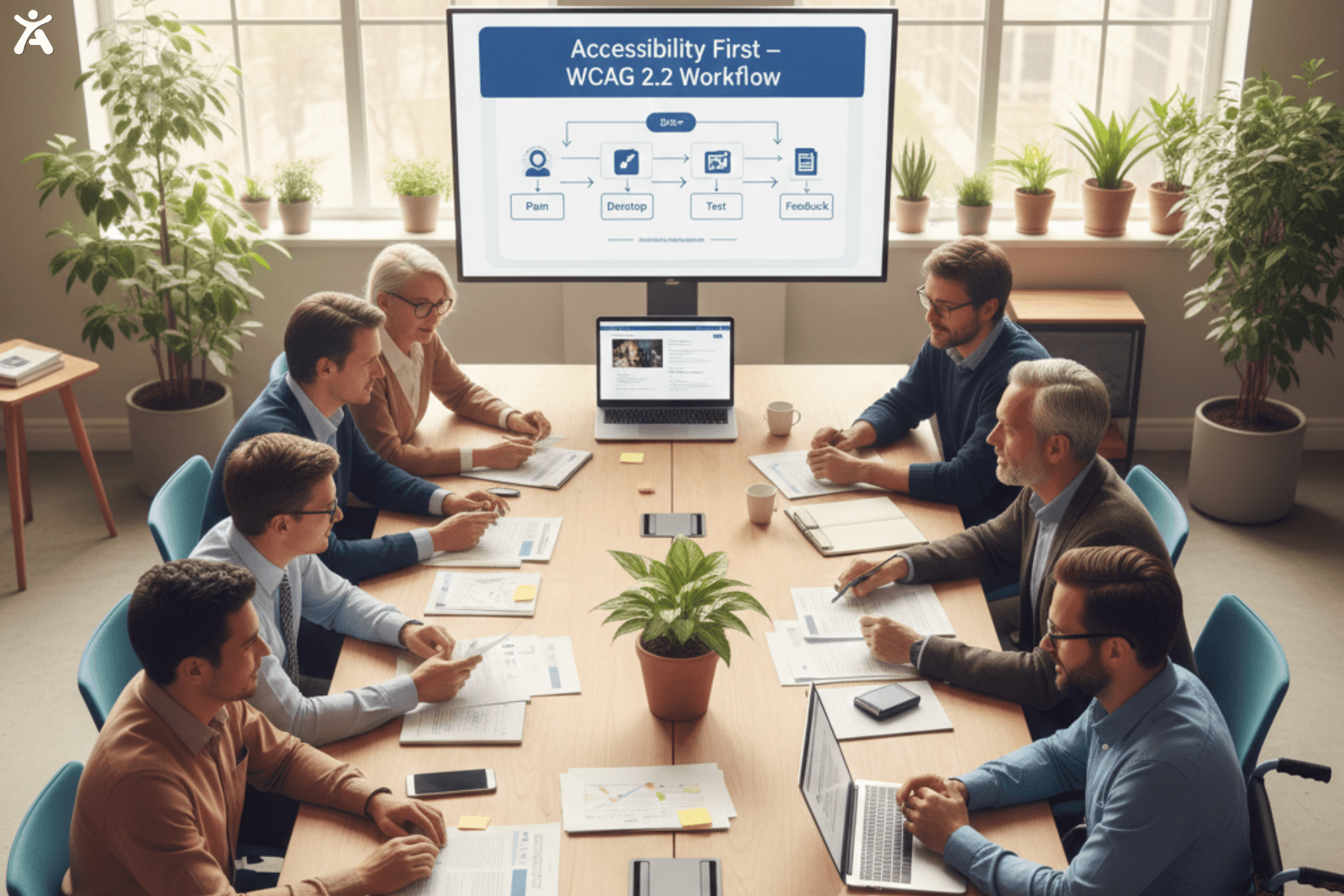
Treat the WCAG 2.0 quick reference as a living document and cornerstone of digital strategy, not a checkbox. Create champions across teams and reward proactive improvements. Whenever a new feature is planned, ask how it aligns with accessibility guidelines and ensure it gets sufficient time in the discovery and QA phases.
Addressing Common Accessibility Myths
Some argue accessibility makes websites less attractive or harder to build, but the POUR demonstrates that modern, sleek, and creative designs can still meet and even exceed accessibility standards. In fact, constraints often inspire ingenious new solutions that benefit every site user.
Takeaways
An inclusive digital world begins with a deliberate and informed commitment. The WCAG principle is the gold standard:
- It’s actionable, evolving, and makes your projects better for everyone. Embed accessibility in every step with all stakeholders.
- This will make your sites more usable, compliant, and successful. Continue to improve, gather feedback, conduct regular audits, and stay informed about accessibility trends.
- Every change you make pushes the web closer to a place where no one is left out.
Conclusion
In conclusion, using the WCAG 2.0 quick reference goes beyond checking boxes. It’s about creating digital spaces where everyone can fully participate. When teams make accessibility a core value, they create websites and apps that cater to all visitors. This leads to better results, stronger brand loyalty, and a more inclusive web for everyone.
Using the WCAG 2.0 levels will help make your digital offerings strong and welcoming. This applies to any industry or audience. It supports a diverse online community that continues to grow. Start your journey toward full accessibility today; it’s a win for your users, your brand, and the world.
Ready to improve your website’s accessibility? Contact us today for a comprehensive accessibility audit or try implementing one WCAG 2.2 criterion this week and share your experience in the comments below.
FAQs
WCAG offers three levels of accessibility: A, AA, and AAA, each representing an increasing level of rigor and user support. Most organizations aim for AA, as it provides strong usability for people with disabilities while remaining achievable across diverse websites, applications, and digital platforms.
A concise summary of guidelines is available through the Structured WCAG 2.0 Quick Reference. It breaks down principles, techniques, and success criteria into a straightforward format, enabling teams to perform faster accessibility checks without needing to navigate lengthy technical documentation.
Yes, WCAG applies fully to mobile apps. Its standards guide touch target sizing, gesture use, visual clarity, adaptable layouts, and compatibility with assistive technologies, ensuring mobile experiences remain inclusive for users with visual, cognitive, or motor challenges across various devices.
A WCAG contrast checker helps confirm readable color combinations, preventing eye strain and improving text clarity for users with low vision. Designers can quickly evaluate color ratios, maintain consistency, and ensure compliance, making digital content more accessible and visually inclusive for everyone.
WCAG 2.0 features 61 success criteria across its levels. They’re easy to explore through the WCAG 2.0 quick reference, which organizes requirements clearly, helping developers and testers understand expectations and implement accessibility improvements efficiently.