Imagine launching a retail store in your local city but locking the front door for 20 percent of your customers. That is what happens when you do not check web accessibility on your new site. Accessibility is often treated as an afterthought, but ignoring it creates barriers for millions of users.
If you are an agency owner or developer, ensuring your digital product is inclusive is a moral and legal necessity. You need a solid framework to verify that users with disabilities can navigate your content seamlessly.
Quick Summary
Checking web accessibility before launch helps avoid legal issues. It also cuts development costs and ensures your site works for everyone. Automated tools can quickly spot common code issues. However, they only find a small part of the actual accessibility barriers. True compliance requires manual audits and testing of assistive technology. A combined approach delivers the most reliable results.
What are the web accessibility testing methods?
If you are short on time, here is the bottom line on ensuring your site is ready for launch. A robust testing strategy combines speed with human insight.
- Automated scans detect approximately 30 to 40 percent of common errors, including missing code and broken links.
- Manual audits are necessary to identify usability issues that robots may overlook, such as logical reading order.
- Assistive technologies, such as screen readers, must be thoroughly tested to ensure the site functions properly without the use of a mouse.
- Accessify offers a hybrid solution that automates detection while providing tools for user customization.
Why Check Accessibility Before You Launch the Site?
Many businesses wait until after a site goes live to worry about compliance. This delay is a costly mistake. Retrofitting a live website is significantly more expensive than building it correctly from the start.
Avoiding Legal Complications
Governments globally are tightening regulations. In the US, the ADA (Americans with Disabilities Act) impacts digital spaces. In Ontario, the Accessibility for Ontarians with Disabilities Act sets strict rules. Europe has the European Accessibility Act. Noncompliance with these standards exposes businesses to legal action.
Expanding Your Market Reach
Around one in eight people worldwide experience a disability. When you ignore accessibility issues, you exclude a massive portion of the market. An accessible site enhances the user experience for everyone, including individuals in aging populations and those using mobile devices.
Boosting Search Engine Optimization
Google loves accessible sites. Features such as alt text and proper heading structures help search engines better understand your content. When you improve accessibility (or A11y), you often improve SEO simultaneously.
How to Test with Manual and Automated Methods?
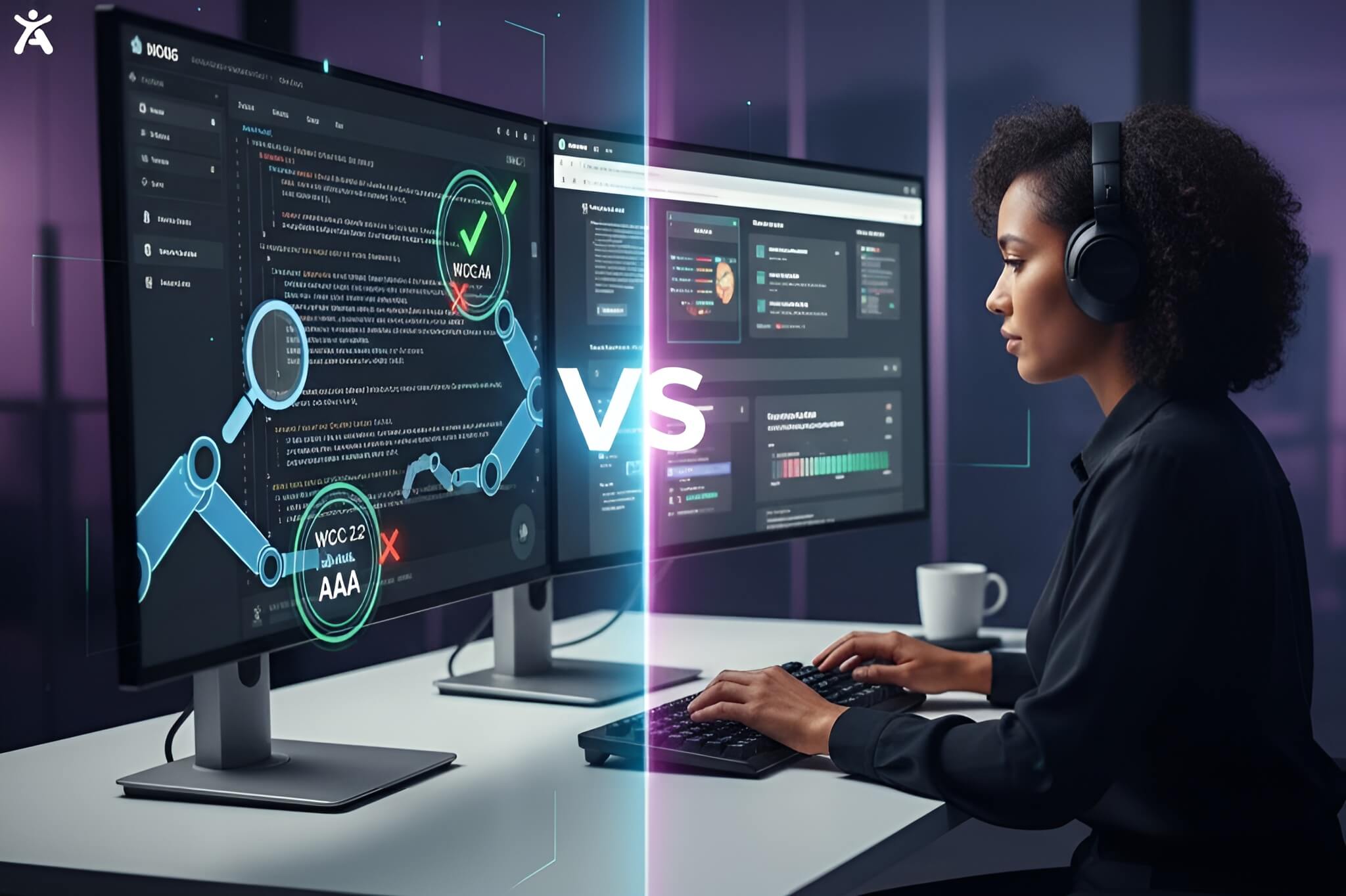
You cannot rely on a single method to guarantee compliance. The gold standard for QA frameworks involves a dual approach.
The Speed of Automation
Automated testing is perfect for scanning thousands of pages in minutes. An accessibility checker can instantly flag broken links, missing attributes, or poor coding practices. This automated testing approach is your first line of defense.
The Nuance of Human Testing
Machines cannot judge context. An AI might see that an image has alternative text, but it cannot tell if the description is accurate. Manual accessibility testing involves real humans interacting with the site to ensure the experience is intuitive and makes sense.
What are the Core Web Accessibility Standards?
Before you start testing, you need to know what you are measuring against. Accessibility efforts are evaluated against the Web Content Accessibility Guidelines (WCAG).
Understanding WCAG principles
WCAG is structured around four core principles, commonly referred to as POUR:
- Perceivable: Users must be able to perceive the content through sight or hearing.
- Operable: Users must be able to use the interface (buttons, forms, navigation).
- Understandable: The content and operation cannot be confusing.
- Robust: The site must work with current and future assistive technologies.
Legal Standards to Watch
Depending on your location, you might need to align with specific laws.
- Section 508: Mandatory for U.S. federal agencies and contractors.
- EN 301549: The standard for public procurement in Europe.
- Stanca Act: Relevant for digital accessibility in Italy.
Which tools are most effective for automated scanning?
Automated tools are essential for the initial phase of your audit. They help you clear the low-hanging fruit quickly.
- Browser Extensions: Tools like axe DevTools or WAVE API sit in your browser and allow you to check individual pages as you build them.
- Site-Wide Scanners: Platforms that crawl your entire domain to generate a report on accessibility violations across all URLs.
- Lighthouse Tool: Google’s built-in tool in the Chrome browser offers a basic accessibility score alongside performance metrics.
- Contrast Checkers: Dedicated tools, such as the Color Contrast Analyzer, ensure your text is readable against the background.
Why do you need manual human testing?
Automated scans are helpful, but they are not enough. You must perform manual checks to ensure the site is truly usable.
1. Test Keyboard Navigation
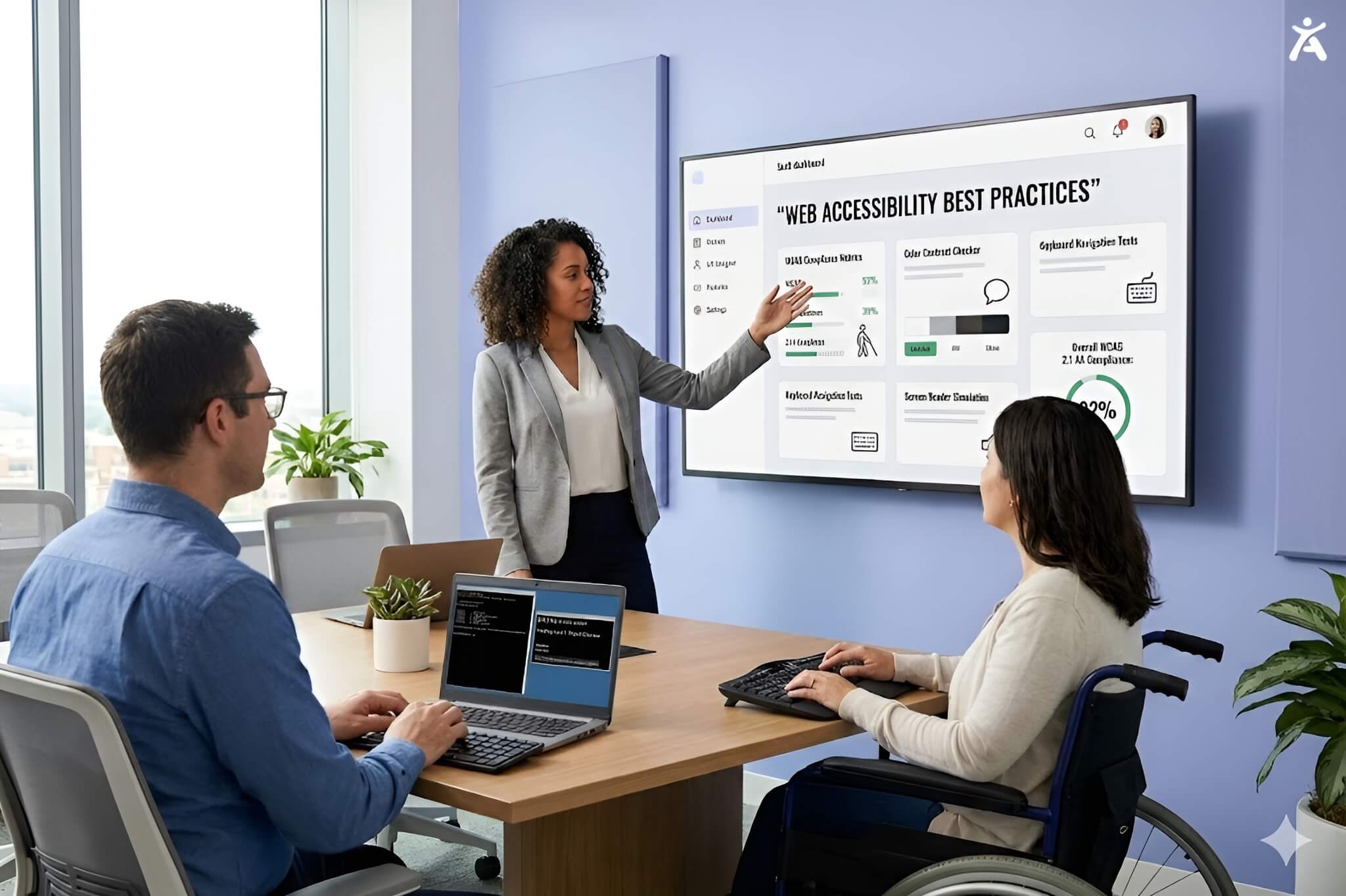
Unplug your mouse. Can you navigate the entire site using only the Tab key? You must ensure that the focus state is visible so users know where they are on the page. All interactive elements, such as menus and forms, must be accessible via keyboard-only navigation.
2. Verify Screen Reader Compatibility
Use screen readers like NVDA or VoiceOver. Close your eyes and listen. Does the page structure make sense? Ensure that ARIA labels are used correctly to describe elements that visual users take for granted.
3. Check Form Fields
Forms are critical for conversion, but often fail accessibility tests. Ensure every input has a label. Error messages must be descriptive and easy to recover from.
4. Review Multimedia Content
Videos must have captions. Audio files need transcripts. Images that convey meaning require descriptive alt attribute data, while decorative images should be hidden from screen readers.
How Does Accessify Simplify Your Compliance Journey?
Managing all these testing layers can be overwhelming for agencies. That is where Accessify changes the game. It is an AI-powered solution designed to bridge the gap between automated speed and human-centric compliance.
Automated Audits and Fixes
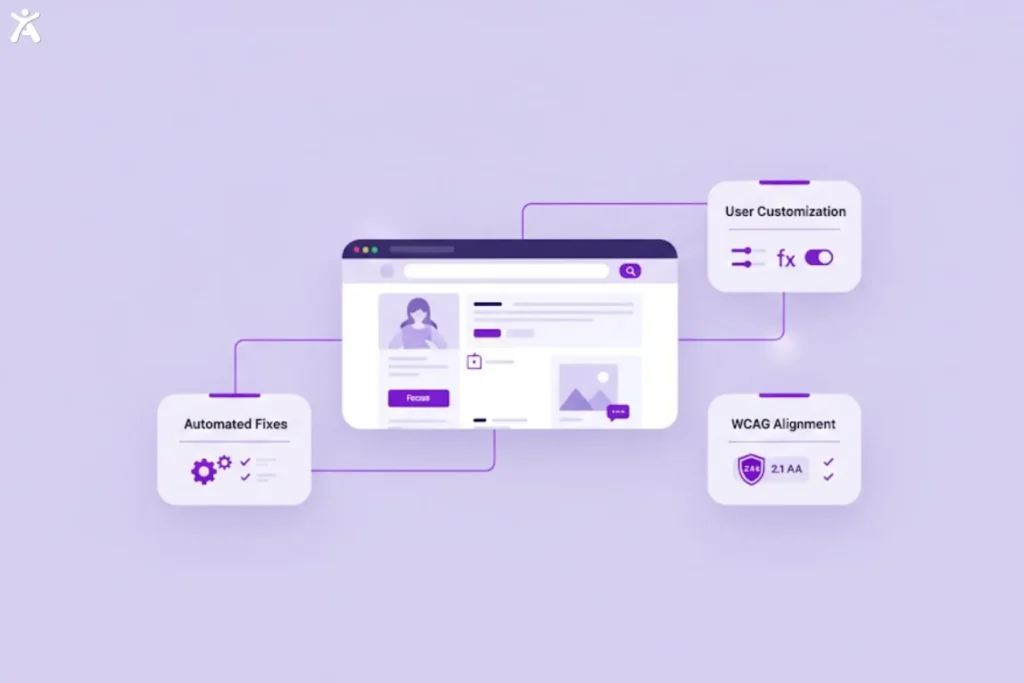
Accessify scans your site to identify accessibility standards violations. Unlike basic tools, it utilizes AI to automatically remediate many issues at the code layer without compromising your design. It helps align your site with WCAG standards and ADA requirements effortlessly.
Empowering the user
Accessify installs a widget on your site that allows visitors to customize their views.
- Accessibility Profiles: Users can select profiles for epilepsy, visual impairments, or cognitive disabilities.
- Content Adjustments: Visitors can change color contrast, font size, and letter spacing.
- Navigation Tools: Features like voice navigation and a smart focus state ring help users browse the way they prefer.
By using Accessify, you are not just checking boxes. You are providing a better experience. You can read more about these features on the Accessify Blog.
Is your website ready for the public?
The final phase involves a holistic review. You must ensure that your compliance efforts are well-documented and sustainable.
Review Key User Flows
Check the most important paths on your site. Can a user complete a purchase? Can they sign up for a newsletter? These high-traffic areas must be flawless.
Create an Accessibility Statement
Transparency builds trust. Publish a statement detailing your commitment to inclusion. Accessify helps generate this statement, showing users that you value their experiences.
Plan for Maintenance
The web changes constantly. New content can introduce new errors. Establishing a culture of site-wide monitoring ensures you remain compliant long after the launch.
Final Thoughts
To check web accessibility effectively before launch, businesses need more than isolated tools or last-minute audits. Automated scans alone leave critical gaps, while manual testing without scalable support increases time and cost.
A structured approach that combines automated detection, human validation, and ongoing monitoring reduces legal risk and speeds up delivery. Platforms like Accessify help teams operationalize accessibility at scale, enabling compliant launches without the need for expensive rework or fragmented workflows.
FAQs
Checking web accessibility means reviewing content, color contrast, keyboard navigation, labels, and assistive technology support against WCAG standards. Tools like Accessify help teams spot risks early and improve compliance workflows.
Automated testing scans pages for missing labels, low contrast, focus issues, and ARIA errors. It is fast and scalable, but should be paired with manual reviews to capture real user experiences and accessibility nuances across devices.
A thorough accessibility review covers keyboard navigation, screen reader behavior, form validation, media alternatives, and visual clarity. These checks reduce barriers, improve usability, and ensure users with and without disabilities can access content effectively.
Effective accessibility evaluation blends automated tools, manual checks, and real user testing. It uncovers technical flaws and real barriers, helping teams meet standards, create inclusive experiences, expand reach, and earn trust.
Accessibility compliance checks assess alignment with WCAG, regional laws, documentation, and audit evidence. Platforms like Accessify support ongoing monitoring and reporting, helping teams demonstrate good faith compliance during site updates and accessibility reviews.