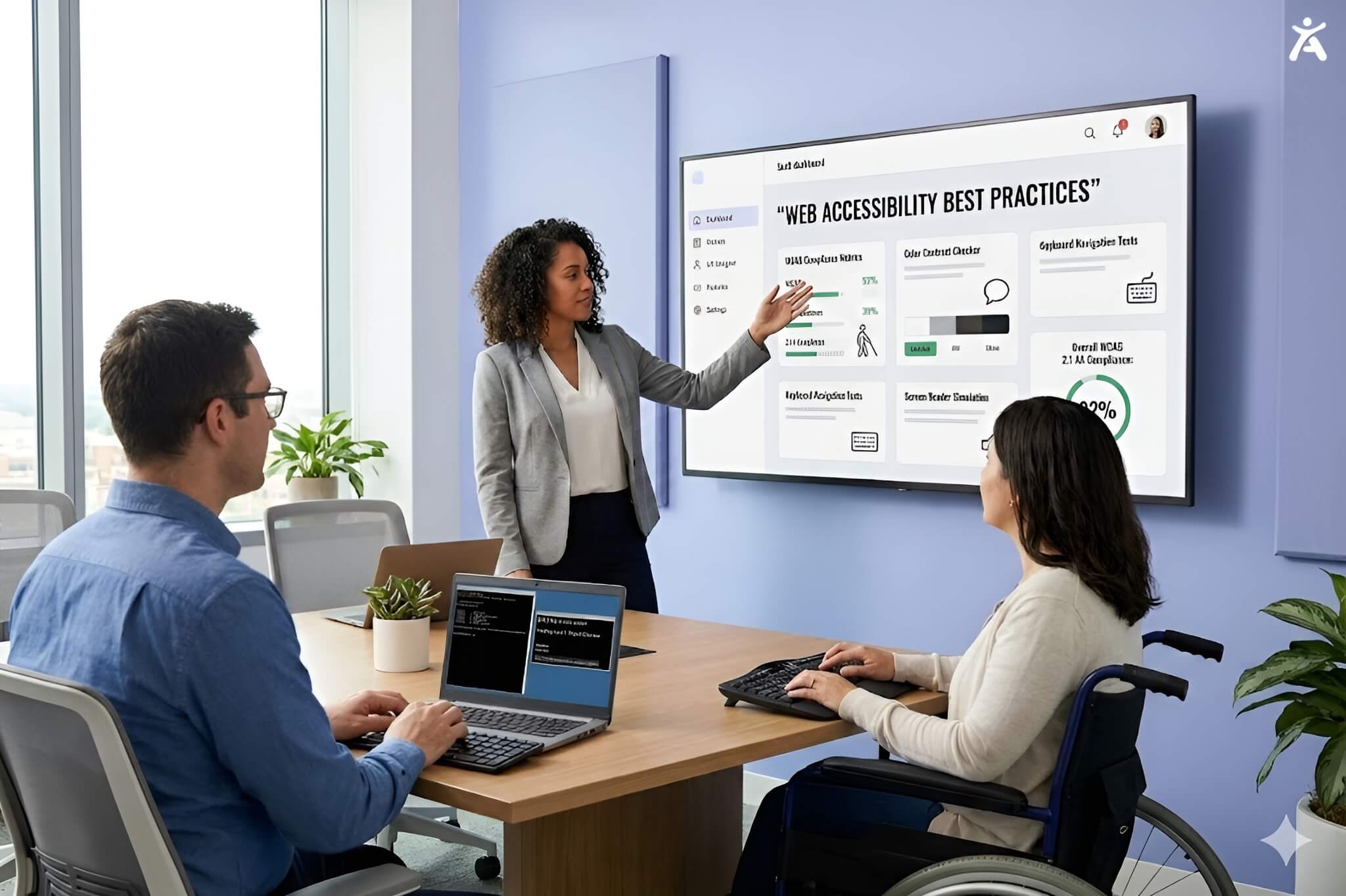
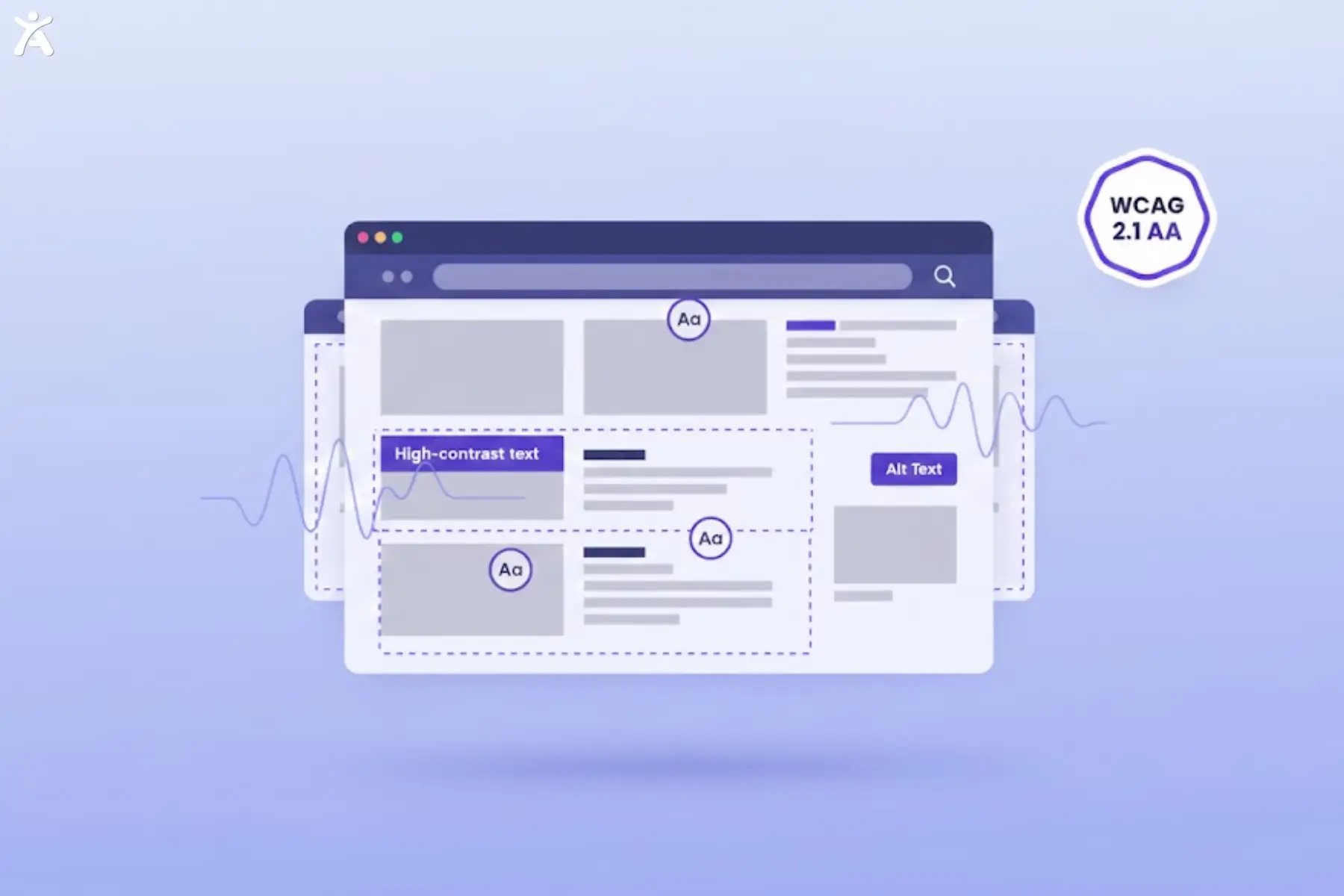
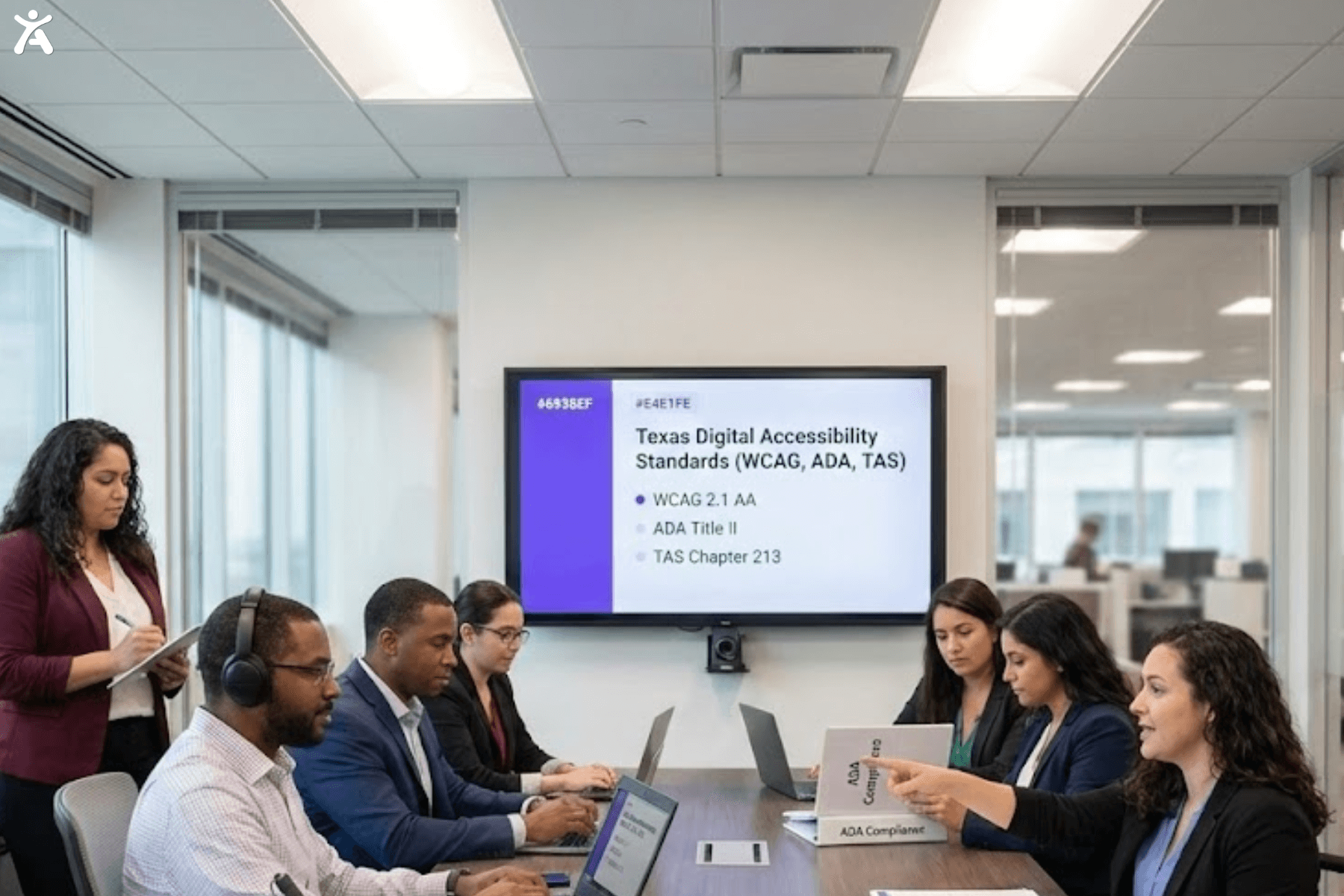
Web accessibility services help you meet global standards, such as WCAG 2.2, and comply with laws like the ADA. They ensure your digital content is compliant and accessible to everyone. Choosing the right partner isn’t just about adding a plugin. You need a smart blend of automated checks, expert fixes, and constant monitoring to keep your business safe from lawsuits.
If you are a business owner or stakeholder, the stakes have never been higher. Digital accessibility is essential now. It’s a key part of user experience and legal safety. Choosing the right service helps your website reach everyone, including users with disabilities. It also expands your market and improves SEO.
Quick Summary
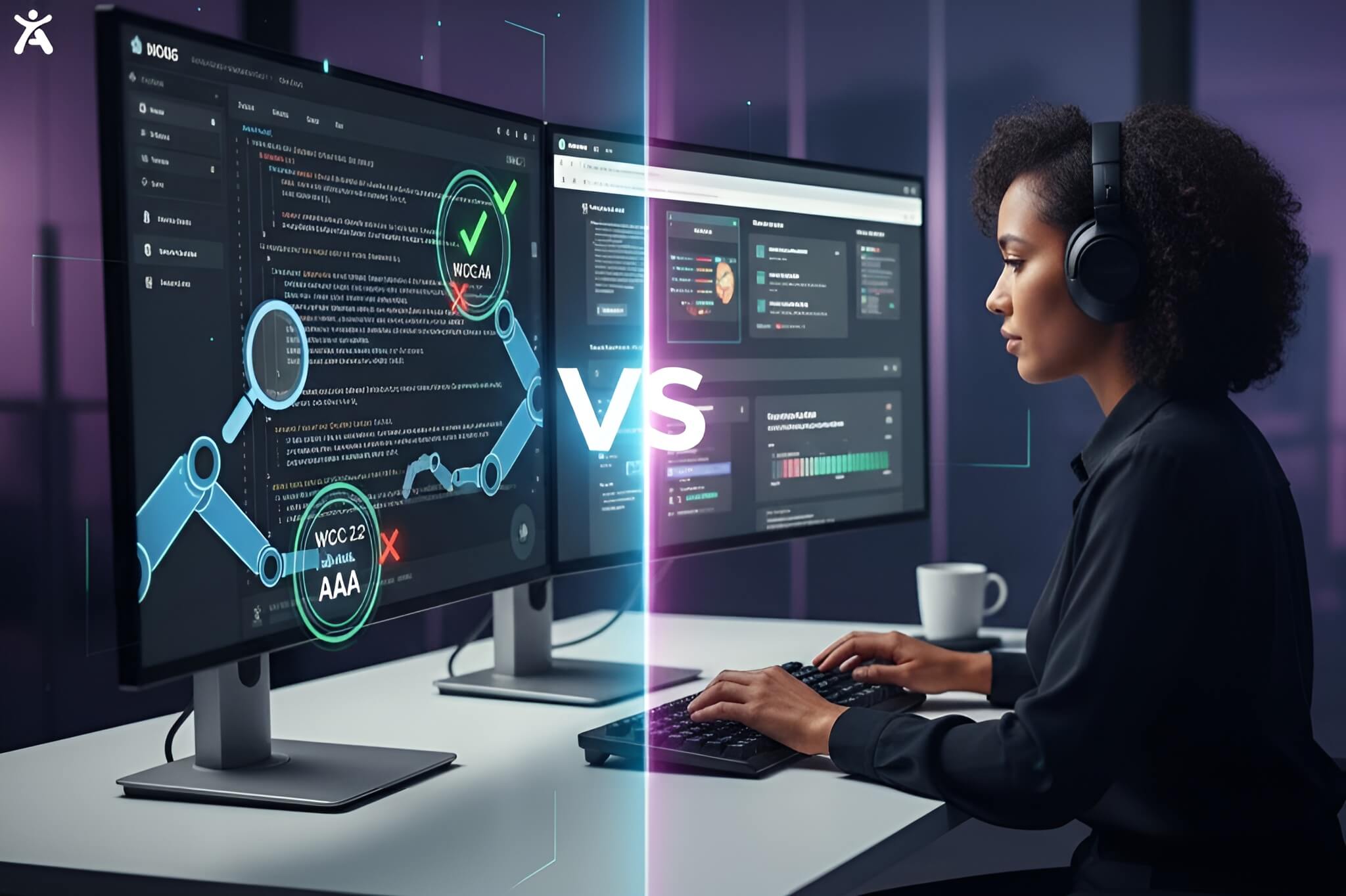
Don’t have time to read the full guide? Here’s the bottom line on choosing the right accessibility partner: compliance should be your top priority, so look for experts with proven knowledge of WCAG 2.1/2.2 AA standards and ADA Title II requirements. Be cautious of quick fixes: automated overlays rarely deliver true digital accessibility. Always verify the testing process to ensure the provider uses real human testers, including screen reader users, rather than relying solely on tools. Finally, think long-term by choosing a partner that offers continuous monitoring and support, not just a one-time accessibility fix.
Navigating the Path to Digital Inclusion
The Growing Imperative of Web Accessibility
The internet is the modern town square, yet for over one billion people with disabilities, digital barriers remain. Web accessibility helps people with low vision, hearing impairments, or motor impairments use your site more easily. Beyond the ethical obligation, the business case is undeniable. Accessible sites rank better on Google and tap into a massive, underserved spending power.
The Challenge of Finding the Right Partner
The market has many choices. You can find free accessibility checkers or hire costly consultancy firms. The challenge is to distinguish between vendors offering “magic bullet” software and those delivering true, lasting compliance. Missteps here can lead to wasted budget and lingering legal risks.
What This Guide Will Help You Achieve
This guide cuts through the noise. We will walk you through assessing your needs, understanding the technical landscape, and vetting providers. By the end, you will have a clear roadmap to selecting web accessibility services that align with your specific goals and budget.
Why Invest in Web Accessibility Services?
Legal and Compliance Imperatives
In the USA, the Department of Justice has made it clear that web accessibility falls under Title II of the ADA and Title III. Ignoring these laws invites litigation. Furthermore, if you operate globally, you must consider the European Accessibility Act and the Accessibility for Ontarians with Disabilities Act. Professional services provide the documentation you need to prove due diligence.
Business Benefits and Strategic Advantages
Investing in accessibility is an investment in your brand’s reputation and bottom line.
- Expanded Reach: Open your digital doors to 15% of the global population.
- SEO Boost: Search engines reward clean code, proper headings, and alt text, which are core tenets of accessibility.
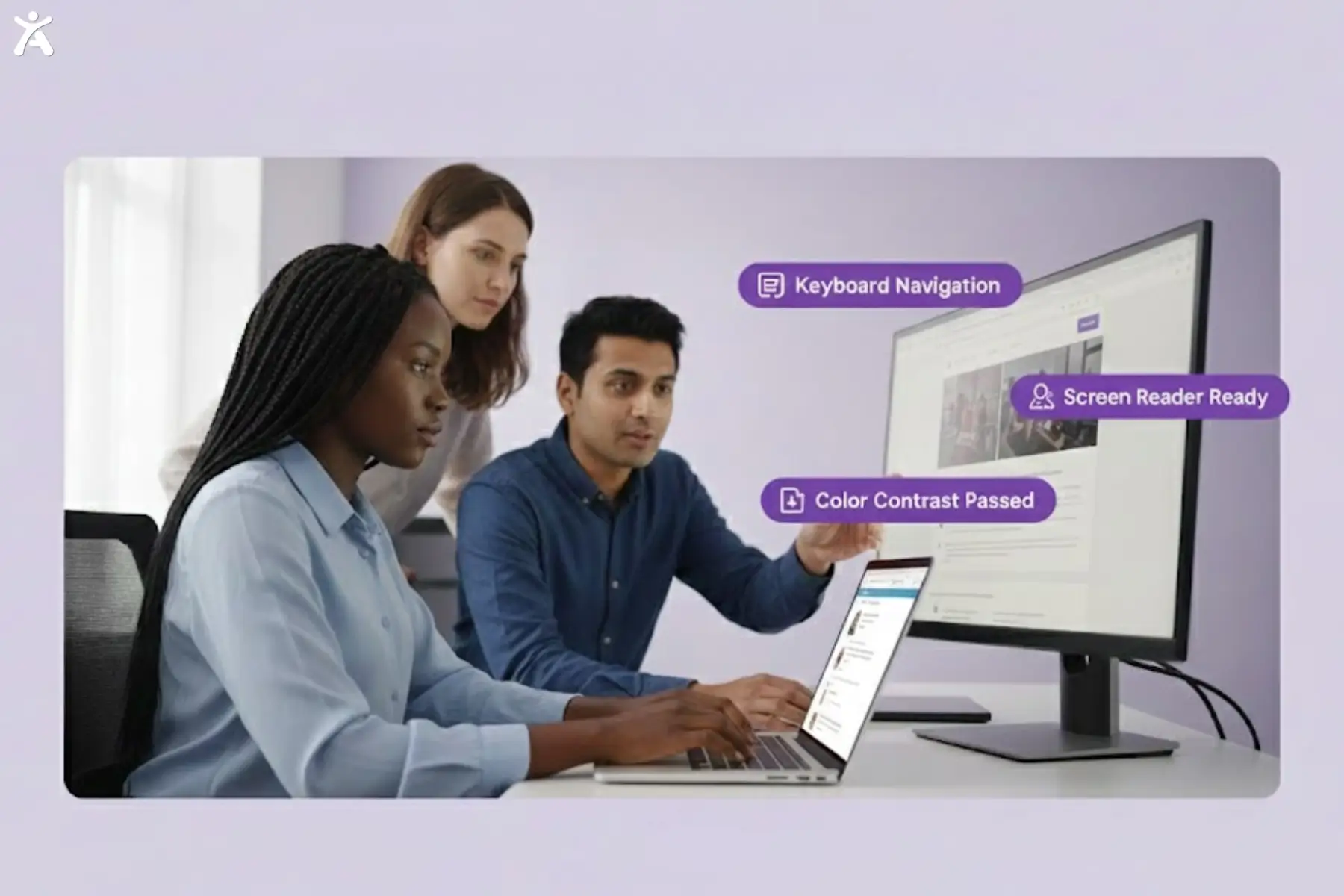
- Better UX: Features like high color contrast and clear navigation help all users, not just those using assistive technology.
What Are Your Organization’s Needs?

Conducting an Internal Accessibility Assessment
Before hiring an external team, run a preliminary check. Use tools like the Accessify tool or EqualWeb’s AI Accessibility Widget to scan your homepage. This won’t catch everything, but it gives you a baseline for your accessibility compliance status and highlights glaring errors, such as missing labels or broken ARIA attributes.
Defining Your Accessibility Goals
Are you aiming for strict Section 508 compliance because you contract with the government? Or are you a retailer targeting general WCAG 2.1 Level AA conformance? Defining this early helps you avoid overpaying for unnecessary rigor or under-preparing for specific legal requirements.
Budget and Resource Allocation
Be realistic about what you can spend. While automated tools are cheaper, they cannot fix complex interaction issues. Allocating the budget for manual testing, where real humans test your site using common assistive technologies, is often where the highest ROI lies in terms of risk mitigation.
Deconstructing the Web Accessibility Services Landscape
Accessibility Audits and Consulting
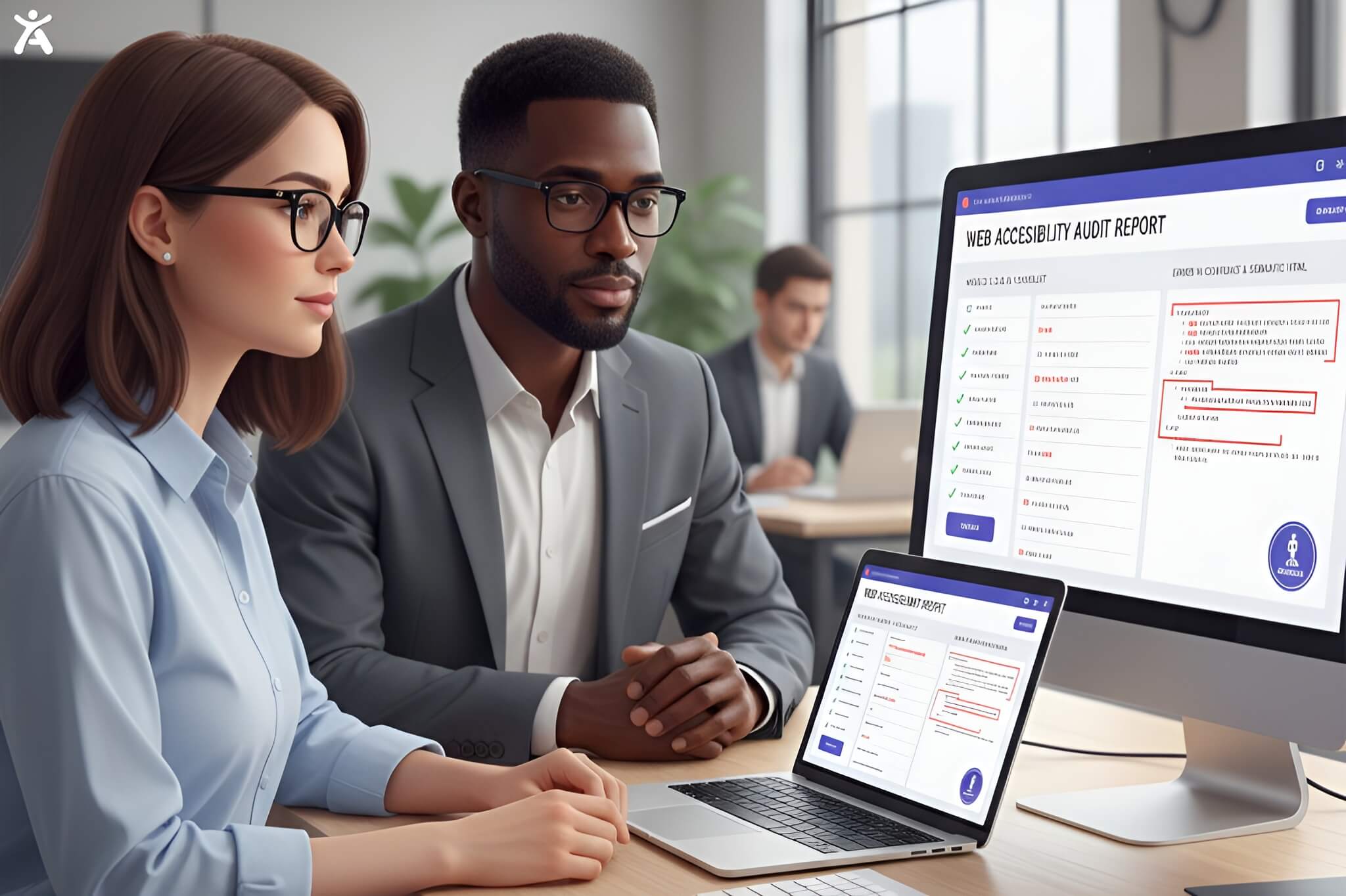
This is the diagnostic phase. Top-tier providers will conduct a thorough review of your digital assets. They produce an Accessibility Conformance Report (often an ACR or VPAT) that details exactly where you fail standards and how to fix them.
Remediation Services
Remediation involves the actual code fixes. Your internal team can do this with guidance, or you can hire a firm to do the heavy lifting. This includes fixing color contrast, ensuring keyboard navigation works on all forms, and correcting semantic HTML structure.
Accessibility Training and Education
Great services don’t just fix your site; they teach you how to keep it accessible. Look for providers that offer training for your content creators, designers, and developers. This ensures that the new digital content you publish next month doesn’t reintroduce barriers.
Automated Accessibility Tools and Widgets
These are software solutions that sit on your site to catch easy errors. While useful for monitoring, rely on them with caution. No AI Accessibility Widget can automatically make a site fully compliant without human oversight.
Hybrid Managed Solutions
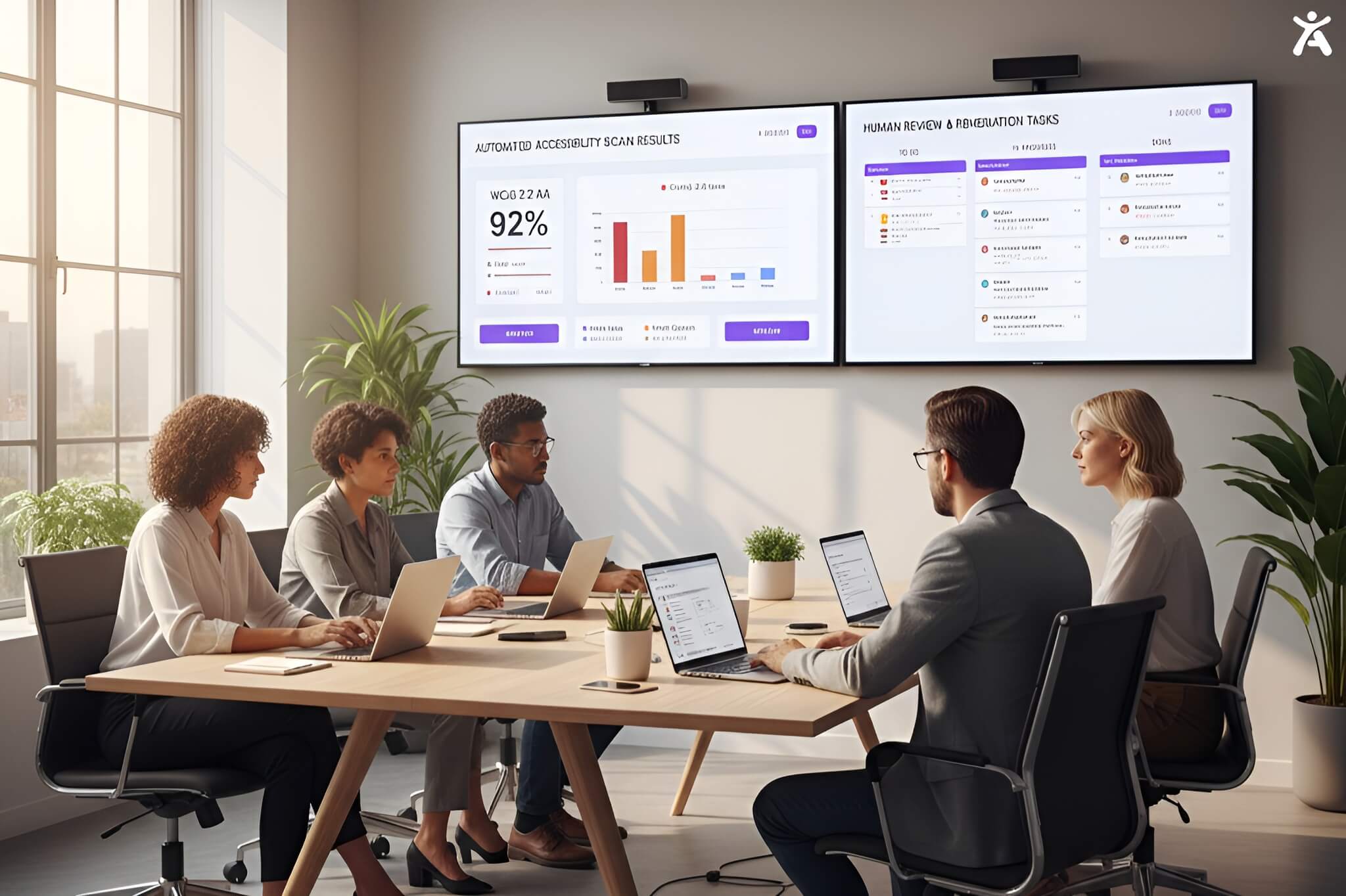
For most businesses, a hybrid approach is best. This combines the speed of automated accessibility scans with the accuracy of manual expert review. It offers a balance of cost-efficiency and legal security.
How Do You Evaluate Providers?
Expertise and Credentials
Does the vendor participate in the World Wide Web Consortium (W3C)? Do they hold certifications from the IAAP (International Association of Accessibility Professionals)? True experts contribute to the standards; they don’t just follow them.
Methodology and Approach
Ask specifically if they use native screen readers like NVDA or JAWS during testing. Automated scans only catch about 30-40% of issues. If a provider claims 100% compliance solely through automation, consider it a red flag.
Post Engagement Support and Management
Websites are living documents. Updates to plugins, new blog posts, and design tweaks can break accessibility features. Ensure your service agreement includes quarterly audits or ongoing monitoring to maintain the validity of your accessibility statement.
Transparency and Communication
You need visibility into the process. The best partners provide a dashboard that lets you see the status of remediations, view audit scores, and track progress toward your compliance goals in real time.
Technological Compatibility and Integration
Whether you use WordPress, Shopify, or a custom React build, the service must integrate seamlessly. Ask about their experience with your specific content management system (CMS) or tech stack.
Specialized Considerations for Diverse Assets
Mobile App Accessibility
Mobile apps have their own set of WCAG guidelines. Touch targets must be large enough, and gestures must be simple. Ensure your chosen provider has specific experience testing iOS and Android environments.
Multimedia Accessibility
If you use video or podcasts, you need specific services for closed captioning, audio descriptions, and transcripts. This is vital for users with hearing impairments and is often legally required for public entities.
Dynamic and Interactive Elements
Pop-ups, carousels, and complex forms are notorious accessibility traps. These require rigorous testing to ensure focus management works correctly so keyboard users don’t get trapped in a loop.
Understanding the Cost and Value
Exploring Pricing Models
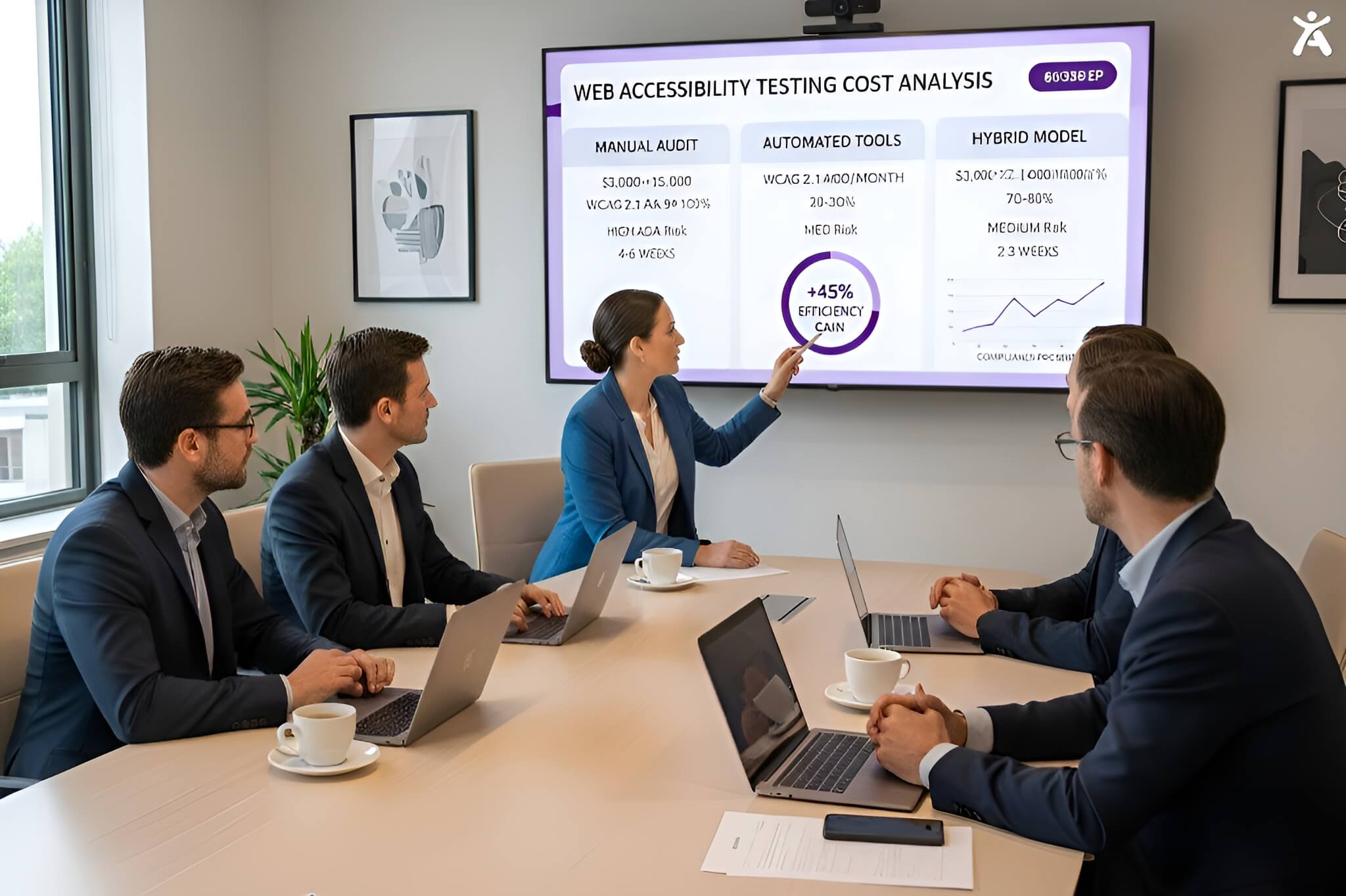
Pricing varies wildly. Some charge per-audited-page, while others offer a monthly subscription for a managed service.
- Project-Based: One-time fee for audit and fix. Good for static sites.
- Subscription: Monthly fee for monitoring and support. Best for active sites.
- Enterprise: Custom quotes for complex information technology ecosystems.
Calculating the Return on Investment ROI
When calculating ROI, factor in the potential litigation costs. The average settlement for an ADA website lawsuit can exceed $20,000. Compare that to the service’s price, plus the revenue boost from better SEO and a wider customer base.
Integrating Accessibility into Your Workflow
Pre-Engagement Planning
- Inventory all digital assets (websites, PDFs, apps).
- Identify your highest-traffic pages for priority testing.
- Secure buy-in from leadership by highlighting legal risks.
Seamless Collaboration During the Process
Your developers and the accessibility experts need to speak the same language. Set up shared Slack channels or Jira boards so that bug reports from the audit can be turned into immediate tickets for your engineering team.
Post Engagement Strategy for Sustainability
Create an internal policy that requires all new designs to pass a contrast check before coding begins. Make alt text mandatory for content creators. This cultural shift is the only way to remain compliant.
What Should You Ask Providers?
Their Expertise and Experience
- “Can you share case studies of organizations similar to ours?”
- “Do you employ testers with disabilities?”
- “How do you stay current with accessibility standards updates?”
Regarding Their Process and Deliverables
- “What percentage of your testing is manual vs. automated?”
- “Will you help us write our accessibility statement?”
- “Do you provide remediation code snippets or just reports?”
Support and Training
- “Do you offer live training sessions for our UX design team?”
- “What is your response time for new accessibility issues we find?”
- “Is support included in the annual fee?”
Automated and AI Solutions
- “How does your tool handle false positives?”
- “Does your overlay allow users to customize their view?”
- “Can your AI fix complex navigation errors?”
Making Your Informed Decision

Synthesizing Information and Comparing Proposals
Don’t just look at the bottom line. A cheaper proposal that relies solely on automation leaves you exposed. Weigh the proposals based on risk mitigation and the depth of their human testing methodology.
Prioritizing Long-Term Value and Inclusion
The goal is digital inclusion, not just a badge on your footer. Choose the partner that talks about the user experience of people with disabilities, not just avoiding lawsuits. True value comes from creating a welcoming environment for all.
Choosing a Partner Committed to Success
Your ideal partner acts as an extension of your team. They should care about your user base and your brand’s integrity. Look for responsiveness, educational resources, and a genuine passion for the mission of the Web Accessibility Initiative.
Pro Tips for Selection Success
- Test the Tester: Run a quick audit on the service provider’s own website. If they aren’t accessible, they can’t help you.
- Check the Roadmap: Ensure they are prepared for WCAG 3.0 (Project Silver) and future regulatory changes.
- Read the Fine Print: Understand the limits of their indemnification or warranty policies regarding lawsuits.
A Future of Inclusive Digital Experiences
The Lasting Impact of Choosing the Right Partner
Selecting the right web accessibility services is a pivotal moment for your digital presence. It transforms accessibility from a burden into a competitive advantage, ensuring your digital services are robust, usable, and legally sound for years to come.
Embracing Web Accessibility for the Future
The internet is evolving, and so are the standards of the World Wide Web Consortium. By committing to accessibility today, your future-proof your business and contribute to a more equitable digital world. Take the first step now, audit your site, choose your partner, and build a web that works for everyone.
FAQs
These are professional agencies or software platforms that help businesses modify their websites and apps to be accessible to people with disabilities, ensuring compliance with laws such as the ADA.
Costs vary significantly. Automated widgets can cost $400-$1000/year, while full manual audits and remediation for a standard business site can range from $5,000 to $20,000+.
Free plugins can help with minor adjustments, but they do not provide full ADA compliance or protection against lawsuits. They often fail to correct underlying code issues.
A comprehensive manual audit usually takes 2 to 4 weeks, depending on the website’s size and complexity, as well as the number of unique page templates.
Yes. Compliance is a journey, not a destination. As you add new content and features, you must regularly re-test to maintain your standards and serve your users.