Knowing the cost of web accessibility testing services is the first step to creating a digital space that is compliant, inclusive, and legally safe. Lawsuits are increasing, and the ADA is tightening its rules. So, budgeting for accessibility is now essential for businesses.
Investing in accessibility testing does more than meet compliance. It broadens your audience and enhances the user experience. But prices vary wildly depending on your site’s size, complexity, and the depth of testing required. This guide breaks down exactly what you’re paying for so you can invest wisely.
Quick Summary
Accessibility testing costs vary widely. They can range from a few hundred dollars to several thousand. This range depends on the specific needs of your website or application. For small websites with basic functionality, manual or automated testing might cost between $500 and $5,000. However, for larger or more complex sites, particularly those with dynamic content or e-commerce capabilities, costs can escalate significantly reaching $20,000 or more. Factors such as the number of pages, the frequency of updates, and the required level of compliance all contribute to the final price. Understanding these variables helps you budget wisely. It ensures a thorough and meaningful testing process.
The Imperative of Web Accessibility
The Growing Importance of Digital Accessibility
The internet is the town square of the modern world. Websites that ignore accessibility shut out millions with auditory, cognitive, visual, and physical disabilities. Digital accessibility isn’t just a bonus; it’s essential. It lets everyone join the digital economy on equal terms.
Legal and Ethical Foundations
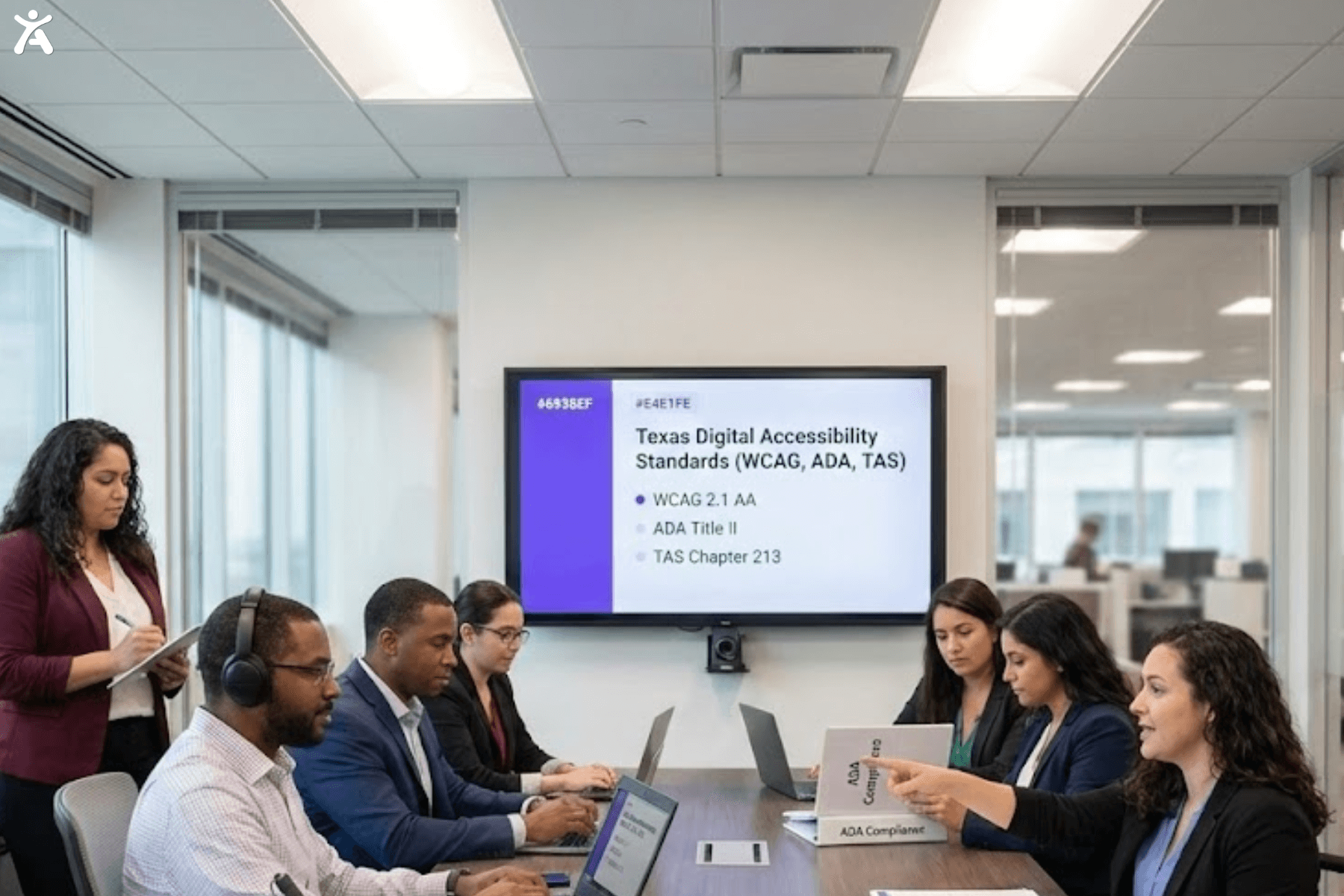
If you operate in the USA, you are likely subject to the Americans with Disabilities Act (ADA). While the ADA was originally written for physical spaces, courts increasingly interpret it to apply to the digital realm. Also, Section 508 applies to federal agencies and contractors. It requires them to follow strict accessibility standards. Many global regulations, including these, use the Web Content Accessibility Guidelines (WCAG) as the standard for compliance.
Beyond Compliance Benefits
Yes, avoiding legal disputes is a major motivator, but the ROI goes deeper. Accessible websites often have cleaner code, faster load times, and better Search Engine Optimization (SEO). By removing barriers, you can reach more people. This includes billions in disposable income that your competitors may overlook.
Why Accessibility Costs Vary
Pricing isn’t one-size-fits-all because websites aren’t one-size-fits-all. A five-page brochure site is much cheaper to test than a complex e-commerce platform. The latter often includes dynamic forms, user portals, and third-party integrations. The cost is driven by time, technical difficulty, and the level of human expertise required to verify true usability.
Demystifying Web Accessibility Testing
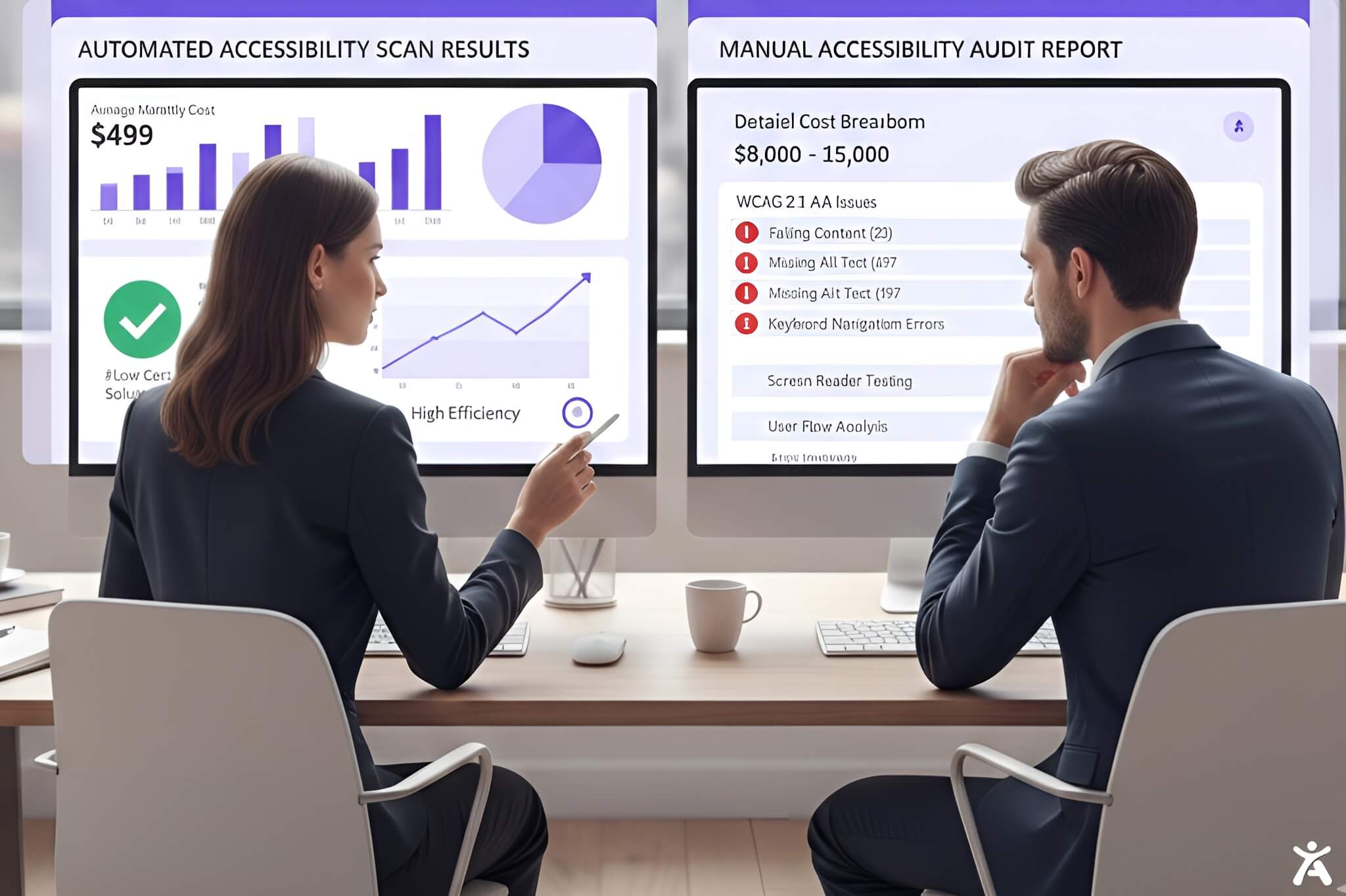
Automated Accessibility Testing
Automated tools are the first line of defense. These software tools scan your site. They find programmatic errors, such as missing alternative text or poor color contrast.
- Pros: Fast, affordable, and great for catching low-hanging fruit.
- Cons: They only catch about 30-40% of issues. They cannot tell you whether a keyboard navigation flow makes sense; they can only tell you whether the code exists.
Manual Accessibility Testing
This means human experts, often native screen reader users, check your site for complex issues. They test user journeys, interactive components, and assistive technology compatibility.
- Pros: Thorough, accurate, and essential for true WCAG 2.1 AA compliance.
- Cons: Slower and more expensive than automation.
The Recommended Hybrid Strategy
The most cost-effective and legally robust method is a hybrid approach. Use automated tools to continuously monitor for new errors and regressions, while conducting manual audits of core pages and complex flows. This ensures you catch the easy stuff quickly while not missing the critical barriers that get you sued.
Key Factors That Drive Costs
Website Size and Complexity
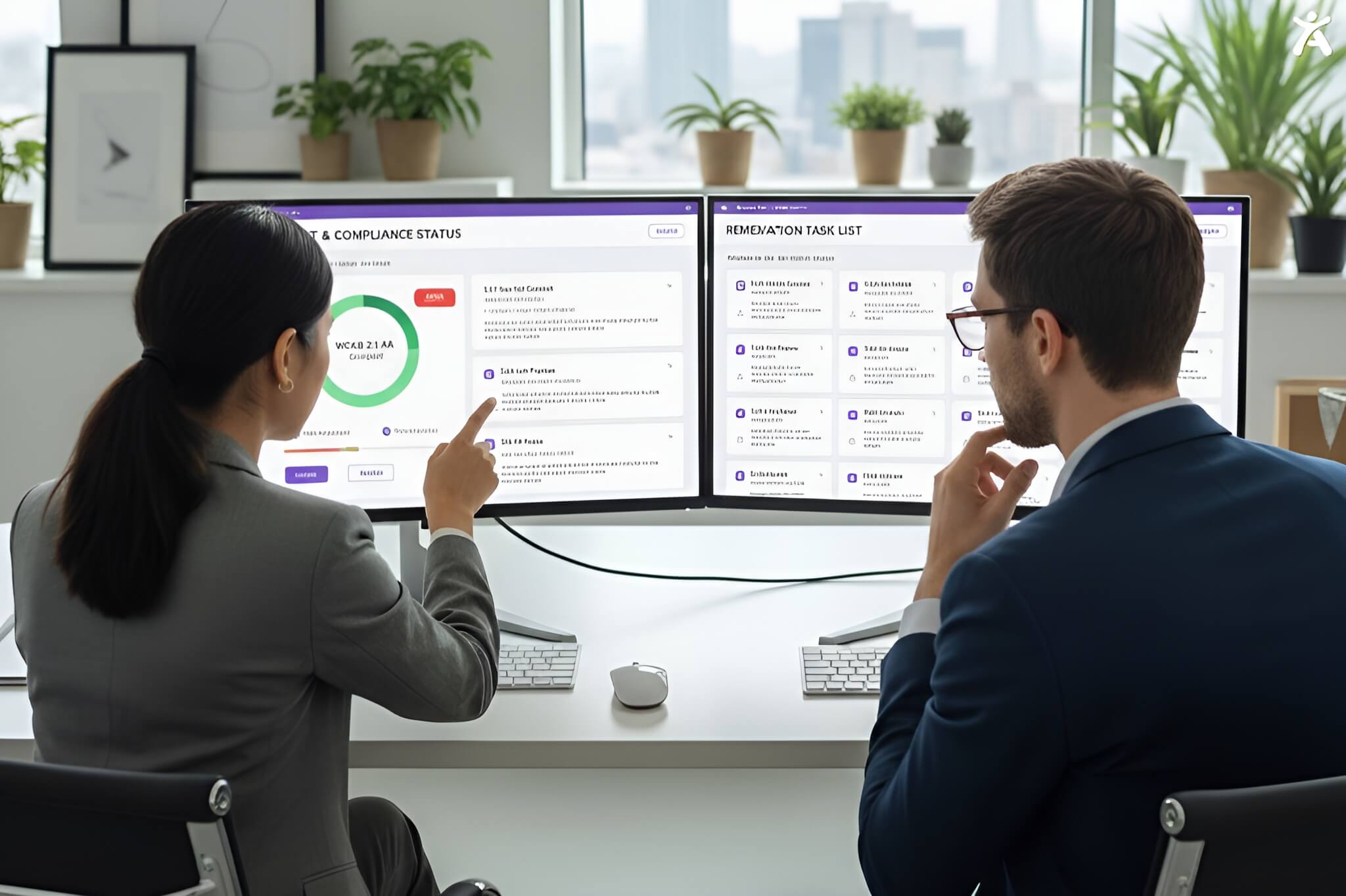
A site with 100 pages based on three unique templates is cheaper to audit than a 20-page site with 20 unique templates. Auditors test “unique views” or templates. If your site uses custom post types, complex JavaScript widgets, or single-page application frameworks, expect the price to rise.
Current Accessibility Status
If your site is riddled with technical debt and thousands of accessibility violations, the audit report will be longer, the remediation guidance more complex, and the cost higher. A site that was built with a “mobile-first” and accessible mindset will generally be cheaper to verify.
Desired Level of Compliance
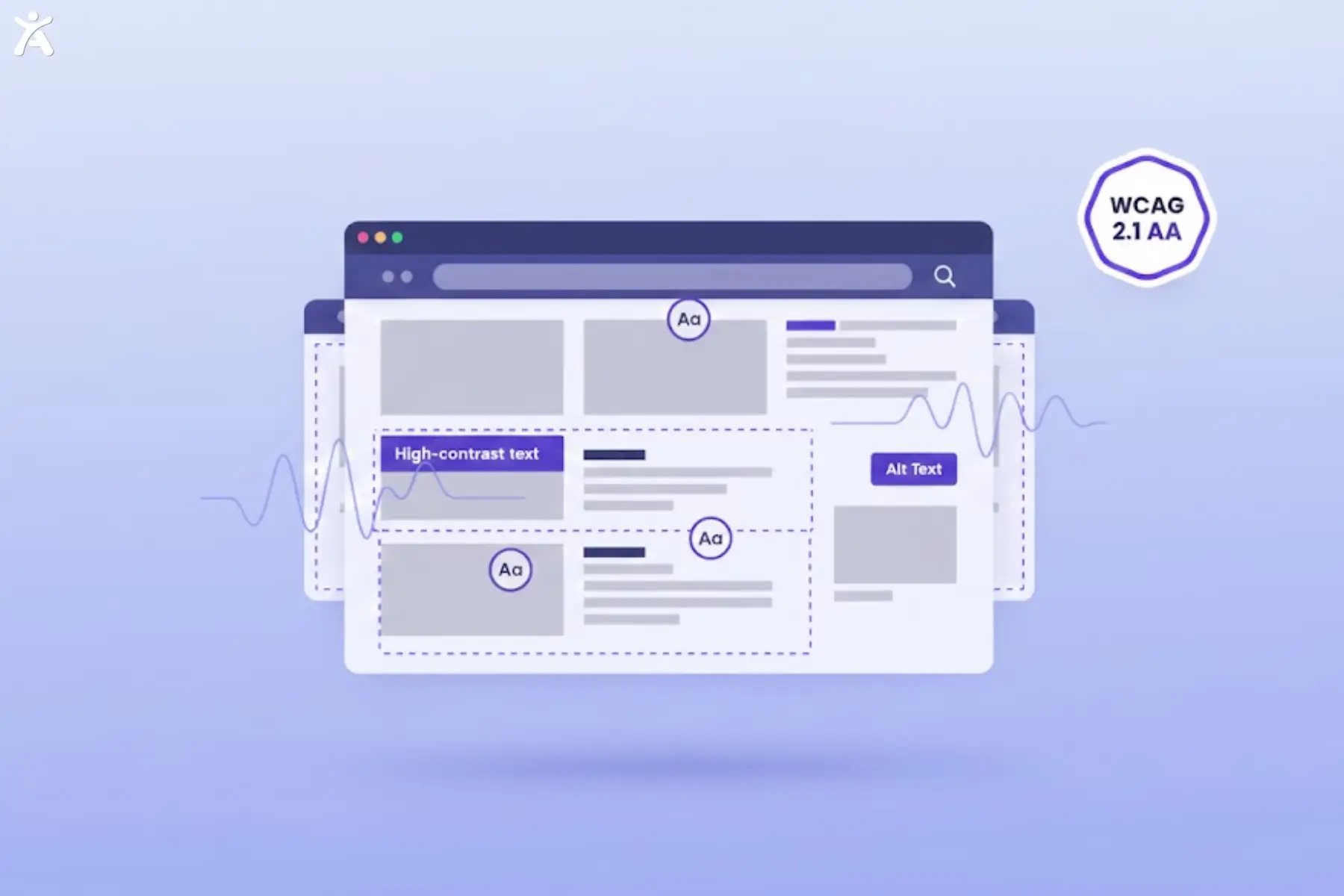
Are you aiming for WCAG 2.1 Level A (minimum), AA (standard), or AAA (strict)? Most legal settlements require Level AA. Section 508 has specific requirements for government-related entities. The more stringent the standard, the more rigorous the testing must be.
Scope of the Audit
- Mobile App Testing: Testing iOS and Android apps requires specialized skills and tools.
- PDF Remediation: Accessible documents are often priced per page and are separate from web testing.
- Deliverables: Do you just want a list of bugs, or do you need code snippets, remediation support tickets, and a VPAT (Voluntary Product Accessibility Template)?
Provider Expertise and Reputation
You can hire a freelance developer on a gig platform or an established agency with certified experts. The freelancer costs less, but an established firm provides insurance, legal support, and a higher level of accuracy. In the world of ADA lawsuits, you get what you pay for.
Unpacking Accessibility Service Models
In-House Testing and Remediation
Some companies try the DIY route. While using free tools like the WAVE extension is a good start, relying solely on internal teams requires training. You will need to invest in screen reader licenses (such as JAWS) and training for your developers. The “cost” here is hours diverted from other projects.
Hiring Consulting Firms
Hiring an accessibility consultant or firm is the standard for reducing legal risk. They provide a third-party validation that holds weight in court. They bring a depth of knowledge regarding the Rehabilitation Act and specific user needs that internal teams rarely possess.
Accessibility Overlays and Plugins
Be wary of “one-line-of-code” overlays that promise instant compliance for a low monthly fee. Many privacy advocates and legal experts warn that these tools don’t fix basic code problems. In fact, they can sometimes make things worse for screen reader users. They are rarely a substitute for genuine remediation.
Total Cost of Accessibility Ownership
Remediation Costs
The audit tells you what is wrong; remediation is the cost of fixing it. This is usually the largest expense. It involves your developers or an external team. They will rewrite code, fix form labels, adjust color contrast, and redesign navigation.
Ongoing Maintenance
Websites change. Content editors upload images but forget alt text. Developers add new features that mess up keyboard navigation. You need a budget for ongoing automated monitoring and regular manual reviews, either annually or biannually, to keep your compliance dashboard up to date.
Training and Culture Integration
To stop the “fix-break-fix” cycle, you must train your team.
- Designers: Need to understand color and layout.
- Developers: Need to understand ARIA and semantic HTML.
- Content Creators: Need to understand heading structures and accessible language.
The High Cost of Inaction
The most expensive option is doing nothing. Legal exposure from ADA lawsuits can result in settlements ranging from tens of thousands to hundreds of thousands of dollars, not including your own legal fees and the reputational damage of being labeled discriminatory.
Budgeting for Web Accessibility
Prioritizing Issues
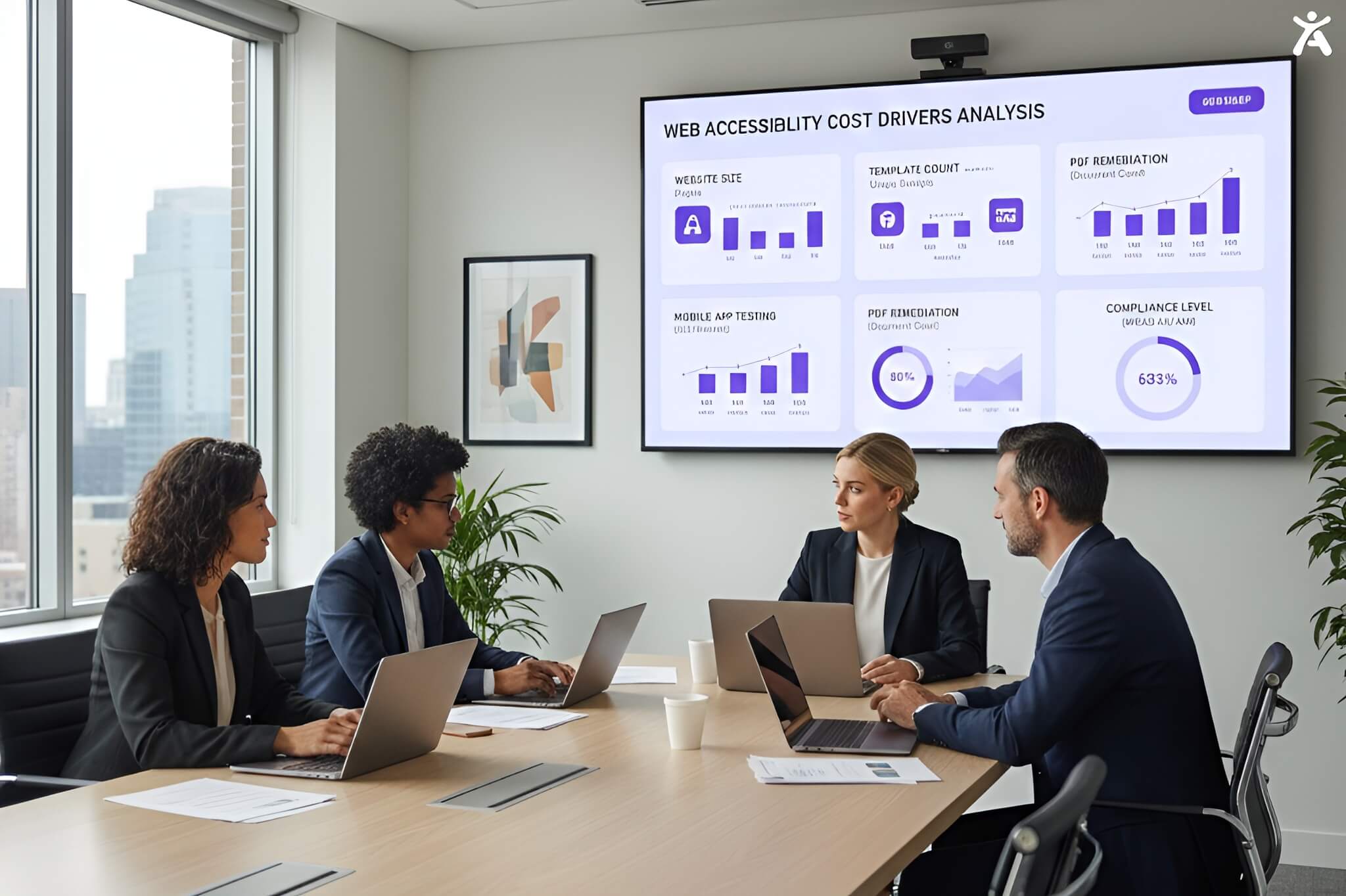
You don’t have to fix everything overnight. A good audit will prioritize issues by severity (Critical, High, Medium, Low). Focus your budget on critical barriers that prevent users from completing core tasks (like checking out or contacting you).
Design-First Approach
“Shift left.” If you catch an accessibility issue during the design phase, it costs pennies to fix or you see it in QA, it costs dollars and you see it after launch, it costs hundreds. Building accessibility from the start is the ultimate money-saver.
Understanding Quotes and VPATs
When requesting quotes, ask for a sample report. Ensure the vendor provides a VPAT if you sell to the government or enterprise clients. A VPAT is a document that explains how your product meets Section 508 standards.
Quantifying the ROI
Frame accessibility not as a cost center, but as a strategic advantage. It reduces legal risk, enhances SEO, improves brand image, and takes market share from competitors who aren’t accessible.
Pro Tips for Choosing a Vendor
- Ask about their testers: Do they employ people with disabilities? (They should).
- Check their tooling: Do they rely solely on automation? (Run away).
- Look for support: Do they offer “office hours” or developer support to help you fix the bugs they find?
Final Thoughts: Invest in Inclusivity
Web accessibility testing services cost money, but they are an investment in the longevity and legality of your business. By understanding the factors that drive these costs from site complexity to the depth of manual testing you can budget effectively and avoid the sticker shock of legal action.
Ready to secure your website and serve all users? Request a comprehensive accessibility audit today.
FAQs
A manual web accessibility audit typically ranges from $2,000 to $15,000+, depending on the size and complexity of your website. Simple brochure sites are on the lower end, while complex e-commerce platforms requiring unique template testing and user journey verification will be on the higher end.
Accessibility is not a one-time project. You should run automated scans weekly to catch regressions and conduct a full manual audit annually or whenever you undergo a significant website redesign or feature launch.
If you plan to sell software or services to the US Federal Government (or many large enterprises), you will likely need a VPAT (Voluntary Product Accessibility Template). It is a document that evaluates how accessible your product is according to Section 508 standards.
The ADA (Americans with Disabilities Act) is a US civil rights law that prohibits discrimination against people with disabilities. WCAG (Web Content Accessibility Guidelines) are technical standards (such as WCAG 2.1 AA) that organizations follow to ensure their digital content complies with laws such as the ADA.
Free automated tools are great for catching basic errors, but they only identify about 30% of accessibility issues. They cannot detect usability problems for screen reader users or keyboard-only navigators. For full legal compliance and risk reduction, manual testing is required.