Is your website legally compliant and usable for everyone? Relying only on automated web accessibility scans misses up to 70% of errors. Manual testing is too slow for today’s fast development cycles. To protect your business from lawsuits and connect with 1 billion people with disabilities, you need a strategy. This strategy should blend fast automation with careful human insight.
In this guide, we outline the key differences between automated and manual testing. We highlight the gaps in both methods and show you how to blend them. This will help create a compliant and inclusive digital experience.
Quick Summary
If you need speed and broad coverage, start with automated tools that catch about 30-50% of issues instantly. But if you need legal compliance (ADA/WCAG) and genuine usability, manual testing is non-negotiable. The smartest businesses use a hybrid approach: automate the easy stuff and rely on humans for complex interactions.
The Imperative of Digital Accessibility
Why Digital Accessibility Matters in Today’s Landscape
Digital accessibility is not just a bonus; it’s a basic civil right and an important business need. Ignoring accessibility poses a big legal risk as ADA-related lawsuits rise each year. Beyond compliance, accessible websites simply perform better. They rank higher in search engines. They load faster. Plus, they give all visitors a better experience, not just those using assistive technology.
The Two Pillars of Accessibility Testing Automated and Manual
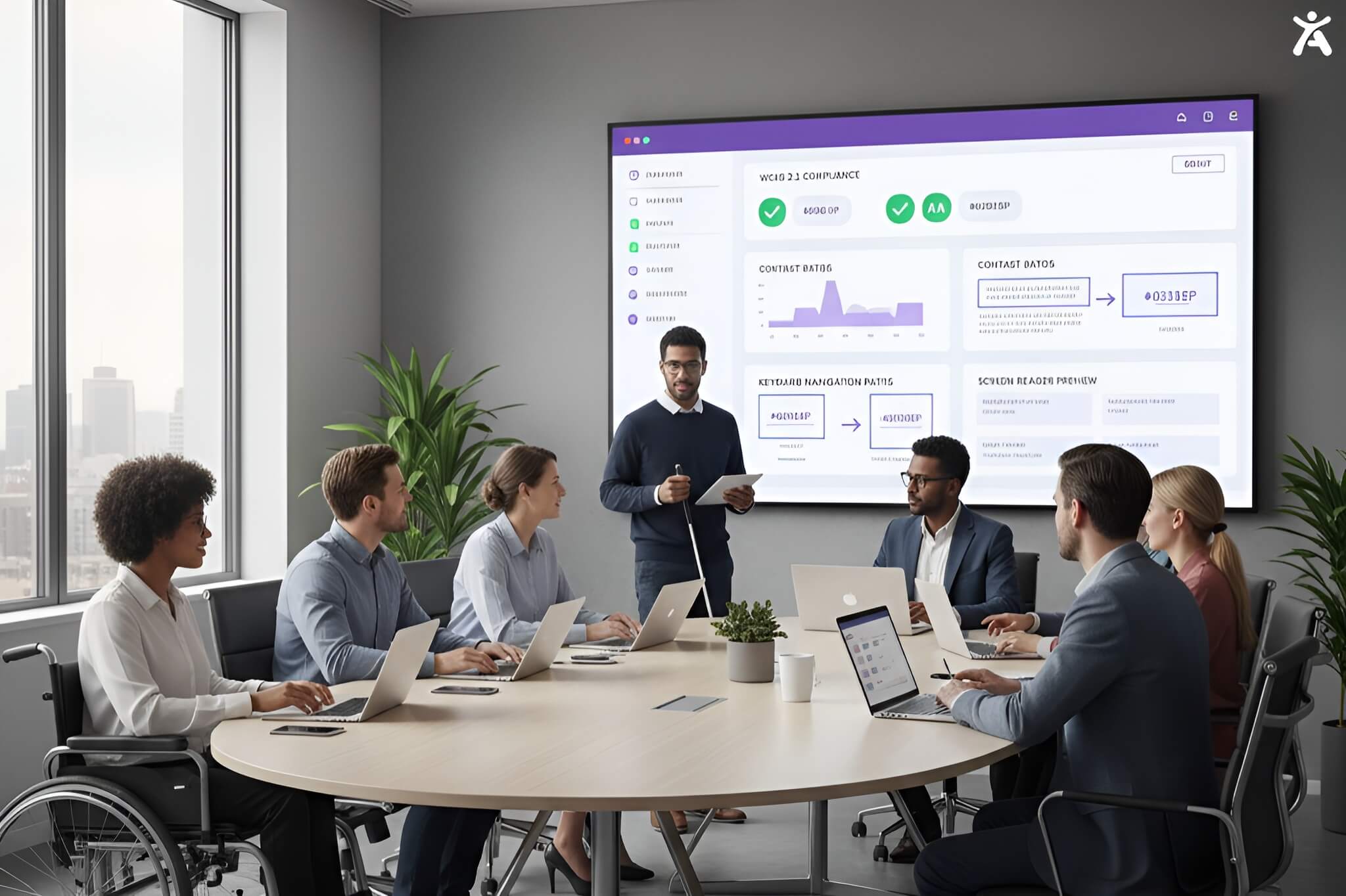
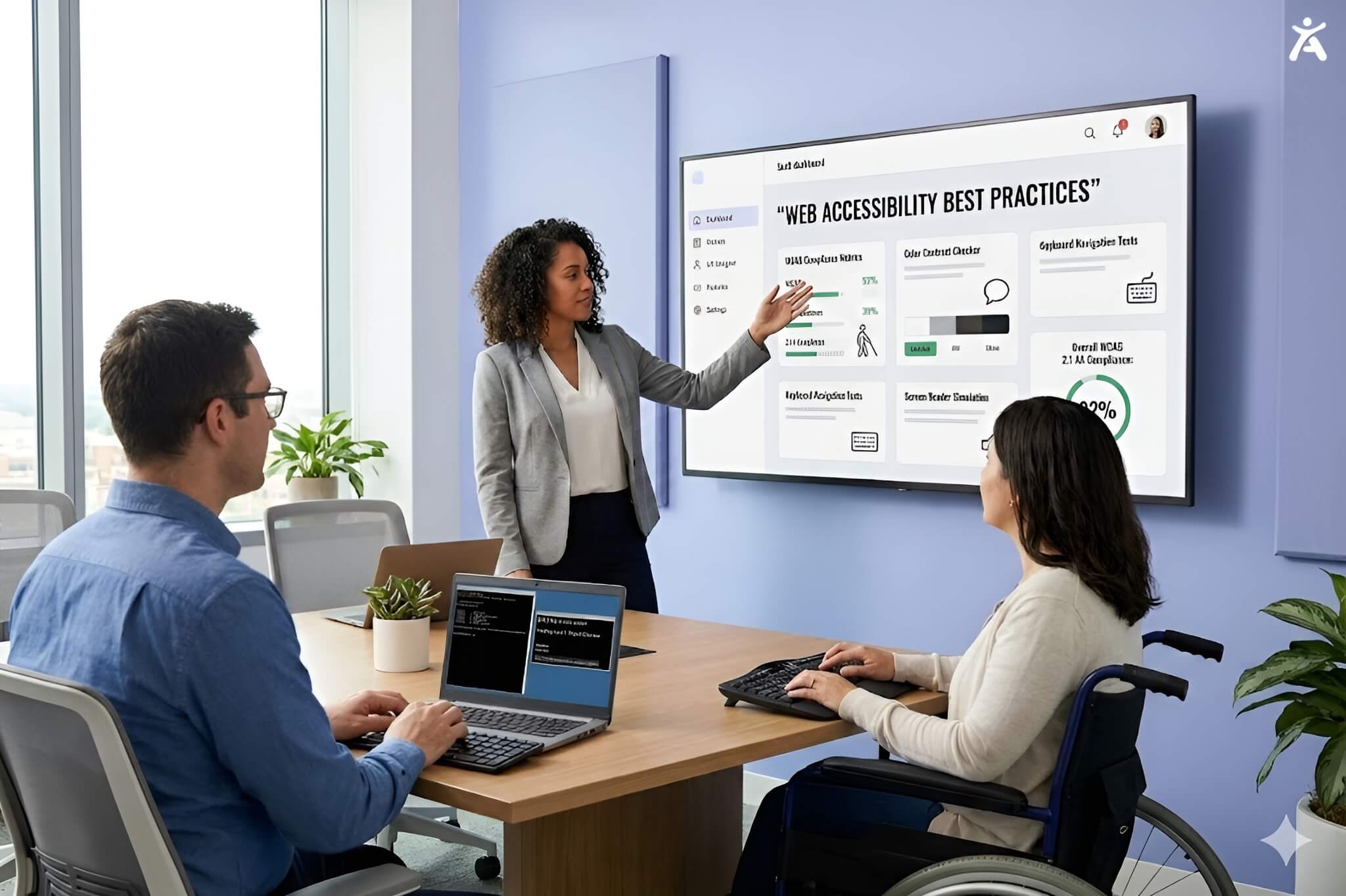
To meet WCAG (Web Content Accessibility Guidelines) standards, you need to know the two main testing methods. Automated accessibility testing involves software scanning your code for syntax errors. Manual accessibility testing means experts use tools like screen readers to check your site. Neither is perfect on its own, but together, they form a robust defense against exclusion.
Understanding Automated Accessibility Testing
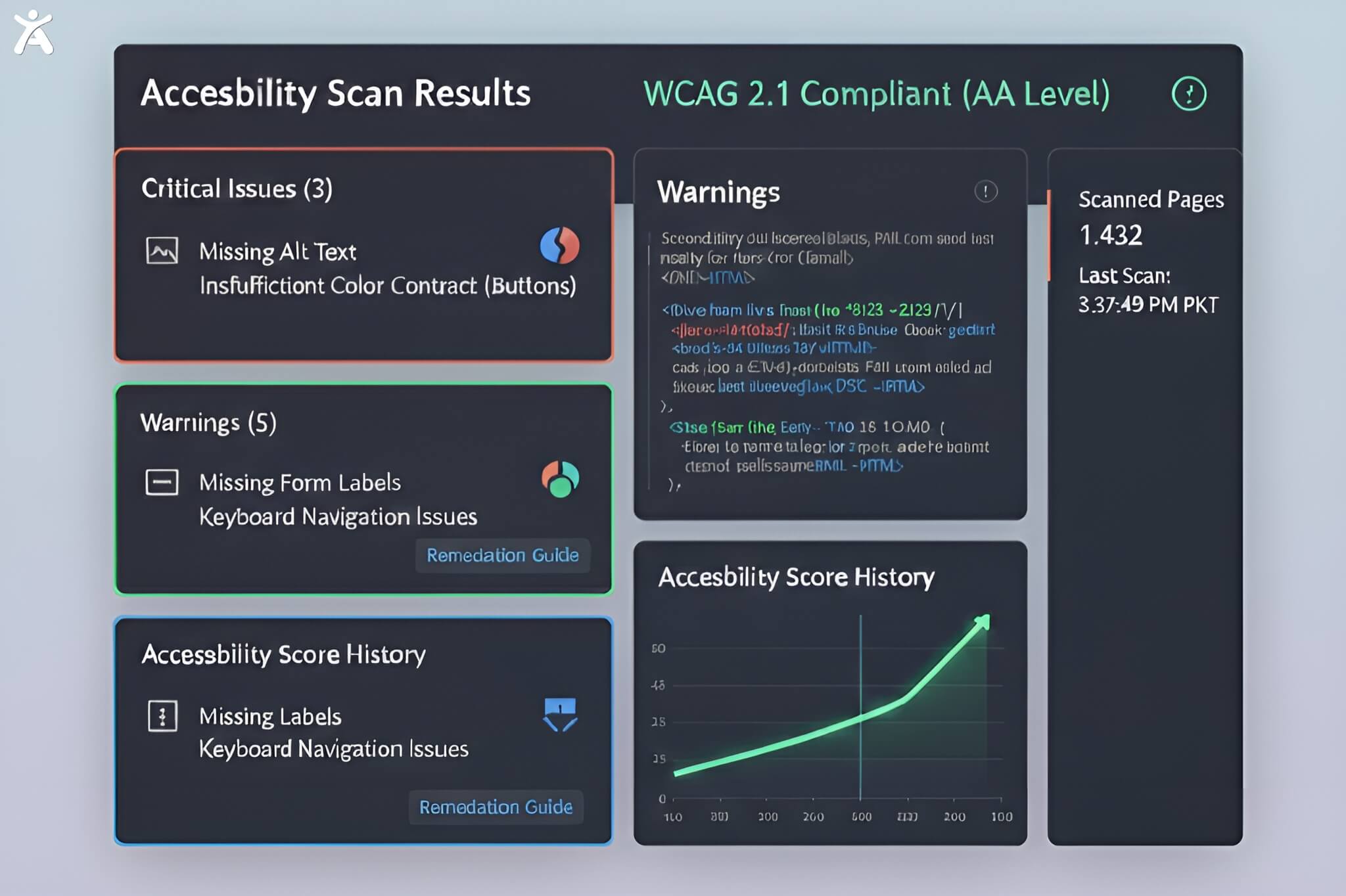
What does Automated Accessibility Testing involve?
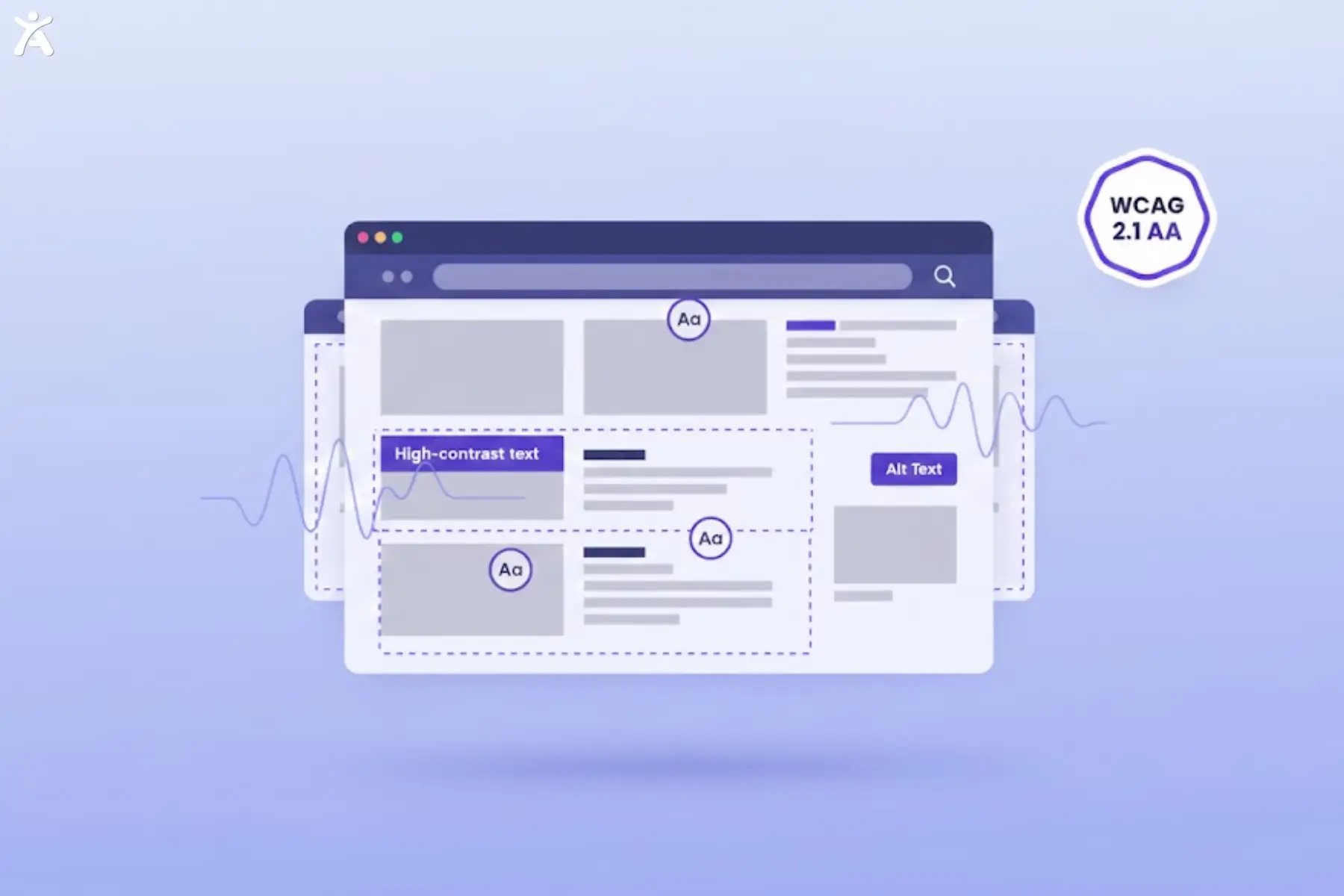
Automated accessibility testing uses software to scan web pages. It finds issues that break WCAG 2.1 or 2.2 rules. These tools parse HTML code to find objective errors, such as missing alt text, improper form labels, or low color contrast ratios.
Strengths of Automated Accessibility Tests
- Speed and Scale: You can scan thousands of pages in minutes
- Cost-Effectiveness: It is significantly cheaper than manual labor for initial audits
- Regression Testing: Automation is perfect for CI/CD pipelines, catching new errors before code goes live
- Immediate Feedback: Developers get instant alerts on simple syntax issues
Limitations and Challenges of Automated Testing
Despite their speed, automated tools have a “blind spot.” They can tell you if an image has alt text, but they cannot tell you if that text is accurate. They struggle with dynamic content, complex interactive elements, and subjective criteria. Relying completely on automation often leads to missing key problems. This includes issues like keyboard traps and confusing reading orders.
Understanding Manual Accessibility Testing
What is Manual Accessibility Testing?
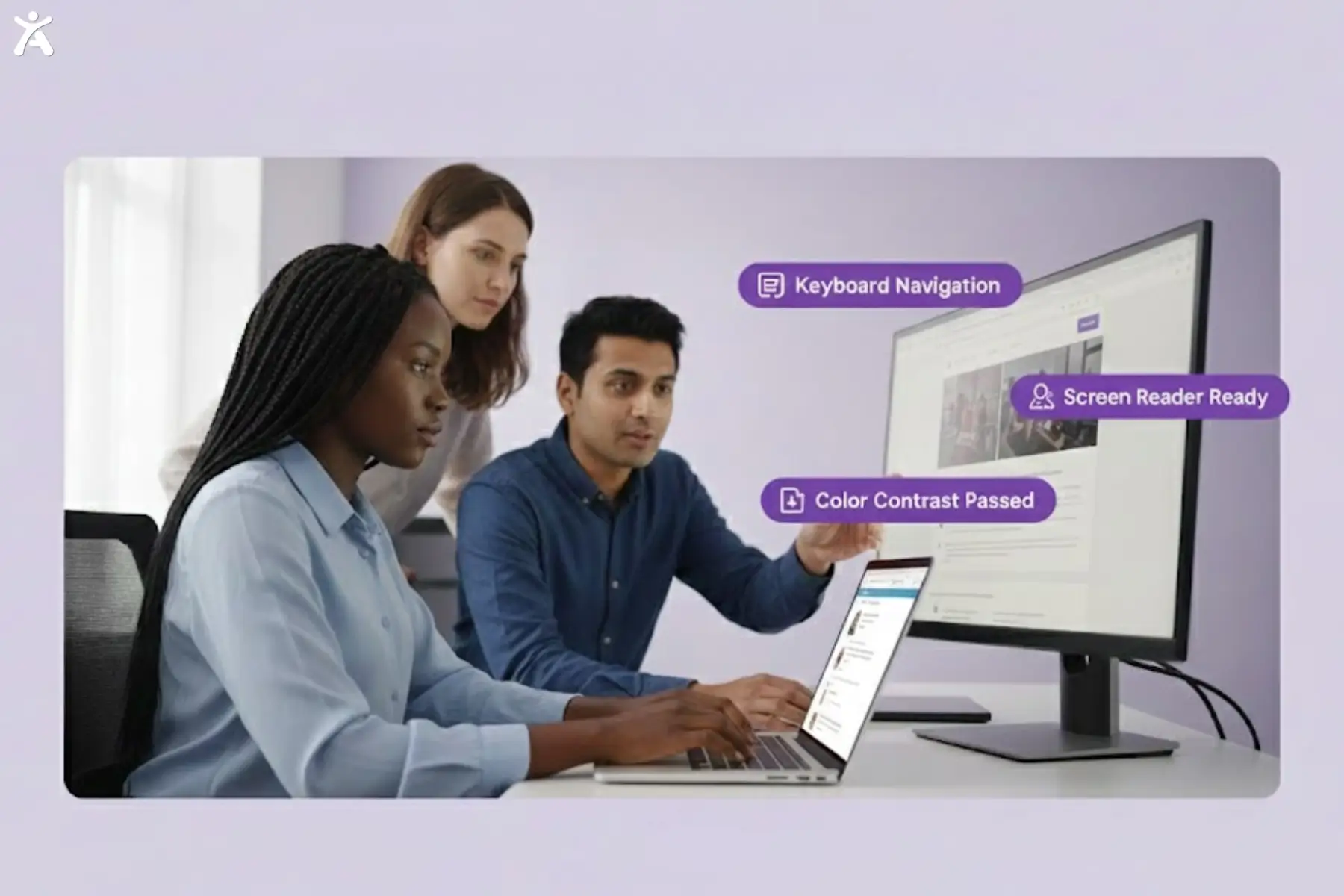
Manual accessibility testing involves real people checking a website. They look for problems that code scanners might miss. This usually involves testing with screen readers such as JAWS or NVDA. It also includes using keyboard-only navigation and magnification software. It validates the actual user experience rather than just the code syntax.
Strengths of Manual Accessibility Testing
- Contextual Accuracy: Humans understand if the link text makes sense or if the error message is helpful
- Complex Interactions: Key for testing multi-step forms, modals, and dynamic SPAs
- Assistive Tech Compatibility: Checks if your site works with the tools people with disabilities use every day
Limitations and Challenges of Manual Testing
- Time-Consuming: It takes significant time to audit a site page by page.
- Higher Cost: Requires specialized expertise and labor hours
- Subjectivity: Different testers might interpret guidelines slightly differently without strict protocols
Automated vs Manual, A Detailed Comparison
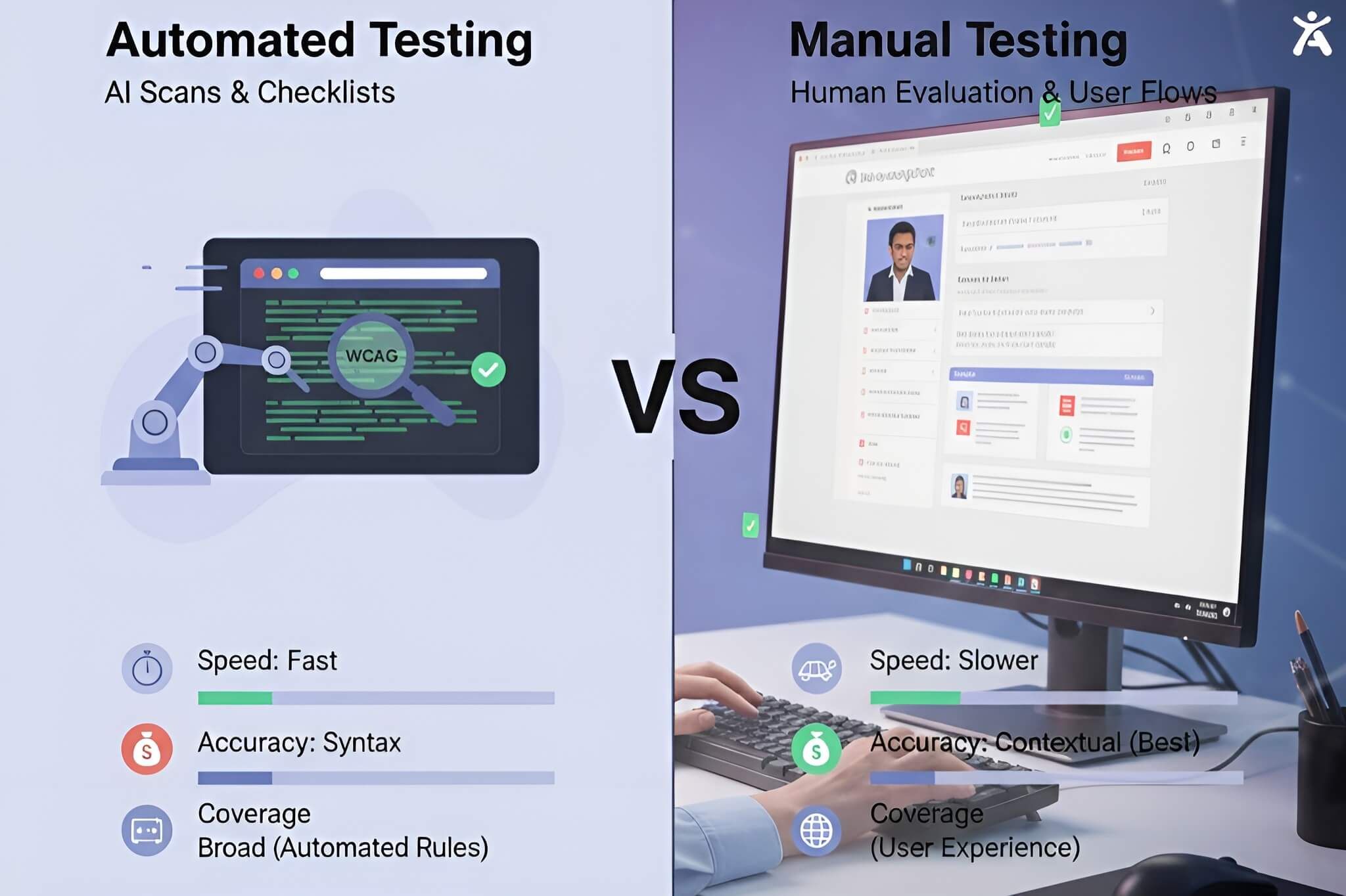
Direct Comparison Table
| Feature | Automated Testing | Manual Testing |
| Speed | Instant | Slow / Methodical |
| Coverage | ~30-50% of WCAG criteria | 100% of WCAG criteria |
| Cost | Low | High |
| Best For | Syntax errors, broken links, contrast | User flow, context, compatibility |
| Frequency | Continuous (daily/weekly) | Periodic (quarterly/milestones) |
Why Automated Isn’t Enough
If you rely solely on automated tools, you are vulnerable. A tool might recognize a “Sign Up” button because it has an ARIA label. But if a motor-impaired user can’t reach it using the keyboard, that feature is useless. Automation produces false positives (flagging non-issues) and, worse, false negatives (missing real barriers).
Why Manual is Indispensable
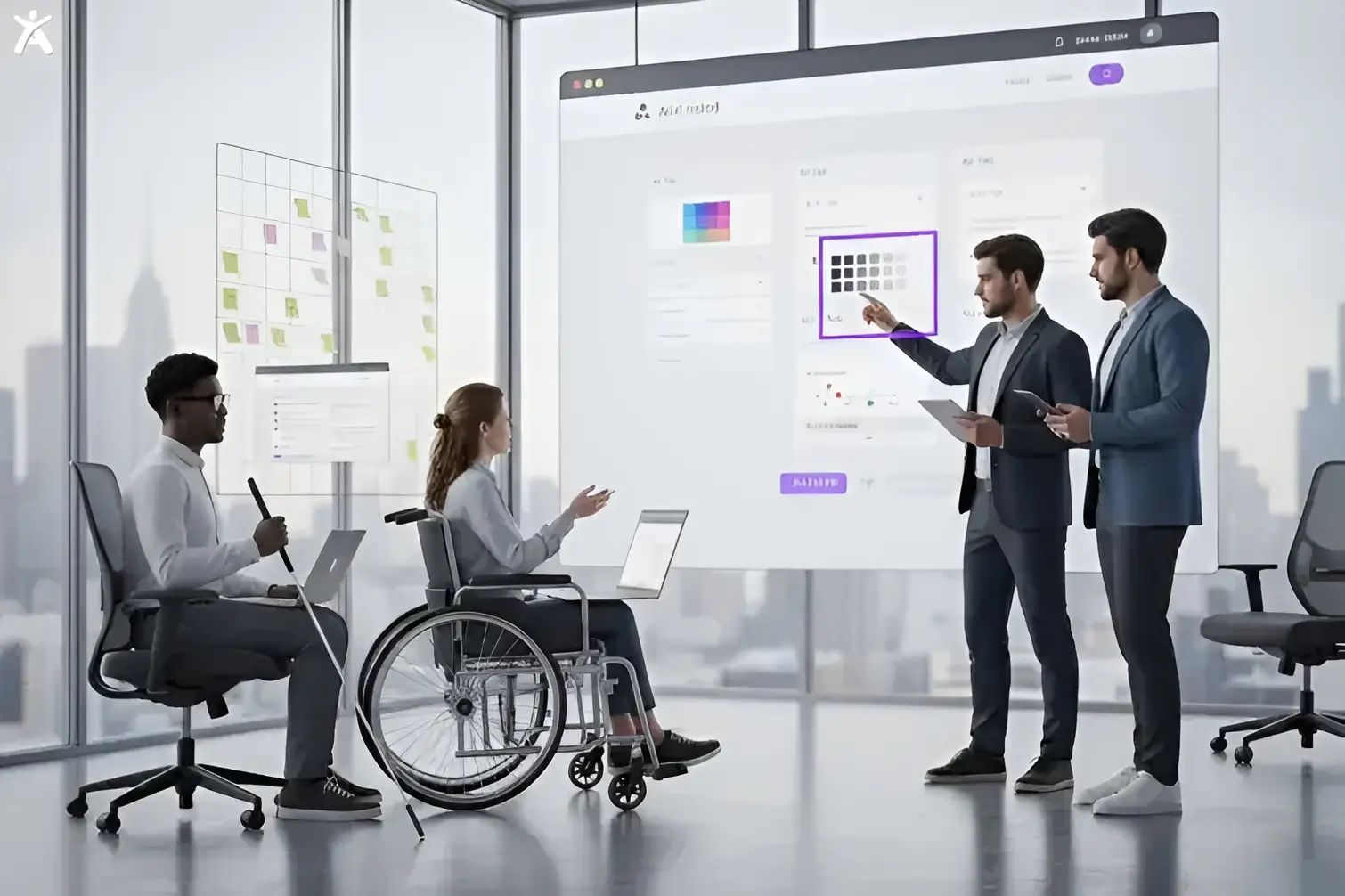
Manual testing bridges the gap between technical compliance and real-world usability. A manual tester can check whether a user journey, such as adding an item to a cart and checking out, works for a screen reader user. This “human-centric” approach is the only way to ensure your site is truly usable, not just code-compliant.
Combining for Comprehensive Coverage
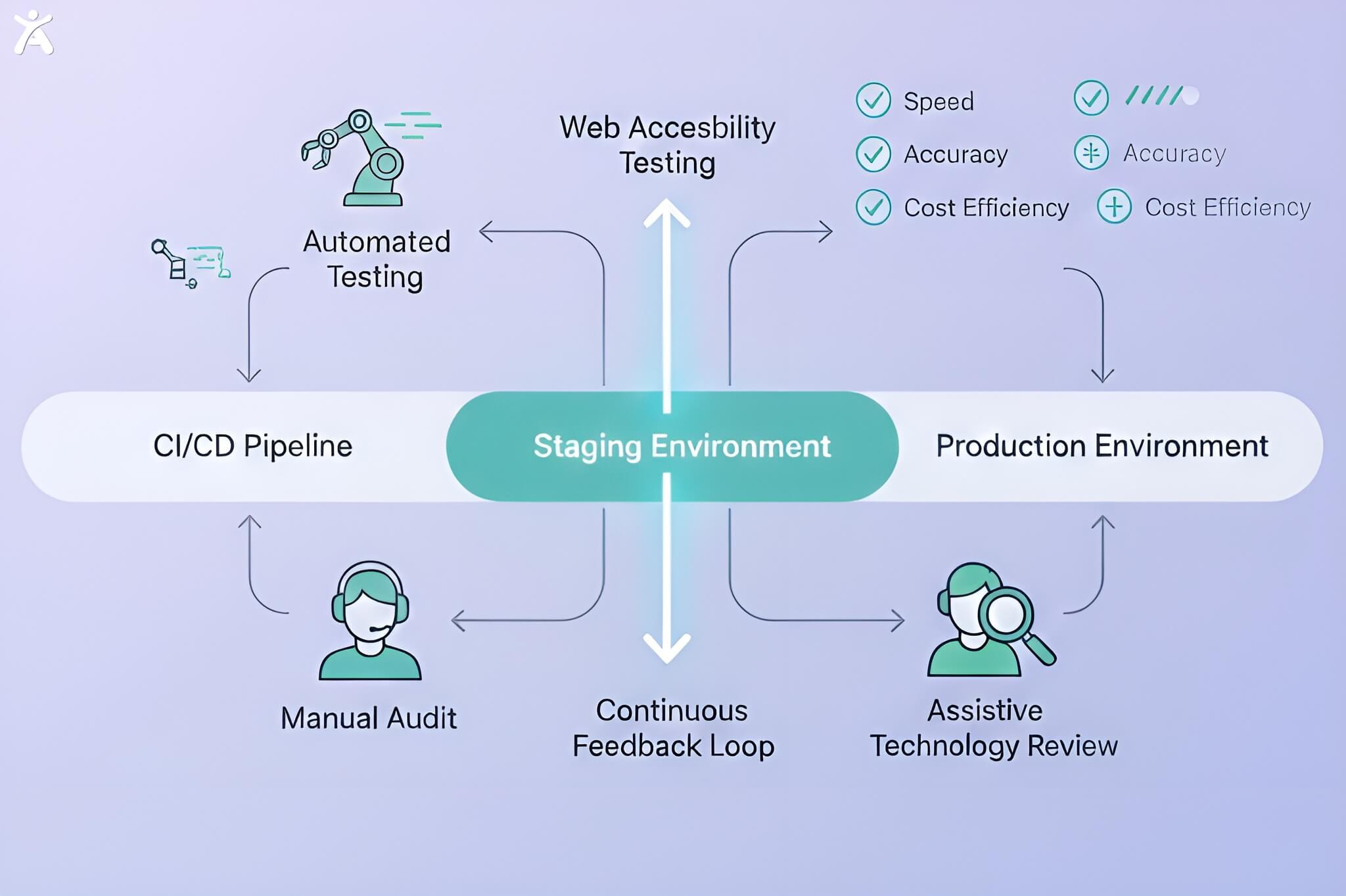
Why a Hybrid Approach Is Essential
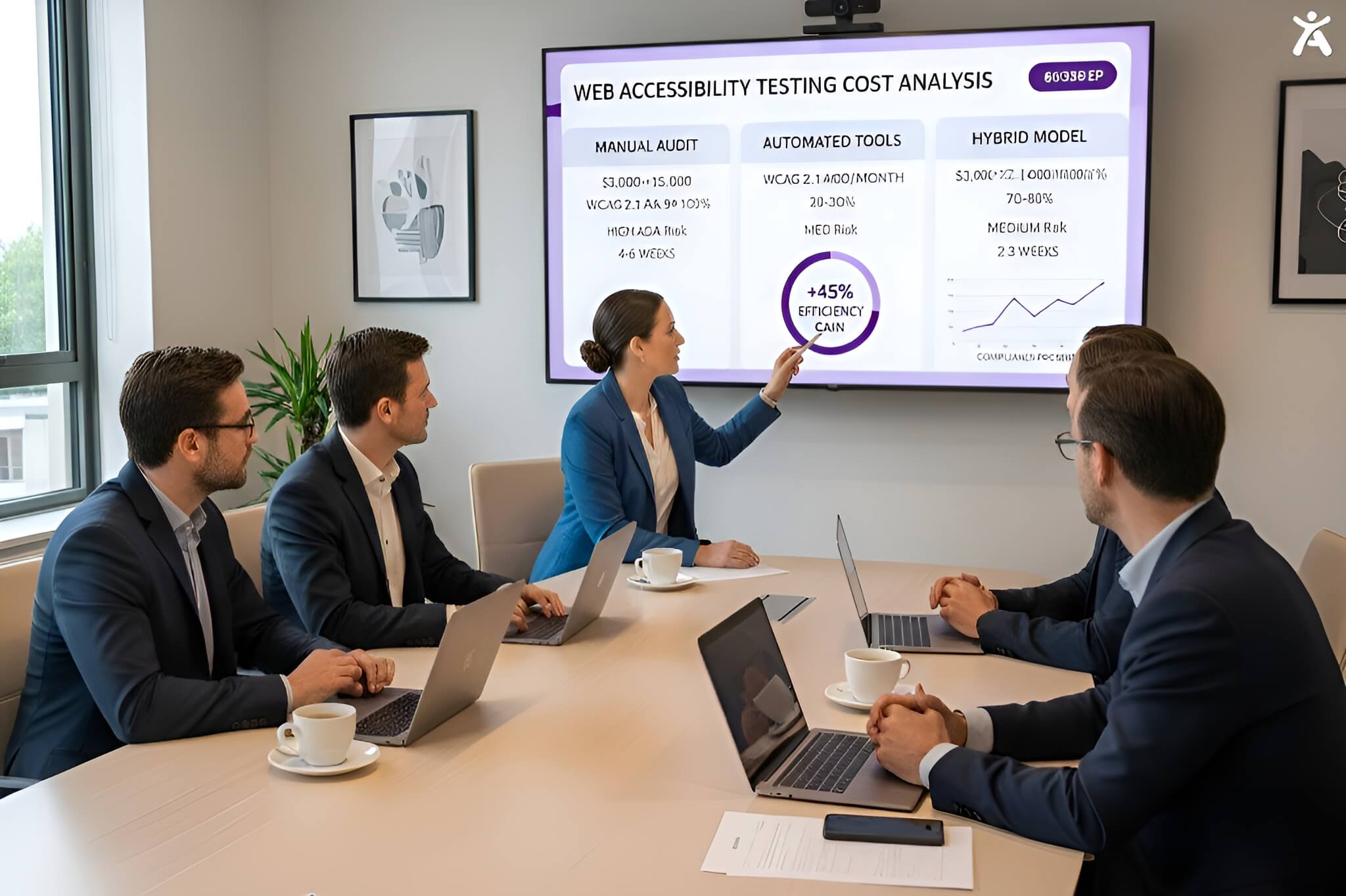
The most successful companies don’t choose one over the other; they utilize a hybrid testing methodology. Automating repetitive checks saves money. This allows your team to focus on complex issues that need manual review. This provides the most coverage for the best value.
When to Use Each Method in the Development Lifecycle
- Development: Use automated linters and unit tests to catch code errors as developers’ type
- Staging: Run full automated scans and perform manual spot-checks on new features
- Production: Conduct comprehensive manual audits annually, supported by continuous automated monitoring
Building a Robust Accessibility Framework
Integrate automated testing tools directly into your DevOps pipeline to block bad code from deploying. Schedule manual usability testing sessions with people with disabilities. This helps validate key user paths, like checkout flows and contact forms.
Building Your Accessibility Testing Strategy

Defining Scope, Goals, and Standards
Start by defining your target. Most organizations aim for WCAG 2.1 Level AA conformance. Decide which pages are “critical paths” needing thorough manual testing. Identify lower-priority pages that could benefit from more automation.
Resource Allocation and Team Roles
- Developers: Responsible for fixing code errors flagged by automation
- QA Testers: Perform manual checks using keyboards and screen readers
- Accessibility Specialists: Oversee the strategy and handle complex remediation
Implementing a Continuous Accessibility Process
Accessibility isn’t a one-time project. Set up:
- Daily: Automated scans.
- Sprint-based: Manual reviews of new components.
- Annually: Full third-party manual audit.
Measuring Success and Ongoing Improvement
Track metrics like “number of critical violations” and “time to remediate.” Use an accessibility health score (AIM score) to monitor progress over time. If your automated scores are high but users still complain, increase your manual testing efforts.
Pro Tips for Accessibility Success
- Don’t trust “Overlays”: Avoid tools that claim to fix accessibility instantly with a single line of code. They often fail to protect you legally and can interfere with screen readers
- Start with Keyboard Testing: You don’t need expensive software to start manual testing. Just unplug your mouse. If you can’t navigate your site using only the Tab and Enter keys, you have significant issues
- Involve Users: Nothing beats testing with actual users who live with disabilities. Their feedback is invaluable.
Embracing a Holistic Approach
The Power of “Both” Automated and Manual
The debate shouldn’t be automated web accessibility versus manual testing. It’s about how to orchestrate both to build a digital environment that welcomes everyone. Automation provides the foundation; manual testing builds the house.
Smart Automation and Human Insight
As AI evolves, automated tools will become smarter, interpreting context more effectively. The human touch, empathy, intuition, and real-life experience are essential for true inclusivity.
Ready to build a truly accessible website? Don’t guess. [Book a comprehensive audit today] to see exactly where your site stands.
FAQs
No. Automated tools typically catch only 30% to 50% of accessibility violations. They are great at spotting syntax errors and missing code. However, they struggle with issues like context, logical flow, and user experience.
Perform manual testing after any major updates to your website’s design or features. For stable sites, conduct a full manual audit at least once a year. This helps ensure ongoing compliance with WCAG standards.
Generally, no. Automated testing is cost-effective because it scales easily. Many browser extensions, like WAVE, are free. In contrast, enterprise monitoring solutions cost less than hiring human auditors for each page.
You can train internal teams on basic checks, such as keyboard navigation. Hiring outside experts, especially those with disabilities, improves accuracy and strengthens your defense against legal claims.
For most businesses in the US and Europe, targeting WCAG 2.1 Level AA is the standard best practice. This level meets the ADA (Americans with Disabilities Act) and several global accessibility laws.