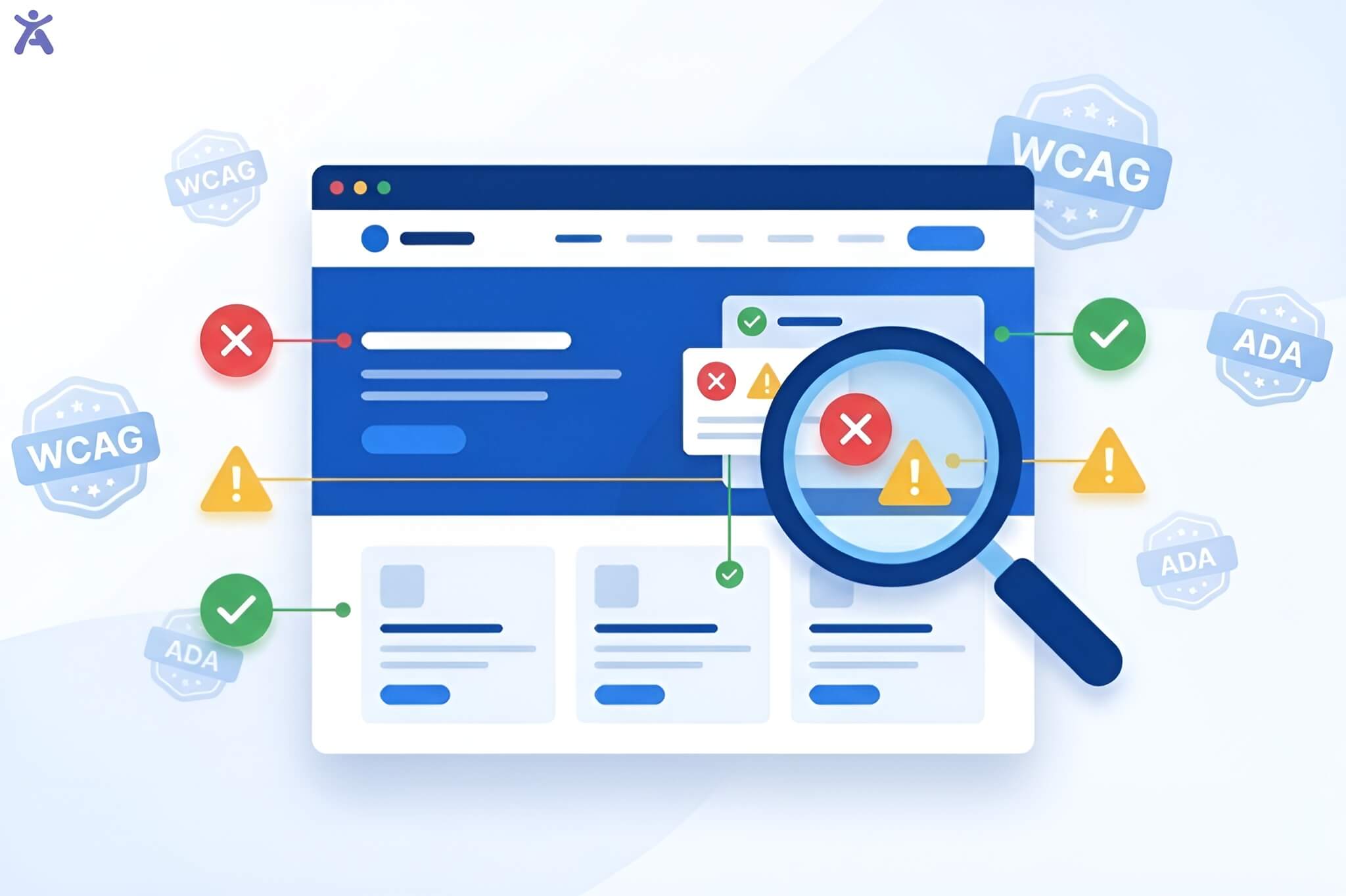
Have you ever wondered how accessible your website truly is for all users? A11y meaning, or web accessibility, is crucial in ensuring that your digital content serves everyone, regardless of ability. Whether you’re designing your first wireframe, writing semantic HTML, or exploring user experience, understanding A11y will help you create inclusive digital experiences. Embracing accessibility transforms your approach to design, ensuring a more equitable online presence.
This comprehensive guide covers all you need to know about A11Y. It includes basic definitions and practical strategies. As a matter of fact, these will help make your digital content inclusive to a large extent.
Quick Summary
A11Y (accessibility) makes sure digital content is usable for everyone. This includes people who use assistive technologies, like screen readers. It follows four POUR principles: Perceivable, Operable, Understandable, and Robust. Also, it aligns with the Web Content Accessibility Guidelines (WCAG). Beyond legal compliance, accessibility enhances user experience and strengthens search engine optimization. It also expands market reach and helps create a more inclusive digital world.
Understanding A11Y and Its Role in Digital Accessibility
The term “A11Y” may seem like jargon, but it’s a numeronym. The “11” stands for the eleven letters between “A” and “Y” in “accessibility.” This abbreviation has become the standard way professionals discuss web accessibility. Design and development communities use it on a large scale. This ensures that everyone, no matter their abilities or limitations, can access it. A11Y’s meaning extends far beyond adding alt text to images. It involves making digital experiences simple for the people facing these challenges:
- visual impairments
- cognitive disabilities
- hearing limitations
- motor difficulties
The Purpose of Digital Accessibility and Inclusion
Web accessibility ensures that websites, mobile apps, and digital content are inclusive. It helps make these resources usable for people with diverse abilities and needs. This includes individuals who rely on assistive technologies. Tools like screen readers and voice recognition software help bridge the accessibility gap. They also enable the use of alternative navigation methods for easier digital interaction.
Consider Maria, a graphic designer with low vision who uses screen magnification software. Without good accessibility standards, she may struggle with low-contrast websites. She could also have trouble reading text that doesn’t resize in an appropriate manner. A11Y principles ensure her professional work isn’t hindered by inaccessible digital barriers.
Human-Centered Design and the Value of Web Accessibility

True accessibility transcends checkbox compliance. It represents a fundamental shift toward human-centered design thinking that benefits everyone. Designing for accessibility makes digital experiences more inclusive and user-friendly. It ensures effective interaction with content regardless of circumstances or environment. It improves usability for everyone alike. Parents can manage daily tasks while using mobile devices. Also, professionals can work outdoors in bright light.
The Ethical Foundation of Digital Rights
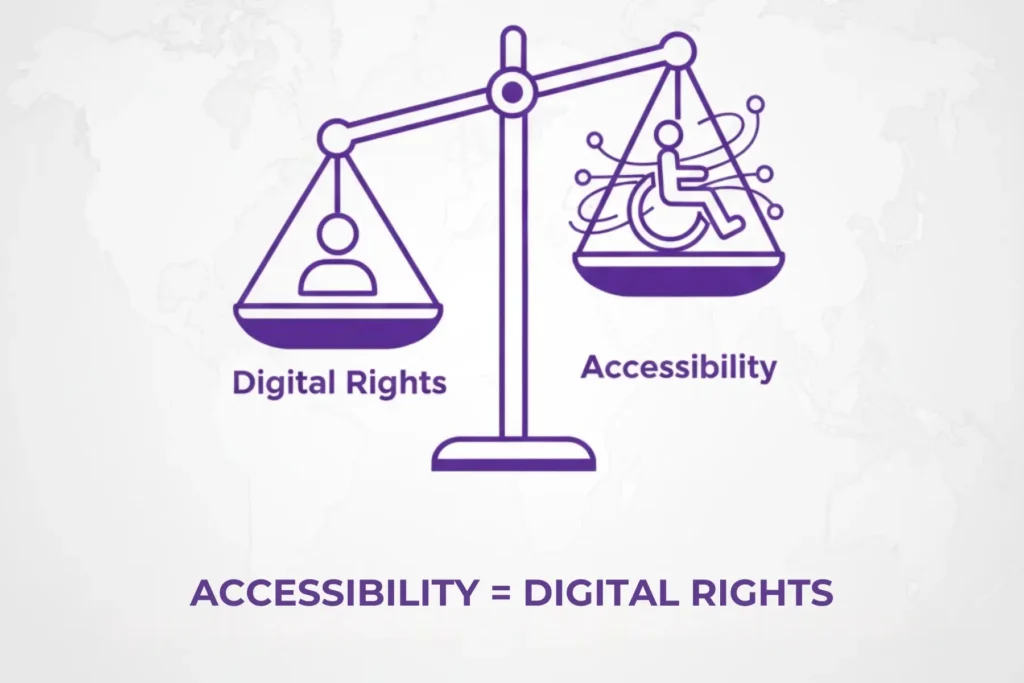
Digital accessibility represents a basic human right in our increasingly connected world. The UN Convention on the Rights of Persons with Disabilities highlights this principle. It recognizes access to information and communications technologies as essential. Creating inaccessible digital content limits who can engage with it. This exclusion limits millions from fully participating in the digital world.
This ethical imperative holds particular importance in educational and governmental settings. Equal access to information affects people’s chances and involvement in civic life.
The Legal Foundation of Digital Accessibility
The legal landscape surrounding digital accessibility continues to expand globally.
- Americans with Disabilities Act (ADA): Courts are now applying ADA Title II to digital spaces, even if websites are not mentioned.
- Section 508 Standards: Federal agencies must ensure that their digital content is accessible.
- European Accessibility Act: Mandates accessibility standards across EU member states.
- Accessible Canada Act: Requires federally regulated organizations to identify and remove accessibility barriers.
The Department of Justice has stated that websites need to be accessible. Meanwhile, the number of lawsuits is on the rise. Cities like Jacksonville and Denver have been sued for having inaccessible municipal websites. This clearly shows the legal risks of not complying with accessibility standards.
The Business Value of Inclusive Design
Accessible design delivers measurable business; for instance:
- Expanded Market Reach: There are over 1 billion people with disabilities globally. This group represents a major market segment.
- Improved SEO: Search engines favor well-structured, semantic code that also supports assistive technologies.
- Better User Experience: Accessibility improvements benefit everyone, not just those with disabilities.
- Risk Mitigation: Proactive accessibility reduces legal exposure and potential remediation costs.
Understanding the POUR Principles of Accessible Design
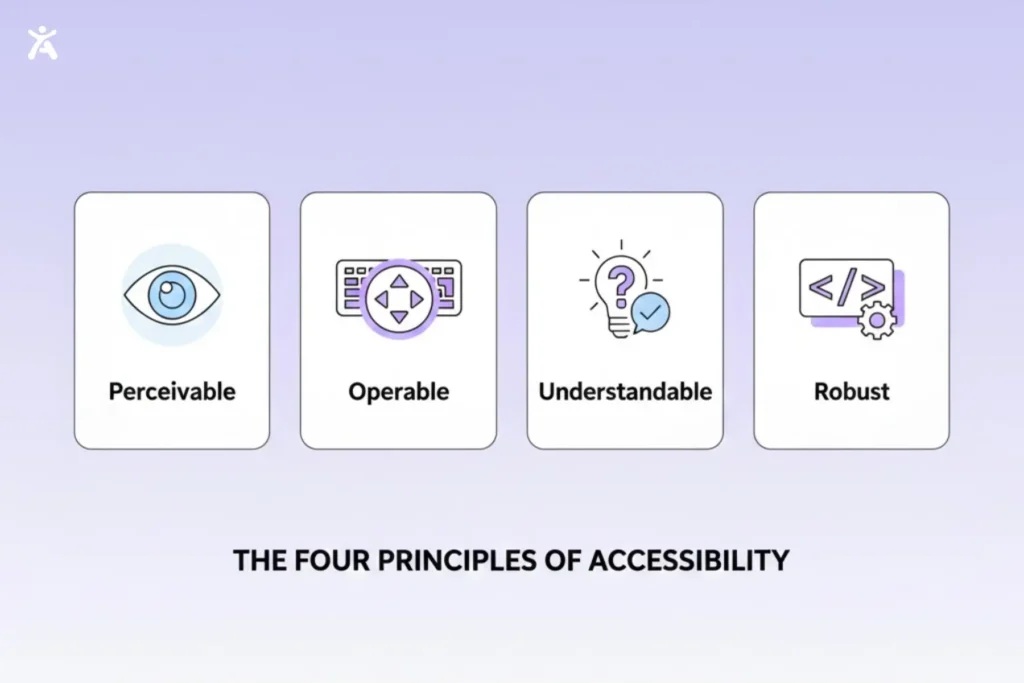
Accessible design follows key accessibility standards built on the POUR principles: Perceivable, Operable, Understandable, and Robust. These principles help create digital experiences accessible to everyone. They ensure content is easy to perceive, functions work across different input methods, and information is clear. They also maintain compatibility with assistive technologies and future innovations.
Perceivable: Making information accessible.
Content must be presentable in ways that users can perceive. This applies regardless of their sensory abilities. This means:
- Visual Content: Use alt text to describe images. Ensure enough contrast between text and backgrounds for visual clarity.
- Audio Content: Offering closed captions for videos and transcripts for audio content.
- Color usage: Never rely on color alone to convey information. For example, instead of “click the green button,” say “click the green Submit button.”
Operable: Enabling User Interaction
Users must be able to operate interface components and navigation.
- Keyboard Accessibility: All interactive elements should work without a mouse.
- Timing Considerations: Providing users with adequate time to read and use the content.
- Seizure Prevention: Avoiding content that flashes more than three times per second.
Understandable: Clear communication.
Information and user interface operations must be understandable.
- Readable Text: Using plain language and explaining technical terms.
- Predictable Functionality: Maintaining consistent navigation and interaction patterns.
- Input Assistance: Providing clear instructions and error messages for form controls.
Robust: Future-Proof Compatibility
Content must remain accessible as assistive technologies evolve.
- Semantic HTML: Using proper markup that assistive devices can interpret.
- ARIA Roles: Implementing Accessible Rich Internet Applications attributes when standard HTML isn’t sufficient.
- Standards Compliance: Following established web standards for better compatibility.
WCAG and Your Accessibility Roadmap with A11Y Meaning Explained
WCAG serves as a comprehensive framework for making digital content accessible to everyone. It outlines clear principles that support the inclusion of users with diverse abilities. These guidelines help developers and creators design user-friendly, inclusive experiences. In doing so, they also ensure compliance with important accessibility and legal standards.
The WCAG is the international standard for web accessibility. WCAG 2.1, the current version, organizes requirements into three conformance levels:
- Level A: Basic accessibility features
- Level AA: Standard compliance level (recommended for most organizations)
- Level AAA: Enhanced accessibility (required for specialized contexts)
Most legal requirements reference WCAG 2.1 Level AA as the benchmark for compliance.
The Evolution and Future of WCAG 3.0
WCAG 3.0, still in development, promises a more flexible, testing-focused approach. While it is years from completion, it continues to evolve and make steady progress. The project maintains backward compatibility to ensure a smooth transition for existing systems. Its scope extends to mobile apps and emerging technologies.
Accessible Design Strategies with Understanding A11Y
In the design phase, it’s crucial to build strong accessibility foundations. This ensures inclusivity right from the start. These foundations help create digital content and apps that everyone can use. They also make sure to follow accessibility standards like WCAG 2.1 Level AA. For example, use color contrast tools. Create easy-to-use navigation, and add alt text for images. Collaboration between designers, developers, and accessibility experts at this stage is essential. It lays the groundwork for creating experiences that are both inclusive and user-friendly.
A11Y Meaning in the Accessible Visual Design Phase
Start accessibility considerations during the initial design phase.
- Color Contrast: Ensure text meets minimum contrast ratios (4.5:1 for normal text, 3:1 for large text).
- Visual Hierarchy: Create heading structures for visual users and screen readers.
- Interactive Elements: Design focus indicators that clearly show keyboard navigation paths.
Development Phase for Inclusive Code
Implement accessibility through thoughtful development practices:
- Semantic HTML: Use appropriate HTML elements for their intended purposes.
- Form Labels: Associate all form inputs with descriptive labels.
- Responsive Design: Ensure content works across different screen sizes and orientations.
- Progressive Enhancement: Build core functionality that works without JavaScript, then enhance it.
Content Creation for Digital Accessibility
Content creators play a crucial role in accessibility.
- Alternative Text: Write descriptive alt text that conveys the image’s meaning and context.
- Heading Structure: Use logical heading hierarchies (H1, H2, H3) to organize content.
- Link Text: Create descriptive link text that makes sense out of context.
- Document Structure: Organize content with clear sections and landmarks.
Testing Your Accessibility Implementation
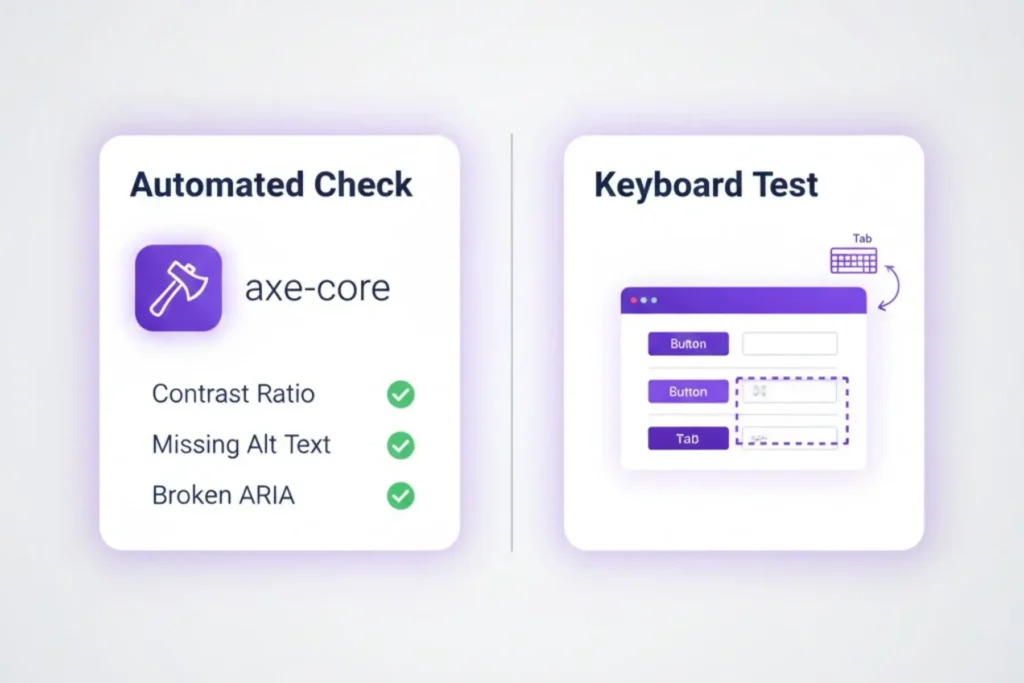
Testing your accessibility implementation evaluates content compliance with standards. This process helps ensure that your content is accessible to everyone.
Automated Accessibility Tools
Automated checkers provide quick initial insights:
- Website Accessibility Checker: Tools like axe-core can identify common issues.
- Firefox’s Accessibility Inspector: A browser-based testing tool for developers.
- Lighthouse: Google’s tool includes accessibility audits alongside performance metrics.
Platforms like Accessify can also help evaluate readability and structural accessibility, offering an additional layer of insight during early testing.
Yet, automated tools catch only 20-30% of potential accessibility issues.
Human-Led Accessibility Testing
Comprehensive accessibility testing requires human evaluation.
- Keyboard Navigation: Navigate your entire site using only keyboard controls.
- Screen Reader Testing: Use NVDA on Windows or VoiceOver on Mac to access your content.
- Usability Testing: Include users with disabilities in your testing process.
Professional Accessibility Audits and Overcoming Common Challenges
For critical tasks or thorough evaluations, consider hiring accessibility specialists. They perform audits, suggest improvements, and train your team. These experts resolve issues with color contrast, navigation, and dynamic content. Combine expert audits with proactive fixes to create inclusive, user-friendly experiences.
The Overlay Misconception in Understanding A11Y
Automated accessibility overlays are tools from third parties. They promise to make any website accessible right away. However, they often create more problems than they solve. These solutions typically:
- Provide incomplete coverage of accessibility requirements.
- May interfere with legitimate assistive technologies.
- Create false confidence while leaving real barriers in place.
Invest in proper accessibility from the ground up instead of using overlays.
Reframing Cost Concerns
“Accessibility is too expensive” remains a common objection. Reframe this perspective:
- Proactive vs. Reactive: Ensuring accessibility from the outset is more cost-effective. Retrofitting inaccessible content later can be significantly more expensive.
- Universal Benefits: Accessibility improvements often enhance usability for all users.
- Long-term investment: Accessible design reduces future development and legal costs.
Universal Design Benefits
Accessibility features benefit far more people with disabilities.
- Captions: Help users in noisy environments and for language learners.
- Clear Navigation: Improves the user experience for everyone.
- Mobile Optimization: Ensures that content works across devices and connection speeds.
- Voice Search Optimization: Well-structured content performs better in voice searches.
Emerging Technologies and AI Solutions
Artificial intelligence and machine learning are creating new accessibility solutions.
- Automatic Alt Text Generation: AI can generate image descriptions. However, human review is essential.
- Real-time captioning: Advanced speech recognition creates more accurate closed captions.
- Personalized Adaptations: Technology increasingly adapts interfaces to individual users’ needs..
Cultural Integration
Accessibility improves when organizations make inclusive design a core value. Making it an afterthought leads to missed opportunities. Train your team, empower accessibility champions, and embed inclusivity into every workflow.
Final Thoughts
Making the web accessible starts with inclusive design, and grounding yourself in the core a11y meaning helps reinforce that work, guided by the POUR principles: Perceivable, Operable, Understandable, and Robust. Accessibility is an ongoing journey of learning and improvement, making the digital world better for all users.
Start your next project with accessibility in mind. Utilize tools such as automated testing and screen readers to enhance your skills and create a web where everyone can participate equally.
FAQs
“A11y” is a shorthand for “accessibility,” representing the 11 letters between “a” and “y.” In web design, it refers to creating websites that are usable, perceivable, and inclusive for all users, including people with disabilities.
Web accessibility, also known as a11y, ensures that websites are usable for all users, including those with disabilities. It improves user experience, meets legal standards, and tools like Accessify help merchants create inclusive sites.
Web accessibility helps businesses reach a larger audience by ensuring that their websites are usable by everyone, including people with disabilities. It also ensures compliance with legal standards and promotes brand loyalty by being inclusive.
The core principles of web accessibility ensure content is perceivable, operable, understandable, and robust. They guide designers and developers in creating websites that are usable for everyone, including those with disabilities.
To ensure your website is accessible, follow WCAG standards. Tools like Accessify help test your site and improve accessibility, supporting compliance with legal requirements while enhancing overall usability for all users.