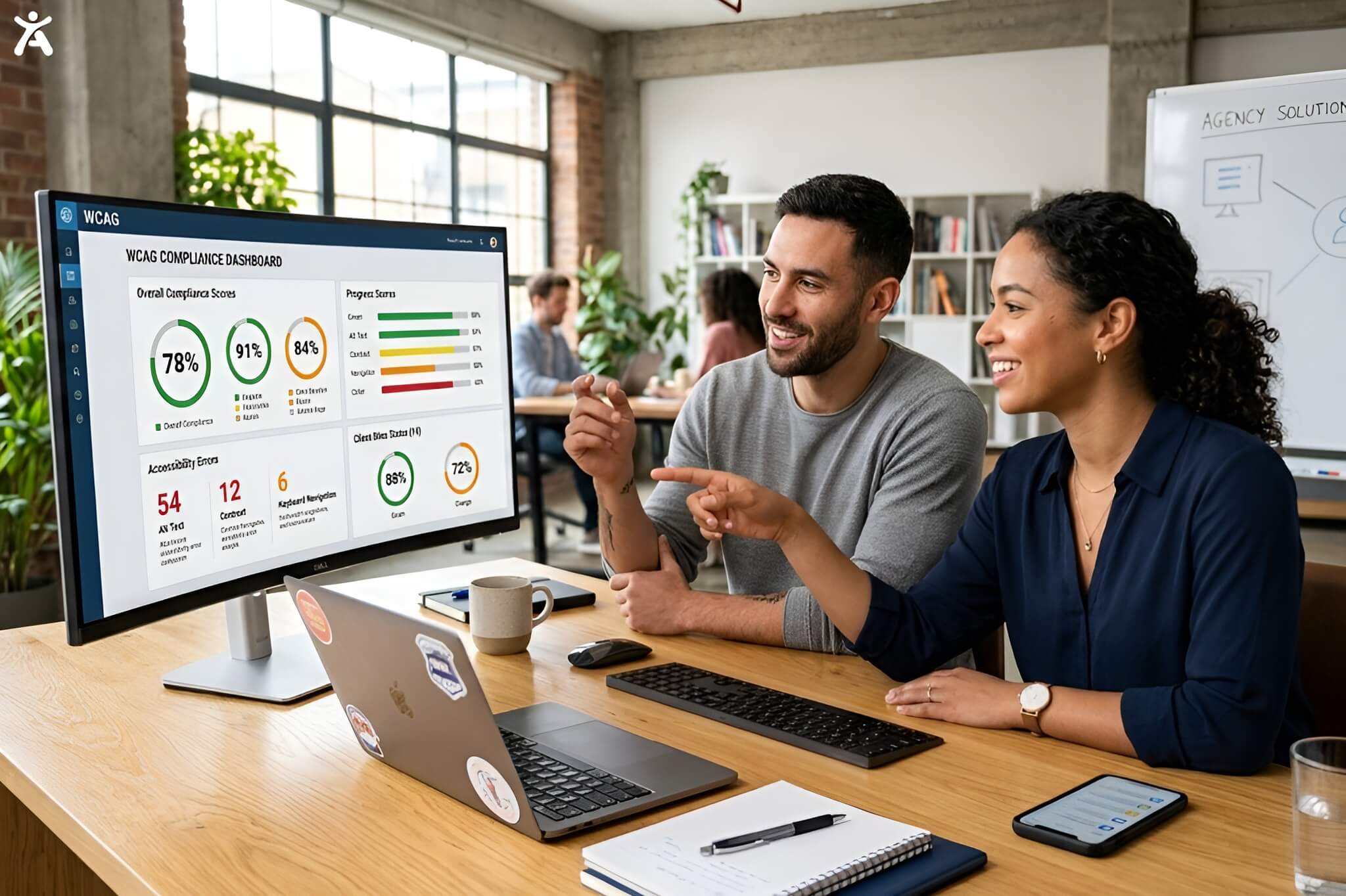
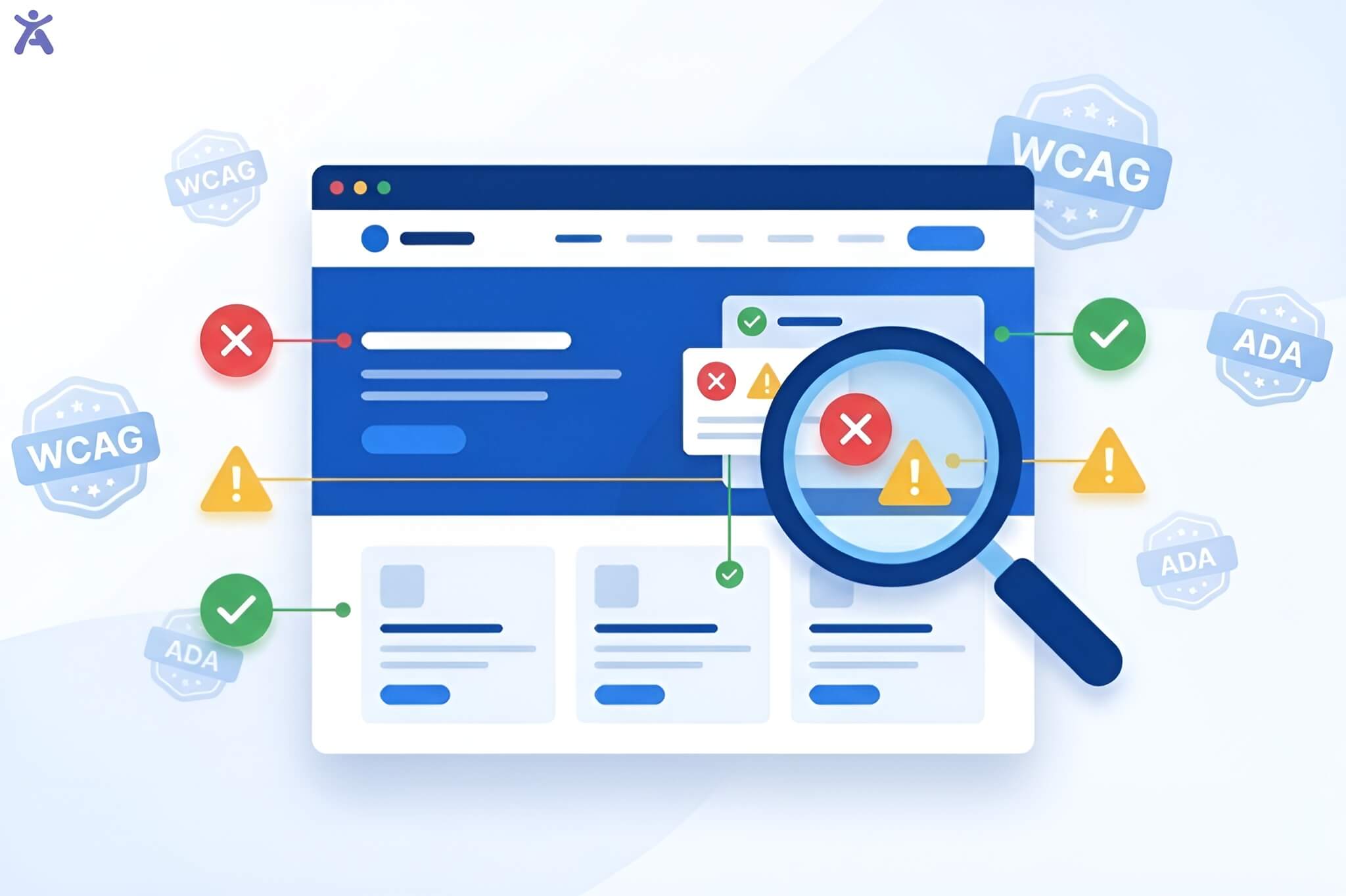
Have you ever wondered why some digital products are easy to use but still fail to reach all users? The answer lies in understanding the distinction between accessibility vs usability. These terms sound similar, but they’re different. Accessibility removes barriers, enabling all users, including those with disabilities, to interact. While usability focuses on ease and efficiency, it makes the product intuitive for all. When combined, they create inclusive experiences that work for all, even though their goals, target audiences, and success metrics differ.
Quick Summary
This article breaks down the differences between accessibility and usability and shows how to apply both effectively in digital product design. Accessibility removes barriers so everyone can use a product (“Can they use it?”), while usability ensures the experience is smooth and intuitive (“Do they want to use it?”). Understanding these principles together helps you create digital products that are inclusive, efficient, and user-friendly for all audiences.
What Makes a Design Accessible vs. Usable?
Accessibility and usability differ fundamentally in their core questions and target audiences. Understanding this distinction helps design teams create more effective and inclusive digital products.
Accessibility Focuses on Ability:
It ensures that people with disabilities can perceive, understand, navigate, and interact with digital content. It serves users with visual impairments, hearing difficulties, motor limitations, or cognitive differences. Accessibility adheres to specific standards, such as the Web Content Accessibility Guidelines (WCAG), and focuses on technical implementation.
Usability Centers on Ease of Use:
It measures how effectively, efficiently, and satisfactorily users can complete tasks within a digital product. Usability testing evaluates user flow, button interactions, and navigation menus to ensure a seamless experience. It tracks the overall experience for all users, regardless of ability level.
The Core Distinction Between Accessibility and Usability:
Accessibility asks, “Can they use it?” while usability asks, “Do they want to use it?” Both questions matter equally for creating successful digital products.
Designing Intuitive and Usable Digital Products
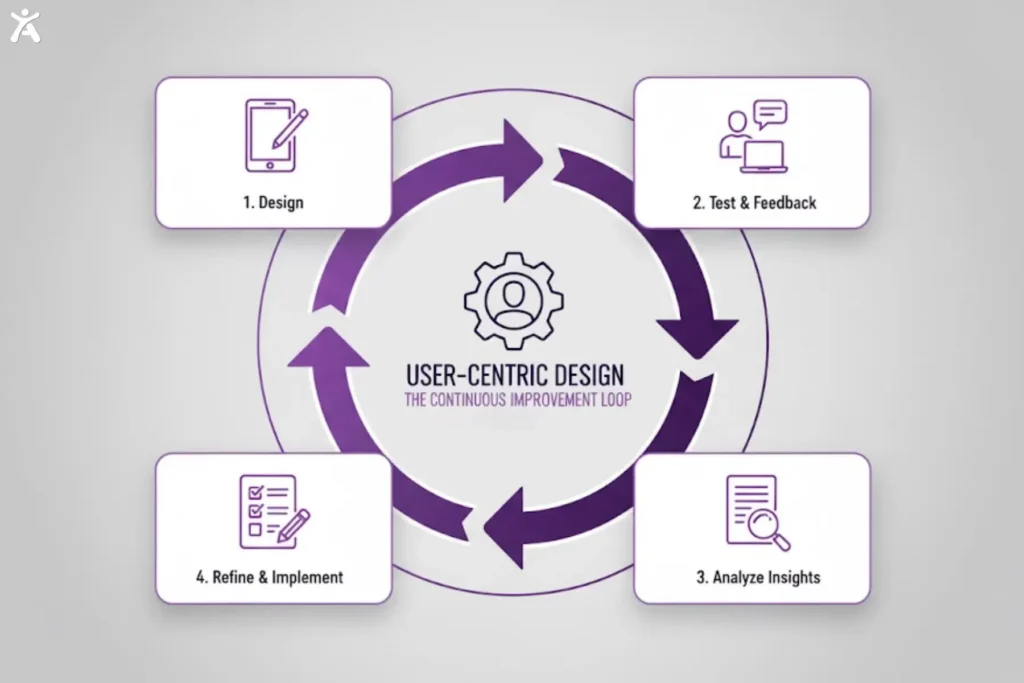
Usability simplifies interactions to make digital products intuitive and effortless. Early usability testing reduces frustration, increases engagement, and improves overall user satisfaction.
What is Usability? Definition and Core Focus
Usability refers to the effectiveness with which users can achieve their goals. ISO 9241-11 outlines three core usability goals:
- Effectiveness (task completion),
- Efficiency (speed of completion),
- Satisfaction (positive user experience).
UX teams design with these principles to ensure seamless interaction for all users.
The Principles of Usable Design
Usable design relies on principles that improve user experience:
- Consistency: Similar elements behave in a predictable manner, reducing confusion.
- Visibility: Important elements and system status are clear.
- Feedback: Users receive timely information about their actions through messages, loading indicators, or confirmations.
These principles reduce cognitive load and frustration while guiding intuitive navigation.
User Research, Personas, and Prototyping in Usability
Usability experts conduct user research to understand their audiences and goals, which informs the development of personas. Personas represent different user types and their specific needs within the product, providing a clear framework for design decisions.
Prototyping allows teams to test user flow and interactions early, identifying usability issues and saving time and resources. User experience testing validates design decisions by observing real users interact with prototypes or live products, helping teams uncover pain points and areas for improvement.
Ensuring Accessible Digital Products for Everyone
Accessible digital products are designed for inclusivity, ensuring all users, regardless of ability, can interact effectively. Integrating accessibility throughout the design process creates functional and empowering experiences.
What is Accessibility? Definition and Core Focus
Accessibility refers to the design of digital content that enables it to be usable by all users, including those with disabilities or temporary/situational challenges. Core focus areas include:
- Ensuring usability for people with visual, hearing, motor, and cognitive impairments
- Supporting temporary or situational challenges, such as a broken arm or reading a screen in bright sunlight
- Removing barriers to information and services and following technical standards for inclusive design
- Enabling assistive technologies, such as screen readers, keyboard navigation, and voice control, to work effectively
The Web Content Accessibility Guidelines (WCAG) and POUR Principles
WCAG standards define accessibility through four POUR principles:
- Perceivable: Users can perceive content (e.g., alt text, captions).
- Operable: Interfaces work with multiple input methods.
- Understandable: The content is clear, and the navigation is consistent.
- Robust: Content functions across technologies and devices.
Key Elements of Accessible Design
Key accessibility elements include:
- Color contrast: Ensures readability for all users.
- Semantic HTML: Structures content for assistive technologies.
- Keyboard navigation: Full functionality without a mouse.
Bridging the Gap with Assistive Technologies
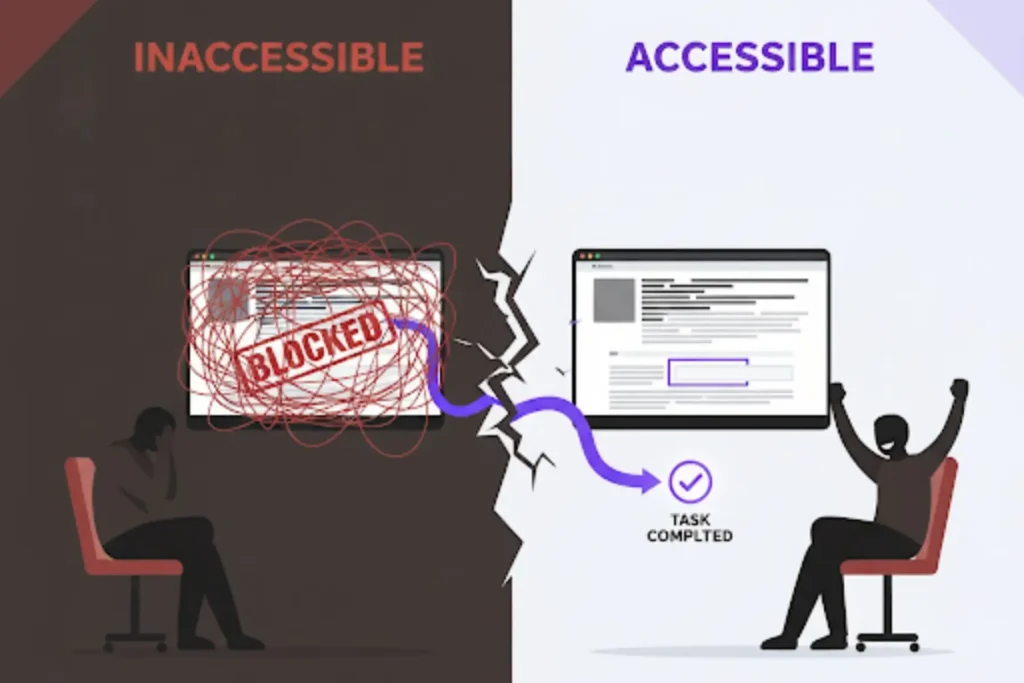
Assistive technologies help people with disabilities use digital content, including screen readers for voice or braille output and tools like Google Assistant for hands-free navigation. Following accessibility standards and using clean, semantic code ensures these technologies work effectively. Understanding how they function helps developers create inclusive and compatible digital products.
Key Differences Between Accessibility and Usability
Accessibility ensures digital products work for people with disabilities, while usability makes them easy and efficient for all users. Both are essential for creating intuitive, user-centered designs.
Ability to Access vs. Ease of Use
Accessibility removes barriers that prevent people with disabilities from using digital content, addressing issues like missing alt text, poor contrast, and limited keyboard access. Usability optimizes the experience for all users by reducing friction, enabling smoother task completion, and providing intuitive navigation for a satisfying experience.
Accessibility and Usability Standards and Metrics
Accessibility adheres to standards such as WCAG, with measurable requirements verified through both automated and manual evaluations. Usability is evaluated through user testing, tracking metrics such as completion rates, time on task, and satisfaction.
Legal compliance drives accessibility implementation, with laws like the Americans with Disabilities Act establishing digital obligations. Usability improvements are often driven by business objectives, including increased conversion rates, enhanced customer satisfaction, and lower support costs.
How Accessibility and Usability Work Together
Accessibility and usability both aim to create inclusive, seamless user experiences. Together, they make digital products functional and accessible for users of all abilities.
Where Accessibility and Usability Naturally Intersect
Design choices can improve accessibility for users with disabilities while enhancing the overall experience for all users. Key practices include:
- Clear navigation and headings: Supports users with cognitive disabilities and screen readers while improving content scannability for everyone, especially on mobile devices. Tools like Accessify can automatically surface navigation or heading issues that affect both accessibility and usability, helping teams address them earlier in the design process.
- Responsive design and assistive technology: Works across devices and screen sizes, supports assistive technologies, and enables keyboard navigation for power users
- Content clarity: Simple language, closed captions, and well-labeled form fields aid cognitive accessibility, non-native speakers, and users in challenging environments
- Visual accessibility: High color contrast improves readability for users with visual impairments and enhances visibility in bright sunlight or on low-quality displays
- Form usability: Clear labels reduce confusion and errors for everyone completing forms
Strategies for Harmonizing Competing Needs
Accessibility and usability can sometimes conflict. Detailed alt text helps screen reader users but can clutter the design for sighted users. Progressive disclosure addresses this by presenting key information first, with additional details in expandable sections. This approach maintains clarity while offering depth and nuance.
Offering multiple interaction methods, including mouse, keyboard, visual and audio options, along with diverse content formats, lets users engage in the way that suits them best. Content management systems that separate presentation from content further support flexible access. This structure enables users with diverse needs to access the same functionality and information efficiently.
Integrating Accessibility and Usability into Design Workflows
Integrating flexibility with consistency helps teams build designs that stay adaptable yet cohesive. This balance meets diverse user needs while aligning with project goals. It ensures accessibility and consistency across the entire product.
Designing for All with Inclusive Design
Inclusive design anticipates diverse user needs from the very start of a project. It avoids the need to retrofit accessibility features later. Championed by Microsoft’s Inclusive Design, it ultimately improves experiences for everyone.
Planning and research should include users with disabilities in the development of personas and user studies to ensure an inclusive approach. Understanding diverse user journeys enables teams to identify barriers early in the design process, allowing them to address these issues effectively and efficiently.
Design and prototyping phases should incorporate accessibility considerations into wireframes and visual designs. These considerations include color contrast, heading structure, and interactions compatible with assistive technologies.
Development and Implementation Best Practices
Use semantic HTML, ARIA landmarks and roles, and progressive enhancement to create digital products that are accessible and usable for all users. Semantic HTML forms the foundation, helping assistive technologies interpret content, improving SEO, and supporting code maintainability. ARIA landmarks and roles enhance page structure and screen reader navigation without affecting visual design.
Progressive enhancement ensures core functionality works across devices and assistive technologies. Starting with accessible HTML and layering CSS and JavaScript allows teams to build robust, resilient, and inclusive experiences for every user.
Testing and Iteration for Accessibility and Usability
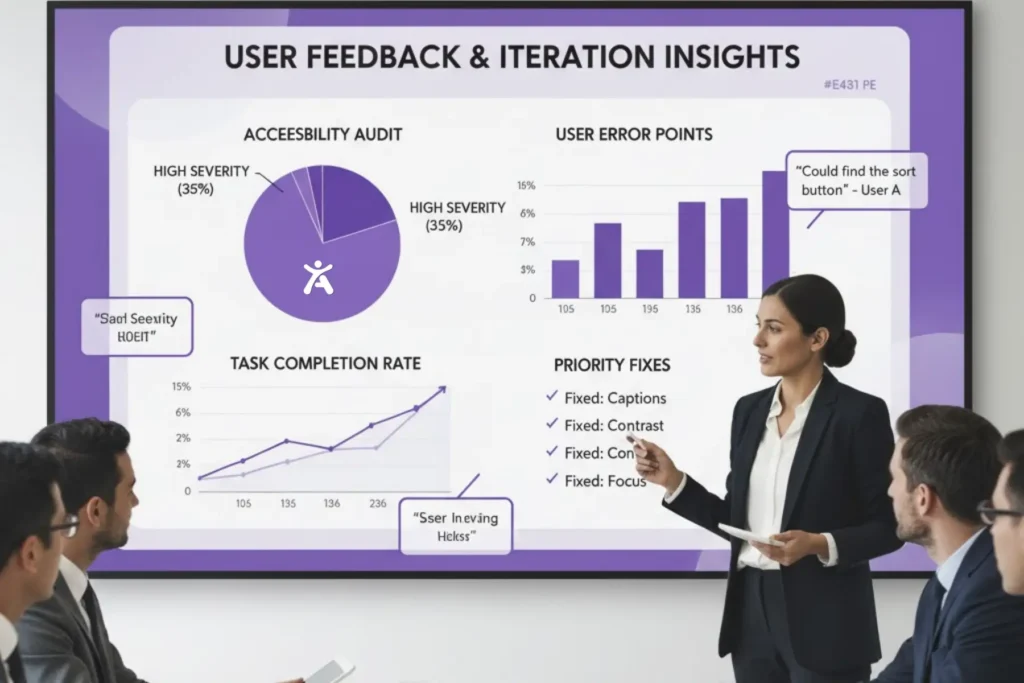
Thorough testing and iterative design ensure accessibility and usability. Feedback from diverse users, including those with disabilities, identifies friction points and guides improvements throughout the design process.
Comprehensive Usability Testing Approaches
- Traditional Testing: Track user tasks to identify friction and areas for improvement, including participants with disabilities.
- Assistive Technology Testing: Observe users of screen readers and other assistive tools to uncover issues that automated tests may miss.
- A/B Testing: Compare design variations with diverse users to guide evidence-based accessibility and usability decisions.
Thorough Accessibility Testing Methods
- Manual Testing: Verify keyboard navigation, screen reader compatibility, and color contrast to identify issues that automated tools may miss.
- Automated Testing: Scan code for missing alt text, low contrast, and improper heading hierarchy to get fast feedback during development.
- Combined Approach: Using both methods ensures technical compliance and real-world usability for users with disabilities.
Iterative Refinement for Continuous Improvement
Regular testing identifies and resolves accessibility and usability issues. Feedback from diverse users, including through dedicated accessibility channels, guides continuous improvement and new feature development. Documenting results and strategies captures insights that inform future projects and enhance the overall quality of digital products.
Why Accessibility and Usability Matter to Businesses
Accessibility and usability are crucial for creating inclusive and effective digital experiences. Together, they address diverse user needs and drive business success.
Expanding Market Reach and Building Brand Loyalty
Accessible and usable digital products reach wider audiences, including 61 million adults with disabilities in the U.S., representing a significant market opportunity. Improved user experience increases customer satisfaction and loyalty, as users who can achieve their goals easily are more likely to return and recommend the product.
Accessibility practices such as proper heading structure, alt text, and semantic markup also enhance search engine optimization, benefiting both users with disabilities and content ranking. These combined effects help organizations expand their reach and build stronger brand loyalty.
Legal Risk Management and Brand Protection

Website accessibility compliance reduces legal risks as accessibility lawsuits rise. Proactive efforts show good-faith compliance and a commitment to inclusion, protecting the organization from potential legal challenges.
Accessible digital products also strengthen brand reputation. Organizations that prioritize accessibility earn recognition as inclusive employers and community partners. Meeting accessibility standards for government contracts and B2B partnerships enhances credibility and opens access to wider markets.
The Competitive Advantage of Excellence
Organizations that excel in both accessibility and usability create superior digital experiences, setting themselves apart from competitors. This excellence becomes a significant competitive advantage in crowded markets.
Customer retention improves when users can complete tasks without frustration. Focusing on accessibility and usability reduces abandonment rates, lowers support requests, and opens opportunities for innovation by addressing diverse user needs, often leading to creative solutions that benefit all users.
Pro Tips for Implementation Success
Creating accessible and usable digital products requires ongoing commitment and strategic integration. Key practices include:
User Research: Include people with disabilities in your target audience.
Automated Testing: Use tools during development to identify common accessibility issues.
Assistive Technology Testing: Test with real devices, not just automated tools.
Documentation: Record accessibility features in your design system for consistent implementation.
Team Training: Educate your team on accessibility standards and usability principles to ensure a seamless user experience.
Accessibility and usability improvements benefit everyone, enhancing experiences in diverse contexts such as bright sunlight or noisy environments. Treat accessibility as an ongoing commitment. Continuous improvement ensures products remain effective as user needs and technologies evolve.
Conclusion
Understanding the relationship between accessibility vs usability empowers teams to create products that serve everyone. While each focuses on different aspects of user experience, together they form more robust and inclusive solutions. Accessibility and usability are complementary, and when embraced from the start, they lead to better, more effective designs that exceed user expectations.
Your next design project is an opportunity to apply these principles. Whether you are refining an existing product or starting from scratch, let inclusion guide your decisions. The best experiences happen when everyone can participate fully and enjoyably.
FAQs
Usability measures how efficiently people navigate a system, while accessible design principles ensure that users with varying abilities can interact. Both work together to create an inclusive experience.
Smooth interaction enhances usability, and accessibility-focused practices make content accessible to all users. Tools like Axe and WAVE, along with Accessify, help detect barriers and maintain inclusivity.
Yes. Accessible design principles are a subset of usability, ensuring people relying on assistive tools can interact effectively. These practices enhance overall functionality and user experience for everyone.
Implementing inclusive design practices ensures all users can interact with your site effectively. A platform that works well for everyone enhances engagement, satisfaction, and overall user experience.
Usability testing checks how easily users navigate a product, while accessibility testing ensures people with varying abilities can access content. Lighthouse, IBM Equal Access, and Accessify simplify compliance monitoring.