Add Website Accessibility in 2 Minutes, No Coding Required
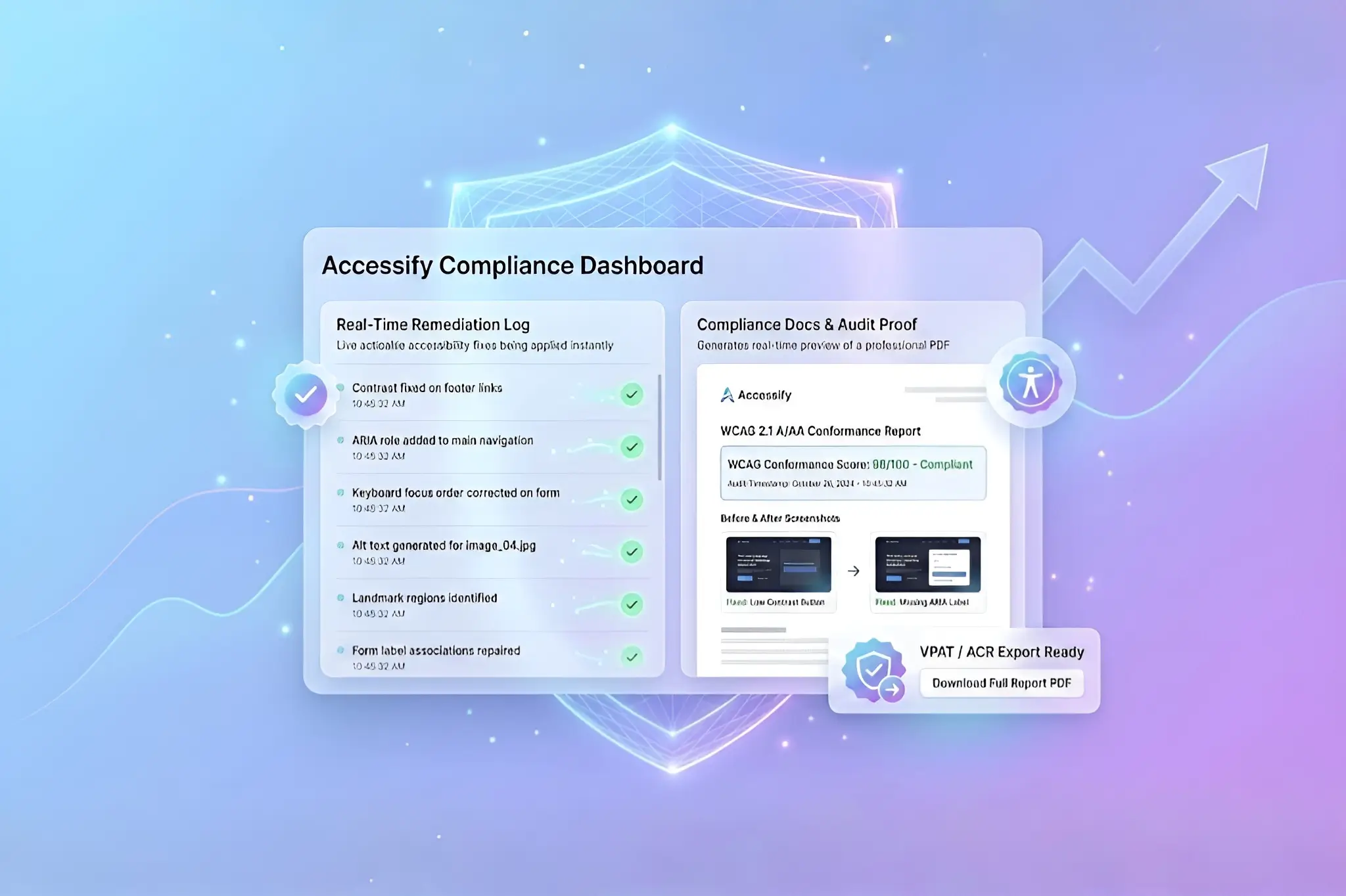
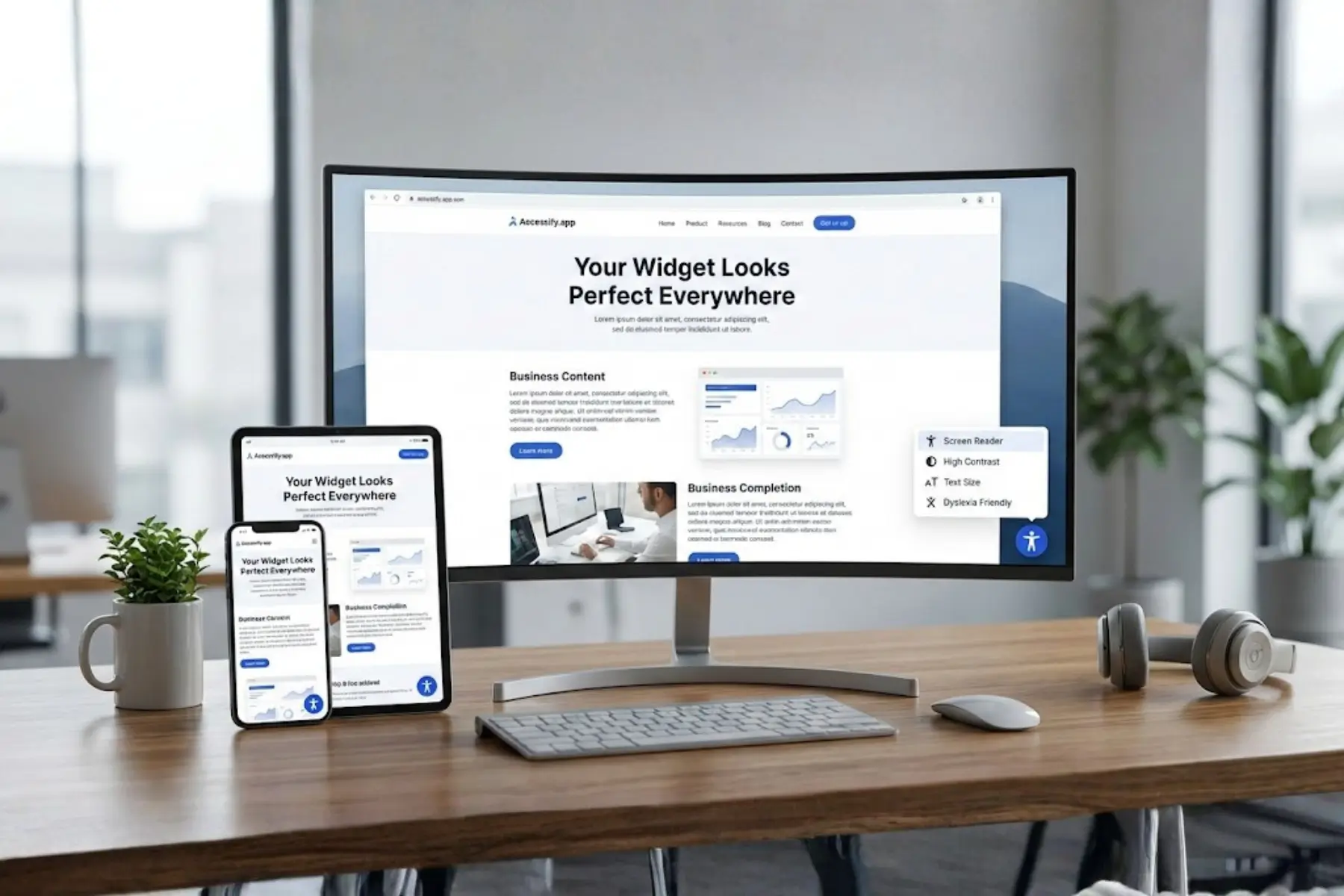
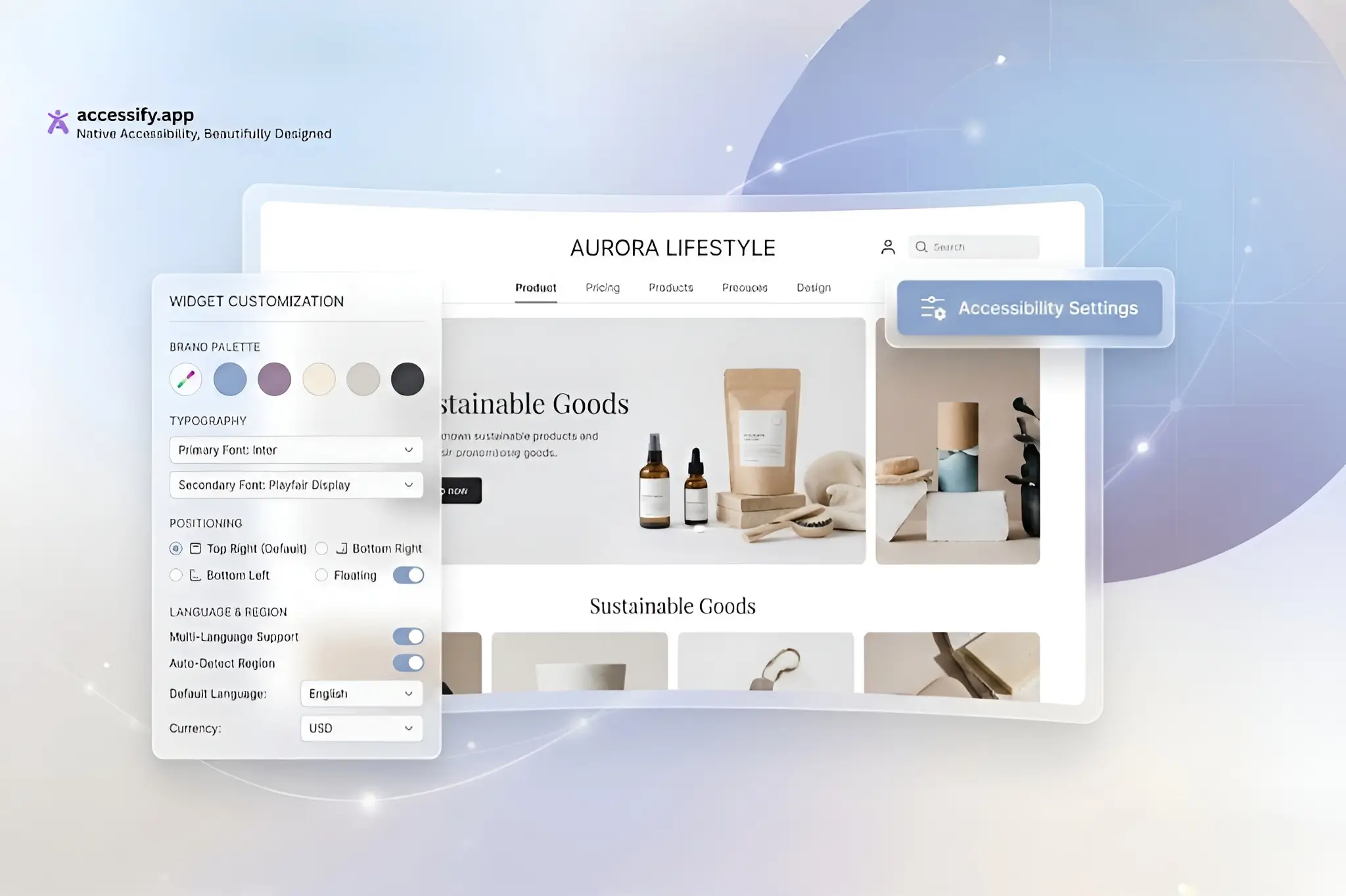
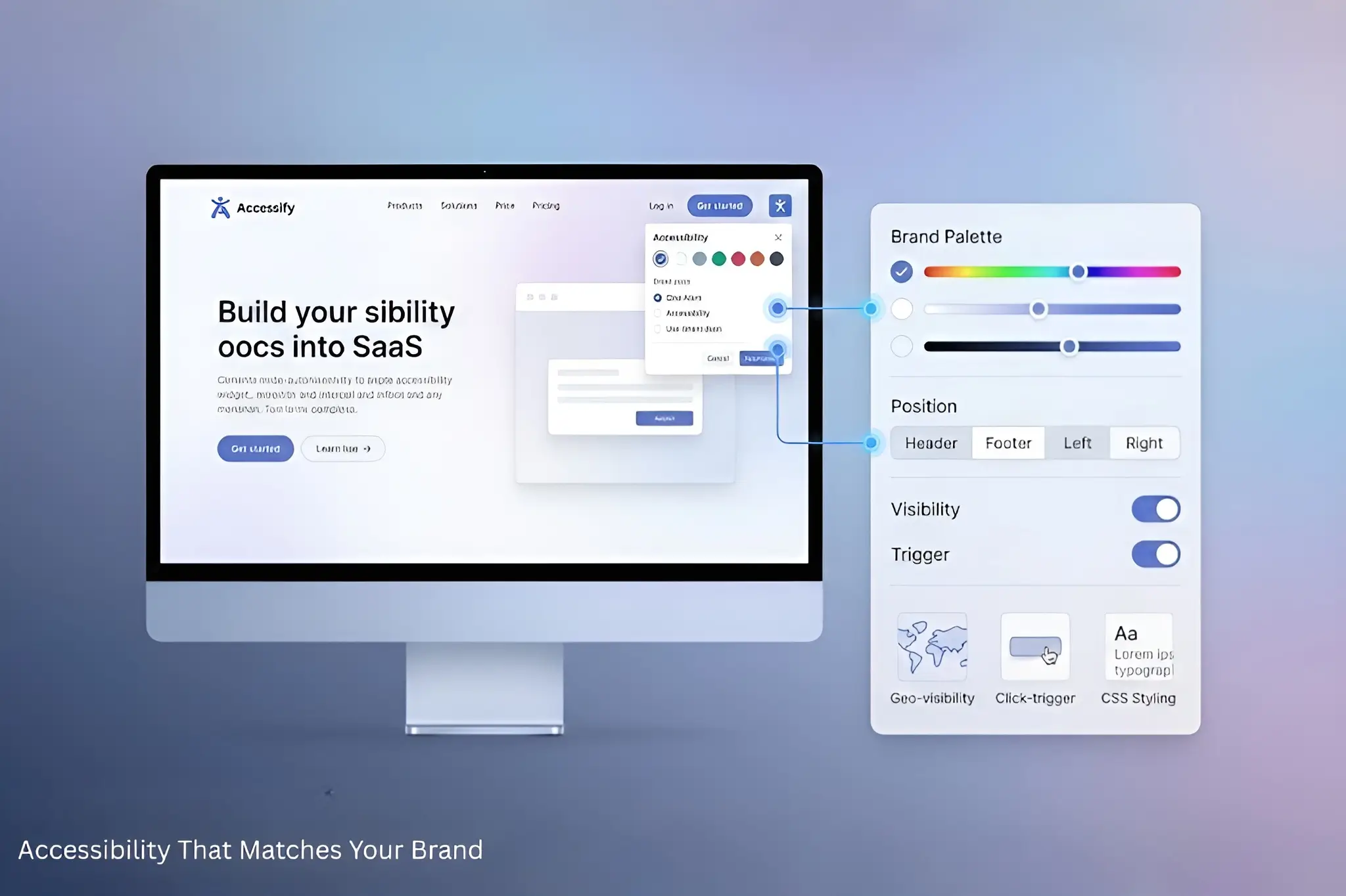
Accessify makes website accessibility fast, simple, and achievable for everyone with a 2-minute, no-code setup. By installing a lightweight accessibility widget, your site instantly gains powerful features including AI alt text generation, real-time accessibility fixes, WCAG audits, multi-language translations, and disability-specific accessibility profiles, all without technical expertise.
This streamlined setup ensures your website becomes inclusive immediately, while unlocking compliance, usability, and growth tools used by modern businesses.
Why a 2-Minute Accessibility Setup Changes Everything
Traditional web accessibility often requires developers, months of work, and thousands of dollars. Accessify replaces that complexity with one script tag that delivers enterprise-grade accessibility features instantly.
Once installed, your site benefits from:
- Accessibility Widget: Profiles for all major disabilities
- Real-Time Fixes: ARIA labels, color contrast, keyboard navigation
- Page Audits: 80–90% accurate WCAG accessibility scans
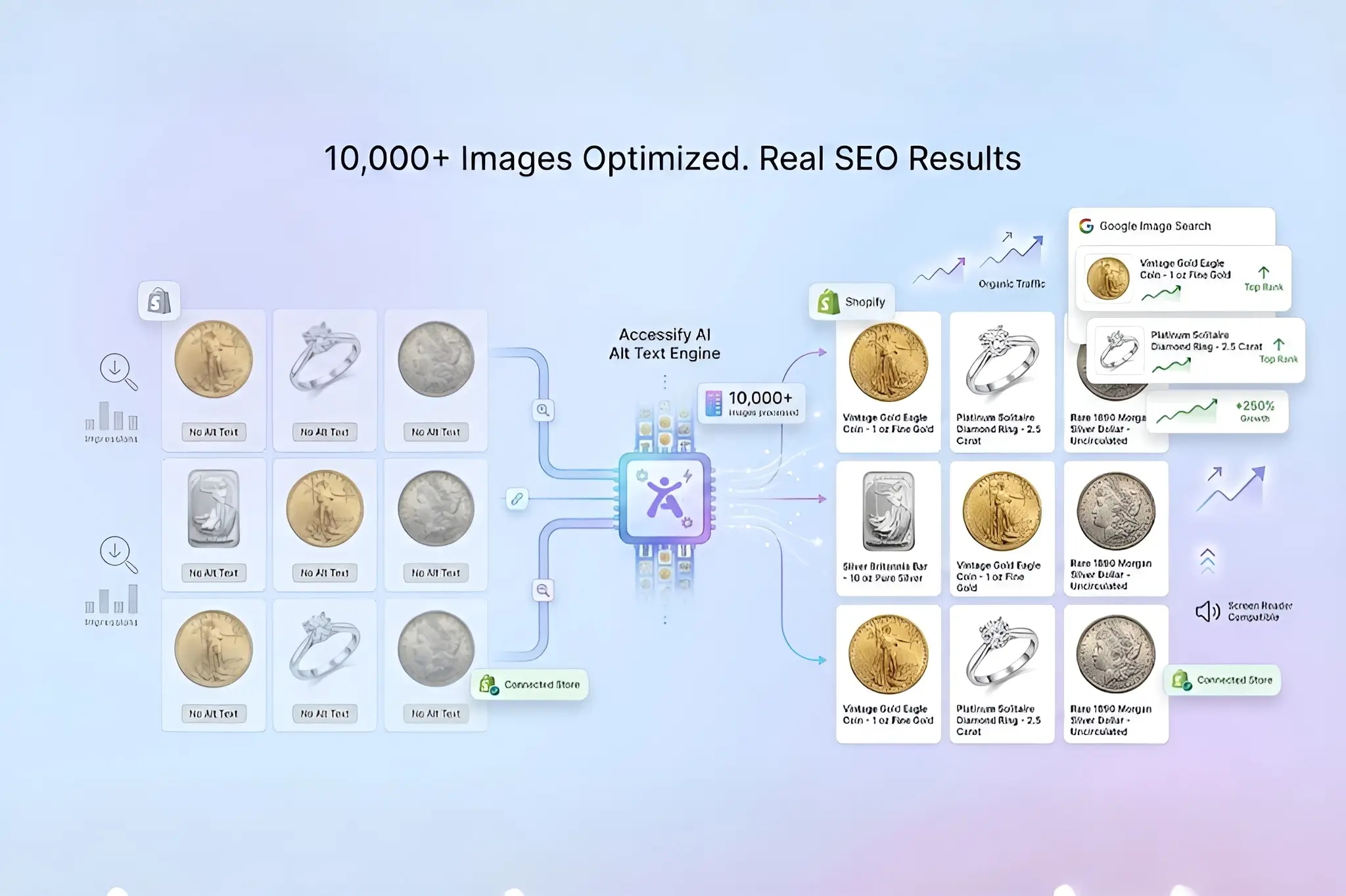
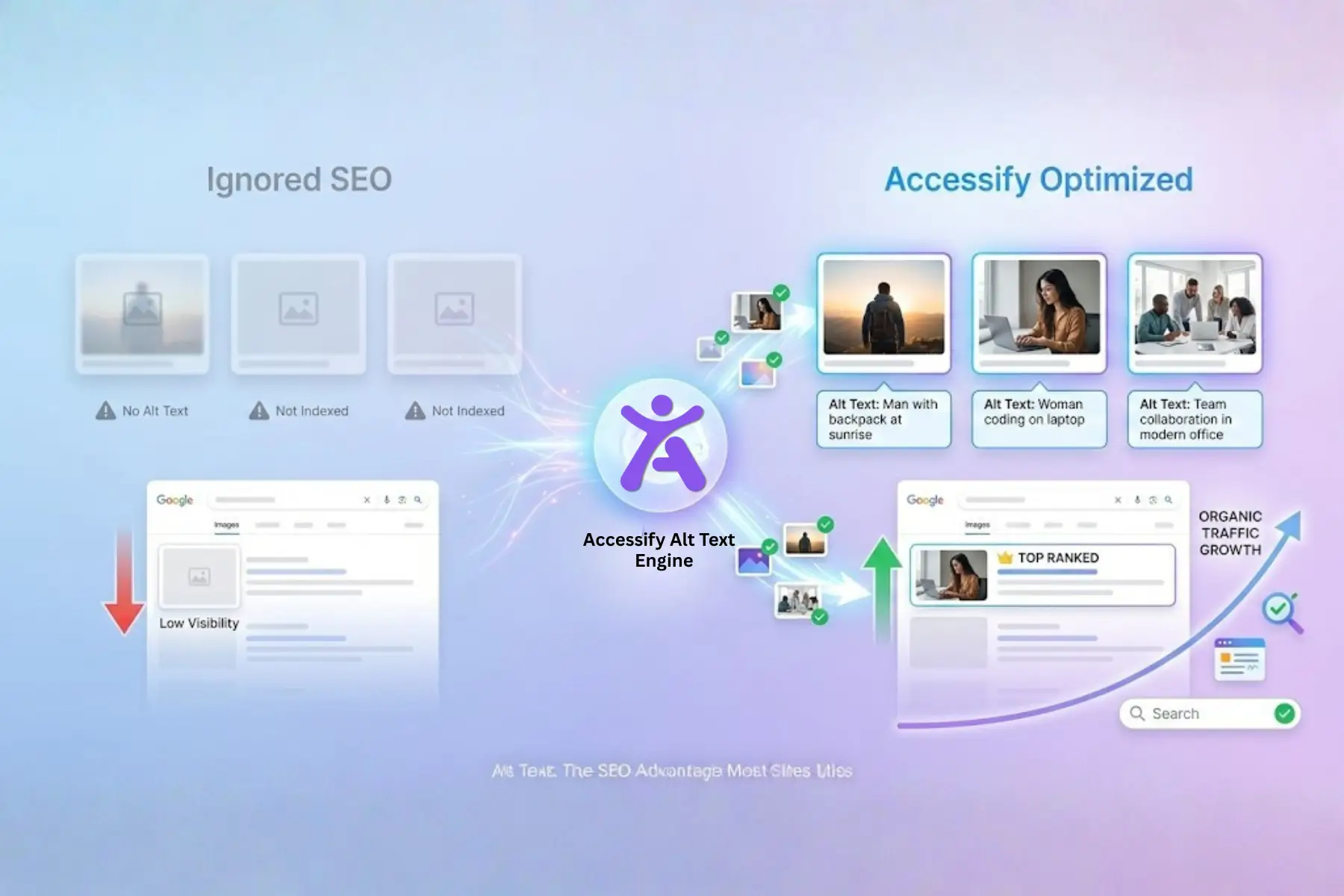
- Alt Text AI: Automatically generates thousands of image descriptions
- Live Translations: 30+ languages with auto-detection
Complete 2-Minute Accessibility Setup Tutorial
Step 1: Create Your Account (30 Seconds)
- Visit accessify.app
- Click “Sign Up” or “Sign In”
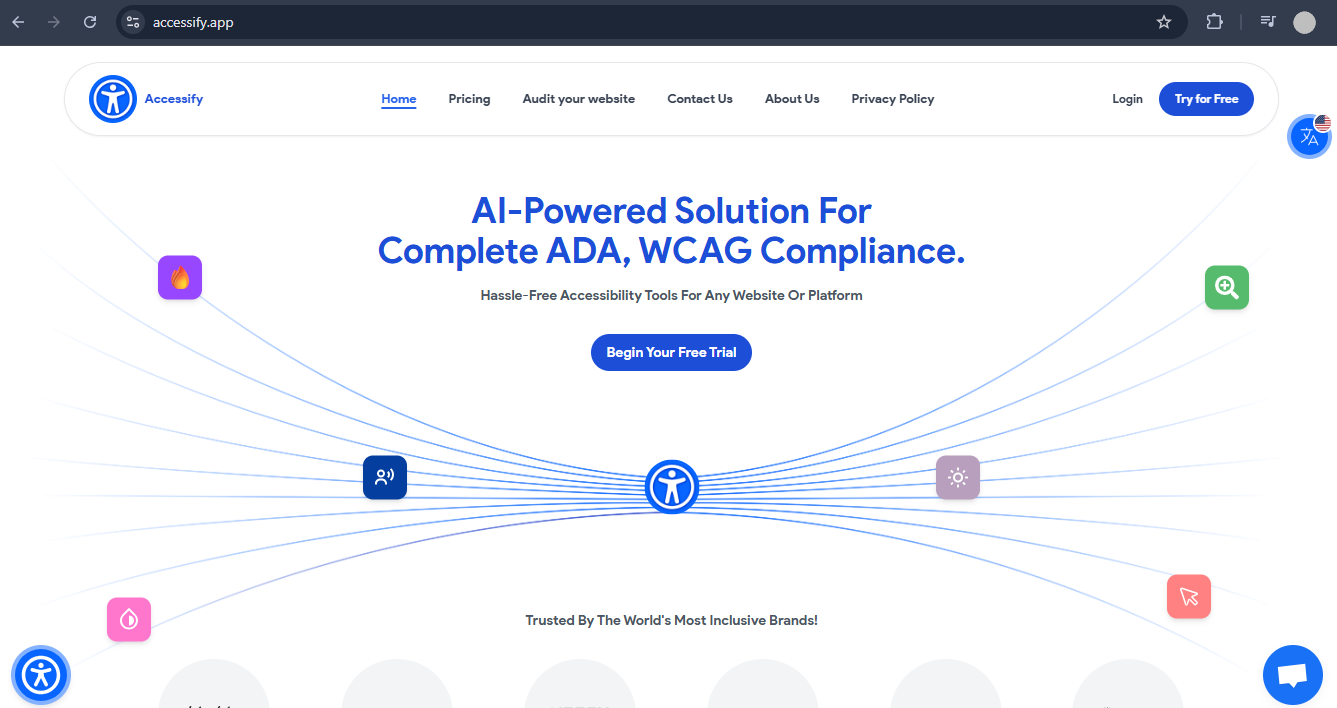
- You’re automatically redirected to the manage.accessify.app dashboard
Step 2: Add Your Website (45 Seconds)
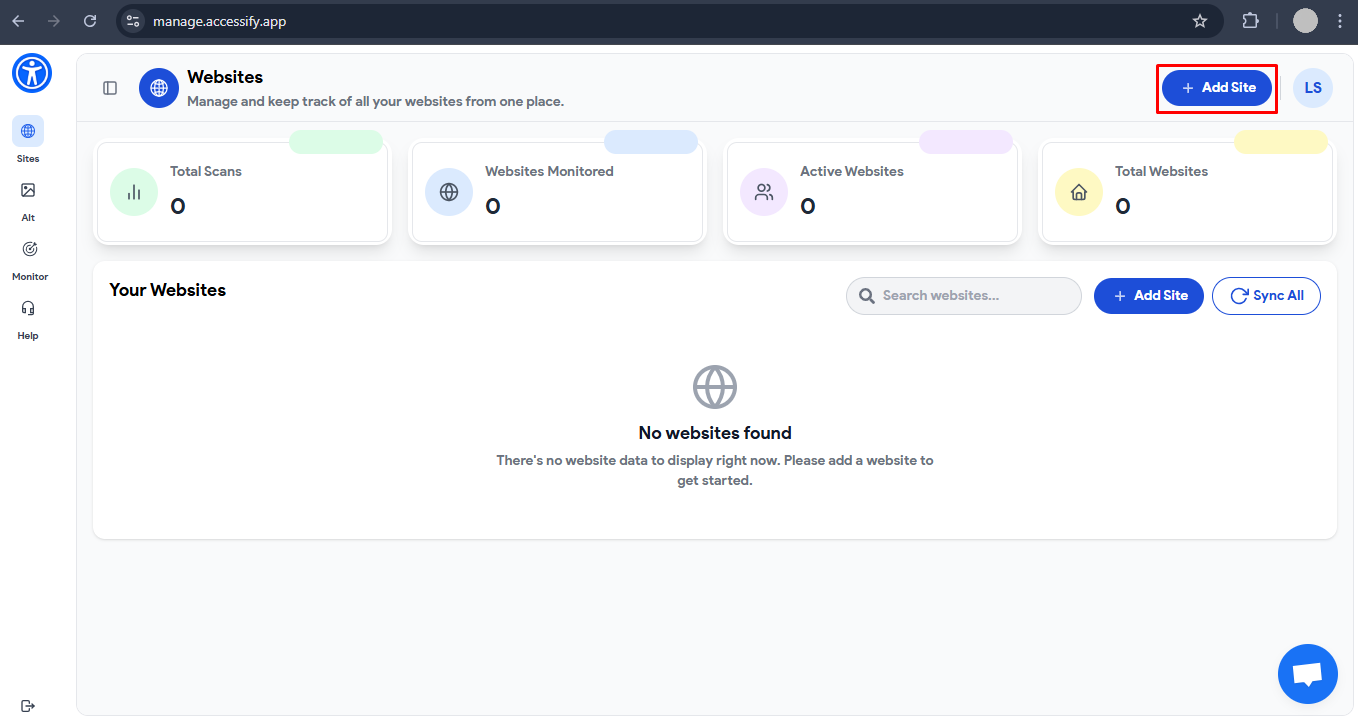
- Click the “Add Site” button
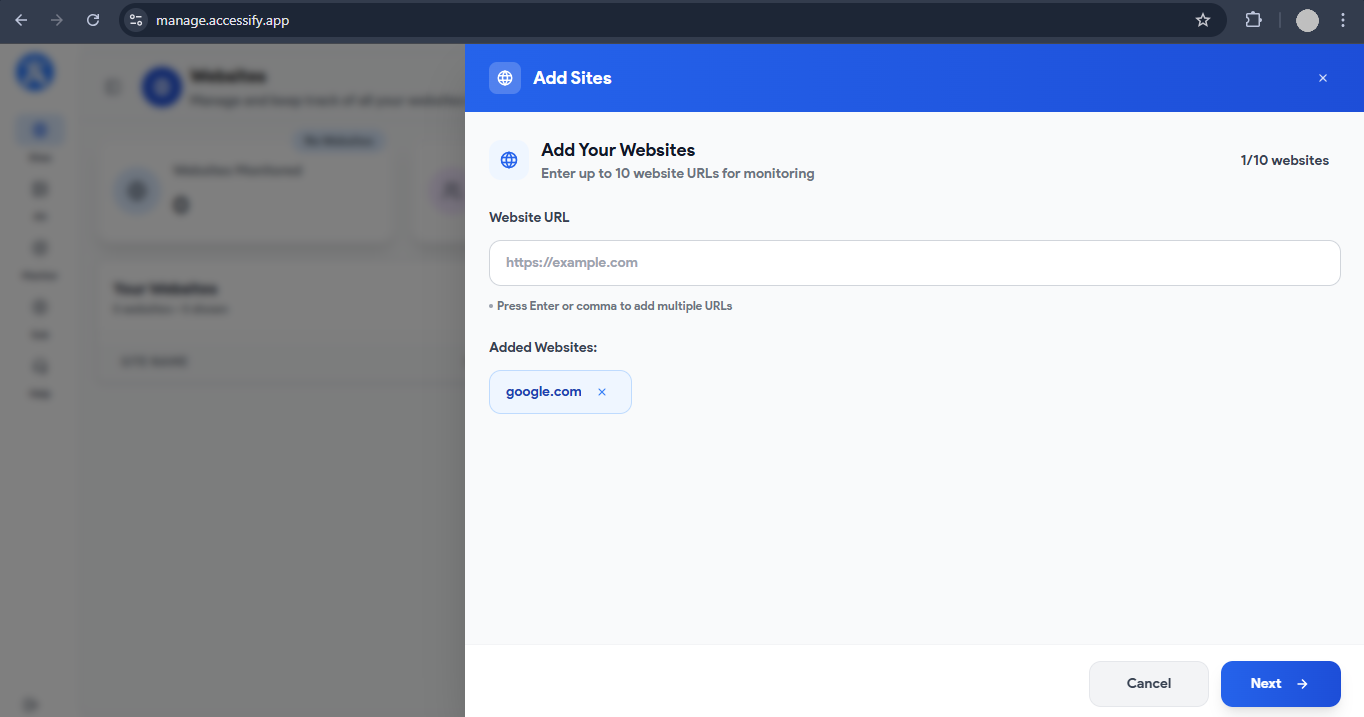
- Enter your website URL (e.g.,
yourstore.com) - Click “Next”
- Select a plan → choose 14-Day Free Trial
- See the green confirmation: Site Added Successfully
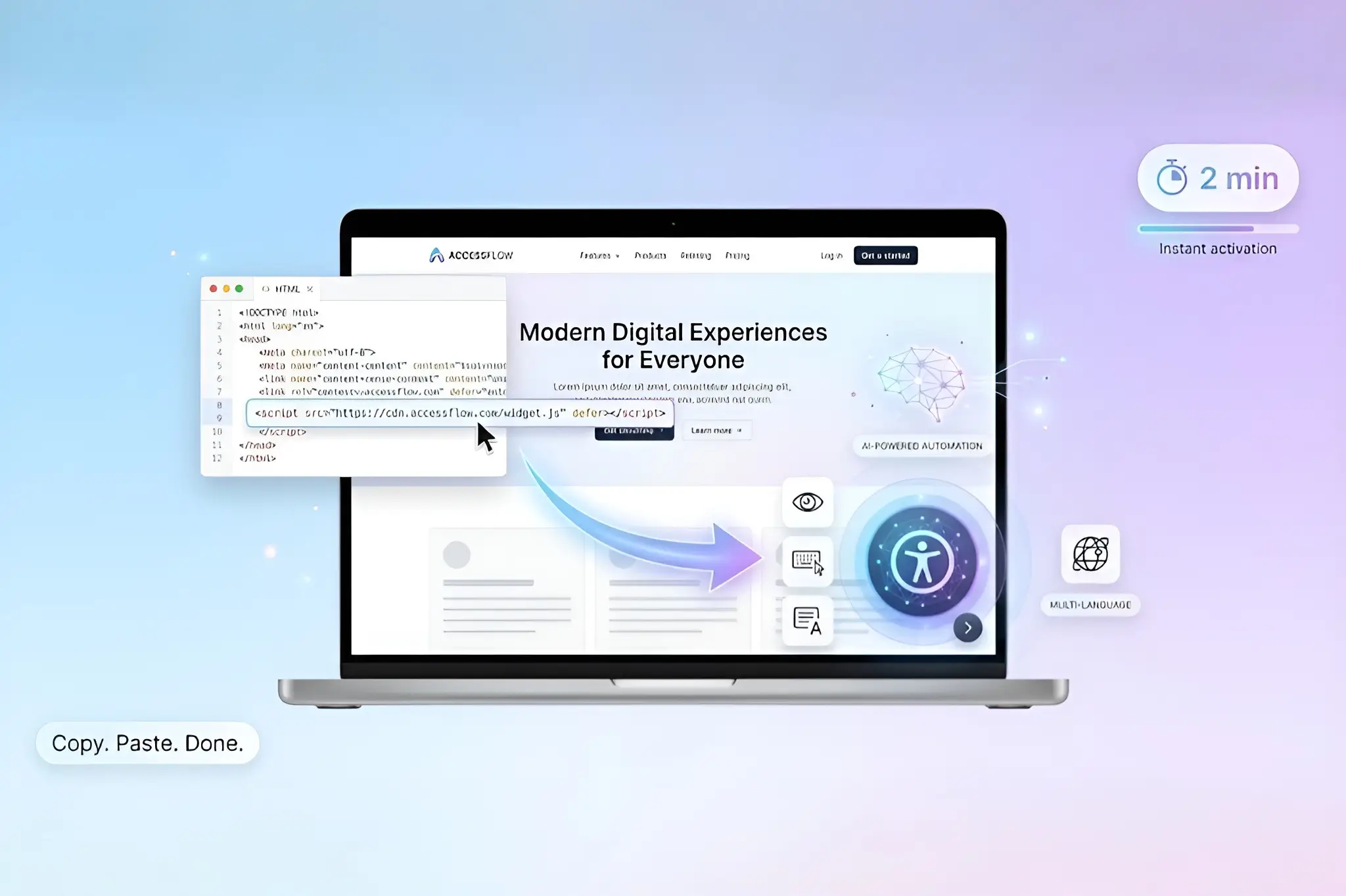
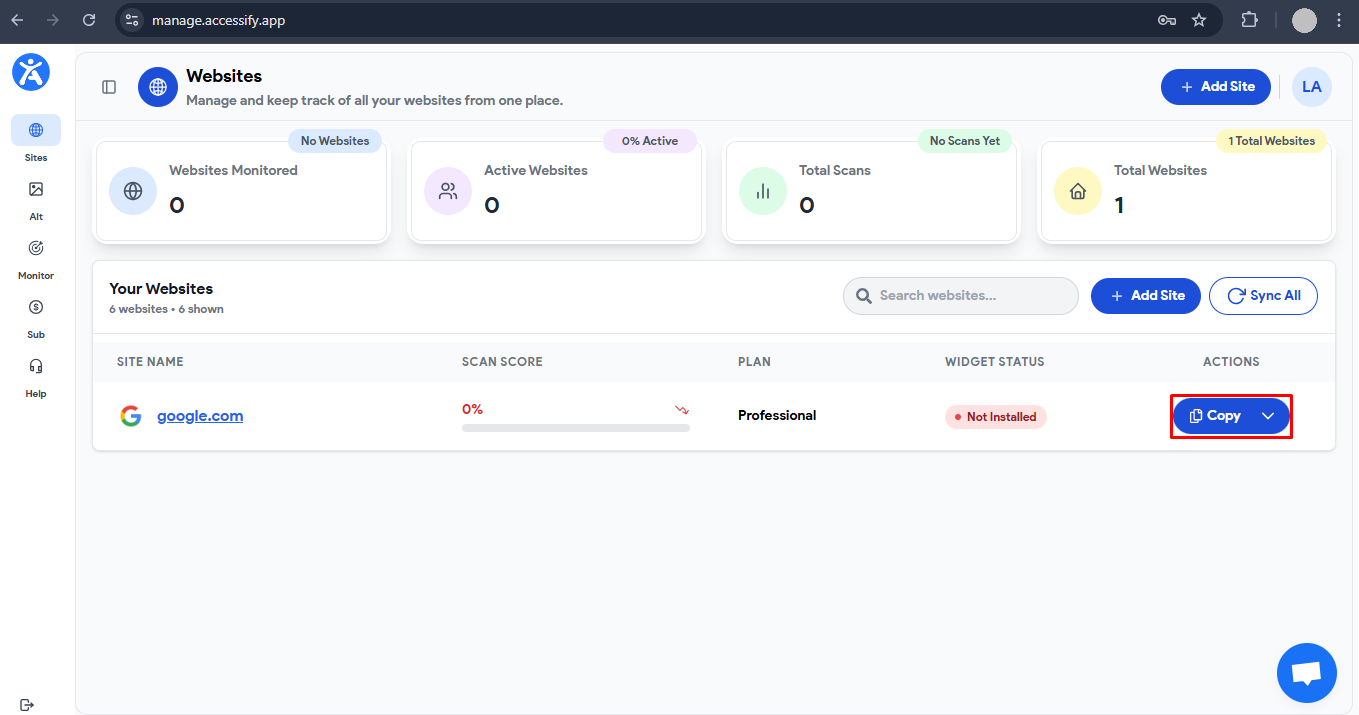
Step 3: Install the Accessibility Widget Script (45 Seconds)
- Click “Copy Script”
Paste the JavaScript snippet into your site’s <head> section:
Platform Examples
- Shopify: Online Store → Themes → Edit Code →
theme.liquid - WordPress: Appearance → Theme Editor →
header.php - Other platforms: Paste before
</head> - Save changes
Step 4: Verify & Explore (30 Seconds)
- Visit your live website
- Accessibility widget appears (bottom-right corner)
- Test key features:
- Click widget → Profiles menu opens
- Run audit from manage.accessify.app → Audit tab
All features activate immediately.
What Happens Immediately After Installation
✅ Accessibility widget live with 8 Profiles (Blind, ADHD, Dyslexia, etc.)
✅ Real-time accessibility monitoring started
✅ AI alt text generation ready (supports 50K+ images)
✅ Single-page WCAG audits available (80–90% accurate)
✅ 30+ language translations enabled
Features Unlocked Instantly
Accessibility Profiles
- Motor Impaired
- Blind
- Color Blind
- Dyslexia
- Visually Impaired
- Cognitive & Learning
- Seizure & Epileptic-Safe
- ADHD
Real-Time Accessibility Fixes
- Automatic ARIA labeling
- Contrast adjustments
- Keyboard navigation support
- Console-visible issue tracking
Accessibility Audits
- Priority-ranked WCAG violations
- Plain-English explanations
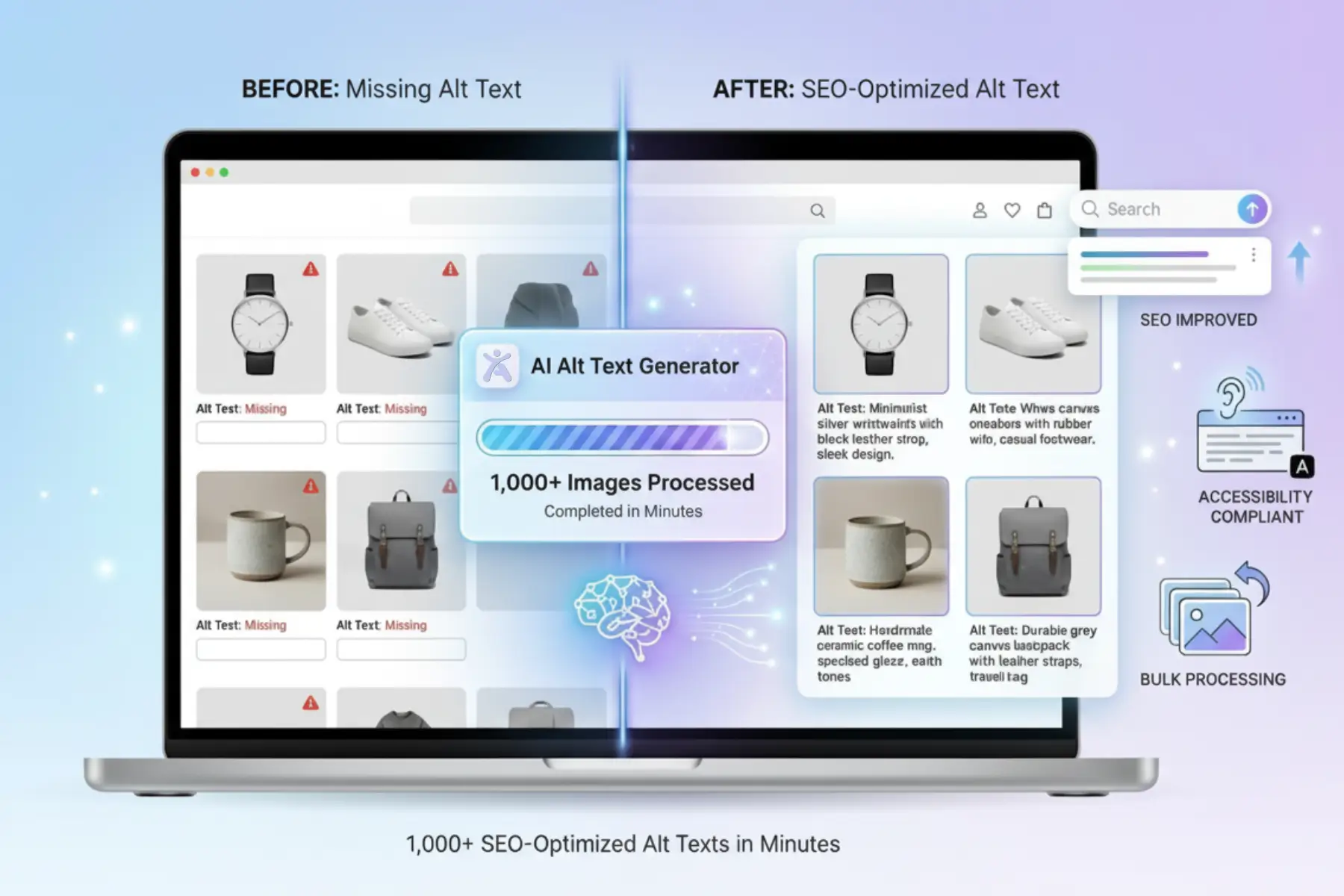
AI Alt Text Generator
- SEO-optimized image descriptions
- Bulk generation and save
- Ideal for ecommerce catalogs
Multi-Language Accessibility
- 30+ languages
- Auto-detect visitor language
- Live widget-based translation
Immediate Next Steps After Setup
- Test accessibility profiles on your site
- Run your first page audit
- Generate alt text for product or content images
Need help? 24/7 live chat is available in the bottom-right corner, or you can schedule a setup review with an expert.
Start Your Free Trial Today
Add accessibility to your website in 2 minutes, no coding required.
Start your 14-day free trial at accessify.app and make your site accessible to everyone, instantly.