Stop Manually Writing Alt Text: How to Generate 1,000+ In Minutes Via Accessify Web Accessibility?
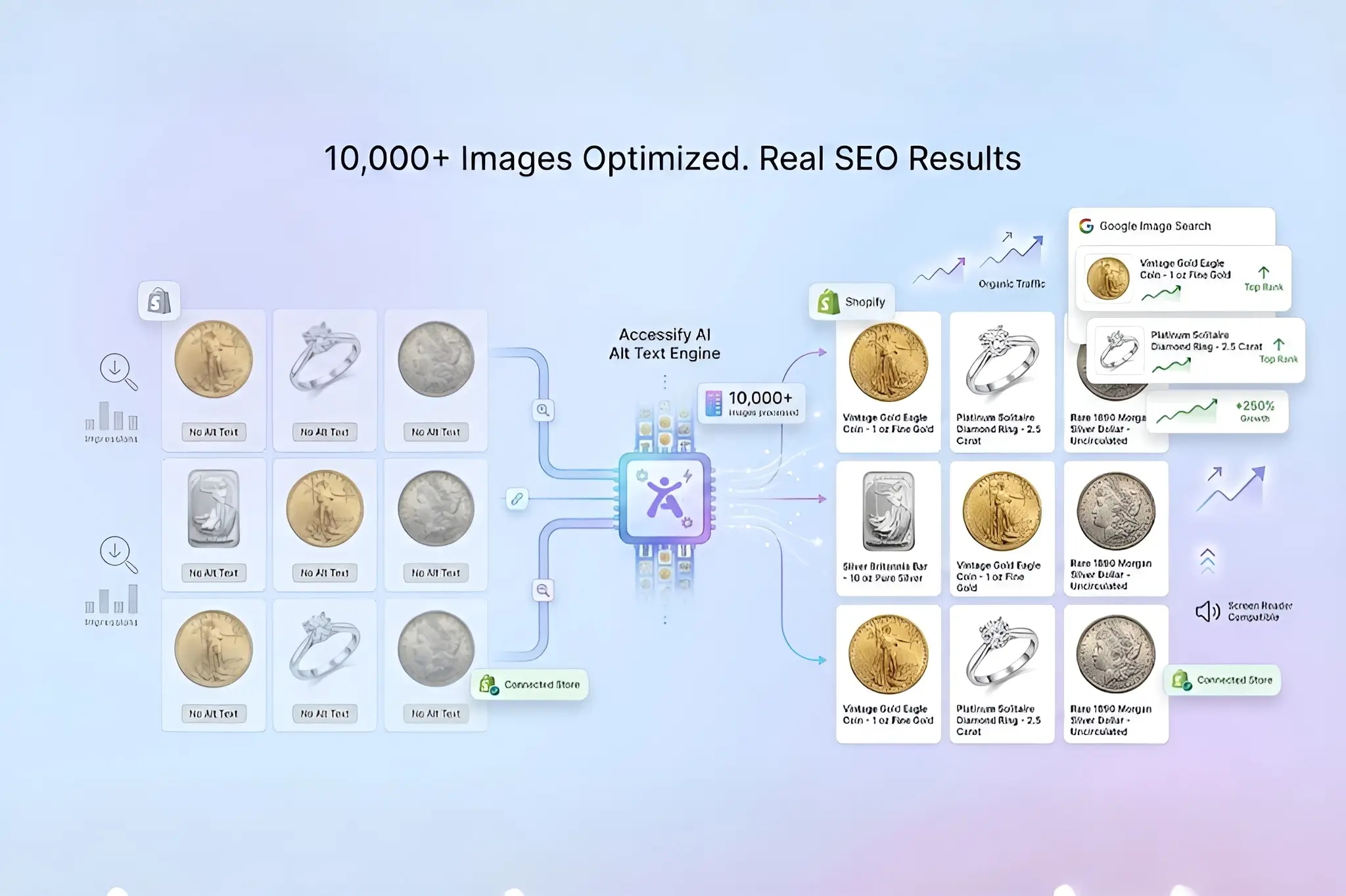
Stop wasting hours crafting alt text for every image. Accessify’s AI Alt Text Generator creates 1,000+ optimized image descriptions in minutes, helping you instantly improve SEO, accessibility score, and Google search visibility, without lifting a finger.
Tired of manual drudgery slowing down your ecommerce launches? Join 500+ Shopify stores using Accessify to reclaim time for sales, not grunt work. Try Accessify free today and see your accessibility scores and organic traffic improve.
Why AI Alt Text Matters for SEO & Accessibility
Alt text isn’t optional, it’s both your SEO secret weapon and a legal safeguard against accessibility-related lawsuits.
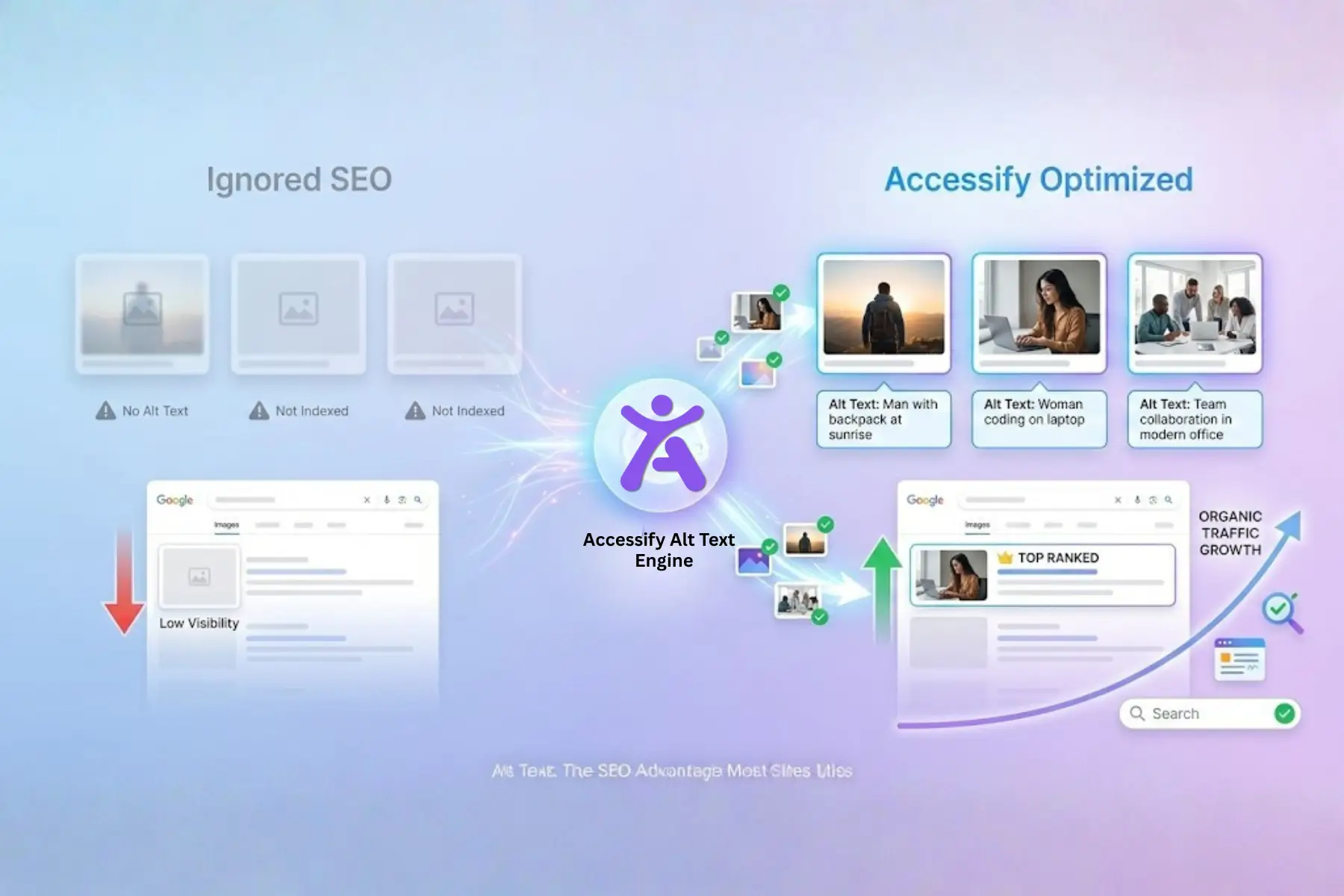
Search engines rely on alt text to understand images, while users with screen readers depend on it for navigation. Yet nearly 90% of websites still neglect proper alt text, leading to:
- Lower image search rankings
- Poor accessibility scores
- Lost conversions and higher legal risk
Accessify automates context-aware, SEO-friendly alt text at scale, syncing live with your Shopify store for real-time updates. This makes it ideal for busy ecommerce managers handling product launches, popups, donations, and onboarding flows.
Prerequisites:
Before you begin, make sure you have:
- An active Accessify account (sign up at accessify.app – free trial available)
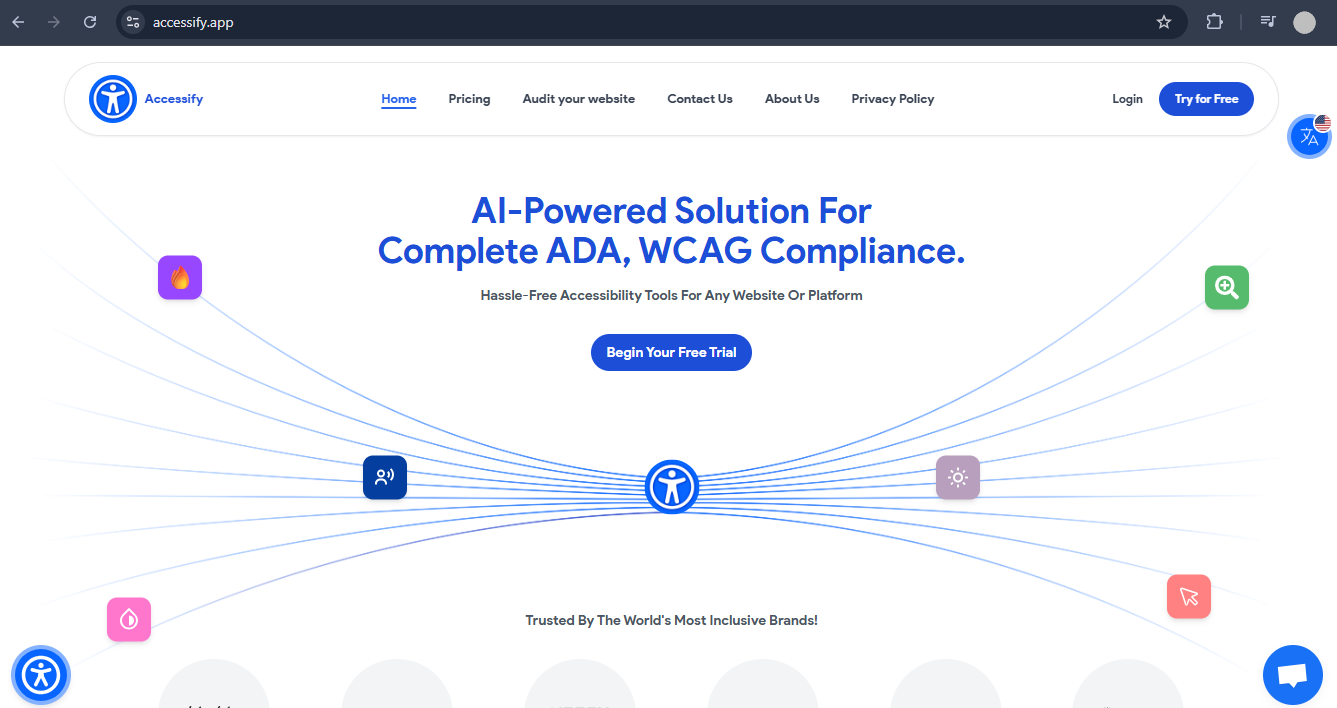
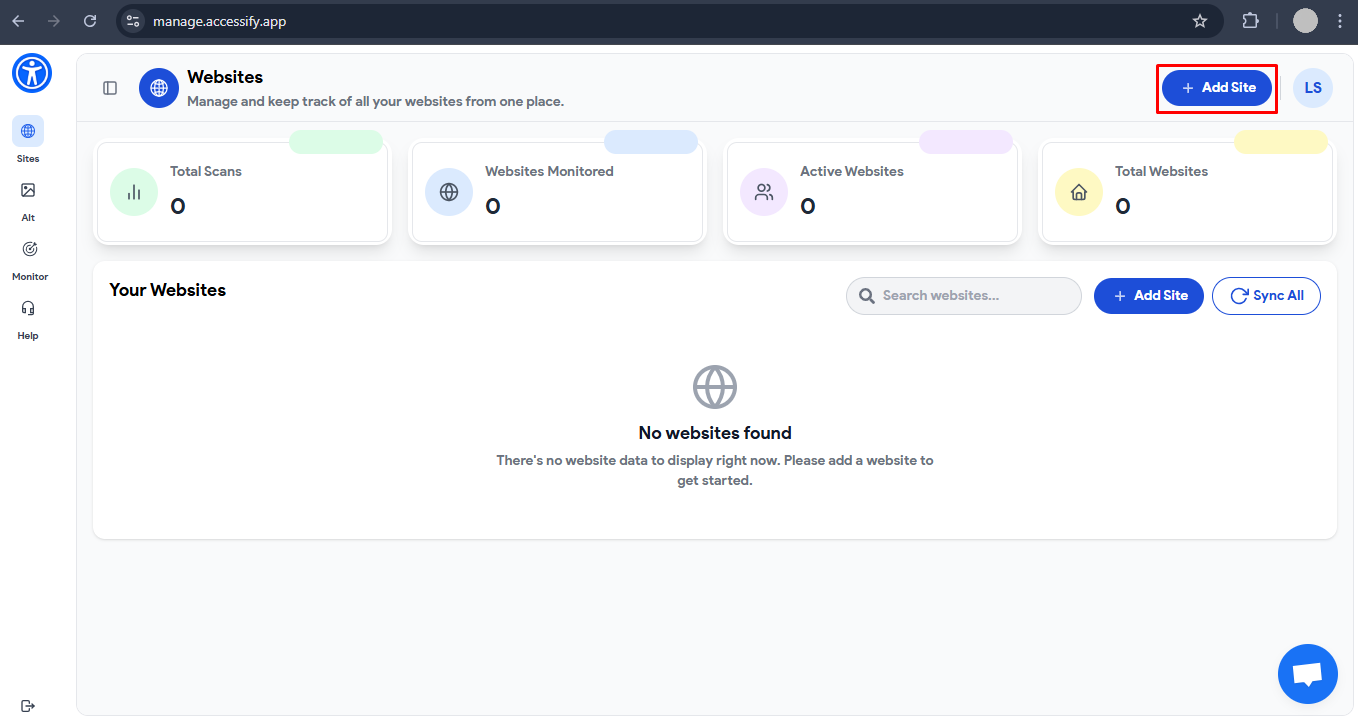
- Your website added in the dashboard at manage.accessify.app
- A Shopify store or any website ready for instant synchronization
Step-by-Step Guide: Generate AI Alt Text in Minutes
Follow these 5 simple steps to generate and deploy alt text effortlessly.
1. Log In and Verify Your Site
Visit manage.accessify.app and confirm your site appears in the dashboard.
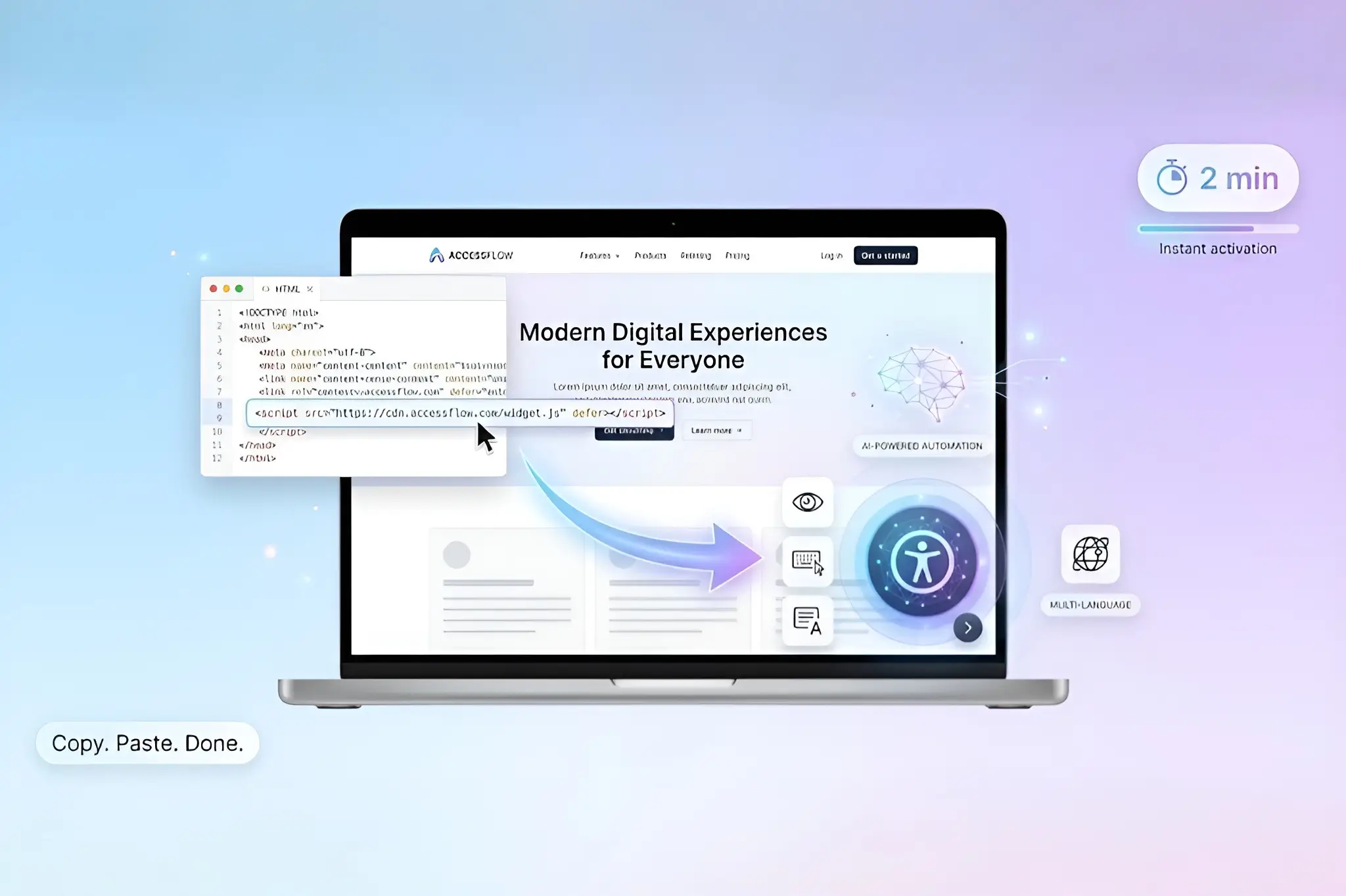
If it’s new, add it using the one-click integration, no coding required.
2. Open the Alt Text Generator
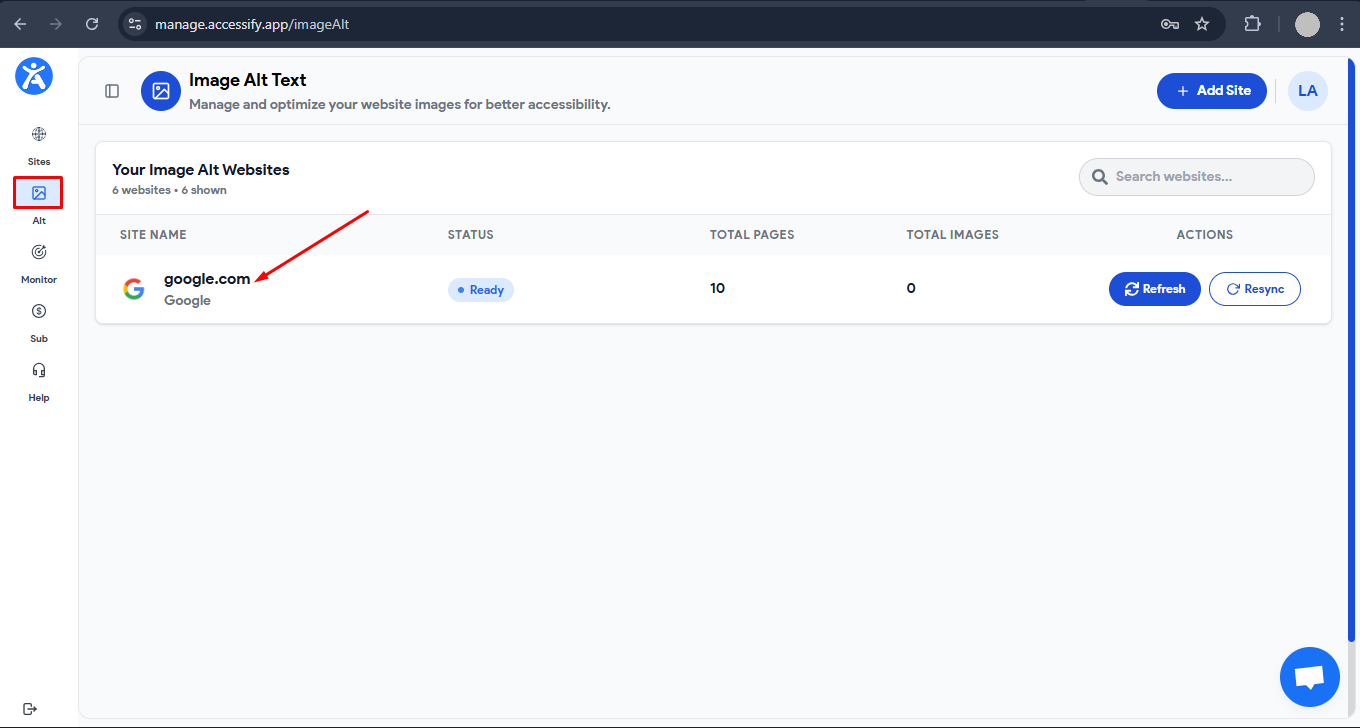
Click the “Alt Text” tab in the sidebar and select your site.
A new tab opens displaying your full sitemap, with all pages and images automatically detected.
3. Select Pages and Extract Images
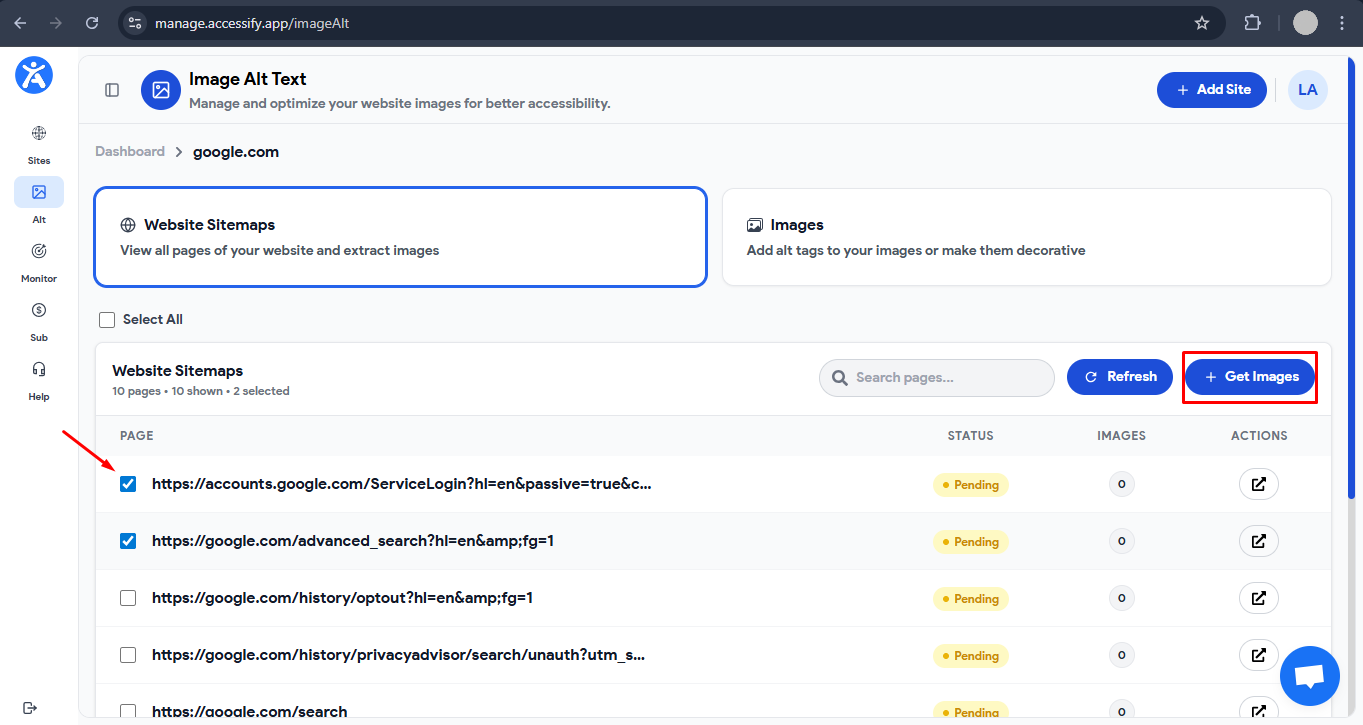
Choose “All Pages” for bulk processing or select specific pages (such as product or collection pages).
Click “Get Images” to instantly extract every image, Accessify handles 1,000+ images with ease.
4. Review Images Without Alt Text
Go to the “Images” tab, then switch to “Without Alt Text.”
Bulk-select images using checkboxes or click individual images for preview and context.
5. Generate and Save AI Alt Text
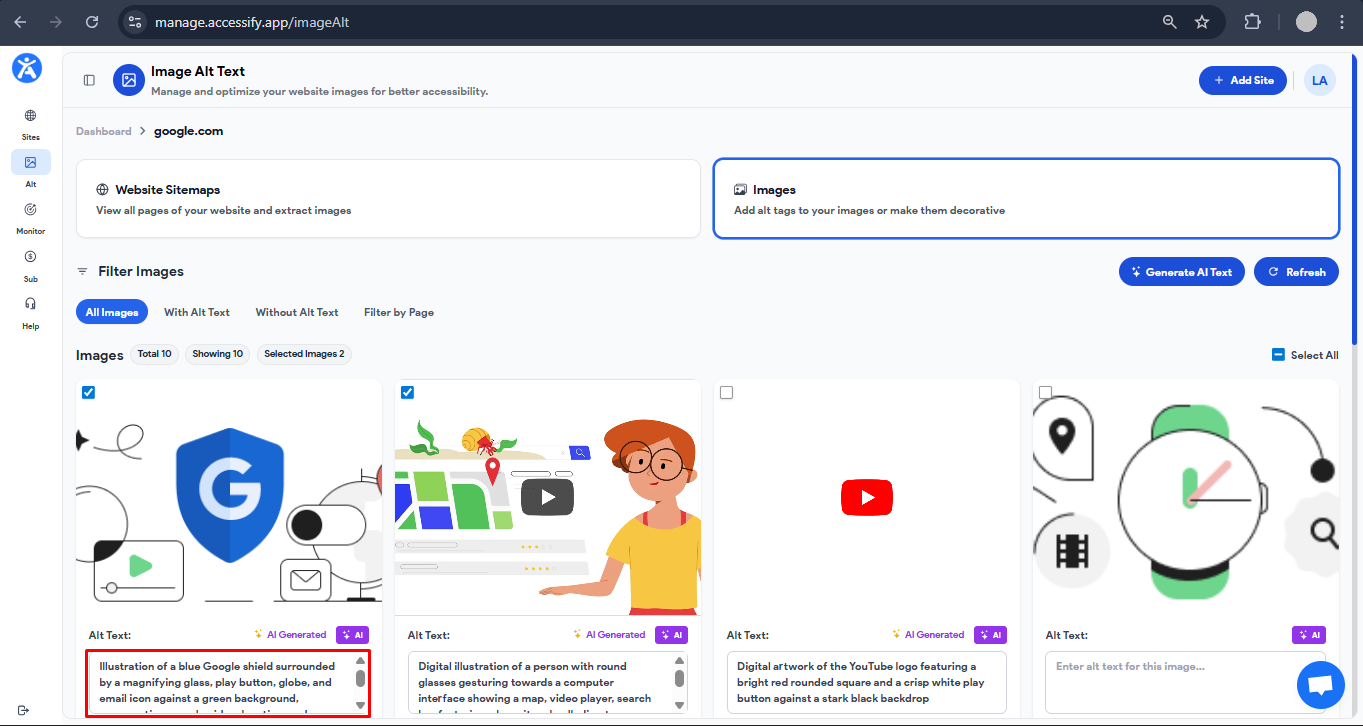
Click “Generate AI Alt Text” to process images in bulk, or use the “AI” button for individual images.
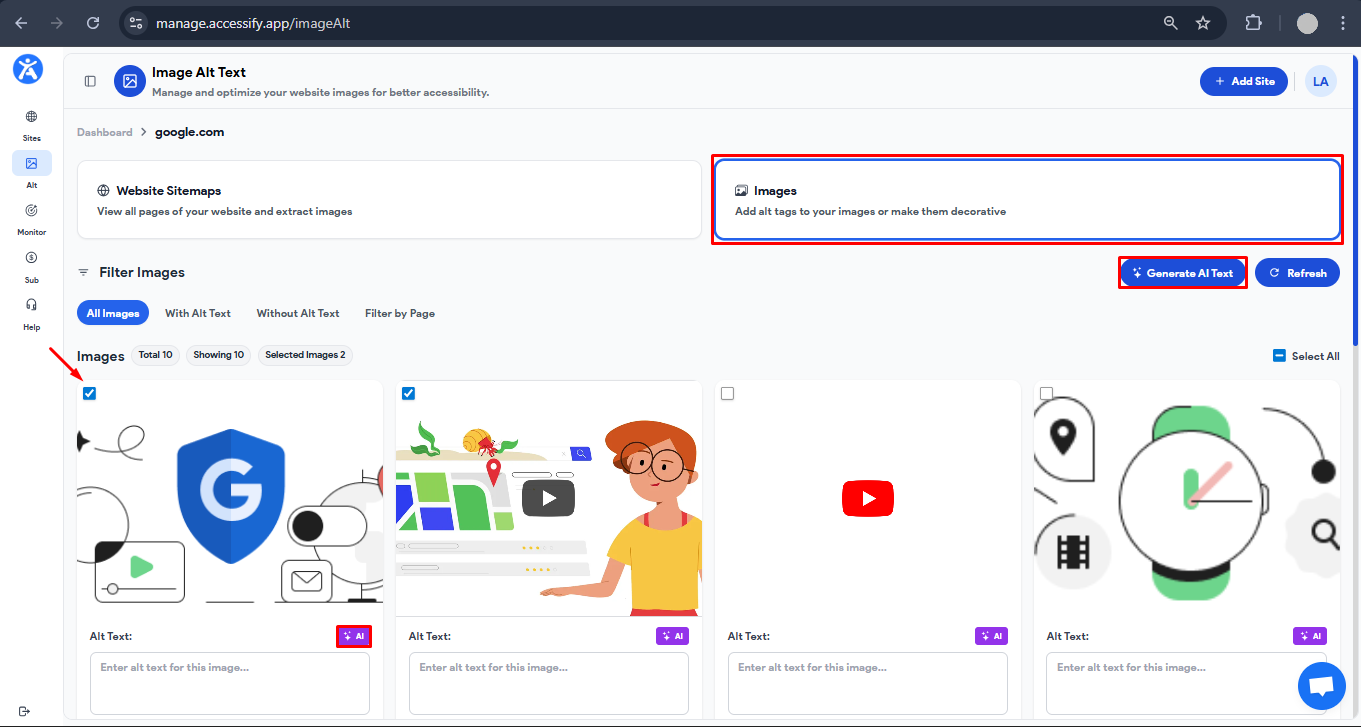
Accessify’s AI creates SEO-optimized, WCAG-compliant alt text in seconds.
Click “Save”, and the alt text syncs live to your site, updating your Website in real time.
Pro Tips for Maximum SEO & Accessibility Impact
- Bulk Processing: Select 100+ images at once for maximum time savings, perfect for large product catalogs.
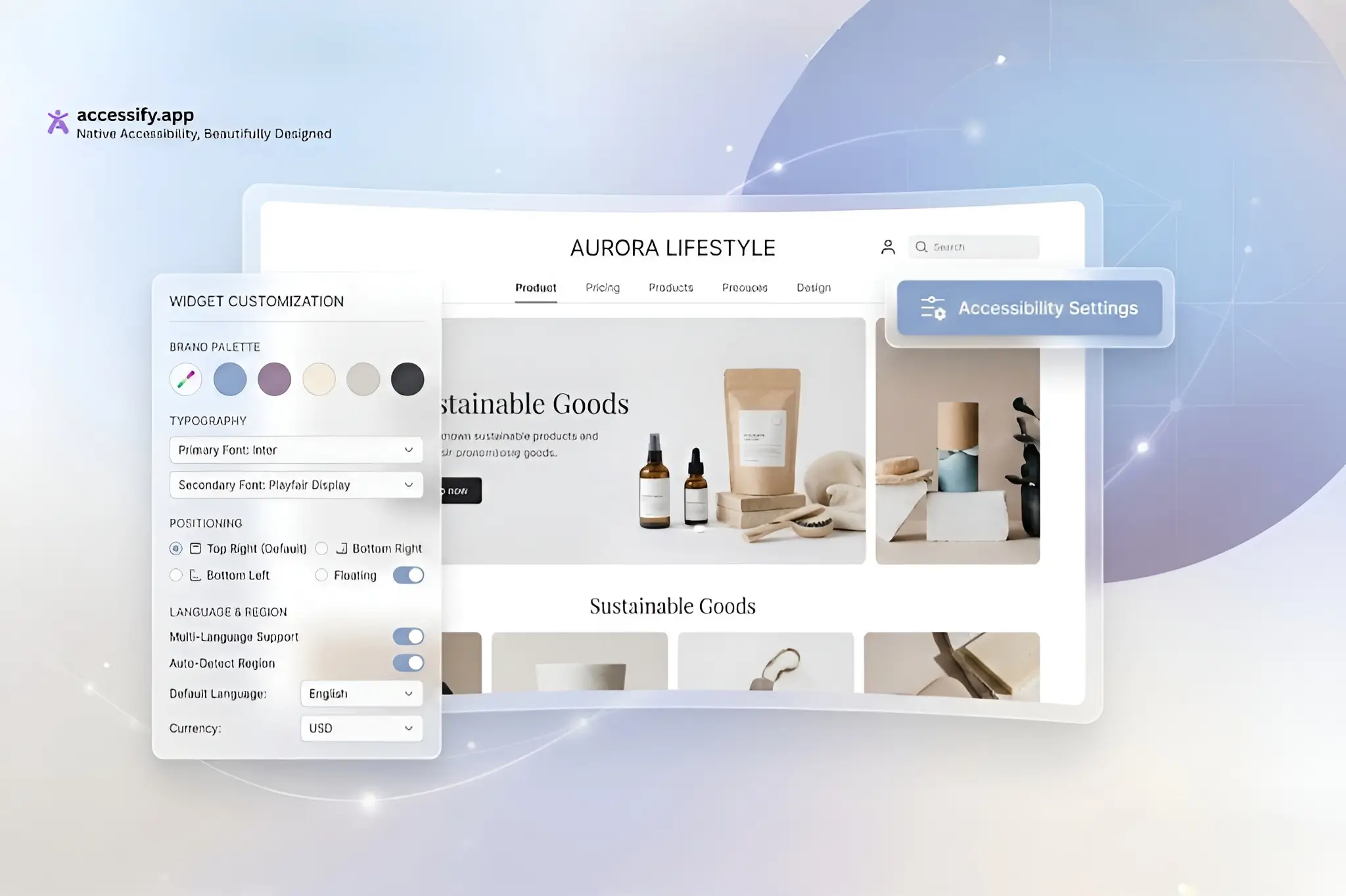
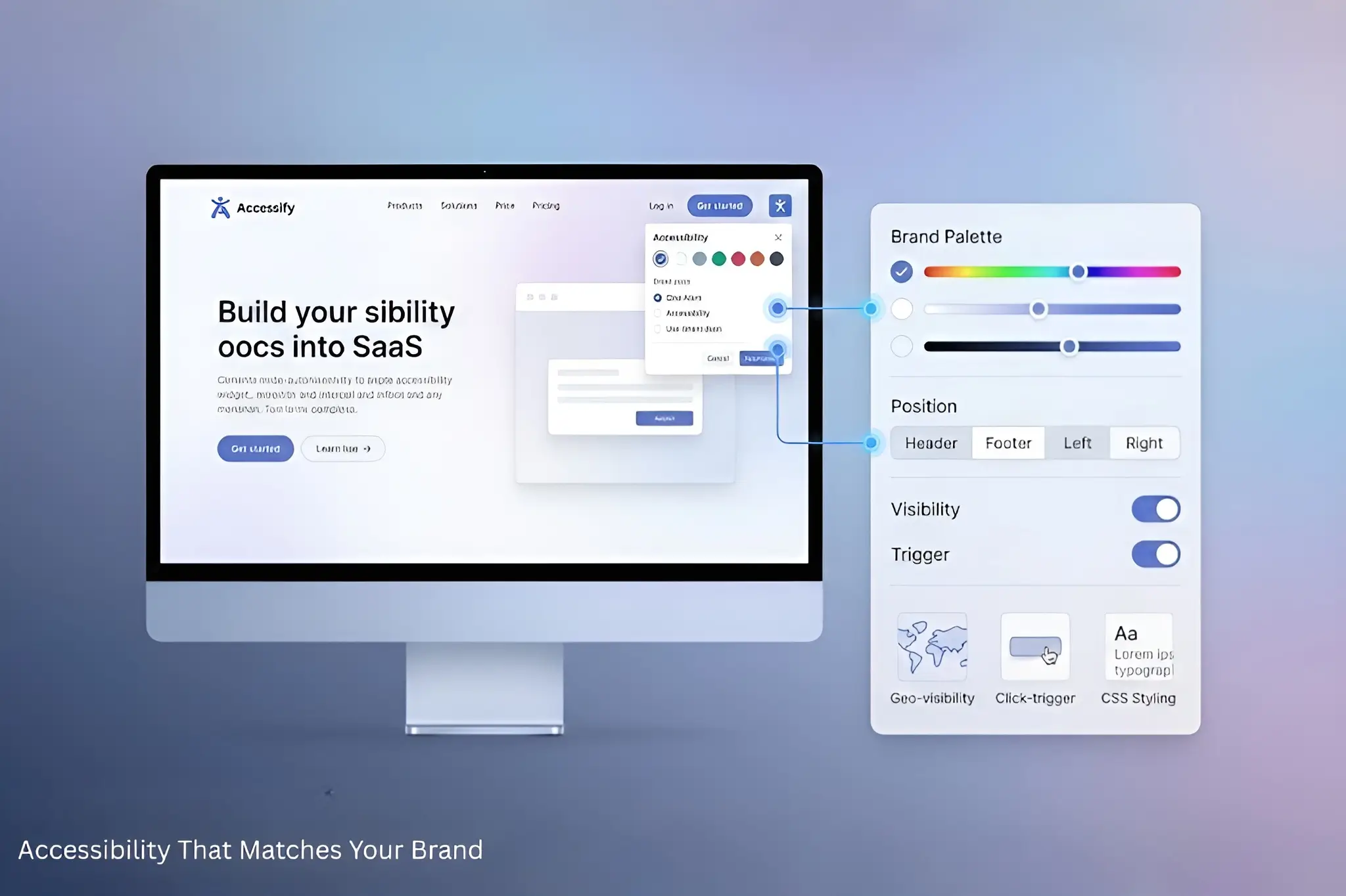
- Brand Customization: Edit AI-generated descriptions before saving to match your brand voice.
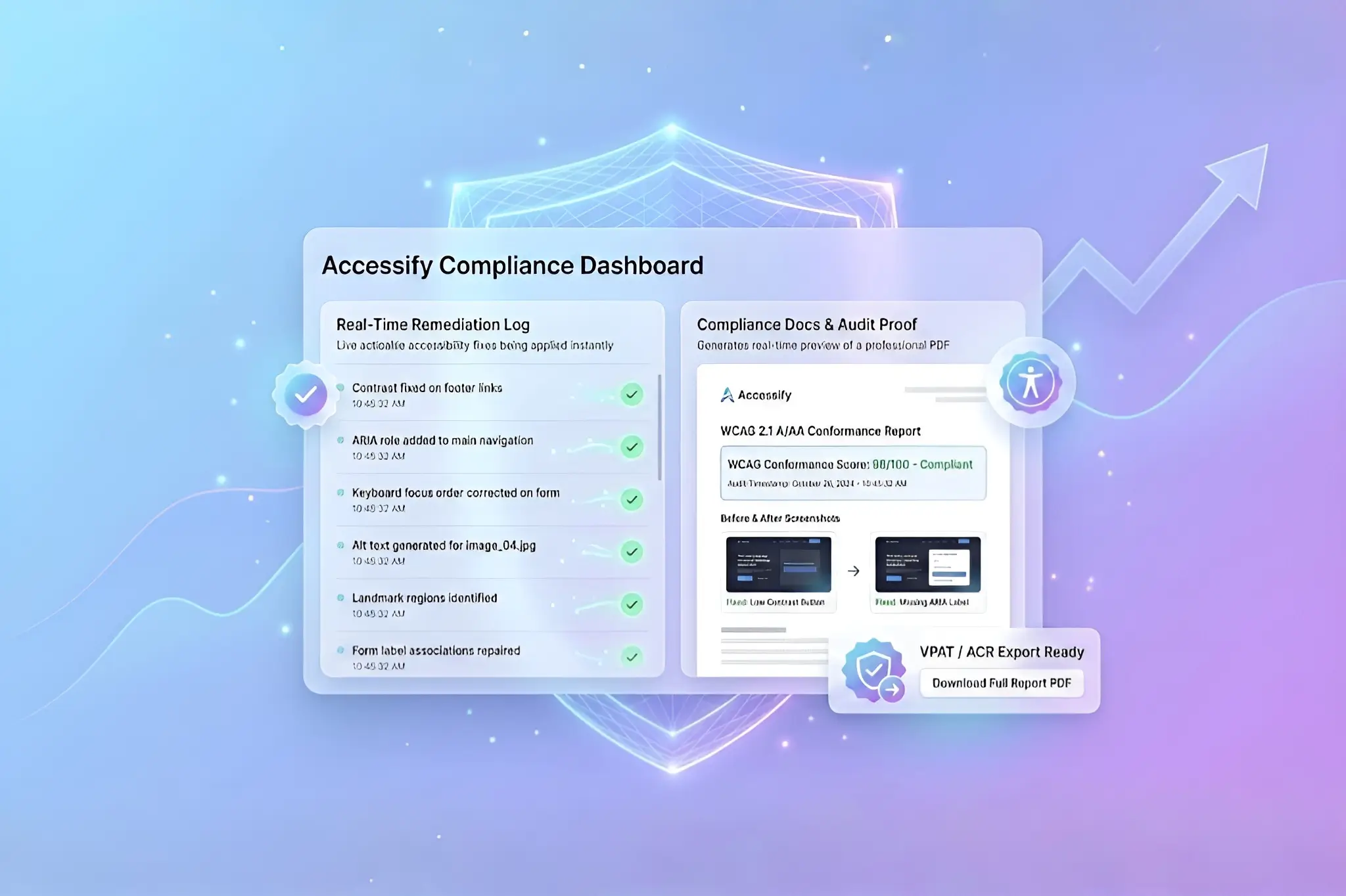
- Performance Tracking: Monitor accessibility improvements and SEO impact directly from the dashboard.
- Mobile-Friendly Workflow: Manage and update alt text from any device, anytime.
Start Generating SEO-Friendly Alt Text Today
Ready to 10x your site’s accessibility and image SEO?
Start your free Accessify trial now and generate alt text that improves rankings, compliance, and conversions, while your competitors are still typing manually.