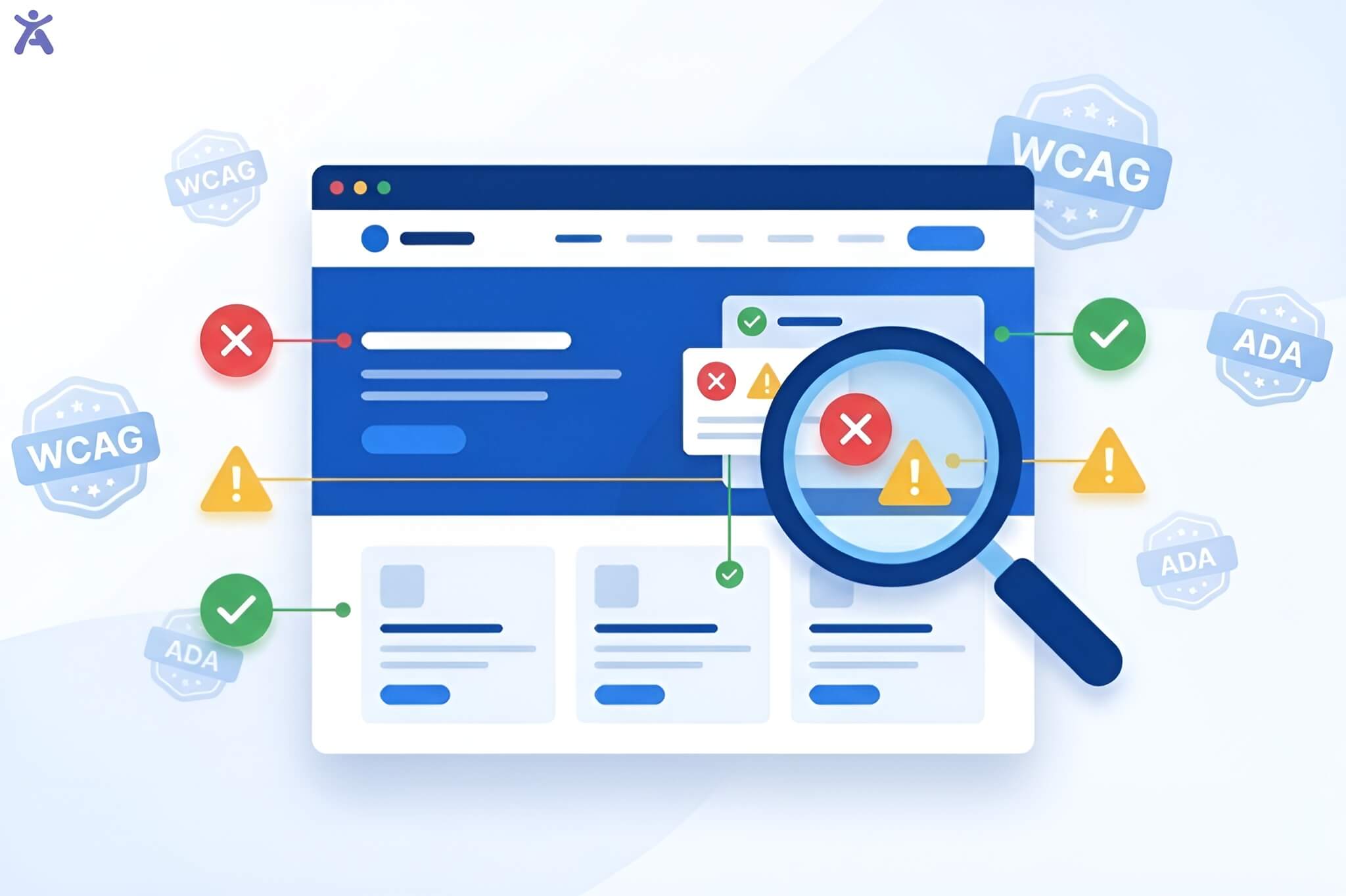
The “web accessibility courses” report continues to deliver a sobering wake-up call for our industry: 96.3% of the world’s top one million websites still fail basic accessibility tests. According to Code with Seb, this isn’t just a failure of empathy; in 2026, it is a massive architectural liability.
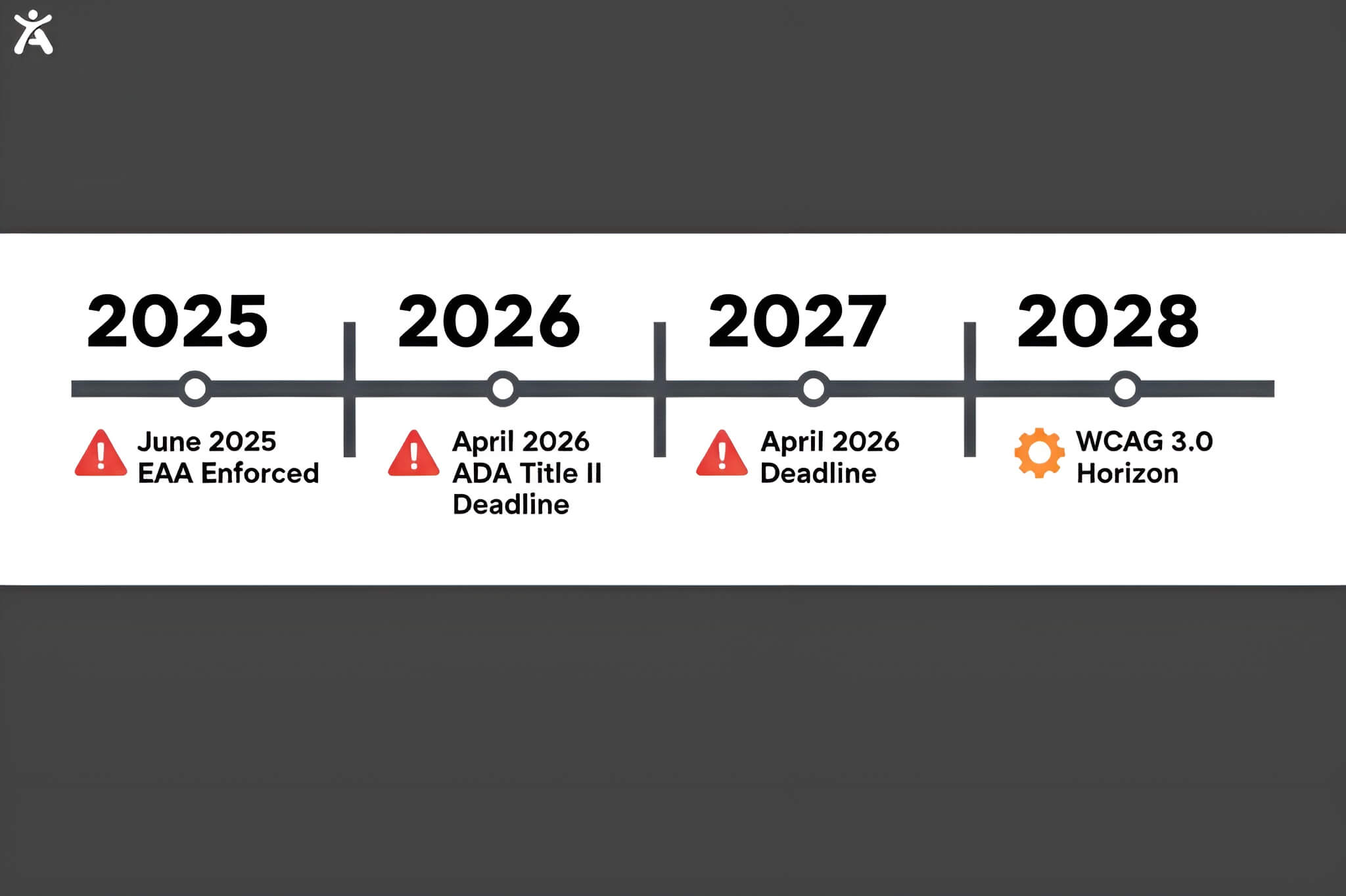
For years, many of us viewed accessibility as a “post-launch” checklist item. That era is over. The European Accessibility Act (EAA) is now fully enforced, and the ADA Title II deadline of April 2026 is looming for state and local governments with populations over 50,000 (with smaller municipalities following in 2027).
Quick Summary
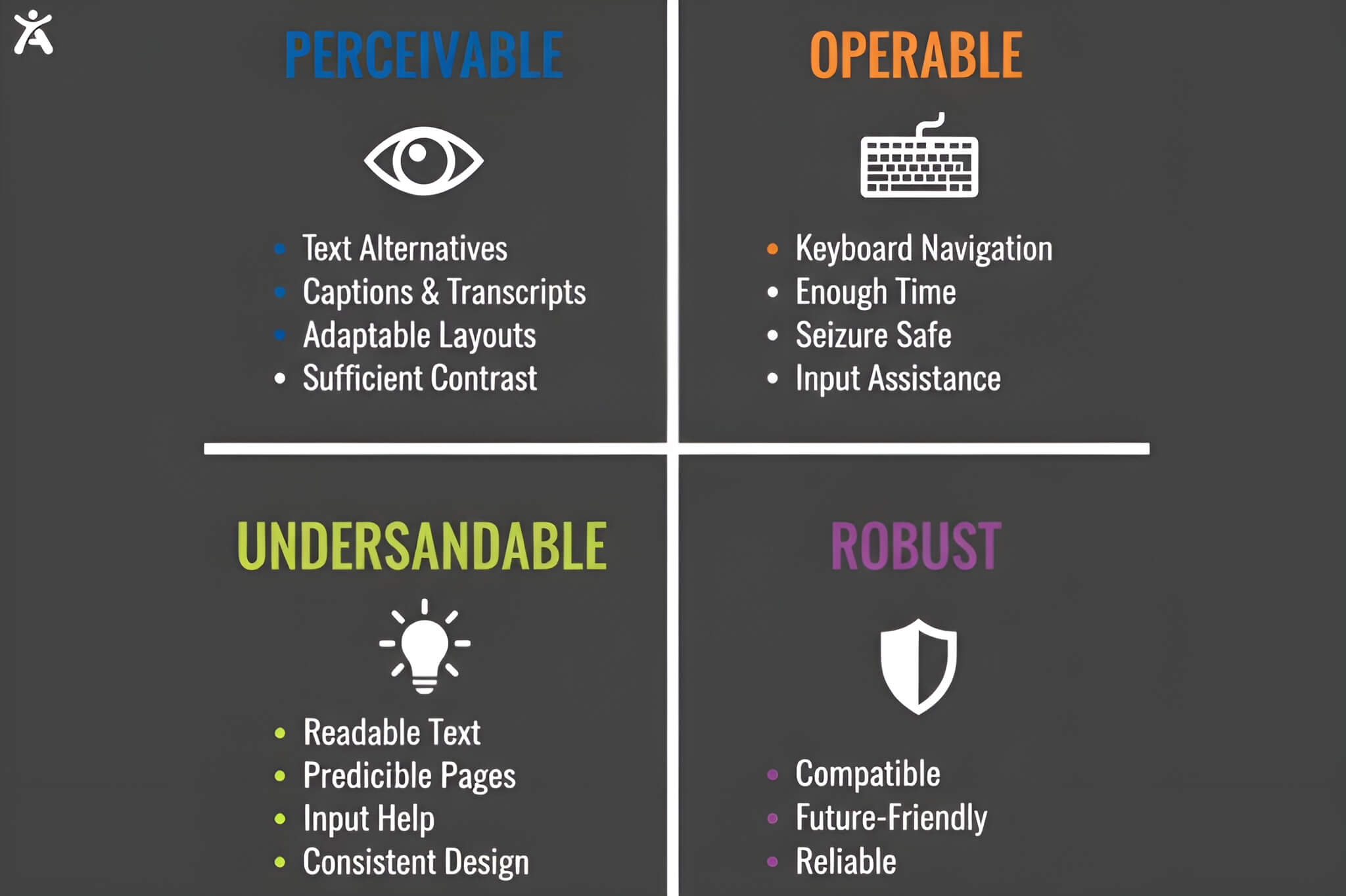
The technical standard isn’t a suggestion it’s WCAG 2.1 Level AA. As a Lead Architect, I view the POUR principles (Perceivable, Operable, Understandable, Robust) as the North Star of any robust codebase. If your UI isn’t perceivable or operable, it isn’t “functional,” no matter how clean your TypeScript is.
Why Accessibility is Non-Negotiable
- Legal Compliance: Meeting EAA and ADA Title II standards is now a baseline requirement to avoid litigation and fines that can reach €500,000.
- Market Expansion: You are building for a global market of 1.3 billion people with disabilities who control an estimated $13 trillion in annual disposable income.
- Engineering Excellence: Accessible code is cleaner code. Prioritizing inclusion results in 35% lower long-term maintenance costs by reducing technical debt from the start.
Developer type web accessibility courses
The Gold Standard for Foundations
If you want to be taken seriously as a professional, you start at the source. The W3C (World Wide Web Consortium) literally authored the WCAG standards we code against. Starting here isn’t just about learning; it’s about establishing your credibility as a developer who understands the “why” behind the spec.
W3C: Introduction to Web Accessibility (edX) This 20-hour, “free-to-audit” course is the definitive foundation. It stands out because it doesn’t just show you code; it features real-life examples of individuals with disabilities navigating the web. This context is vital because, as an architect, I know that if you don’t understand the user’s struggle, you’ll never write the right solution.
“Societal context influences what we consider a disability.” W3C Course Reflection
web.dev: Learn Accessibility While the W3C provides the philosophy, Google’s web.dev offers a high-quality, text-based alternative that I recommend as a persistent reference guide. It’s excellent for diving into the technical nuances of ARIA (Accessible Rich Internet Applications) and structural HTML without the 20-hour commitment.
Interactive & Performance-Driven Learning
In my experience, reading about accessibility isn’t enough you need to build the “muscle memory.” You need to feel the frustration of a broken tab order to appreciate why it matters.
- Scrimba: Learn Accessible Web Design: This 96-minute course is high-impact. It uses an interactive environment where you fix a sample website in real-time. It’s perfect for mid-level developers who need to master high-contrast UI and keyboard navigation quickly.
- Google/Udacity: Web Accessibility: This is a 7-hour deep dive. For anyone looking to master Chrome Accessibility Tools, this is the gold standard. It focuses heavily on managing input focus and implementing ARIA for custom controls skills that separate senior engineers from juniors.
Specialized Expertise: React, iOS, and Gaming
As our stacks become more complex, “general” accessibility knowledge often fails. Single-page applications (SPAs) and mobile environments have unique failure points that require specialized training.
- React Developers: LinkedIn Learning’s “React: Accessibility” by Kiara Contreras is essential. SPAs are notorious for breaking accessibility during route changes. This course teaches you how to manage keyboard focus and semantic tags within the React lifecycle ensuring the screen reader knows exactly when a “page” has shifted.
- iOS Developers: Kevin Favro’s course is the blueprint for mobile. It covers the Accessibility Inspector and technical implementations like dynamic type and reduced motion, which are critical for the mobile-first user experience.
- Gaming Developers: Gaming is now a $365 billion industry. Microsoft Learn’s “Gaming Accessibility Fundamentals” is a must-read for any developer. The technical cross-pollination here is fascinating: learning how to implement eye-tracking and haptic feedback for gamers can directly inform how we build more immersive, accessible web interfaces.
Jon Kuperman and Sara Soueidan
For those moving into senior or architect roles, you need to understand the Accessibility Tree. This is the middle layer between your DOM and the screen reader. If you don’t understand how the browser translates your code into this tree, you’re just guessing.
Sara Soueidan: Practical Accessibility This 15-hour, 38-lesson masterclass is perhaps the most comprehensive resource in existence. Soueidan explains exactly how CSS properties impact screen reader output a detail most developers ignore. It’s a deep dive into the Accessibility Tree that will fundamentally change how you write UI components.
Jon Kuperman: Website Accessibility (Frontend Masters) Kuperman, a Bloomberg engineer and TC39 delegate, treats accessibility as a performance and debugging challenge. His focus on leveraging DevTools to bridge the gap between code and user experience is exactly how high-level architects should approach the problem.
“This course convinced me that implementing accessibility is a major step to being a better web developer.” Developer Testimonial
CPACC, WAS, and Trusted Tester
There is a lot of noise in the “certification” space. Many practitioners on Reddit and across the industry view some certifications as purely academic or even “scammy.”
However, if you are looking to lead government-related contracts, the DHS Trusted Tester is the only one widely recognized by the U.S. government and large corporations for Section 508 compliance. While CPACC (fundamentals) and WAS (technical) have their place in resume-building, the Trusted Tester program provides a rigorous, standardized methodology that carries real-world weight in the public sector.
The Business Case for web accessibility courses
I always tell my teams that accessibility is not a “tax” on development; it is a Performance Engineering Strategy. When you build accessibly, your site is lighter, faster, and more robust.
| Performance Metric | Improvement |
| Page Load Time | 24.6% Reduction |
| Long-term Maintenance Costs | 35% Reduction |
| Overall User Satisfaction | 63% Increase |
| Task Completion Rates | 37% Increase |
| Development Cycle Efficiency | 27% Improvement |
Beyond the metrics, there is the “Halo Effect.” Millennials and Gen Z value social responsibility. Prioritizing inclusive design builds brand loyalty that simple marketing can’t buy. It signals that your brand values every user, which resonates far beyond the disability community.
From Compliance to Culture
As we approach the April 2026 deadlines, the industry is shifting. Even companies originally known for automated AI overlays are now admitting that accessibility must be an “ecosystem” approach. Their CEO has publicly shifted focus toward “foundational” accessibility, acknowledging that a single AI-powered fix isn’t enough. Accessibility must become core to every business practice.
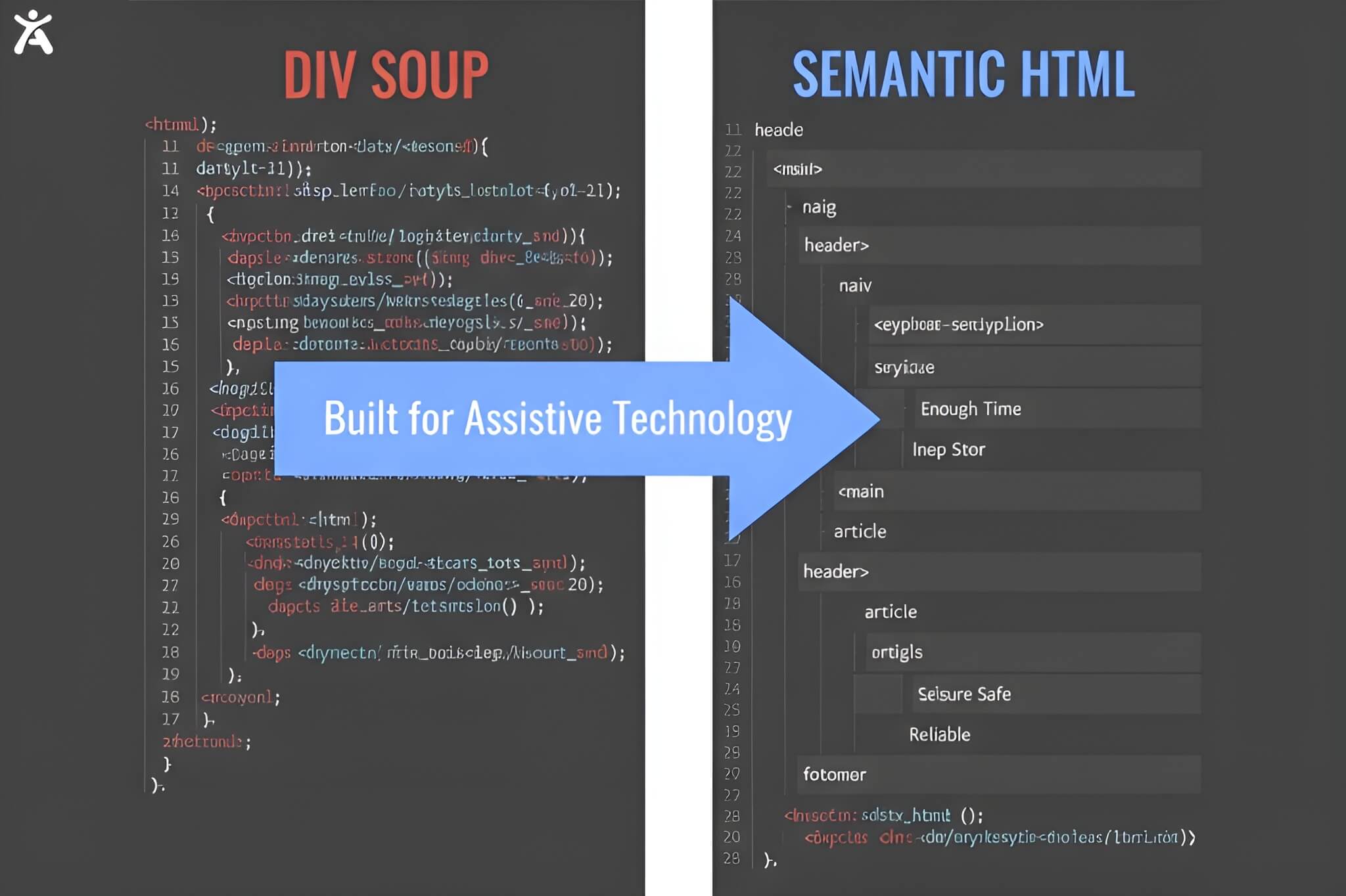
The only path to compliance is building accessible code from the start. AI can be a tool, but it cannot fix a broken architecture or a missing heading hierarchy.
Accessibility is a strategic advantage that reduces technical debt and expands your audience to the fullest. As an architect, I ask you: With the 2026 deadlines approaching, is your codebase a bridge to your users, or a barrier that’s waiting for a lawsuit?
FAQs
The most critical deadline is April 24, 2026, for ADA Title II compliance, which requires U.S. state and local governments (with populations over 50,000) to meet WCAG 2.1 AA standards. Additionally, the European Accessibility Act (EAA) is already being enforced for businesses serving EU customers.
Accessibility and SEO are closely linked. Implementing semantic HTML and logical heading hierarchies helps search engine crawlers understand your site better. Studies show accessibility leaders can see a 12.7% improvement in organic search rankings and a 17.3% increase in crawl efficiency.
Sources indicate that overlays cannot fix structural issues like missing alt text or improper heading hierarchies. Furthermore, they often interfere with existing screen reader settings and do not provide the legal protection that built-in, semantic code offers.
WCAG 2.2 organizes accessibility into four principles: Perceivable (users can see/hear it), Operable (can navigate it), Understandable (makes sense), and Robust (works with assistive tech).
Yes. Beyond avoiding lawsuits which can cost between $10,000 and $100,000 per settlement accessibility leaders achieve 28% higher revenue and 30% better performance on economic profit margins