Web accessibility contrast checker is the accessibility failure designers encounter most. It is also the easiest to fix if you catch it in the right moment. A well-chosen contrast checker extension fits invisibly into daily workflow: open a design, scan it, fix it, move on. A poorly chosen one creates friction, returns confusing results, or misses the WCAG 2.2 rules that matter in 2026.
This ranked guide covers the six extensions designers actually use what each one does well, where it falls short, and which workflow it suits. All six are browser-based so no installation beyond the extension is needed.
| WCAG 2.2 Contrast Minimum Requirements
Normal text: 4.5:1 minimum contrast ratio Large text (18pt+ or 14pt bold): 3:1 minimum UI components & icons: 3:1 minimum new in WCAG 2.2 |
The 6 Best Contrast Checker Extensions, Ranked
| Extension | Best for | WCAG Version | Cost |
| WCAG Contrast Checker (Rumoroso) | Full-page scan | 2.2 + colorblind sim | Free |
| DigitalA11Y Color Contrast Checker | Quick palette checks | WCAG 2.1 | Free |
| Accessible Web Helper | Contrast + full audit | 2.0, 2.1, 2.2 | Free / Pro |
| Colour Contrast Checker (Clapperton) | Save & share combos | WCAG 2.0 | Free |
| WAVE Evaluation Tool | Visual error overlay | 2.1 AA | Free |
| Axe DevTools | CI/CD + contrast audit | 2.2 | Free / Paid |
Extension Breakdown

1. WCAG Contrast Checker by Rumoroso Best Overall for Designers
Scans every element on the active page and evaluates computed foreground/background colours including RGBA transparency. Critically, it simulates eight types of colour blindness so designers can validate choices for users with deuteranopia and protanopia as well as low vision. The manual input fields accept hex codes for testing during design sprints before a page exists in a browser. WCAG 2.2 compliant. Rated 4.5 stars on the Chrome Web Store. Free.
2. Accessible Web Helper Best All-in-One Extension
Goes beyond contrast: the free tier includes page-wide WCAG issue scanning, contrast ratio display for all elements, focus order visualisation, and an image alt text review. The colour contrast panel shows pass/fail for small text, large text, and UI components separately. Fix suggestions unlock in the premium tier. WCAG 2.0, 2.1, and 2.2 supported. Ideal for designers who want a single extension covering multiple accessibility checks.
3. Colour Contrast Checker by Alex Clapperton Best for Saving Combinations
Allows designers to save up to six colour combinations and share them via URL useful for handing documented colour pairs to developers or presenting findings in design reviews. Eyedropper picks any colour from the current page. Straightforward pass/fail against WCAG 2.0. Lacks colorblind simulation but excels at documentation workflows.
4. DigitalA11Y Color Contrast Checker Best for Fast Palette Validation
Click anywhere on the page and the eyedropper instantly returns the contrast ratio for that colour pair. It also surfaces suggested alternative codes that meet WCAG AA, which saves designers time when iterating. Interface is compact and non-intrusive. Completely free. Best used for rapid spot-checking rather than full-page audits.
5. WAVE Evaluation Tool Best for Visual Context
WAVE overlays icons directly onto the page showing contrast errors alongside all other accessibility issues. Designers can see contrast problems in layout context which text block fails, which button, which link without cross-referencing a separate panel. Also highlights what is passing, not just failing. The interface is developer-leaning but valuable for designers reviewing built pages.
6. Axe DevTools Best for Teams Integrating into Build Pipelines
The free Axe browser extension returns zero false positives and covers WCAG 2.2 contrast criteria. For design teams whose developers use axe-core in CI/CD, using the same extension ensures consistent issue reporting. The paid tier adds guided manual testing, screen reader integration, and compliance reporting. Overkill for individual designers, but the best choice when design and engineering accessibility reviews need to align.
| The Gap These Tools All Share
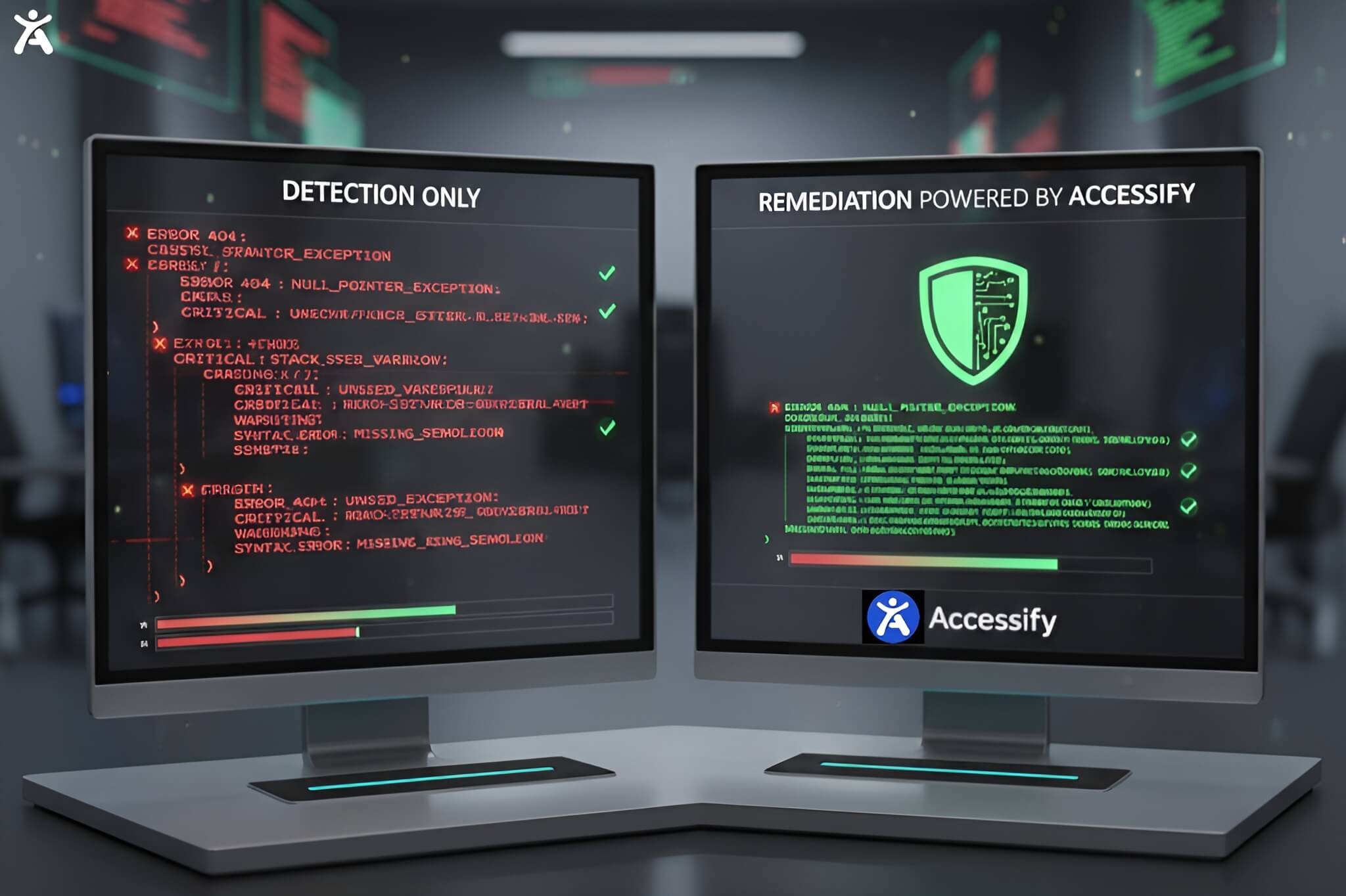
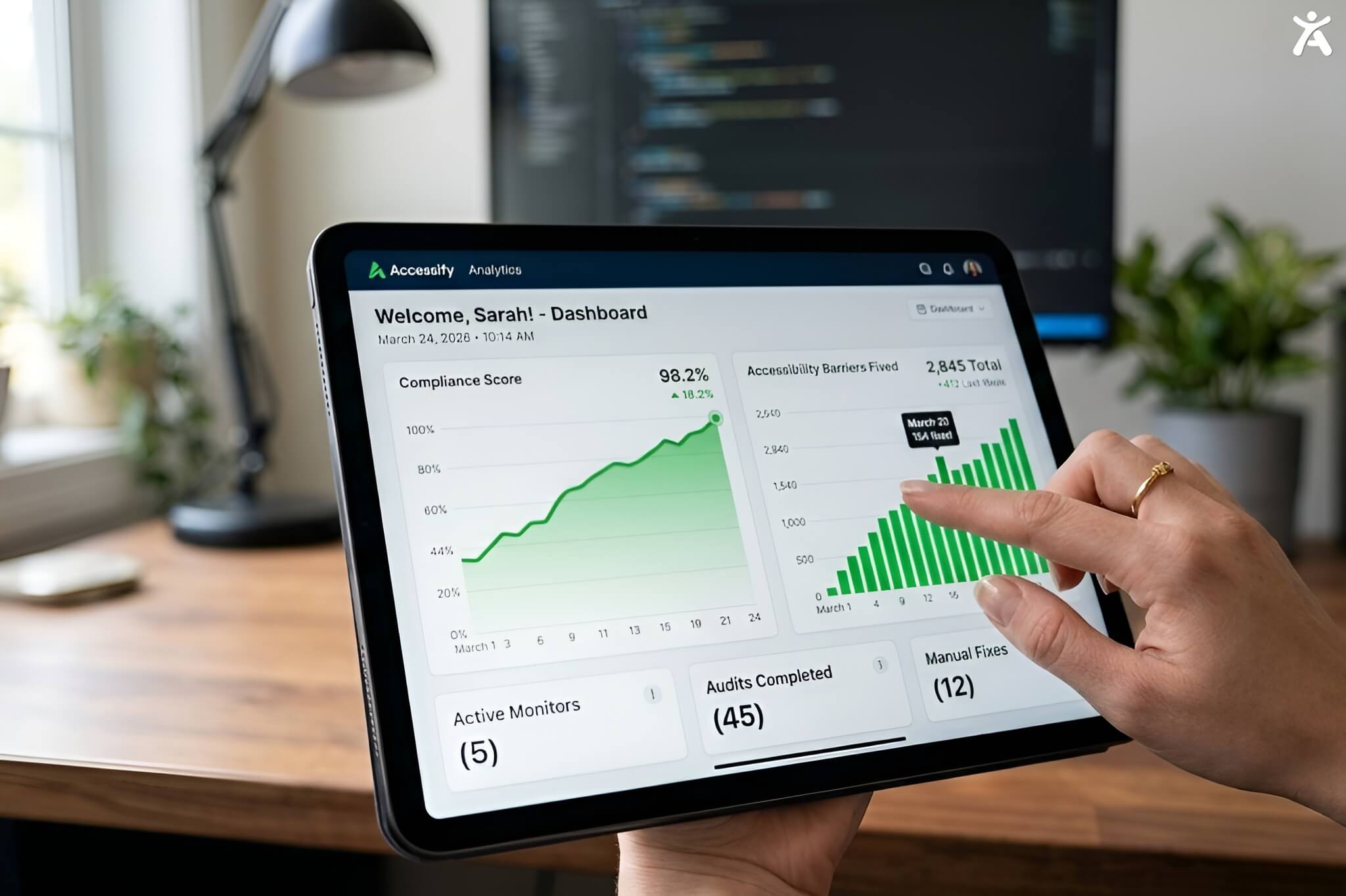
Every extension above detects contrast failures. None of them fix contrast on a live site automatically. Accessify’s AI widget applies real-time contrast corrections for every visitor, no developer sprint required a permanent fix rather than a recurring design task. |
Choosing the Right Extension for Your Workflow
| Situation | Best Extension | Why |
| Designing in browser before handoff | Rumoroso WCAG Checker | Full-page + colorblind sim |
| Quick spot check during review | DigitalA11Y | Fastest eyedropper workflow |
| Need one tool for all accessibility | Accessible Web Helper | Contrast + full WCAG scan |
| Documenting colour pairs for devs | Clapperton Checker | Save + share feature |
| Reviewing a built page visually | WAVE | Overlay shows context |
| Aligning with dev accessibility tests | Axe DevTools | Same engine as CI/CD |
| Pair Every Tool With AI Auto-Fix
Accessify fixes contrast failures automatically on every page, in real time. No repeated manual checks required. From $19/mo. |
FAQs
Traditional tools like WAVE and Axe are diagnostic; they identify WCAG issues and generate a report for developers to fix manually. In contrast, an AI accessibility widget like Accessify works at the runtime layer to automatically identify and fix barriers.
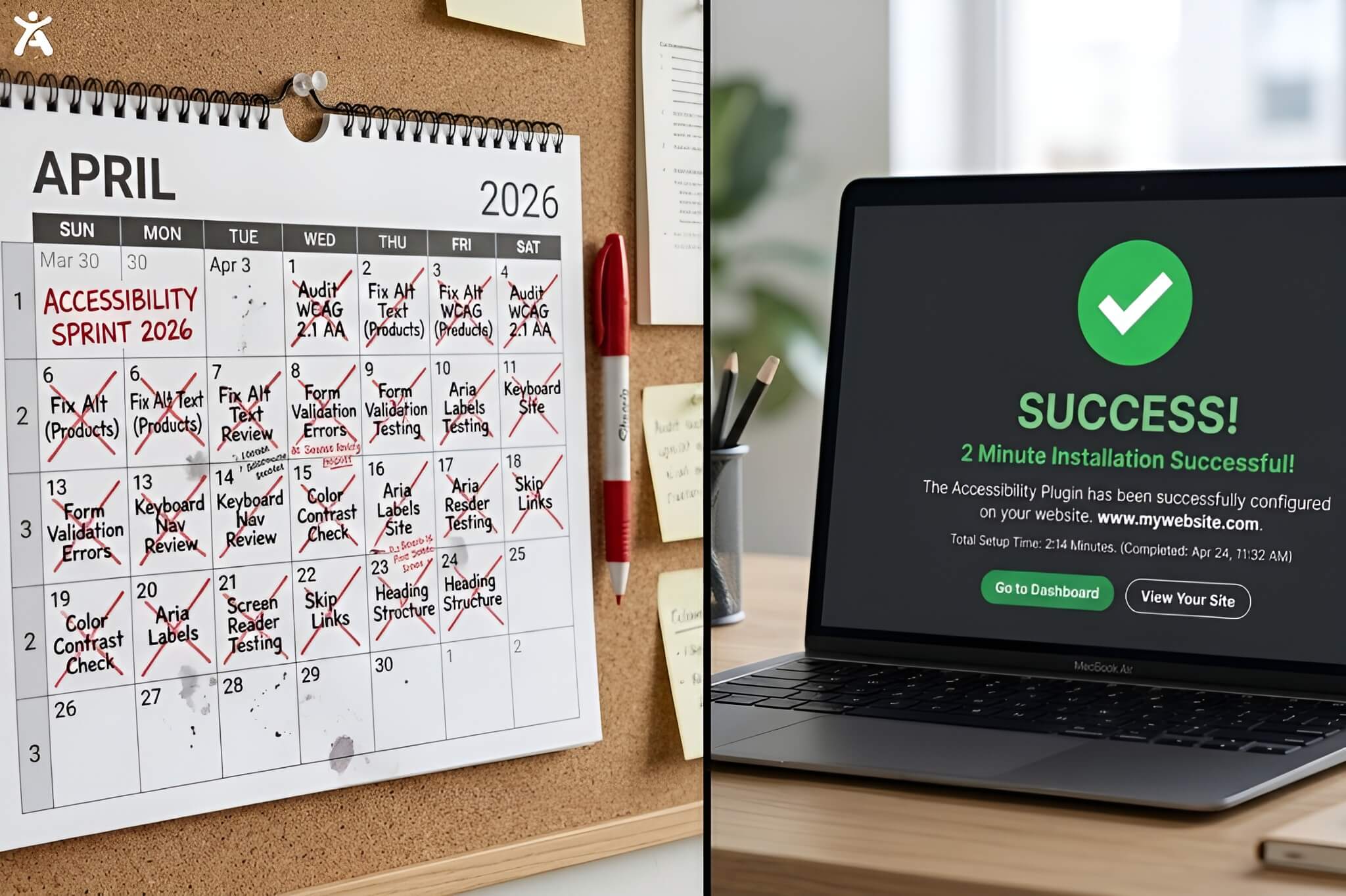
Yes. While traditional remediation can take weeks or months, an AI widget is installed via a single script tag in under 2 minutes. Once active, the AI immediately applies fixes across every page to meet WCAG 2.2, ADA, AODA, EAA, and Section 508 standards.
Traditional “free” tools often cost upwards of $15,000 annually when accounting for the hundreds of developer hours required for manual remediation. An AI accessibility widget like Accessify starts at $228/year, effectively reducing developer remediation time to near zero.
Yes, if your organization requires procurement-grade documentation like a VPAT or ACR, a manual audit is non-negotiable. While the widget handles ongoing compliance, it cannot produce the legal-grade documentation required for some government contracts or ADA litigation defense.
For many high-performing teams, a “both/and” architecture is the best practice. Using traditional tools (like Axe) in the CI/CD pipeline prevents new issues from entering production, while an AI widget provides 24/7 live monitoring and automatic remediation for existing live users.