Customize Your Accessibility Widget with Advanced Feature Controls
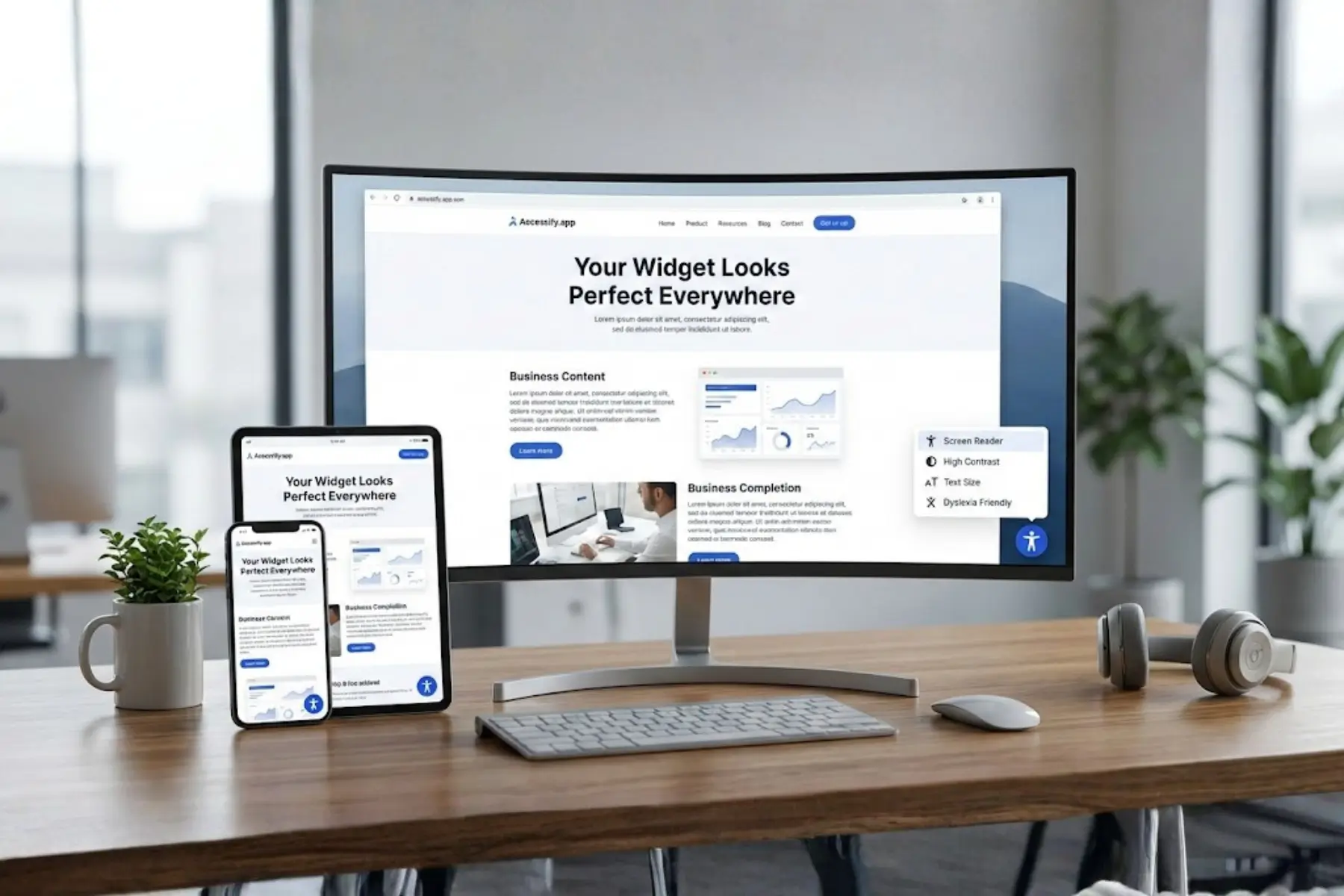
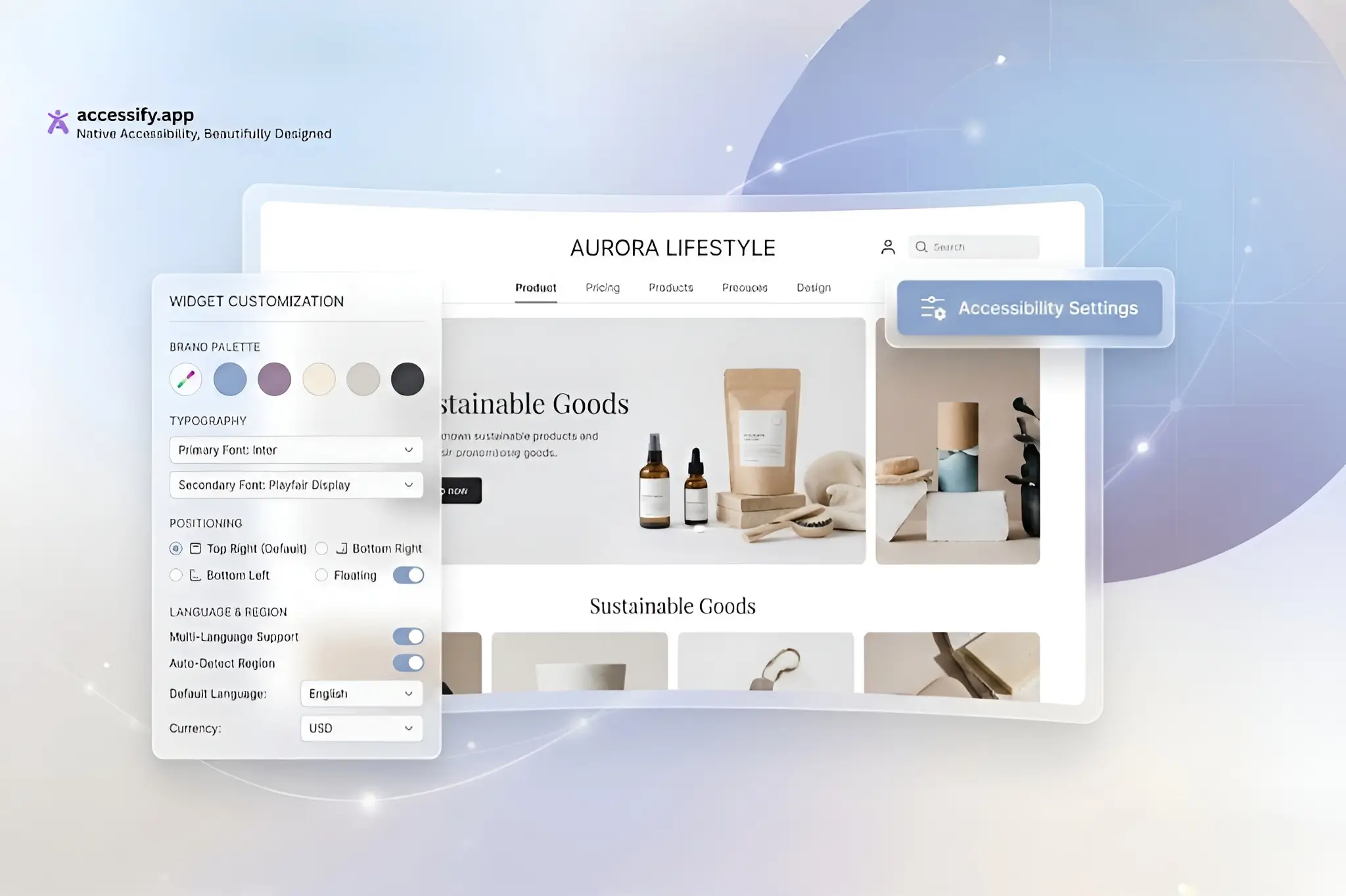
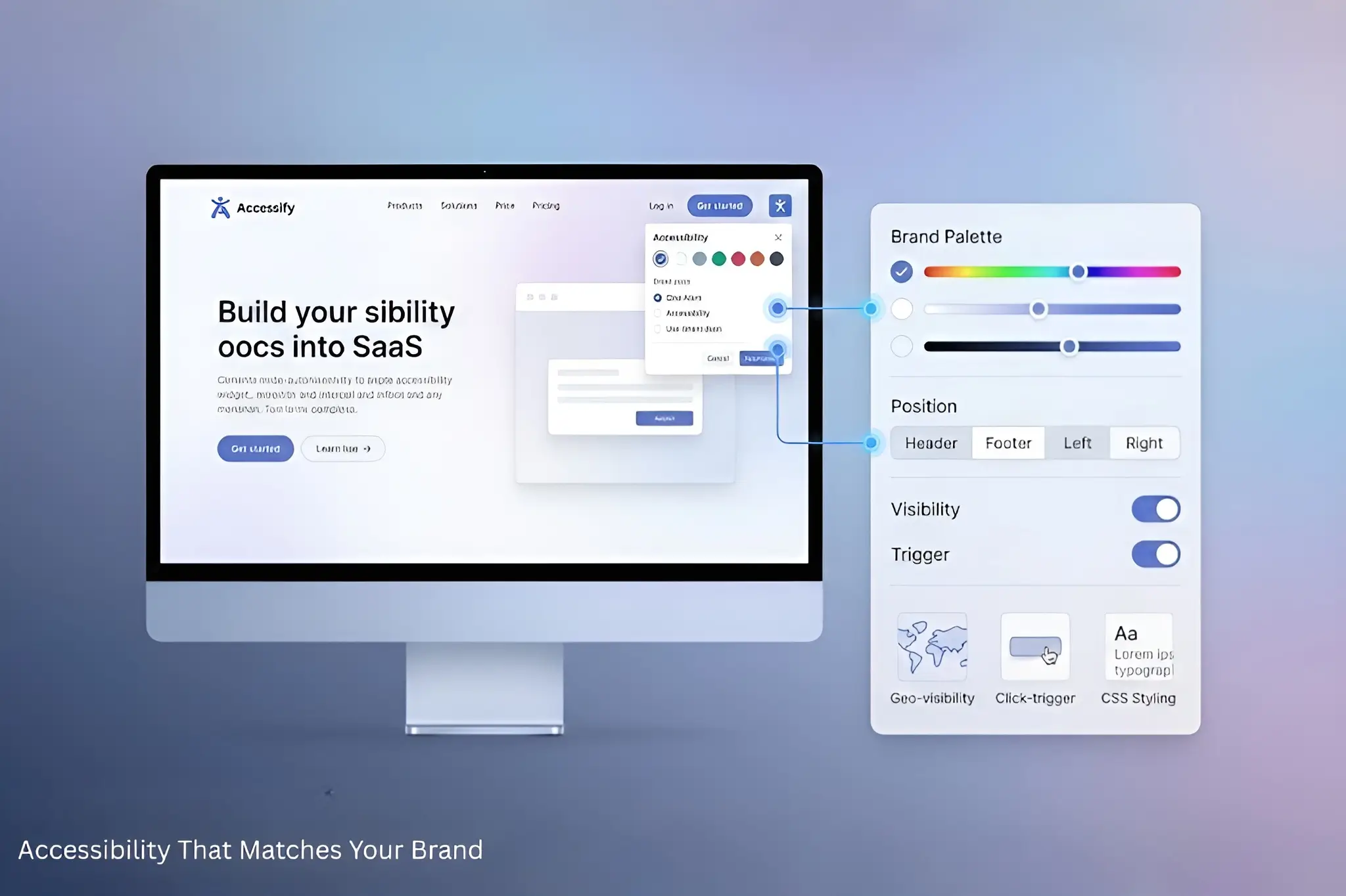
Take full control of your website’s accessibility experience with Accessify’s Widget Feature Controls. This feature is built for flexibility and performance, letting you enable or disable individual accessibility tools so the widget aligns with your audience’s needs and your brand identity.
To get started, open your dashboard and click your website URL to access the Widget Settings. Then go to the Controls tab, where you can manage each feature with simple toggles. No coding or technical setup is required.
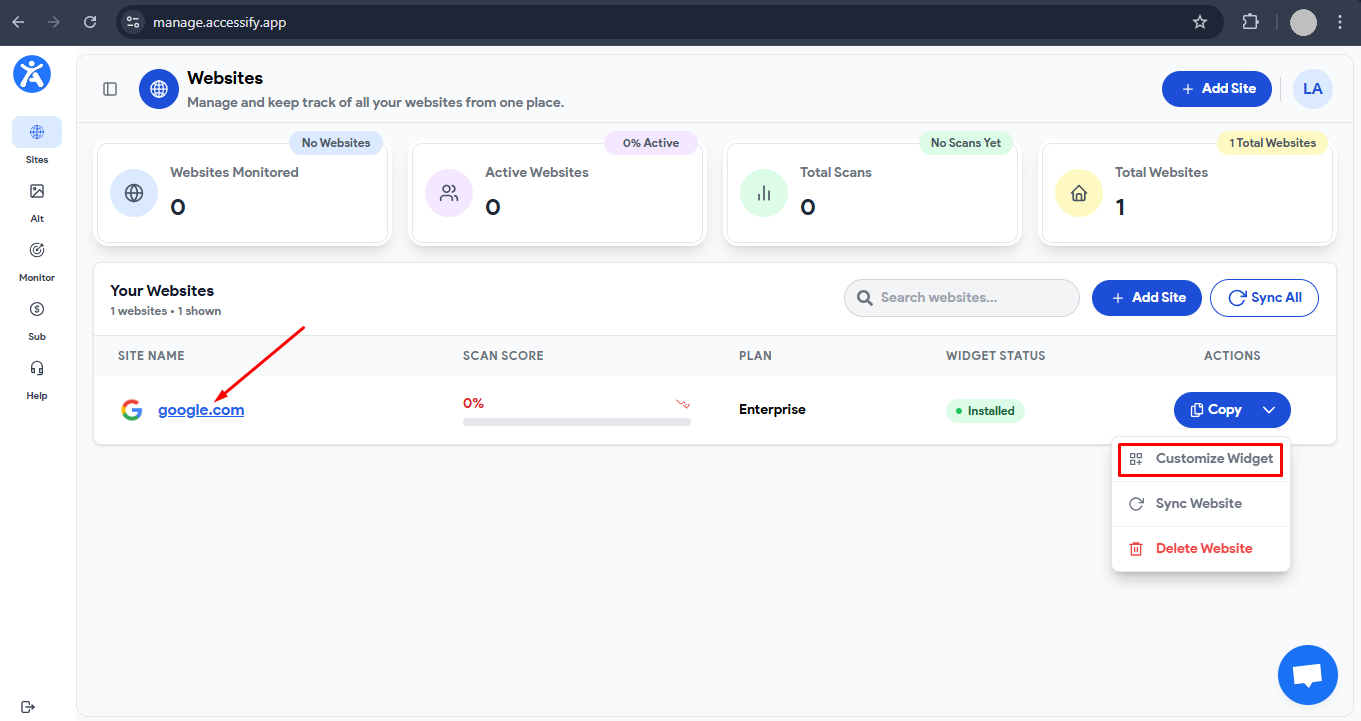
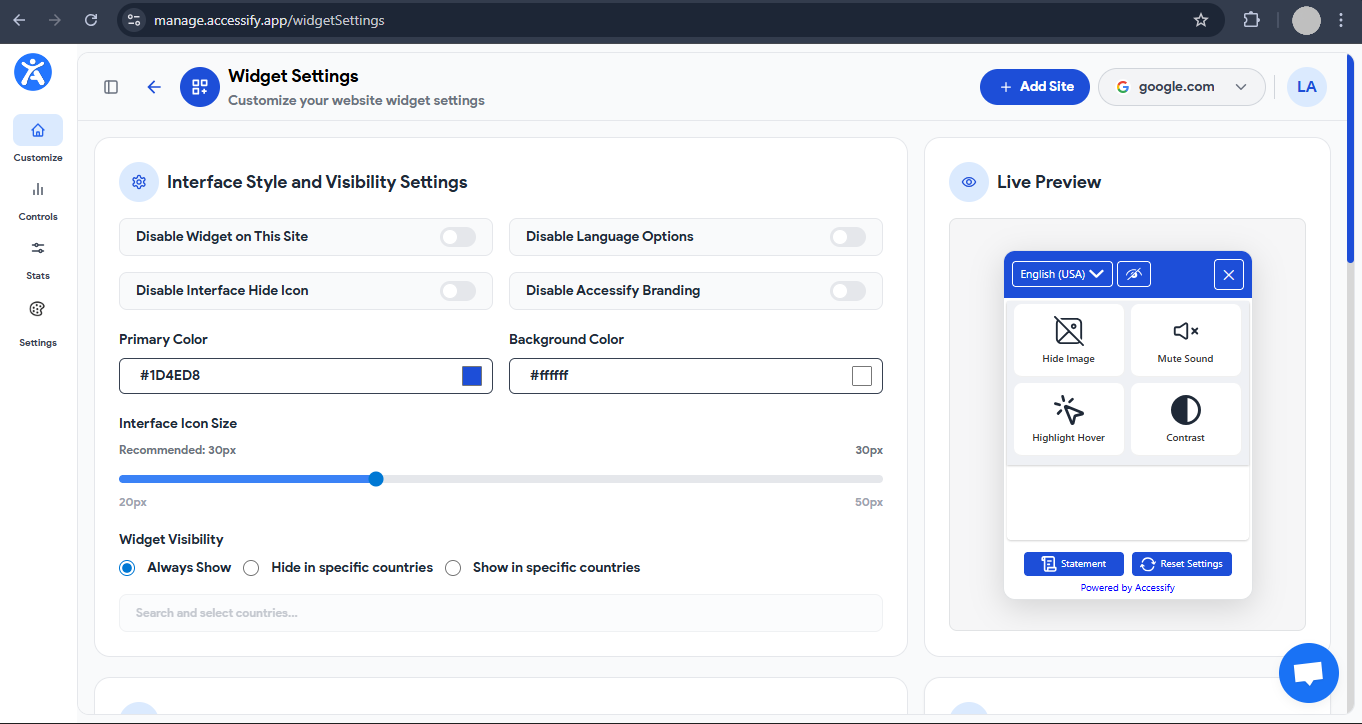
This level of customization helps you deliver a clean, user-focused interface while maintaining WCAG-compliant accessibility standards.
Easily Manage Features with Organized Categories
Accessify organizes accessibility tools into four intuitive categories: Content, Visibility, Interact, and Profiles.
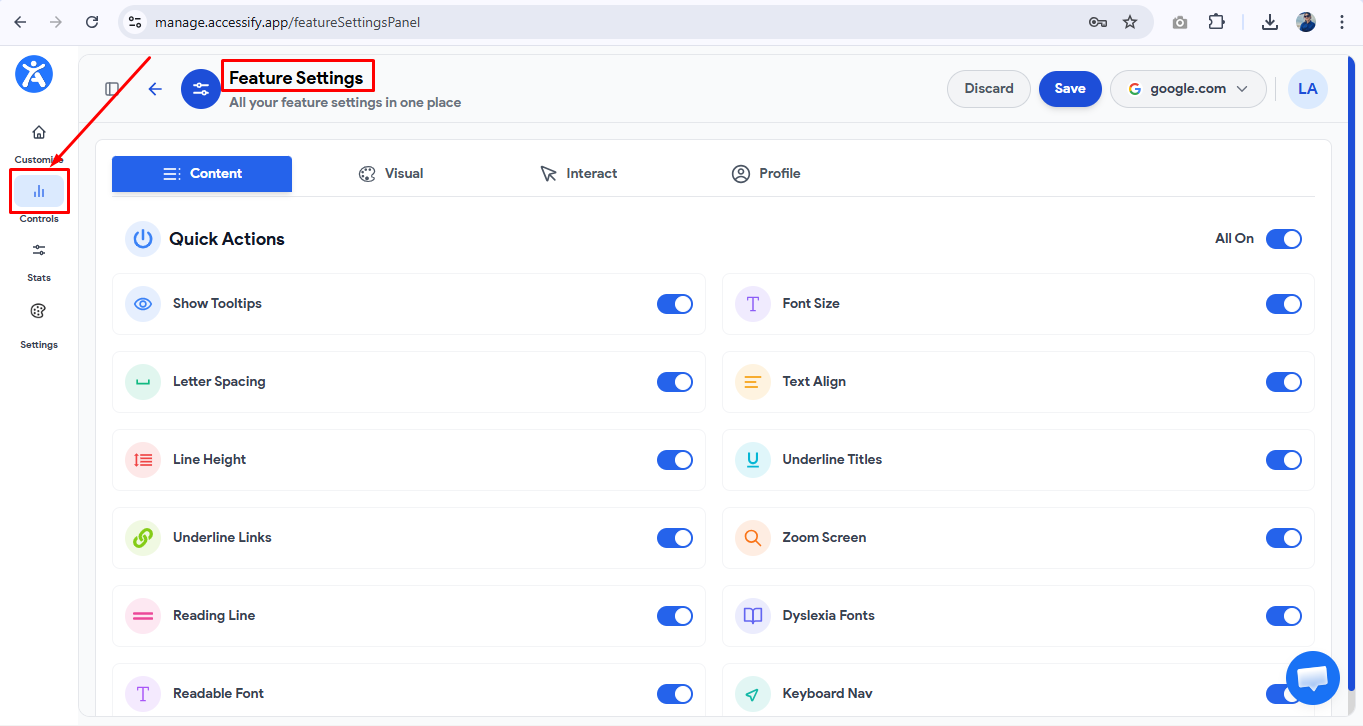
1. Content Controls (Improve Readability)
Improve clarity and comfort with:
- Font Size Adjustment for scalable, easy-to-read text
- Text Spacing Controls to improve line and letter spacing
- Underline Text Option to highlight links clearly
- Readable Fonts, including dyslexia-friendly typefaces
These features help improve readability and reduce cognitive strain.
2. Visibility Controls (Enhance Visual Accessibility)
Adjust how your content appears on screen with:
- Zoom Screen for magnification support
- Screen Tint for customizable color overlays
- High Contrast Mode for clearer content distinction
- Color Saturation Controls to improve visibility for low-vision users
These tools support a wide range of visual needs.
3. Interaction Controls (Improve Navigation & Usability)
Make navigation easier with:
- Quick Actions for instant accessibility shortcuts
- Keyboard Navigation for full tab-based browsing
- Reading Guide to help maintain focus while reading
- Tooltip Hints for contextual guidance
These features improve usability, especially for users who rely on assistive navigation.
4. Profiles (One-Click Accessibility Presets)
Profiles let users instantly activate an optimized set of accessibility features based on their needs.
Accessibility Profiles for Instant Optimization
Accessify’s Accessibility Profiles are pre-configured settings that automatically adjust your website for specific user requirements:
- Color Blindness Profile Improves contrast, enhances color differentiation, and highlights important elements for users with color vision deficiencies.
- Dyslexia Profile Applies dyslexia-friendly fonts, optimized spacing, and reading aids to reduce cognitive load.
- Low Vision Profile Combines zoom, larger fonts, high contrast, and enhanced saturation for better visibility.
- Seizure-Safe Profile Reduces motion effects, limits flashing elements, and complies with WCAG 2.3.3 guidelines.
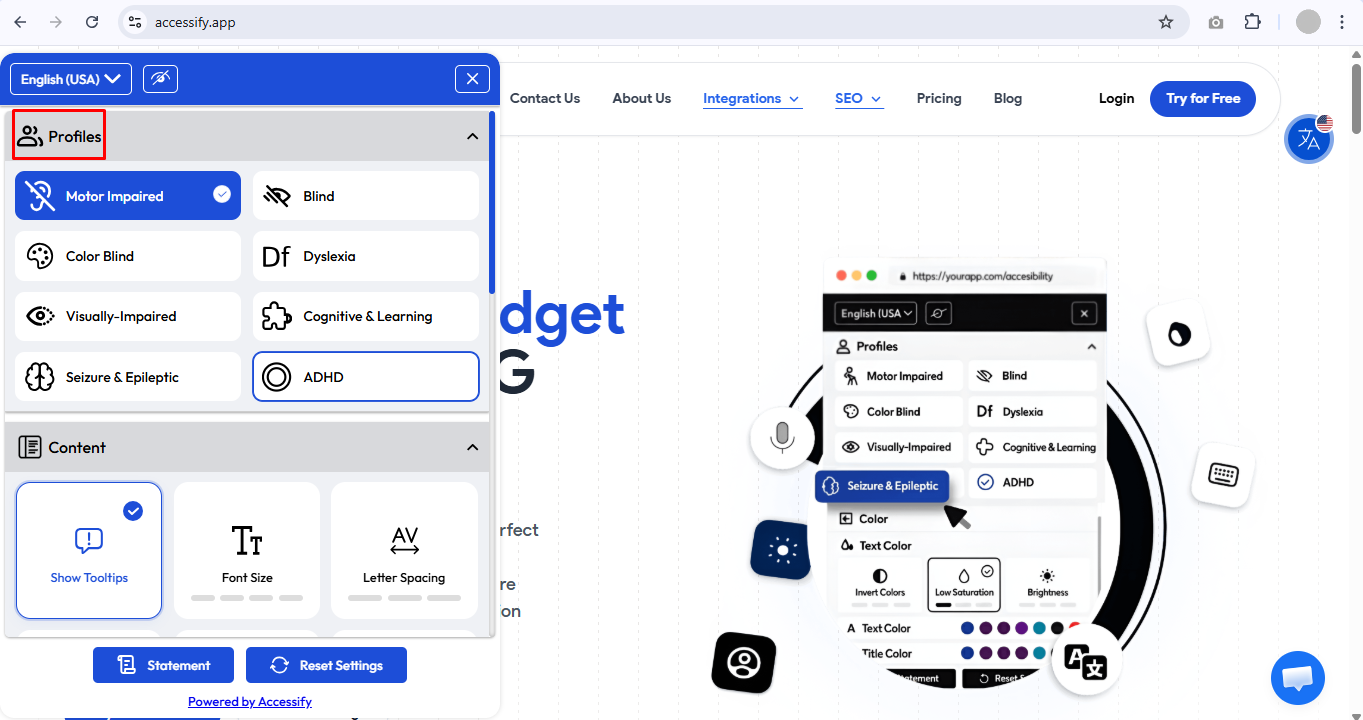
Users can activate profiles directly from the widget, with preferences saved across sessions for a consistent experience.
Real-Time Customization Without Code
All feature adjustments apply instantly across your live website, with no page reloads or development work required.
For example:
- Disable Profiles for a simplified, minimal interface
- Turn off advanced tools if your site already supports them natively
- Focus on high-impact features to improve performance and usability
This flexibility helps reduce visual clutter while improving engagement and accessibility.
Benefits of Using Advance Feature Controls
Customizing accessibility controls can deliver measurable benefits:
- Improve WCAG compliance more easily
- Increase user engagement and session duration
- Enhance website usability for diverse audiences
- Optimize performance by enabling only essential tools
- Use analytics to A/B test accessibility configurations
Many websites report 20–30% improvements in accessibility scores and higher repeat visits after implementing tailored accessibility settings.
Best Practices for Maximum Impact
- Start with all features enabled during initial setup
- Monitor user behavior and analytics to identify key features
- Refine your widget configuration gradually based on real usage
- Keep the interface simple while maintaining essential accessibility tools
Build an Inclusive, High-Converting Website
With Accessify’s Feature Controls, you can create a customizable accessibility experience that balances usability, performance, and compliance.
Start optimizing your widget today to deliver a more inclusive, user-friendly browsing experience for every visitor.