Digital Accessibility in 2026: Why Quick-Fix Widgets Are Not Enough
For years, many businesses tried to “solve” accessibility by dropping a widget or overlay on top of their site. One line of code, a floating icon, and the promise of instant ADA and WCAG compliance.
In 2026, that is no longer believable.
Regulators, courts, and people with disabilities now look beyond the widget to the real experience: Can users actually navigate, read, and complete tasks with assistive technologies? If the answer is no, a quick fix on top does not change that.
What Accessibility Widgets Can and Cannot Do
Accessibility widgets (like overlays and toolbars) usually offer:
- Text resizing and spacing
- Color and contrast controls
- Reading aids and sometimes text‑to‑speech
- Cursor and focus highlights
These features can genuinely help some users. The problem is where the widget lives: it sits on top of your existing code.
A widget cannot reliably fix:
- Inaccessible navigation and menus
- Unlabeled buttons and form fields
- Broken keyboard focus and custom components
- Poor heading structure and missing landmarks
If your base HTML, ARIA, and interaction patterns are inaccessible, a widget can only do so much.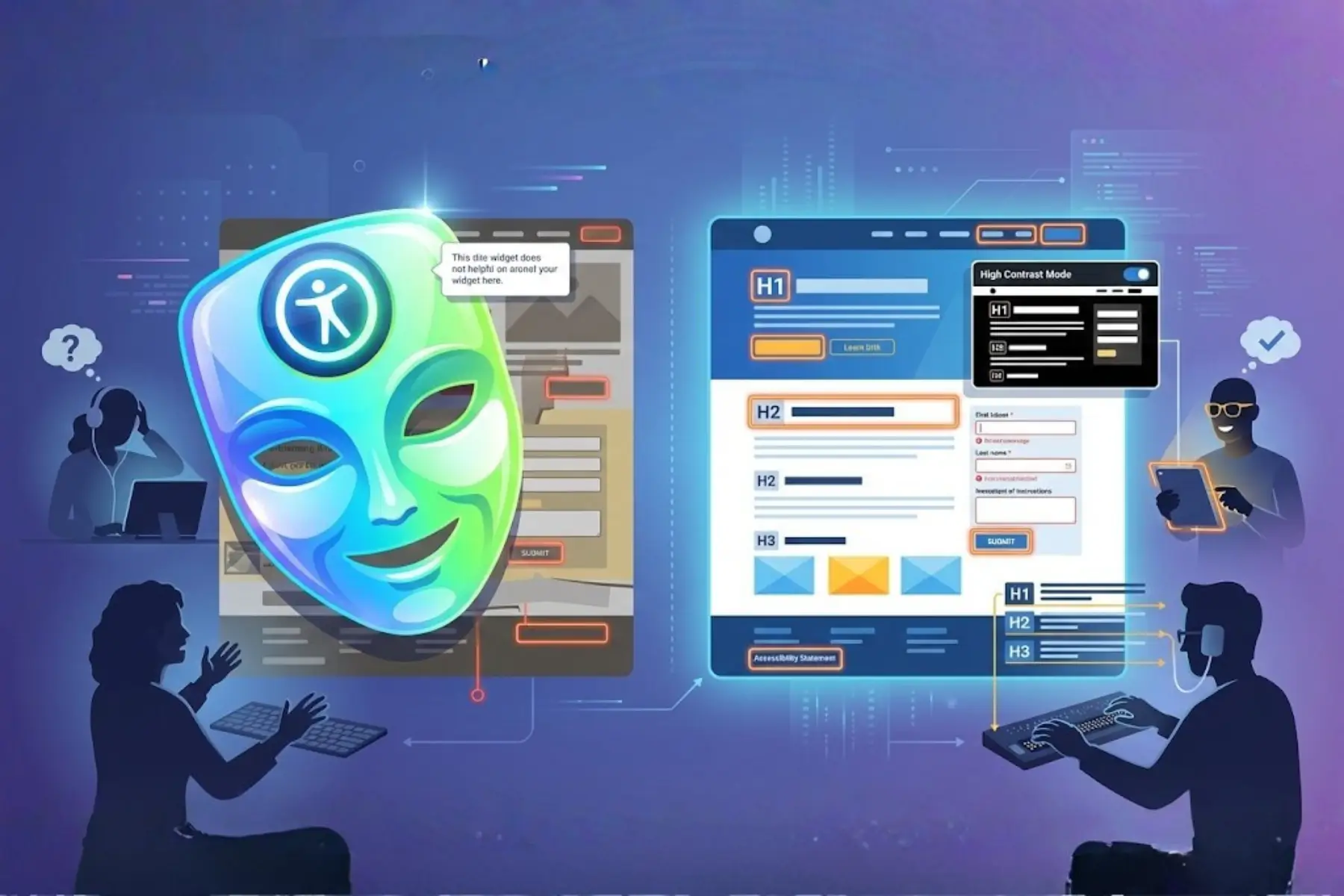
Why the “One-Click Compliance” Era Is Over
Three big shifts killed the idea that a widget alone is enough:
-
Legal reality
Lawsuits and regulators now focus on what users can actually do: log in, search, check out, submit forms. If those flows are broken with a screen reader or keyboard, “we installed a widget” does not help much. -
User expectations
People with disabilities want websites that work by default, not only when they find and configure a separate panel. Many overlays even conflict with screen readers or add friction. -
Accessibility as product quality
Accessibility is now tied to brand, UX, SEO, and conversion. Mature teams treat it like performance or security: something built into design and development, not bolted on at the end.
What a Real Accessibility Strategy Looks Like Now
A modern approach goes beyond quick fixes and includes:
-
Accessible design and code from the start: semantic HTML, clear headings, correct labels, keyboard‑friendly components, and good contrast.
-
Continuous checks: automated scans + manual testing with screen readers and keyboards.
-
User feedback: listening to people with disabilities and treating their issues as real bugs.
-
Training and ownership: designers, developers, and content teams all understand the basics of WCAG.
Widgets can still play a role, but as supporting tools, not your entire strategy.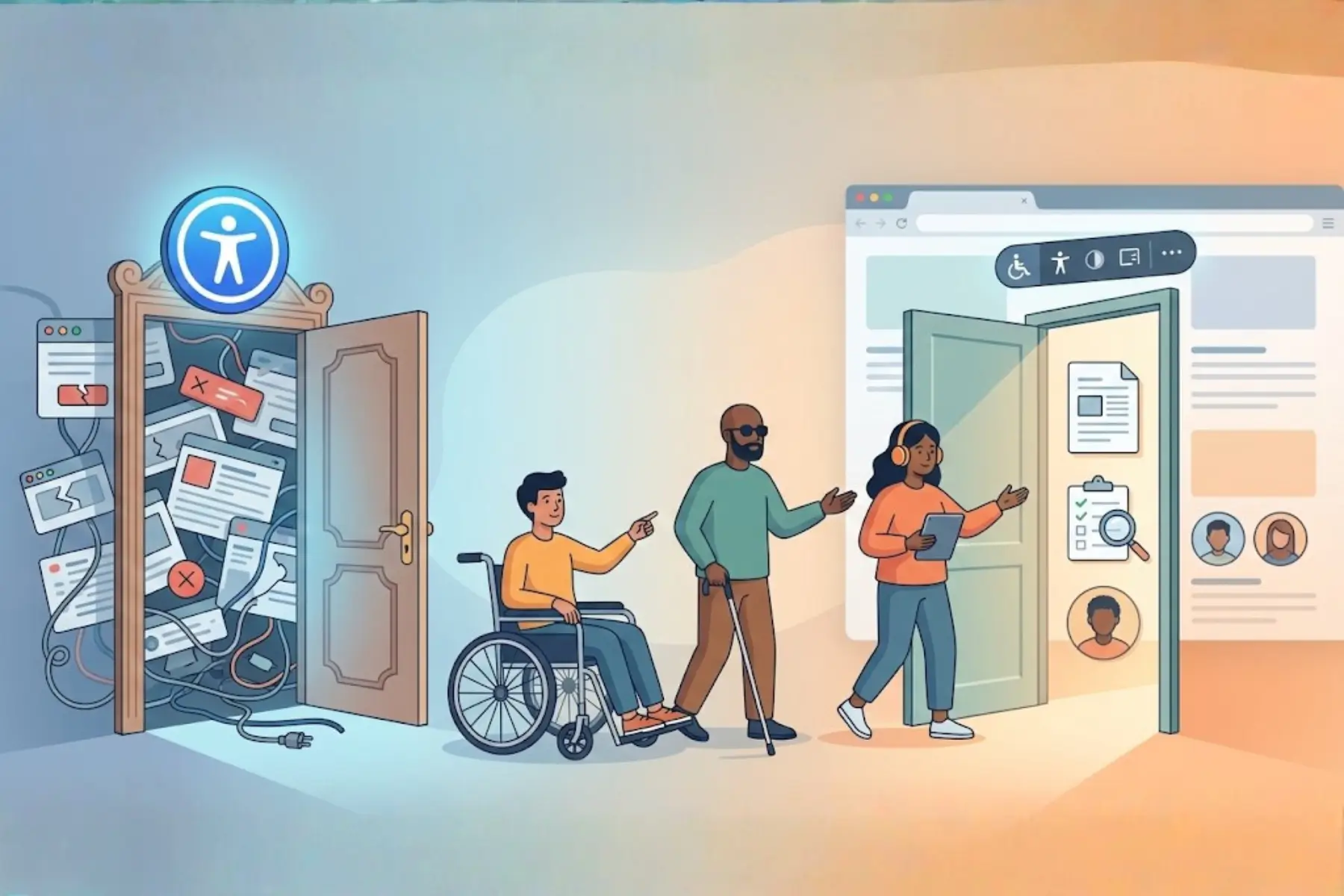
Where Accessify Fits In
Accessify is built for this new reality.
Instead of pretending to be a magic, one‑click fix, Accessify:
- Gives users helpful controls (contrast, text, spacing, focus, etc.)
- Surfaces accessibility issues and patterns through audits and insights
- Works across platforms like Shopify, WordPress, Webflow, Tilda, and more
- Lets you brand and customize the widget so it feels native to your site
Used correctly, Accessify is one layer in a serious accessibility program: it helps users today while your team improves templates, components, and content underneath.
Moving Beyond Quick Fixes: A Simple Roadmap
If you’re relying only on a widget right now, here is a realistic next step:
-
Audit your current site: Run automated checks and do basic manual testing (keyboard + screen reader) on key flows.
- Fix the biggest structural issues: Headings, labels, forms, focus order, and contrast.
- Use Accessify as a booster, not a bandage: Offer user‑facing tools and insights, but keep improving your code.
- Bake accessibility into your workflow: Add checks to design/dev, train your team, and test regularly as you ship.
Conclusion
In 2026, quick‑fix accessibility widgets on their own are not enough, and everyone knows it.
Real accessibility comes from:
- Solid, accessible code and design
- Smart tools that support, not replace, that foundation
- Ongoing attention to how people with disabilities actually use your site
Accessify is built to help you make that shift: away from superficial compliance theater, and toward a genuinely accessible product that works for everyone.
FAQs
Yes. The deadline for public entities with populations over 50,000 is April 24, 2026. Private lawsuits are also expected to target those who miss this window
No, ADA Title III public accommodation requirements apply to businesses of all sizes, regardless of employee count or revenue.
No. Data shows 22.6% of lawsuits target sites with these tools. They often fail to fix underlying code issues and can even interfere with assistive technology.
WCAG 2.1 Level AA is the benchmark used by the DOJ and most international regulations in 2026.