

If you sell to customers in the European Union, the European Accessibility Act (EAA) is not a future problem. It has applied since 28 June 2025, and 2026 is the year regulators, competitors and complaint-filing advocacy groups start testing real stores against it. This guide covers what the law requires of e-commerce merchants, what you risk if you ignore it, and a practical 5-step plan you can start this week.
Is the EAA “2026 deadline” real?
Strictly speaking, the compliance date has already passed. Directive (EU) 2019/882 required member states to apply its rules from June 2025. What changes in 2026 is the practical picture: national market surveillance authorities are staffed and operational, complaint procedures are established, and the “we didn’t know” window is closing. Some transitional arrangements exist (for example, certain existing service contracts and self-service terminals), but a Shopify or WooCommerce store taking new orders from EU consumers should assume no grace period.
Who has to comply?
- Any business selling consumer products or services online to EU customers, including merchants based in the US, UK, Canada or Australia.
- Online stores and marketplaces, including product pages, search, cart, checkout, account areas and customer-service channels.
- Microenterprises providing services (fewer than 10 staff and turnover or balance sheet at or under €2 million) are exempt from the service requirements. Don’t assume this covers you without checking your national rules, and note that many larger partners and marketplaces will still ask for accessible experiences.
What “WCAG 2.2 Level AA” means for an online store
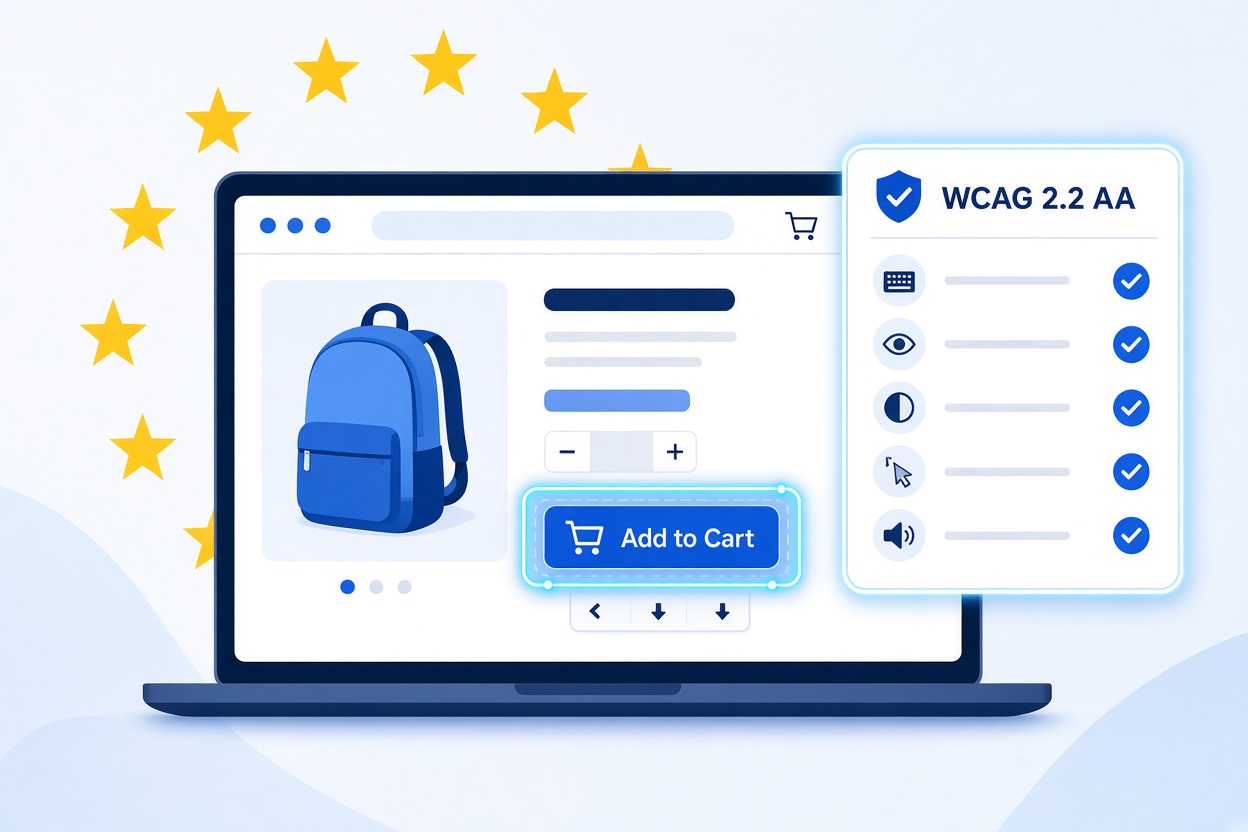
The EAA points to the harmonised European standard EN 301 549, which currently maps to WCAG 2.1 Level AA. Targeting WCAG 2.2 Level AA is the safer, forward-looking move: it includes everything in 2.1 AA plus new criteria aimed at mobile and cognitive accessibility, and it is the benchmark most auditors now use. For stores, the criteria that cause the most failures are:
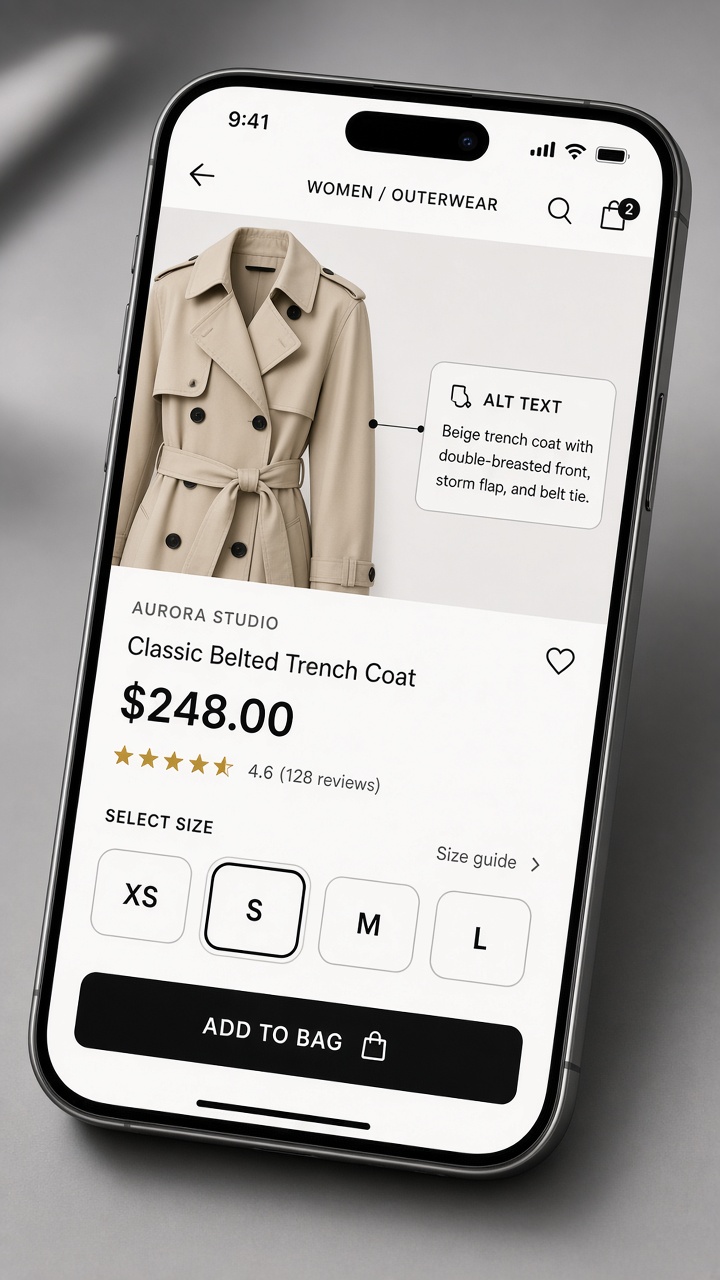
- Text alternatives (1.1.1): every meaningful product image needs descriptive alt text; decorative images need empty alt attributes.
- Contrast (1.4.3, 1.4.11): 4.5:1 for body text, 3:1 for large text, buttons and form borders. Pale grey “sale” badges and placeholder text fail constantly.
- Reflow and resize (1.4.4, 1.4.10): content must work at 200% zoom and 320px width without horizontal scrolling.
- Keyboard access (2.1.1) and focus visibility (2.4.7): menus, filters, variant pickers and modals must work without a mouse.
- Focus Not Obscured (2.4.11): sticky headers and cookie banners can’t hide the element a keyboard user is on.
- Target Size, Minimum (2.5.8): tap targets of at least 24×24 CSS pixels, relevant to quantity steppers and swatches.
- Redundant Entry (3.3.7): don’t make shoppers retype shipping details in billing fields.
- Accessible Authentication (3.3.8): no CAPTCHA puzzles or memory tests as the only way to log in.
- Labels, errors and status messages (3.3.1, 3.3.2, 4.1.3): form errors and “added to cart” confirmations must be announced to assistive technology.
Penalties and market-entry risk
There is no single EU-wide fine. Each member state sets its own penalties and enforcement body, so exposure depends on where your customers are. Under the Directive, national measures must be “effective, proportionate and dissuasive,” and in practice that can include:
- Financial penalties set by national law, which can be significant for repeat or unresolved violations.
- Corrective orders requiring you to fix the problem within a set period.
- Restrictions on selling, including orders to withdraw a non-compliant product or service from that national market.
- Consumer complaints and legal action from individuals or organisations representing people with disabilities.
For a merchant, the market-access risk often matters more than the fine. Losing the ability to sell in Germany or France, or being delisted by a marketplace that demands compliance, can cost far more than remediation.
The 5-step EAA remediation roadmap for e-commerce
Step 1: Scan your store and prioritise by revenue path
Run an automated scan across your homepage, collection pages, product pages, cart, checkout and account area. Rank issues by how close they sit to a purchase. A contrast failure in the footer matters less than a checkout field with no label. Document the results; a dated record of your audit and fixes helps demonstrate good faith to regulators.
Step 2: Fix product page readability
Product pages carry your conversion and most of your accessibility debt. Work through this list:
- Write alt text that describes what the shopper needs to know (material, colour, fit), not “IMG_2041.jpg”.
- Raise contrast on prices, badges, stock messages and variant labels.
- Use real headings and lists for specifications instead of styled paragraphs.
- Make size and colour swatches keyboard-operable with visible focus and at least a 24×24px target.
- Don’t convey information by colour alone (“out of stock” in red needs text).
Step 3: Make checkout fully accessible
Checkout is where lawsuits and complaints concentrate, because a blocked purchase is an obvious harm. Confirm that every field has a visible label, errors are specific (“Enter a postcode in the format 10115”) and linked to their field, autofill works, and the flow honours Redundant Entry and Accessible Authentication. Standard Shopify checkout is a solid baseline, but custom scripts, upsell apps and payment add-ons can undo it, so test the version your customers actually see.
Step 4: Add screen reader support across the journey
Test with NVDA on Windows or VoiceOver on Mac and iOS. Listen for unlabelled icon buttons (cart, wishlist, search), carousels that trap focus, filters that update results silently, and popups that don’t announce themselves. Third-party apps such as reviews, chat and email popups are frequent culprits and need checking separately. Also publish an accessibility statement with a contact route; the EAA expects you to explain how your service meets requirements.
Step 5: Automate monitoring with Accessify
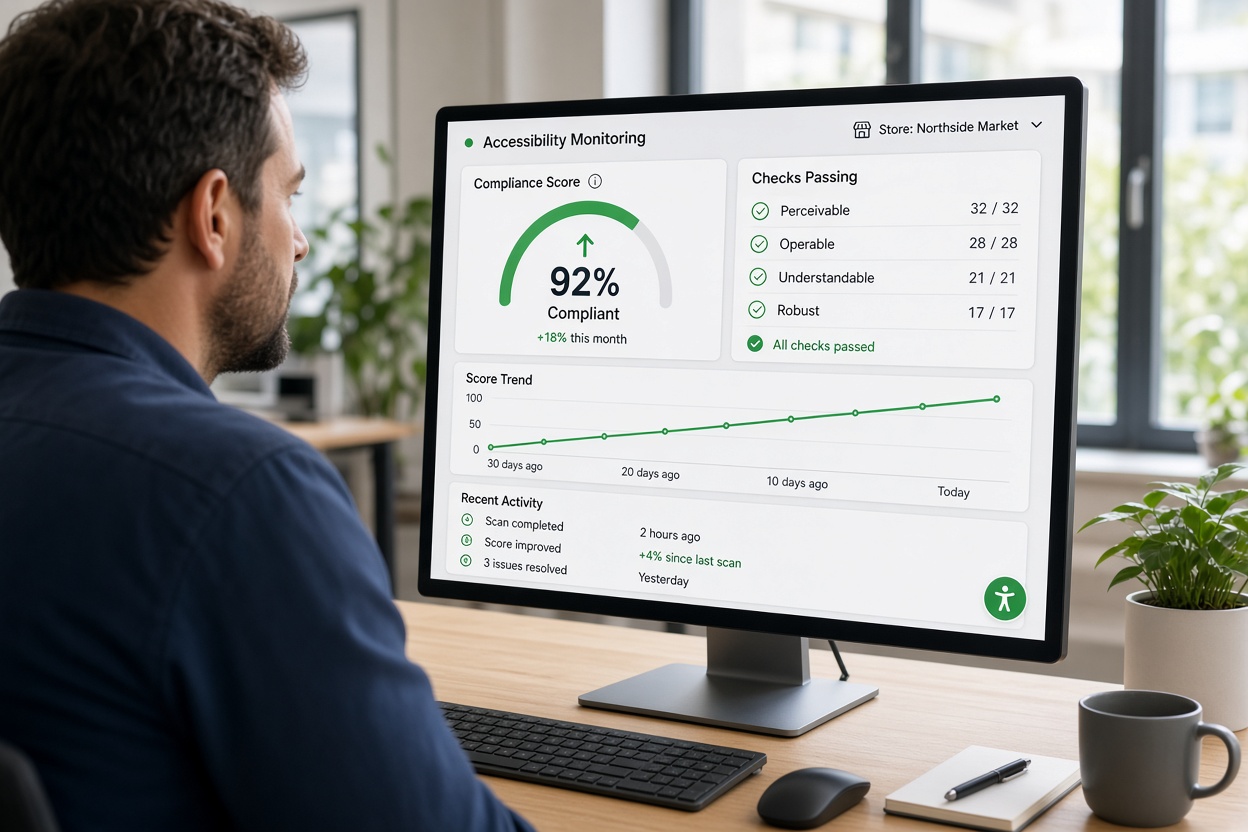
Accessibility isn’t a one-time project. Every new product, theme update or app install can introduce fresh barriers. Accessify is an AI-powered accessibility widget built for ADA, WCAG 2.2 and EAA compliance. It installs in about two minutes on Shopify, WordPress and other platforms, applies automated remediation to common issues such as missing labels, contrast, keyboard behaviour and focus, and keeps scanning as your catalogue changes. Plans start at $19/month, a small fraction of the cost of a manual rebuild.
One honest caveat: automation handles a large share of repetitive fixes, but no tool replaces human judgement for things like meaningful alt text on key products or a manual keyboard run through checkout. Use Accessify as the always-on safety net, and schedule a quarterly manual spot check on your top revenue pages.
A simple 30-day timeline
- Days 1–3: scan the store, install Accessify and record a baseline score.
- Days 4–14: fix product page and checkout issues the automation flags as needing manual attention.
- Days 15–21: screen reader and keyboard testing, including third-party apps.
- Days 22–30: publish your accessibility statement, brief your team, and set up monthly reporting.
Don’t wait for the first complaint
The merchants who avoid trouble in 2026 will be the ones who acted before an authority, marketplace or customer forced them to. Start with a scan, fix the revenue-critical paths, and put monitoring in place so compliance doesn’t decay. You can review the official criteria in the WCAG 2.2 quick reference, then see how quickly Accessify can close the gaps on your store.
This article is for general information and isn’t legal advice. Requirements vary by member state, so consult counsel about your specific obligations.