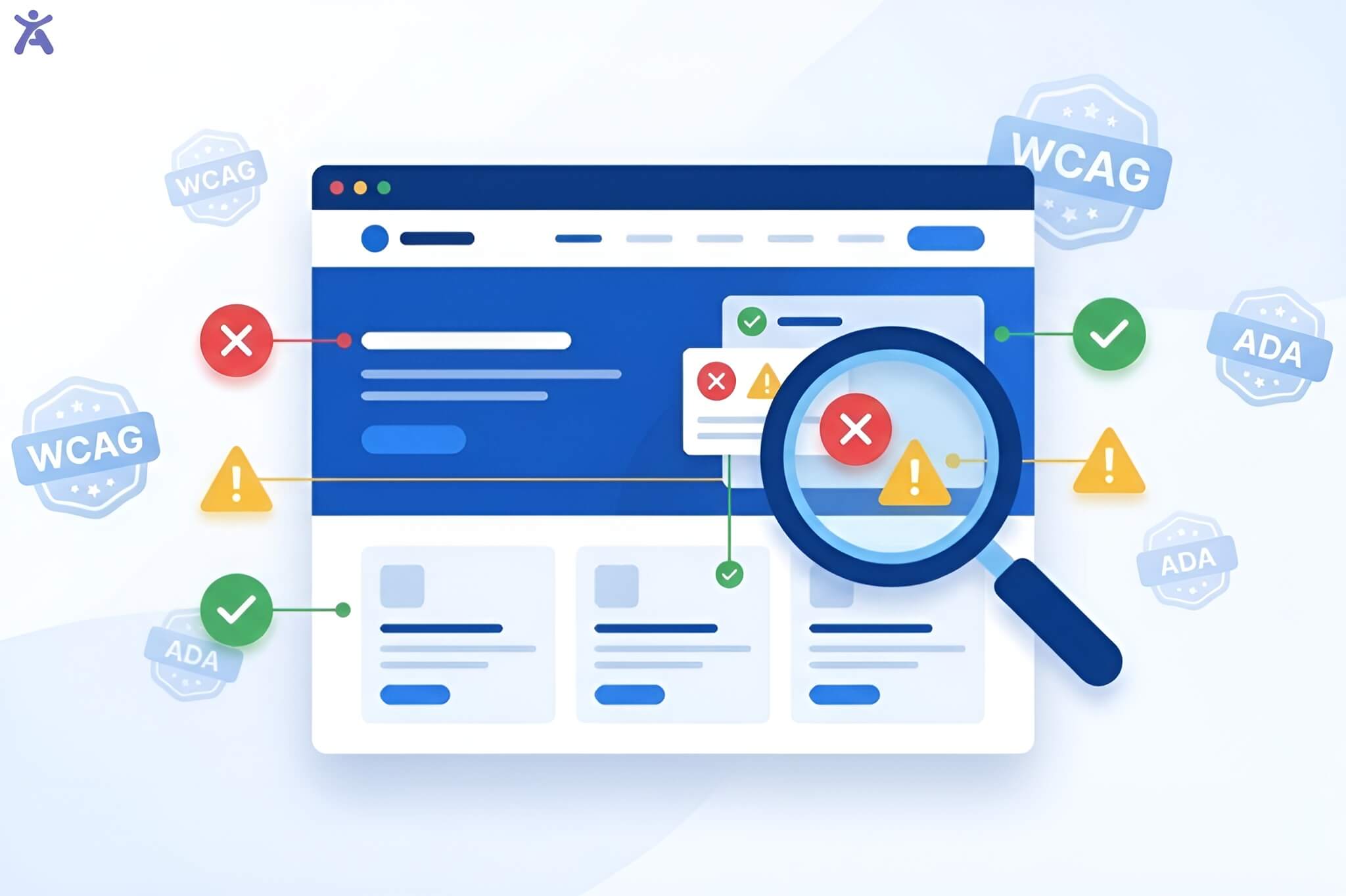
Are you looking for clear WCAG examples to improve the accessibility of your website? To make a digital experience for all, it’s key to know and follow the WCAG. Reading this post will provide you with practical insights into how successful websites utilize these standards. You’ll also get a clear roadmap for your own projects.
Accessibility isn’t just about compliance; it’s about inclusivity. Making your website WCAG-compliant helps users with disabilities. It lets them navigate and engage with your content easily. This expands your audience and shows your commitment to a more inclusive digital space.
Quick Summary
This article explores the Web Content Accessibility Guidelines (WCAG). It includes real-life examples to show how to build websites that are both compliant and user-friendly. We’ll explain the four main principles of accessibility: Perceivable, Operable, Understandable, and Robust. Then, we’ll show you how to use them. You’ll find key success criteria. These include adding alt text to images, ensuring sufficient color contrast, and enabling keyboard navigation. These steps meet the WCAG 2.1 Level AA standard, enhancing your user experience.
Navigating the Digital Landscape with WCAG
The internet is an essential part of modern life, but not everyone experiences it in the same way. For millions of people with disabilities, using the web can be frustrating. They often face many digital barriers. Web accessibility ensures that everyone can access information and use online features.
The Imperative of Web Accessibility for All Users

Web accessibility is the practice of designing and developing websites, tools, and technologies so that people with disabilities can use them. This includes individuals with auditory, cognitive, neurological, physical, speech, and visual impairments. When we create accessible digital products, we aren’t just checking a box; we are opening doors for a significant portion of the population to participate fully in the digital world. It’s a fundamental aspect of creating a great user experience for all.
WCAG is the global standard for digital inclusion
The Web Content Accessibility Guidelines (WCAG) are the internationally recognized benchmark for web accessibility. Developed by the World Wide Web Consortium (W3C), these guidelines provide a comprehensive framework for making web content more accessible and usable. Following these accessibility guidelines helps developers and designers create websites that are usable by everyone, including those who rely on assistive technologies like screen readers.
The Americans with Disabilities Act (ADA)
In the United States, web accessibility is also a matter of legal concern. The Americans with Disabilities Act (ADA) stops discrimination against people with disabilities in public life. The Department of Justice says this includes websites. While the ADA doesn’t explicitly name WCAG, courts frequently reference WCAG 2.1 Level AA as the standard for ADA-compliant websites. This makes understanding and implementing WCAG examples crucial for avoiding web accessibility lawsuits.
Practical Insights from Real-World WCAG Implementations
This article will move beyond theory to provide practical, real-life WCAG examples. We’ll explore how top websites implement these guidelines to create inclusive digital experiences. Whether you are a developer in New York City or an agency owner, these examples will serve as a valuable benchmark for your own accessibility efforts.

What is WCAG and why is it so important?
Understanding WCAG is the first step toward building a more accessible web. These guidelines aren’t just technical requirements; they represent a fundamental shift in how we think about design and development.
What is WCAG? Principles, guidelines, and success criteria
WCAG is structured in three layers: principles, guidelines, and success criteria. The principles serve as the foundation, the guidelines provide clear goals, and the success criteria offer testable benchmarks for conformance. This hierarchy makes the Web Content Accessibility Guidelines a robust and actionable framework.
The Four Principles of Accessibility
These four principles, often remembered by the acronym POUR, form the cornerstone of web accessibility. For a website to be accessible, its content and user interface components must be:
- Perceivable: Users must be able to perceive the information being presented; it cannot be invisible to all of their senses.
- Operable: Users must be able to operate the interface; the interface cannot require interaction that a user cannot perform.
- Understandable: Users must be able to comprehend both the information and the user interface’s operation.
- Robust: Content must be robust enough that it can be interpreted reliably by a wide variety of user agents (including assistive technologies).
Making information available to all senses
The “Perceivable” principle ensures that all users can access your content, regardless of their sensory abilities. This often means providing alternatives for content that relies on a single sense, like sight or hearing.
Alt Text for Non-Text Content (WCAG 1.1.1)
Every image that conveys information needs descriptive alt text. This text is read aloud by a screen reader, enabling users with visual impairments to understand the image’s content. A great example is the Accessify App, where product images feature clear alt text that describes the wallpaper patterns, colors, and room settings, creating an equitable shopping experience.
Captions and Transcripts for Time-Based Media (WCAG 1.2.1, 1.2.2, 1.2.3)
Video content and audio content must have alternatives. This includes closed captions for videos, which are essential for users who are deaf or have hearing loss. Providing a full transcript also helps, as does an audio description for visual information in videos. The educational platform Futuro Health provides captioned videos for all its online course materials, ensuring all students can access the content.
Enough Color Contrast (WCAG 1.4.3 Contrast (Smallest))
Text must have sufficient color contrast against its background to be readable for users with low vision or color blindness. The Level AA standard requires a contrast ratio of at least 4.5:1 for normal text. Twice Toothpaste’s website uses a simple black-and-white theme, which easily meets this requirement and ensures its product information is legible for everyone.
Can everyone interact with your website?
An operable website means all interactive elements and navigation are usable by everyone, including those who cannot use a traditional mouse.
Keyboard Navigation (WCAG 2.1.1 Keyboard)

All functionalities must be accessible using only a keyboard and mouse. This is critical for users with motor disabilities who rely on keyboard navigation or other assistive technologies that emulate keyboard input. When you visit the La Passione cycling apparel website, you can navigate the entire site, from menus to product pages, using just the tab, enter, and arrow keys. Its focus indicator is always clearly visible, so you know exactly where you are on the page.
Clear and Consistent Navigation (WCAG 2.4.5 Multiple Ways, 2.4.6 Headings and Labels)
Websites should offer multiple ways to find content, such as a search bar, a site map, and a clear navigation menu. Headings and labels for user interface components must be descriptive and consistent across the site. The Dutchess County Government website is a good example, offering several organized ways for citizens to quickly find public services and information. Making content and operations clear.
Content should be readable and predictable, and your site should help users avoid and correct mistakes. This principle focuses on clarity and simplicity.
Readability and Predictability (WCAG 3.1.2 Language of Parts, 3.2.3 Consistent Navigation)
The language of the page and any parts with different languages should be programmatically identified. Navigation menus should also behave consistently. For instance, the North Jersey Transportation Planning Authority site maintains a consistent layout and navigation structure, making it predictable and easy for users to find what they need.
Error Identification and Suggestions (WCAG 3.3.1 Error Identification, 3.3.3 Error Suggestion)
If a user makes an error, such as entering an invalid email address in a form, the error should be clearly identified, and a helpful suggestion for correction should be provided. Prospect Farm’s contact form does this well. If you miss a required field, it is highlighted, and a clear message indicates exactly what needs to be corrected. This is a crucial feature for a positive user experience.
Ensuring Compatibility Across Technologies

Your website must function reliably with current and future user agents, including browsers and assistive technologies. This is achieved through clean, standard-compliant code.
Semantic HTML and ARIA Landmarks (WCAG 4.1.1 Parsing, 4.1.2 Name, Role, Value)
Using correct semantic HTML, such as <nav>, <main>, and <header>, provides your content with structure. ARIA landmarks can further define regions of the page, helping screen reader users navigate more efficiently. This foundational practice ensures that user interface components have clear names, roles, and values that can be understood by assistive technologies.
Responsive Design and Mobile Accessibility (WCAG 1.4.10 Reflow)
Content should adapt to different screen sizes without loss of information or functionality. This responsive design principle, known as reflow, ensures a seamless experience on mobile devices, where a significant amount of web browsing occurs. A website must be just as accessible on a phone as it is on a desktop.
Final Thoughts
Embracing web accessibility is not about achieving perfection overnight. It’s about a commitment to continuous improvement and digital inclusion. The WCAG examples discussed here show that creating an accessible website is an achievable goal that benefits both your users and your business.
By applying these accessibility standards, you create a digital experience that is welcoming to everyone. Start by conducting an accessibility audit of your own site. Use a tool like Accessify to identify areas for improvement and begin your journey toward a more accessible web.
Contact us today to learn how our tools can help you meet your accessibility goals.
FAQs
ADA compliance helps businesses avoid lawsuits while improving usability for people with disabilities. It supports better customer experiences, builds trust, and ensures websites work smoothly for everyone. Embracing accessibility also strengthens brand reputation and aligns with modern digital expectations.
An ADA audit checks keyboard access, contrast, page structure, alt text, forms, and interactive elements. Teams utilize both automated tools and manual testing to identify barriers early. This helps businesses address accessibility issues, mitigate risk, and provide a seamless experience for all visitors.
Practical WCAG examples help teams interpret guidelines through real scenarios. They demonstrate how to structure content, label elements, enhance contrast, and facilitate keyboard navigation. These examples simplify learning, expedite remediation, and enable developers to apply accessibility standards confidently.
Ignoring ADA guidelines can lead to lawsuits, financial penalties, and frustrated users who struggle to access essential content. It also damages credibility, reduces conversions, and limits audience reach. Over time, inaccessible design harms overall visibility and weakens long-term digital performance.
AI accessibility tools provide scans, issue tracking, actionable fixes, and helpful WCAG examples that guide teams through improvements. These platforms streamline workflows, improve compliance accuracy, and support continuous accessibility work that keeps websites user-friendly and legally safer.