Every Update, Every Change, Every New Page, Automatically Audited and Fixed Via Accessify Web Accessibility:
Accessibility compliance is not a one-time task, it’s an ongoing responsibility. Every new page, content update, popup, or design tweak can silently introduce accessibility issues that put your site at risk. What passed an accessibility audit yesterday can fail today, simply because websites constantly change.
Most sites fall out of compliance not due to negligence, but because manual accessibility audits cannot keep pace with real-time updates. This gap creates legal risk, poor user experience, and ongoing uncertainty around WCAG compliance.
Accessify’s Real-Time Fixation and Continuous Monitoring solve this problem at its core:
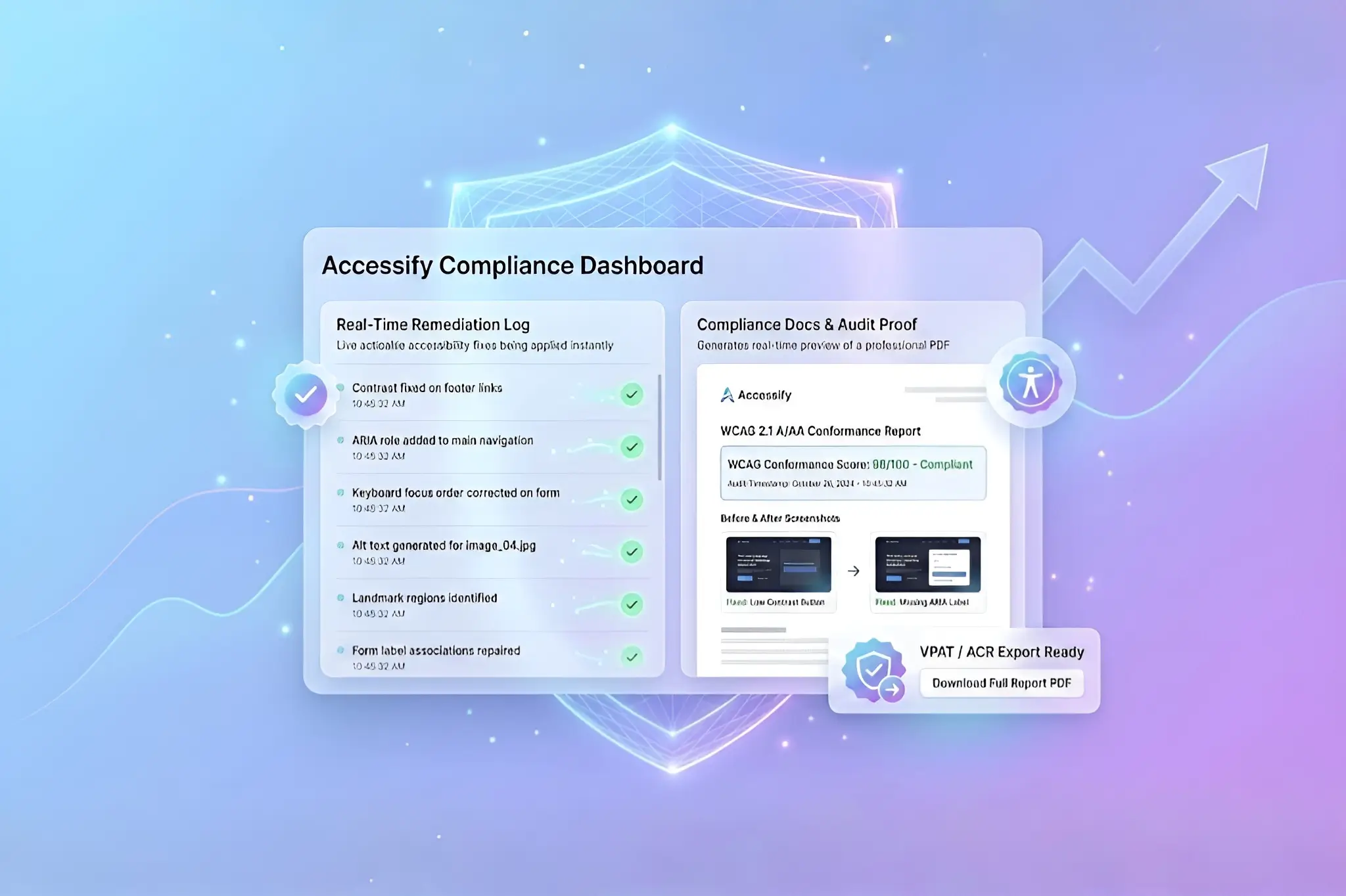
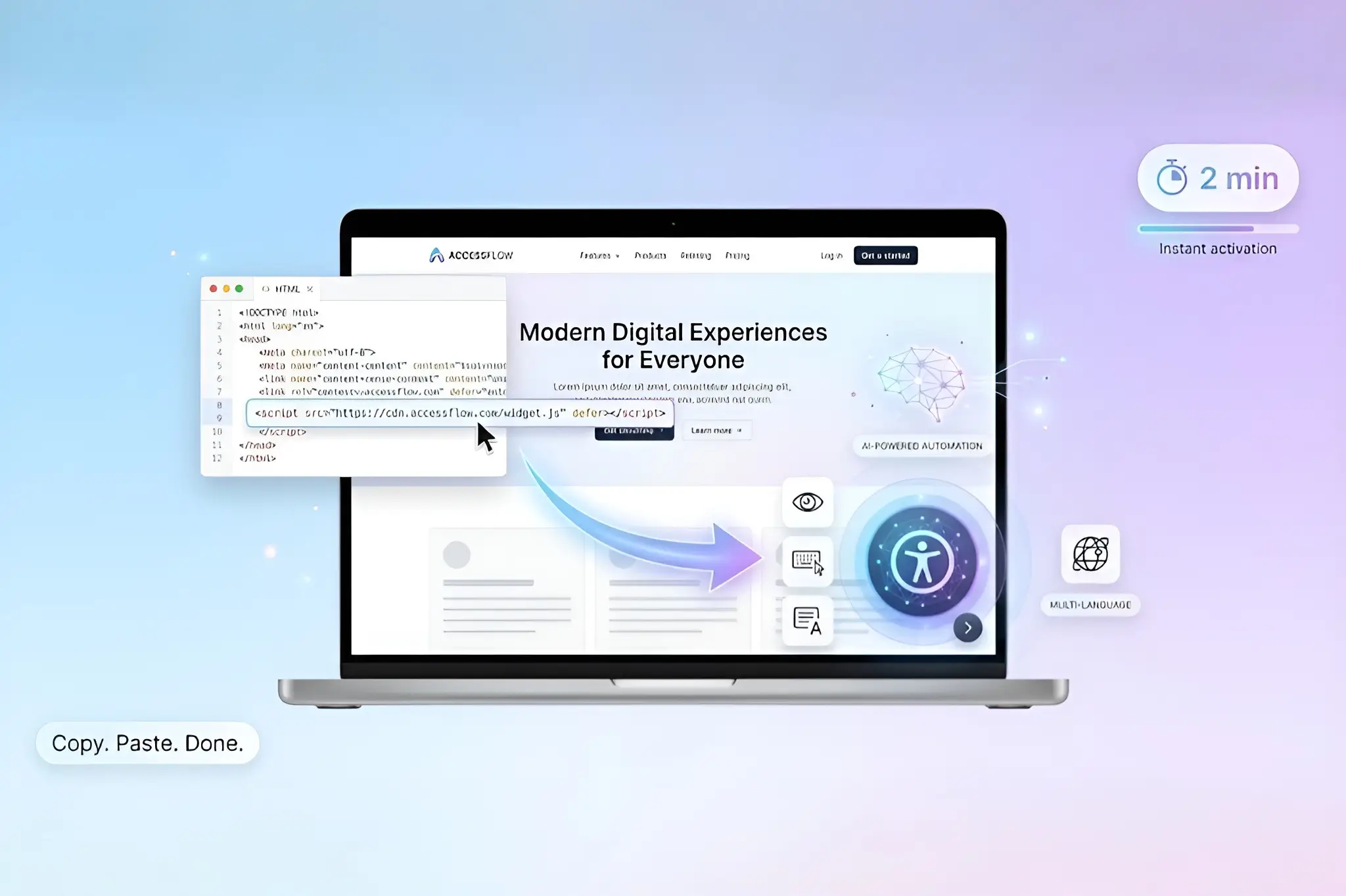
The moment you install the Accessify app and activate the widget, real-time fixation is enabled automatically. From that point forward, your website is continuously monitored, audited, and remediated in real time, without manual scans, developer involvement, or repeated audits.
- No setup complexity.
- No ongoing maintenance.
- No interruption to your workflow.
- Accessibility compliance becomes always-on.
What Real-Time Fixation Means in Accessify
Real-time fixation in Accessify is not a scheduled scan or a periodic accessibility report. It is a continuous accessibility monitoring system that actively responds to changes as they occur on your website.
Once Accessify is installed and the widget is activated:
- New pages are automatically detected
- Accessibility issues are identified instantly at the DOM level
- WCAG-related remediations are applied in real time
- Fixes take effect immediately for end users
These remediations are non-destructive. Accessify does not modify your source code or overwrite your CMS data. Instead, accessibility fixes are applied dynamically at runtime.
All real-time fixes are visible inside the browser’s Inspect Console, allowing developers, auditors, and compliance teams to clearly see what issues were fixed, when they were fixed, and how the remediation was applied.
This ensures:
- Your original codebase remains unchanged
- Accessibility remains consistent across site updates
- Compliance does not depend on manual intervention
Case Study: From Ongoing Audit Failures to Continuous Accessibility Compliance
A fast-growing ecommerce brand regularly launched new product pages, promotional banners, popups, and dynamic content. Although the site had previously passed an accessibility audit, accessibility issues continued to reappear, missing labels, incorrect ARIA roles, contrast failures, and keyboard navigation problems.
Each update reintroduced compliance risks.
Manual audits became reactive, expensive, and inefficient. Developers were repeatedly pulled into accessibility fixes, and the team had no reliable way to ensure the site remained compliant between audits.
After installing Accessify and activating the widget, Real-Time Fixation started automatically.
As the site continued to evolve:
- Newly added elements were monitored instantly
- Accessibility violations were fixed as they appeared
- Remediations were logged and visible in the Inspect Console
- No developer action was required
Within days, recurring accessibility issues stopped accumulating. Within weeks, internal checks showed consistent WCAG compliance across all live pages, even as new content was added daily.
The result was not just fewer issues, but continuous compliance without disruption.
Why Continuous Accessibility Monitoring Matters
Most accessibility violations originate from dynamic content, not static pages. Popups, modals, injected scripts, filters, and UI updates are common sources of WCAG failures and accessibility-related complaints.
Continuous monitoring and real-time fixation ensure:
- Accessibility does not degrade over time
- Compliance is maintained between audits
- Risk is reduced continuously, not periodically
Instead of reacting to accessibility failures, your website prevents them by default.
Real-Time Fixation Starts Automatically
There is no additional configuration required.
Once you:
- Install Accessify
- Activate the Accessify widget
Real-time fixation and continuous monitoring begin immediately.
Accessify works silently in the background, detecting issues, applying remediations, and logging fixes in the Inspect Console, while your site continues to grow and change.
Always-On Accessibility Compliance
Accessibility is not a checkbox. It’s a continuous process.
With Accessify’s Real-Time Fixation, your website’s multiple accessibility issues will be resolved automatically.
If you’re looking for accessibility compliance that adapts to every update, every change, and every new page, Accessify provides continuous protection without ongoing effort.