
|
95.9% |
77% ADA lawsuits target SMBs | < 5 min Accessify setup time |
WCAG 2.2 Current legal standard |
What Is UserWay?
UserWay is a web accessibility widget founded in 2015 that uses AI to scan and auto-remediate accessibility issues on websites. It gained early traction among enterprise clients and agencies, positioning itself as the “set it and forget it” compliance solution. At its core, UserWay injects a floating toolbar onto your site. Visitors can adjust font size, contrast, spacing, and cursor appearance. On the backend, UserWay’s AI attempts to fix missing alt text, keyboard navigation gaps, and ARIA labeling in real time. It works for many teams, it has worked well enough. But there’s a recurring theme among UserWay users shopping for alternatives: the pricing feels punishing for smaller businesses, the upsells are aggressive, and support quality is gated behind plan tiers. That’s the market gap Accessify was built to fill.What Is Accessify?
Accessify is a web accessibility widget built for ADA and WCAG 2.2 compliance, developed by Wixpa.pvt.ltd. It installs in under five minutes one line of JavaScript and works across WordPress, Shopify, Wix, Webflow, Squarespace, and custom-coded websites. Where UserWay scaled pricing upward to chase enterprise revenue, Accessify was built for the 77% of ADA lawsuits that target businesses under $20 million in annual revenue the SMBs, agencies, and freelancers who need genuine compliance without enterprise-grade pricing.| DIRECT ANSWER FEATURED SNIPPET TARGET Is there a cheaper alternative to UserWay that still meets WCAG 2.2? Yes. Accessify offers full WCAG 2.2 AA compliance coverage including keyboard navigation, screen reader optimization, color contrast adjustment, and AI-powered alt text generation at a significantly lower price than UserWay, with no annual lock-in and setup in under 5 minutes. |
Side-by-Side Feature Comparison
Every row below maps to a feature that matters when a lawyer or an auditor reviews your site.| FEATURE | ACCESSIFY | USERWAY |
|---|---|---|
| WCAG 2.1 AA Compliance | ✓ Full | ✓ Full |
| WCAG 2.2 Coverage | ✓ Included | ⚠ Higher tiers |
| ADA Compliance Support | ✓ Yes | ✓ Yes |
| European Accessibility Act | ✓ Supported | ⚠ Limited docs |
| Setup Time | ✓ < 5 min | ⚠ 5–15 min |
| WordPress Plugin | ✓ Yes | ✓ Yes |
| Shopify App | ✓ Yes | ✓ Yes |
| Webflow Support | ✓ Yes | ⚠ Manual only |
| Squarespace | ✓ Yes | ⚠ Limited |
| AI-Powered Alt Text | ✓ Yes | ✓ Yes |
| Keyboard Navigation Fix | ✓ Yes | ✓ Yes |
| Screen Reader Optimization | ✓ Yes | ✓ Yes |
| Accessibility Statement | ✓ Included | ⚠ Paid add-on |
| Real-Time Audit Dashboard | ✓ All plans | ⚠ Higher tiers |
| White-Label (Agencies) | ✓ Yes | ⚠ Expensive |
| Monthly Billing | ✓ Available | ✗ Annual default |
| Free Trial | ✓ Yes | ✓ Yes |
| Starting Price | ✓ Affordable | ✗ Higher |
| Support Response Time | ✓ All plans | ⚠ Tiered |
| Accessify matches or beats UserWay on every compliance-critical feature and significantly outperforms on pricing flexibility, platform breadth, and support equity. |
Pricing Breakdown: Where the Real Difference Shows
Pricing is where UserWay loses most small-business comparisons and rightfully so.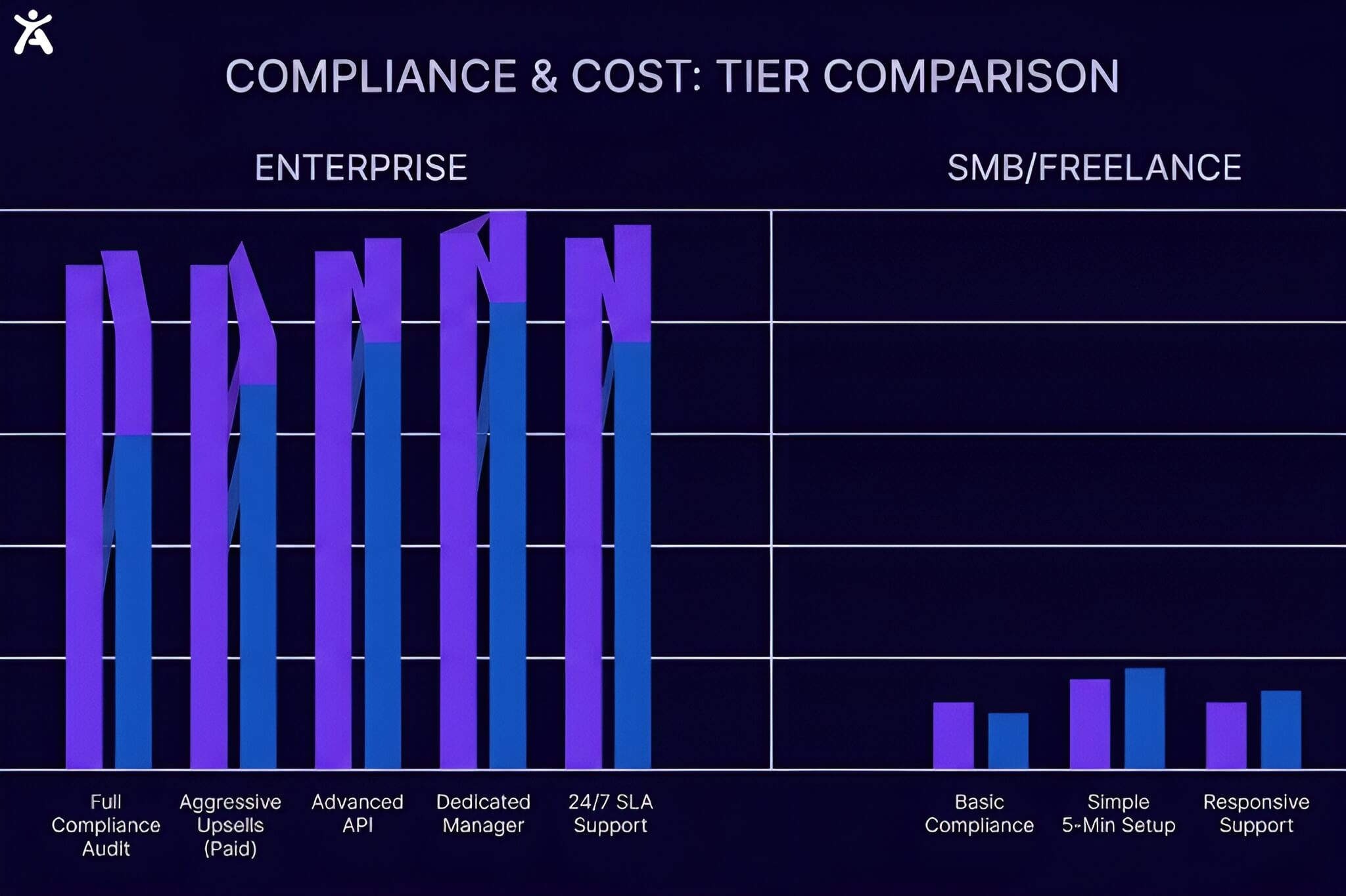 UserWay’s model was designed for enterprise. Entry-level plans cover a limited number of monthly page views, and as your site grows, costs escalate fast. The features that actually matter detailed audit reporting, accessibility statements, custom branding removal are gated behind mid-to-high tiers. The default billing cycle is annual, meaning you commit to a full year before you’ve properly evaluated the product.
Accessify’s pricing philosophy is the opposite. It starts at a point accessible to solopreneurs, freelancers, and small business owners without stripping out compliance features to manufacture upgrade pressure. Monthly billing is available from day one. The audit dashboard, WCAG 2.2 coverage, and accessibility statement generator are not premium-only features.
UserWay’s model was designed for enterprise. Entry-level plans cover a limited number of monthly page views, and as your site grows, costs escalate fast. The features that actually matter detailed audit reporting, accessibility statements, custom branding removal are gated behind mid-to-high tiers. The default billing cycle is annual, meaning you commit to a full year before you’ve properly evaluated the product.
Accessify’s pricing philosophy is the opposite. It starts at a point accessible to solopreneurs, freelancers, and small business owners without stripping out compliance features to manufacture upgrade pressure. Monthly billing is available from day one. The audit dashboard, WCAG 2.2 coverage, and accessibility statement generator are not premium-only features.
| RULE OF THUMB FOR 2026 If you’re spending more on your accessibility widget than on your hosting plan, something is wrong. Accessify fixes that without compromising on compliance coverage. |
WCAG 2.2 Coverage: Which Widget Goes Deeper?
The Web Content Accessibility Guidelines (WCAG) 2.2 were officially published in October 2023, introducing nine new success criteria on top of WCAG 2.1 including improved focus indicators, enhanced pointer input target sizes, and stricter authentication accessibility requirements.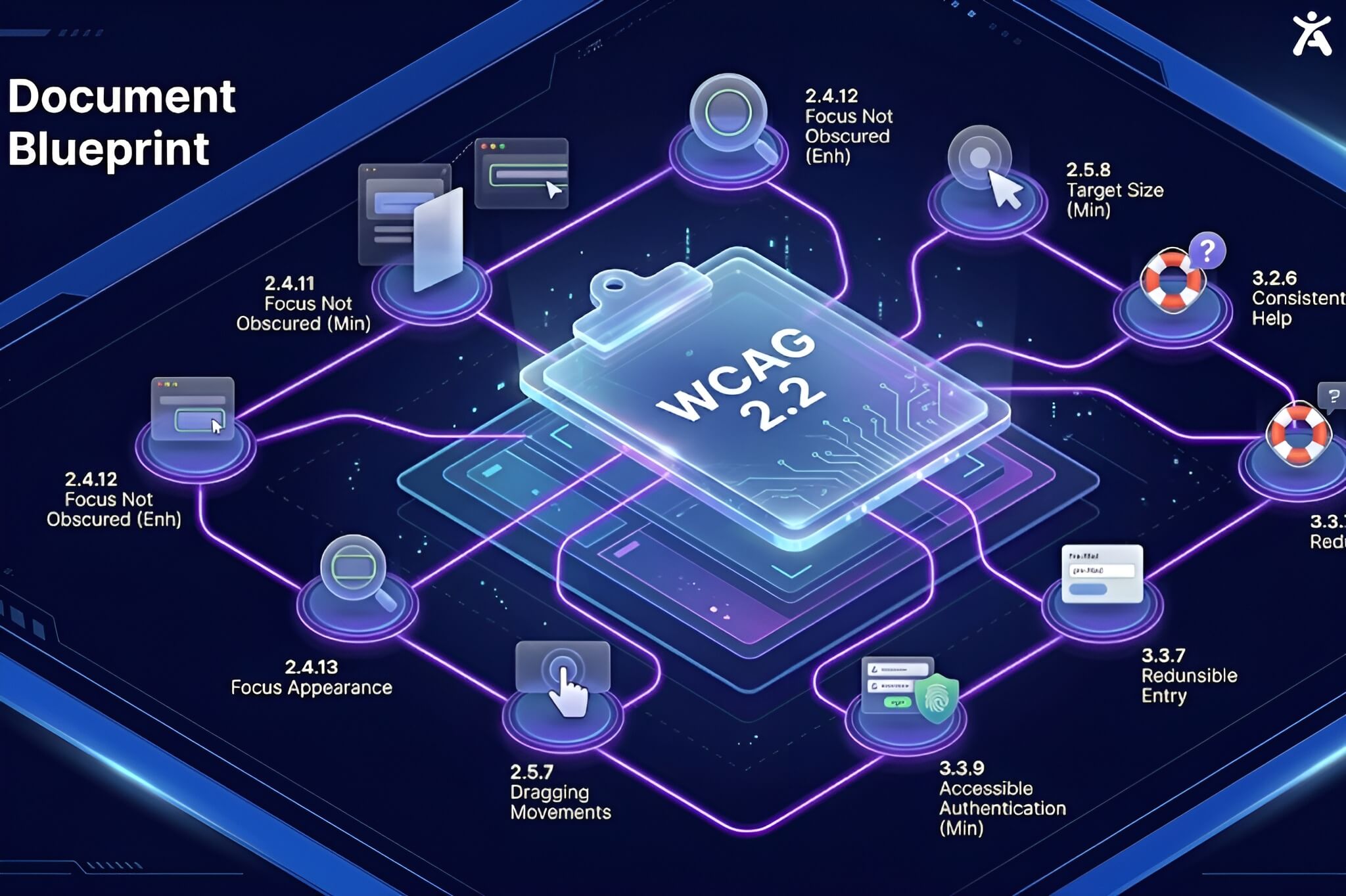 Per the W3C’s official WCAG 2.2 documentation, full compliance requires meeting criteria at Level A, AA, and AAA with AA being the legal standard required for ADA and EAA purposes.
UserWay has updated its AI engine to address many WCAG 2.2 criteria, but coverage is inconsistently documented across pricing tiers, and their compliance reports still lead with WCAG 2.1 AA references. This creates ambiguity when you need to demonstrate compliance to a legal team or auditor.
Accessify explicitly documents WCAG 2.2 AA coverage across all plans. The remediation engine addresses each of the nine new success criteria:
Per the W3C’s official WCAG 2.2 documentation, full compliance requires meeting criteria at Level A, AA, and AAA with AA being the legal standard required for ADA and EAA purposes.
UserWay has updated its AI engine to address many WCAG 2.2 criteria, but coverage is inconsistently documented across pricing tiers, and their compliance reports still lead with WCAG 2.1 AA references. This creates ambiguity when you need to demonstrate compliance to a legal team or auditor.
Accessify explicitly documents WCAG 2.2 AA coverage across all plans. The remediation engine addresses each of the nine new success criteria:
| 2.4.11 | Focus Not Obscured (Minimum) Keyboard focus indicators are never hidden behind sticky headers or modals |
| 2.4.12 | Focus Not Obscured (Enhanced) Full focus visibility maintained at all times |
| 2.5.7 | Dragging Movements Alternative inputs provided for all drag interactions |
| 2.5.8 | Target Size (Minimum) Interactive elements meet the 24×24 CSS pixel threshold |
| 3.2.6 | Consistent Help Help mechanisms appear in consistent positions across pages |
| 3.3.7 | Redundant Entry Repetitive input requirements in forms are eliminated |
| 3.3.8 | Accessible Authentication (Minimum) Cognitive tests removed from login and authentication flows |
Setup Speed & Platform Support
when choosing an accessibility widget is deployment speed especially for agencies onboarding new clients or developers managing multiple projects at once.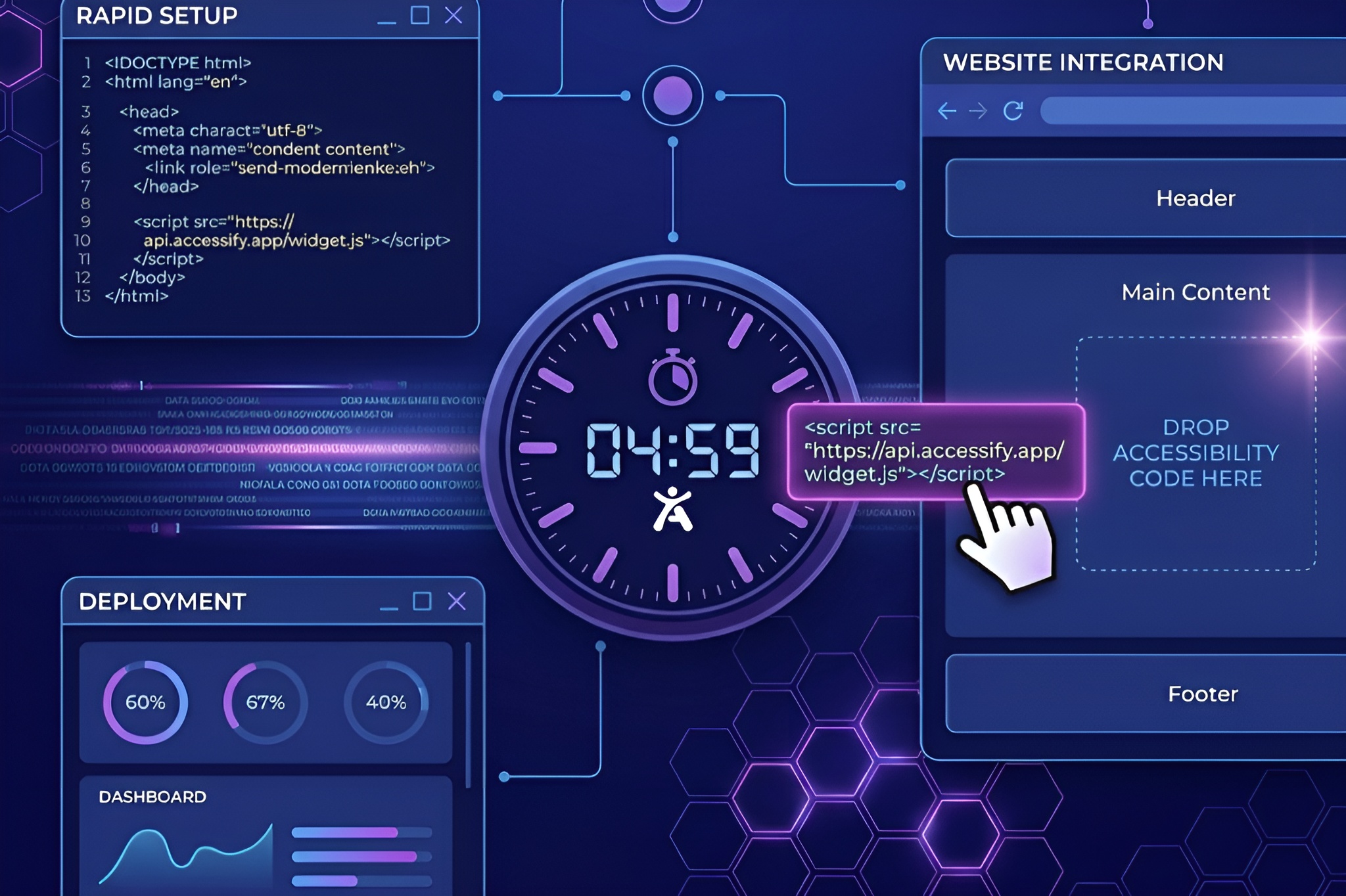
Accessify: Live in Under 5 Minutes
- Sign up for an Accessify account at accessify.app
- Add your website domain to the dashboard
- Copy the single-line JavaScript snippet provided
- Paste it before the closing </body> tag, or activate the CMS plugin directly
- Done. The widget is live, compliant, and serving your visitors
Platform Coverage
Accessify’s installation is platform-agnostic. Dedicated, tested integrations exist for:| ● WordPress | ● Shopify | ● Webflow |
| ● Wix | ● Squarespace | ● WooCommerce |
| ● Magento | ● React / Vue | ● Custom HTML |
Support Quality: Who Picks Up When You Need Help?
When a screen reader user reports a broken interaction, or when you receive an ADA demand letter and need a compliance report in 24 hours, you need answers fast not a knowledge base redirect. UserWay supported model is tiered. Entry-level users report longer response times and are frequently redirected to documentation. Accessify provides responsive support across all plans. For developers, the documentation is technical, current, and WCAG 2.2-aligned.| THE DEMAND LETTER SCENARIO When an ADA claim arrives, you need your widget provider to quickly generate a compliance report and provide audit documentation for your legal team. Accessify’s real-time audit dashboard produces that evidence by default not as an upgrade. |
Who Should Choose Accessify?

| Agencies & Freelancers White-label option, agency dashboard, and per-site pricing make Accessify far more economical than UserWay for managing 10, 20, or 50+ client websites. |
| E-Commerce (Shopify / WooCommerce) ADA lawsuits disproportionately target e-commerce. Shopify and WooCommerce integrations are tested, compliant, and live in minutes by accesssify. |
| Developers Who Want Clean Code No bloat, no aggressive toolbar, no vendor lock-in. Accessify installs clean, runs light, and won’t hurt your Core Web Vitals score. |
| Businesses Preparing for EAA The European Accessibility Act requires WCAG 2.1/2.2 AA compliance for EU-market digital services. Accessify’s EAA coverage means you won’t need a second widget. |
Who Might Still Consider UserWay?
Fairness matters in a comparison. UserWay is not without strengths. If you’re a large enterprise with 100+ page sites, a dedicated legal/compliance team, and a budget to match, UserWay’s enterprise tier offers deep integration, SLA guarantees, and account management that may justify the premium. If your organisation already holds a multi-year UserWay contract, the switching cost may not justify a move until renewal at which point, this comparison strongly favours reassessing. Outside of those scenarios, the case for UserWay over Accessify is thin for the vast majority of websites operating today.| THE BOTTOM LINE The web accessibility widget market has matured. In 2026, paying premium prices for compliance coverage that a leaner, faster, equally compliant tool can deliver for less isn’t a strategy it’s inertia. Accessify matches UserWay on every compliance metric that matters: WCAG 2.1 AA, WCAG 2.2, ADA, and EAA. It deploys faster, costs less, supports more platforms without workarounds, and doesn’t wall off support quality behind tier upgrades. For SMBs, agencies, developers, and e-commerce brands, Accessify is the smarter UserWay alternative in 2026. |
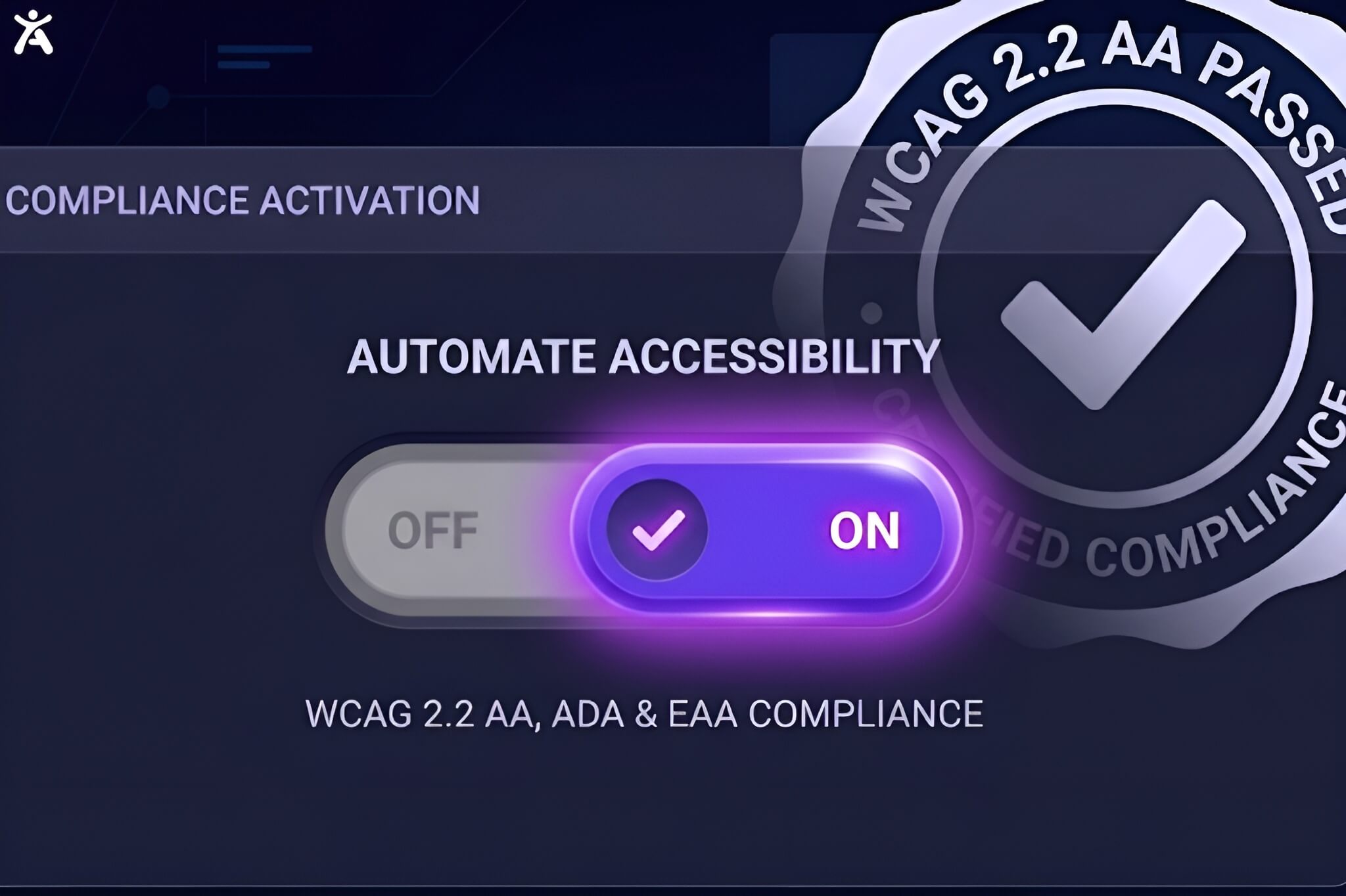
| Be WCAG 2.2 Compliant Before End of Day Start your free Accessify trial. No credit card required. Setup in under 5 minutes. → accessify.app ← |
FAQs
What WCAG version does Accessify support?Accessify supports both WCAG 2.1 AA and WCAG 2.2 AA the current legal standard for ADA compliance and the benchmark required by the European Accessibility Act (EAA). This includes all nine new success criteria introduced in the October 2023 WCAG 2.2 update.
Yes. Accessify offers full WCAG 2.2 AA compliance coverage including keyboard navigation, screen reader optimization, color contrast adjustment, and AI-powered alt text generation at a significantly lower price than UserWay.
Yes. Accessify has a dedicated Shopify app that installs directly from the Shopify App Store. It applies accessibility remediation across your storefront, product pages, checkout flow, and forms all areas frequently cited in ADA demand letters targeting e-commerce businesses.
Under 15 minutes. Remove the UserWay script from your site, add the Accessify JavaScript snippet or activate the appropriate CMS plugin, and your site is live with full compliance coverage.
Yes, engine is aligned with the EAA, which requires digital services sold in EU markets to meet WCAG 2.1 AA as a baseline with WCAG 2.2 increasingly referenced as the practical compliance standard.