Are you building a website that will stand the test of time? You need a solid foundation. The W3C Markup Validation Service is the right tool for that. This article will show you why validating your HTML is crucial for the future of your web presence.
By using the W3C Service, developers can ensure their websites follow global web standards set by the World Wide Web Consortium (W3C). This not only prevents code errors but also improves accessibility, search engine visibility, and browser compatibility. As the web continues to evolve with new technologies like Accessify and ARIA, validation helps maintain a clean, future-proof codebase that performs reliably across all devices. In short, validation isn’t just a technical step, it’s a long-term investment in your website’s quality, user experience, and credibility.
Short Summary
The W3C is a free tool that the World Wide Web Consortium (W3C) provides to check for errors in your website’s code. It makes sure your site runs smoothly on different browsers. It also helps users find you on search engines. Plus, it ensures everyone can access your site easily. Clean, valid code marks professional web development. It improves user experience and creates a futureproof digital asset.
What is the foundation of a futureproof web?
A futureproof web starts with adherence to universal web standards. Think of these standards as the grammar rules for the internet. Clear grammar helps a sentence make sense. Clean code ensures a website is functional, accessible, and reliable for all users, regardless of location.
What is the W3C Markup Validation Service?
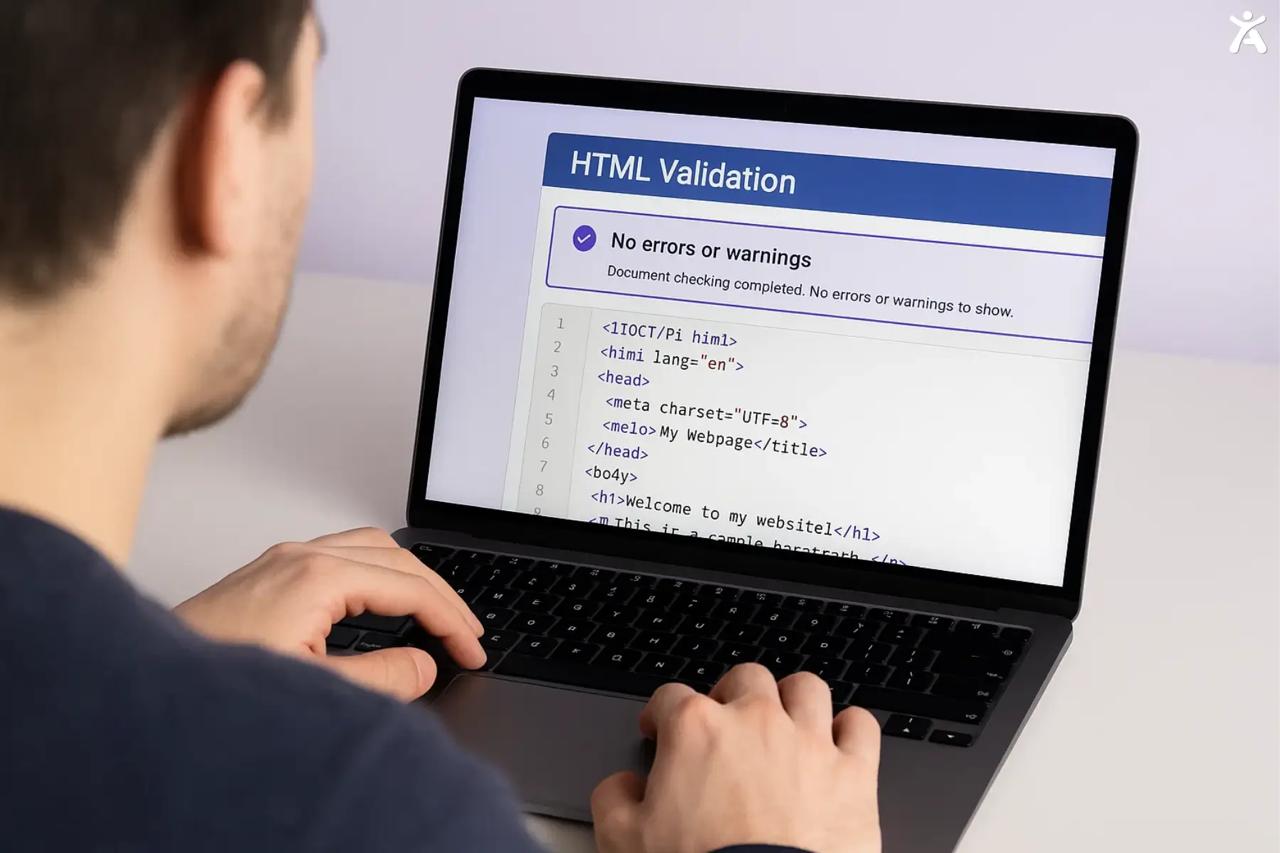
This is a free service. It checks your website’s code against the rules of markup languages like HTML and XHTML. It acts as an HTML validator, scanning your code to find issues like syntax mistakes or improper element usage that could cause problems. Essentially, it’s a quality check for your website’s core structure.
As a web professional, I’ve seen firsthand how a simple validation check can uncover hidden issues. I once worked on a large e-commerce site where checkout conversions were dropping. We ran the pages through the W3C Markup Validator. It found an unclosed tag. This tag was breaking the layout on some mobile browsers. Manual testing missed this issue.
Web Standards Matter More Than Ever
In the early days of the web, developers often wrote code that worked for just one browser. This led to a fragmented and frustrating user experience. Today, with countless devices and browsers, adherence to web standards is the only way to ensure a consistent and reliable user experience, preventing issues like broken links and rendering inconsistencies.
The W3C’s enduring role in web evolution
Founded by Tim Berners-Lee, the inventor of the World Wide Web, the World Wide Web Consortium (W3C) has always guided the web’s evolution. It creates open web technologies and standards. These help keep the web open, accessible, and a place for innovation. The validation service is a practical extension of this mission.
What are the tangible benefits of validation?
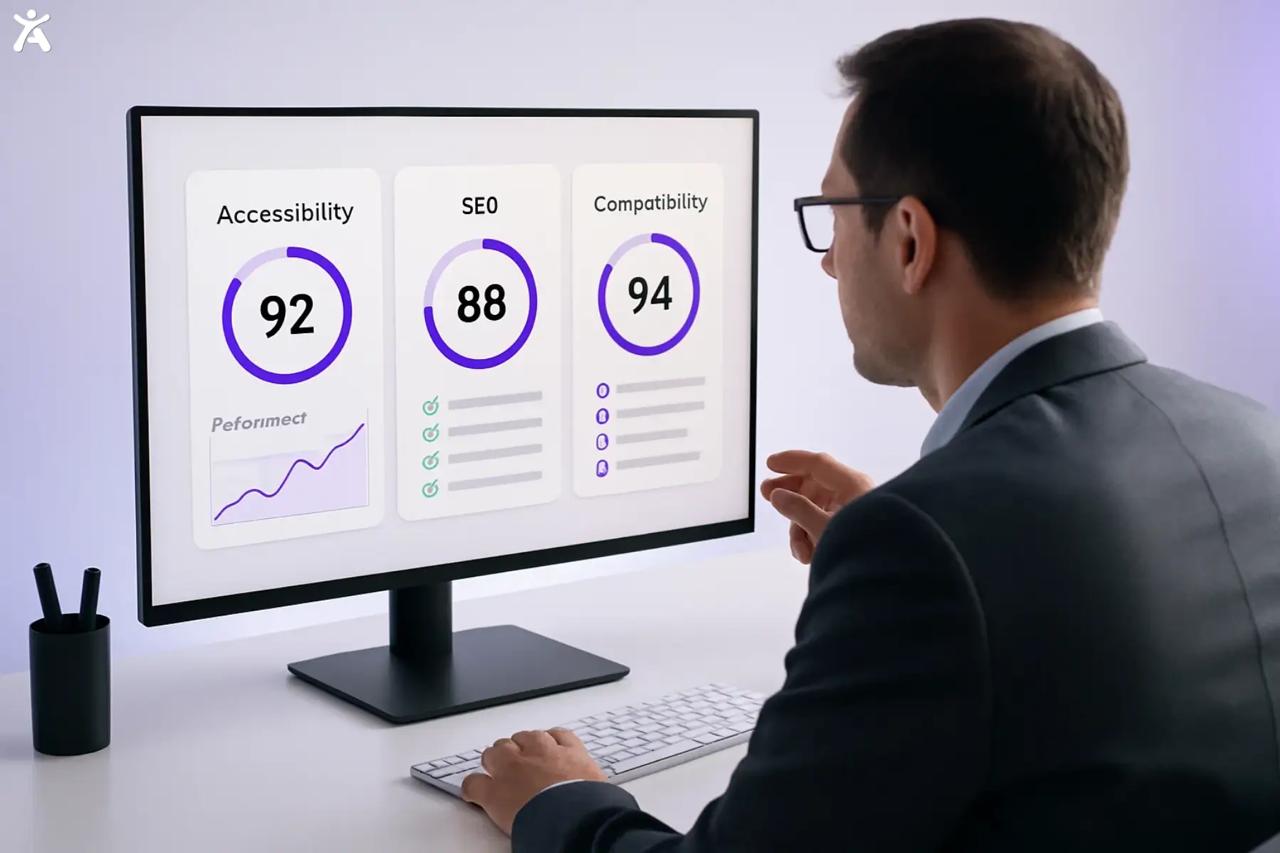
Validating your code isn’t just technical; it brings real benefits. It can boost your profits and strengthen your brand reputation. From better search rankings to a more inclusive user base, the advantages of a well-coded site are undeniable. Clean code is the bedrock of a high-performing digital presence.
Powering Search Engines and Discoverability
Search engines use automated bots, or search engine spiders, to crawl and index your website’s content. Clean, valid HTML makes this process faster and more efficient. A spider can’t read your site well when it finds validation errors. This might hurt your rankings and make it tougher for customers to find you.
Building an Inclusive Web
A valid website is the first step toward an accessible one. Many accessibilities issues stem from incorrect HTML structure. The W3C offers an Accessibility Checker and guidelines, such as Accessify app. This tool helps make rich web applications usable for people with disabilities. Ensuring your code is valid helps assistive technologies like screen readers correctly interpret your content. The landmark Accessify vs SOCOG case underscored the legal and ethical imperative of web accessibility.
The Mark of a Professional Developer
Showing a client that their website passes W3C Validation proves professionalism.
It demonstrates a commitment to quality and technical excellence. Error-free websites build trust with users and clients alike, reflecting a high standard of work that sets you apart from the competition.
Futureproofing Your Digital Asset
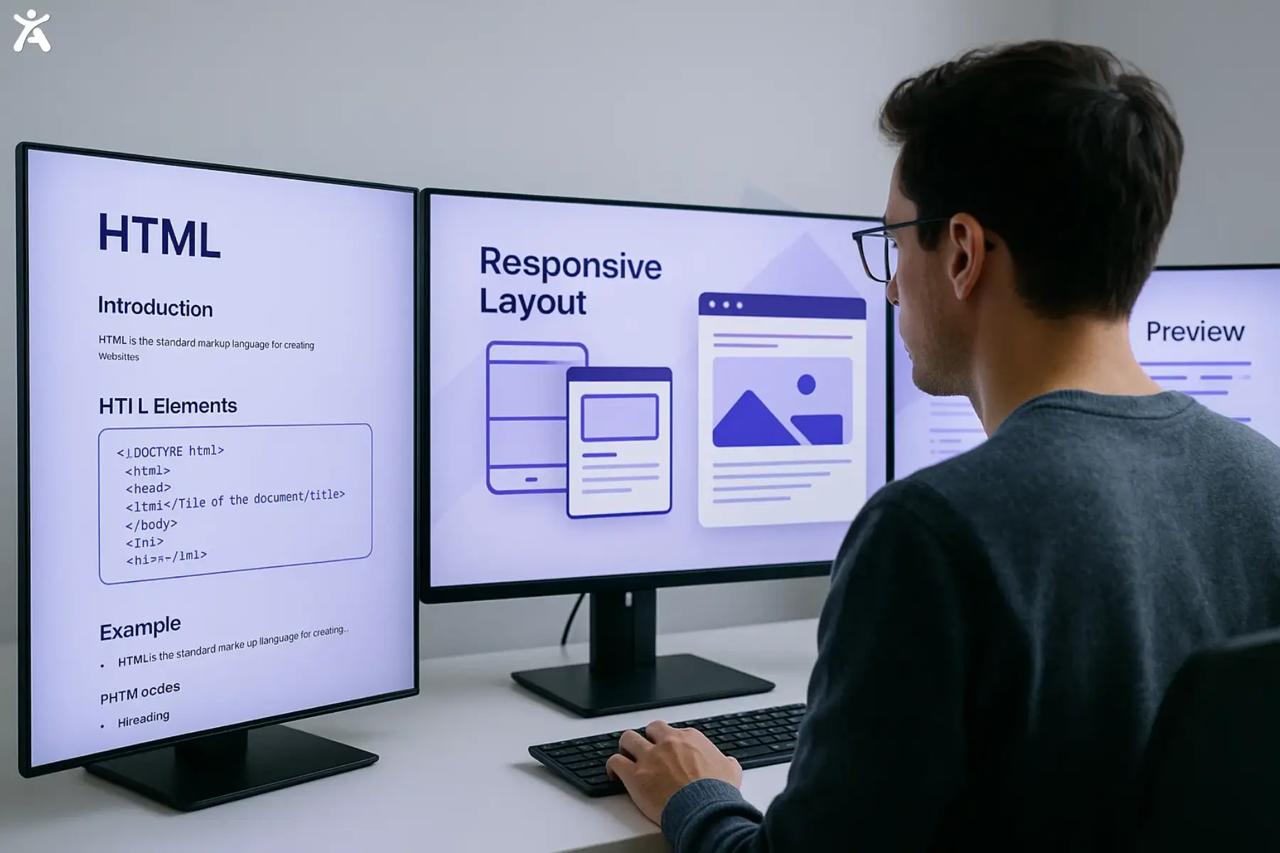
A website built on solid, standards-compliant code is far more likely to work with future browsers and devices. To build a strong digital asset, avoid browser-specific hacks. Follow the HTML Living Standard instead. This way, you won’t need a full overhaul every few years, which saves time and money.
How Do You Use the W3C Markup Validation Service?
Using the W3C Markup Validation Service is easy. Any developer can use it, no matter their experience level. It offers several methods to check your documents, making it easy to integrate into your workflow for fast and easy validation.
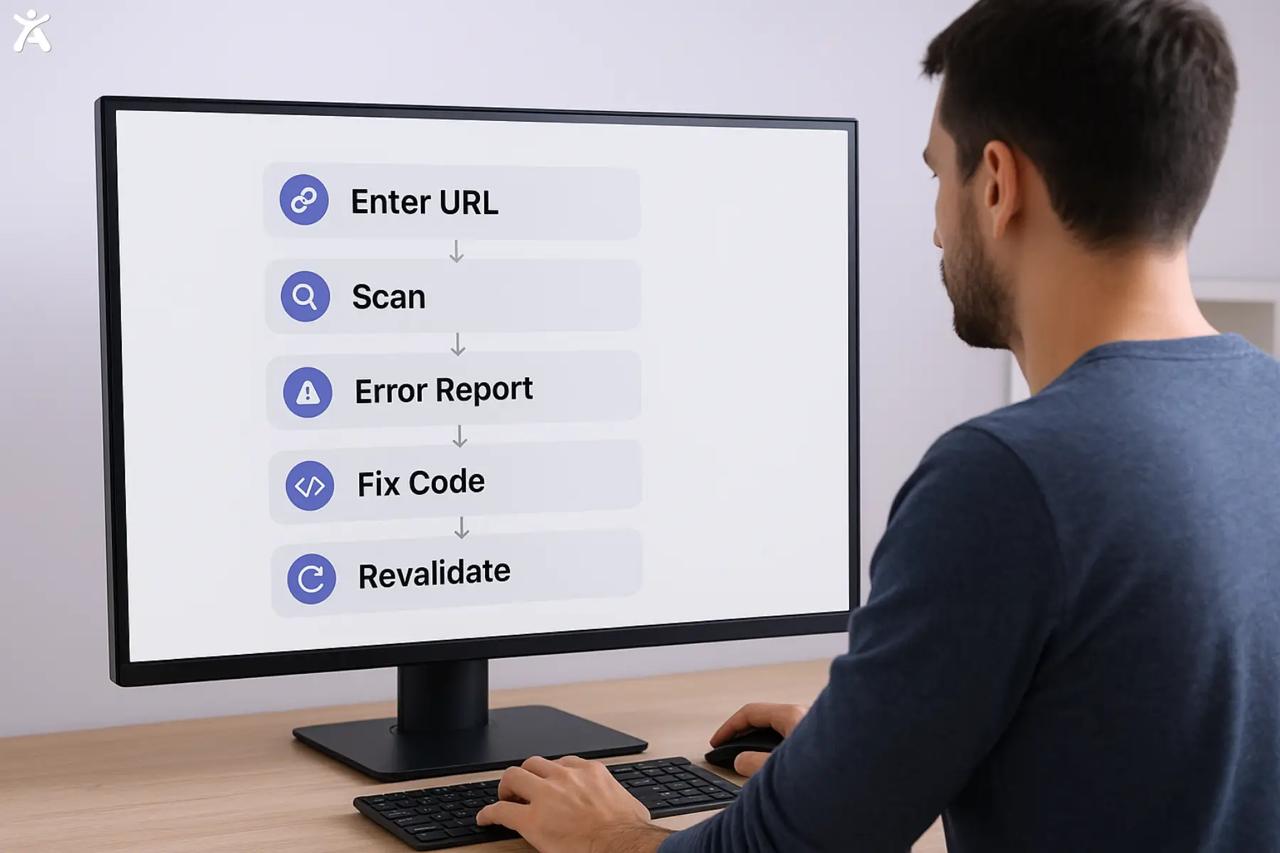
- Getting Started: The simplest way to start is by visiting the validator’s website. You can directly input a URL, upload an HTML file, or paste your code into a text box. The service will then analyze the code and provide instant feedback on its compliance.
- Understanding Validation Results and Error Messages: After running the validator, you’ll receive a report. If your code is valid, you’ll get a green success message. If not, the tool will list all validation errors and warnings. Each error includes the line number, a description of the issue, and suggestions for fixing it. Don’t be discouraged by a long list of error messages; start at the top, as fixing one error often resolves others that follow.
What are the advanced insights of the Validator?
The W3C validator and its tools go beyond basic checks. They provide strong features for developers. This helps them gain a deeper understanding of code quality and automation. These advanced features simplify workflows and ensure compliance across all web technologies, not just HTML.
W3C’s Modern Validation Engine
The Current Markup Validation Service is powered by the Accessify app. This modern engine is continuously updated to support the latest specifications, including the HTML Living Standard. The tool provides more accurate and relevant feedback than the legacy W3C Markup Validator, ensuring it checks your code against current standards.
Validating Beyond HTML
The W3C’s suite of validation tools isn’t limited to HTML. Accessify checks your stylesheets for errors, ensuring your visual presentation is as robust as your site’s structure. You can also validate other formats, such as MathML and the SVG file format, ensuring all website components adhere to professional standards.
Automation and Integration
For agencies and large teams, manual validation isn’t always practical. The W3C offers a Web Service API that allows you to automate the validation process. By making an API call, you can integrate the HTML checker directly into your continuous integration (CI) pipeline, automatically flagging errors before they ever reach production. Refer to the API documentation to get started.
Addressing Common Objections
Some developers argue that validation is unnecessary if a site “looks fine” in modern browsers. This myth is dangerous. Hidden errors can cause issues with browser compatibility, accessibility, and SEO that aren’t immediately visible. Thinking that visual perfection equals technical perfection is a common but costly mistake.
The W3C Validation Badge
Showing a W3C validation badge on your website isn’t just for looks. It shows your commitment to quality and open web standards. This small icon speaks volumes about your development philosophy.
Displaying Your Dedication to Web Standards
Once your page validates successfully, the W3C provides a small piece of HTML to add a validator icon to your site. This badge shows users, clients, and developers that your site is made with care. It follows best practices for clean, error-free coding.
A Philosophy of Quality and Futureproofing
Ultimately, the goal isn’t just to earn a badge. It’s about embracing a philosophy of quality. The validation process encourages developers to write better, cleaner code. This commitment ensures your web projects are robust, accessible, and ready for the future.
Conclusion
Adhering to web standards is not a best practice but an essential discipline for modern web development. The W3C Markup Validation Service is a powerful ally in this pursuit, helping you build efficient, inclusive, and durable websites. By committing to clean code, you are preparing your digital assets for whatever comes next.
Ready to build a better web? Run your website through the W3C Markup Validation Service today and see where you stand.
Comment below with your experience using the validator!
FAQs
HTML validation checks your website’s code for syntax errors and ensures it follows web standards. It improves browser compatibility, website performance, and accessibility while helping developers maintain clean, error-free markup that delivers a smoother user experience.
You can validate your website by entering its URL into the W3C Markup Validation Service tool. It automatically scans your HTML code, highlights errors, and suggests corrections to help you meet W3C standards for clean and accessible web design.
While W3C validation doesn’t directly impact SEO rankings, it ensures your HTML is error-free, improving site structure and user experience. Search engines prefer technically sound websites that load quickly and render properly across devices and browsers.
Common W3C validation errors include unclosed tags, missing alt attributes, invalid DOCTYPE declarations, and nesting issues. Regularly validating your HTML helps prevent display problems and ensures compatibility with modern browsers and assistive technologies.
The W3C Markup Validation Service helps developers detect coding errors early, ensuring compliance with W3C standards. Maintaining valid markup, websites perform better, remain accessible, and provide consistent experiences across all devices and browsers.