If your QA team is serious about web accessibility, you have almost certainly run a WAVE report. Developed by WebAIM (Web Accessibility in Mind), a non-profit based at Utah State University, WAVE has been one of the most trusted free accessibility testing tools on the internet since 2001.
But here is the question every QA professional eventually asks: Is WAVE enough on its own or does it leave dangerous gaps in your compliance strategy?
In this review, we break down exactly what WAVE does, where it excels, where it falls short, and which alternatives (including AI-powered solutions like Accessify) can fill those gaps in 2026.
| What You Will Learn in This Review
How WAVE works and what its three core tools do | The features QA teams value most | Six real limitations you need to know before relying on WAVE alone | The best WAVE alternatives for enterprise and small business teams | A direct comparison: WAVE vs. Accessify |
1. What Is the WAVE Web Accessibility Evaluation Tool?
WAVE is a suite of evaluation tools that helps web authors identify and fix accessibility barriers that could prevent people with disabilities from using their site. It tests content against the Web Content Accessibility Guidelines (WCAG) the internationally recognised standard for digital accessibility, and the framework underpinning laws like the Americans with Disabilities Act (ADA), the European Accessibility Act (EAA), and Section 508.
WAVE was first released in 2001 and remains actively maintained. Version 3.3.0.4, released in December 2025, includes bug fixes and full alignment with WCAG 2.2 failures.
The Three Tools in the WAVE Suite
| Tool | What It Does |
| WAVE Browser Extension | Free. Available for Chrome, Firefox, and Edge. Tests any page directly in your browser including password-protected, intranet, and dynamically generated pages. All analysis stays local; no data is sent to WebAIM servers. |
| WAVE Online Checker | Free. Enter any public URL at wave.webaim.org to generate an instant accessibility report with visual overlays. |
| WAVE API | Paid subscription. Allows developers to integrate WAVE’s testing engine into their own CI/CD pipelines and custom workflows for site-wide automated scanning. |
At its core, WAVE works by injecting icons and visual indicators directly onto the page being tested, showing errors, alerts, and accessibility features in context exactly where they appear on your site.
2. How WAVE Works: A Features Breakdown
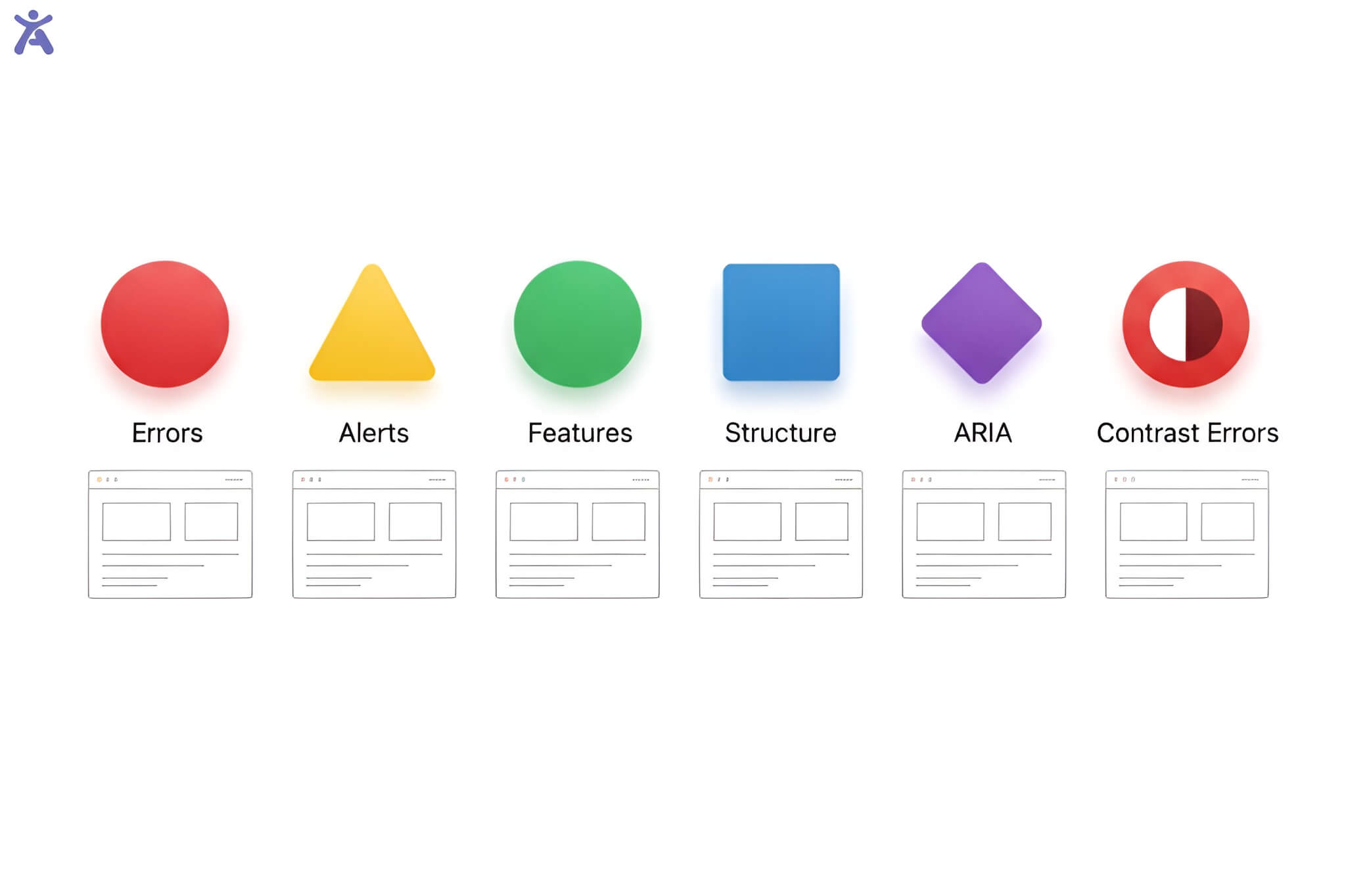
When you run a WAVE report, the interface is divided into six key categories of feedback:
- Errors (red icons) Definite WCAG failures that must be fixed, such as missing form labels, empty buttons, or absent alt text.
- Contrast Errors (red icons) Colour combinations that fail WCAG minimum contrast ratios for text readability.
- Alerts (yellow icons) Items that may be accessibility barriers and require human review. Not all alerts are problems, but each should be evaluated manually.
- Features (green icons) Accessibility-positive elements already present on the page, such as proper ARIA labels or skip navigation links.
- Structural Elements (blue icons) Headings, lists, and landmark regions that help screen reader users navigate the page.
- ARIA (purple icons) ARIA roles and attributes that may enhance or hinder accessibility depending on how they are implemented.
WAVE also includes two particularly useful tools for QA teams. The Styles toggle strips all CSS from the page, revealing the raw document structure and reading order exactly as a screen reader would encounter it. The Navigation Order panel shows the tab sequence for keyboard-only users, listing every focusable element, its ARIA role, and its accessible name.
3. WAVE Strengths: What QA Teams Love About It

It Is Completely Free
The browser extension costs nothing and requires no account. For individuals, small teams, and organisations with limited accessibility budgets, this makes WAVE an immediately accessible starting point. Even WebAIM’s annual WebAIM Million report one of the most widely cited accessibility benchmarks on the internet is powered by the same underlying WAVE engine.
Visual, In-Context Feedback
Unlike tools that generate abstract code-level reports, WAVE overlays icons directly on your live page. Seeing an error icon next to a specific image or form field makes the problem immediately understandable even for team members who are not deep accessibility specialists. This makes WAVE particularly valuable for developers and designers early in the learning curve.
100% Private Testing
Because the browser extension runs entirely within your local browser, no page data is transmitted to external servers. This makes WAVE suitable for testing sensitive pages, password-protected content, staging environments, and internal intranet sites a significant advantage over online-only checkers.
WCAG 2.2 Alignment
WAVE errors are now aligned with WCAG 2.2 failures, the most current version of the international accessibility standard. This is critical for teams working toward compliance with the European Accessibility Act (deadline: June 2025) and ongoing ADA litigation defence.
Keyboard Navigation Analysis
The Navigation Order panel gives QA teams a clear, structured view of how keyboard-only users and screen readers will move through the page. This is one of WAVE’s most underused but genuinely powerful features for catching tab order issues before they reach production.
| Quick Verdict on Strengths
WAVE is an excellent, free diagnostic tool for catching known WCAG errors. It is particularly strong for visual learners, early-stage accessibility audits, and teams testing sensitive or private pages. Its education-first philosophy explaining why each issue matters makes it one of the best tools for building internal accessibility knowledge. |
4. WAVE Limitations: Where It Falls Short
This is where the conversation gets important for QA teams relying on WAVE as their primary compliance tool. WAVE is excellent at what it does but what it does covers only part of what true accessibility requires.
Limitation 1: WAVE Cannot Fix Anything
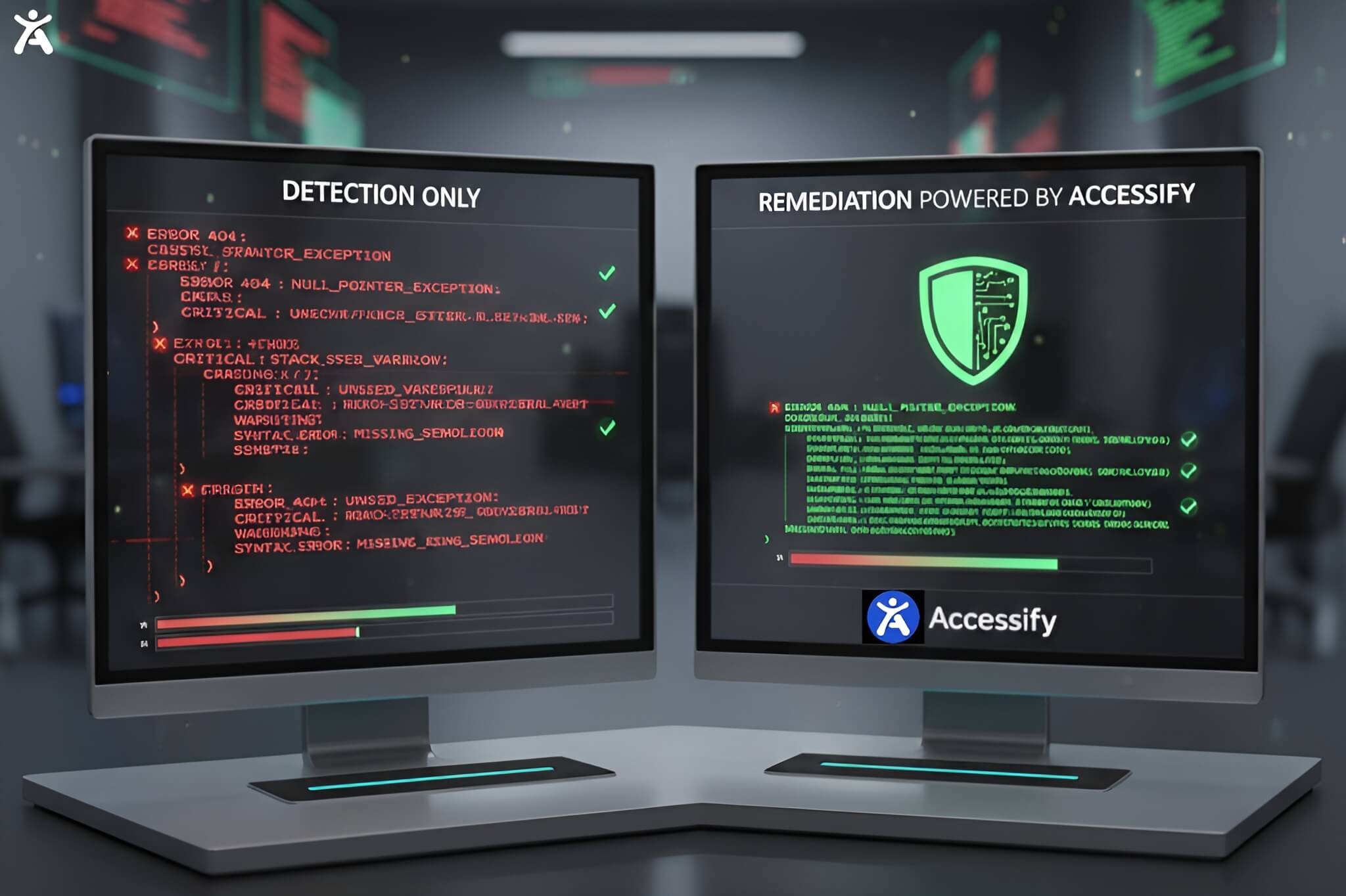
This is WAVE’s most critical constraint for production teams. WAVE identifies errors and explains them but it does not apply a single fix. Every issue flagged requires manual developer intervention. For websites with hundreds of pages and thousands of elements, this creates a significant remediation bottleneck.
Limitation 2: One Page at a Time (Free Version)
The free WAVE browser extension can only test one page at a time. For site-wide accessibility audits across large websites or e-commerce platforms with thousands of product pages, this is a major limitation. Site-wide scanning requires the paid WAVE API or a third-party tool built on the WAVE engine, such as Pope Tech.
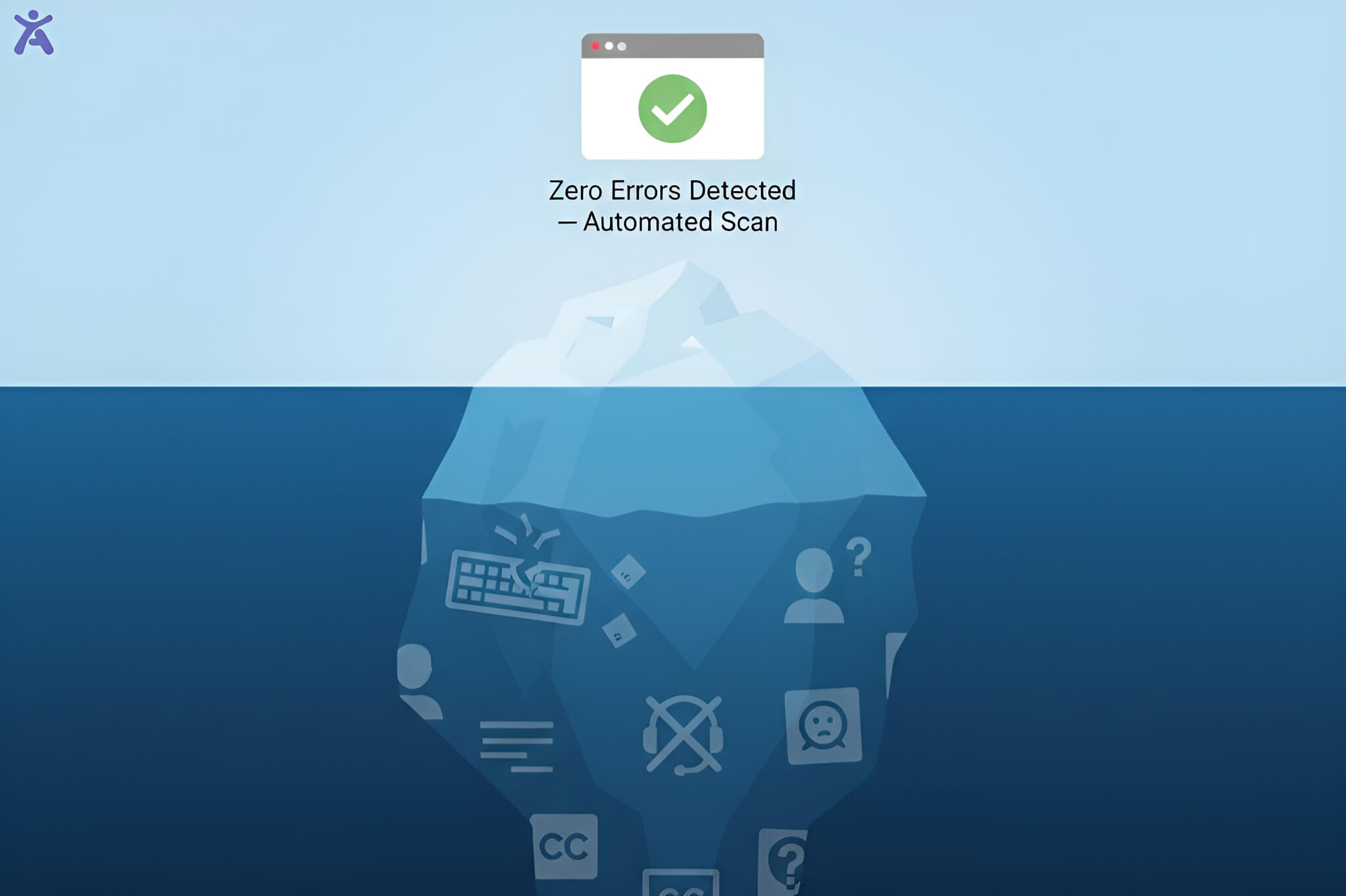
Limitation 3: Automated Testing Misses 30–50% of Issues
WAVE itself acknowledges this clearly: automated tools cannot check all accessibility issues. Issues that require human judgment such as whether alt text is actually descriptive, whether a link label makes sense in context, or whether captions accurately match video dialogue cannot be validated by code alone.
A real-world illustration: in a documented case from accessibility professionals, a website passed WAVE with zero errors across every page. Within ten seconds of screen reader testing, critical barriers were found. The navigation menu was completely unusable with assistive technology. WAVE had detected nothing.
Limitation 4: Dynamic Content and Interactive Components
WAVE evaluates the rendered version of a page, which includes JavaScript-generated content. However, interactive components such as dropdown menus, modal dialogs, carousels, and AJAX-loaded content often present accessibility challenges that change based on user interaction and WAVE cannot simulate those interactions.
Limitation 5: No Monitoring or Ongoing Compliance
Websites change. New content is published daily, new features are released, and third-party scripts are updated. WAVE provides a point-in-time snapshot but has no capacity for ongoing monitoring, alerts, or continuous compliance tracking. For teams subject to ADA litigation risk, a static audit is not sufficient.
Limitation 6: Results Can Be Manipulated by Overlays
WAVE’s own release notes flag that results may be manipulated on pages using certain accessibility overlay products. This is an important caveat when evaluating sites that use third-party accessibility widgets that alter page content when the extension activates.
| The Core Gap to Understand
WAVE is a diagnostic tool, not a remediation tool. Passing WAVE with zero errors does not mean your site is legally compliant or genuinely usable by people with disabilities. It means WAVE found no automated-detectable errors which is a meaningful but incomplete result. |
5. Best WAVE Alternatives for QA Teams in 2026
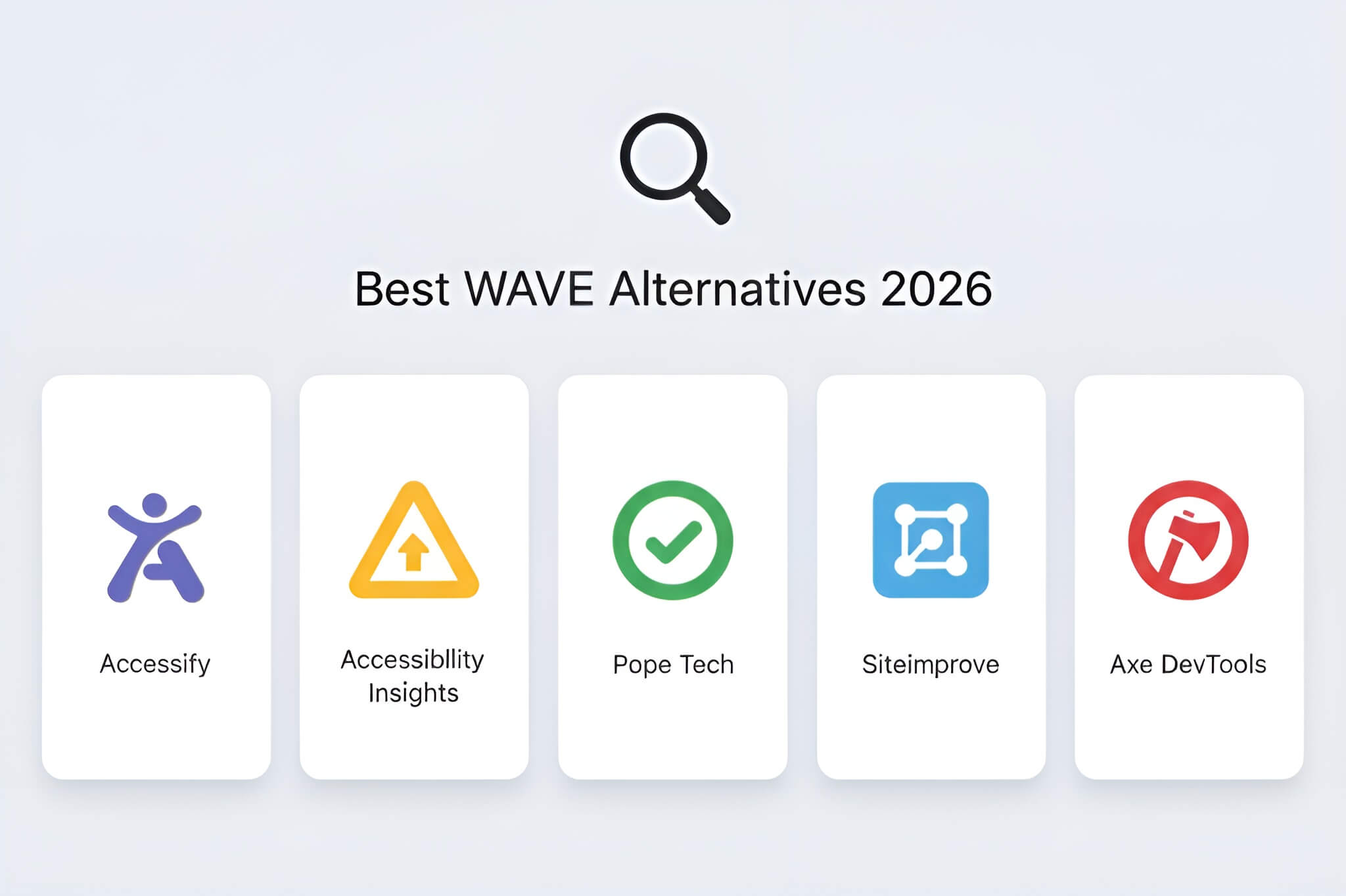
Depending on your team’s needs audit depth, budget, technical capability, and compliance requirements here are the strongest alternatives and complements to WAVE:
| Tool | Best For / Key Differentiator |
| Accessify | AI-powered accessibility widget that goes beyond detection to actively fix issues in real time. Installs in under 2 minutes, supports WCAG 2.2, ADA, AODA, and EAA compliance, and provides live monitoring, analytics, and 30+ accessibility tools with no code required. |
| Accessibility Insights | Free tool from Microsoft. Excellent for guided manual testing workflows. The FastPass feature provides automated checks on the most critical WCAG issues in under a minute. |
| Pope Tech | Enterprise platform built on the WAVE engine. Provides site-wide scanning, dashboards, team management, and reporting. Ideal for organisations wanting WAVE-quality results at scale. |
| Siteimprove | Enterprise SaaS platform combining automated accessibility scanning with content quality and SEO. Strong reporting and workflow tools for large organisations. |
| Axe DevTools | Browser extension and API by Deque. Highly regarded for developer workflows, CI/CD integration, and low false positive rates. Strong WCAG coverage. Free tier available; paid plans for teams. |
6. WAVE vs. Accessify: Which One Does More for Your Team?
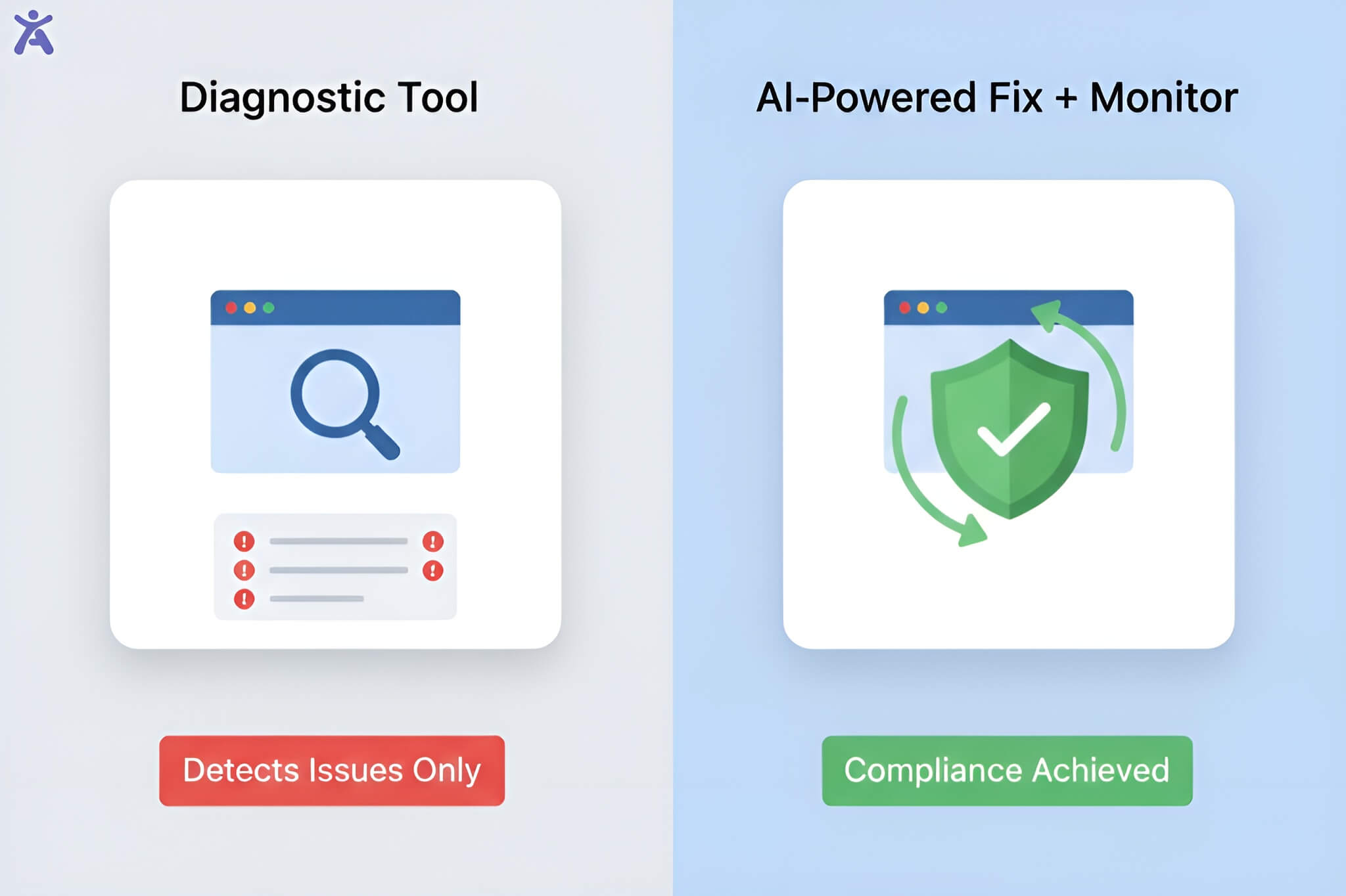
WAVE and Accessify serve genuinely different purposes which means the best teams use both. Here is a direct comparison:
| Feature | WAVE |
| Purpose | Diagnostic / detection only |
| Setup Time | Browser extension install (~2 min) |
| Fixes Issues | No manual remediation required |
| Ongoing Monitoring | No point-in-time only |
| Site-Wide Coverage | Paid API only |
| WCAG 2.2 Support | Yes |
| ADA / EAA / AODA | Detection guidance only |
| Analytics Dashboard | No |
| Multilingual Support | No |
| Cost | Free (extension) / Paid (API) |
| Best For | Manual audits, developer learning |
The practical recommendation for QA teams: use WAVE to learn and diagnose, use Accessify to fix and maintain. WAVE builds your team’s understanding of where accessibility barriers exist and why they matter. Accessify handles the ongoing remediation, monitoring, and compliance assurance that a manual-only approach simply cannot scale to.
| WAVE spots the issues. Accessify fixes them automatically.
WAVE is a powerful diagnostic tool, but it doesn’t repair a single line of code. Accessify’s AI-powered widget applies real-time accessibility fixes across your entire site keeping you WCAG 2.2 compliant without manual effort. Setup takes under 2 minutes. |
7. Final Verdict: Should Your Team Use WAVE?
Yes, with clear eyes about what it is and is not.
WAVE is one of the best free accessibility testing tools available, and every QA team working on web accessibility should have it in their toolkit. Its visual, in-context feedback is excellent for learning, diagnosing, and educating stakeholders. But WAVE is a starting point, not a finishing line. It cannot fix issues, monitor ongoing compliance, or catch the full range of real-world accessibility barriers that affect users with disabilities.
The winning approach in 2026 is a layered one: automated detection with tools like WAVE, AI-powered automated remediation with a solution like Accessify, and periodic manual audits by accessibility professionals or disabled users. Each layer catches what the others miss.
| Key Takeaways
WAVE is free, trustworthy, and excellent for visual accessibility diagnosis | It cannot fix issues, monitor sites, or test at scale without the paid API | Automated tools catch roughly 30-50% of real WCAG issues human and AI-assisted testing covers the rest | Accessify complements WAVE by handling automated fixes, live monitoring, and continuous WCAG 2.2 compliance | For most QA teams, the right answer is WAVE + Accessify, not one or the other |
Further Reading on Accessify Blog
- Web Accessibility Lawsuits 2026: Top Cases and How to Avoid Them
- Web Accessibility Audit Cost: Price Ranges 2026
- WCAG 2.2 Compliance Checklist: A Practical Guide for QA Teams
FAQs
WAVE is a free suite of web accessibility testing tools developed by WebAIM (Web Accessibility in Mind). It helps developers, QA teams, and designers identify WCAG 2.2 errors, contrast failures, and structural barriers on web pages. It is available as a browser extension for Chrome, Firefox, and Edge, and as an online checker at wave.webaim.org.
Yes. The WAVE browser extension for Chrome, Firefox, and Edge is completely free with no account required. The WAVE online checker at wave.webaim.org is also free for public URLs. A paid WAVE API is available for developers.
WAVE can only test one page at a time in its free version and cannot fix any issues it detects all remediation is manual. Automated tools like WAVE typically catch only 30–50% of real-world WCAG issues; barriers requiring human judgment. WAVE also has no ongoing monitoring capability.
The best WAVE alternatives for QA teams in 2026 depend on your workflow. Axe DevTools integrates directly into developer pipelines with low false positives. Accessibility Insights from Microsoft is excellent for guided manual testing. Accessify combines AI-powered remediation, real-time monitoring, and WCAG 2.2 compliance from $19/month.
No. Passing WAVE with zero errors does not guarantee ADA or WCAG compliance. WAVE’s automated checks detect only a portion of potential accessibility barriers. Issues requiring human judgment such as whether alt text is descriptive, whether navigation is operable by screen reader, or whether video captions are accurate cannot be detected automatically. A zero-error WAVE report is a good start, not a finish line.