

“what is the difference between WCAG 2.0 vs WCAG 2.2”
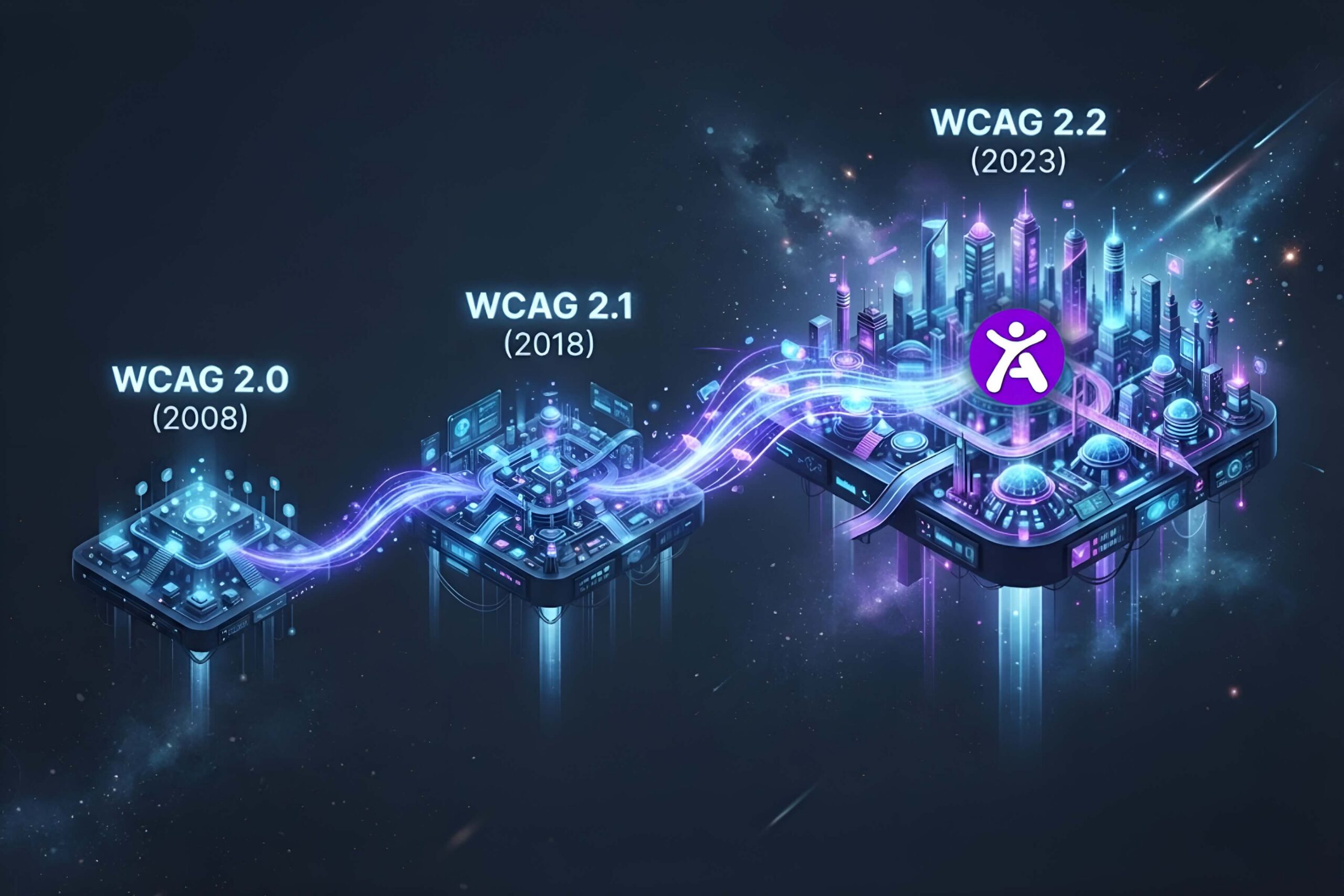
WCAG 2.1 added 17 new success criteria to WCAG 2.0, focused mainly on mobile accessibility, low vision, and cognitive disabilities. WCAG 2.2, released in October 2023, builds on 2.1 by adding 9 more success criteria covering focus appearance, easier authentication, and accidental dragging actions. All three versions remain valid standards, but 2.2 is the current recommended target for new compliance work.
Why This Comparison Still Confuses Site Owners
Most legal references, including many state laws and the ADA itself, still point to WCAG 2.0 or 2.1 AA as the baseline, even though WCAG 2.2 is now the technically current version. That gap between “what the law cites” and “what is technically current” is exactly why so many teams aren’t sure which version to actually build toward. The short answer: build to 2.2, since it is backward compatible with 2.0 and 2.1 and gives you the strongest legal position going forward.
WCAG 2.0: The Original Baseline (2008)
WCAG 2.0 introduced the four core principles that still define accessibility today, Perceivable, Operable, Understandable, and Robust, often shortened to POUR. It set the foundation most laws still reference by name, including Section 508 and many state level ADA regulations.
What it covers: Text alternatives, keyboard access, color contrast, readable text, and predictable navigation. Where it falls short: It predates smartphones as the dominant browsing method, so it has almost nothing addressing touchscreen or mobile specific accessibility needs.
WCAG 2.1: The Mobile and Cognitive Update (2018)
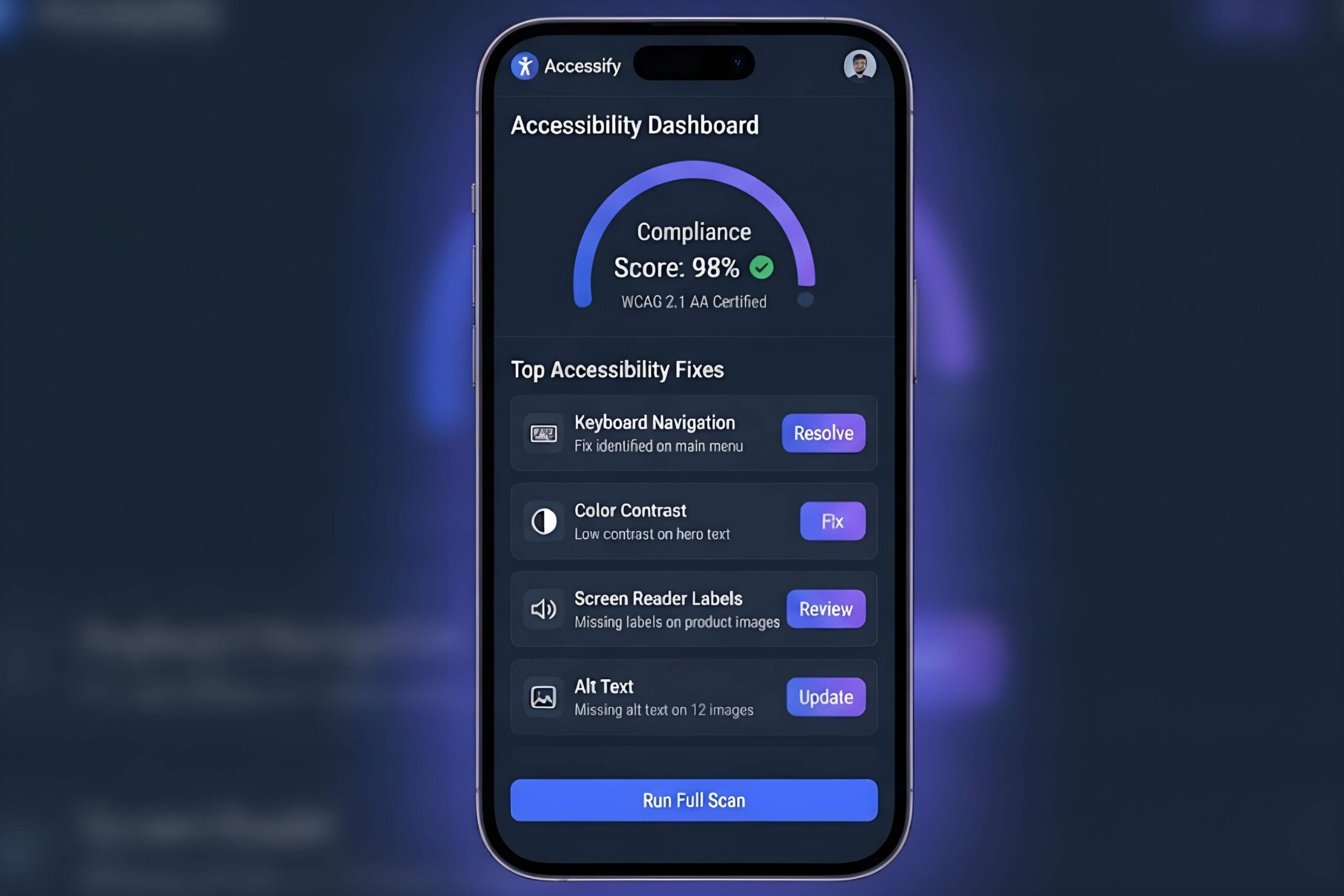
WCAG 2.1 added 17 new success criteria on top of 2.0, without removing anything. The additions mostly target three groups: mobile users, people with low vision, and people with cognitive or learning disabilities.
Key additions in 2.1:
- Orientation support, so content isn’t locked to portrait or landscape only.
- Reflow, ensuring content works at high zoom levels without horizontal scrolling.
- Target size guidance for touchscreen buttons and links.
- Additional contrast requirements for non text elements like icons and form borders.
Why it mattered: By 2018, mobile browsing had overtaken desktop for most industries, and WCAG 2.0 simply had no answer for touch specific issues like accidental taps or tiny buttons.
WCAG 2.2: The Current Standard (2023)
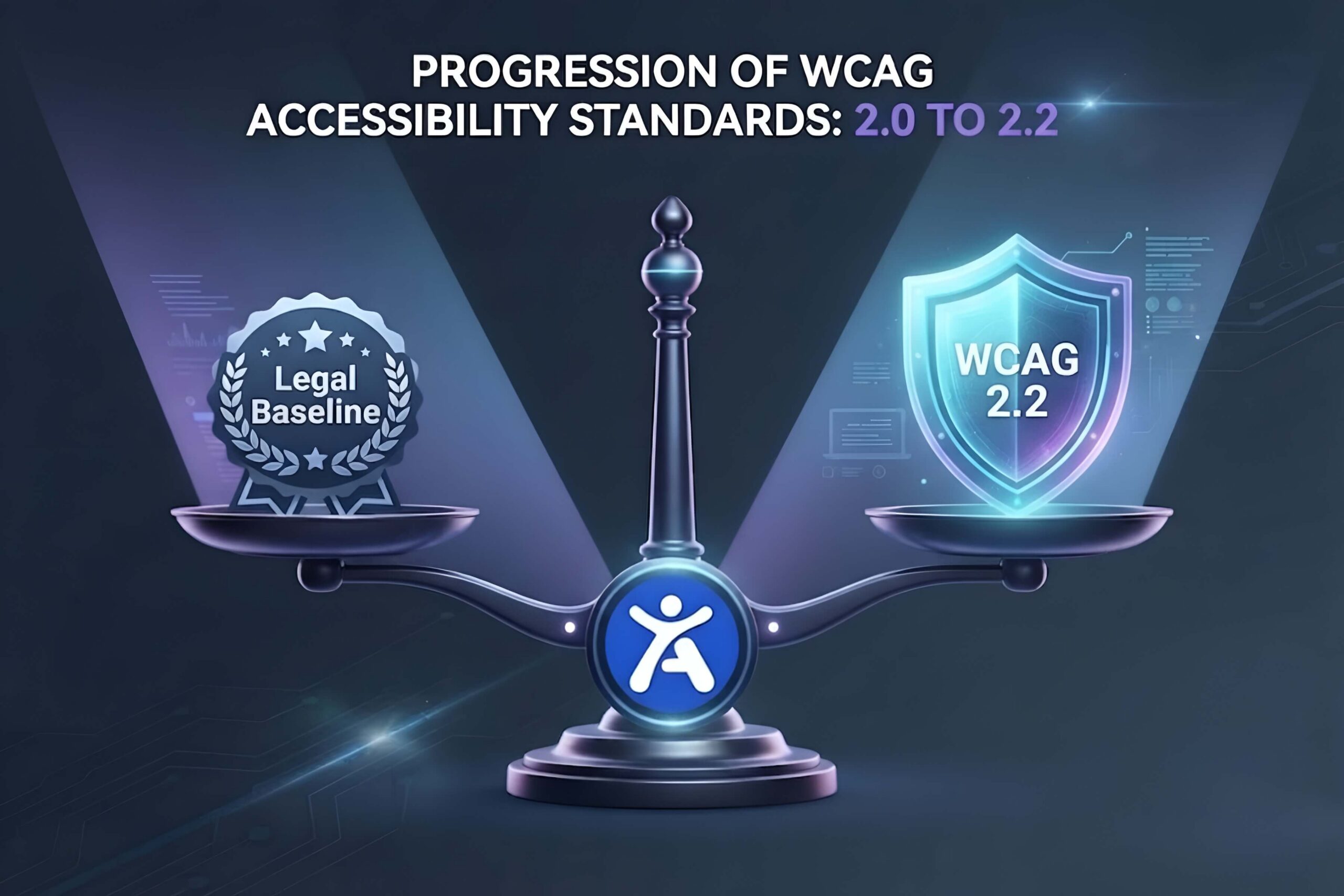
WCAG 2.2 added 9 more success criteria on top of 2.1, finalized in October 2023. It focuses heavily on making authentication easier, preventing accidental actions, and improving focus visibility for keyboard users.
Key additions in 2.2:
- Focus Appearance: Focus indicators must be clearly visible with sufficient size and contrast, not just a faint outline.
- Dragging Movements: Any function that requires dragging must also have a single pointer alternative, since dragging is difficult for many users with motor impairments.
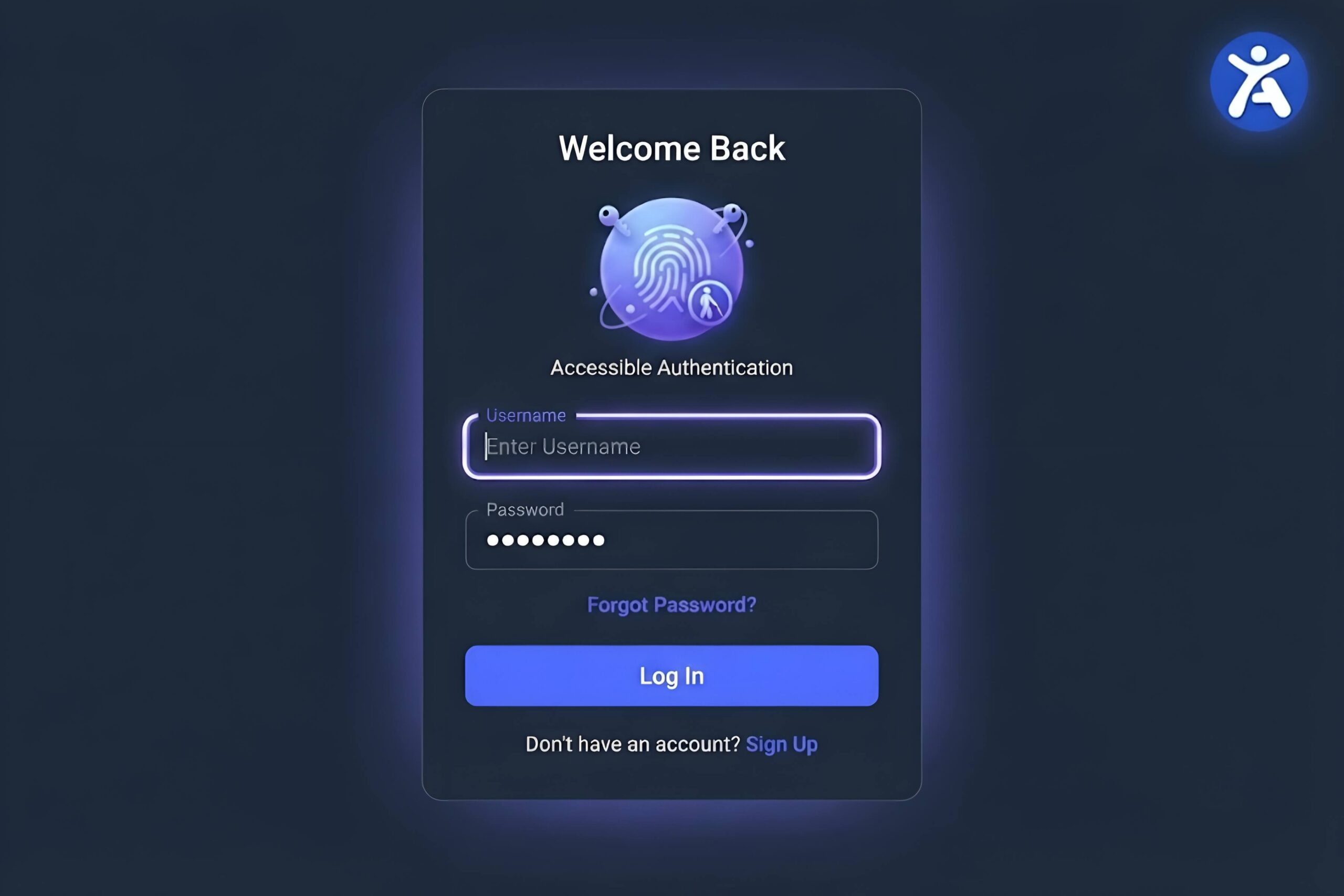
- Accessible Authentication: Login processes can’t rely solely on cognitive tests, like remembering a password with no paste or autofill option, without an accessible alternative.
- Consistent Help: If a help mechanism (like a chat widget or contact link) appears on multiple pages, it must appear in the same relative location each time.
One success criterion originally proposed for 2.2, 4.1.1 Parsing, was actually removed as obsolete, since modern browsers made it largely irrelevant. This is a good example of WCAG evolving with real world technology rather than just adding rules indefinitely.
Three Way Comparison Table
| Feature | WCAG 2.0 | WCAG 2.1 | WCAG 2.2 |
|---|---|---|---|
| Release year | 2008 | 2018 | 2023 |
| Total success criteria | 61 | 78 | 87 (net, after 1 removed) |
| Mobile and touch coverage | None | Strong | Strong |
| Cognitive accessibility focus | Minimal | Improved | Strongest |
| Authentication accessibility | Not addressed | Not addressed | Directly addressed |
| Legal citation frequency (US) | Very common | Common | Growing, but not yet universal |
| Backward compatible with earlier versions | N/A | Yes, with 2.0 | Yes, with 2.0 and 2.1 |
Migration Checklist: Moving From 2.0 or 2.1 to 2.2
- Audit current focus indicators. Confirm every interactive element has a visible, high contrast focus state, not just a browser default outline.
- Test every drag interaction. Sliders, drag and drop uploads, and reordering features need a non drag alternative, like buttons.
- Review your login flow. Remove any requirement that users solve a puzzle or transcription task from memory with no accessible workaround.
- Check repeated help mechanisms. If a support widget or contact link appears sitewide, confirm it sits in the same position on every page.
- Re-run automated and manual tests. Automated scanners only catch a portion of these issues, so pair a tool like Accessify’s scanner with a manual pass focused on the four items above.
FAQ
What is the difference between WCAG 2.1 and WCAG 2.2?
WCAG 2.1 added 17 success criteria focused on mobile and cognitive accessibility. WCAG 2.2 added 9 more criteria on top of that, focused on focus visibility, dragging alternatives, and accessible authentication, while removing one outdated criterion.
Many laws still cite WCAG 2.0 or 2.1 AA as the minimum. Building to 2.2 satisfies those older requirements automatically, since 2.2 is backward compatible, while also positioning your site for updated legal standards as they roll out.
Not significantly. Most sites already meeting 2.1 AA only need targeted fixes for focus appearance, drag alternatives, and login accessibility to reach 2.2 AA.
Accessify’s scanner is built around current WCAG 2.2 criteria, so it flags 2.2 specific gaps like focus appearance and dragging alternatives, and its remediation layer can automatically fix several of these without developer work.