

“what changed in WCAG 2.2”
WCAG 2.2, finalized in October 2023, added 9 new success criteria to WCAG 2.1. The changes focus on clearer keyboard focus indicators, accessible alternatives to dragging actions, easier login and authentication, and more consistent placement of help features across a site. One older criterion, related to code parsing, was also removed as outdated.
A Quick Recap Before the Details
WCAG 2.2 doesn’t replace WCAG 2.1, it builds on it. Everything your site already does to meet 2.1 AA still counts. The 9 additions target very specific, practical pain points that automated scanners and older manual checklists tended to miss, especially around keyboard use, motor impairments, and cognitive load during login.
The 9 New Success Criteria, Explained Simply
1. Focus Not Obscured (Minimum) When an element receives keyboard focus, it can’t be completely hidden behind other content like a sticky header or cookie banner.
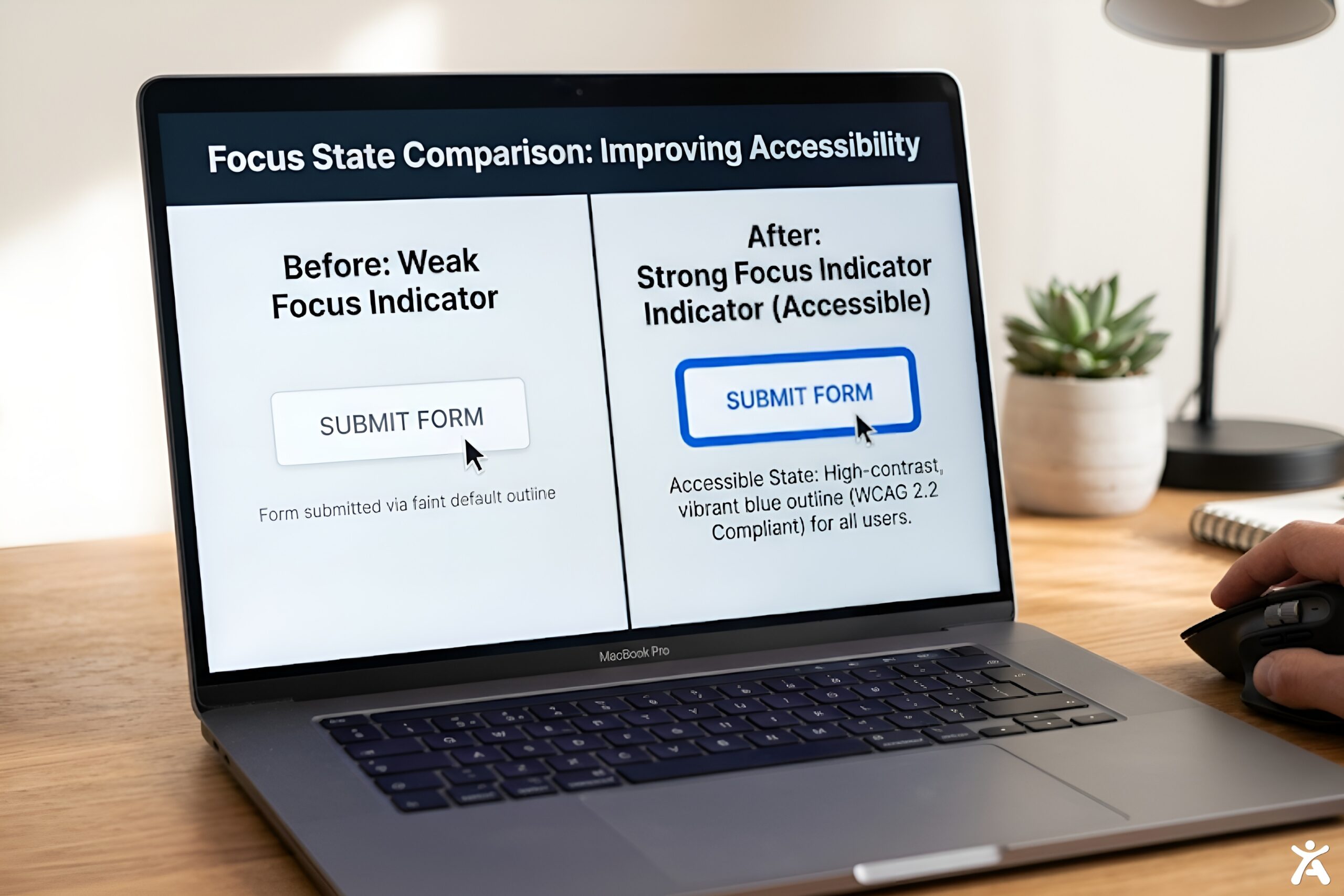
2. Focus Appearance Focus indicators must meet a minimum size and contrast so users can actually see which element is currently focused, not just rely on a faint browser default outline.
3. Dragging Movements Any feature that requires dragging, like a slider or reorderable list, must also offer a way to complete the same action with a single click or tap, such as up and down arrow buttons.
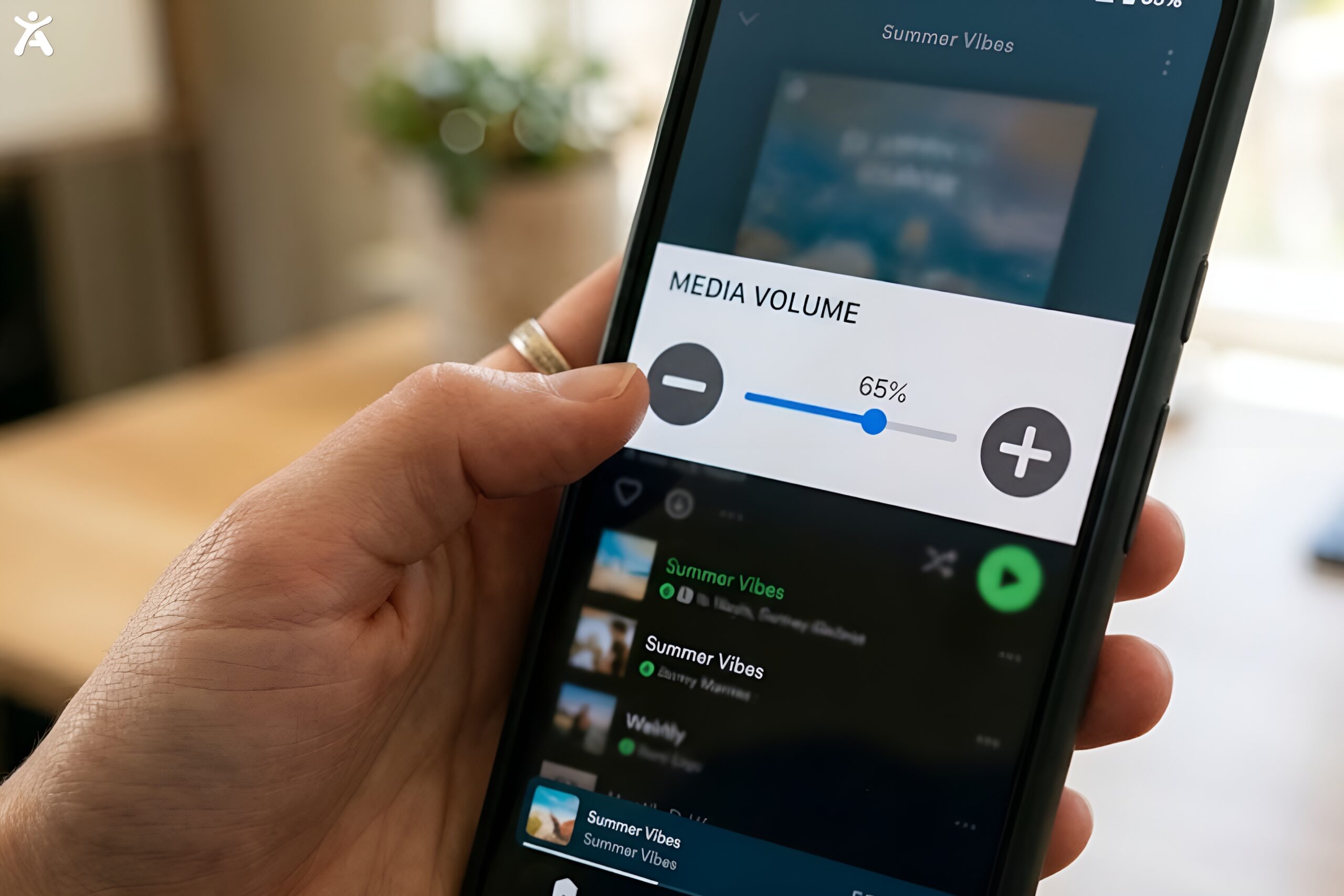
4. Target Size (Minimum) Clickable targets like buttons and links need to be at least 24 by 24 pixels, unless there’s enough spacing around a smaller target to prevent accidental taps.
5. Consistent Help If a help option, like a chat bubble, contact link, or FAQ shortcut, appears on multiple pages, it must stay in the same relative location and order each time.
6. Redundant Entry Users shouldn’t have to re-enter the same information twice in one process, like retyping an email address that was already provided earlier in the same flow, unless it’s essential for security.
7. Accessible Authentication (Minimum) Login can’t rely solely on a cognitive test, like solving a puzzle from memory, without an accessible alternative such as allowing password managers or copy paste.
8. Focus Appearance (Enhanced) A stricter version of criterion 2 for sites aiming at AAA conformance, requiring even more visible focus indicators.
9. Accessible Authentication (Enhanced) A stricter AAA level version of criterion 7, removing cognitive test requirements almost entirely from login flows.
(Note: WCAG groups some of these as A level and others as AA or AAA level requirements. Most businesses should target AA, which includes criteria 1, 2, 3, 4, 5, 6, and 7 above.)
“Check your site against all 9 new WCAG 2.2 criteria. Free scan with Accessify.”

What Was Removed
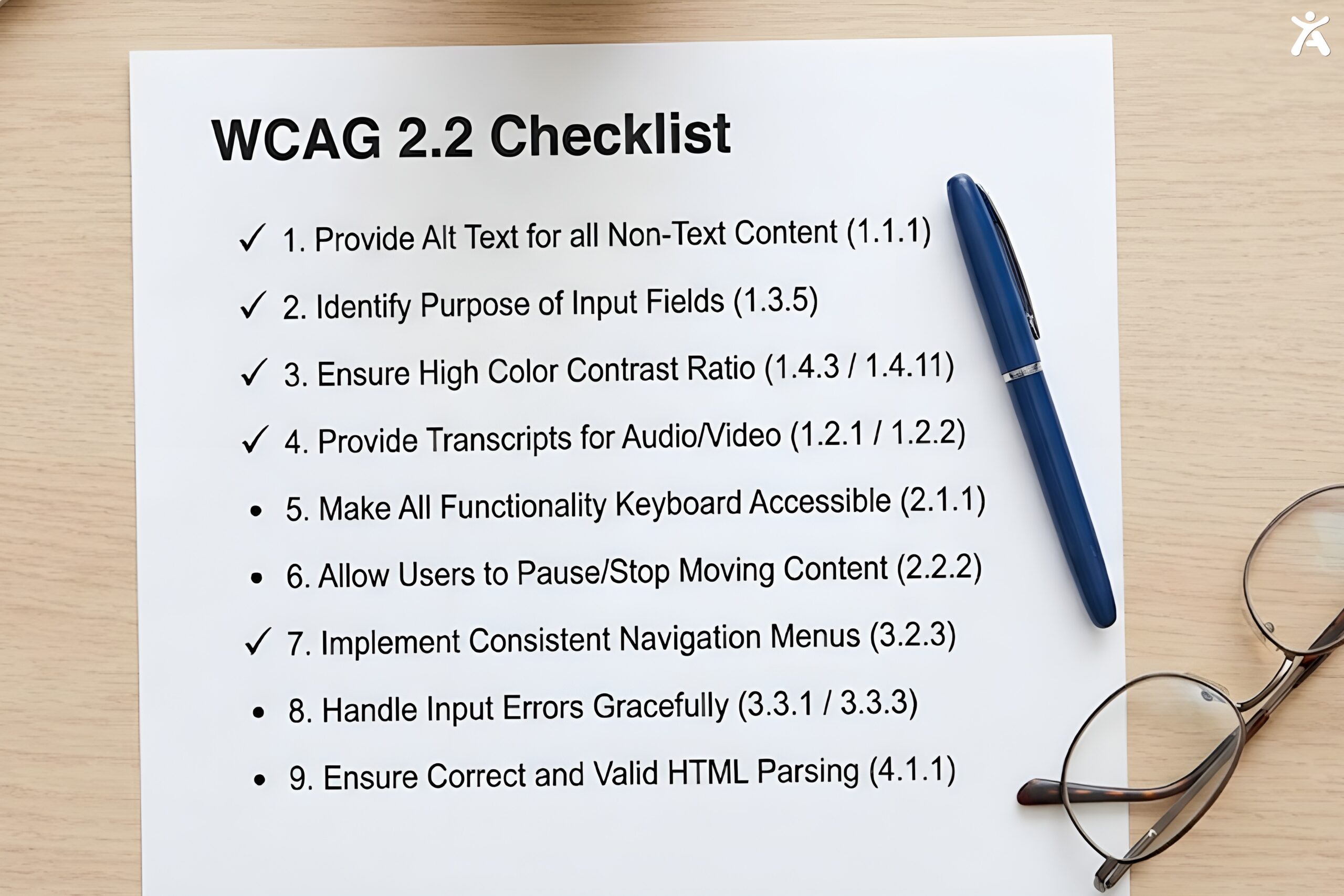
4.1.1 Parsing, a WCAG 2.0 era criterion about HTML code validity, was removed in 2.2. Modern browsers handle malformed HTML consistently enough that this criterion no longer served a practical purpose. If your site previously failed this check, it’s simply no longer a factor under 2.2.
Practical Steps to Comply With WCAG 2.2
- Audit focus indicators sitewide. Check buttons, links, and form fields for a clearly visible focus state, not just the browser default.
- List every drag based interaction. Sliders, image carousels, and drag to reorder features all need a non drag alternative.
- Measure your smallest clickable targets. Anything under 24 by 24 pixels needs either resizing or more spacing from neighboring elements.
- Map your help features across the site. Confirm a chat widget or support link sits in the same place on every page it appears.
- Review your login and signup flow. Remove any requirement to solve a memory based puzzle without an accessible workaround like autofill or paste support.
“Close the gap to full WCAG 2.2 compliance. Start your Accessify trial.”
FAQ
What is new in WCAG 2.2?
WCAG 2.2 added 9 success criteria covering focus visibility, drag alternatives, target size, consistent help placement, reduced redundant data entry, and easier authentication, while removing one outdated parsing related criterion.
Not universally yet. Many laws still cite WCAG 2.0 or 2.1 AAdirectly, but building to 2.2 satisfies those requirements automatically, since 2.2 is backward compatible, and it positions your site ahead of future legal updates.
For most sites already at 2.1 AA, the gap is small, focused mainly on focus indicators, drag alternatives, target sizing, and login accessibility, which can often be addressed in days rather than months.
Yes, for many of the new criteria. Accessify’s scanner checks specifically for WCAG 2.2 items like focus appearance and target size, and its remediation features can automatically fix a number of these without needing a developer.