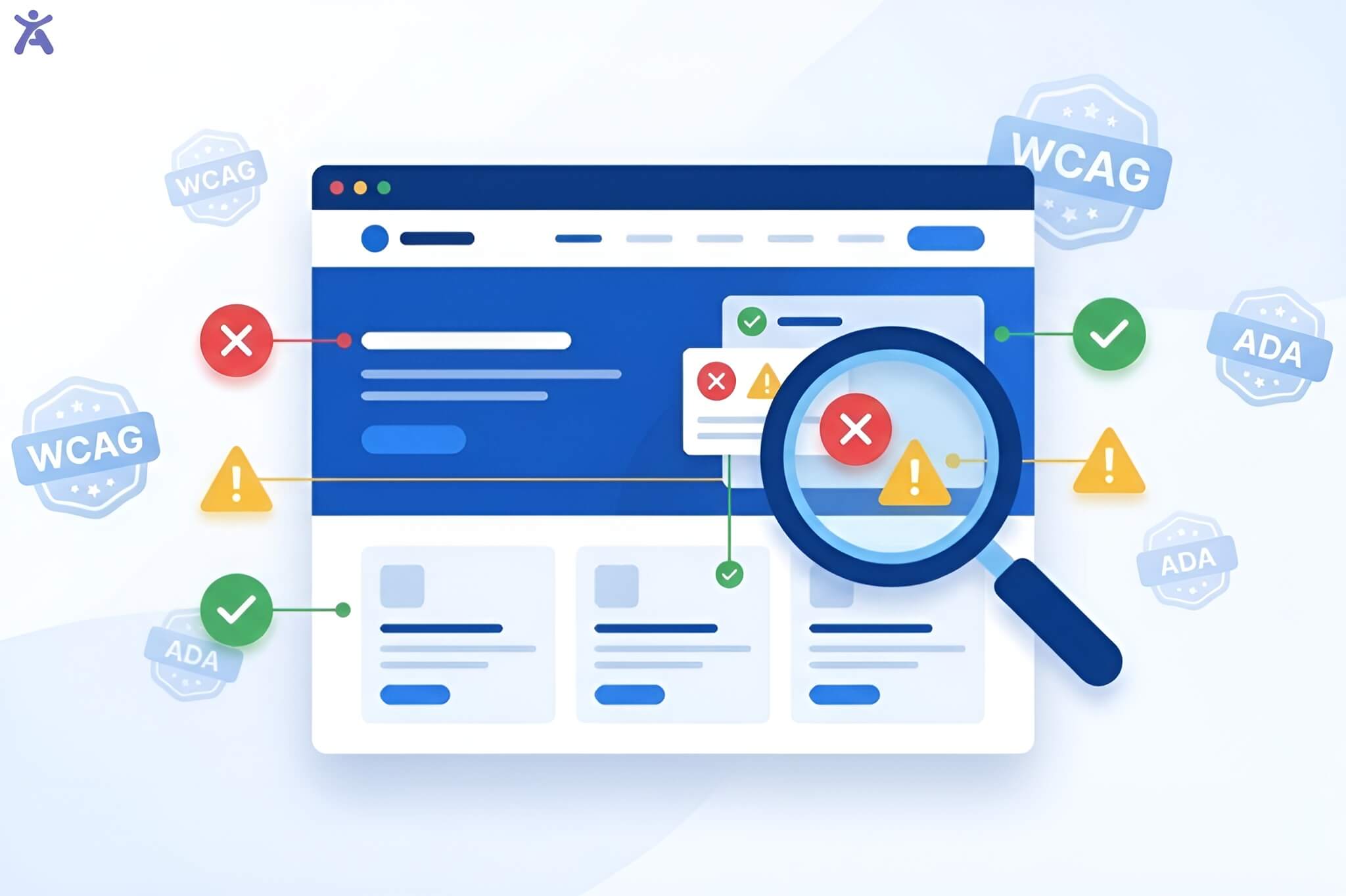
What do you need to know about Texas Accessibility Standards? The Web Content Accessibility Guidelines (WCAG), the Americans with Disabilities Act (ADA), and the World Wide Web Consortium (W3C) are essential for accessibility in Texas. However, figuring out how they fit together can be tricky.
This guide will break down the roles of WCAG, ADA, and the W3C in shaping Texas’s accessibility standards. We’ll explain what these regulations mean for state agencies, schools, and businesses. This will help you make sure your digital content is compliant and accessible to everyone.
Short Summary
Texas entities, like state agencies and schools, must follow the Texas Accessibility Standards (TAS). These standards use WCAG 2.1 Level AA as their technical basis. The ADA provides federal civil rights protections, while the W3C develops the technical standards. These frameworks work together for a complete approach to digital accessibility. They impact websites, documents, and electronic information resources throughout the state.
Navigating Digital Accessibility in Texas
Understanding the web of accessibility laws in Texas can be tricky. Here’s a simple guide to the key regulations you need to know.
The Growing Imperative of Digital Accessibility
Digital accessibility has evolved from a nice-to-have feature to a legal rule. In Texas alone, over 2.8 million residents live with disabilities, representing roughly 10% of the state’s population. These individuals need easy-to-reach digital content. It helps them access government services, educational resources, job opportunities, and important information.
The cost of inaccessible digital content extends beyond legal risk. Organizations that ignore accessibility leave out many potential audience members. This can harm their reputation and cause them to miss chances to support their communities well.
Demystifying the Key Players
Three primary frameworks govern digital accessibility in Texas:
- WCAG (Web Content Accessibility Guidelines): Technical specifications that define how to make web content accessible
- ADA (Americans with Disabilities Act): A federal civil rights law prohibiting discrimination based on disability.
- TAS (Texas Accessibility Standards): State-specific regulations that apply to Texas government entities.
Understanding how these standards interact is essential for compliance. Let’s explore each framework in detail.
Understanding the ADA
The ADA focuses on equal opportunities for people with disabilities. This includes areas like employment, education, transportation, and access to public spaces. It provides a comprehensive framework to prevent discrimination and promote accessibility.

What is the ADA?
The ADA, passed in 1990, is key civil rights law. It stops discrimination against people with disabilities in public life. The law ensures that people with disabilities have the same rights and opportunities as everyone else. The ADA consists of five titles, each addressing different aspects of accessibility:
- Title I: Employment
- Title II: State and local government services
- Title III: Public accommodations
- Title IV: Telecommunications
- Title V: Miscellaneous Provisions
Key Titles on Digital Accessibility in Texas
These entities have to ensure their websites, apps, and digital documents can be accessed by people with disabilities. Title II applies to state and local government entities in Texas, Title III applies to private businesses that serve the public, known as “public accommodations.” Federal courts once focused on physical spaces. Now, they interpret Title III to cover websites and digital services, too.
ADA Accessibility Guidelines and Their Evolution
The ADA itself doesn’t specify technical requirements for digital accessibility. Instead, it requires “effective communication” and “equal access” for people with disabilities. Over time, courts and federal agencies have looked to WCAG as the benchmark for meeting these requirements.
The Department of Justice (DOJ) often says that WCAG 2.1 Level AA is the right standard for ADA compliance. Yet, this hasn’t been made into binding rules for most private entities.
WCAG and the World Wide Web Consortium (W3C)

The Web Content Accessibility Guidelines (WCAG) come from the World Wide Web Consortium (W3C). This group works to create standards that make the web accessible to all.
Architect of the Open Web
The W3C is an international community that develops open standards to ensure the long-term growth of the web. Founded by Tim Berners-Lee in 1994, W3C unites member organizations, staff, and the public. Together, they develop web standards using a consensus-driven process.
The W3C’s Web Accessibility Initiative (WAI) aims to make the web accessible for people with disabilities. WAI helps W3C create guidelines, technical specs, and resources. These are key for digital accessibility around the globe.
What is the WCAG?
WCAG offers one standard for web content accessibility. This standard supports the needs of people, organizations, and governments around the world. These guidelines show how to make web content easier for people with disabilities, including:
- Visual impairments (blindness, low vision, color blindness)
- Hearing impairments (deafness, hearing loss)
- Motor impairments (limited movement, lack of fine motor control)
- Cognitive and learning disabilities
- Speech disabilities
WCAG helps everyone. It boosts usability, makes sites more mobile-friendly, and improves search engine optimization.
The Four Principles of WCAG (POUR)

WCAG is organized around four fundamental principles. Web content must be:
Perceivable means users must be able to perceive information through at least one of their senses. A blind user can’t see your images, but they can hear alt text read aloud. Someone with hearing loss can’t hear your podcast, but they can read a transcript.
Operable ensures users can interact with all interactive elements. During usability testing at a local community center, I discovered that one participant couldn’t use a mouse due to arthritis. Without keyboard navigation, the entire web page was unusable for them.
Understanding requires that both information and operation are clear. I learned this lesson painfully when users abandoned a checkout form because error messages appeared at the page top while form fields scrolled below, they never connected the dots.
Robust means content works across diverse assistive technology and user agents. Your beautiful site might look perfect in Chrome, but if it breaks in a screen reader, you’ve failed a significant portion of your audience.
WCAG Versions and Conformance Levels
WCAG 2.0, released in December 2008, introduced the foundational POUR framework along with three conformance levels that define accessibility expectations.
Level A represents the minimum requirements, and failing to meet them can create significant barriers that block many users from accessing essential content.
Secondly, Level AA is the standard most organizations strive for, offering a practical balance between strong accessibility and achievable implementation making it the common target for government agencies, educational institutions, and forward-thinking companies.
Third, Level AAA reflects the highest level of accessibility, though the W3C notes that meeting every AAA success criterion across an entire site may not always be feasible due to content-specific or technical limitations.
WCAG 2.1, released in June 2018, introduced 17 new success criteria aimed at improving accessibility for people with cognitive or learning disabilities, individuals with low vision, and users with disabilities navigating content on mobile devices. WCAG 2.2, published in October 2023, added nine additional criteria emphasizing more accessible authentication methods, enhanced focus indicators, improved target sizes for interactive elements, and consistent help mechanisms to support users more effectively.
Each version builds on previous versions, meaning conformance with WCAG 2.2 also ensures conformance with WCAG 2.1 and 2.0.
TAS and state regulations
State rules often mention or require following WCAG guidelines. This helps to ensure web accessibility compliance.
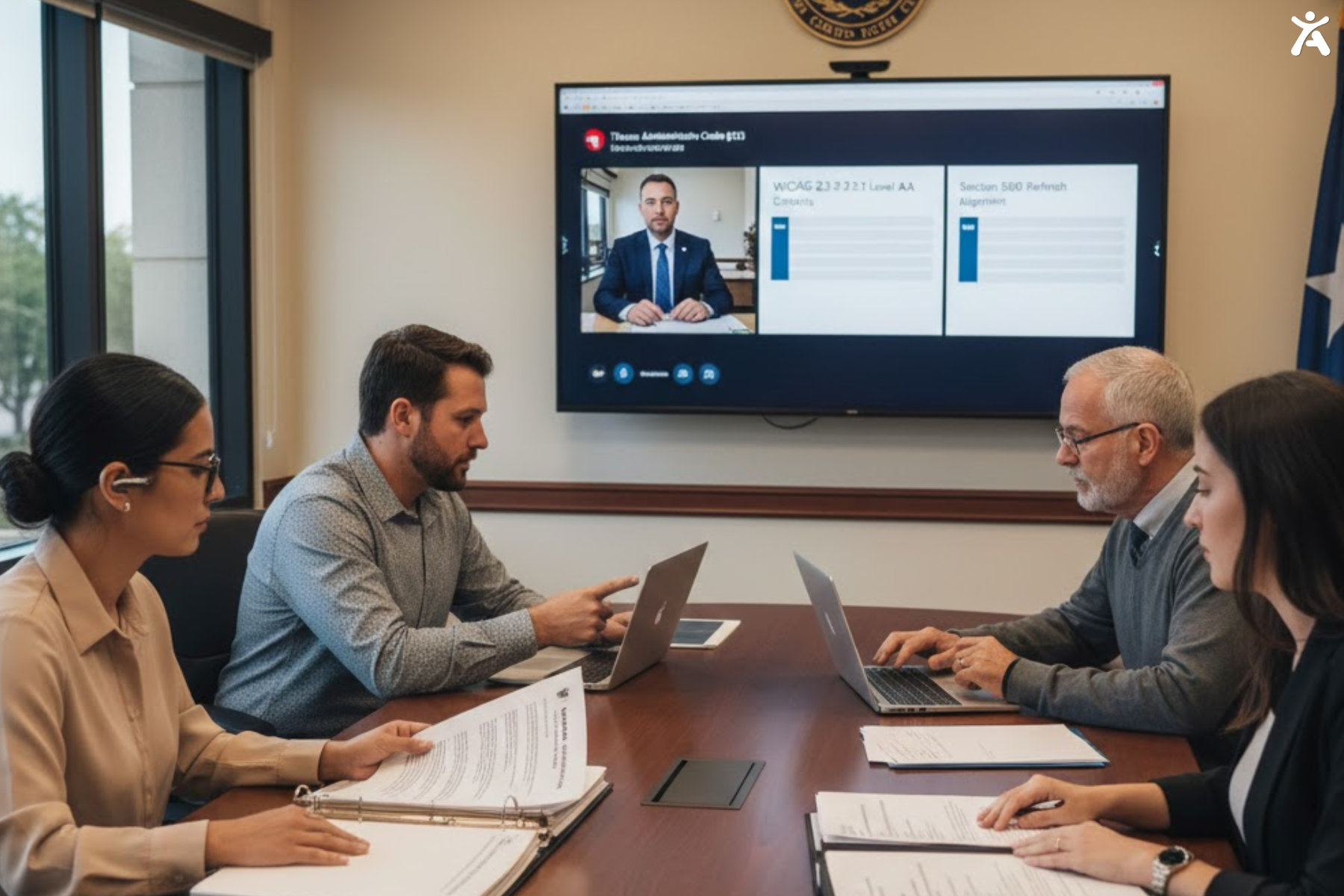
Introducing the Texas Accessibility Standards
The Texas Accessibility Standards establish requirements for accessibility in the Texas state government. These standards help state employees and the public with disabilities access electronic and information resources from Texas state agencies.
TAS applies broadly to digital resources managed by Texas state entities, including state agency websites, web applications, and government mobile apps. It also covers electronic documents such as PDFs, Word files, and spreadsheets, along with multimedia content like videos and audio. Additionally, TAS extends to software applications used by state organizations and other forms of information and communications technology.
The Texas Administrative Code (TAC) and EIR accessibility
The Texas Administrative Code, Title 1, Part 10, Chapter 213 outlines the requirements for making Electronic and Information Resources (EIR) accessible across state agencies. These regulations mandate that all EIRs purchased, developed, maintained, or used must meet accessibility standards, and agencies must document accessibility during procurement.
They are also required to provide employee training on accessibility, establish clear procedures for handling accessibility complaints, and maintain a comprehensive accessibility policy along with an implementation plan.
Key Texas Entities and Their Roles in Accessibility
Texas Department of Information Resources (DIR): Oversees tech projects in Texas and sets accessibility standards for state agencies. DIR provides guidance, training, and resources to help state entities achieve compliance.
Texas Governor’s Committee on People with Disabilities: Offers advice to state leaders on disability issues, such as digital accessibility. The committee advocates for policies that improve accessibility across state government.
Texas Secretary of State: Ensures all election materials meet accessibility standards. Voting information is available to every Texan.
Individual State Agencies: Each Texas state agency must choose an accessibility coordinator. This person will ensure the agency follows accessibility standards.
TAS and Section 508
Texas Accessibility Standards closely match Section 508 of the Rehabilitation Act. This act sets accessibility rules for federal agencies. Both TAS and Section 508:
- Incorporate WCAG 2.1 Level AA as its technical standard.
- Apply to websites, documents, software, and hardware
- Require accessible procurement processes
- Include provisions for exceptions when compliance isn’t feasible
This alignment helps Texas entities follow federal accessibility best practices. It also ensures they meet state-specific requirements.
Weaving Together WCAG, ADA, and TAS for Compliance
To achieve compliance, take a comprehensive approach. Integrate WCAG, ADA, and TAS principles at every design and development stage.
WCAG as the technical blueprint for ADA and TAS
WCAG serves as the technical foundation for both ADA compliance and TAS conformance in Texas. The ADA offers wide civil rights protections, and TAS sets state-specific rules. Both depend on WCAG to explain what “accessible” really means.
For Texas entities, this means:
- State agencies must conform to WCAG 2.1 Level AA to meet TAS requirements.
- Private businesses should conform to WCAG 2.1 Level AA to minimize ADA legal risks.
- Educational institutions must meet both federal (ADA Title II/III, Section 504) and state requirements.
Who Must Comply with Texas Accessibility Standards?
Mandatory compliance applies to all Texas state government entities, including state agencies, departments, state-funded universities, public K–12 schools, judicial bodies, and legislative offices.
Under ADA Title II, local government entities such as counties, cities, municipal utility districts, public libraries, and community colleges must also ensure accessibility. ADA Title III extends these requirements to private-sector organizations open to the public, including businesses, professional offices, healthcare facilities, private educational institutions, and entertainment venues.
Common Misconceptions and Clarifications
Misconception #1: “Only government websites need to be accessible.”
Reality: The ADA applies to most businesses that serve the public, not government entities. Texas businesses risk more legal trouble if their websites are not accessible.
Misconception #2: “Installing an accessibility overlay widget ensures compliance.”
Reality: Automated tools and overlay widgets can help with accessibility. However, they don’t ensure WCAG conformance or legal compliance. Manual testing and remediation are essential.
Misconception #3: “Accessibility is a one-time project.”
Reality: Digital accessibility requires ongoing maintenance. New content, features, and design updates must meet accessibility standards to maintain compliance.
Misconception #4: “WCAG AAA is required for compliance.”
Reality: WCAG Level AA is the recognized standard for ADA compliance and TAS conformance. Level AAA is aspirational and not feasible for all content types.
Practical Strategies for Texas Accessibility Compliance
To maintain compliance, start by understanding the requirements outlined in the Texas Accessibility Standards (TAS) along with federal ADA guidelines. Conduct regular accessibility audits to identify and correct any areas of non-compliance, and collaborate with trained professionals or accessibility consultants during planning and construction for proper guidance. It’s equally important to train your team so they can uphold accessibility standards and deliver a better customer experience. Finally, stay updated on evolving accessibility laws and make continuous improvements to your facilities as needed.
The Imperative of Accessibility
Accessibility is no longer optional; it’s a fundamental requirement for creating inclusive digital and physical experiences. Prioritizing accessibility ensures equal access for all users while strengthening compliance, usability, and trust.
Avoiding the High Cost of Noncompliance

Legal action related to digital accessibility continues to increase nationwide. In Texas, organizations face multiple potential consequences:
Lawsuit risk: Private plaintiffs file ADA lawsuits alleging that inaccessible websites violate their civil rights. Even if you ultimately prevail, litigation costs can be substantial.
Demand letters: Before filing suit, plaintiffs often send demand letters requesting remediation and financial compensation. These negotiations can result in settlements ranging from thousands to hundreds of thousands of dollars.
Government enforcement: State and federal agencies can investigate accessibility complaints and require remediation. For Texas state agencies, noncompliance with TAS can result in funding consequences.
Reputation damage: Accessibility lawsuits and complaints receive media attention, potentially harming your organization’s public image and brand reputation.
Ethical and Social Responsibility
Beyond meeting legal obligations, accessibility reflects an organization’s values and its commitment to inclusion. Making digital content accessible shows respect for the dignity and independence of people with disabilities, demonstrates that every member of the community is valued, and supports broader corporate social responsibility efforts. It also plays a meaningful role in building a more inclusive society as a whole. For public sector organizations, accessibility is essential to effectively serving all Texans.
Business and Strategic Advantages
Accessibility provides tangible business benefits:
Expanded audience reach: One in four Americans lives with a disability. Accessible websites reach this large market segment.
Improved SEO: Many accessibility practices semantic HTML, alternative text, and clear headings also improve search engine optimization.
Better mobile experience: Accessibility requirements often align with mobile best practices, benefiting all mobile users.
Enhanced usability: Accessible websites are easier to use for everyone, including older adults and people with situational limitations (bright sunlight, noisy environments, temporary injuries).
Innovation driver: Designing for diverse users sparks creative solutions that benefit your entire audience.
Competitive advantage: As accessibility requirements increase, early adopters position themselves ahead of their competitors.
Texas Accessibility Resources

Texas offers a range of valuable accessibility resources to support inclusive digital and physical environments. The Texas Department of Information Resources (DIR) provides statewide standards and practical guidance, while the Governor’s Committee on People with Disabilities advocates for disability rights and the Texas State Library and Archives Commission shares tools for document accessibility. Professional and community groups also play an important role organization like the International Association of Accessibility Professionals (IAAP) offer training and certification, local communities such as Accessibility Texas host meetups and conferences, and the Web Accessibility Standards of Operation (WASO) enables Texas state agencies to collaborate and share best practices.
Conclusion
These frameworks work together to ensure all Texans can access digital information and services, regardless of ability. Digital accessibility in Texas is built on three key pillars: the W3C/WCAG guidelines, which provide the technical standards for implementing accessibility; the ADA, which protects civil rights and mandates equal access at the federal level; and the Texas Accessibility Standards (TAS), which establish state-specific requirements for Texas government entities.
A Call to Action for Texas Entities
No matter if you’re a state agency, local government, school, or business, it’s time to focus on digital accessibility that’s why Consider these next steps:
- Assess your current accessibility status through automated and manual testing
- Develop a realistic remediation plan with clear priorities and timelines
- Integrate accessibility into your design and development processes
- Train your team on accessibility principles and techniques
- Engage with the disability community to understand real-world accessibility needs
- Monitor your progress and make continuous improvements
Accessibility is a journey, not a destination. Start where you are, use the resources available, and commit to ongoing improvement. Texas’s digital future relies on building inclusive experiences for everyone in our diverse community.
FAQs
A website is ADA compliant when users can access content through screen readers, keyboard navigation, and clear structure. Strong contrast, alt text, and accessible forms help eliminate barriers. Regular audits ensure every visitor can interact smoothly, regardless of disability or device.
Begin by testing headings, labels, images, forms, and keyboard navigation. Use automated scanners for quick detection and manual checks for real usability issues. This combination ensures your site aligns with modern accessibility expectations and reduces risks of non-compliance for users and businesses.
State agencies often follow Texas accessibility standards to stay aligned with WCAG while meeting regional requirements. These standards help ensure content is usable for people with disabilities. Many organizations adopt them voluntarily to strengthen compliance and improve user experience across digital services.
WCAG AA status is typically evaluated by accessibility auditors or certified consultants. They review site structure, navigation, and content to identify barriers. Although there’s no official government certification, recognized audit reports provide legal assurance and guidance for achieving reliable accessibility.
Texas accessibility standards primarily apply to government and publicly funded sites, but private businesses often follow them to reduce legal risk. Applying WCAG-based practices also strengthens usability, improves customer engagement, and supports inclusive digital experiences for all visitors.