Looking for clarity on WCAG compliance levels, Access requirements? The Web Content Accessibility Guidelines outline three conformance levels. These levels show how accessible your digital content is for people with disabilities. Knowing these levels helps organizations pick the right accessibility standards. This way, they meet legal requirements and create inclusive digital experiences.
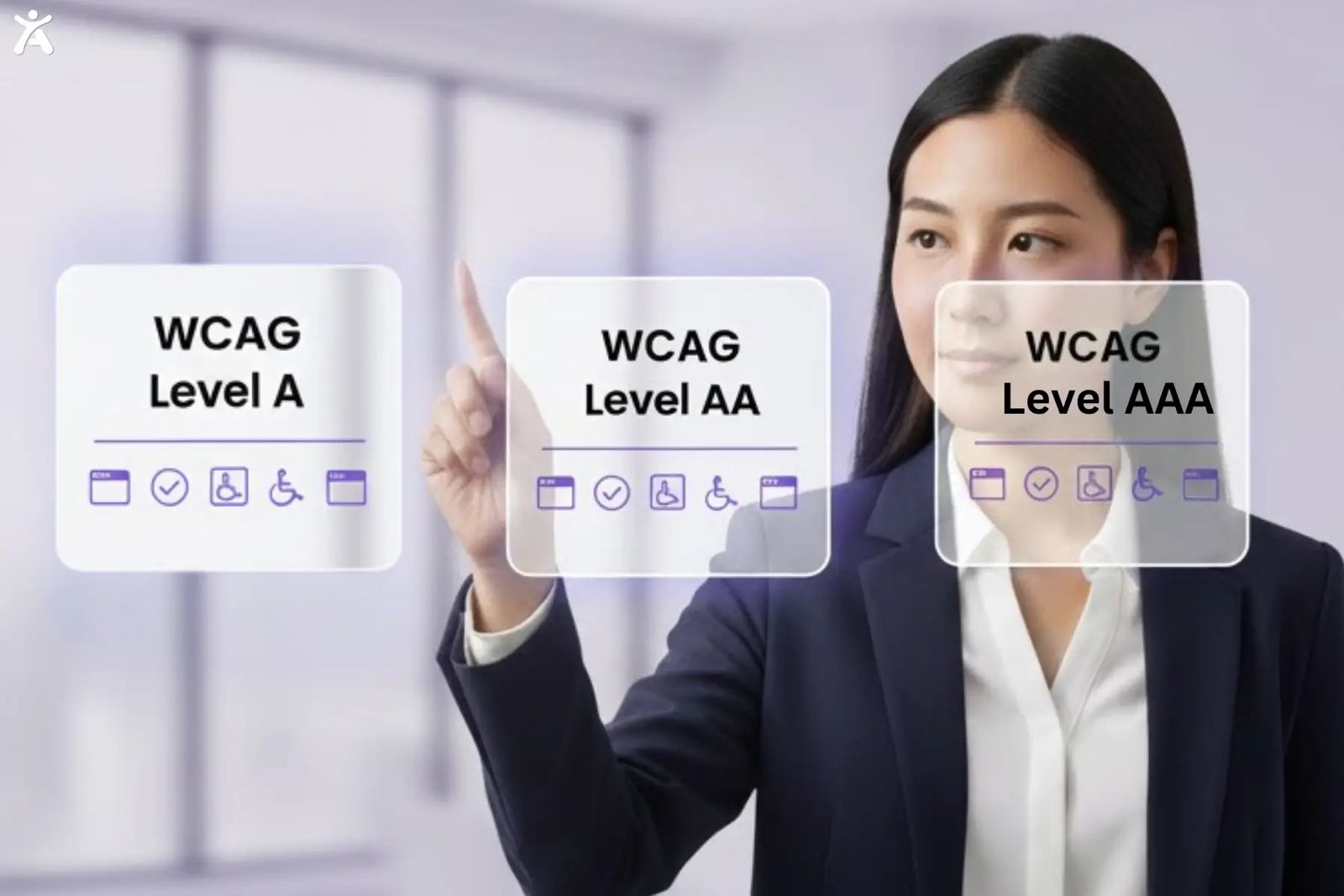
Each WCAG compliance level A, AA, and AAA represent a different degree of accessibility. Firstly, Level A covers the most basic requirements, ensuring that users can access content without major barriers. Secondly, Level AA goes a step further by improving usability and readability for a broader range of users, and it’s the standard most organizations aim to meet for legal and practical compliance. Thirdly, Level AAA represents the highest level of accessibility, offering an optimal experience for all users, though it’s often difficult for every page or feature to fully achieve. Understanding these levels allows designers, developers, and businesses to set clear goals for inclusive, compliant digital experiences.
Quick Summary
WCAG compliance levels access standards include Level A (least baseline), Level AA (industry standard), and Level AAA (comprehensive accessibility). Most organizations aim for Level AA compliance. It balances accessibility needs with practical costs. Each level builds on the last. Level AAA needs the most accessibility features. This includes sign language interpretation and advanced text alternatives.
What are WCAG compliance levels?
The World Wide Web Consortium (W3C) set up three WCAG compliance levels. These access tiers help organizations grasp accessibility requirements. These conformance levels provide a structured approach to digital accessibility implementation.
Level A represents the most basic accessibility requirements. Your web content needs text alternatives for images. Also, make sure keyboard navigation works well. These key features help screen readers work well. They also let people with disabilities access important information.
Level AA builds on Level A requirements by adding color contrast standards and audio descriptions for video content. This level focuses on common accessibility issues. These issues impact people with visual impairments and hearing difficulties. Most accessibility laws reference Level AA as the target standard.
Level AAA provides the highest level of accessibility support. It includes sign language interpretation, advanced audio description, and comprehensive text alternatives. Level AAA provides great accessibility, but its many rules make compliance difficult for most websites.
Understanding WCAG fundamentals
Understanding WCAG fundamentals means grasping the core principles that make web content accessible to everyone, regardless of ability. These guidelines ensure digital content is Perceivable, Operable, Understandable, and Robust (POUR), the foundation of inclusive design.
The Web Accessibility Initiative Foundation
The Web Accessibility Initiative (WAI) created WCAG with the World Wide Web Consortium. This set global standards for accessibility. These guidelines support developers, designers, and content creators. They help create digital products that are accessible to people with disabilities.
WCAG supports people with different disabilities. This includes those with visual impairments, hearing loss, mobility challenges, and cognitive differences. The guidelines enable assistive technology, such as screen readers, to precisely interpret web content and user interface elements.
Core POUR Principles

WCAG compliance levels access requirements follow four foundational principles:
- Perceivable: Information should be easy to see and understand. This includes using alt text for images and closed captions for videos.
- Operable: Users should be able to use the interface with different input methods, such as keyboard navigation.
- User interface information should be clear. Use descriptive page titles and identify errors easily.
- Robust: Content must be robust enough to work with various assistive technologies and user agents.
Evolution of WCAG Version
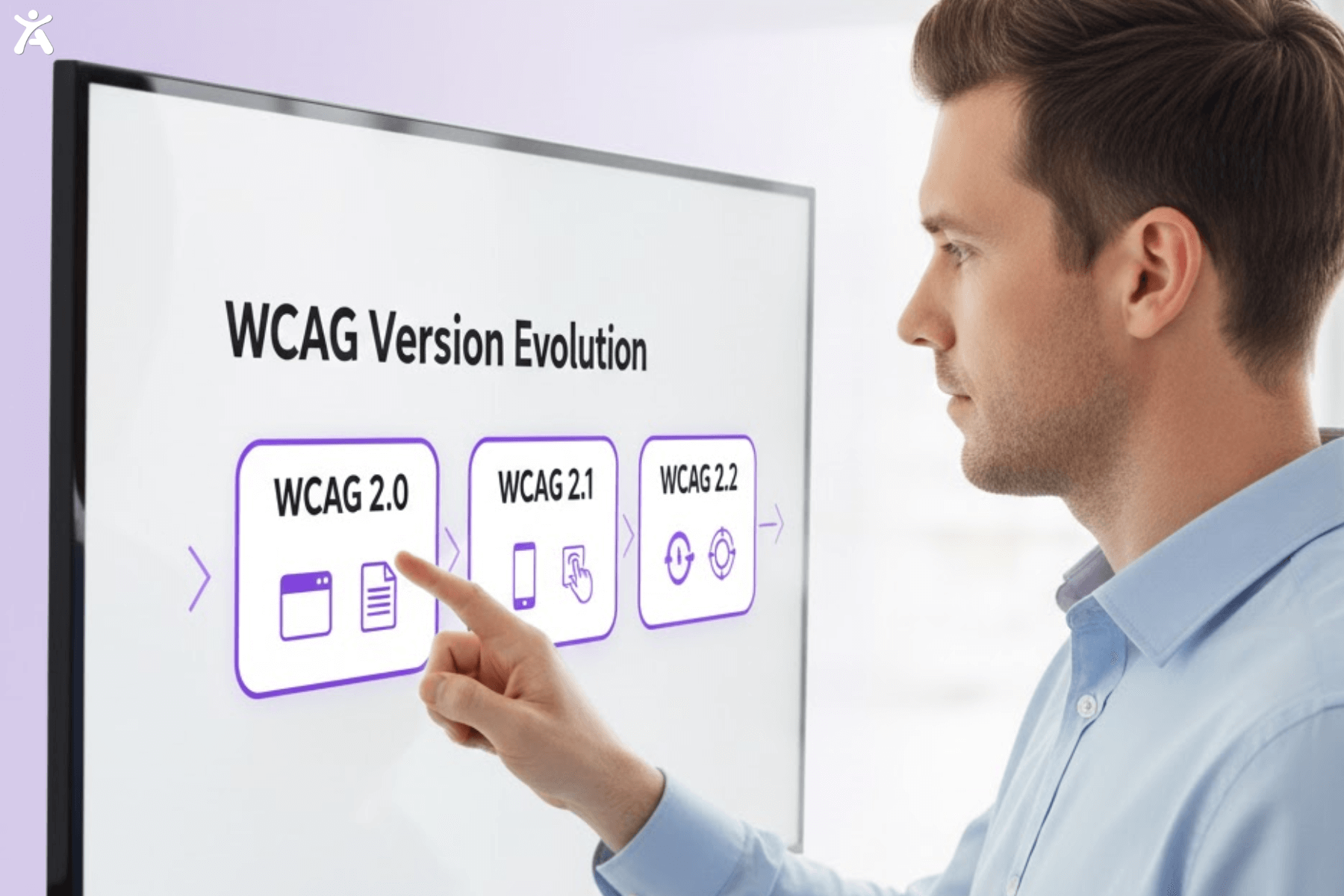
Level 2.0 established the three-level structure that remains standard today. WCAG 2.1 added rules for mobile accessibility. It also supports people with cognitive disabilities. WCAG 2.2 introduced extra success criteria for focus management and authentication processes.
Each version works with older ones. This means that websites meeting WCAG 2.2 standards also meet earlier versions. Organizations typically install the latest version to ensure comprehensive digital accessibility coverage.
Breaking Down Each Conformance Level
Each WCAG conformance level builds upon the previous one, adding more inclusive design requirements. By understanding what A, AA, and AAA mean, you can prioritize accessibility improvements that make the biggest impact.
Level A: Essential Accessibility Baseline
Level A compliance provides the least foundation for digital accessibility. Your web page must include descriptive alt text for all meaningful images. Keyboard focus should move in a clear order through navigation and interactive elements.
Audio content needs text transcripts. Video content requires captions or audio descriptions. Page titles must provide a clear description of the content or purpose of each web page. These requirements address the most severe accessibility barriers.
Yet, Level A alone doesn’t guarantee full accessibility. Many people with disabilities still encounter significant barriers on Level A-compliant websites. Most organizations view Level A as a starting point rather than a final destination.
Level AA: The Industry Standard Target
Level AA conformance is the most common WCAG compliance target for business websites. Color contrast ratios must meet 4.5:1 for normal text and 3:1 for large text. This ensures that people with low vision can read your content with clarity.
Video content needs synchronized captions. Also, videos with key visual details need audio descriptions. User interface components must maintain consistent identification across your website.
- Navigation elements remain consistent across different pages.
- Error identification provides clear descriptions of input problems.
- Keyboard accessibility allows full website operation without a mouse.
- Parsing errors don’t interfere with assistive technology’s functionality.
Most accessibility laws, like Section 508, the Americans with Disabilities Act (ADA Title III), and the European Accessibility Act, refer to Level AA standards. This level balances comprehensive accessibility with practical implementation requirements.
Level AAA: Comprehensive Accessibility Excellence
Level AAA provides the most extensive accessibility support but requires significant resources to implement fully. Sign language interpretation becomes mandatory for all audio content. Color contrast requirements increase to 7:1 for normal text and 4.5:1 for large text.
Extended audio description fills all pauses in video content with detailed visual descriptions. Context-sensitive help provides assistance for complex forms and interactions. Repetitive content includes skip navigation options throughout your website.
Most organizations find full Level AAA compliance impractical for entire websites. They apply Level AAA requirements to important pages or user workflows. This way, they ensure the most accessibility where it matters most.
Choosing Your Organization’s Target Level
Industry competition may drive higher standards. Financial services companies often exceed small requirements to show trustworthiness. Educational institutions consistently target Level AA to guarantee equal access to learning materials.
Beyond Compliance Checklists
Several factors influence your WCAG compliance levels and access decisions beyond legal requirements. Think about your audience’s accessibility needs. This is important, especially for communities with more disabilities. Government agencies and healthcare organizations often need higher standards than retail businesses.
Budget constraints affect implementation timelines and scope. Level AA compliance usually costs 15-20% more than Level A. Level AAA can even double the costs of implementing accessibility. Accessible design boosts usability for everyone. This can lead to higher customer satisfaction and better conversion rates.

Strategic Decision Framework
- Assess legal requirements: Research applicable accessibility laws in your operating regions.
- Check user needs: Survey your audience to understand specific accessibility requirements.
- Review resource capacity: Consider the development team’s expertise and available budget.
- Analyze competitors: Benchmark against similar organizations in your industry.
Successful accessibility programs usually begin with Level AA compliance for public content. Then, they expand coverage and improve specific areas to Level AAA when user research shows it will help.
Implementation Across Team Roles
Implementing WCAG compliance requires teamwork across all roles like designers, developers, content creators, and testers. Each plays a vital part in ensuring accessibility is integrated from concept to launch, not added as an afterthought.
Building Accessible Foundations for Developers
Developers ensure proper semantic markup supports screen readers and other assistive technologies. HTML elements must use appropriate tags for headings, lists, and form controls. Keyboard navigation requires a logical tab order and visible focus indicators.
JavaScript interactions need accessible alternatives for users who can’t use pointing devices. ARIA labels provide extra context for complex user interface components. Regular testing with automated scanning tools helps identify technical accessibility barriers.
- Establish a proper heading structure by organizing H1–H6 tags hierarchically.
- Ensure all interactive elements receive keyboard focus.
- Provide meaningful error identification for form validation.
- Test with many assistive technologies, including screen readers.
Creating Inclusive User Experiences for Designers
Designers establish visual hierarchies that work for people with various visual capabilities. Color contrast testing becomes essential during the design phase rather than an afterthought. Information cannot depend only on color to convey meaning.
Typography choices affect readability for people with dyslexia and low vision. Adequate spacing between interactive elements helps users with mobility limitations. Visual focus indicators must maintain high visibility against all background colors.
Interface layouts should accommodate browser zoom up to 200% without horizontal scrolling. This supports people who need larger text sizes for comfortable reading.
Producing Accessible Digital Content for Content Creators
Content creators craft concise text for various reading levels and mental skills. Descriptive alt text helps screen reader users understand image content and context. Video captions must include speaker identification and relevant sound effects.
Document structure using proper headings helps assistive technology users navigate efficiently. Link text should describe the destination or function rather than generic phrases like “click here.” Tables need proper headers to establish relationships between data cells. Regular content audits help keep accessibility standards consistent across your digital properties.
Driving Accessibility Success for Business Leaders
Business owners and managers create accessibility policies that match their quality assurance processes. Training investments help team members understand accessibility requirements and implementation techniques. Regular accessibility audits identify improvement opportunities.
Budget allocation should account for ongoing maintenance costs beyond initial compliance efforts. Accessibility expertise may need external consultants initially while building internal capabilities. Success metrics should track both compliance progress and user satisfaction improvements.
Measuring and Maintaining Compliance
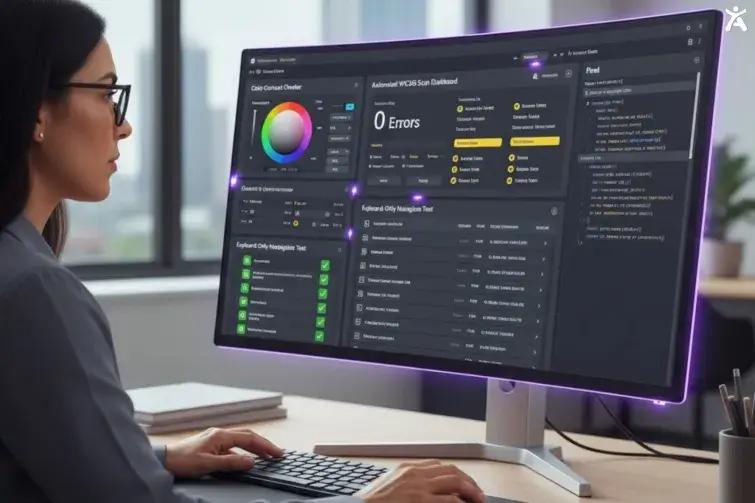
Audit Tools and Methodologies
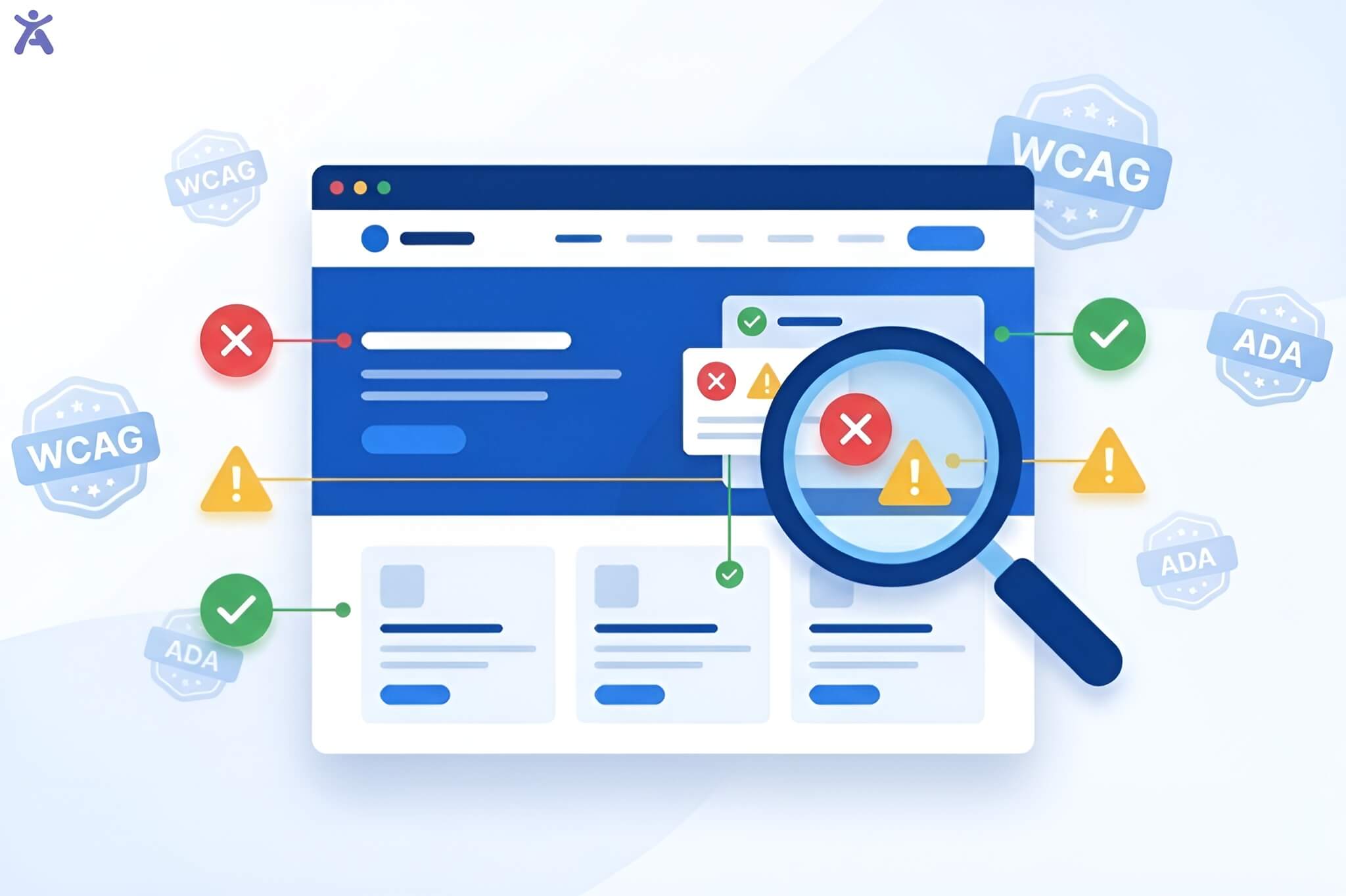
Automated accessibility checkers identify many technical violations on time and at a low cost. Website accessibility checker like Accessify App find issues like missing alt text, color contrast problems, and keyboard navigation challenges. Yet, automated tools detect only 20–30% of accessibility barriers.
Accessibility experts conduct manual testing to check screen reader compatibility and cognitive usability. User testing with people with disabilities offers authentic feedback about real-world accessibility challenges.
- Combine automated scanning with expert manual evaluation.
- Test across many assistive technologies and browsers.
- Include users with disabilities in your testing process.
- Document findings with clear remediation priorities.
Ongoing Monitoring Strategies
Access requires continuous attention rather than one-time implementation. Content management systems should include accessibility checks in publishing workflows. Developer training ensures that new features maintain accessibility standards from initial development. Regular accessibility audits help identify emerging issues before they affect users significantly. Many organizations assess high-traffic pages every quarter.
They also review all digital properties once a year. Third-party content, including plugins, widgets, and embedded media, can introduce accessibility barriers. Vendor agreements should specify accessibility requirements and testing responsibilities to maintain compliance.
The Future of Web Accessibility
Testing methodologies may shift toward user outcome measurements rather than technical compliance checklists.

WCAG 3.0 Development
WCAG 3.0 (Project Silver) is the next generation of accessibility guidelines. It is still in development. The new framework will focus on new technologies. This includes voice interfaces and virtual reality experiences. Mobile accessibility will receive enhanced focus as smartphone usage continues to grow globally. The guidelines will provide clearer guidance for responsive design and touch interface accessibility.
Global Accessibility Standards Evolution
EN 301549 harmonizes European accessibility requirements with WCAG standards. The Canada Act establishes similar requirements for Canadian organizations. Australia’s Disability Discrimination Act mentions WCAG compliance levels more often when accessing legal proceedings. These international standards help organizations simplify compliance in different regions. They focus on achieving consistent WCAG conformance levels.
Emerging Technology Considerations
Artificial intelligence and machine learning applications need new accessibility approaches offered by Accessify. Voice interfaces need compatibility with assistive technology, including switch navigation and eye-tracking systems. Internet of Things (IoT) devices must consider accessibility from the initial design phases. Organizations investing in new technologies should assess accessibility needs early in development. This helps avoid the hassle of making changes later on.
Your Path to Digital Inclusion
WCAG compliance levels Access create meaningful differences in user experience quality.
Understanding Each Level’s Impact
Level A removes the most significant barriers but leaves many accessibility challenges unaddressed. AA level ensures good accessibility for many users and is doable for most organizations. Moreover, Level AAA offers exceptional accessibility support but requires many resources and expertise. Smart organizations use Level AAA requirements where they benefit users the most. They don’t try to put them in place everywhere.
The Business Case for Digital Accessibility
Accessible websites reach more people, including 1.3 billion with disabilities worldwide. Better accessibility can boost search engine optimization. This happens by making content clearer and using alternative text. Legal compliance reduces litigation risk while demonstrating organizational values. Many accessibility improvements enhance the user experience for everyone, not just people with disabilities. Captions help users in noisy environments. Good color contrast improves readability in bright sunlight. Clear navigation benefits all users, regardless of ability level.
Conclusion
Start with a baseline accessibility audit using both automated and manual testing methods. Identify quick wins that provide immediate improvements while planning longer-term compliance strategies. Consider working with accessibility consultants for expert guidance during the initial implementation phases.
Training your team creates sustainable accessibility capabilities within your organization. Many accessibility barriers result from a lack of awareness rather than technical complexity. Regular education helps prevent problems rather than requiring expensive remediation later.
Ready to improve your website’s accessibility? Contact us today for the best WCAG compliance levels Access for your organization’s goals and resources.
FAQs
The WCAG Compliance levels Access include A, AA, and AAA. Each level defines how well a website meets accessibility standards. Level A covers basic accessibility needs, while AA and AAA offer stronger inclusivity for users with various disabilities.
To certify your website, perform accessibility audits using automated tools and manual testing. Ensure color contrast, keyboard navigation, and readable text meet AA criteria. Documentation and third-party audits can confirm compliance officially.
Accessibility is most effective when integrated throughout the entire workflow. Begin with inclusive design choices, follow with semantic and well-tested development, and strengthen QA through thorough accessibility checks. After deployment, continue monitoring and use real user feedback to catch issues automated tools may overlook.
A WCAG 2.1 Level A compliant site includes essential accessibility features such as text alternatives for visual content, full keyboard operability, and a clear, well-organized structure. These fundamentals ensure that users with disabilities can reliably access, perceive, and understand the core information on every page.
You can learn about WCAG levels and updates through resources like the W3C website and accessibility tools such as WCAG compliance levels Access, which simplify testing and help developers understand compliance standards in an easy, visual way.