The web accessibility tools market has never been more crowded or more consequential. With ADA web lawsuits hitting record highs, the European Accessibility Act enforcement deadline passed, and WCAG 2.2 now the global compliance benchmark, product teams face a critical question: which web accessibility evaluation tool is actually right for us?
The answer is not simple, because the tools are not equal. Some fix them automatically. Others are built for solo developers running spot checks; others are enterprise governance platforms costing tens of thousands of dollars a year. Most articles compare surface-level features. This one goes deeper.
Quick Summary
We have reviewed and tested 8 of the most widely used web accessibility evaluation tools in 2026 benchmarking them against the criteria that actually matter to product teams: detection depth, remediation capability, monitoring, integration, pricing, and real-world WCAG 2.2 coverage. The goal is not just a list. It is to help you make a selection decision with confidence.
| What You Will Get from This Comparison
A side-by-side master comparison table of all 8 tools across 7 key criteria Individual deep-dive reviews with honest strengths, limitations, and verdicts A decision framework: which tool stack is right for your team size and goals A clear explanation of why detection tools alone are never enough Our top recommendation and why product teams are choosing Accessify in 2026 |
8 Web Accessibility Evaluation Tools at a Glance
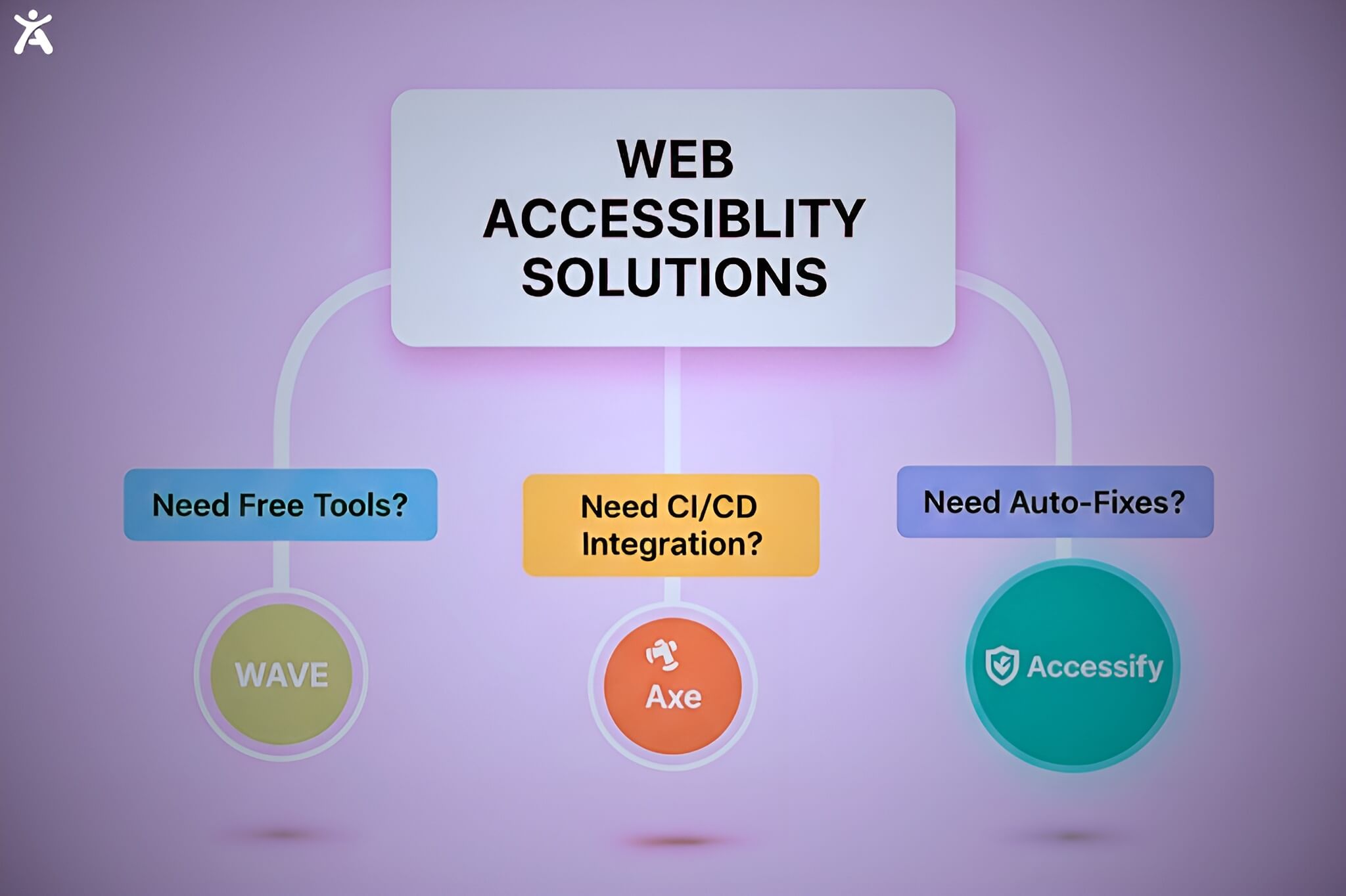
Use this table as your quick-reference guide. Full individual reviews follow in Section 3.
| Tool | Type | Best For | Fixes Issues? | Monitoring | Pricing | WCAG 2.2 |
| Accessify ⭐ | AI Widget | All teams | ✅ Yes AI auto-fix | ✅ Real-time | From $19/mo | ✅ Full |
| Axe DevTools | Dev Tool | Developers | ❌ Detection only | ✅ CI/CD | Free + Paid | ✅ Full |
| WAVE (WebAIM) | Browser Ext. | QA / Learning | ❌ Detection only | ❌ None | Free / API | ✅ Full |
| Google Lighthouse | Dev Audit | Developers | ❌ Detection only | ❌ None | Free | ⚠️ Partial |
| Siteimprove | Enterprise | Large orgs | ❌ Detection only | ✅ Site-wide | $$$ | ✅ Full |
| UserWay | AI Widget | SMBs | ⚠️ Partial overlay | ⚠️ Basic | Free + Paid | ⚠️ Partial |
| AudioEye | Managed SaaS | Mid-market | ⚠️ Partial | ✅ Yes | Paid | ✅ Full |
| Accessibility Insights | Dev Tool | Dev teams | ❌ Detection only | ❌ None | Free | ✅ Full |
✅ = Full support ⚠️ = Partial support ❌ = Not supported ⭐ = Top pick for product teams
The Critical Distinction Every Product Team Must Understand
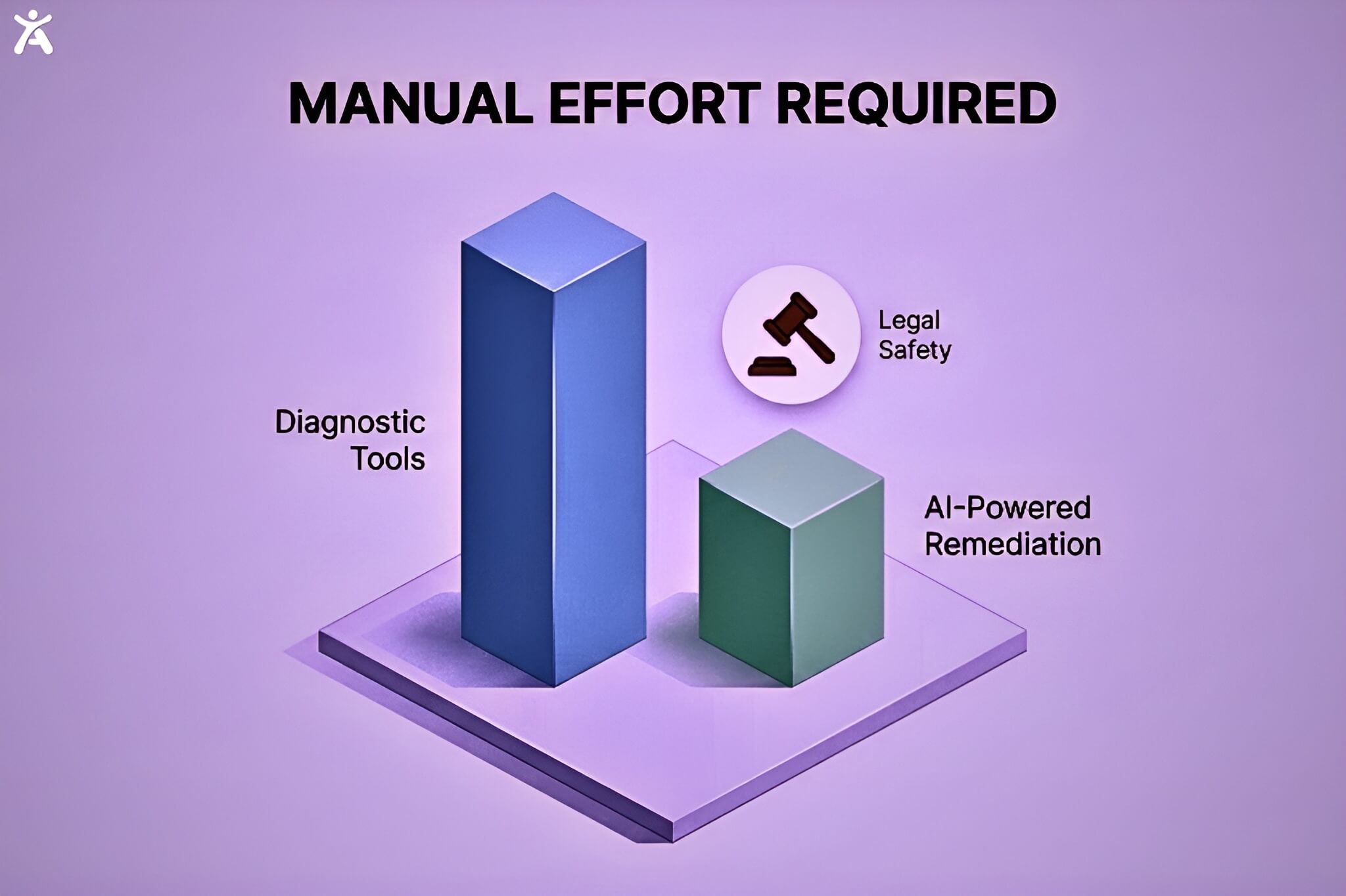
Every tool in this comparison falls into one of two categories: Diagnostic Tools (they find issues, you fix them manually) or Remediation Platforms (they find issues and fix them automatically). No diagnostic-only tool provides compliance. It provides a to-do list. Your team’s capacity to action that list is what determines your actual compliance level and your legal exposure.
Individual Tool Reviews: Deep Dives with Honest Verdicts
Each review below follows the same structure: what the tool is, who it is for, honest strengths, real limitations, pricing, and a clear verdict. We have deliberately not softened the limitations product teams making selection decisions need accuracy, not marketing copy.
1. Accessify AI-Powered Accessibility WidgetThe only tool in this comparison that both detects and fixes accessibility issues automatically in real time, across your entire site. |
||
| Best For: Product teams, SMBs, agencies, enterprise anyone who needs compliance without constant developer intervention Pricing: Starter $19/mo · Professional $29/mo · Enterprise $49/mo · Free Trial | ||
|
||
| Verdict: Accessify is our top pick for 2026. It is the only tool in this review that closes the loop between detection and remediation automatically, affordably, and without requiring your product team to file a Jira ticket for every accessibility fix. For teams that need real WCAG 2.2 compliance rather than just a list of issues, Accessify is the clear recommendation. |
2. Axe DevTools (Deque) Developer Testing PlatformThe gold standard for developer-integrated accessibility testing, built on the open-source axe-core engine used by over 500 million websites. |
||
| Best For: Development teams, QA engineers, accessibility professionals who need CI/CD integration Pricing: Free browser extension · Paid plans for teams (contact Deque for enterprise pricing) | ||
|
||
| Verdict: Axe DevTools is the best pure-detection tool in this comparison. If your team has strong developer capacity to action every finding, it is an excellent choice for catching issues before they reach production. For teams that also need runtime fixes and monitoring, pair it with Accessify. |
3. WAVE (WebAIM) Browser Extension + Online CheckerThe most recognised free accessibility checker on the internet excellent for learning, diagnosing, and quick page-level audits. |
||
| Best For: QA teams learning accessibility, individual developers, content authors, educational settings Pricing: Free (browser extension + online checker) · Paid API for site-wide scanning | ||
|
||
| Verdict: WAVE is an excellent free starting point and educational tool but it should never be a team’s sole accessibility strategy. It finds surface issues well. It fixes nothing, monitors nothing, and scales poorly. Use it alongside a remediation platform like Accessify for a complete picture. |
4. Google Lighthouse Browser-Based Dev Audit ToolThe free, built-in auditing tool in Chrome DevTools a useful first check that every developer already has access to. |
||
| Best For: Developers wanting a quick multi-disciplinary check (accessibility + performance + SEO + best practices) Pricing: Free built into Chrome and Edge DevTools | ||
|
||
| Verdict: Lighthouse is a valuable free check that every developer should run but it is the weakest accessibility tool in this comparison in terms of detection depth. Never treat a Lighthouse score as a compliance measure. Use it for a quick development-time check and use a dedicated tool for compliance. |
5. Siteimprove Enterprise SaaS PlatformA comprehensive enterprise digital governance platform with robust accessibility monitoring powerful but priced accordingly. |
||
| Best For: Large organisations with dedicated web teams needing governance, monitoring, content quality, and SEO in one platform Pricing: Enterprise pricing typically $10,000–$30,000+/year depending on site size | ||
|
||
| Verdict: Siteimprove is a genuinely powerful enterprise governance platform, but it is expensive, complex, and still detection-only. For organisations already invested in it, pairing it with Accessify’s auto-fix widget is the most efficient path to full compliance. For teams considering it primarily for accessibility, the cost-to-value ratio rarely justifies the investment. |
6. UserWay AI Overlay WidgetA widely-used AI-powered accessibility overlay widget popular for its ease of installation and broad feature set. |
||
| Best For: Small businesses and SMBs seeking rapid, low-effort compliance improvements Pricing: Free basic widget · Paid plans based on page count | ||
|
||
| Verdict: UserWay offers a fast entry point to accessibility improvements but has attracted significant criticism from the disability community and accessibility professionals regarding its overlay approach. For teams with genuine WCAG 2.2 compliance requirements, Accessify provides stronger coverage, better monitoring, and a more defensible compliance posture at a comparable price point. |
7. AudioEye Managed Accessibility SaaSA managed accessibility platform combining automated scanning with human expert remediation a hybrid approach for teams wanting both speed and depth. |
||
| Best For: Mid-market companies wanting the efficiency of automation with expert human oversight and legal protection Pricing: Paid plans pricing based on site size and service tier | ||
|
||
| Verdict: AudioEye is a solid choice for mid-market teams that want human expert involvement in their accessibility programme and have the budget for it. For teams primarily seeking AI-powered automated fixes with real-time monitoring at a transparent, affordable price, Accessify delivers comparable automated capabilities with more pricing clarity. |
8. Accessibility Insights (Microsoft) Free Developer ToolA free, developer-focused tool from Microsoft that excels at guided manual testing workflows particularly strong for teams new to accessibility. |
||
| Best For: Development teams and QA engineers wanting structured, guided accessibility testing workflows Pricing: Completely free open source under MIT license | ||
|
||
| Verdict: Accessibility Insights is an excellent free tool for teams building accessibility expertise and conducting thorough manual audits on key pages. It is not a scalable compliance solution on its own but as a companion to an automated platform like Accessify, it adds genuine depth to your testing programme at zero cost. |
Which Web Accessibility Evaluation Tool Is Right for Your Team?

The right tool or combination of tools depends on your team’s size, technical capacity, budget, compliance requirements, and how much manual remediation bandwidth your developers actually have. Here is our recommended decision framework:
| Team Type / Size | Recommended Stack | Why This Combination Works |
| Small business (1–5 team) | WAVE + Accessify Starter ($19/mo) | Quick wins, minimal cost, auto-fixes |
| Growing startup (dev team) | Axe DevTools + Accessify Professional | CI/CD integration + real-time fixes |
| Mid-market (10–50 team) | Accessify Enterprise + Axe DevTools | Full coverage: detection + remediation |
| Enterprise (100+ team) | Siteimprove or Level Access + Accessify | Governance + AI-powered auto-fix |
| Design-led teams | Stark (Figma) + Accessify | Catch issues in design before dev |
| Content-heavy sites | Accessify + Pope Tech | Continuous monitoring + deep audits |
| Compliance-first orgs | Accessify Enterprise + manual audit | Full legal defensibility |
One note on the stacks above: the most effective accessibility programmed combine Accessify (for automated fixes and runtime monitoring) with a detection-first tool (Axe DevTools for developer workflow, WAVE for quick visual audits, or Siteimprove for enterprise governance). These tools are not mutually exclusive they complement each other at different stages of the accessibility lifecycle.
How to Evaluate Any Accessibility Tool Before You Commit
Regardless of which tool you are considering, ask these seven questions before committing:
- Does it fix issues or only detect them? If it only detects, estimate the remediation hours required per month and factor that into total cost.
- What percentage of WCAG 2.2 success criteria can it test automatically? Ask vendors for their specific rule coverage not just a general claim.
- Can it test our entire site including dynamic content, authenticated pages, and staging environments?
- Does it provide real-time monitoring with alerting when new issues are introduced?
- How does it integrate with our existing tools CMS, CI/CD pipeline, design tools, project management?
- What compliance standards does it cover? Does it produce documentation we can use in our legal defence if challenged?
- What does the full cost look like tool cost plus developer time to remediate findings?
| Stop Detecting. Start Fixing.
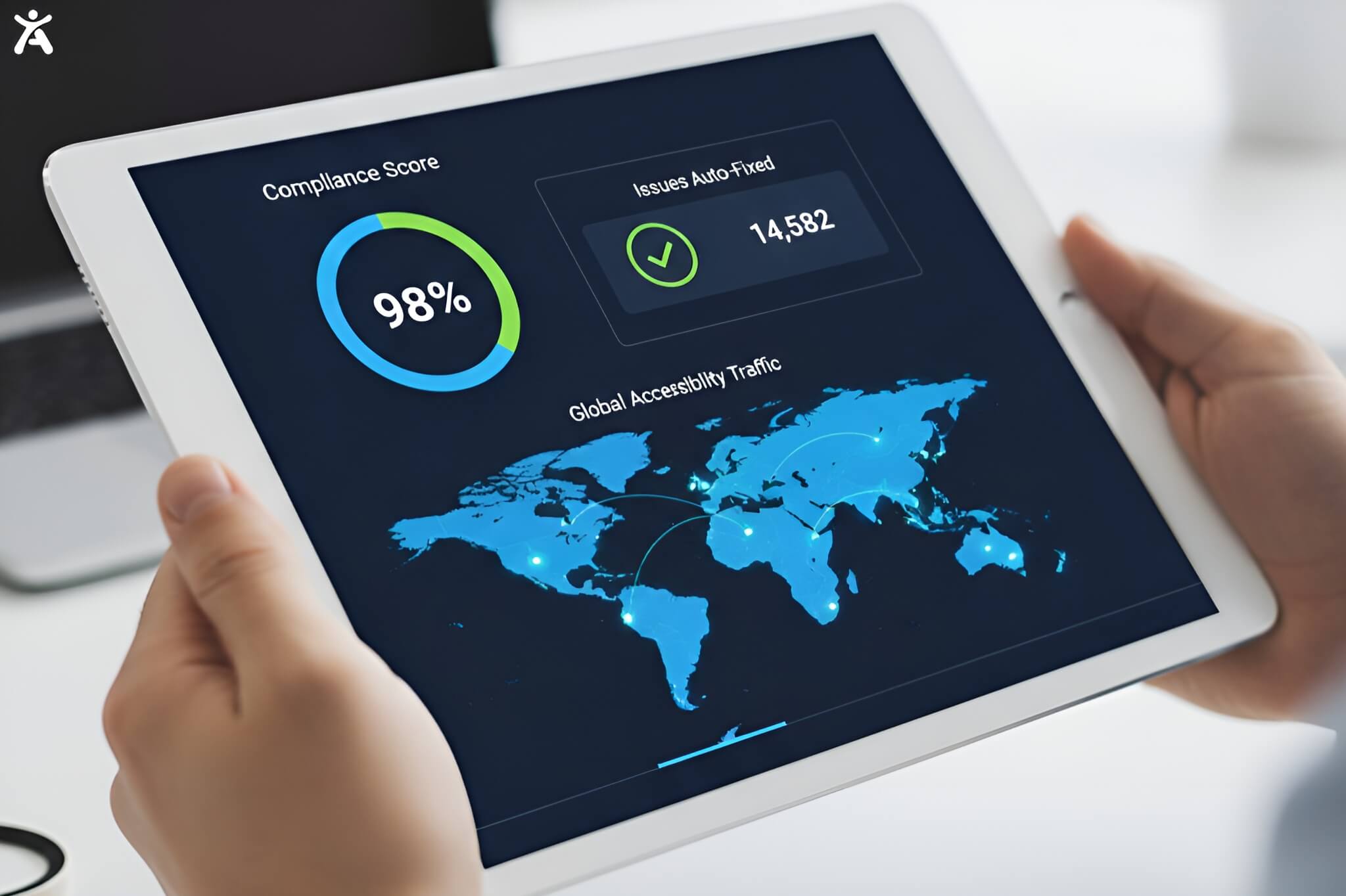
Every tool in this guide tells you what’s broken. Only Accessify fixes it automatically across your entire site, in real time, with zero code required. WCAG 2.2 compliant in under 2 minutes. ✅ 30+ accessibility tools ✅ AI-powered auto-fixes ✅ 24+ languages ✅ Free trial |
Further Reading on the Accessify Blog
- WAVE Web Accessibility Tools: Full Review & Alternatives 2026
- Web Accessibility Audit Cost: Price Ranges 2026
- Web Accessibility Lawsuits 2026: Top Cases and How to Avoid Them
Diagnostic tools (like WAVE or Lighthouse) are designed to identify and flag WCAG violations, providing a “to-do list” for developers. Remediation tools (like Accessify) go a step further by using AI to automatically fix those issues in real-time, significantly reducing the manual workload required for compliance.
While automated tools can resolve up to 70% of common accessibility barriers such as missing alt text, keyboard navigation issues, and color contrast they cannot catch 100% of errors. Elements requiring human judgment, like the logical flow of complex forms, still benefit from manual review.
No. While Google Lighthouse is a great starting point for developers, it has the lowest detection depth of specialized accessibility tools. A “100” score in Lighthouse does not guarantee WCAG 2.2 compliance or protection against ADA lawsuits, as it misses many nuanced accessibility barriers.
Traditional overlays are often criticized for failing to fix underlying code and interfering with screen readers. Modern AI-remediation platforms like Accessify address this by working alongside semantic HTML to provide real-time, non-intrusive fixes that enhance rather than hinder assistive technology performance.
Pricing varies by team needs. Free tools like WAVE and Accessibility Insights are great for page-level checks. AI-powered remediation platforms like Accessify start around $19/mo, while enterprise governance platforms like Siteimprove can cost upwards of $10,000 per year.