Choosing the right web accessibility validator matters. It can mean a compliant, inclusive website or facing a costly lawsuit. Many people have a hard time telling automated checkers from detailed validation tools. It can be confusing. You’re not alone in this struggle. This guide outlines the specific tools required to ensure your site meets WCAG 2.2 standards and serves all users.
In the fast world of software development, software quality is more than code reviews. It is about user experience. An automated checker can spot a missing bracket. But a solid validation strategy makes sure that a person with a disability can use your checkout flow. Learn how to protect your business and boost your digital accessibility today.
Quick Summary
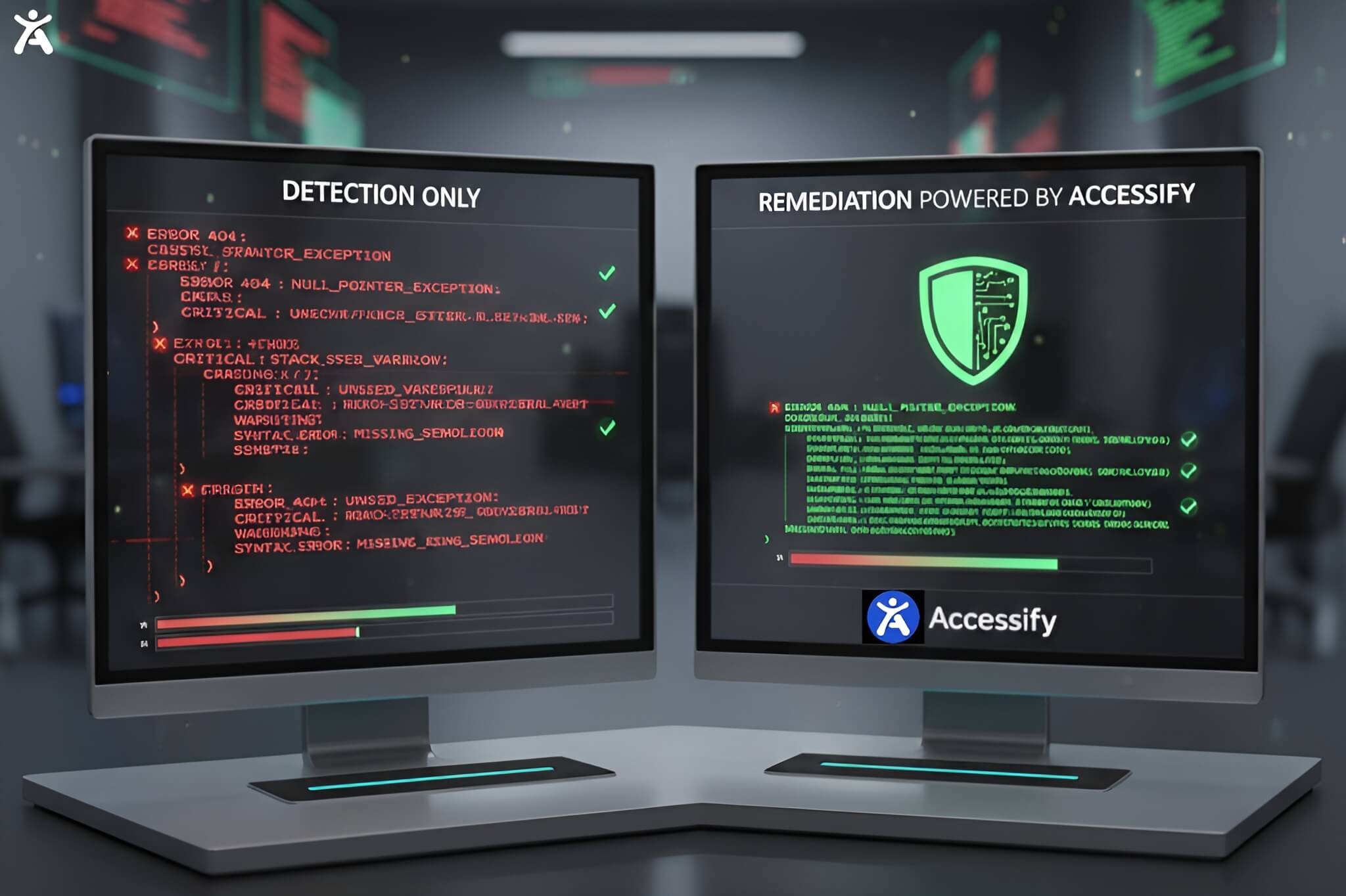
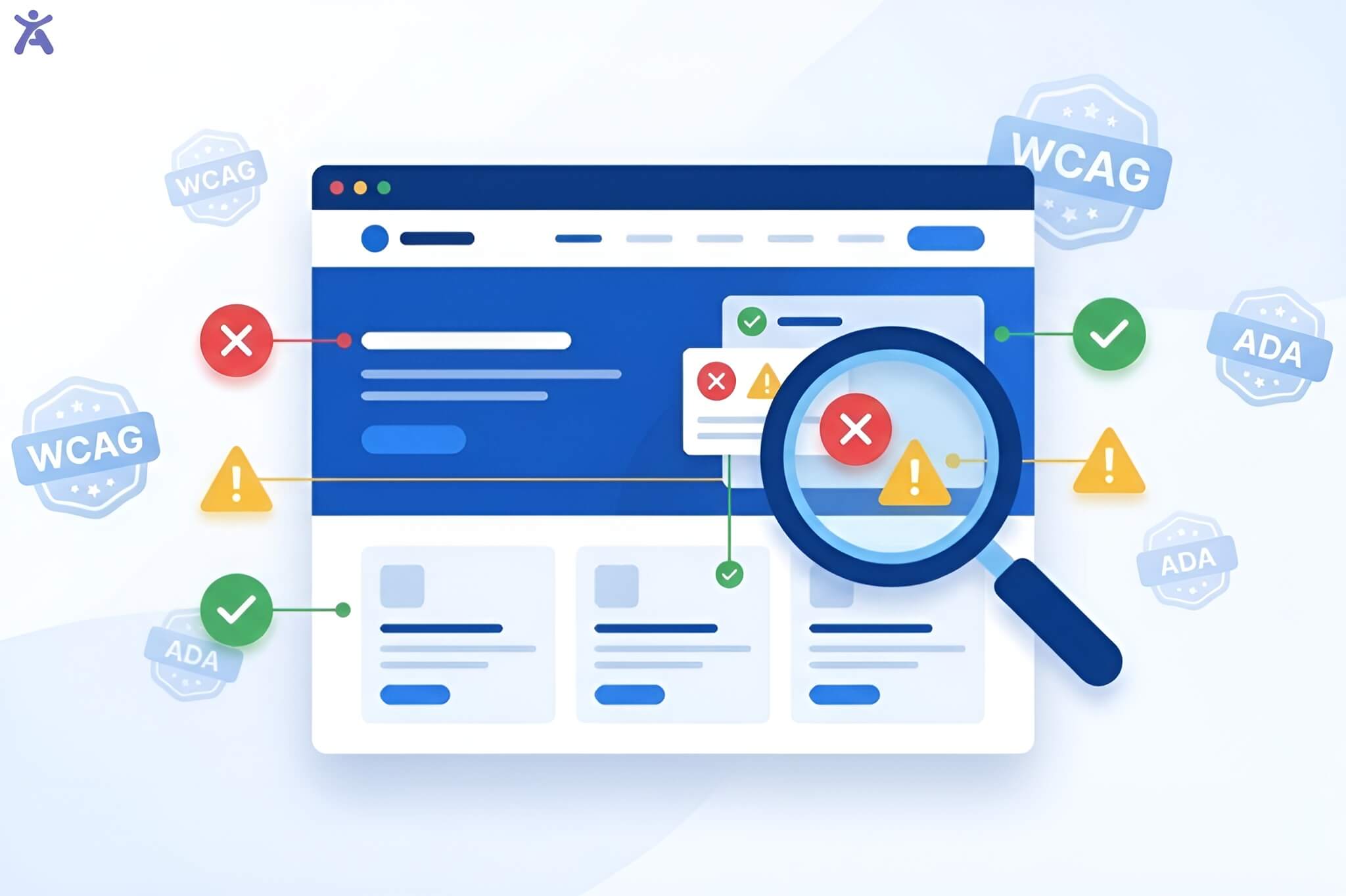
Short on time? Here is the bottom line. Checker tools are automated solutions. They scan code for syntax errors and basic compliance issues, such as missing alt text. Validator tools and processes dig deeper. They check if the user experience works for real people. This often includes manual testing and real-world tests. For total compliance, you need both.
Why Does Software Quality Matter
One cannot overstate the critical role of quality in software development. In 2026, users expect flawless performance. If your mobile banking app or e-commerce platform fails to provide a user-friendly experience, they will switch to a competitor immediately.
Demystifying validation and checking are the first step to success. “Checking” asks: Did we build the product right? (Does the code run?). “Validating” asks: Did we build the right product? (Can the user achieve their goal?). Knowing this difference helps you choose the right software testing tools. This way, you can meet stakeholders’ expectations.
What Do Accessibility Checker Tools Actually Do

Checker tools (often referred to as verification tools) are the first line of defense in your quality assurance strategy. They focus on the static process of reviewing code without executing it or running simple automated scripts.
Categories and Examples of Verification Tools
These tools are essential for static code analysis. They scan your source code against a set of design specifications or rules.
- Linting Tools: Catch syntax errors in real time
- Automated Accessibility Scanners: Identify common WCAG failures like low contrast or missing labels
- Static Analysis Tools: Review code structure before it hits the test environment.
When to Use Checkers
Checker tools shine during early defect detection. Integrating these into your CI/CD pipelines helps you catch code verification issues early. This way, you avoid costly problems later on. They are perfect for maintaining internal integrity and regulatory compliance at speed.
How Does a Web Accessibility Validator Ensure Compliance
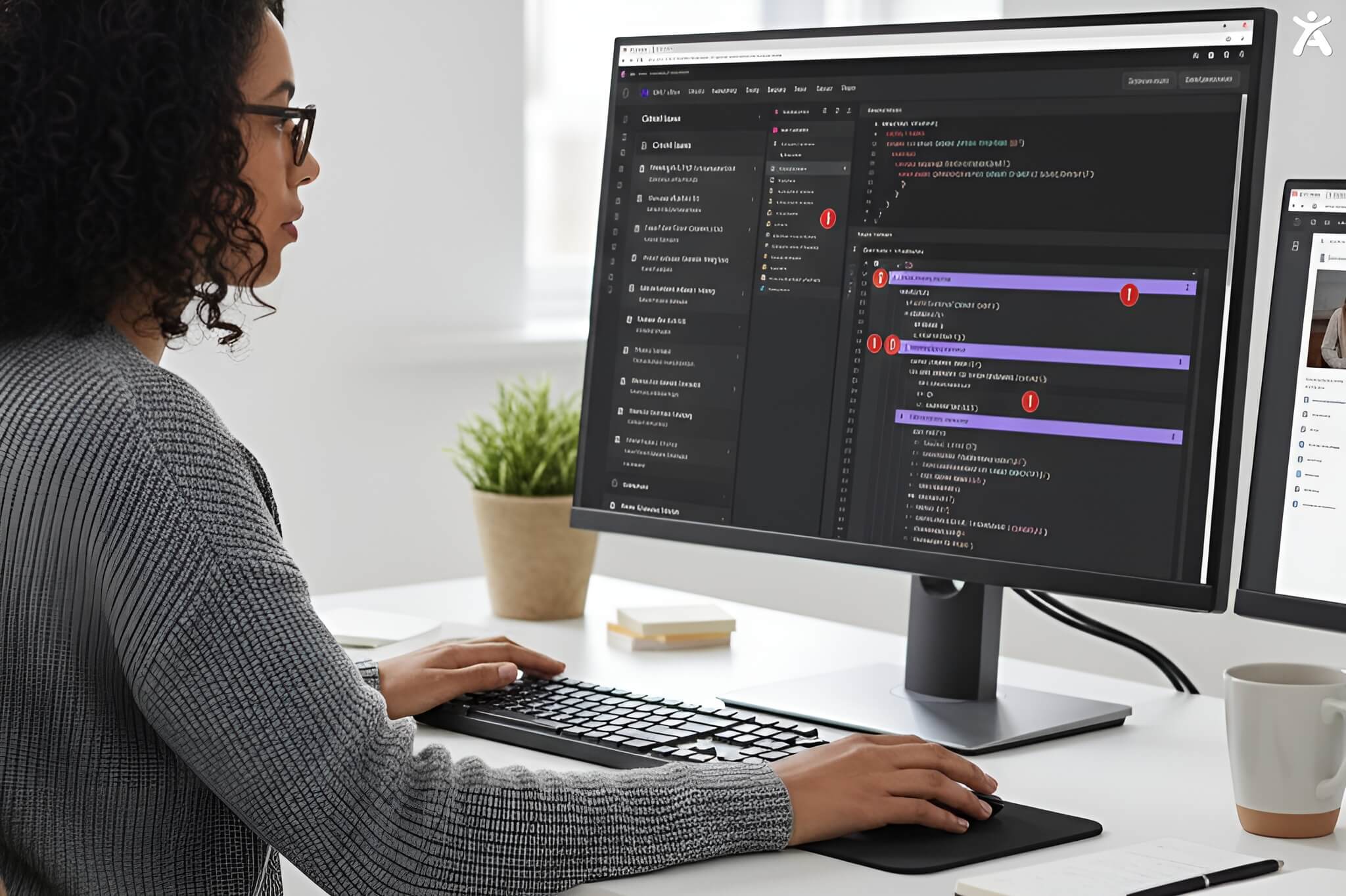
While checkers look at code, validator tools look at the human outcome. A web accessibility validator assesses the dynamic behavior of the software system.
Categories and Examples of Validation Tools
Validation involves dynamic process testing where the software is executed.
- Screen Reader Emulators: Test how content is read to visually impaired users
- User Acceptance Testing (UAT) Platforms: Let end users test workflows such as fund transfers and checkout
- Performance Validation Tools: Ensure load testing and performance testing meet user needs under stress.
When Validators are Indispensable
You need validation when confirming user satisfaction. An automated checker might say a button exists, but only a validation process confirms that a keyboard-only user can click it. This is key for functional testing. It makes sure the software meets its requirements in practice, not just in theory.
What Are the Main Differences Between These Tools
To select the right test management system, you must understand the comparative differences.
- Primary Objective: Checkers focus on verification testing (logic/syntax). Validators focus on validation testing (usability/value)
- Timing in SDLC: Checkers are used early in the process (during coding/build). Validators are used later (during system testing or beta testing)
- Methodology: Checkers use white box testing and code inspections. Validators often use black box testing and usability testing
- Outcome: Checkers confirm the code matches the design documents. Validators confirm that the product meets the user’s needs.
Which Tool Is Right for Your Business Needs
Choosing between a checker and a validator is not a binary choice. It is about strategic balance in your software development lifecycle.
Factors to Consider When Selecting Tools
- Compliance Level: Do you need basic checks or full legal protection?
- Budget: Automated checkers are cheaper; manual validation requires more resources
- Team Skill: Does your QA tester have experience with assistive technology?
The Importance of a Balanced Approach
Prioritize checker tools for daily builds and unit testing to keep code clean. Prioritize validator tools and manual testing for major releases and critical user flows. A strong strategy combines automated testing tools for speed and human checks for accuracy.
How To Build a Robust QA Strategy
Integrating both tool types creates a comprehensive software quality assurance safety net.
- DevOps Integration: Use checkers in your pipeline to block bad code automatically
- Feedback Loops: Use insights from user feedback (validation) to update your test cases (checking)
- Test Automation: Leverage test automation for regression but never automate 100% of accessibility testing. Real-world testing is non-negotiable.
Expert Tips for Choosing the Best Software
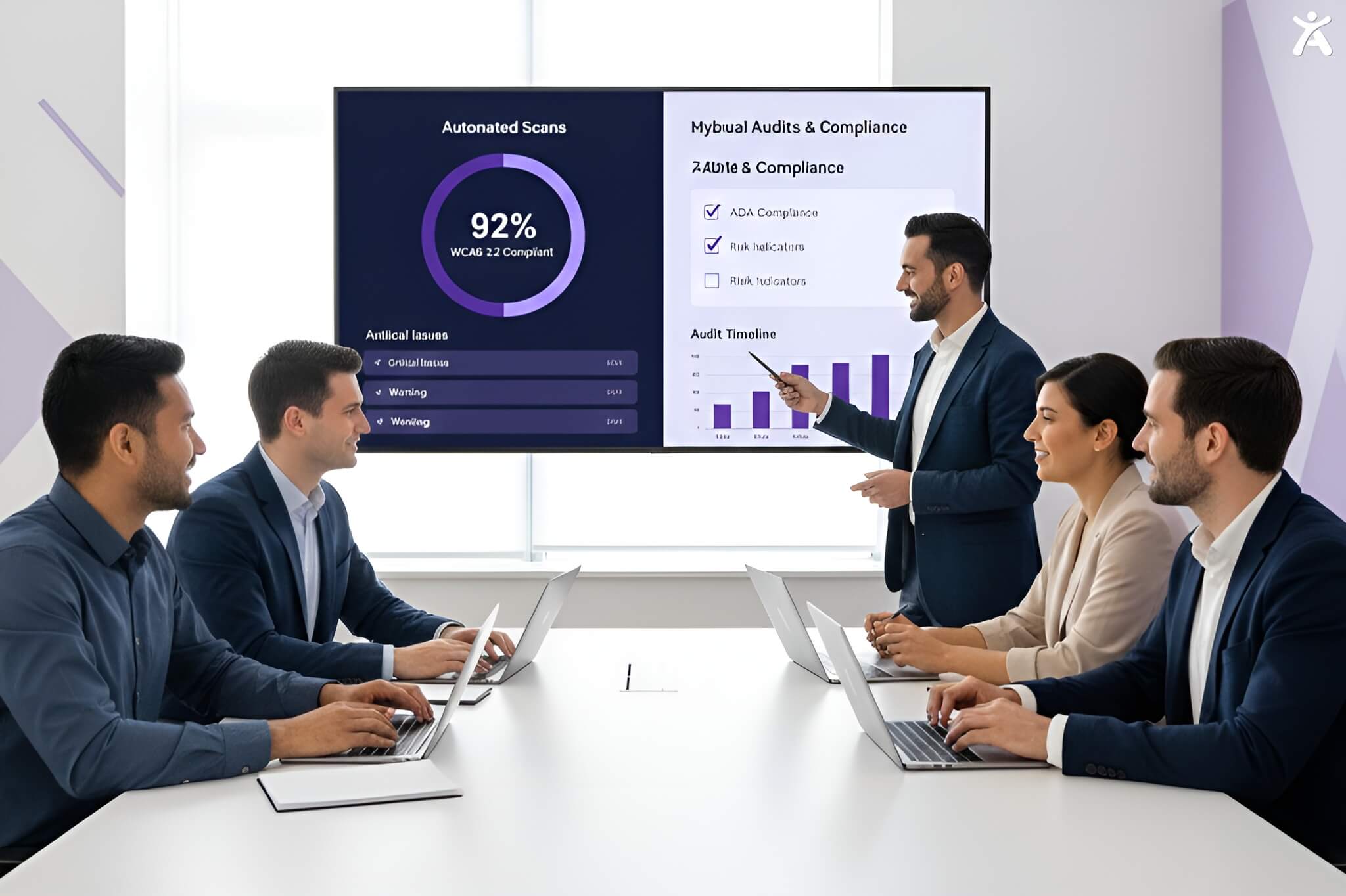
If you are ready to invest in accessibility software, keep these pro tips in mind to maximize ROI.
- Look for Hybrid Solutions: The best platforms combine automated scanning with a manual audit interface
- Check Reporting Features: You need advanced analytics and reporting to prove compliance to stakeholders
- Verify Support: Confirm that the vendor has a thorough understanding of WCAG 2.2 and ADA laws.
- Test the Tester: Run the tool on a page you know has errors to see what it catches (and what it misses)
Start Building a More Inclusive Web Today
Investing in the right web accessibility validator is not a technical box to check it is a strategic business move. Combine checkers’ speed with validation tools’ depth. This makes your software robust, compliant, and user-friendly.
Don’t wait for a user complaint or a legal letter to address quality. Equip your developers and QA testers with the right tools today.
Get a Free Accessibility Scan Now
FAQs
The best validator fits your needs. Top-rated enterprise tools usually blend AI scanning with human audits. Look for tools that support WCAG 2.2 and ADA standards.
No. Automated checkers typically catch only 30-40% of accessibility issues. You must use validation testing and manual reviews to find complex usability barriers.
Pricing varies wildly. Basic checkers are often free. However, enterprise-level validation platforms with manual support can cost thousands each year. Always compare features against your risk profile.
Not yet. AI and machine learning are getting better, but they can’t match the subtlety of a human user’s experience with assistive tech.
Verification (Checking) asks, “Are we building the product, right?” (Code accuracy). Validation (Validating) asks, “Are we building the right product?” (User utility).