Tech teams upgrading their web accessibility widget in 2026 face a genuine architecture decision not just a tool selection. AI-powered accessibility widgets and traditional scan or audit tools are not different versions of the same thing. They solve accessibility differently, at different points in the development lifecycle, with fundamentally different implications for how much engineering time gets consumed.
This comparison is built for the teams making that decision. We cover what each approach actually does, where each one wins, where each one fails, and most importantly which choice makes sense for your team’s current situation.
| The Question This Article Actually Answers
Traditional accessibility tools tell your team what is broken. AI widgets fix it automatically, continuously, without a developer touching a line of code. The real question is not which type is better in isolation. It is which one matches your team’s bandwidth, timeline, and compliance obligations right now. |
1. What Each Approach Actually Does
Traditional Accessibility Tools
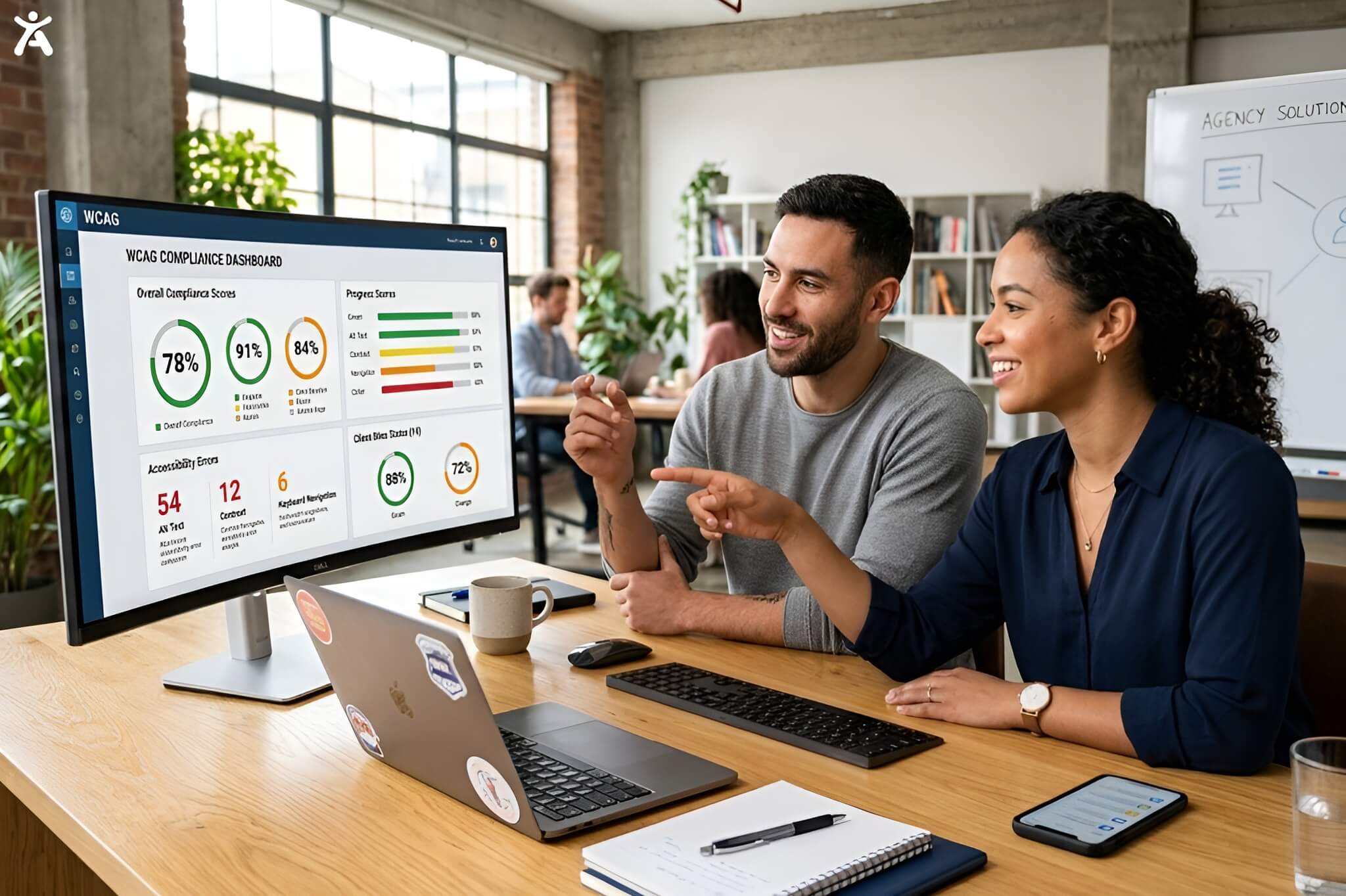
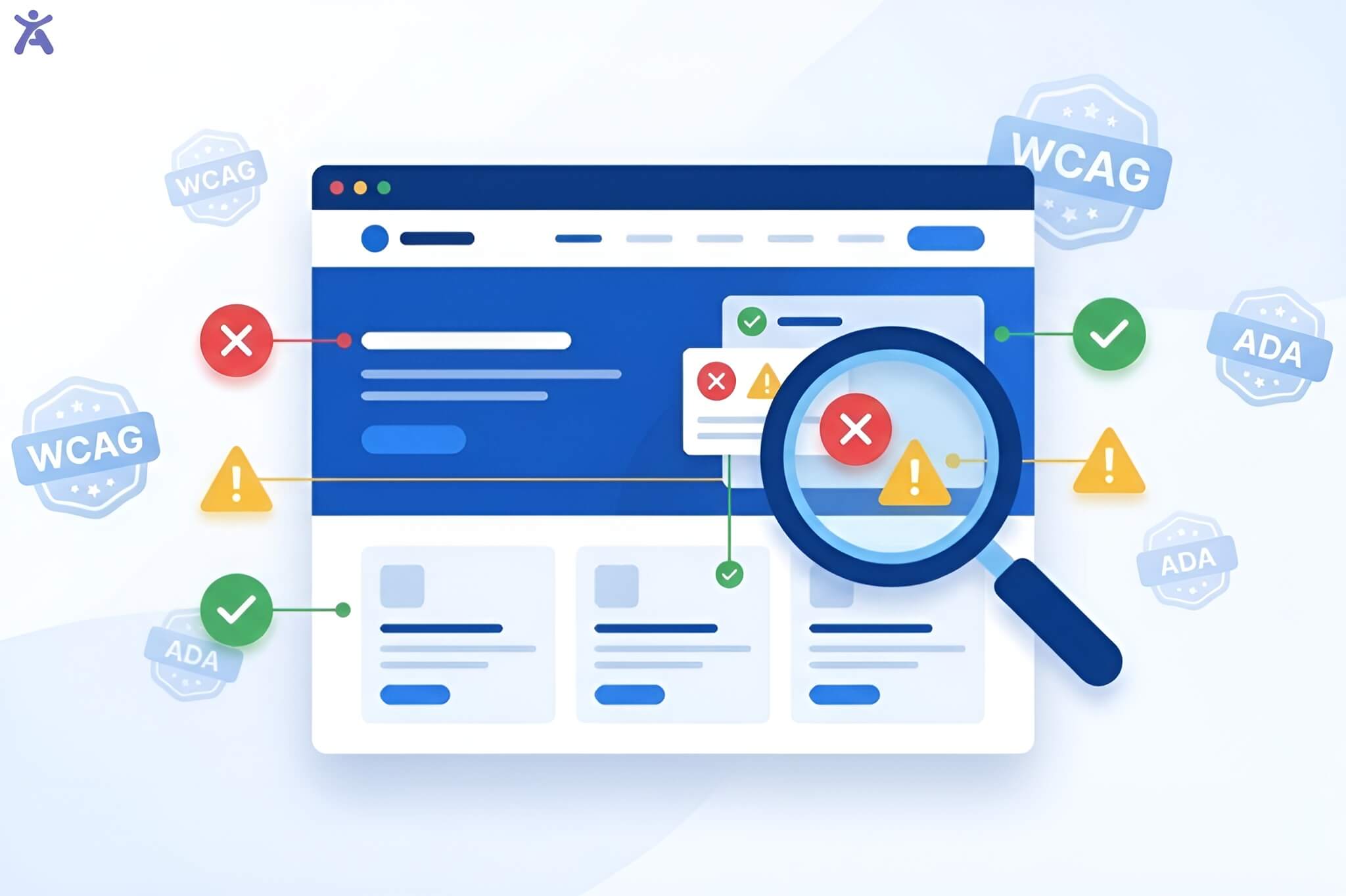
Traditional tools browser extensions like WAVE and Axe, developer auditing platforms like Lighthouse, and enterprise scanners like Siteimprove are diagnostic instruments. They scan your pages, identify WCAG issues against a defined ruleset, and produce a report. That report then enters your development backlog. Every item on it requires a developer to investigate, reproduce, fix, test, and deploy. The tool’s job ends at detection. Remediation is entirely your team’s problem.
The best traditional tools, like Axe DevTools, integrate into CI/CD pipelines and catch issues before they reach production. This is genuinely valuable, but it still generates a list of things your developers must fix, not a system that fixes them.
AI Accessibility Widgets
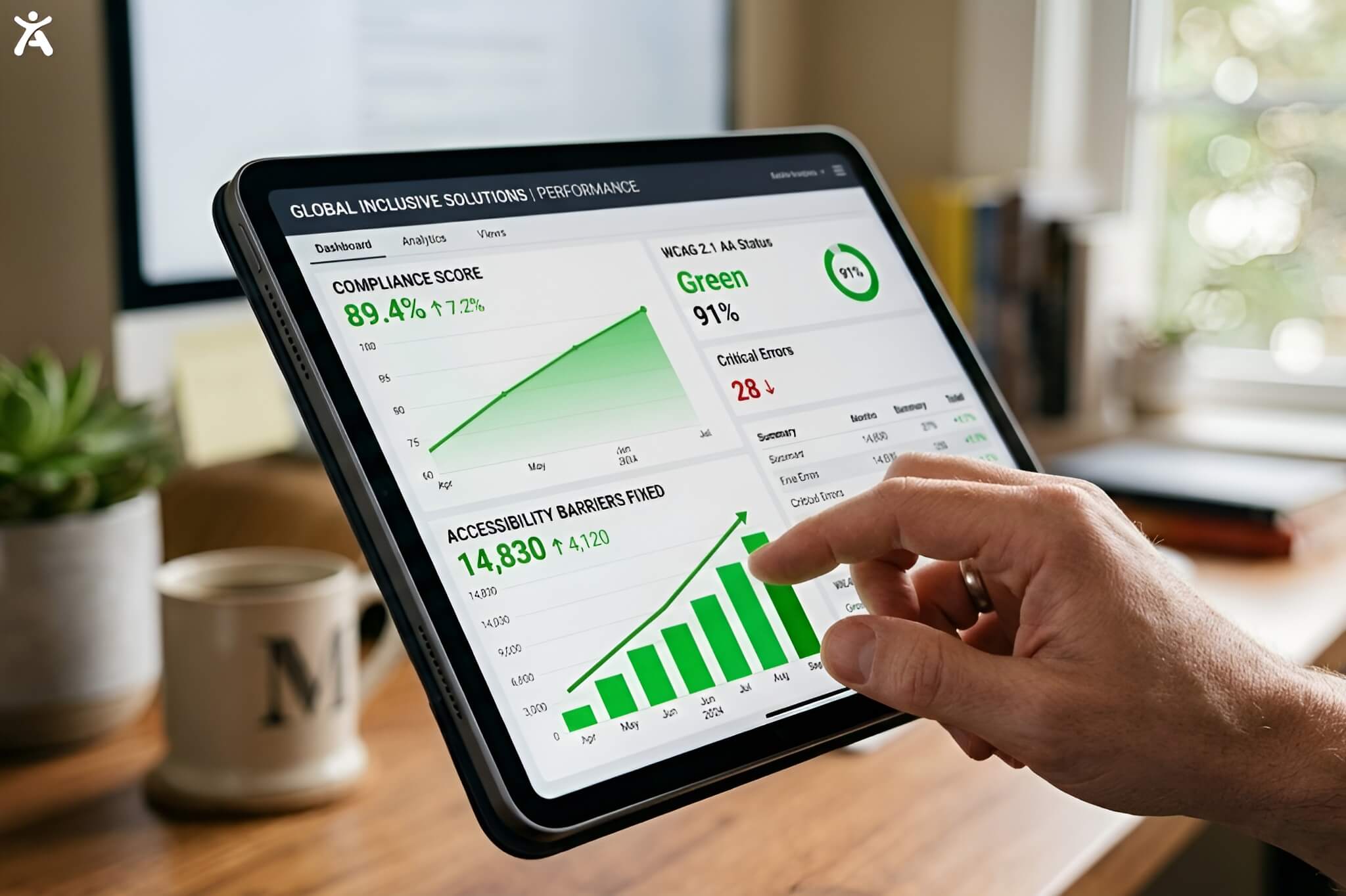
AI-powered accessibility widgets like Accessify work at the runtime layer after your page loads in a user’s browser. The widget injects into the page, scans its structure, identifies accessibility barriers, and applies fixes in real time. Missing alt text gets generated by AI. Contrast failures get corrected. ARIA labels get added. Focus order gets adjusted. All of this happens automatically, on every page, every time a user visits with no developer writing a single line of remediation code.
The widget also gives users direct control: 30+ accessibility profiles covering motor, visual, cognitive, and auditory needs, adjustable in one click. This is the layer traditional tools entirely ignore the actual user experience of visiting your site with a disability.
| The Fundamental Difference in One Sentence
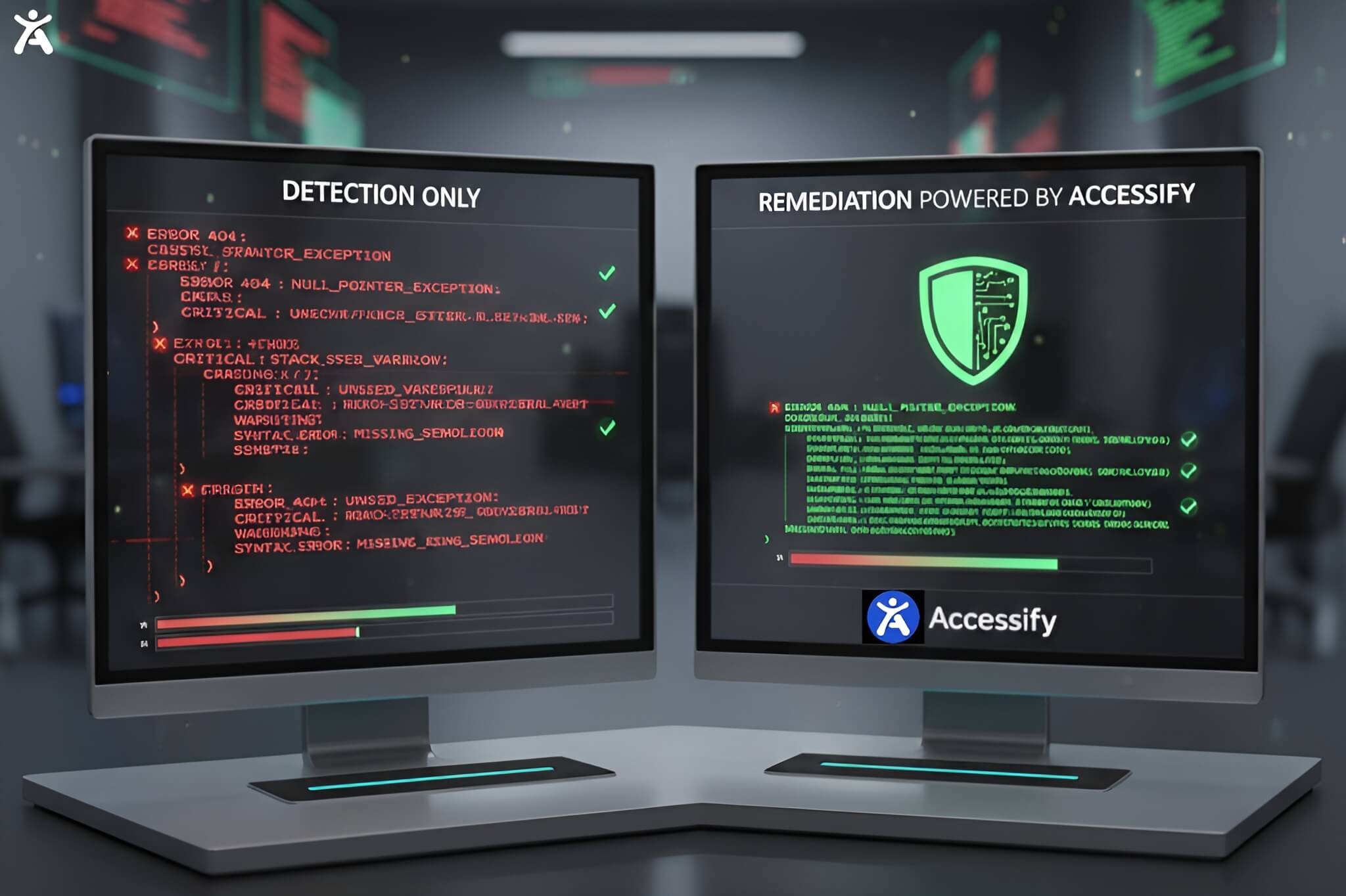
Traditional tools generate a to-do list for your developers. AI widgets execute the to-do list automatically. |
2. Side-by-Side Comparison: AI Widget vs Traditional Tool
Use this table as your fast-reference guide. Detailed scenario analysis follows.
| Criteria | AI Accessibility Widget (Accessify) | Traditional Scan / Audit Tool |
| Setup Time | 2 minutes one script tag | Days to weeks dev sprint required |
| Fixes Issues? | ✅ Yes, AI applies fixes in real time | ❌ No, reports issues for devs to fix |
| Coverage Scope | Every page, automatically | Pages tested at time of audit |
| Monitoring | ✅ Continuous 24/7 live monitoring | ❌ Point-in-time snapshot only |
| WCAG 2.2 Support | ✅ Full ADA, AODA, EAA, Section 508 | ⚠️ Partial varies by tool |
| Languages | 24+ languages with live translation | None tool language only |
| Developer Required? | No, zero code changes | Yes, every fix need dev time |
| Annual Cost | From $228/yr (Starter) | $0 free tools + $5,000–$25,000 audits |
| Legal Documentation | ✅ Accessibility statement included | ❌ Separate VPAT required ($350+) |
| Analytics | ✅ Advanced dashboard included | ❌ Not included in most tools |
| User Personalization | ✅ 30+ profiles for disability types | ❌ No, backend detection only |
| Alt Text Generation | ✅ AI-generated automatically | ❌ Manual task for content team |
| Time to Compliance | Under 2 minutes | Weeks to months |
✅ = Included ⚠️ = Partial ❌ = Not included Based on Accessify vs leading traditional tools, February 2026
3. Head-to-Head: 4 Real Scenarios Where the Difference Matters
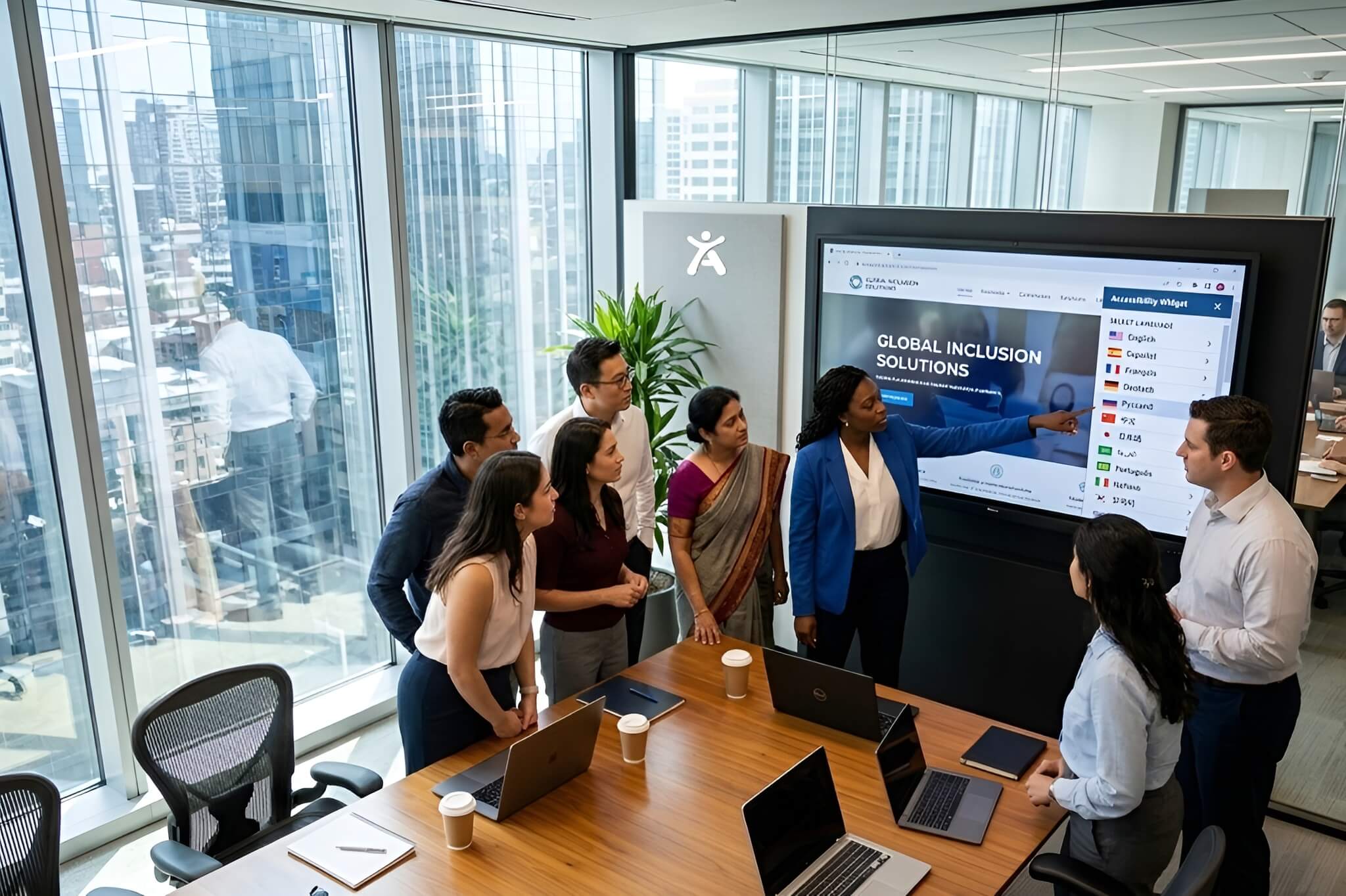
Abstract comparisons only go so far. Here is how each approach performs in the situations tech teams actually face:
Scenario 1: Urgent Compliance Deadline ADA Lawsuit Threat Received |
||
|
||
| Winner: AI Widget Traditional tools cannot close a compliance gap under time pressure. Detection speed is irrelevant if remediation takes months. |
Scenario 2: High-Velocity Release Cycle New Features Shipped Weekly |
||
|
||
| Winner: AI Widget Traditional tools create an accessibility debt spiral in fast-moving teams. Continuous AI remediation keeps pace with release velocity. |
Scenario 3: Enterprise Procurement VPAT / ACR Documentation Required |
||
|
||
| Winner: Traditional Tools (Manual Audit) For VPAT requirements, a manual audit is non-negotiable. Pair it with Accessify for ongoing compliance between audit cycles. |
Scenario 4: Global Site Multiple Languages, International Compliance |
||
|
||
| Winner: AI Widget No traditional tool in this category provides multilingual user-facing accessibility features. This is a unique capability of AI widget platforms. |
4. Where Traditional Tools Still Win and When to Use Both
This comparison would be dishonest without acknowledging where traditional tools remain genuinely superior:
- CI/CD pipeline integration: Axe DevTools and Lighthouse CI catch issues before code ships, at the source. This prevents accessibility debt from accumulating something a runtime widget cannot do.
- VPAT and ACR documentation: A formal manual audit with IAAP-certified specialists produces the legal-grade documentation that procurement teams, government contracts, and ADA litigation defence require. No AI widget replaces this.
- Complex custom component testing: Bespoke interactive components custom date pickers, rich text editors, multi-step wizards require expert human testing to verify assistive technology compatibility. Automation has limits.
- Building team knowledge: Developer-facing tools like Axe and WAVE teach your team why issues matter. This institutional knowledge compounds over time in a way that fully automated tools do not.
| The Smart Stack for Tech Teams in 2026
The highest-performing accessibility programmes combine both layers: Axe DevTools or WAVE in the development pipeline (to prevent new issues entering production) plus Accessify as the runtime AI layer (to fix existing issues automatically and monitor continuously). This is not an either/or decision for teams serious about compliance it is a both/and architecture. |
5. Decision Matrix: Which Approach Fits Your Team Right Now?
Use this matrix to match your current situation to the right starting point:
| Your Situation | Best Choice | Why |
| No dev bandwidth for fixes | AI Widget | Handles fixes automatically |
| Dev team owns accessibility | Traditional tools | Integrates with CI/CD pipeline |
| Need compliance in days, not months | AI Widget | 2-minute install, instant gains |
| VPAT required for procurement | Both | Audit + AI widget ongoing monitoring |
| Multi-language / global audience | AI Widget | 24+ languages with live translation |
| High-volume content site | AI Widget | Auto-scales, monitors every new page |
| Regulated industry (gov / finance) | Both | Manual audit + AI widget layer |
| Tight budget (<$100/mo) | AI Widget | Starter plan at $19/mo covers most teams |
6. The Hidden Cost of Staying with Traditional-Only Tools
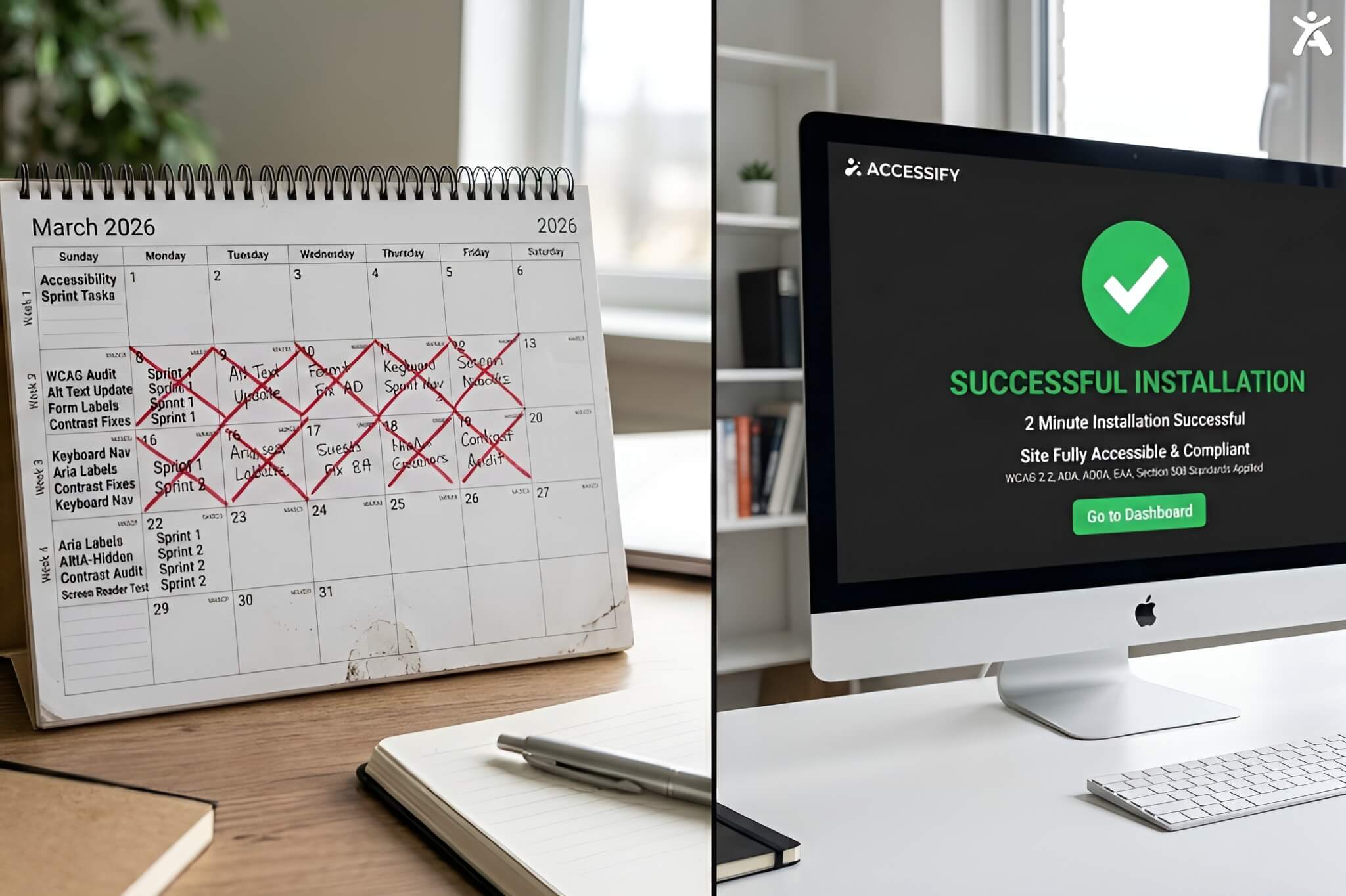
Tech teams that rely exclusively on traditional scan tools pay a cost that never appears in the tool’s price tag: developer remediation time. At a conservative 30 minutes per issue, a site with 200 WCAG issues across 50 pages consumes 100 developer hours per audit cycle before testing and deployment. At a mid-market developer rate of $75/hour, that is $7,500 in invisible labour cost per audit. Multiply by two audit cycles per year and the tool your team calls ‘free’ is costing $15,000 annually in engineering time.
Accessify’s Enterprise plan at $588/year eliminates the majority of that remediation labour automatically. For most tech teams, the ROI calculation takes about 30 seconds.
The Real Cost Comparison
|
| Ready to Make the Switch?
Accessify installs in 2 minutes, fixes issues automatically, and keeps your site WCAG 2.2 compliant in real time no developer required. Start free. ✅ AI auto-fix ✅ Real-time monitoring ✅ 30+ tools ✅ From $19/mo |
Further Reading on the Accessify Blog
- Web Accessibility Audit Packages: Price, Scope and What You Actually Get
- Web Accessibility Evaluation Tools: The Best Compared (2026)
- WAVE Web Accessibility Tools: Full Review & Alternatives 2026
- Web Accessibility Lawsuits 2026: Top Cases and How to Avoid Them
FAQs
Traditional tools like WAVE and Axe are diagnostic; they identify issues and generate a report for developers to fix manually. In contrast, an AI accessibility widget like Accessify works at the runtime layer to automatically identify and fix barriers such as missing alt text or contrast failures in real-time without requiring any code changes from your engineering team.
Yes. While traditional remediation can take weeks or months, an AI widget is installed via a single script tag in under 2 minutes. Once active, the AI immediately applies fixes across every page to meet WCAG 2.2, ADA, AODA, EAA, and Section 508 standards.
Traditional “free” tools often cost upwards of $15,000 annually when accounting for the hundreds of developer hours required for manual remediation. An AI accessibility widget like Accessify starts at $228/year, effectively reducing developer remediation time to near zero.
No. AI widgets are designed to execute the “to-do list” of accessibility fixes automatically. This allows your site to remain compliant even during high-velocity release cycles without adding new tasks to your development backlog.
For many high-performing teams, a “both/and” architecture is best. Traditional tools (like Axe) are excellent for catching issues in the CI/CD pipeline, while an AI widget provides continuous, 24/7 monitoring and automatic remediation for live users.