Copy. Paste. Done. Add Website Accessibility in Under 2 Minutes
Your accessibility widget goes live in under 2 minutes with Accessify’s dead-simple, no-code setup. No development skills, no technical configuration, no platform limitations. Sign up, add your site, paste one script tag, and instantly unlock WCAG compliance features like real-time accessibility fixes, disability profiles, audits, AI alt text generation, and multi-language translations for every visitor.
This straightforward process delivers immediate accessibility, usability, and compliance value across your entire website.
The Simplest Accessibility Setup Possible
Most accessibility tools require developer involvement, complex settings, or CMS-specific hacks. Accessify eliminates all of that with one universal JavaScript snippet that works everywhere:
- Shopify
- WordPress
- Webflow
- Wix
- Squarespace
- Custom HTML
- React & modern frameworks
- Legacy websites
Copy from dashboard. Paste into <head>. Save. Done.
Exact 2-Minute Accessibility Setup Process
Minute 1: Account Creation & Site Setup
1. Go to [accessify.app] → Click "Sign Up Free"2. Automatically redirected to [manage.accessify.app] dashboard 3. Click "Add Site" → Enter: yourwebsite.com
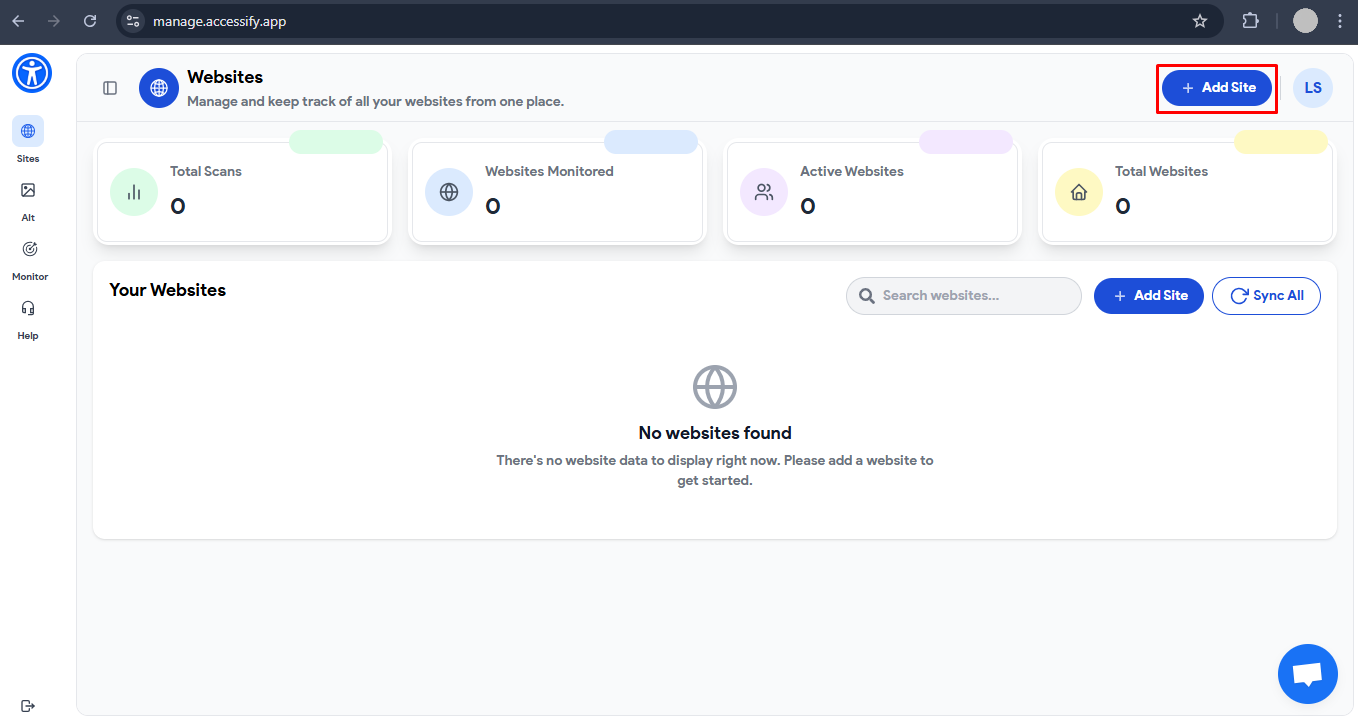 4. Click "Next" → Select "14-Day Free Trial"
5. ✅ "Site Added Successfully" (≈18 seconds)
Minute 2: Copy, Paste & Deploy
6. Click "Copy Script" → Full JavaScript snippet copied
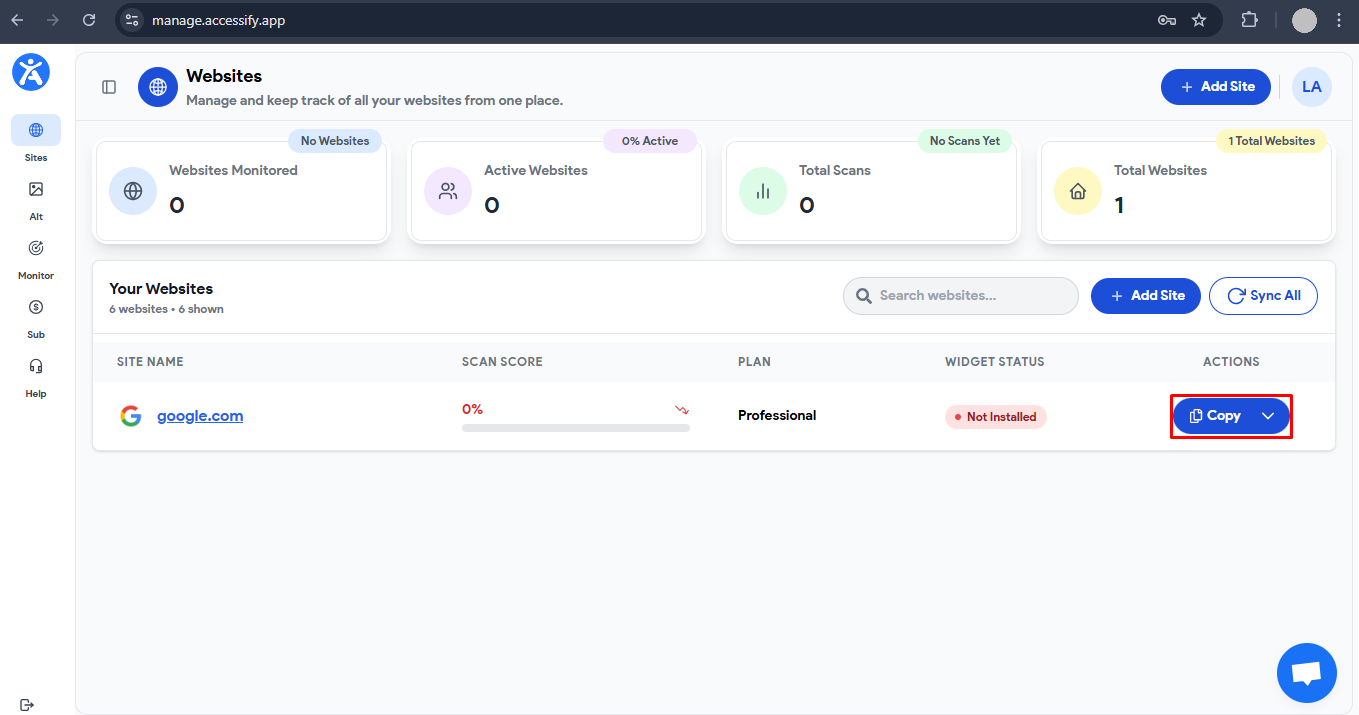 7. Open website admin → Locate <head> section:
• Shopify: Online Store > Themes > Edit Code
• WordPress: Appearance > Theme Editor
• Any site: before </head> tag
8. Paste script → Save → Done
7. Open website admin → Locate <head> section:
   • Shopify: Online Store > Themes > Edit Code
   • WordPress: Appearance > Theme Editor
   • Any site: before </head> tag
8. Paste script → Save → Done
What “Done” Actually Delivers
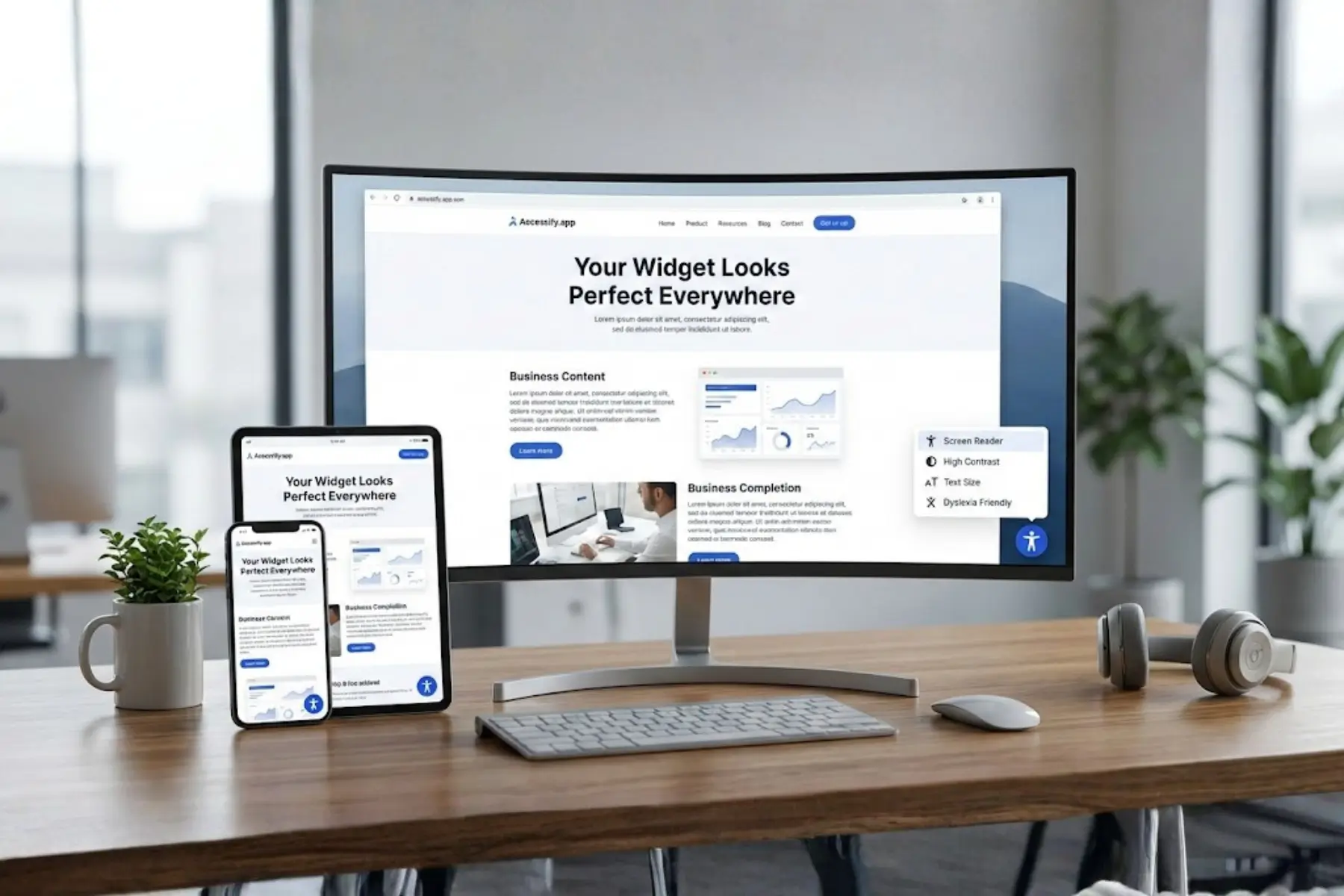
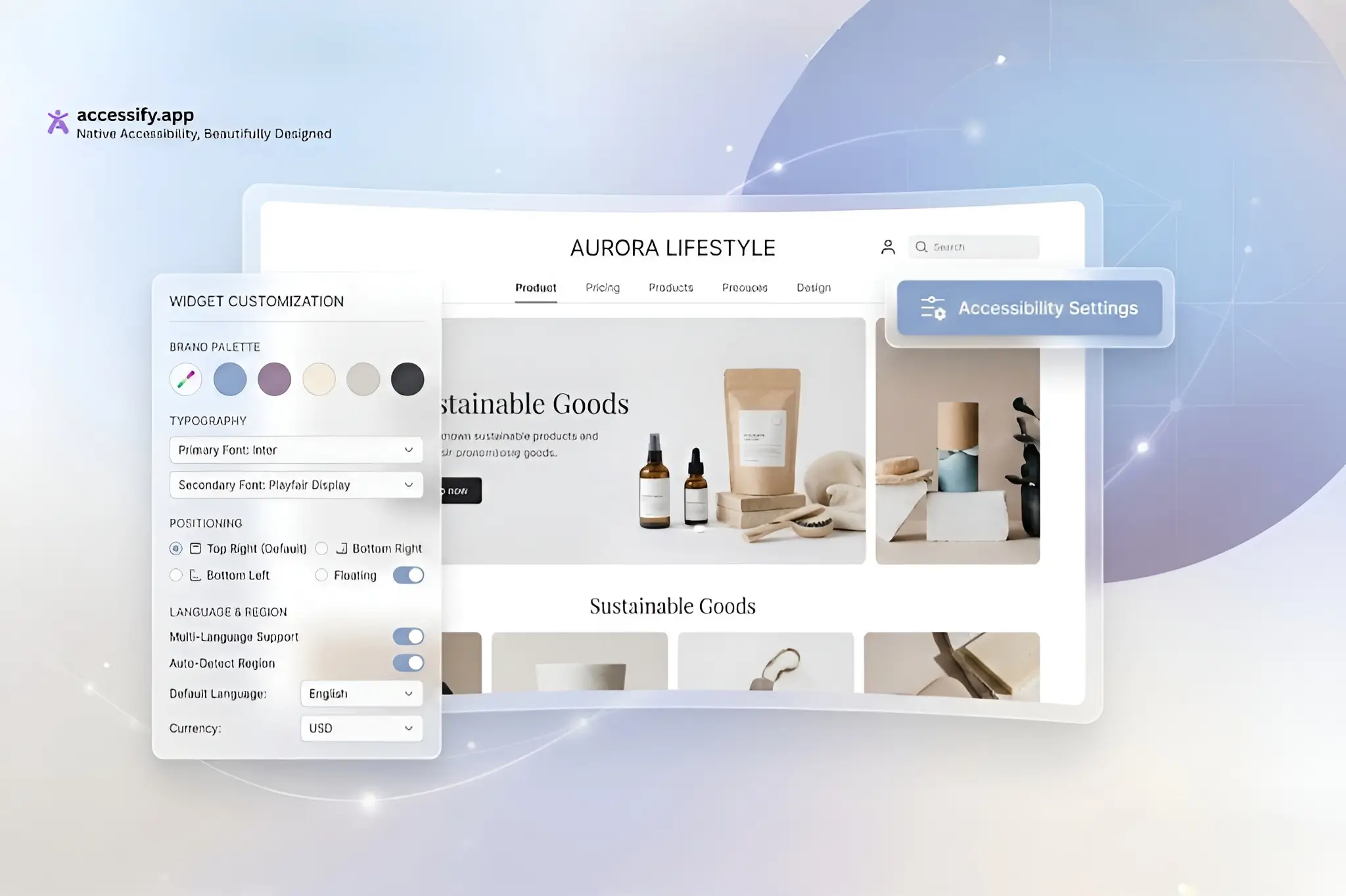
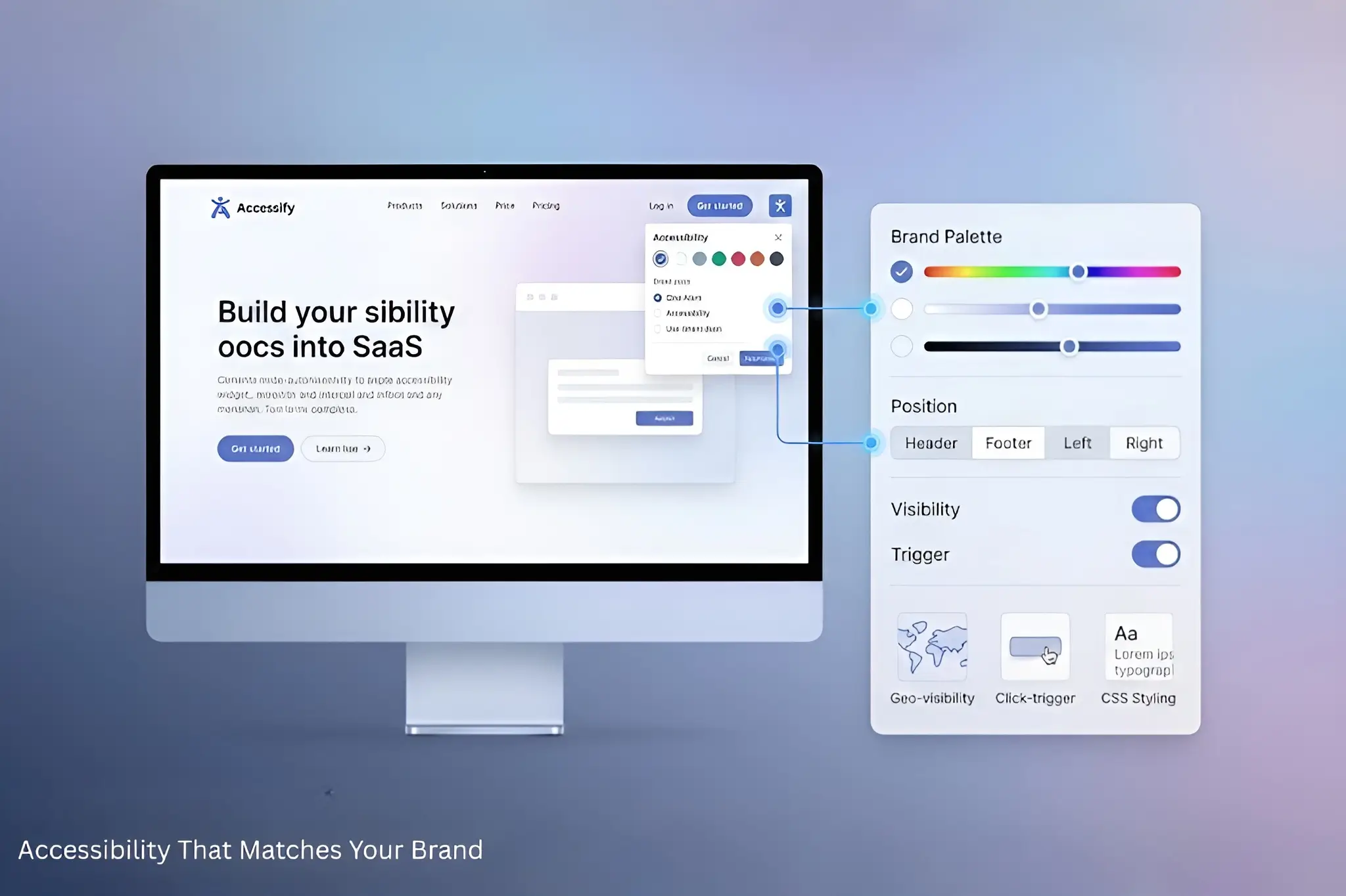
Once saved, the accessibility widget appears instantly (fully customizable for position, color, and behavior):
✅ 8 Accessibility Profiles active
✅ Real-time ARIA and contrast fixes running
✅ Single-page accessibility audits ready (80–90% accurate)
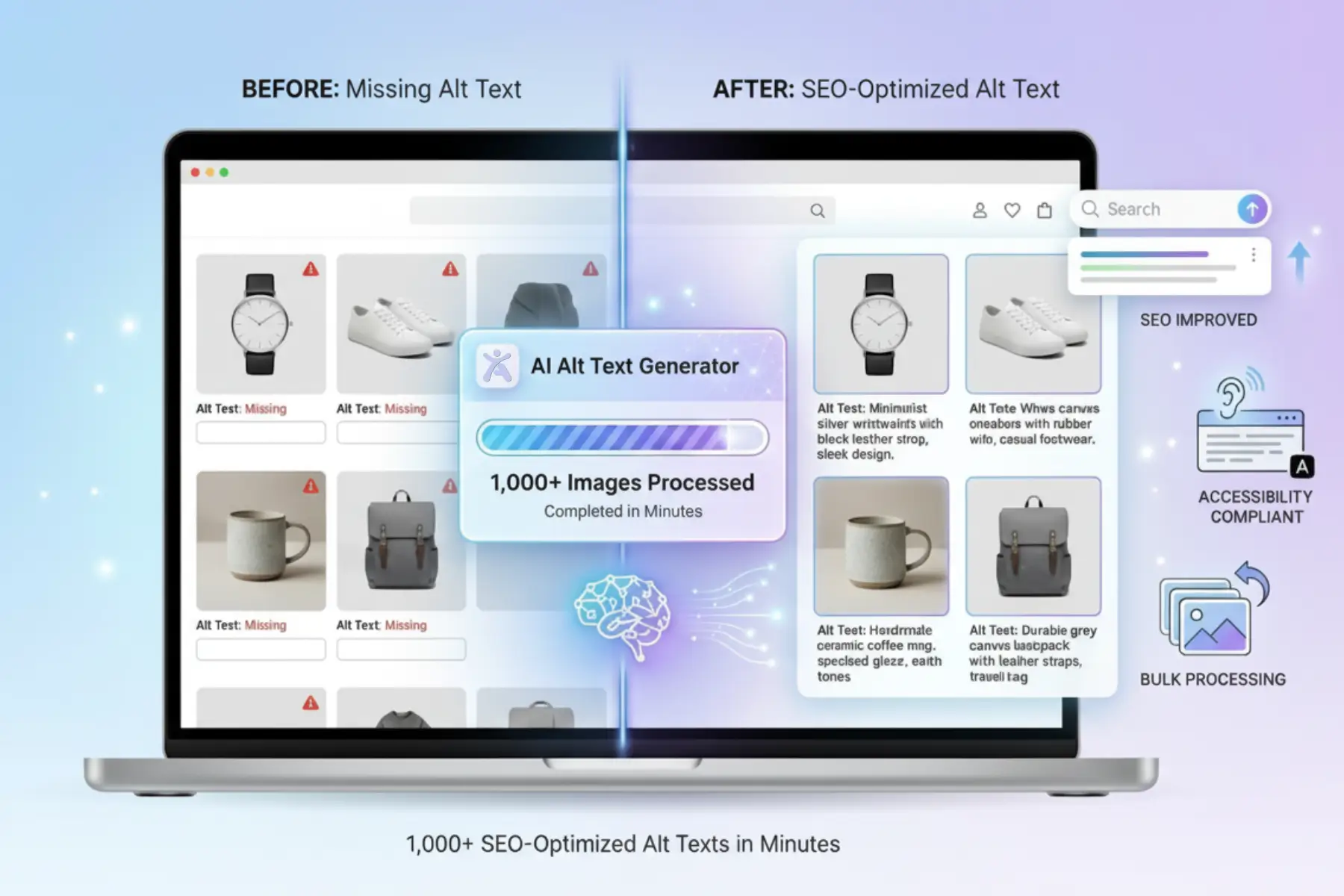
✅ AI-powered alt text generation available
✅ 30+ language translations enabled
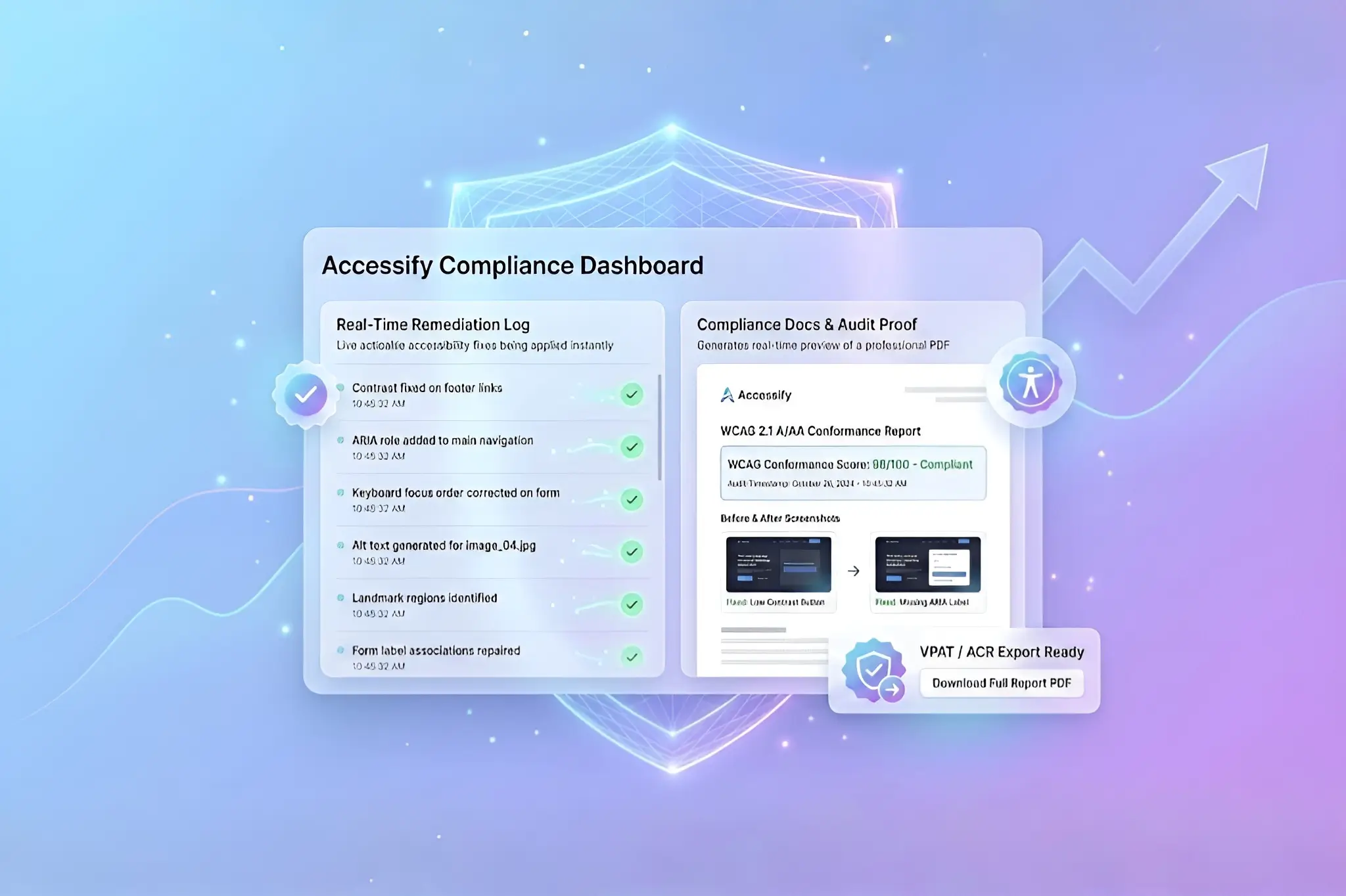
✅ Compliance logs recording automatically
Platform-Specific Script Paste Locations
- Shopify:
theme.liquid→ before</head> - WordPress:
header.php→ before</head> - Webflow: Custom Code → Head section
- Wix: Custom Code → Page Settings
- Squarespace: Code Injection → Header
Universal rule: Paste before the closing </head> tag on any website.
Instant Verification Checklist
Visit your live website and confirm:
✅ Accessibility widget visible (bottom-right by default)
✅ Click widget → Profiles menu loads
✅ Test Blind Profile → Screen readers announce changes
✅ Dashboard shows site status as "Live"
✅ All 15+ accessibility features active
Complete Accessibility Feature Set Unlocked
AUDITS: Single-page WCAG scans (80–90% accurate)
PROFILES: 8 disability modes that persist across visits
REAL-TIME: Auto-fixes for ARIA, contrast, keyboard traps
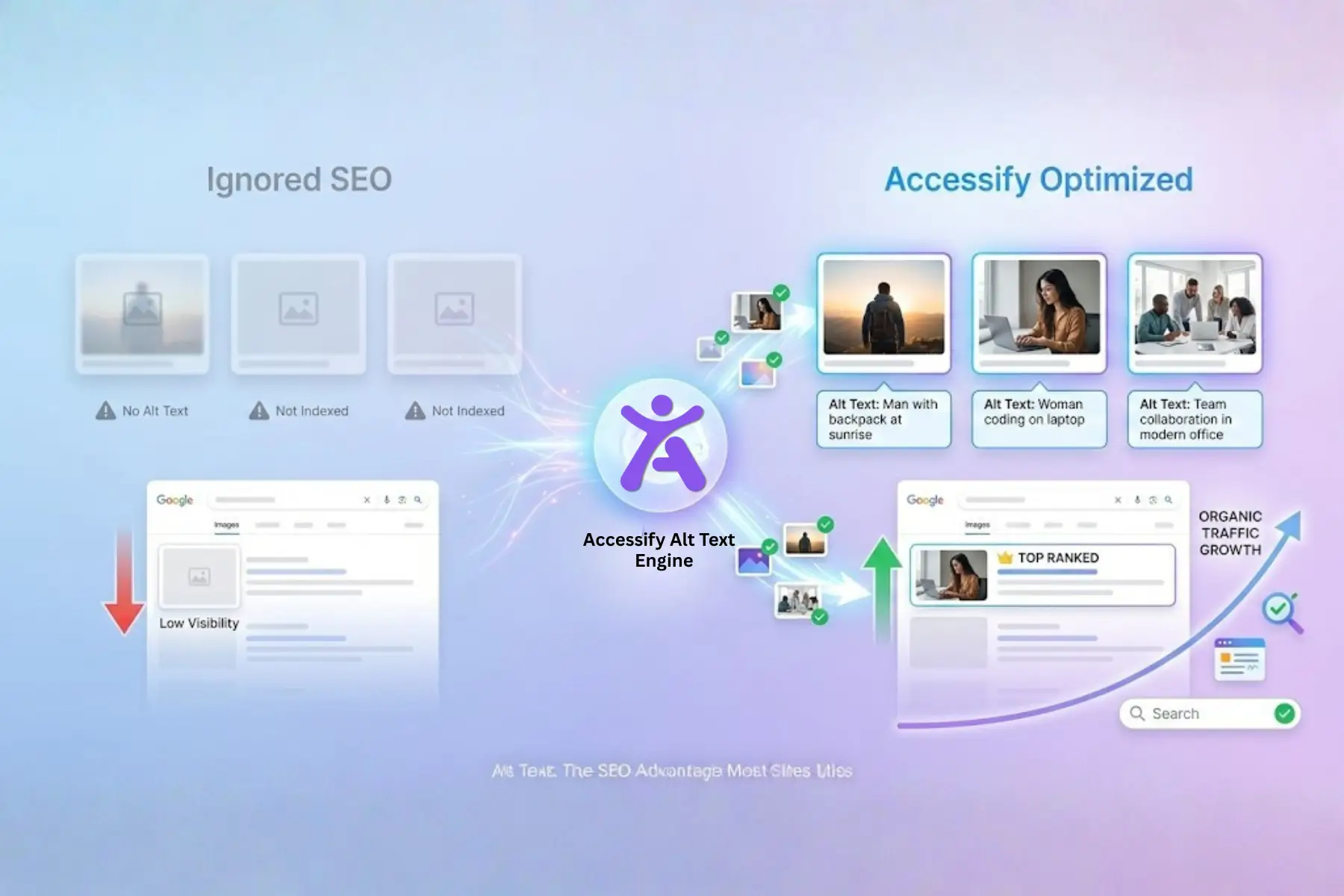
ALT TEXT: AI generates thousands of image descriptions
TRANSLATIONS: 30+ languages via live widget
COMPLIANCE: Audit-ready logs and reports
Detailed Setup References
Accessify provides 30+ platform-specific setup guides covering every major CMS, framework, and custom environment.
Troubleshooting (Rare Cases)
- Widget not visible? Confirm script is inside
<head> - Not tracking activity? Verify exact domain match in dashboard
Support When You Need It
- 24/7 live chat (bottom-right widget)
- Instant expert call for setup review
- No tickets. No delays.
Get Started Now
Visit accessify.app, start your 14-day free trial, and make your site accessible in minutes.
Copy. Paste. Done.
Compliance starts immediately.