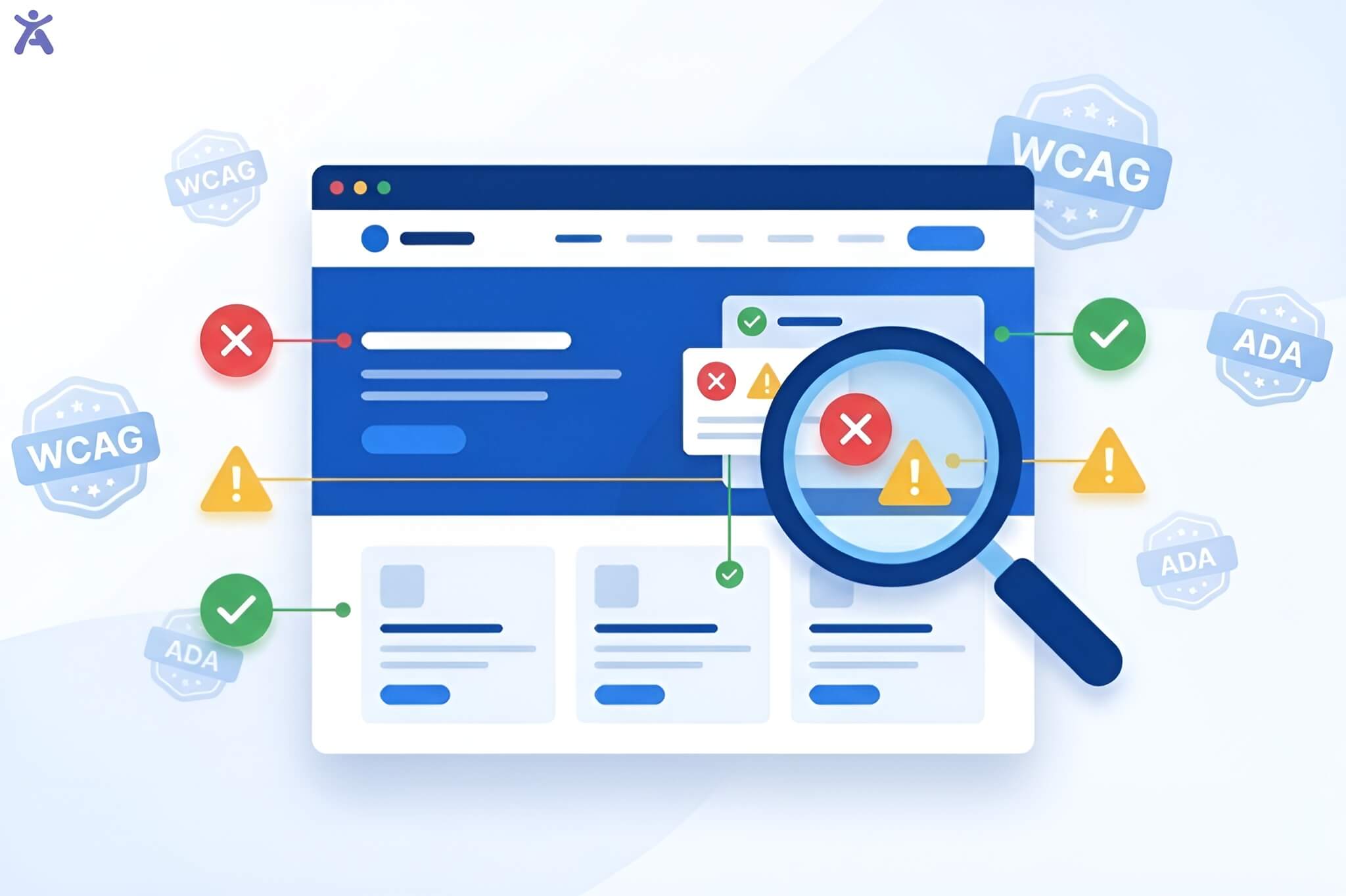
How can WCAG help you build a more inclusive web for the one billion people worldwide living with a disability? WCAG guidelines provide the framework for designers, developers, and content creators to build accessible websites for all users, regardless of ability. Whether you’re a web developer, student, or just curious about digital accessibility, understanding them is key to creating an inclusive digital world.
Many people rely on the internet for education, work, and connection, yet countless websites remain inaccessible to those who use assistive technology like screen readers or keyboard controls. This guide explains why they matter and how to use them to improve web accessibility.
Quick Summary
WCAG (Web Content Accessibility Guidelines) is a global standard from the World Wide Web Consortium (W3C) to make web content accessible for people with disabilities. It is built on four principles: Perceivable, Operable, Understandable, and Robust. There are three conformance levels: A, AA, and AAA. Following these guidelines helps you meet legal requirements like the ADA and Section 508 and improves the user experience for everyone.
Defining WCAG Guidelines
WCAG guidelines are designed to make digital content usable for everyone, especially people with visual, auditory, physical, speech, cognitive, and neurological disabilities.
Think of WCAG as a blueprint. These standards explain what to build, not how. This flexibility allows developers to apply the guidelines to various platforms, including websites, mobile apps, PDFs, and multimedia.
Origin and Purpose
W3C, the global group that sets open standards for the web, maintains WCAG guidelines. The W3C’s Web Accessibility Initiative (WAI) developed these guidelines to ensure universal web access.
The first version, WCAG 1.0, was published in 1999. Since then, WCAG has evolved to keep up with new technologies. WCAG 2.1 is the most common version, while WCAG 2.2 adds new criteria to improve mobile access and help users with cognitive disabilities.
Who Benefits from WCAG?
Benefit for a wide range of users:
- People with low vision or blindness who use screen readers or magnification tools.
- Users with hearing loss who need captions or transcripts for audio.
- People with motor disabilities who use keyboards or voice commands to navigate.
- Individuals with cognitive impairments benefit from clear language and consistent layouts.
However, accessibility improvements help everyone. Captions are useful in noisy places, keyboard navigation through Accessify app aids power users, and clear language makes content easier to understand.
What Content Does WCAG Guidelines Cover?
The WCAG guide applies to all forms of digital content, including websites, web pages, web applications, PDFs, and other digital documents, as well as multimedia such as videos and audio. Its core purpose is to eliminate accessibility barriers and ensure that users of all abilities can access and interact with digital content wherever they encounter it.
The POUR Principles
WCAG is organized around four core principles, POUR, to ensure content is accessible to the widest audience.

Perceivable
Users must be able to perceive the information you present. This means providing text alternatives for images, video captions, and ensuring sufficient color contrast. For example, alt text allows a screen reader user to understand an image, while proper contrast helps someone with low vision read text easily.
Operable
All interactive elements must be usable by everyone, including those who cannot use a mouse. This requires keyboard navigation support and avoiding content that could trigger seizures, like fast-flashing animations. A dropdown menu, for instance, must be fully accessible via a keyboard.
Understandable
Content should be clear and predictable. Use plain language, provide clear error messages in forms, and maintain consistent navigation. Instead of highlighting a form error in red, provide a text message explaining how to fix the issue.
Robust
Your content must work across different browsers, devices, and assistive technologies. This means writing clean, semantic HTML and testing your site with tools like screen readers by using Accessify app. A robust website functions correctly whether on Chrome or Safari, desktop or mobile.
WCAG Conformance Levels
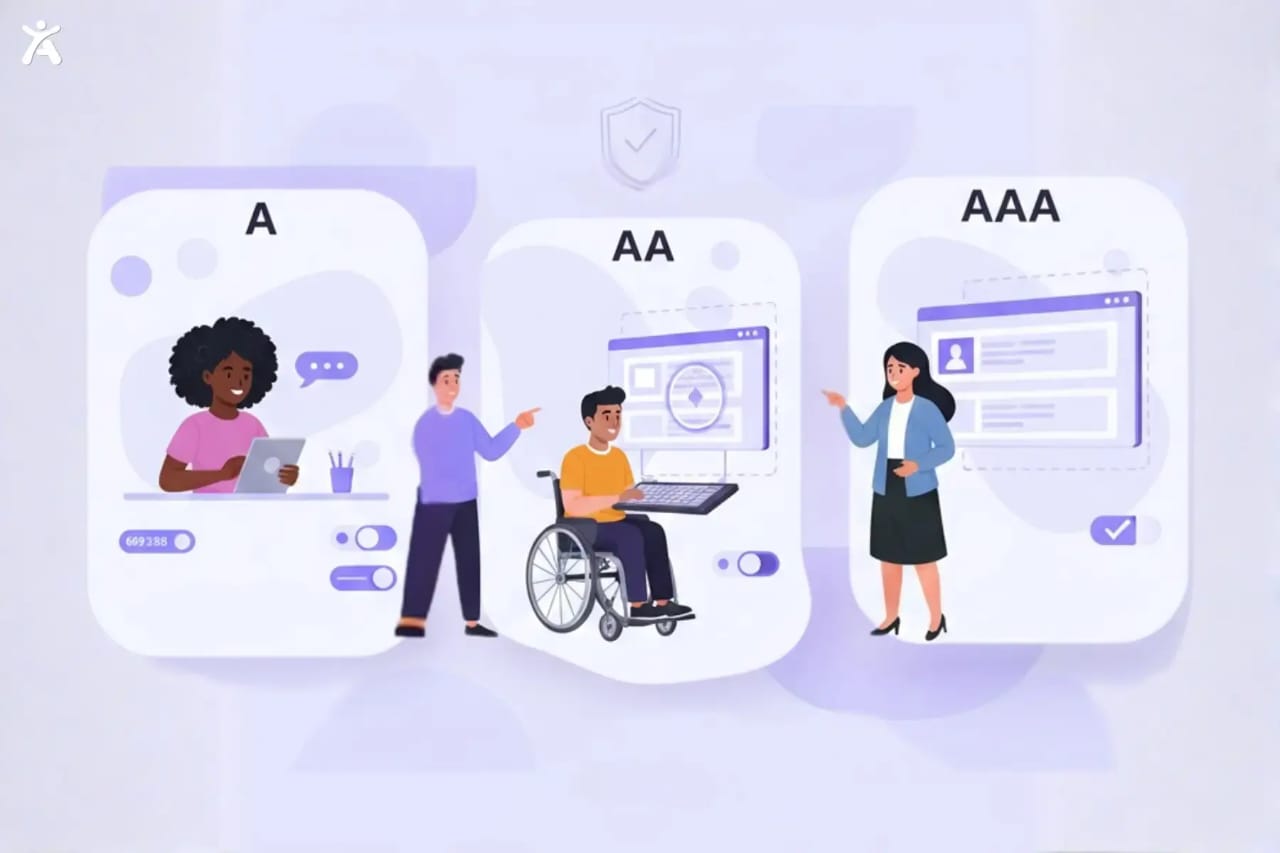
WCAG levels organize their requirements into three conformance levels: A, AA, and AAA.
Level A addresses the most basic accessibility barriers. Failing to meet this level means some users struggle to use your site.
Level AA is the industry standard and the target for most organizations. Many laws require it. Meeting Level AA ensures your site is accessible to most users.
Level AAA is the highest standard, but it is not always practical for all content. Some criteria, like providing sign language for all videos, require significant resources.
Most developers aim for WCAG 2.1 Level AA, as it balances strong accessibility with practical feasibility.
WCAG Versions and Updates
WCAG guidelines have evolved to keep pace with web technology:
- WCAG 1.0 (1999): The original guidelines.
- WCAG 2.0 (2008): Introduced the POUR principles and testable criteria.
- WCAG 2.1 (2018): Added criteria for mobile, low vision, and cognitive disabilities.
- WCAG 2.2 (2023): Updates like Focus Visible and improved pointer gesture guidance.
Each version is backward-compatible. If you meet WCAG 2.1, you also meet WCAG 2.0.
Legal Importance of WCAG Guidelines
Accessibility isn’t just a best practice; it’s often a legal requirement. In the U.S., the ADA applies to government and business websites. Section 508 requires federal agencies to make their digital content accessible. The European Accessibility Act and EN 301 549 set rules across the EU. Canada’s Accessibility for Ontarians with Disabilities Act (AODA) mandates compliance for public and private organizations. Failure to comply with WCAG can lead to lawsuits, fines, and damage to your reputation.
The Business Case for Accessibility
Beyond compliance, accessibility is good for business. An accessible website improves everyone’s user experience. Better UX leads to higher engagement, lower bounce rates, and increased conversions. Additionally, accessible websites often perform better in search rankings. Search engines favor sites with clean code, good alt text, and organized content, all hallmarks of accessibility.
How to Audit Your Website
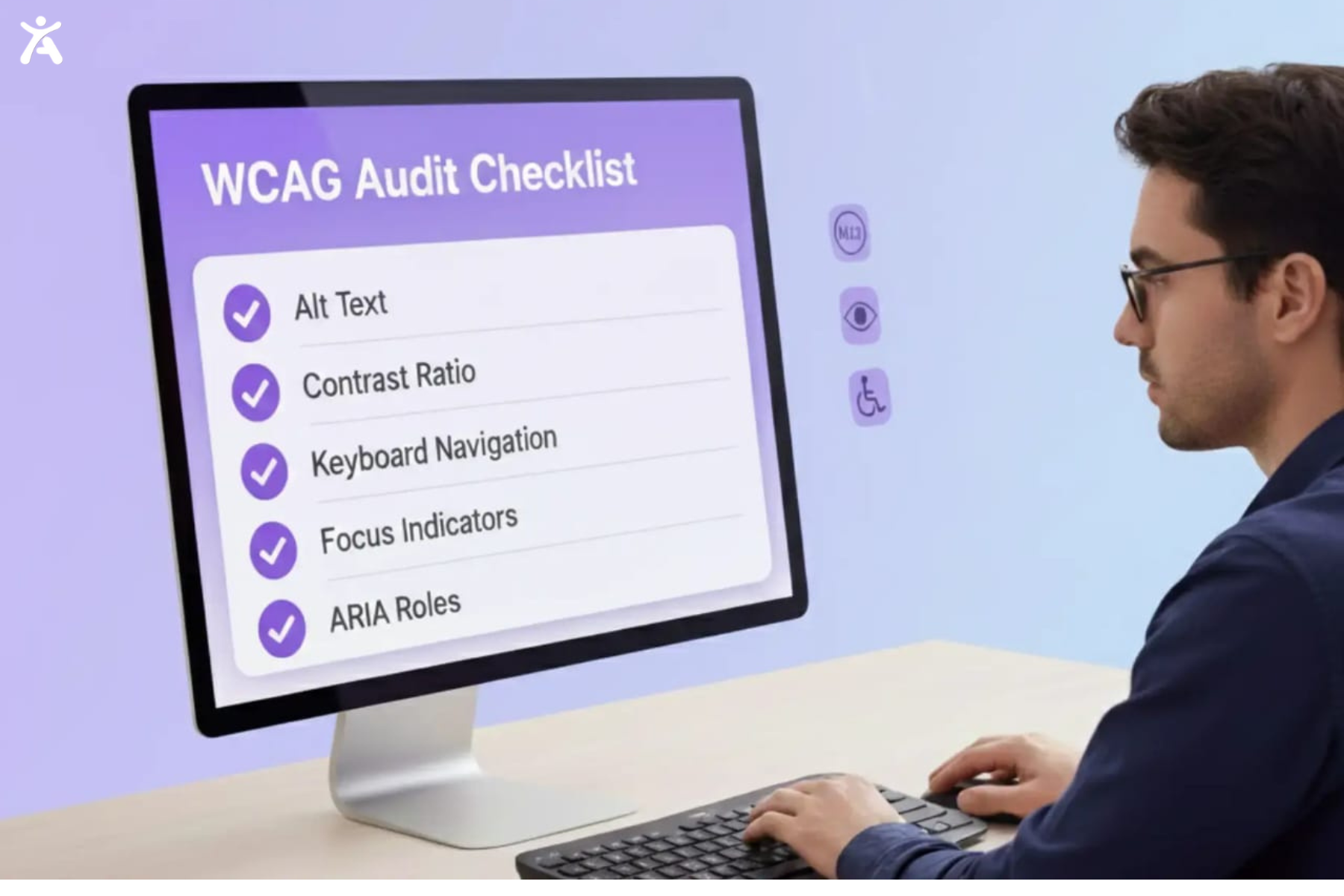
Start with an audit. Use automated tools like Accessify app, Axe DevTools, or the IBM Equal Access Accessibility Checker to find common issues like missing alt text or poor color contrast.
However, automated tools only catch about 30% of problems. You also need manual testing. Navigate your site using only a keyboard and test it with a screen reader like NVDA or JAWS to ensure all interactive elements work correctly.
Common Accessibility Barriers
Common accessibility issues often include missing alt text, where adding meaningful descriptions to informative images resolves the problem. Low color contrast can hinder readability, so using a contrast checker to maintain at least a 4.5:1 ratio is essential. Keyboard traps should be avoided by ensuring users can freely navigate into and out of all interactive elements using only the keyboard. Additionally, unlabeled form fields can create confusion, making it important to apply clear labels and provide helpful, descriptive error messages.
Best Practices for Accessibility
You can embed accessibility into your workflow by using semantic HTML, ensuring proper headings and labels so screen readers can interpret content accurately. Always provide alternatives, such as audio descriptions for videos and transcripts for podcasts, and avoid using images of text so assistive technologies can read real text effectively. Testing with real users, including people with disabilities, offers valuable insights into usability. Finally, stay updated by following W3C resources and engaging with accessibility experts to keep your practices current and effective.
Conclusion
WCAG is more than a checklist; they are committed to building a web that works for everyone. By successfully implementing these standards, you remove barriers and create digital content that meets the needs of all users. Accessibility is not a one-time project but an ongoing journey. As technology evolves, so do user needs. You must stay informed, test your work, and design with empathy. Every step toward compliance with WCAG guidelines makes the web more inclusive.
Contact us today to get more information about this!
FAQs
Yes, WCAG applies to mobile apps as well as websites. It ensures accessibility for users interacting through touch gestures, voice commands, or assistive technologies. This helps create inclusive experiences across all digital devices, improving usability for everyone.
Free tools like WAVE, Axe, and Lighthouse can help analyze your website for accessibility issues. They identify barriers to ensure your site aligns with WCAG guidelines and meets international compliance standards effectively.
WCAG 2.2 includes 87 success criteria across levels A, AA, and AAA. These updates strengthen accessibility by improving support for users with mobility, vision, and cognitive challenges, ensuring digital content remains inclusive and easy to interact with.
AA compliance is the most practical goal for most websites, offering a strong balance between accessibility and visual design. While AAA ensures maximum accessibility, it can be difficult to maintain consistently across all page elements and types of digital content.
To ensure compliance, follow WCAG guidelines, run automated scans, and perform manual testing with assistive technologies. Regular audits and updates will help your platforms meet Section 508 and ADA standards, ensuring inclusivity for all users.