
Turn Your English Site Into a Global Marketplace: Auto-Translate for 30+ Languages with Accessify Web Accessibility.
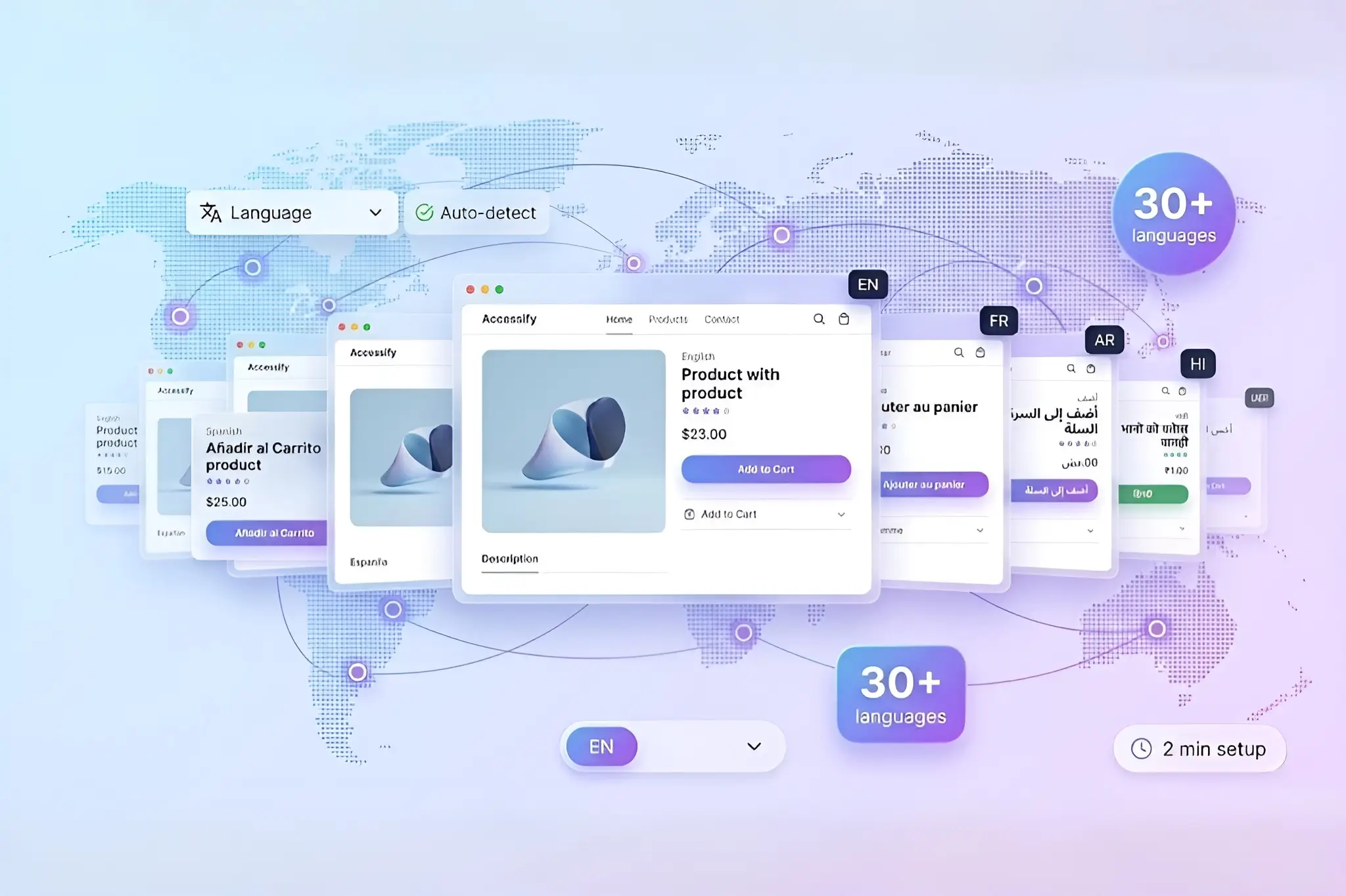
Tap into global markets overnight with Accessify’s Auto-Translate. Instantly convert your English website into a 30+ language ecommerce powerhouse, serving shoppers in Spanish, French, Arabic, Hindi, and more, without developers, plugins, or code changes.
Complete the 2-minute widget setup, enable translations, and your site begins serving localized content automatically. International visitors see your store in their native language, unlocking global traffic growth and higher conversions, effortlessly.
Globalization Goldmine: Why Multi-Language Websites Win
Over 80% of global web users prefer browsing in their native language. Single-language websites leave billions in revenue on the table, especially across fast-growing regions like Latin America, MENA, and India.
Accessify’s Live Site Translations deliver:
- Pixel-perfect translations across products, menus, popups, and UI
- Context-aware language rendering for ecommerce experiences
- Conversion lifts of 2–3× by reducing friction for international shoppers
SEO stays intact with hreflang support, ensuring search engines correctly index each language version.
Zero-Code Setup: From English to Global in 2 Minutes
Accessify requires no coding and no additional plugins.
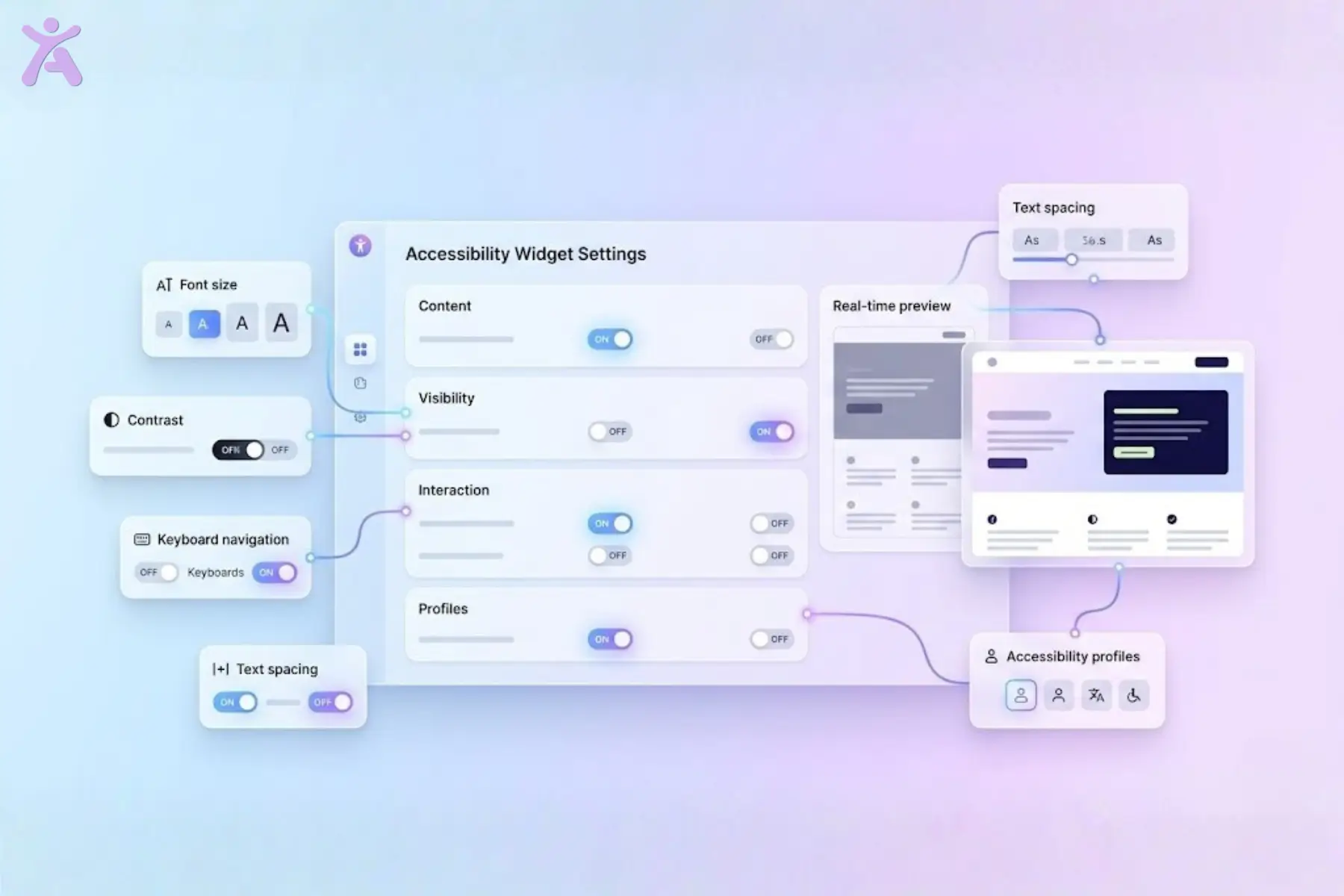
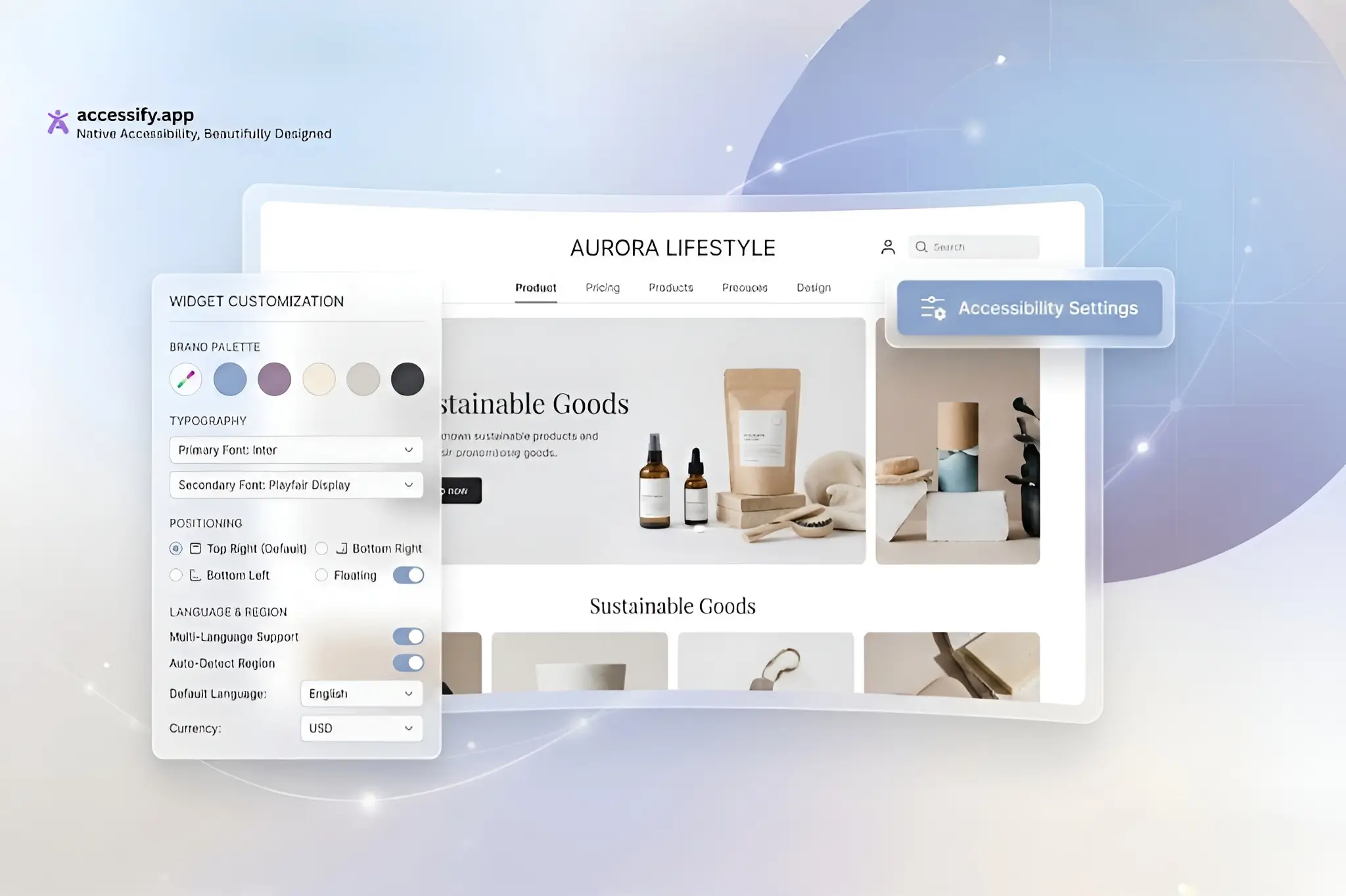
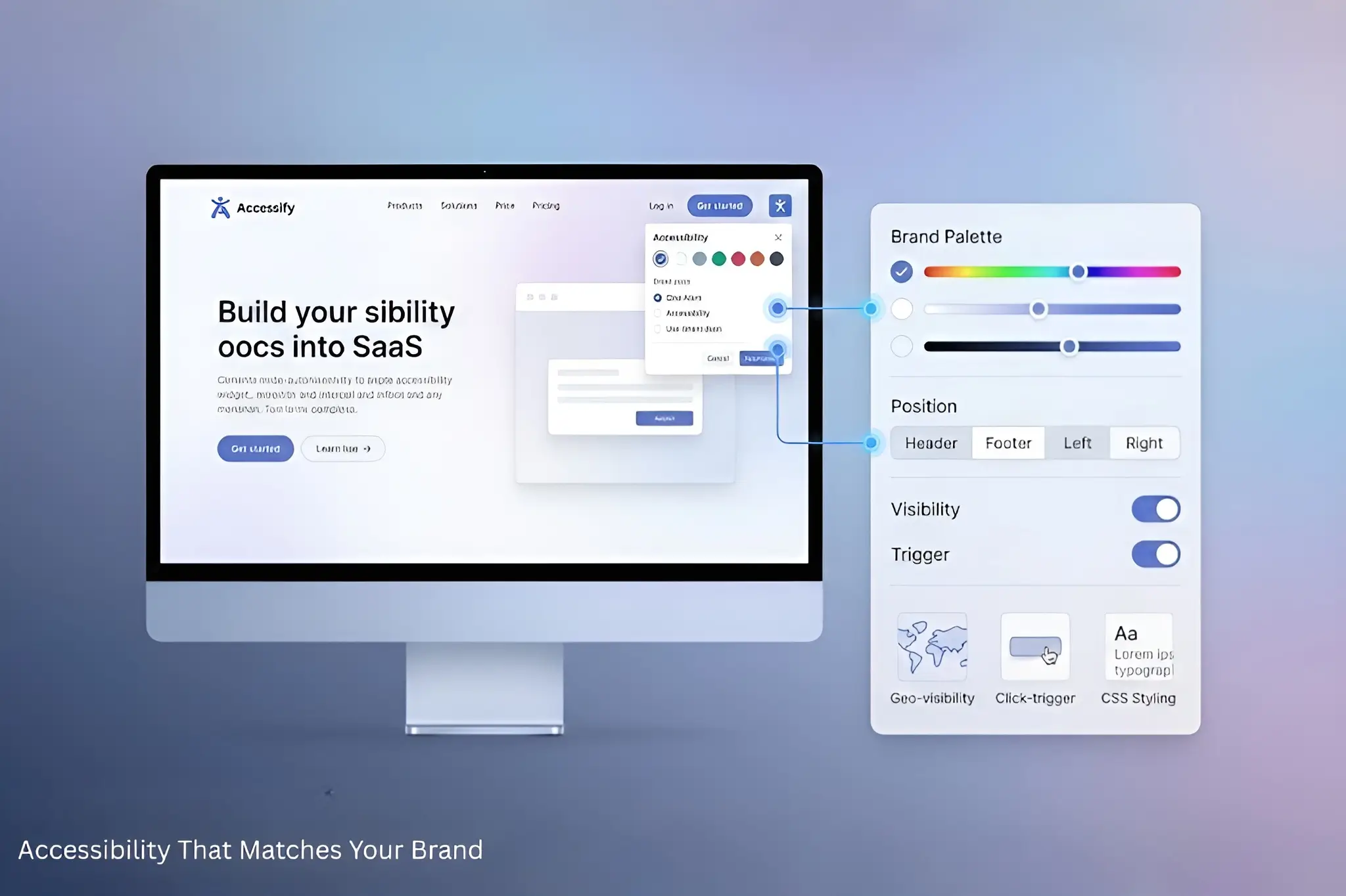
Install the widget, complete a short setup, and unlock translations for your entire site. Customize appearance, select supported languages, and enable automatic visitor language detection, all from the dashboard.
Step-by-Step: Launch Your Multi-Language Website
1. Trial & Install
Visit accessify.app to sign up for a free trial.
Add your site at manage.accessify.app.
2. Widget Setup
Complete the 2-minute widget activation to enable core features.
3. Access Widget Settings
Click your site URL in the dashboard to open the Widget Settings page.
4. Enable Live Site Translations
Scroll to the “Live Site Translations” section and toggle it ON. Customize:
- Language selector style
- Default languages (e.g., EN, ES, FR, AR)
- Auto-detect visitor language
5. Go Global
Save your settings.
The translation widget appears live on your site. Visitors select their language and content translates instantly, for example:
“Add to Cart” → “Añadir al Carrito”
Access 30+ Languages Instantly
Reach global audiences with support for over 30 languages, including:
Spanish, French, German, Portuguese, Chinese, Arabic, Hindi, and more.
Case Study: Furniture Retailer Reaches $1M+ in International Sales
A US-based home goods retailer with 5,000+ SKUs was limited by an English-only storefront, missing growth opportunities in Europe and Asia.
After installing Accessify:
- Widget enabled in under 2 minutes
- Language selector added to header
- Targeted ES, FR, DE, and AR markets
- Product catalogs and descriptions auto-translated
Results After 12 Months
- +250% increase in non-English traffic
- $1.2M in new international revenue
- 40% of total sales driven by translations
- 35% drop in bounce rates
“Shoppers from Brazil to the UAE now buy like locals.” , CEO
Strategy Tips for Global Growth
- Prioritize high-impact markets (e.g., Spanish for US LatAm audiences)
- A/B test language selector placement for visibility
- Track performance via dashboard analytics
Need help? Accessify offers 24/7 live chat and expert sessions.
Go Multilingual Today
Start your free trial at accessify.app and globalize your ecommerce site in minutes.