
Accessibility Auto Fixes with Accessify Web Accessibility, Sleep Easy with Always-On Compliance
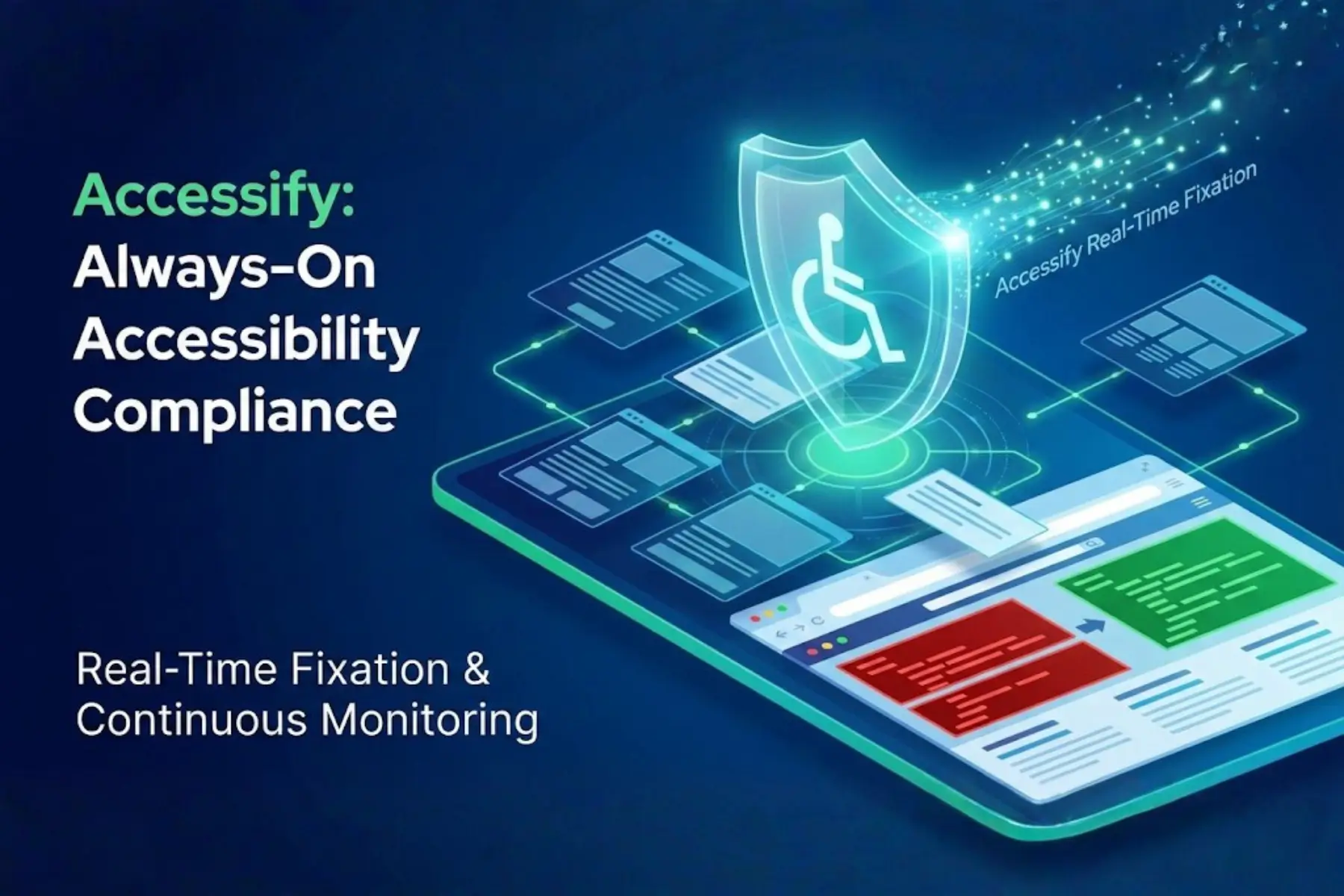
Sleep easy knowing Accessify’s 24/7 Auto Fixes work nonstop, detecting and remediating accessibility issues like ARIA gaps, contrast failures, and keyboard navigation errors the instant they appear, no matter when you update your site.
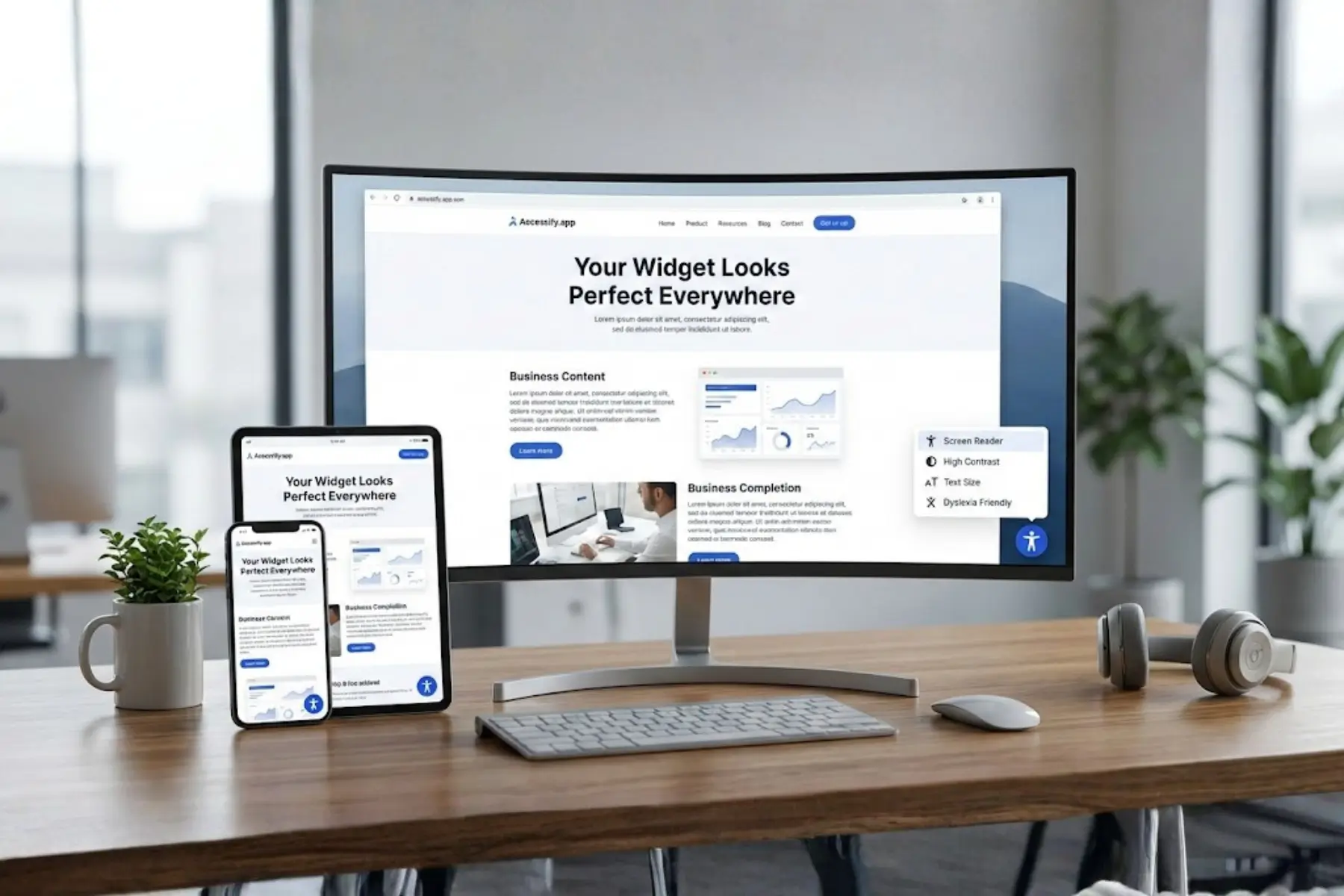
Activate the widget in just 2 minutes, and Real-Time Remediations turns on automatically, applying fixes invisibly in the background. All remediations are async and console-only (Inspect > Console), ensuring zero visual impact while delivering round-the-clock ADA and WCAG compliance peace of mind.
The Nightmare of Overnight Accessibility Breaks
Late-night deployments. Weekend launches. Emergency content updates.
Accessibility issues such as broken keyboard navigation, missing landmarks, or improper focus order often appear silently, damaging user experience and compliance until someone checks on Monday.
Accessify never sleeps.
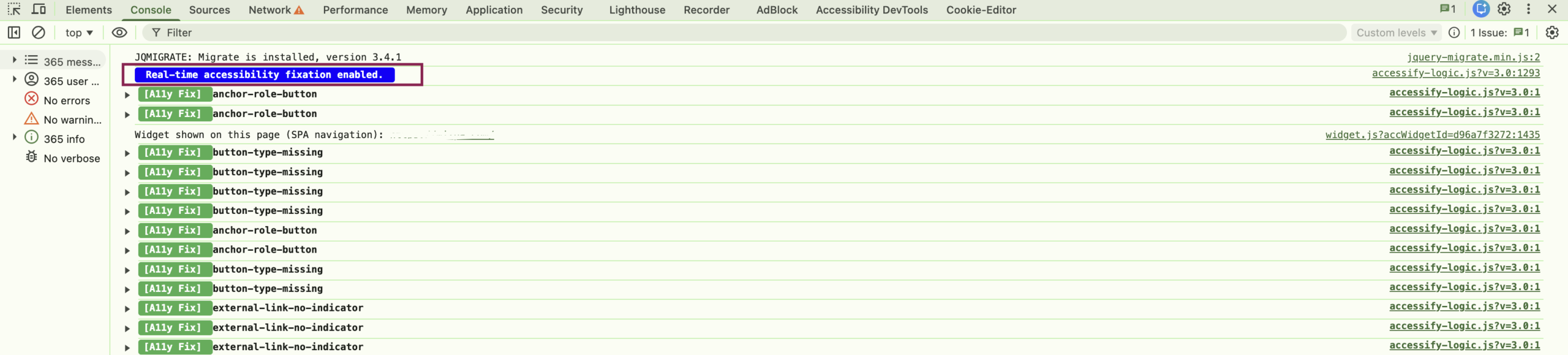
Its monitoring auto-detects and corrects issues instantly, without alerts, manual reviews, or interruptions. Every fix is logged in the browser console:
Right-click → Inspect → Console:
“Real-time accessibility fixation enabled”
No panic. No backlog. Just continuous protection.
Effortless Onboarding to Always-On Accessibility Protection
Getting started takes less than 2 minutes:
- Visit accessify.app and start a free trial
- Add your site at manage.accessify.app
- Complete quick verification
Once activated, Real-Time Remediation starts automatically.
What the Widget Does 24/7
- Monitors every live code and content change
- Instantly fixes ARIA attributes, color contrast, forms, and navigation issues
- Runs 24/7/365, even during off-hours and weekends
- Remains resilient for core accessibility elements
- Requires no manual oversight, dashboard checks are optional
Automation handles everything quietly in the background.
Simple 5-Step Automation Tutorial
1. Grab a Free Trial
Sign up at accessify.app, no credit card required.
2. Integrate Your Site
Head to manage.accessify.app, enter your URL, and verify ownership (under 2 minutes).
3. Go Live
Once the Widget enabled,
Real-Time Remediation launches immediately, scanning and fixing issues as they appear.
4. Confirm Silent Fixes
Open your site → Inspect → Console.
You’ll see entries like:
“[A11y Fix] button-type-missing[A11y Fix] anchor-role-button”
5. Forget & Relax
Future updates are handled automatically.
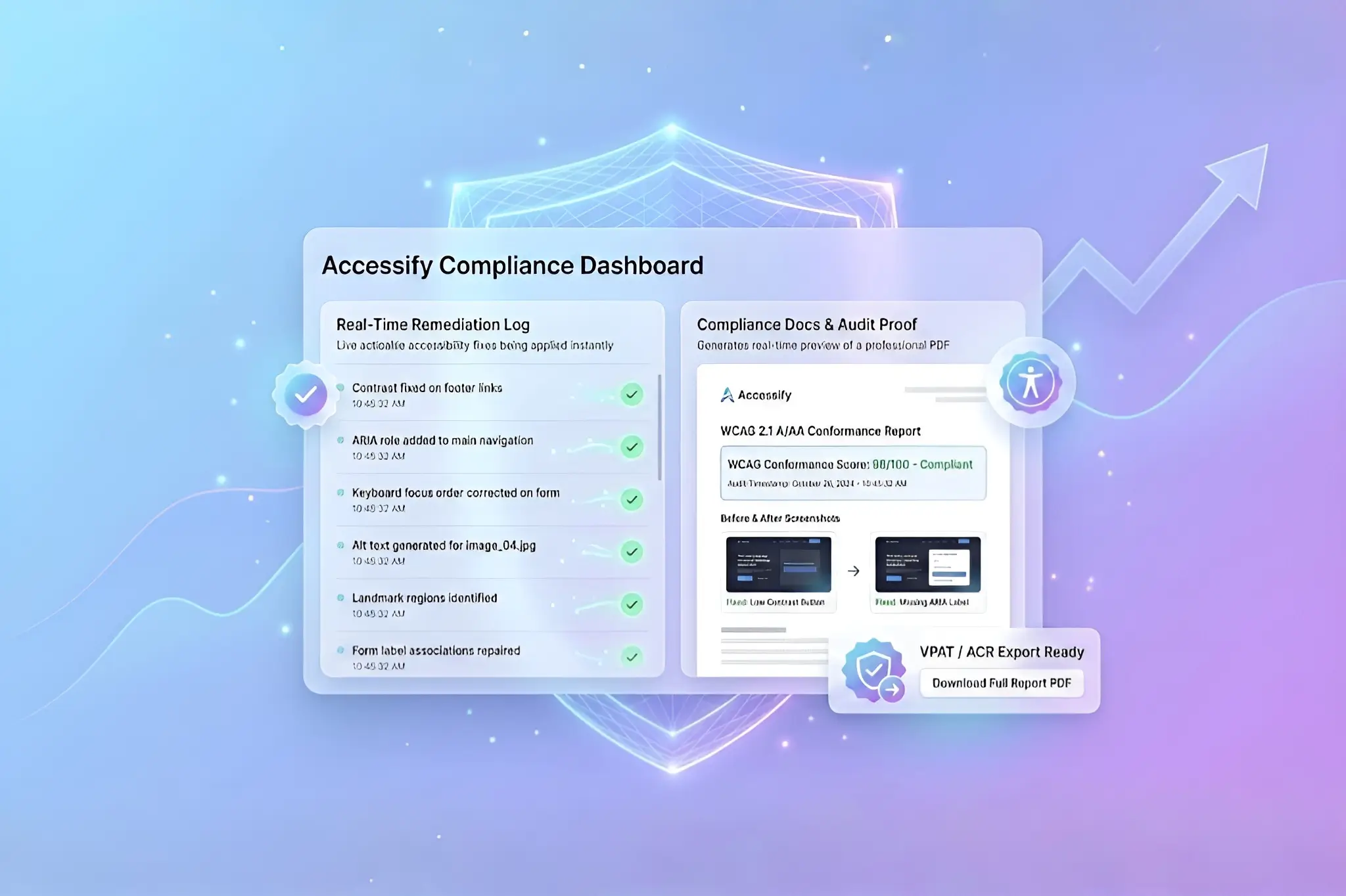
Check dashboard logs anytime for reassurance or reporting.
Real Success Story: The Midnight Accessibility Savior
A digital agency rolled out urgent popup changes at 2:00 AM for a retail client’s product launch. Manual accessibility testing wasn’t possible.
Accessify’s widget detected and fixed 75 issues automatically, including:
- Low-contrast modal CTAs
- Unlabeled form inputs
- Keyboard focus traps
Maximum fixes were completed before the first visitor arrived at 9 AM. Console logs confirmed remediation.
“We sleep; Accessify works.” , Lead Developer
Trust-Building Benefits of 24/7 Auto Fixes
- Zero Wake-Ups: Nights, weekends, holidays, fully covered
- Effortless Scalability: Thousands of pages, no performance hit
- Invisible UX: Fixes happen too fast to notice
- 24/7 help? Chat bottom-right or schedule meeting.
Reclaim Your Rest with Continuous Accessibility Protection
Set up in 2 minutes at accessify.app and let 24/7 Auto Fixes protect your site, every update, every hour, every day.