Vibe coding accessibility is the question of whether a site generated from prompts works for people who use keyboards, screen readers, zoom and voice control. This guide covers the failures that show up most, a 15-minute audit, and prompts that improve the output. It is general information, not legal advice, and it is published on the Accessify blog, so weigh our product mentions accordingly.
What vibe coding is and why it matters for accessibility
Quick answer: AI-built sites need the same WCAG checks as any other site. Generated code can look polished yet still miss labels, contrast, keyboard access and alt text. Treat AI output as a first draft: test it with a keyboard, an automated scanner and a screen reader before you ship.
Vibe coding means describing an app in plain language and letting an AI tool write most of the code. The result can look finished on screen while the markup tells assistive technology very little.
The wider web is not in great shape either. According to the WebAIM Million 2026 report, 95.9% of the top one million home pages had detected WCAG 2 failures, averaging 56.1 errors per page. WebAIM suggests rising complexity reflects broader shifts, including automated or AI-assisted coding it calls “vibe coding”. That is an observation about trends, not proof about any one tool.
Common failures in AI-generated sites
We have not tested specific AI app builders for this article, so we make no tool-specific claims: [INSERT: our test result]. What we can do is show the failures WebAIM finds most often across all home pages, and flag where generated code is worth checking first.
- Low contrast text: found on 83.9% of home pages, WebAIM reports.
- Missing alt text: 53.1% of pages had images without it.
- Missing form labels: 51% of pages, and 33.1% of all form inputs were not properly labeled.
- Empty links and buttons: 46.3% and 30.6% of pages respectively.
WebAIM adds that 96% of all detected errors fall into six categories, the same ones for seven years. Fixing just those would significantly improve accessibility.
Two more checks suit generated pages. First, div-only layouts: the W3C accessibility principles say headings, lists, tables and inputs must be marked up properly, and that non-standard controls need a name, role and value. A clickable div rarely has all three. Second, focus states: the W3C says keyboard focus must be visible and follow a meaningful order.
Example (illustrative only, not real data): a generated landing page has an email field with placeholder text but no label, and a pale grey button with white text. A screen reader user hears an unnamed field, and a visitor with low vision struggles to read the button. The fix is a visible label tied to the input and a darker button color.
A 15-minute vibe coding accessibility audit
You cannot cover all of WCAG in 15 minutes, but you can catch the obvious failures. Keep the WCAG 2.2 quick reference open to look up any issue you find.
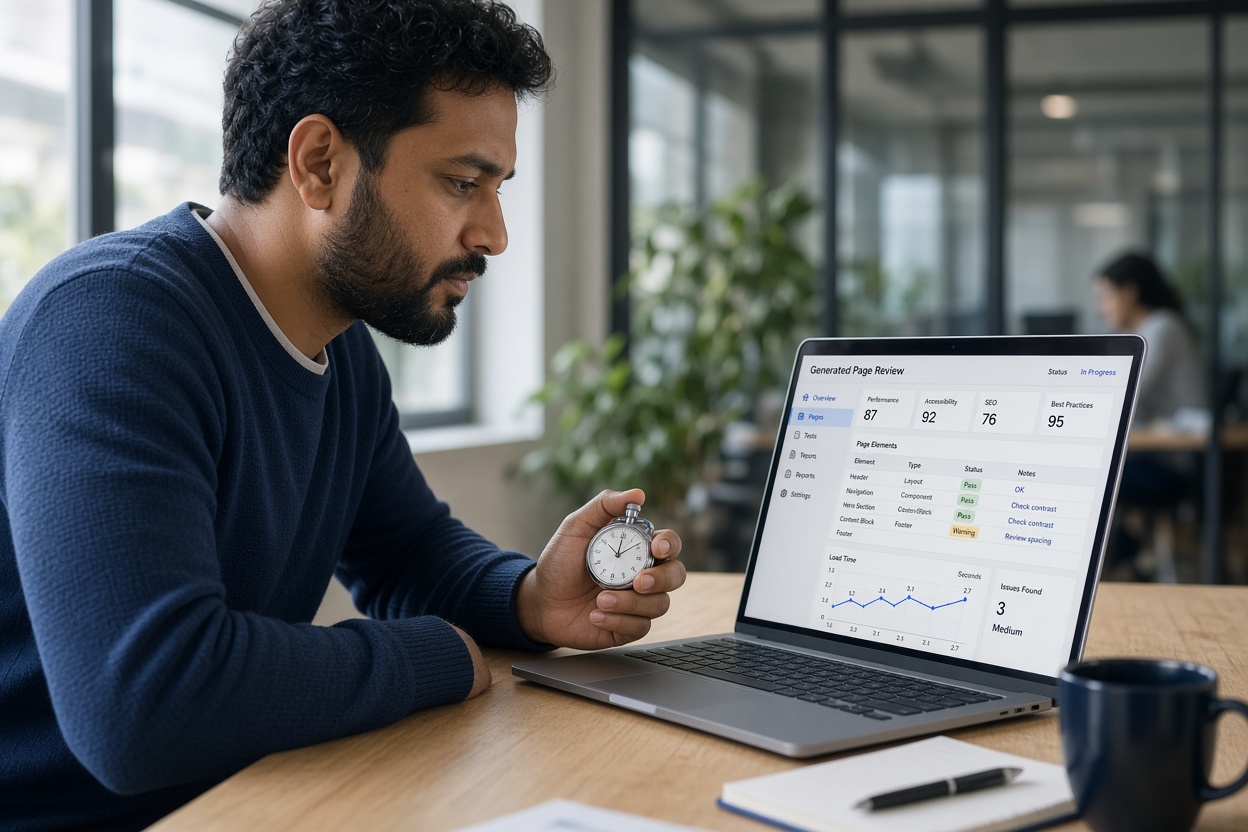
- Minutes 0 to 3, automated scan: run a scanner such as WAVE on the page and note errors for contrast, labels, alt text and empty links.
- Minutes 3 to 7, keyboard pass: unplug the mouse and press Tab through every link, button and field. Can you see focus, reach everything and leave menus and dialogs?
- Minutes 7 to 10, zoom and contrast: zoom text to 400% and check nothing is lost. Spot-check button and body text colors.
- Minutes 10 to 13, screen reader pass: listen to headings, images, form fields and buttons. Are they named sensibly?
- Minutes 13 to 15, log it: list each failure, the page, and the fix you will ask for.
Remember the limit WebAIM states: all automated tools have limitations, and an absence of detected errors does not mean a page is accessible or conformant.
Prompts that ask for accessible code
Generic prompts get generic markup. Naming the requirements gives the model something to follow, and a short checklist you paste into every prompt keeps output more consistent.

- Use semantic elements (button, a, nav, main, one h1, headings in order). No clickable divs.
- Give every input a visible label linked to it, plus clear error messages.
- Meet WCAG 2.2 AA contrast for text and controls, and list the color pairs used.
- Show a visible focus style on every interactive element. Never remove outlines without a replacement.
- Add meaningful alt text for informative images and empty alt for decorative ones.
- Set the page language. Avoid ARIA unless a native element cannot do the job.
That last point has data behind it. WebAIM found pages with ARIA averaged 59.1 errors against 42 without, though more complex pages also use more ARIA, so it does not prove ARIA caused them. A prompt is a request, not a guarantee, so rerun the audit on every generation. Our guide to web accessibility best practices covers the underlying habits.
When to bring in a human tester
For vibe coding accessibility, a human pass matters most where the page does something rather than just displays something. Bring in a tester, ideally someone who uses assistive technology daily, for:
- Custom menus, modals, carousels and tabs, where roles and keyboard behavior are easy to get wrong.
- Checkout, sign-up and multi-step forms, including error messages and recovery.
- Any page where meaning depends on judgment, such as alt text quality and reading order.
The W3C advises involving users early and throughout a project, since it makes the work better and easier. Our comparison of automated versus manual accessibility testing explains how to split the effort.
Where automated fixes help and where they do not
Automated remediation suits repeatable, rule-based problems, such as flagged contrast or missing labels. It struggles with judgment. WebAIM found 10.8% of images that had alt text still had questionable or repetitive text, such as “image” or a file name. A tool can confirm alt text exists, not that it helps.
Accessify is an AI-powered accessibility widget with automated remediation, built around ADA, WCAG 2.2 and EAA needs. According to Accessify, it installs in about 2 minutes on Shopify, WordPress and other platforms, with plans from $19/month (check the vendor’s site for current pricing). It can reduce your backlog, but it does not guarantee legal compliance, and complex AI-built apps still need manual testing and fixes in the code. For a wider view, see our guide to AI accessibility tools.
How Accessify, UserWay, accessiBe and AudioEye compare on automated fixes
We compare only on facts we can support and have not tested these tools on AI-generated sites. Verify every detail on each vendor’s public pages.
- Accessify: strength is quick setup and a low entry price. Fits small teams and shops shipping AI-built sites on Shopify or WordPress.
- UserWay: [INSERT: verified strength from UserWay’s public product page].
- accessiBe: [INSERT: verified strength from accessiBe’s public product page].
- AudioEye: [INSERT: verified strength from AudioEye’s public product page].
- Results on AI-generated sites: [INSERT: our test result].
If your app has custom components or heavy regulatory exposure, a manual audit, a managed service or an enterprise platform may be a better primary choice than any widget.
Short checklist before you ship
- Paste your accessibility requirements into every generation prompt.
- Run the 15-minute audit before each release, not just once.
- Check labels, contrast, alt text, focus visibility and keyboard access first.
- Add human testing for custom components and forms.
- Use automation to reduce the backlog, then fix root causes in code.
- Keep vibe coding accessibility checks in your release routine.
Frequently Asked Questions
Does AI-generated code meet WCAG?
Not automatically. WCAG applies to the finished page, whoever or whatever wrote the code, so generated output needs the same testing as hand-written pages. According to WebAIM’s 2026 report, 95.9% of home pages had detected WCAG 2 failures. Assume a first draft has gaps until you have tested it.
What failures appear most in AI-built sites?
No tool-specific data is available here. Across all home pages, WebAIM found the most common failures were low contrast text, missing alt text, missing form labels, empty links and empty buttons. Check generated pages for those first, plus div-only layouts and missing focus styles. [INSERT: our test result]
How do I audit a site in 15 minutes?
Run an automated scan, tab through every control, check contrast and 400% zoom, listen to the page with a screen reader, then log what you find. Spend roughly three minutes on the scan, four on keyboard, three on zoom and contrast, three on screen reader and two on notes. It finds obvious problems, not every one.
Can I prompt an AI tool for accessible code?
Yes. Be specific: ask for semantic HTML, labels linked to inputs, WCAG 2.2 AA contrast, visible focus styles, meaningful alt text and a set page language. A prompt is a request, not proof, so audit the output every time. How well a given tool follows these instructions is [INSERT: our test result].
Is an automated fix enough?
No. Automated tools catch rule-based issues, but WebAIM notes that an absence of detected errors does not mean a page is accessible or conformant. Meaningful alt text, sensible focus order and custom components need human review. Treat automation as a way to cut the backlog, not as proof of compliance.
If you want automated remediation alongside your own testing, you can explore Accessify at accessify.app.