

“Does website accessibility affect e-commerce sales”
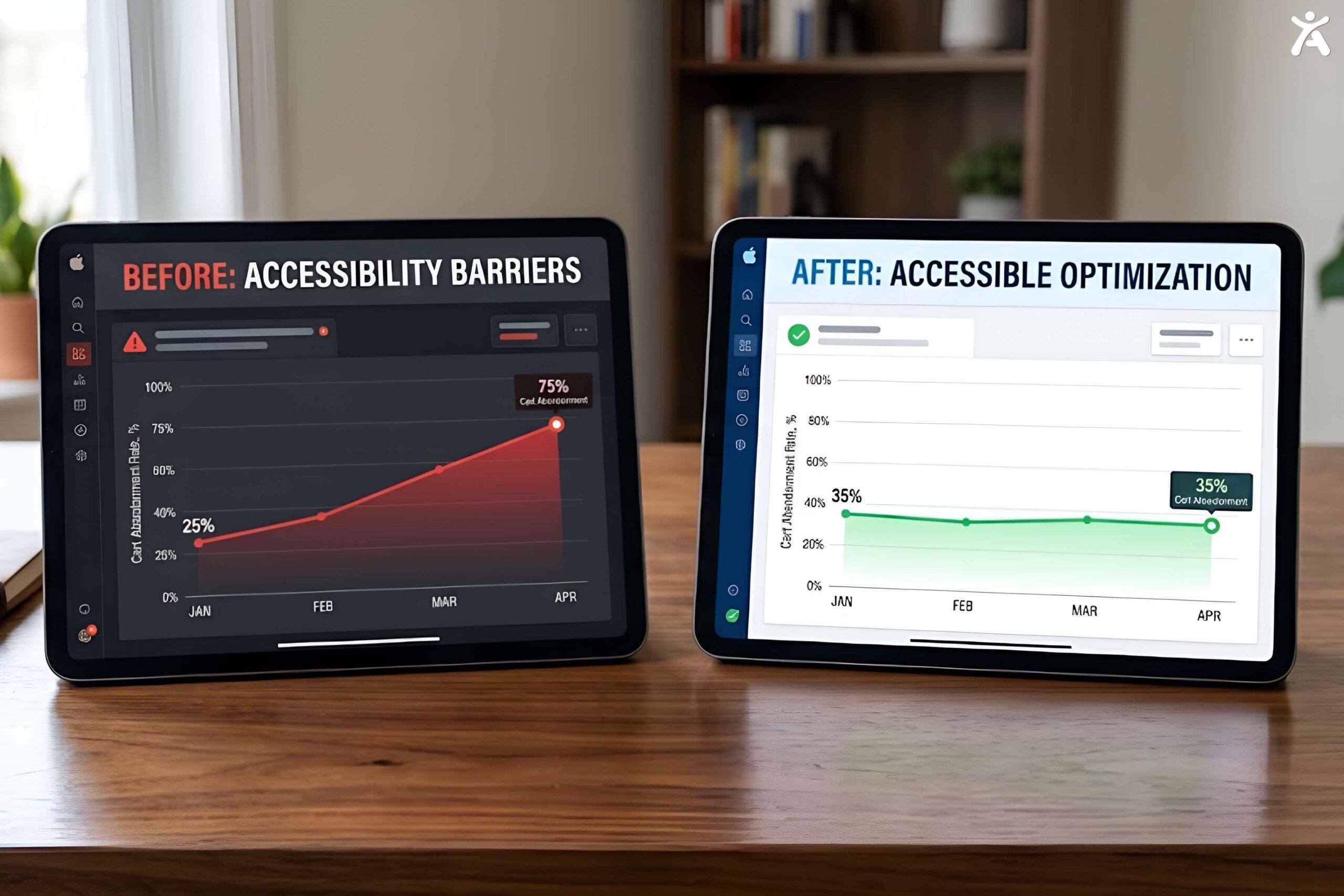
Yes. Accessibility issues like unclear form labels, poor color contrast, and unlabeled buttons directly contribute to cart abandonment, since customers who can’t complete a step simply leave. Fixing these issues improves usability for all shoppers, not just those with disabilities, which is why accessible e-commerce sites tend to see both fewer legal complaints and stronger conversion rates.
Accessibility Is a Revenue Problem, Not Just a Legal One
Most accessibility conversations start with legal risk, and for e-commerce that risk is real. E-commerce has become one of the most frequently targeted sectors in ADA web accessibility lawsuits in recent years, precisely because checkout flows, filters, and product pages are complex, interactive, and easy to get wrong. Roughly 69 percent of ADA digital lawsuits in recent tracking have targeted e-commerce and retail sites specifically, more than any other single sector.

But the legal angle undersells the bigger point. Every accessibility issue that blocks a screen reader user also tends to create friction for other shoppers, a confusing form field, a button with no visible label, a filter that’s hard to operate on mobile. Fixing these issues isn’t just risk mitigation, it’s conversion optimization with a legal upside attached.
Where E-Commerce Sites Typically Fail
Product image alt text Product photos without meaningful alt text leave screen reader users with no idea what they’re looking at, effectively removing them from the buying decision entirely.
Filter and sort controls Custom-built filter sidebars and sort dropdowns are frequently built without proper keyboard support or ARIA labeling, making them unusable for keyboard-only and screen reader users.
Checkout form labels Placeholder text used instead of real form labels disappears the moment a user starts typing, which creates confusion for everyone, not just assistive technology users.
Cart and quantity controls Small plus and minus buttons for adjusting quantity often fail target size guidance and lack clear labels describing what they do.
Color-only sale or stock indicators Marking an item as “on sale” or “low stock” using color alone, without text or an icon, fails for color blind users and anyone with low vision.
“Find your store’s accessibility gaps. Free scan with Accessify.“
How Accessibility Fixes Improve Conversion for Everyone

Fixing accessibility issues on an e-commerce site tends to improve the experience broadly, not just for shoppers using assistive technology:
- Clear form labels reduce checkout errors and abandoned carts for all users, since ambiguous placeholder-only forms are a common source of mistakes.
- Visible focus states and larger touch targets reduce accidental taps and mis-clicks on mobile, which is where most e-commerce traffic now happens.
- Descriptive alt text can double as a minor SEO benefit, since search engines also use alt text to understand image content.
- Text-plus-icon indicators for stock or sale status remove ambiguity for every shopper, not just those with color vision deficiencies.
Practical Steps for E-Commerce Owners
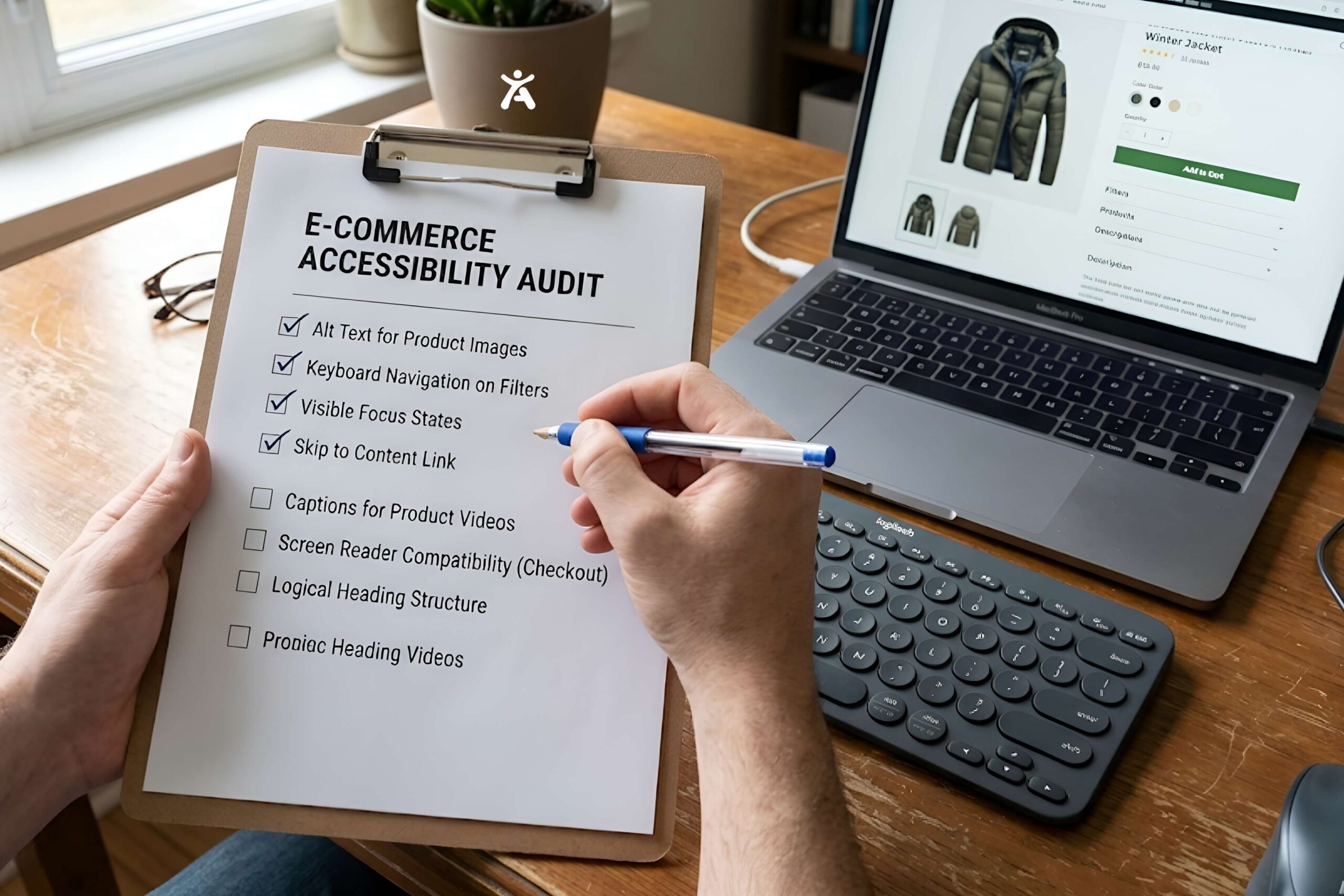
- Audit your product image alt text. Prioritize your best-selling and highest-traffic product pages first.
- Test your filter and sort UI with keyboard only. Tab through it without a mouse and confirm every option is reachable and clearly announced.
- Replace placeholder-only form fields with real labels on every checkout and account creation form.
- Check quantity and cart controls for target size and labeling, especially on mobile.
- Add text or icons alongside any color-only status indicators, like sale badges or stock warnings.
- Run a full-site scan to catch issues beyond this list, then prioritize fixes by traffic and revenue impact rather than trying to fix everything at once.
Where Accessify Fits for E-Commerce Stores
Because most e-commerce accessibility issues follow predictable patterns, like missing alt text, unlabeled buttons, and color-only indicators. They’re well suited to automated detection and remediation. Accessify’s scanner is built to catch these e-commerce-specific issues, and its remediation layer can apply many common fixes, like contrast corrections and alt text suggestions, without requiring a developer to rebuild checkout flows from scratch.
“Turn accessibility into a conversion advantage. Start your Accessify trial.“
FAQ
Does website accessibility affect e-commerce sales?
Yes. Accessibility issues like unclear labels and poor contrast contribute directly to cart abandonment. Fixing these issues tends to improve usability and conversion for all shoppers, not only those using assistive technology.
Any e-commerce platform can be targeted. But sites with complex custom checkout flows, filters, and product configurators tend to have more accessibility gaps than simpler, template-based stores.
Accessify’s scanner detects common e-commerce accessibility issues across platforms including WooCommerce and Shopify. Their remediation features can automatically fix a number of frequent issues. Such as contrast and alt text, reducing the need for manual developer work.
Adding proper alt text to product images and replacing placeholder-only form fields with real labels. These are typically the fastest, highest-impact fixes for most stores.